Blog
Learn advanced strategies for managing your 3D printers, optimization techniques, and best practices to improve your printing experience.
| FixoLab
How to use OctoPrint behind HTTPS and a reverse proxy
Preserve the OctoPrint base path, headers and WebSocket upgrades when connecting Printer Tools through a trusted proxy.
| FixoLab
OctoPrint Application Keys and the Global API Key explained
Choose a revocable app-specific OctoPrint credential where available and understand the risks of the global key.
| FixoLab
How local network permission affects printer discovery
Check iOS and Android network permissions, Wi-Fi isolation and VPN behavior when Printer Tools cannot find local devices.
| FixoLab
Why two camera viewers can overload a printer camera
Diagnose buffering or disconnects caused by multiple viewers, limited camera encoders and weak local links.
| FixoLab
How to test a camera snapshot without exposing credentials
Verify a local snapshot endpoint while keeping camera usernames, passwords and private addresses out of shared evidence.
| FixoLab
Why a camera works in a browser but not in Printer Tools
Separate a camera web interface from its real media endpoint and diagnose authentication, codec, TLS and network differences.
| FixoLab
How to encode a camera username and password in a stream URL
Build a valid authenticated camera URL by percent-encoding credential components without leaking the secret.
| FixoLab
Common ports for RTSP MJPEG ONVIF and WebRTC cameras
Use common camera ports as diagnostic clues while verifying the actual stream and discovery settings for each device.
| FixoLab
How to monitor a 3D printer camera locally from a phone
Connect a supported printer or external camera to Printer Tools on iPhone or Android without exposing it to the public internet.
| FixoLab
How to diagnose a printer connection before contacting support
Use a ten-minute checklist to separate model support, address, credentials, network policy, feature limits and app regressions before sending logs.
| FixoLab
What Printer Tools can read and control for each printer ecosystem
Compare monitoring, camera, files, filament and job controls across Bambu Lab, Klipper, OctoPrint, Creality and other supported systems.
| FixoLab
How to pause, resume and stop a 3D print safely from your phone
Choose the correct remote job action, confirm the active printer and understand why a command needs both delivery and updated state.
| FixoLab
How to control WLED lights and monitor a Sinilink heater in Printer Tools
Add local WLED and Sinilink accessories, use the supported power and brightness controls and understand the read-only heater limits.
| FixoLab
How to use Panda PWR, Panda Touch and Panda Knomi with Printer Tools
Add BIGTREETECH Panda devices by local IP and understand which telemetry and controls Printer Tools provides for PWR, Touch and Knomi.
| FixoLab
How to monitor an overnight 3D print more safely
Use printer safeguards, physical inspection, camera placement and alerts as layers without treating remote monitoring as a safety guarantee.
| FixoLab
How printer notifications work without cloud printer control
Understand how Printer Tools coordinates notifications while the client remains responsible for reading the printer through its authorized connection.
| FixoLab
How to collect and share Printer Tools logs safely
Reproduce a printer problem, export the encrypted diagnostic log and provide useful context without exposing access codes, URLs or personal data.
| FixoLab
How Printer Tools keeps local printer monitoring private
Understand which printer connections stay on your LAN, when auxiliary services are involved and how to avoid exposing printer ports or credentials.
| FixoLab
How to choose camera resolution and frame rate for printer monitoring
Balance detail, latency, bandwidth and decoder load when configuring an external or self-hosted camera for Printer Tools.
| FixoLab
How VLANs, guest Wi-Fi and client isolation block printer connections
Understand why internet access does not prove local reachability and configure a narrow path from Printer Tools to printers and cameras.
| FixoLab
How to troubleshoot a WebRTC camera on a local network
Diagnose signaling, ICE negotiation, native decoding and network policy when a WebRTC printer camera fails in Printer Tools.
| FixoLab
How to find the correct MJPEG stream URL for a 3D printer camera
Distinguish a camera web page, snapshot and MJPEG stream, verify the response and add the right local URL to Printer Tools.
| FixoLab
How to build and test an RTSP camera URL safely
Identify the local host, port, path and credentials for an RTSP camera, then add it to Printer Tools without leaking secrets.
| FixoLab
How to discover an ONVIF camera for a 3D printer
Find a compatible ONVIF camera on the local network, verify its profile and add its stream to Printer Tools without exposing it online.
| FixoLab
How to give a 3D printer a stable local IP address
Use a router DHCP reservation to keep a printer connection stable without exposing ports or guessing an unsupported static network configuration.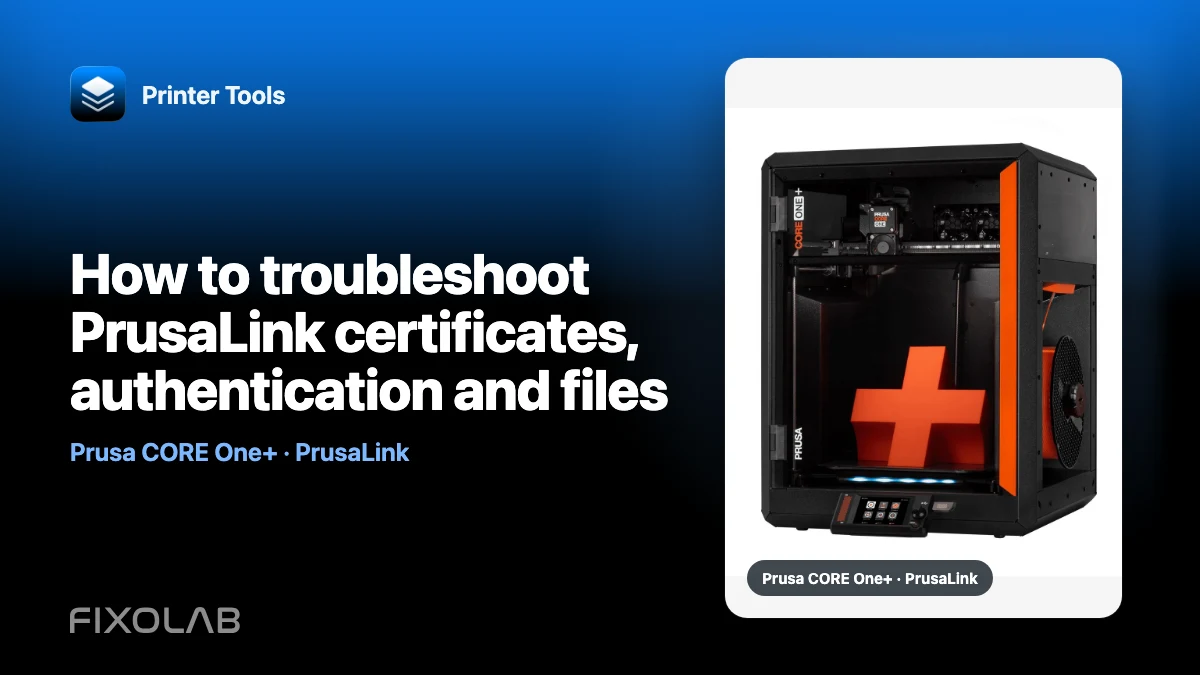
| FixoLab
How to troubleshoot PrusaLink certificates, authentication and files
Separate local TLS, API key, HTTP authentication, file browsing and thumbnail issues when connecting PrusaLink to Printer Tools.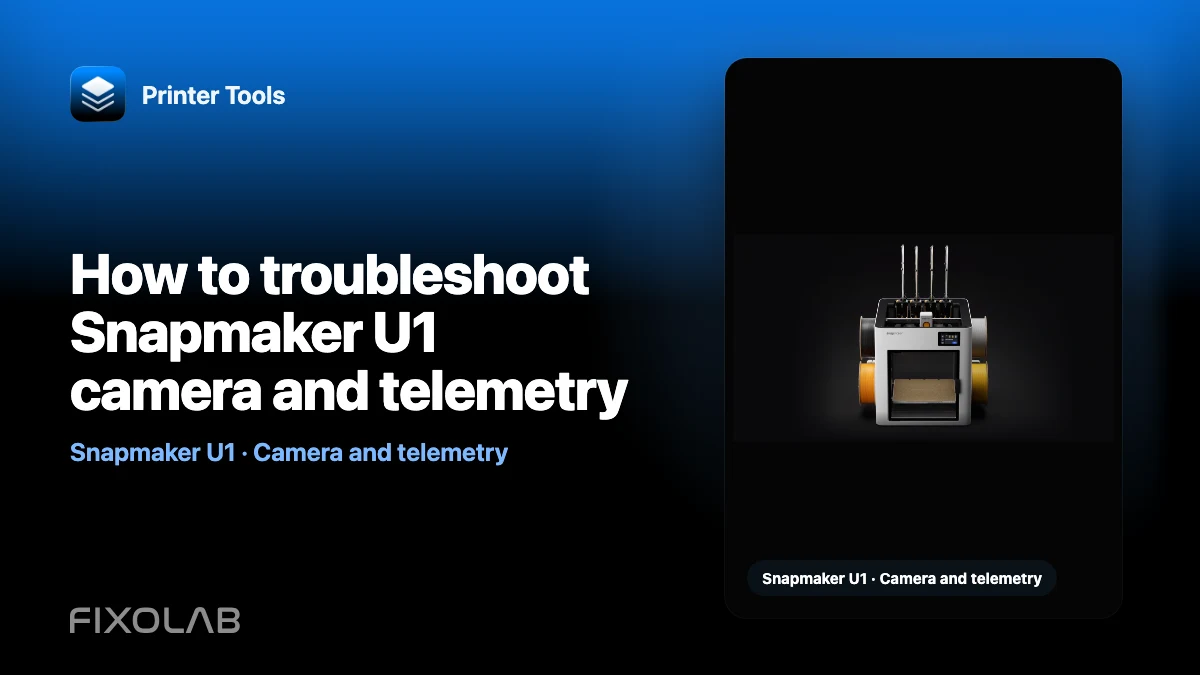
| FixoLab
How to troubleshoot Snapmaker U1 camera and telemetry
Diagnose Snapmaker U1 local monitoring, camera preview and multiACE data on official firmware or the independent paxx12 firmware.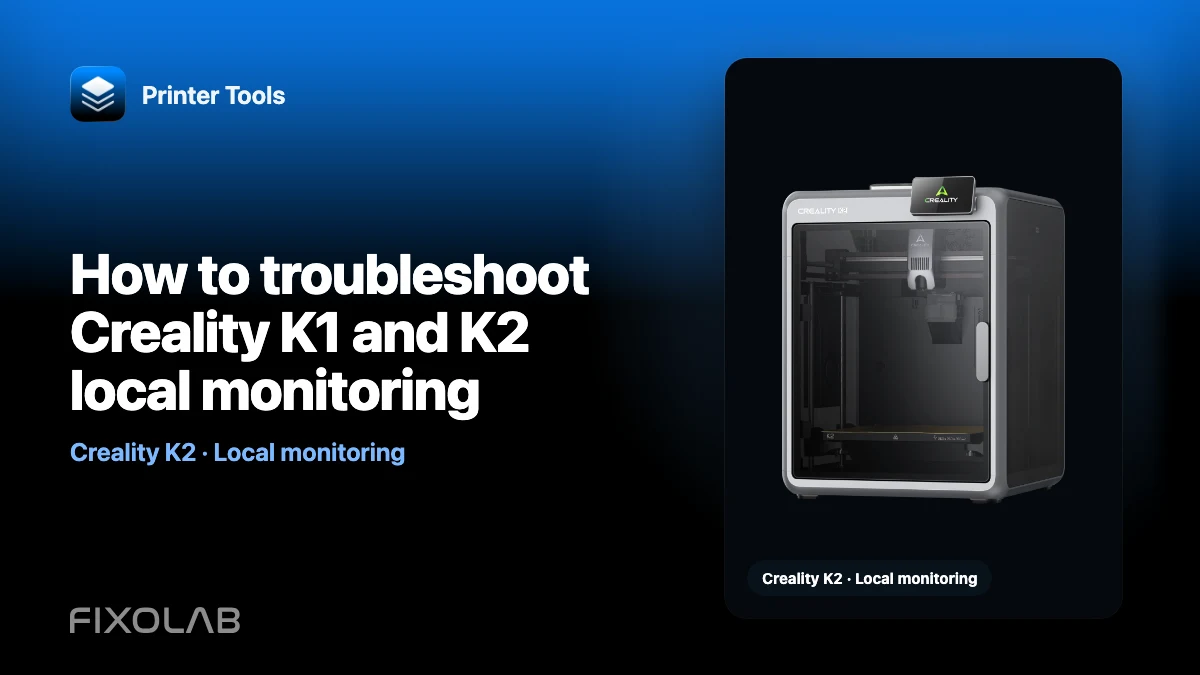
| FixoLab
How to troubleshoot Creality K1 and K2 local monitoring
Diagnose the Creality local WebSocket API on port 9999 and the different MJPEG and WebRTC cameras used by K1 and K2 printers.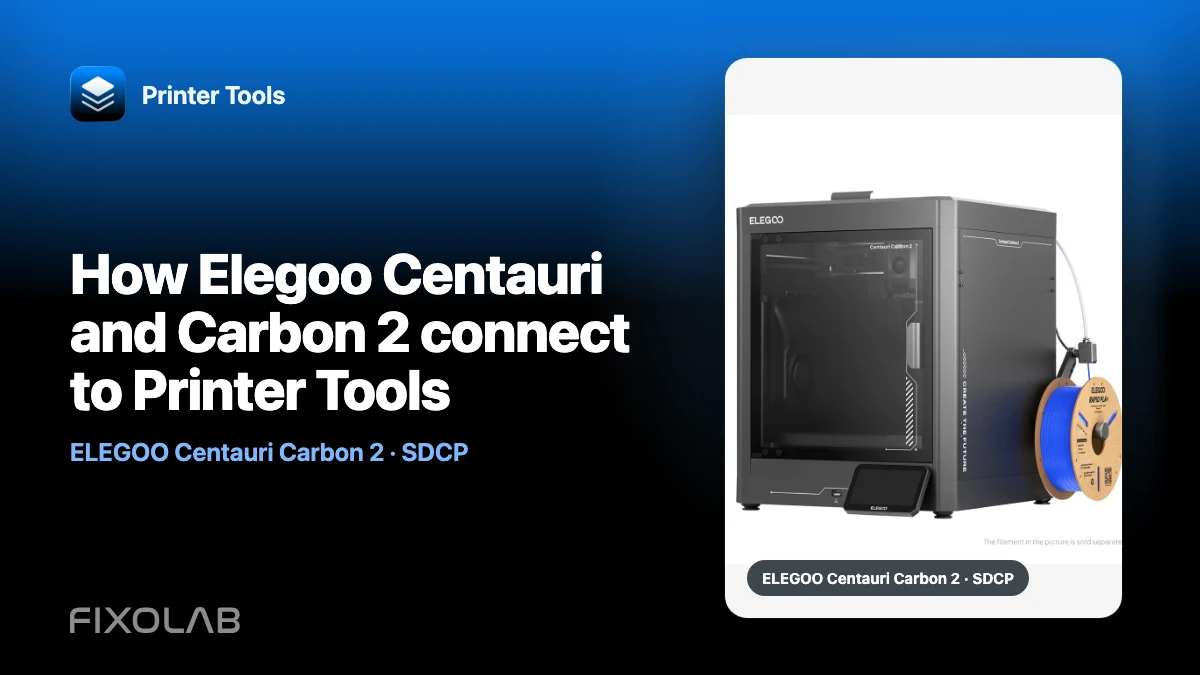
| FixoLab
How Elegoo Centauri and Carbon 2 connect to Printer Tools
Understand the SDCP WebSocket used by Elegoo Centauri models and the dedicated local MQTT connection used by Centauri Carbon 2.
| FixoLab
How to troubleshoot FlashForge camera and printer data in Printer Tools
Check LAN mode, port 8898, serial number, Check Code and the MJPEG camera on supported FlashForge printers connected to Printer Tools.
| FixoLab
How to troubleshoot an Anycubic Kobra local connection and camera
Diagnose LAN mode, local MQTT telemetry and model-specific camera behavior on supported Anycubic Kobra printers in Printer Tools.
| FixoLab
How to reconnect Printer Tools after a Bambu Lab firmware or router update
Restore a Bambu Lab local connection after firmware, router or Wi-Fi changes without resetting working settings or exposing printer services.
| FixoLab
How to keep Bambu Handy while using Printer Tools locally
Use Printer Tools over the local network without disconnecting Bambu Cloud, and understand which Bambu settings preserve Bambu Handy and local Live View.
| FixoLab
How Bambu Lab camera protocols work in Printer Tools
Understand why Bambu Lab models use different local camera transports, how Printer Tools selects them and which checks apply when Live View fails.
| FixoLab
How to fix a Bambu Lab printer that appears offline in Printer Tools
Diagnose a Bambu Lab printer that stopped updating in Printer Tools by checking power, IP address, access code, network isolation and local services.
| FixoLab
How to find your Bambu Lab IP address, serial number and LAN Access Code
Find the three local Bambu Lab connection values Printer Tools needs, understand what each one does and keep the LAN Access Code private.
| FixoLab
How to enable Bambu Lab LAN Only Liveview for local camera access
Enable the separate LAN Only Liveview setting on a Bambu Lab printer so Printer Tools can open its local camera without enabling full LAN Only mode.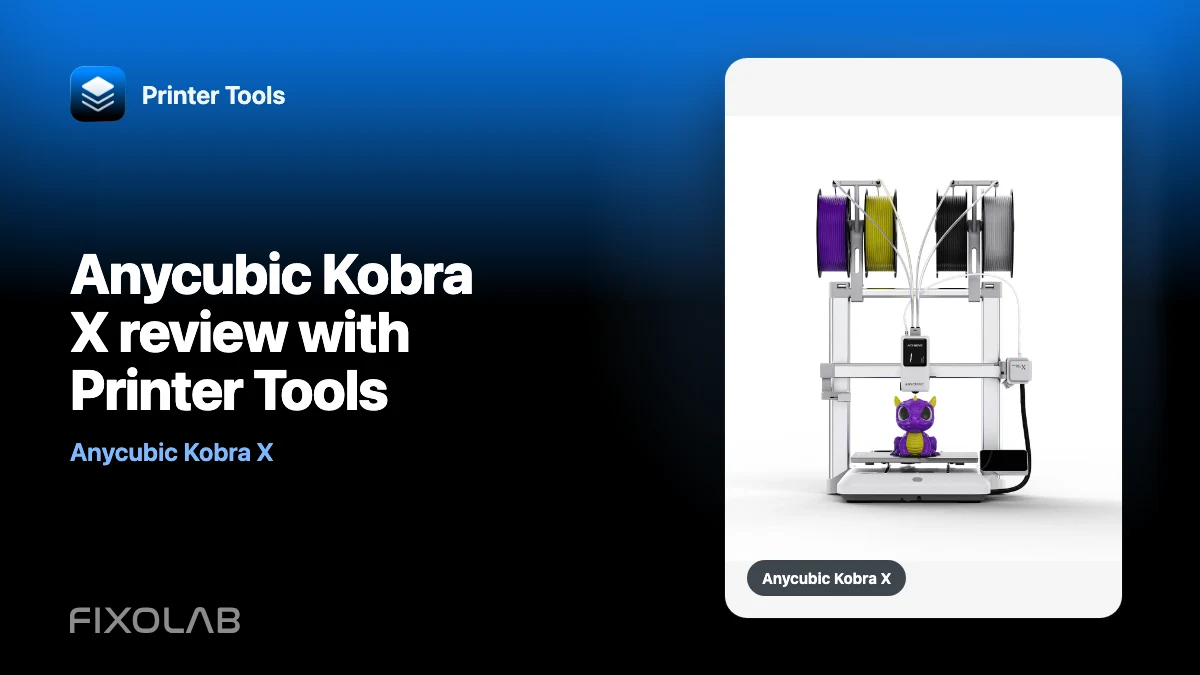
| FixoLab
Anycubic Kobra X review with Printer Tools
A monitoring-focused Anycubic Kobra X review covering local MQTT, RTSP camera, ACE 2 status, job controls and current Printer Tools limits.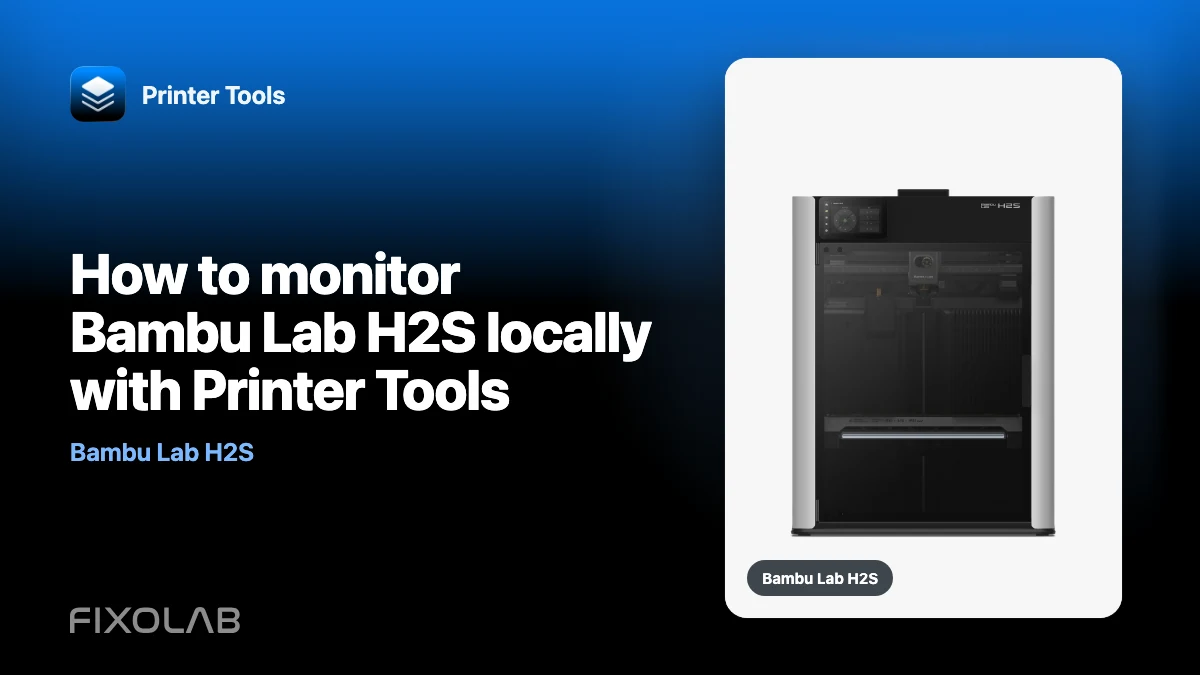
| FixoLab
How to monitor Bambu Lab H2S locally with Printer Tools
Connect Bambu Lab H2S to Printer Tools over your local network for print status, temperatures, RTSPS Live View, AMS data and job controls.
| FixoLab
Fix camera stream dropouts (Troubleshoot buffering and disconnects)
Open the stream URL in a browser first. Check proxy, path and local network access. Status can work even when video does not.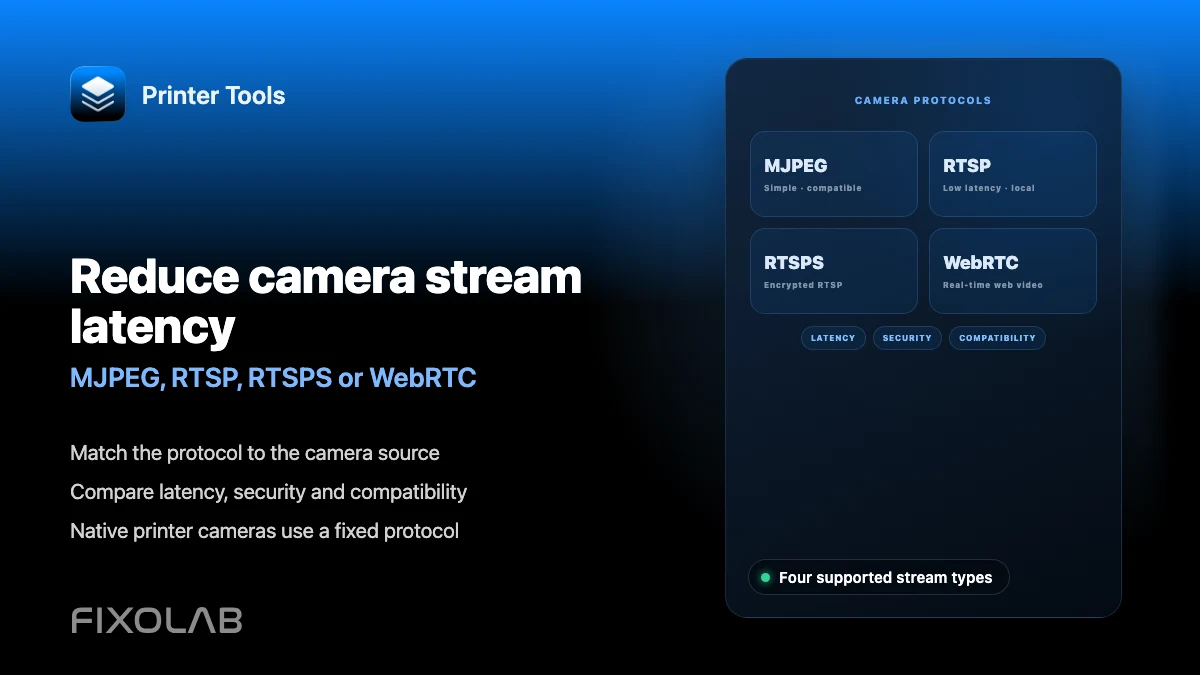
| FixoLab
Reduce camera stream latency (MJPEG, RTSP, RTSPS or WebRTC)
Match the protocol to the camera source. Compare latency, security and compatibility. Native printer cameras use a fixed protocol.
| FixoLab
How to troubleshoot PrusaLink authentication and file access in Printer Tools
Fix PrusaLink API key and HTTP authentication errors in Printer Tools, and resolve file access issues by firmware type.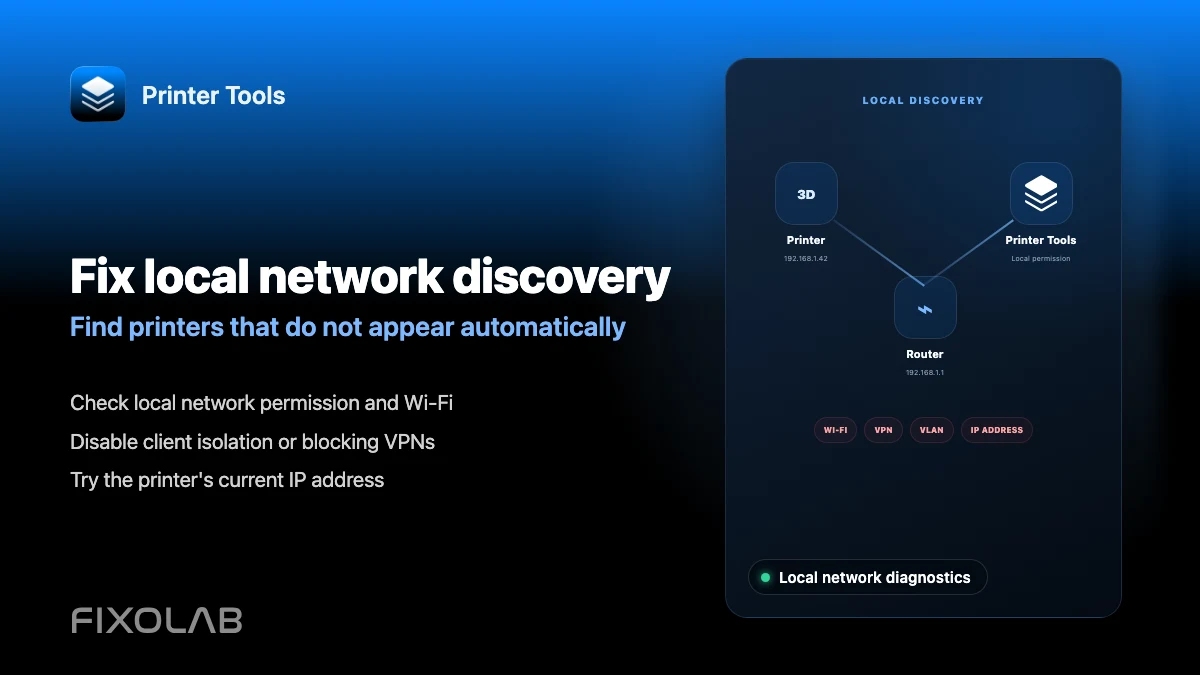
| FixoLab
How to fix local network discovery problems in Printer Tools
Fix printer connection failures caused by client isolation, VLANs, VPNs and the iOS local network permission in Printer Tools.
| FixoLab
Using Bambuddy alongside Printer Tools for Bambu Lab filament management
See how the self-hosted Bambuddy project and Printer Tools can be used together for Bambu Lab printers, without an integration between them.
| FixoLab
Bambu Lab P2S vs Creality K2 Combo for cameras, multicolor and monitoring
A neutral, verifiable comparison of how Printer Tools monitors the Bambu Lab P2S and Creality K2 Combo, covering camera protocol, multicolor status and local monitoring.
| FixoLab
How to view G-code, 3MF files and thumbnails from your phone
Browse G-code and 3MF files, inspect 3MF details and view thumbnails across Bambu Lab, Klipper, Creality and OctoPrint.
| FixoLab
How to use OpenPrintTag to identify and import filament
Scan an OpenPrintTag NFC tag in Printer Tools to read material, remaining weight and other filament data on Android and iOS.
| FixoLab
How to manage AMS, CFS, Spoolman and multiACE in one dashboard
See how Printer Tools shows Bambu Lab AMS, Creality CFS, Klipper Spoolman and Snapmaker U1 multiACE on each printer's screen.
| FixoLab
How to monitor a 3D printer from Apple Watch and Wear OS
See what the Printer Tools Apple Watch and Wear OS companion apps show for a connected printer's status and temperatures.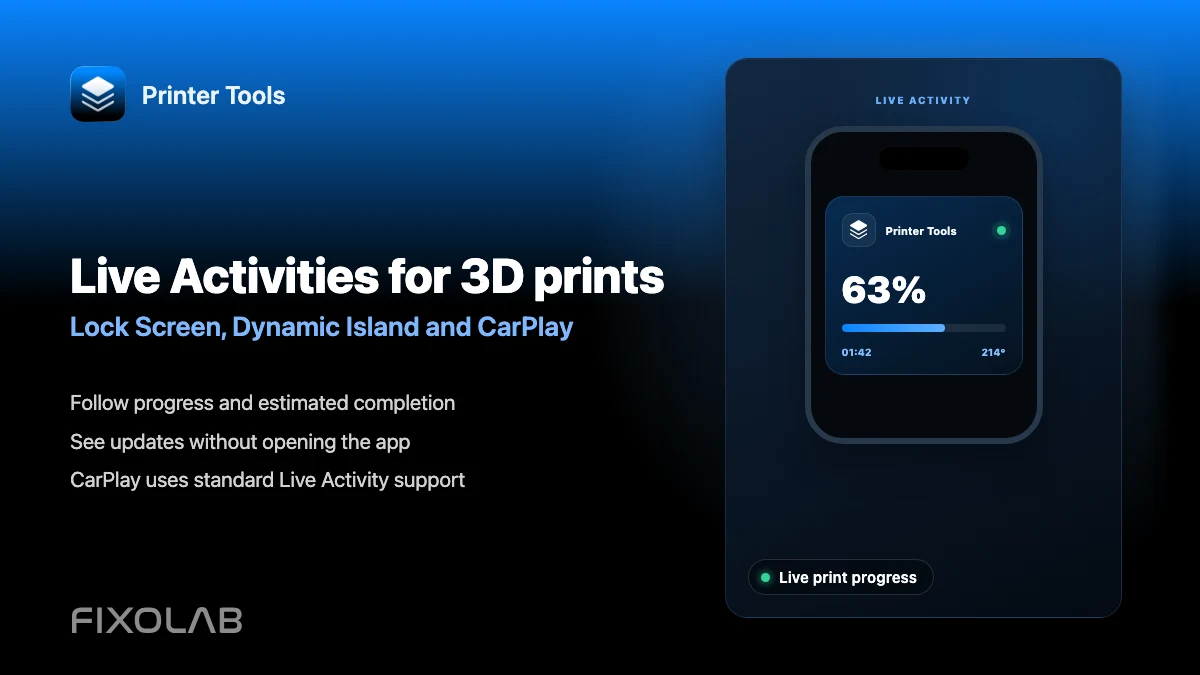
| FixoLab
How to follow 3D prints with Live Activities, Dynamic Island and CarPlay
Set up Printer Tools Live Activities for a print's progress on the Lock Screen, Dynamic Island, CarPlay and StandBy.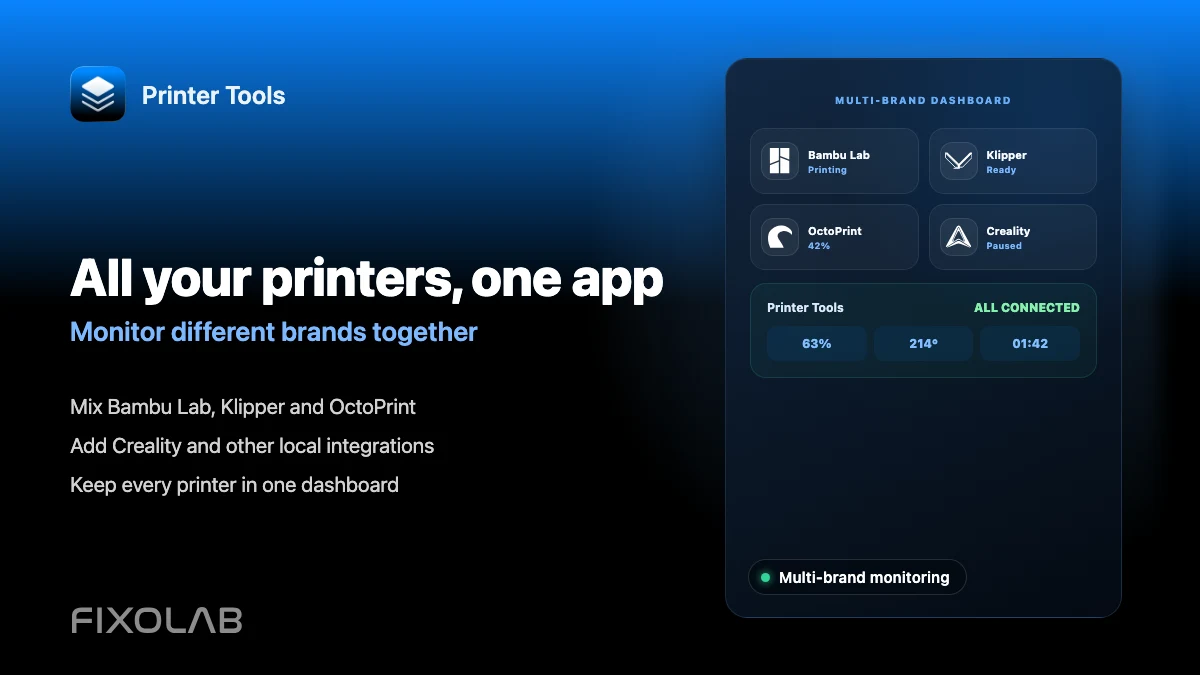
| FixoLab
How to monitor multiple 3D printers from different brands in one app
Connect Bambu Lab, Klipper, OctoPrint, Creality and other brands to Printer Tools and monitor all of them on one dashboard.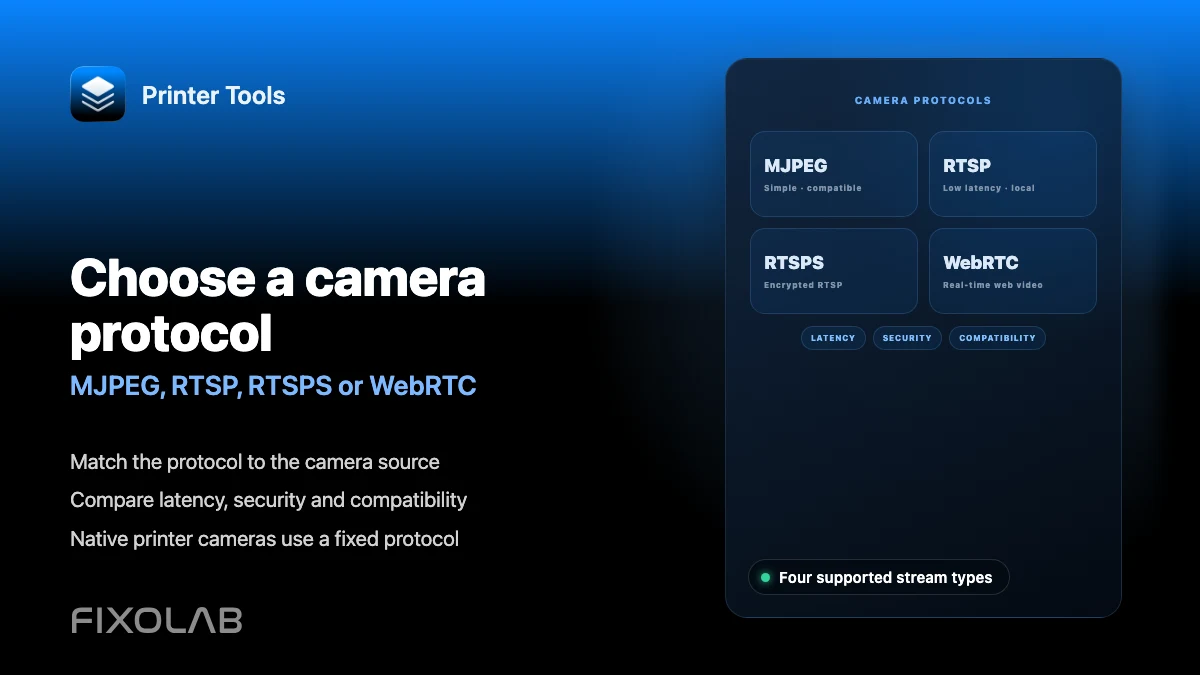
| FixoLab
Choosing MJPEG, RTSP, RTSPS or WebRTC for a 3D printer camera
Understand how MJPEG, RTSP, RTSPS and WebRTC differ and which ones Printer Tools uses for native and external cameras.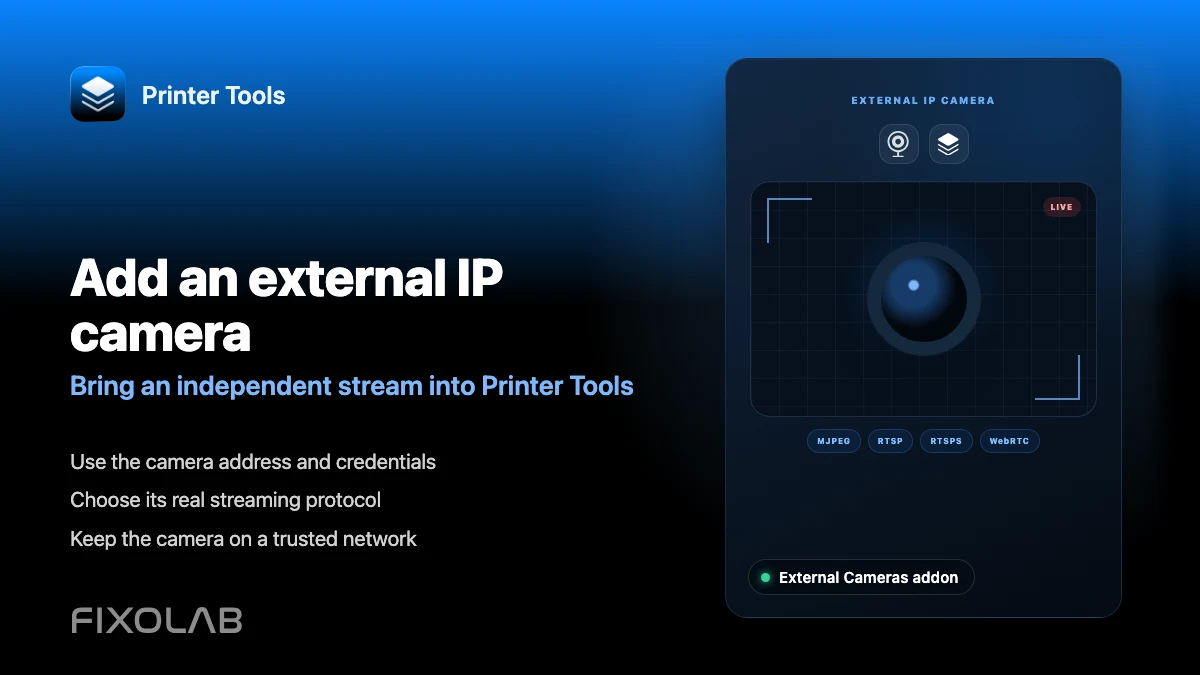
| FixoLab
How to add an external IP camera to a 3D printer in Printer Tools
Add an independent IP camera to Printer Tools over HTTP, MJPEG, RTSP, RTSPS, TCP JPEG, WebRTC or ONVIF discovery.
| FixoLab
Choosing local 3D printer control or remote access with VPN, OctoEverywhere, Obico and cloud
Compare local-only control, a VPN, OctoEverywhere, Obico and a manufacturer cloud app for reaching your 3D printer remotely.
| FixoLab
How to control Bambu Lab, Klipper and OctoPrint away from home with OctoEverywhere
Extend a Bambu Lab, Klipper or OctoPrint printer already connected in Printer Tools with secure OctoEverywhere remote access.
| FixoLab
How to connect and monitor multiple OctoPrint printers in Printer Tools
Connect several OctoPrint instances to Printer Tools and monitor all of them from one combined dashboard.
| FixoLab
How to use OctoEverywhere with Printer Tools for remote OctoPrint access
Add OctoEverywhere to an OctoPrint printer in Printer Tools for secure remote status, camera and job control.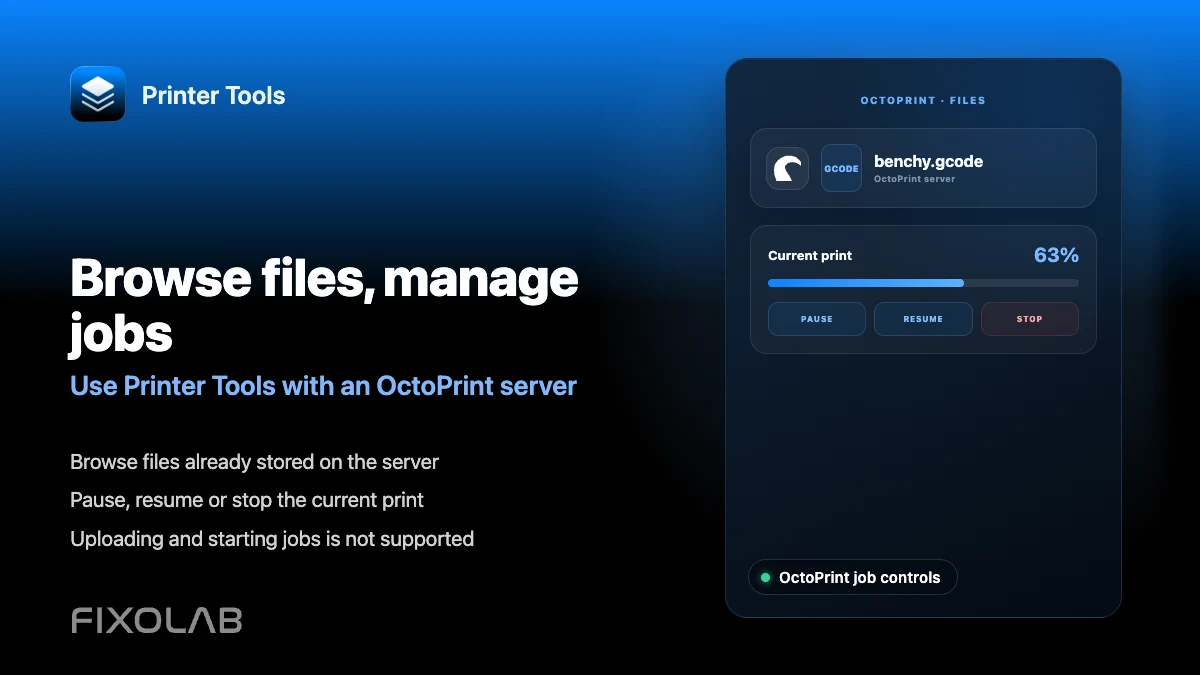
| FixoLab
How to browse files and manage OctoPrint jobs from Printer Tools
Browse files already on your OctoPrint server and pause, resume or stop the current job from Printer Tools.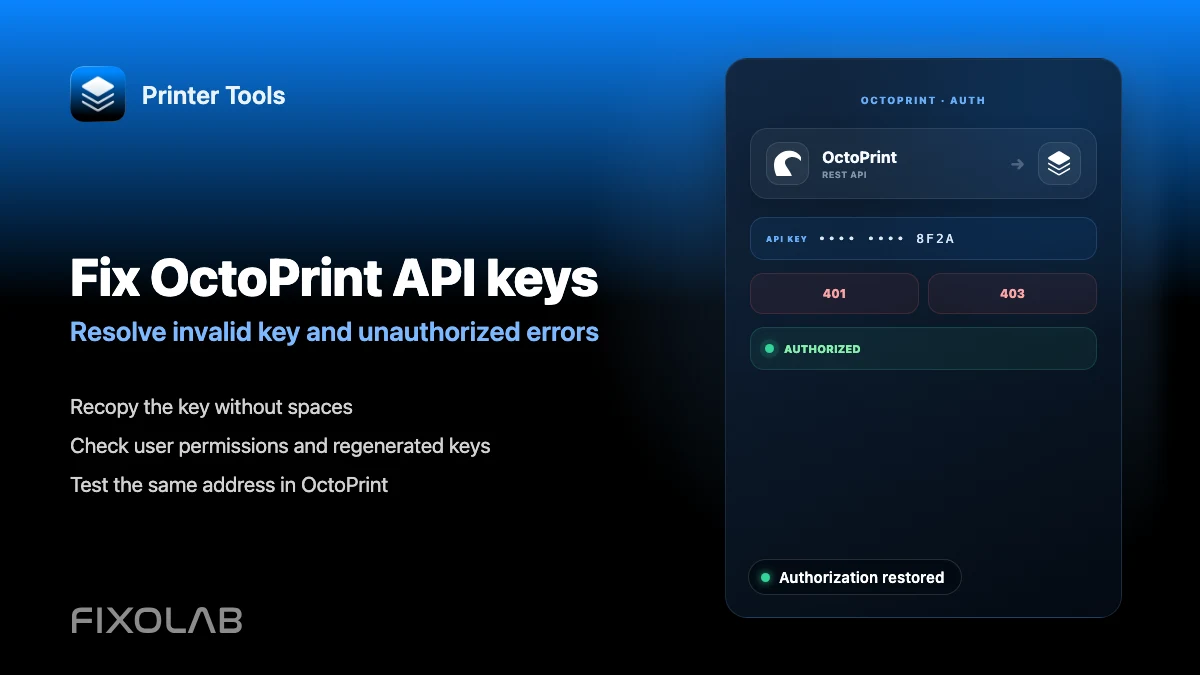
| FixoLab
How to fix invalid API key and unauthorized errors in OctoPrint
Fix an invalid or unauthorized OctoPrint API key in Printer Tools and tell it apart from a serial disconnection error.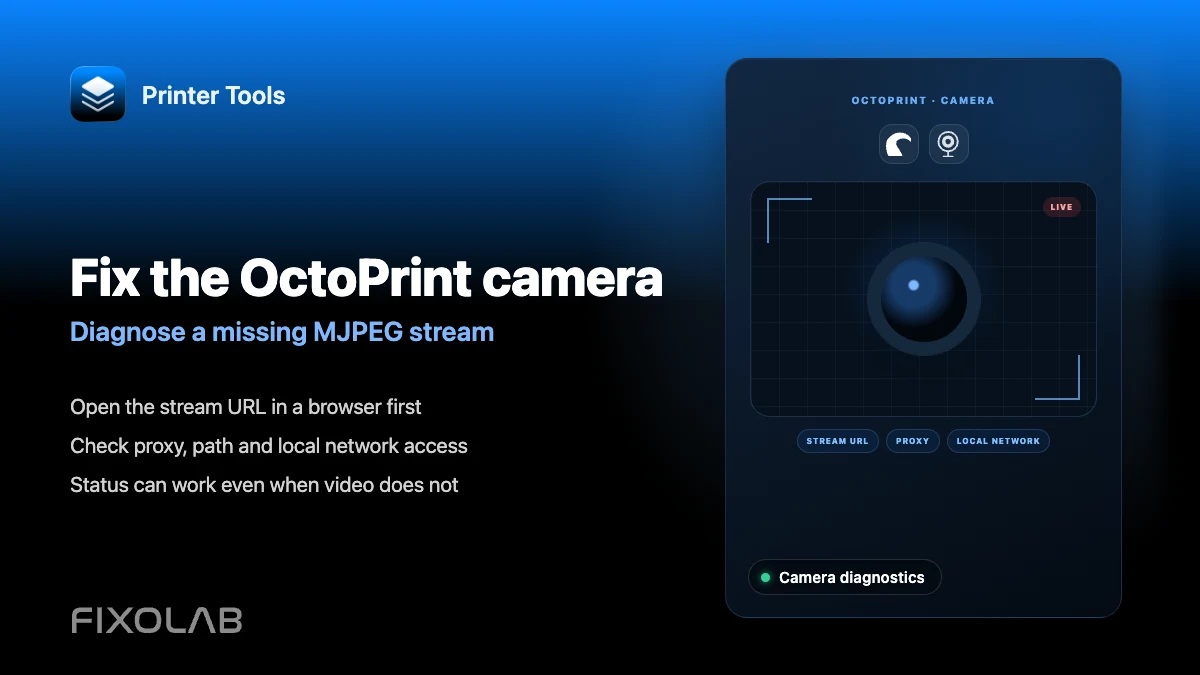
| FixoLab
How to fix an OctoPrint camera that is not loading in Printer Tools
Troubleshoot an OctoPrint webcam that will not load in Printer Tools, including setups where the camera has its own address.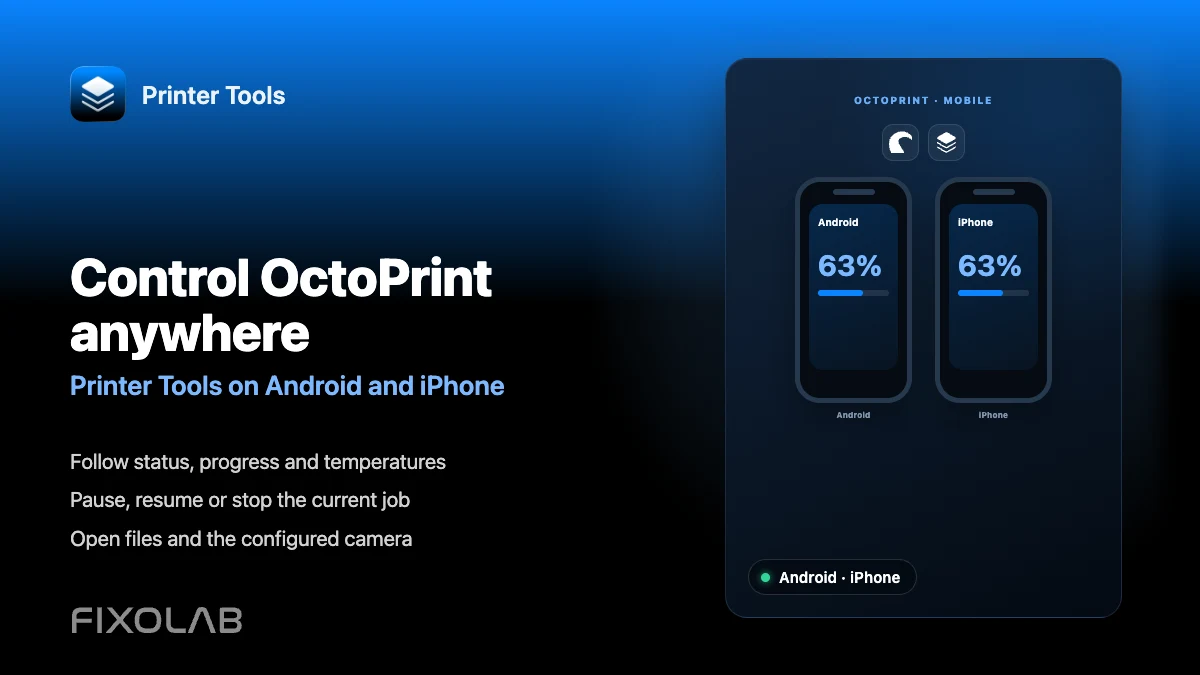
| FixoLab
How to control OctoPrint from Android and iPhone with Printer Tools
See what you can do with an OctoPrint printer from Printer Tools on Android and iPhone, from status to job control and camera.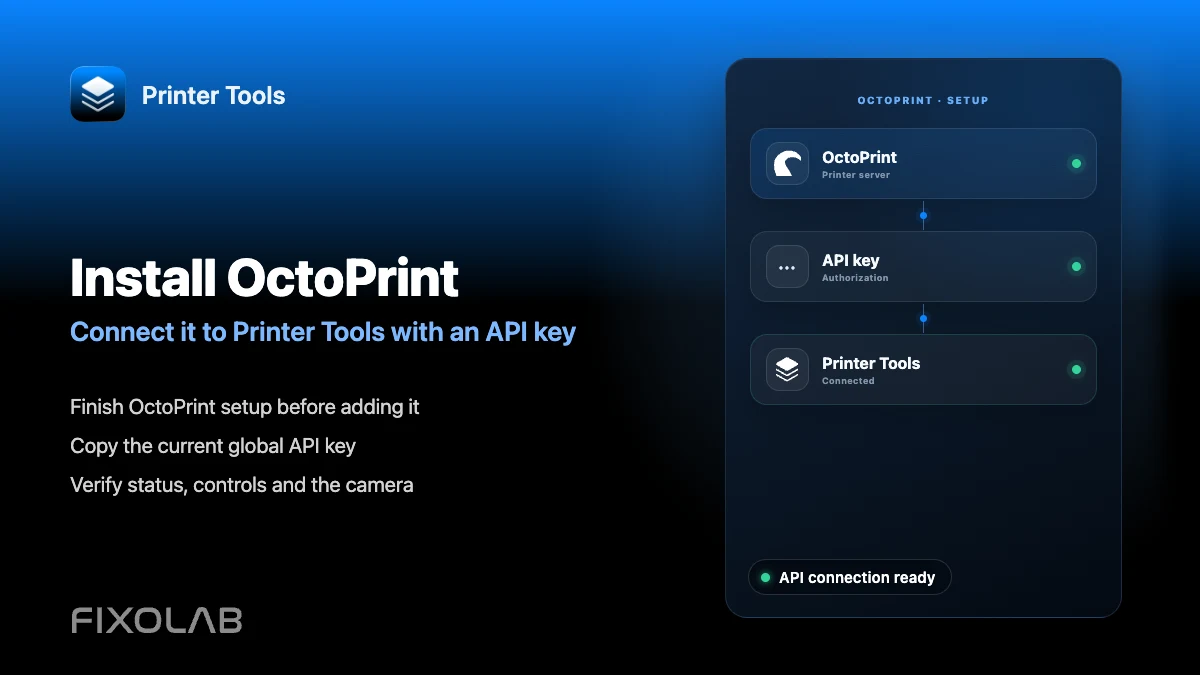
| FixoLab
How to install OctoPrint and connect it to Printer Tools with an API key
Install OctoPrint and connect it to Printer Tools using its global API key for status, job control and file browsing.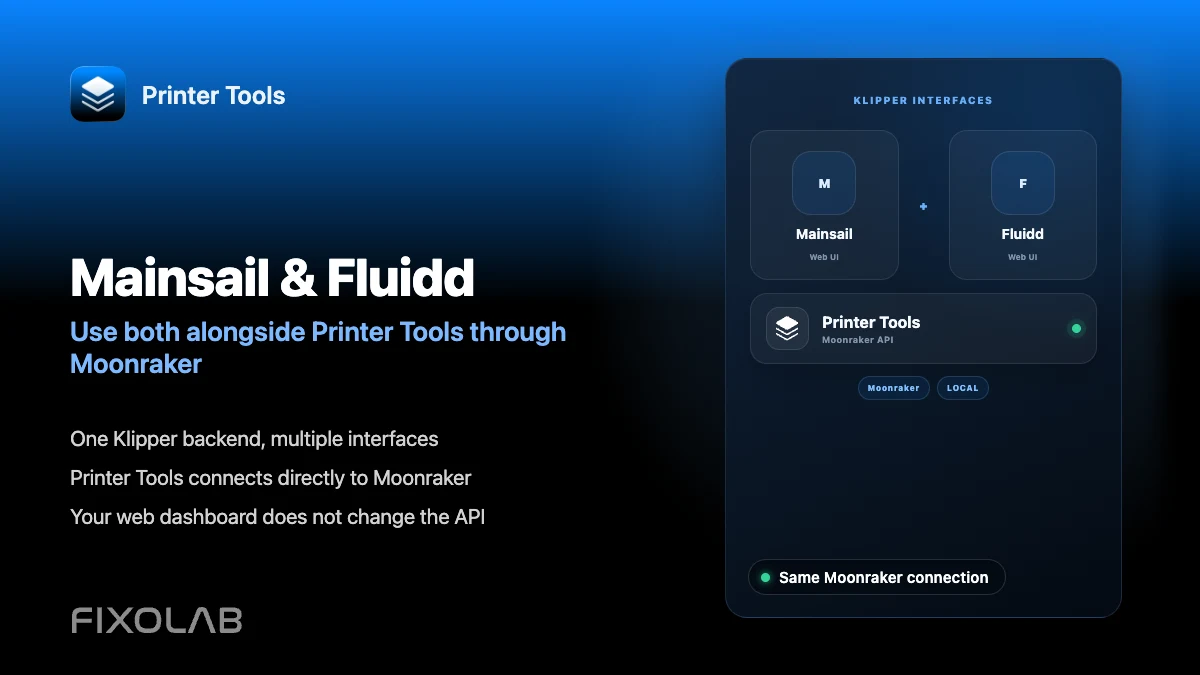
| FixoLab
Using Mainsail and Fluidd with Printer Tools through Moonraker
See how Printer Tools, Mainsail and Fluidd can run together against the same Moonraker instance without conflicts.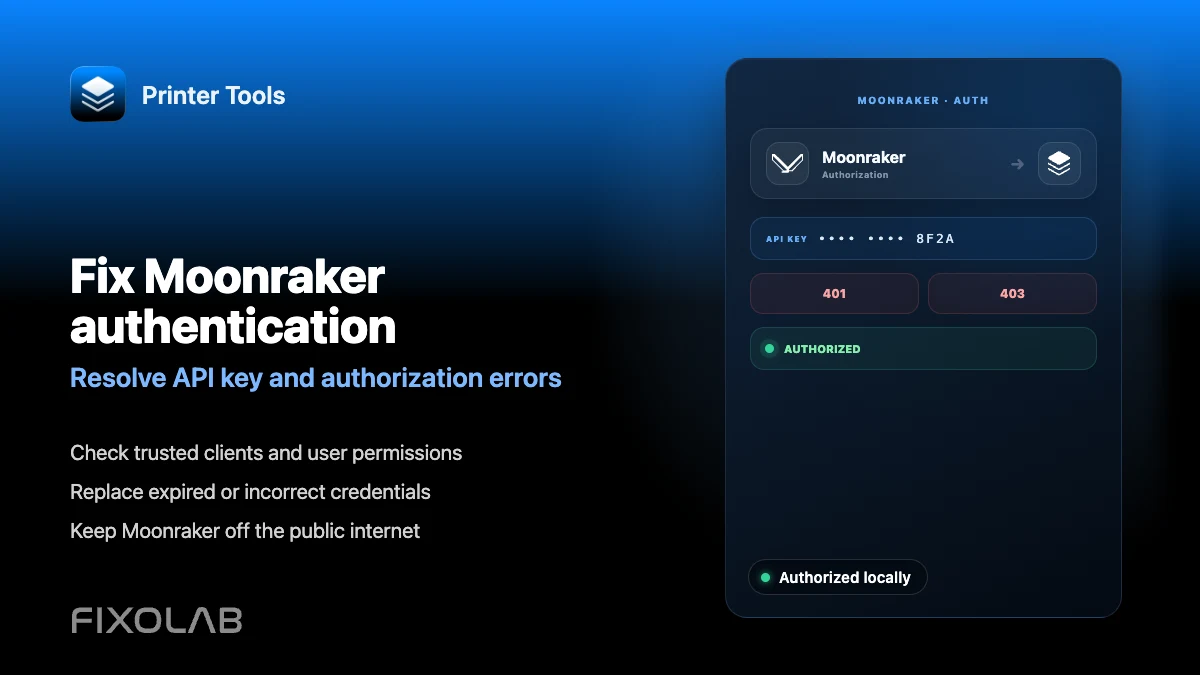
| FixoLab
How to fix Moonraker authentication and API key errors in Printer Tools
Fix Moonraker API key, Bearer token and Basic Auth errors in Printer Tools, and tell them apart from a serial or trusted_clients issue.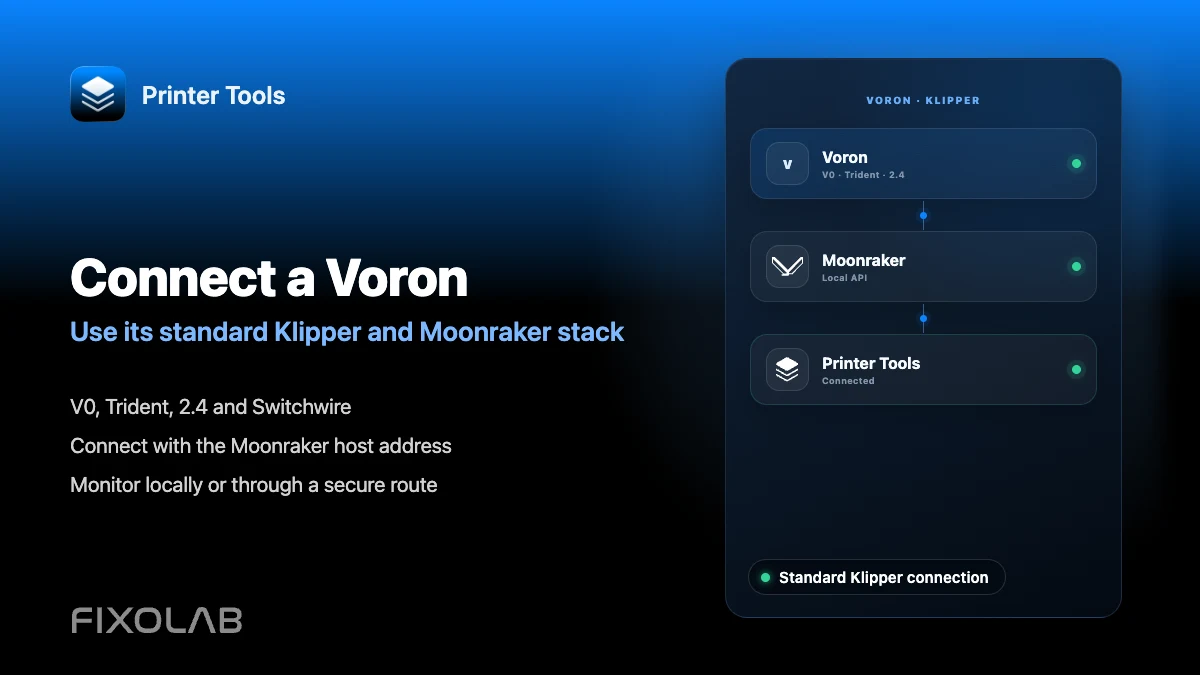
| FixoLab
How to connect a Voron printer to Printer Tools through Klipper
Connect a Voron printer to Printer Tools the same way as any Klipper and Moonraker setup, with no separate Voron integration.
| FixoLab
How to configure a Crowsnest camera for Klipper and Printer Tools
Set up crowsnest so its default MJPEG stream appears automatically in Printer Tools for a connected Klipper printer.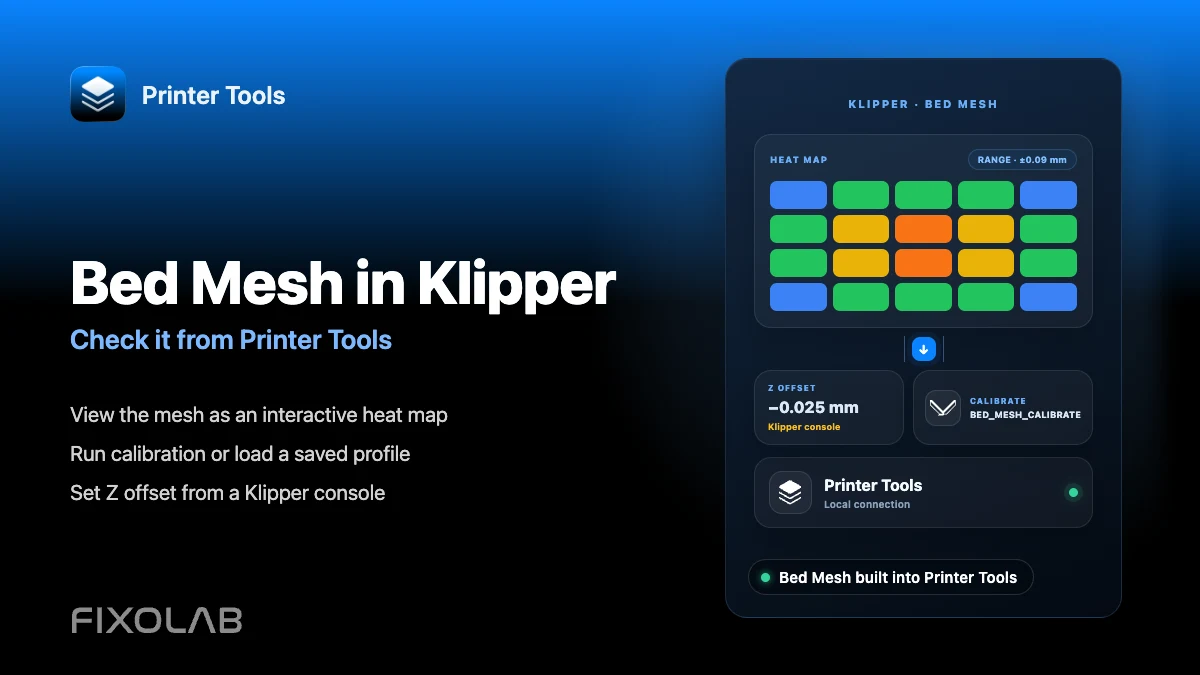
| FixoLab
How to configure Bed Mesh and Z offset in Klipper and check them from your phone
View and calibrate Klipper's Bed Mesh from Printer Tools, and learn why Z offset still needs to be set from a Klipper console.
| FixoLab
How to install Klipper with KIAUH and connect it to Printer Tools
Install Klipper and Moonraker with KIAUH, add optional Mainsail, Fluidd or crowsnest, then connect the printer to Printer Tools.
| FixoLab
How to fix Moonraker WebSocket connection errors in Printer Tools
Diagnose Moonraker WebSocket connection errors in Printer Tools, from unreachable hosts to Klippy status, authentication and automatic reconnection.
| FixoLab
How to fix the Creality K2 camera with WebRTC on your local network
Fix Creality K2, K2 Pro and K2 Plus camera problems in Printer Tools by checking model detection, local WebRTC and network reachability.
| FixoLab
How to fix Bambu Lab camera problems with RTSPS and TCP JPEG
Fix Bambu Lab camera loading problems in Printer Tools by checking the automatic RTSPS or TCP JPEG route, Access Code and local network.
| FixoLab
How to connect Obico to Printer Tools for remote Klipper and OctoPrint access
Connect an Obico Cloud or self-hosted printer to Printer Tools for secure remote Klipper or OctoPrint monitoring, controls and camera access.
| FixoLab
How to configure Spoolman with Klipper, Moonraker and Printer Tools
Connect Spoolman through Moonraker to manage active spools, filament inventory, vendors, QR labels and remaining weight in Printer Tools.
| FixoLab
How to connect Klipper and Moonraker to Printer Tools step by step
Connect a Klipper printer to Printer Tools through Moonraker for local monitoring, controls, files, camera access, Bed Mesh and optional Spoolman data.
| FixoLab
OctoEverywhere vs Obico for remote access with Printer Tools
Printer Tools supports both OctoEverywhere and Obico for remote access to Klipper and OctoPrint printers, compared side by side so you can pick the right one.
| FixoLab
Snapmaker U1 vs FlashForge Creator 5 with Printer Tools
Comparing the Snapmaker U1 and FlashForge Creator 5 in Printer Tools, toolhead and multi-material control, camera streaming, and what each integration covers.
| FixoLab
Printer Tools' Biggest Creality Update Yet With Files, Timelapses, CFS and More
The biggest Creality update yet for Printer Tools brings a full file browser, print history, CFS multi-color box tracking, timelapses and a faster, more reliable camera.
| FixoLab
How to connect PrusaLink to Printer Tools over your local network
Connect a compatible Prusa printer to Printer Tools with its local IP address and PrusaLink credentials, then monitor prints and browse files without Prusa Connect.
| FixoLab
Anycubic Kobra Support Arrives in Printer Tools
Printer Tools now supports the Anycubic Kobra 2, 3, S1 and X series over the local network, with live monitoring, ACE multi-color control and camera streaming.
| FixoLab
Which Elegoo Printers Does Printer Tools Support?
Printer Tools supports the full Elegoo Centauri lineup, Centauri, Centauri Carbon and Centauri Carbon 2, each connected automatically over its own local protocol.
| FixoLab
Printer Tools Is Now Compatible With Anycubic, Flashforge, Elegoo and Obico
Printer Tools now supports Anycubic, Flashforge, Elegoo and Obico, with live monitoring, camera streaming, ACE and material-station tracking, and remote access via Obico.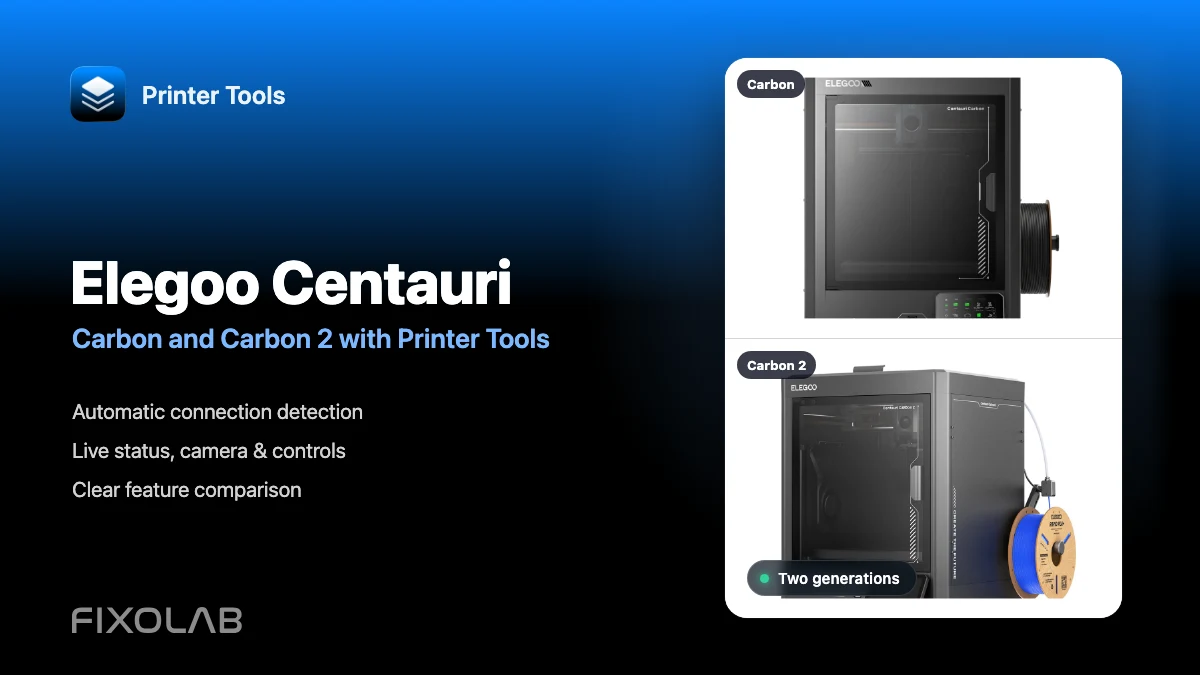
| FixoLab
Using Elegoo Centauri Carbon and Centauri Carbon 2 with Printer Tools
See how Printer Tools connects to Elegoo Centauri Carbon and Carbon 2, what both models support and which current limitations they share.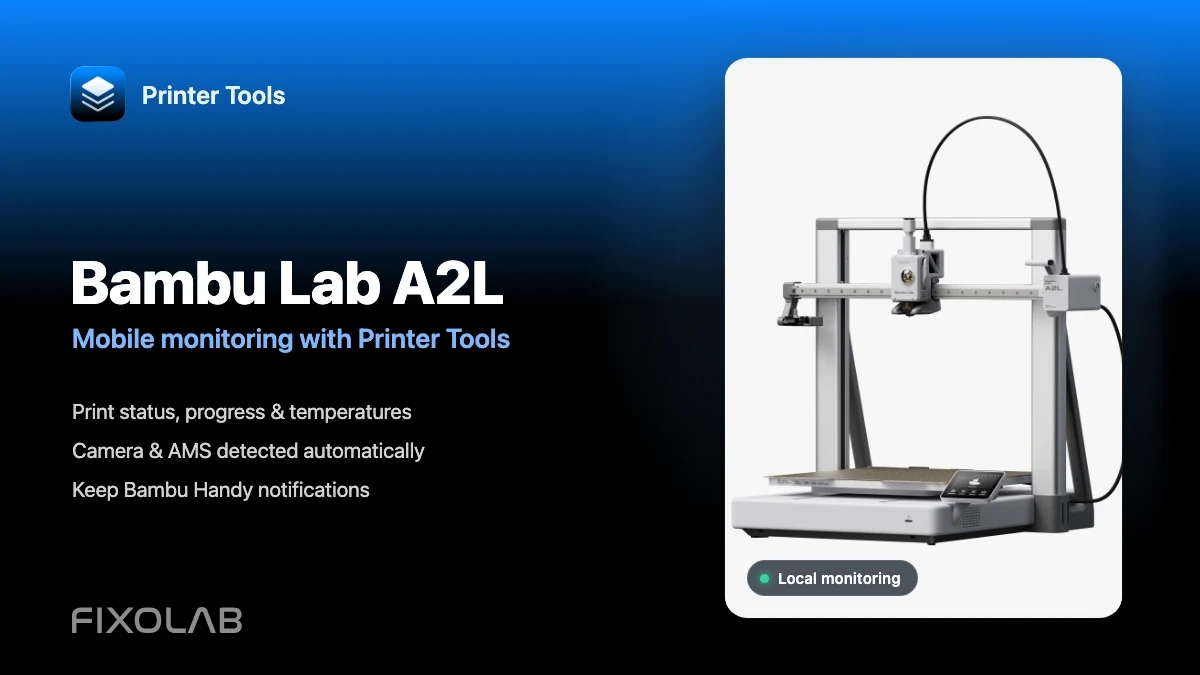
| FixoLab
How to connect Bambu Lab A2L to Printer Tools for mobile monitoring
Connect Bambu Lab A2L locally and monitor prints, camera and AMS from Android or Apple devices while keeping Bambu Handy notifications available.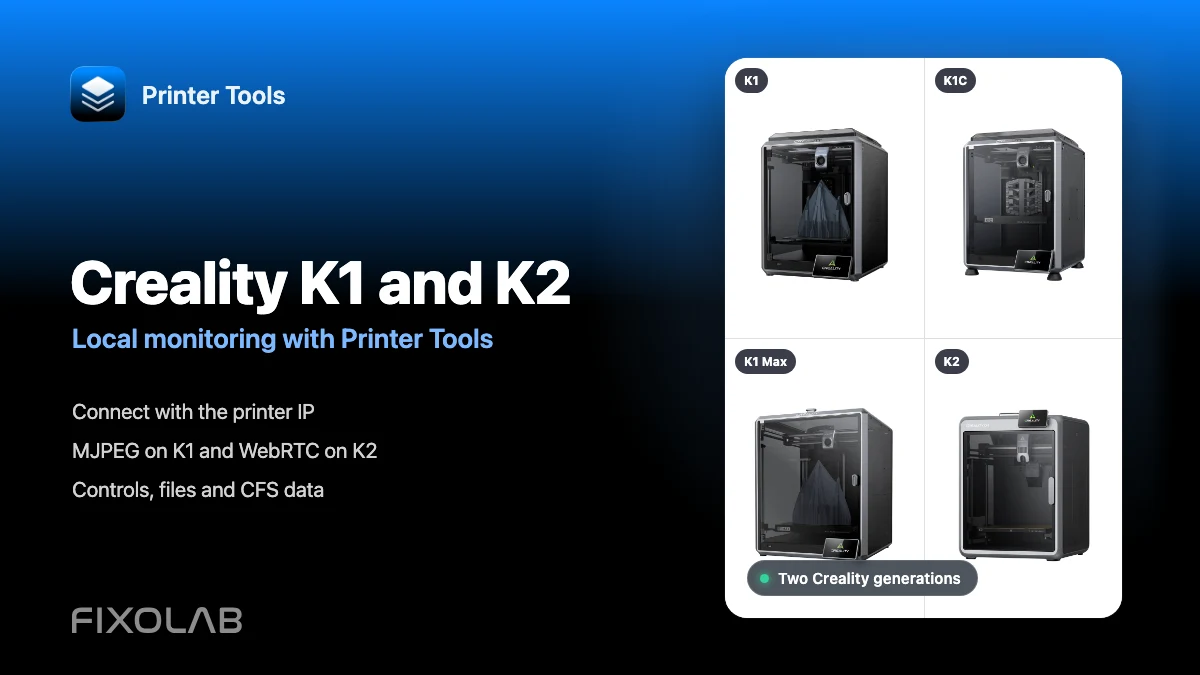
| FixoLab
How to connect Creality K1, K1C, K1 Max and K2 to Printer Tools over LAN
Connect Creality K1, K1C, K1 Max and K2 to Printer Tools locally with automatic MJPEG or WebRTC camera selection, controls and file access.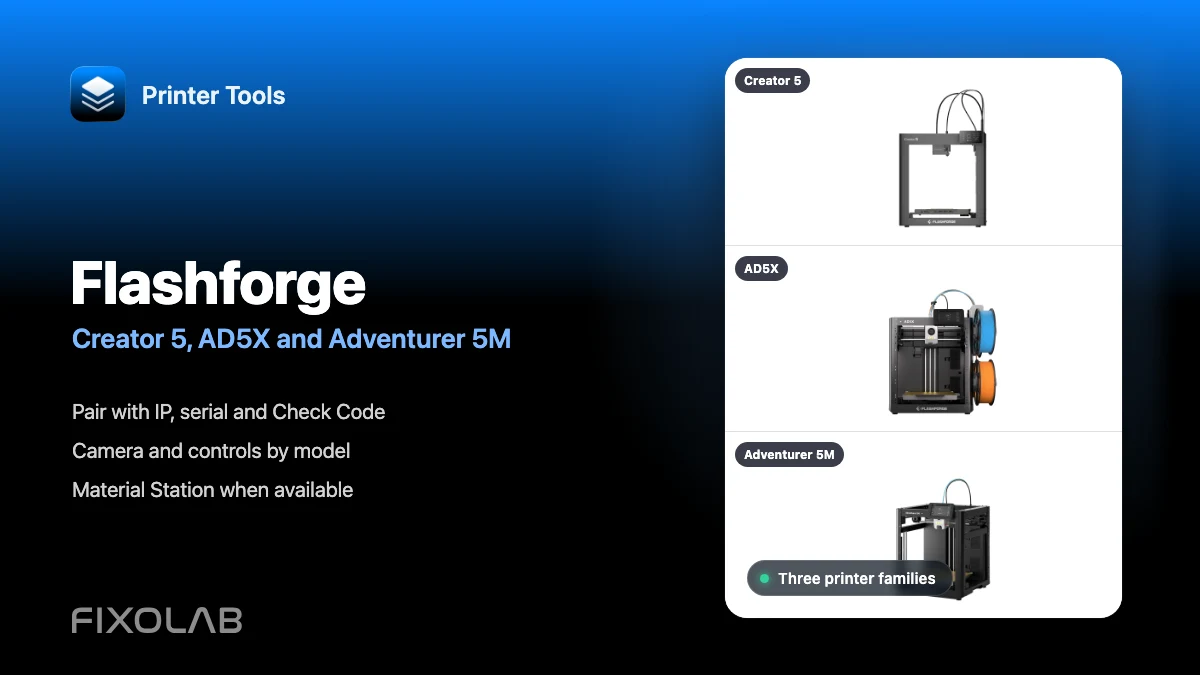
| FixoLab
How to connect Flashforge Creator 5, AD5X and Adventurer 5M to Printer Tools
Connect supported Flashforge Creator 5, AD5X and Adventurer 5M printers locally using their IP, serial number and Check Code.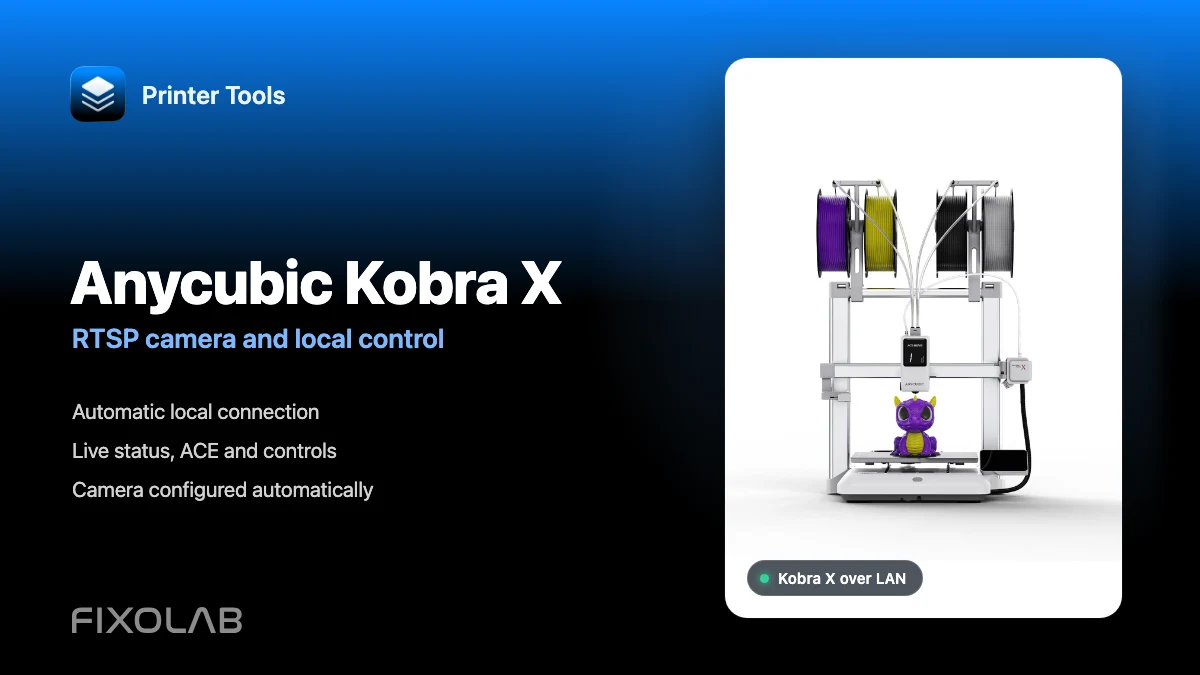
| FixoLab
How to connect Anycubic Kobra X to Printer Tools with RTSP camera and local control
Connect Anycubic Kobra X to Printer Tools over LAN and use live monitoring, its automatic RTSP camera, ACE information and compatible local controls.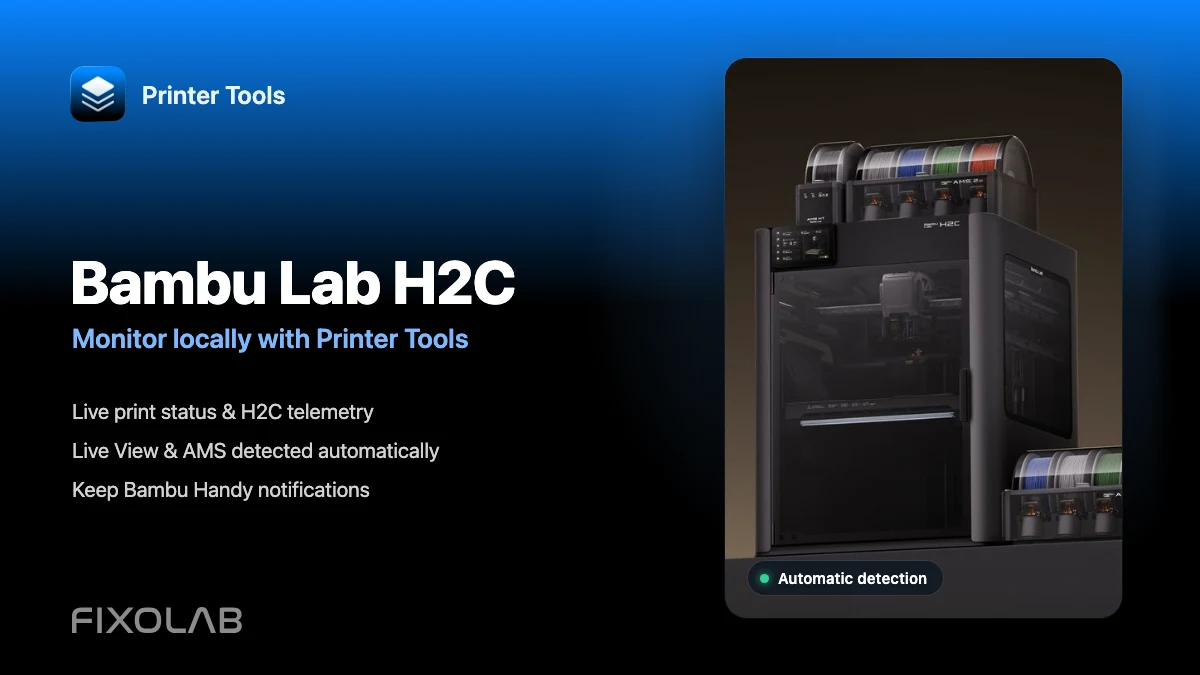
| FixoLab
How to monitor Bambu Lab H2C locally with Printer Tools
Connect Bambu Lab H2C once and automatically monitor prints, Live View and AMS data locally while keeping Bambu Handy notifications available.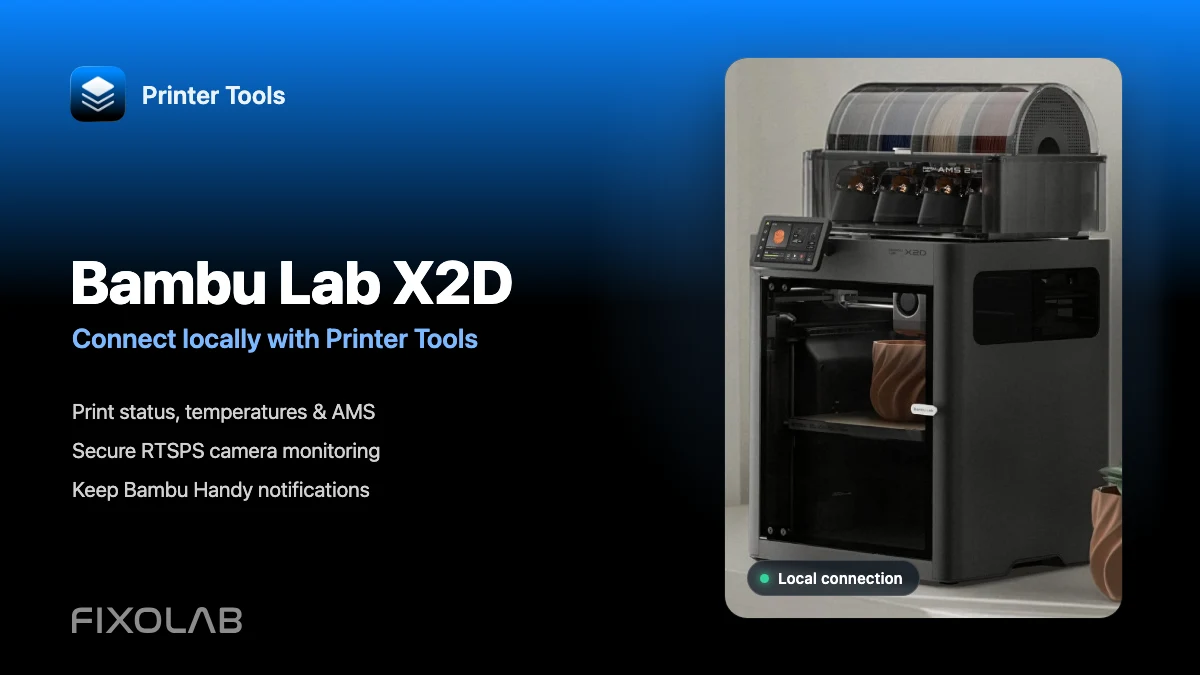
| FixoLab
How to connect Bambu Lab X2D to Printer Tools over LAN
Connect Bambu Lab X2D locally to monitor prints, AMS, RTSPS camera and light while keeping Bambu Handy and its cloud notifications available.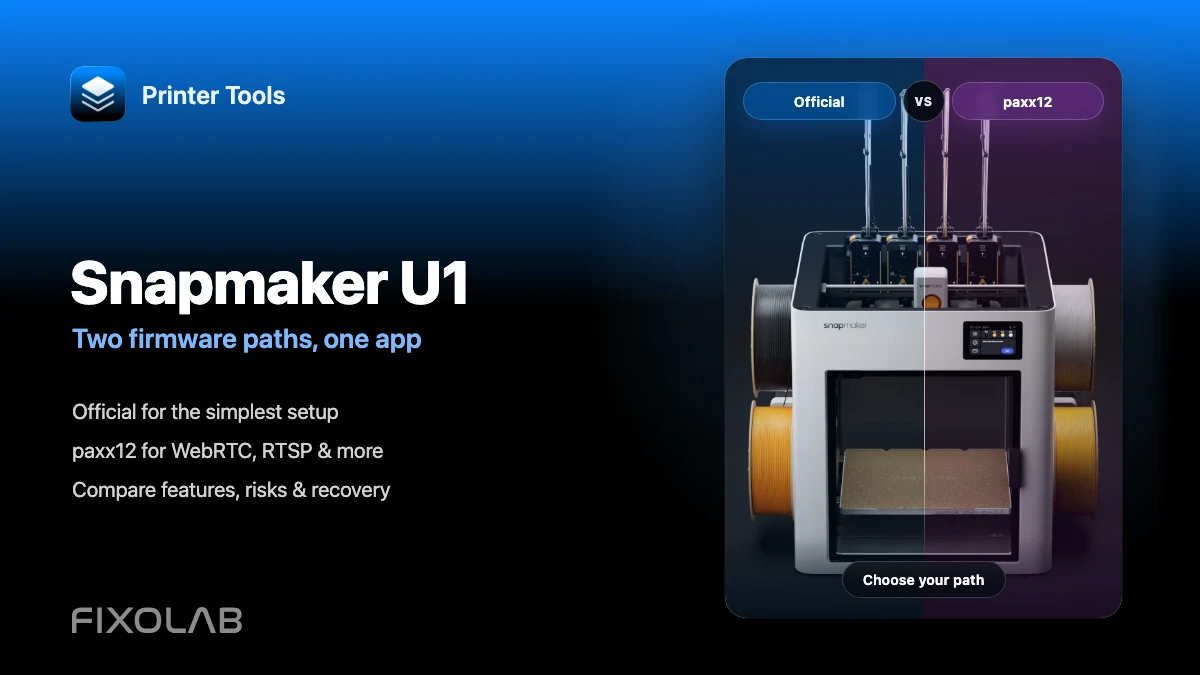
| FixoLab
Snapmaker U1 official firmware vs paxx12 with Printer Tools
Compare official and paxx12 firmware for Snapmaker U1: cameras, WebRTC, RTSP, setup, risks, recovery and Printer Tools compatibility.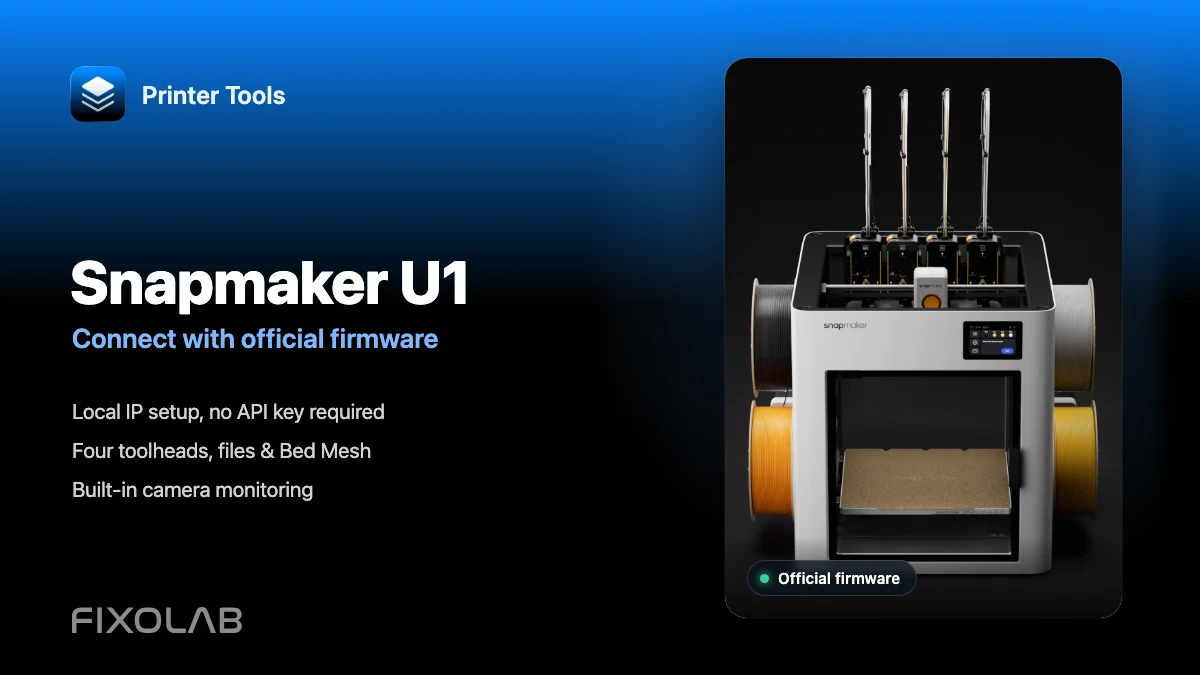
| FixoLab
How to connect Snapmaker U1 to Printer Tools with official firmware
Connect Snapmaker U1 to Printer Tools over your local network with official firmware. Set up its camera, four toolheads, files and controls step by step.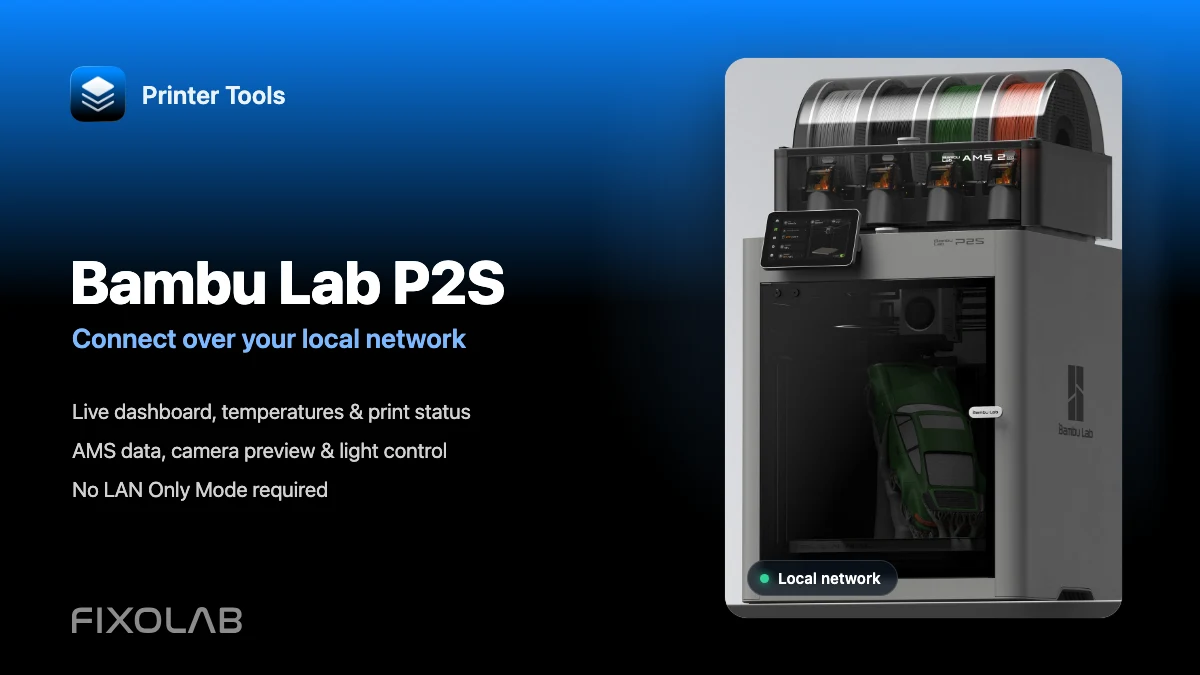
| FixoLab
How to connect Bambu Lab P2S to Printer Tools over LAN while keeping Bambu Handy
Connect a Bambu Lab P2S locally to view prints, AMS, camera and light without losing Bambu Handy. Advanced controls and troubleshooting included.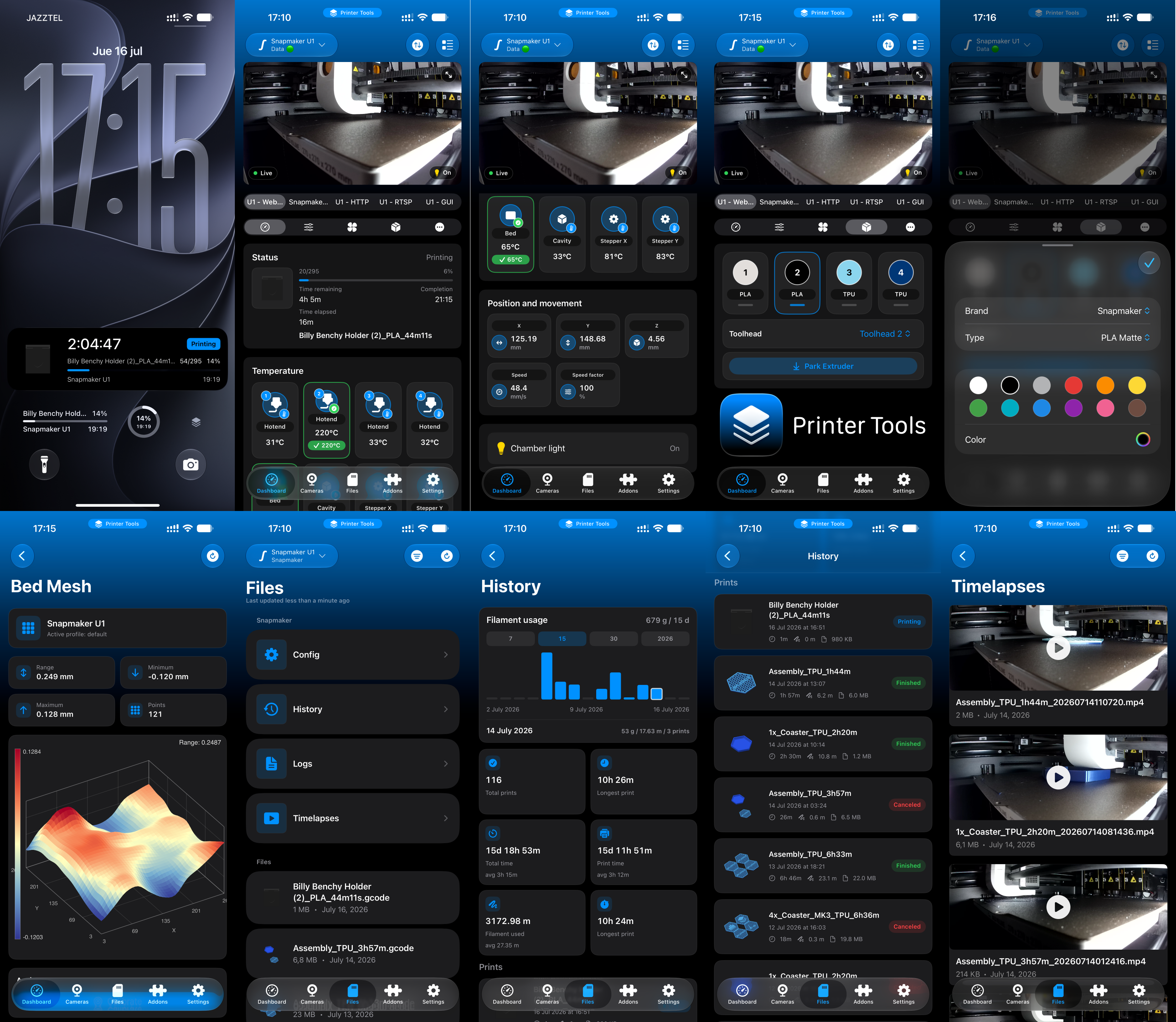
| FixoLab
Printer Tools 2.8 Adds Snapmaker U1 Controls and Timelapses
Printer Tools 2.8 adds complete Snapmaker U1 toolhead management, print history and statistics, 3D Bed Mesh, G-code previews, timelapses and deeper paxx12 integration.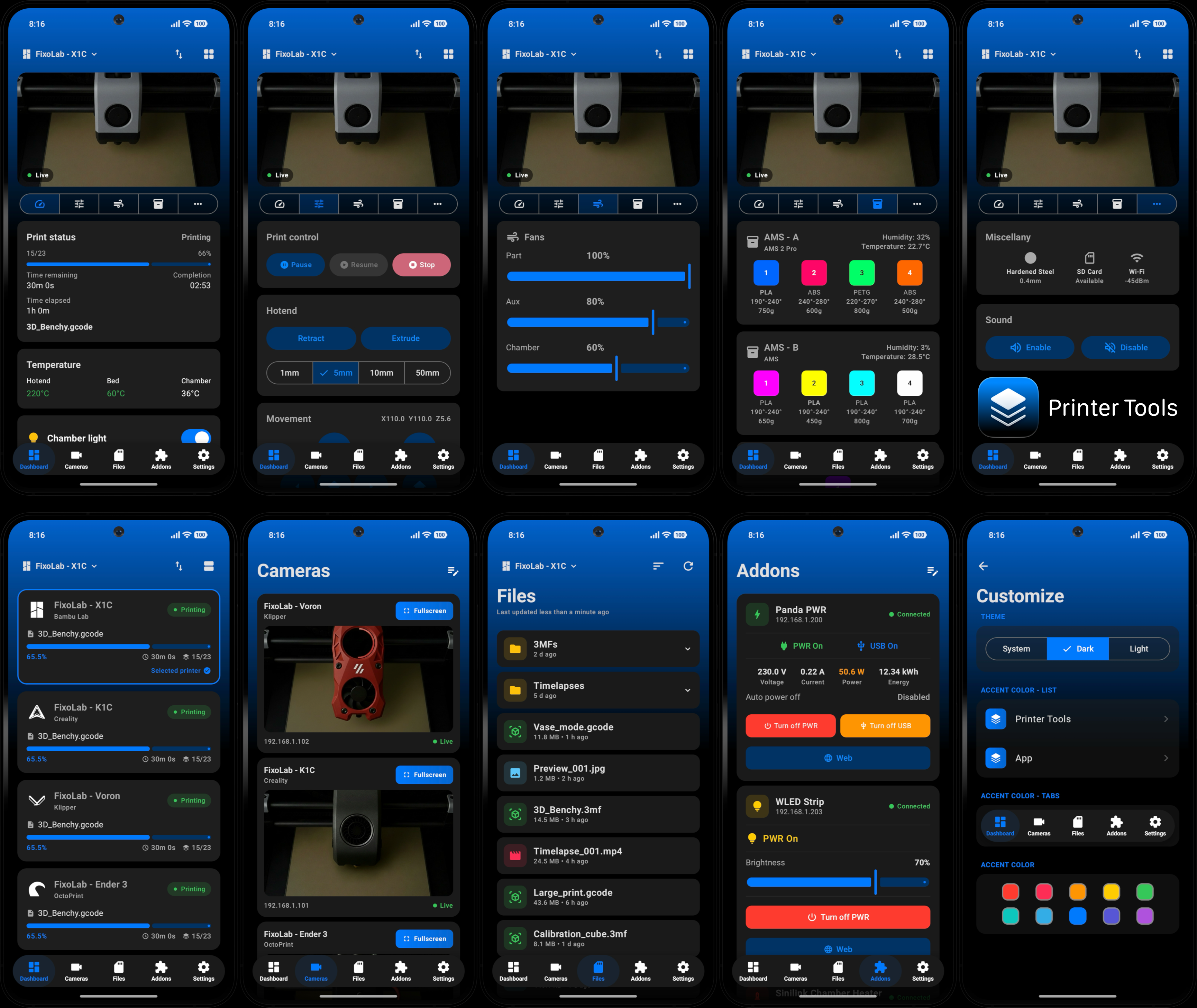
| FixoLab
Printer Tools for Android 1.0 Launches as a 3D Printer Dashboard
Printer Tools is now available on Android! A native Kotlin app to monitor and manage your 3D printers from your phone, tablet or Wear OS watch.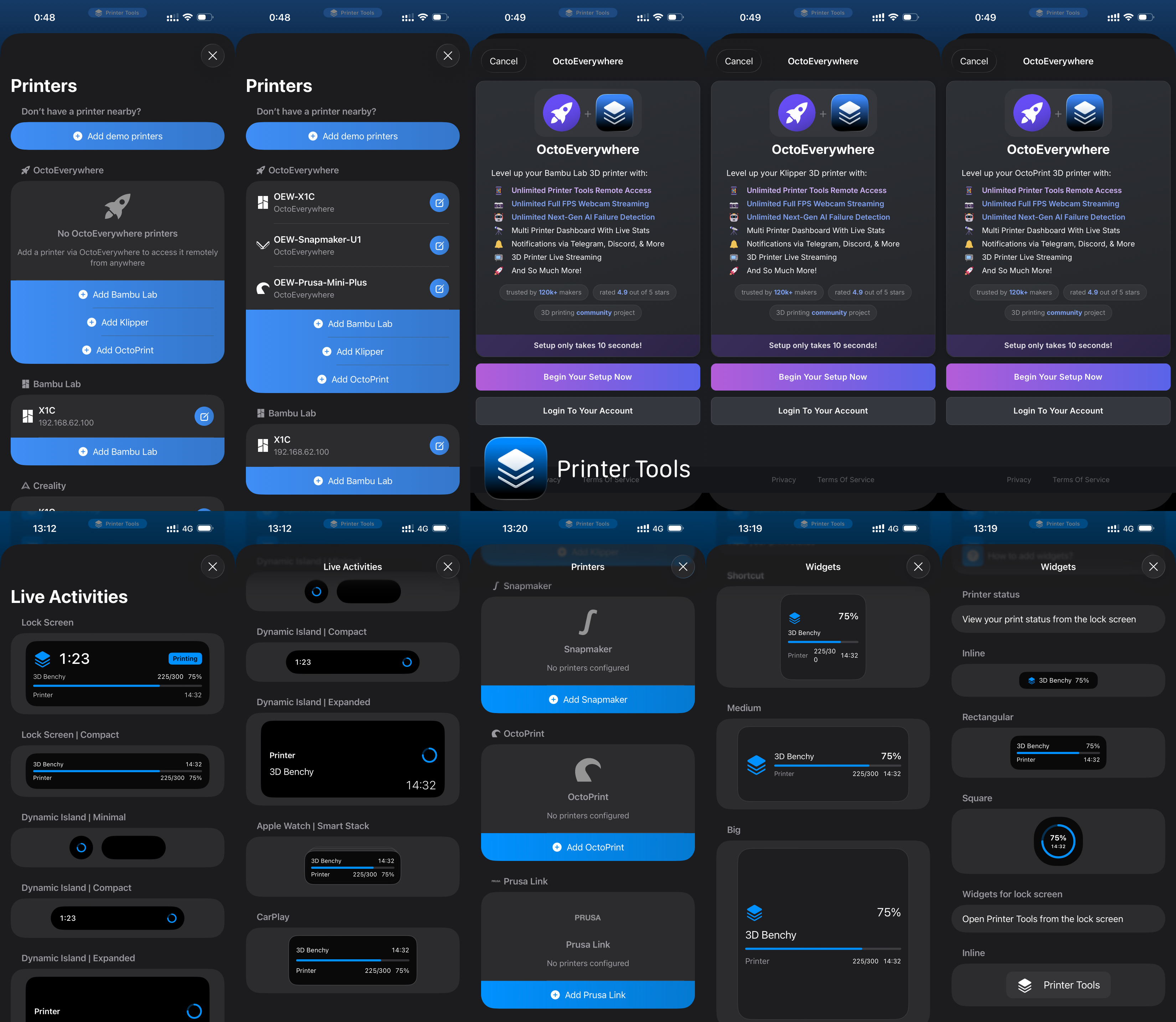
| FixoLab
Printer Tools 2.1 Adds OctoEverywhere and PrusaLink Support
Printer Tools App 2.1 brings full remote access via OctoEverywhere, remote Live Activities on Lock Screen, Dynamic Island and CarPlay, Prusa Link support, and up to 2x faster performance.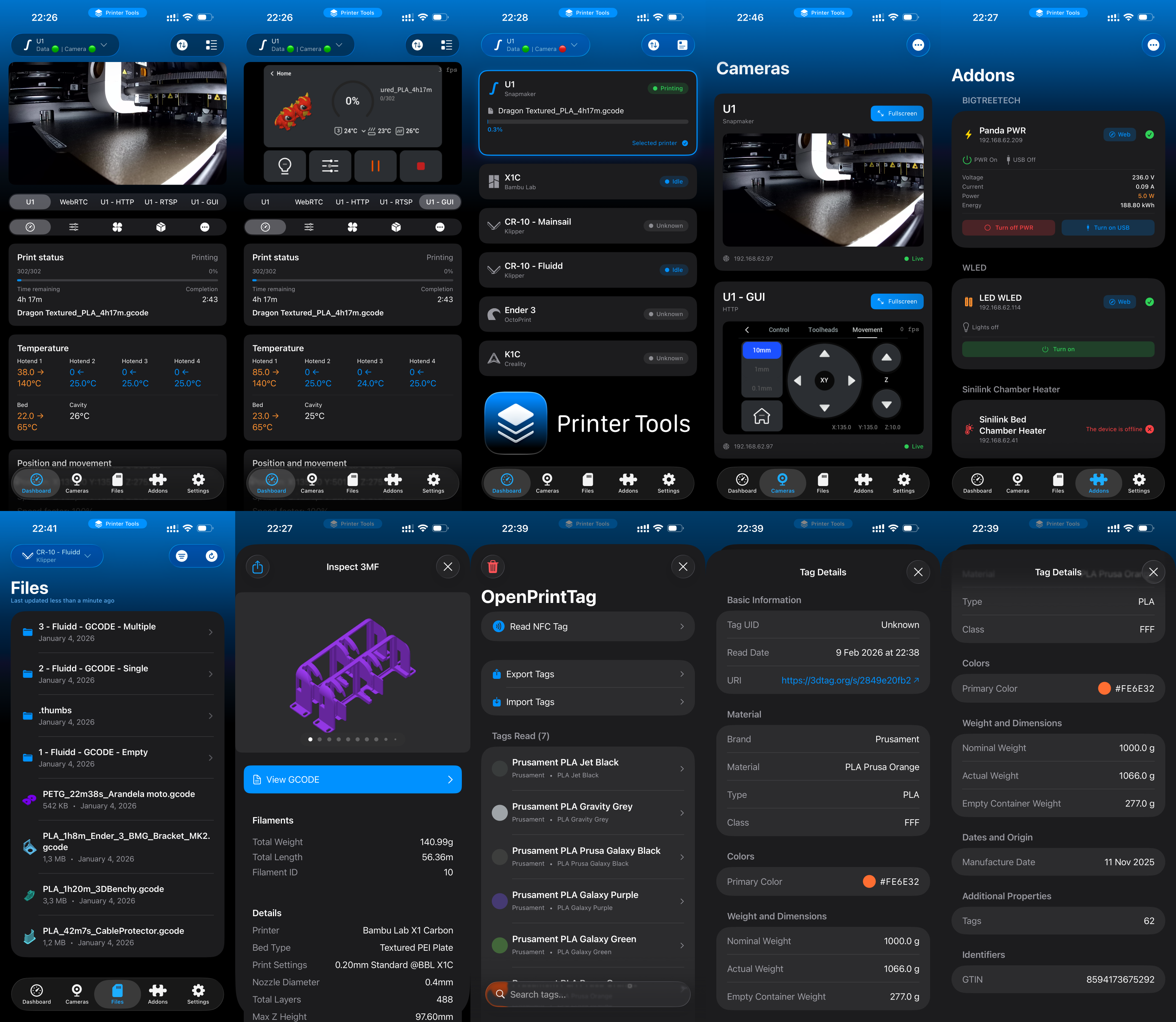
| FixoLab
Printer Tools 1.4 Adds Snapmaker U1 and OpenPrintTag
Printer Tools App 1.4 brings Snapmaker U1 compatibility, OpenPrintTag support, complete migration to Swift Package Manager, and major performance improvements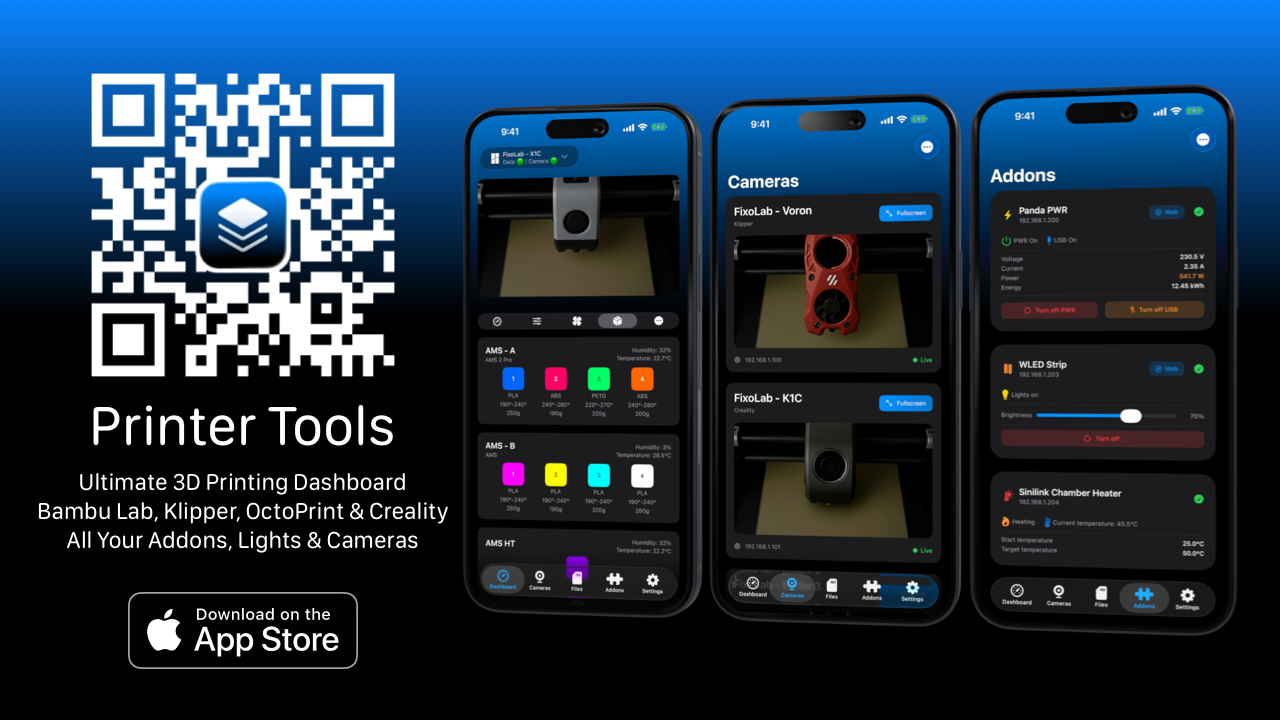
| FixoLab
Introducing Printer Tools as a New 3D Printer Dashboard
Today I want to introduce you to Printer Tools! A dashboard designed to control and manage 3D printers comfortably, clearly and from anywhere
| FixoLab
Cute 3D Halloween Pumpkin for the Perfect Kawaii Decoration
Add a touch of kawaii to your spooky season with this cute 3D printed pumpkin. Learn how to print it and monitor your progress with Printer Tools.