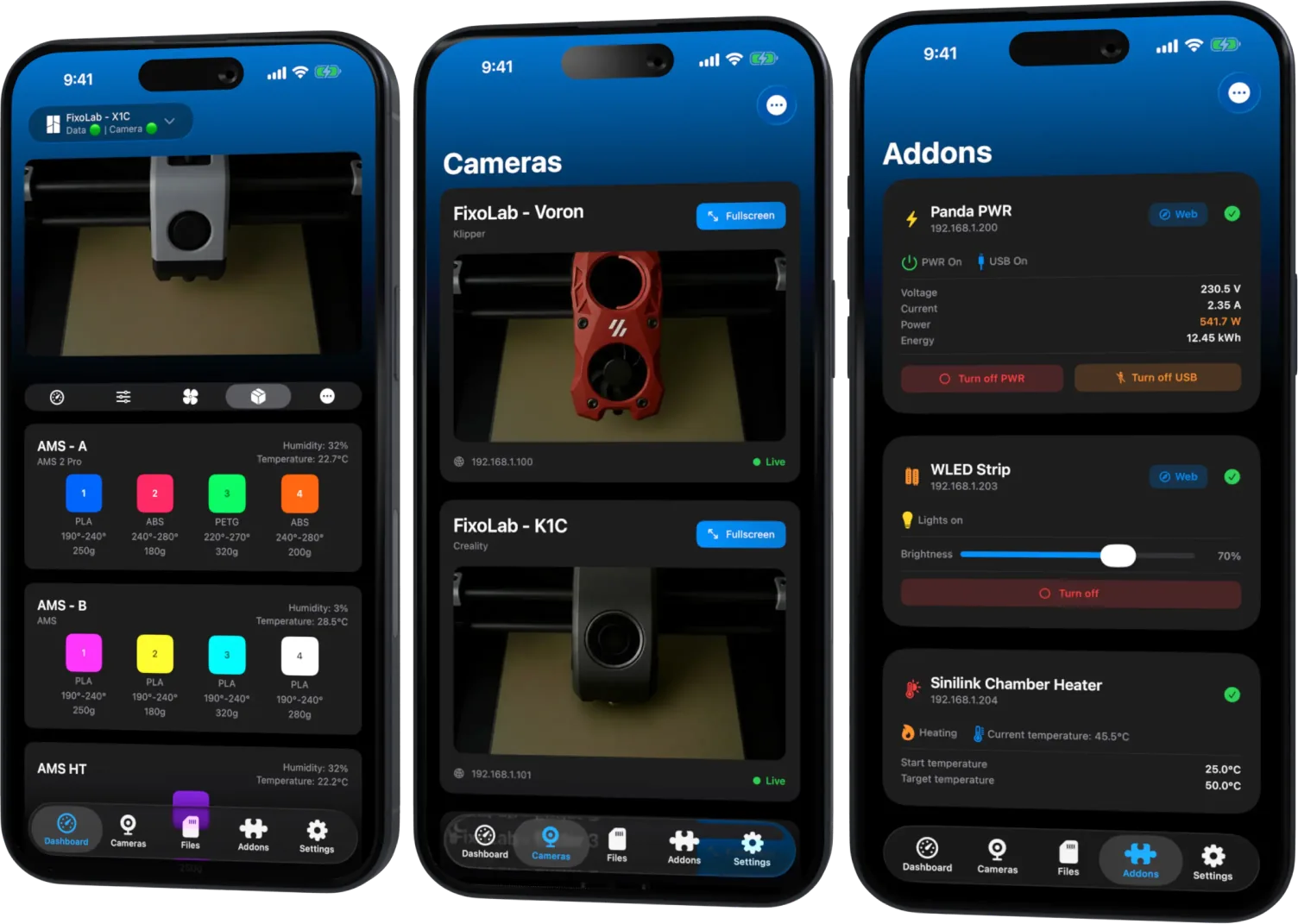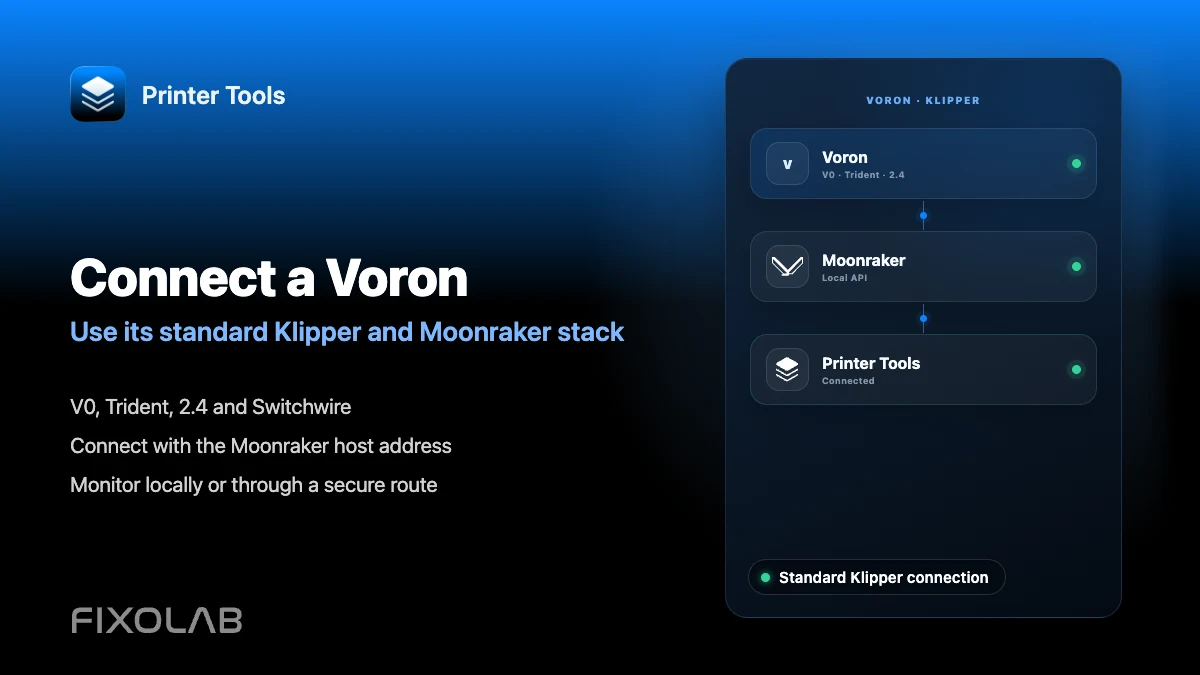
How to connect a Voron printer to Printer Tools through Klipper
Voron printers with Printer Tools
The short answer
Voron printers run Klipper and Moonraker like any other Klipper machine, so Printer Tools connects to a Voron the same way it connects to any Klipper printer, using the host's local address. There is no separate Voron integration, because Voron does not ship its own vendor firmware or API for the app to target.
What you need
- A built and flashed Voron printer running Klipper, following the official Voron documentation
- Moonraker installed on the same host that runs Klipper, commonly through KIAUH
- Klippy reporting Ready after loading your Voron's printer.cfg from the official Voron config repository
- The local IP address or hostname of the host running Moonraker
Connect a Voron to Printer Tools
- 1
Build and flash Klipper per Voron's documentation
Follow the official Voron documentation and configuration repository for your specific model and controller board. Printer Tools has no role in this stage.
- 2
Install Moonraker on the same host
Use KIAUH or your preferred method to install Moonraker alongside Klipper. Confirm Klippy reports Ready before moving on.
- 3
Run your Voron's standard startup routine
Home and level as your specific Voron config requires, using the macros already defined in your printer.cfg. Printer Tools does not add or replace these steps.
- 4
Add the printer in Printer Tools
Open Printer Tools, add a Klipper printer and enter the host's local address, exactly as with any other Klipper and Moonraker setup.
- 5
Confirm the dashboard matches your printer.cfg
Check that temperatures, fans and standard controls reported on the Dashboard match what your Voron's configuration actually exposes through Moonraker.
A Voron dashboard in Printer Tools
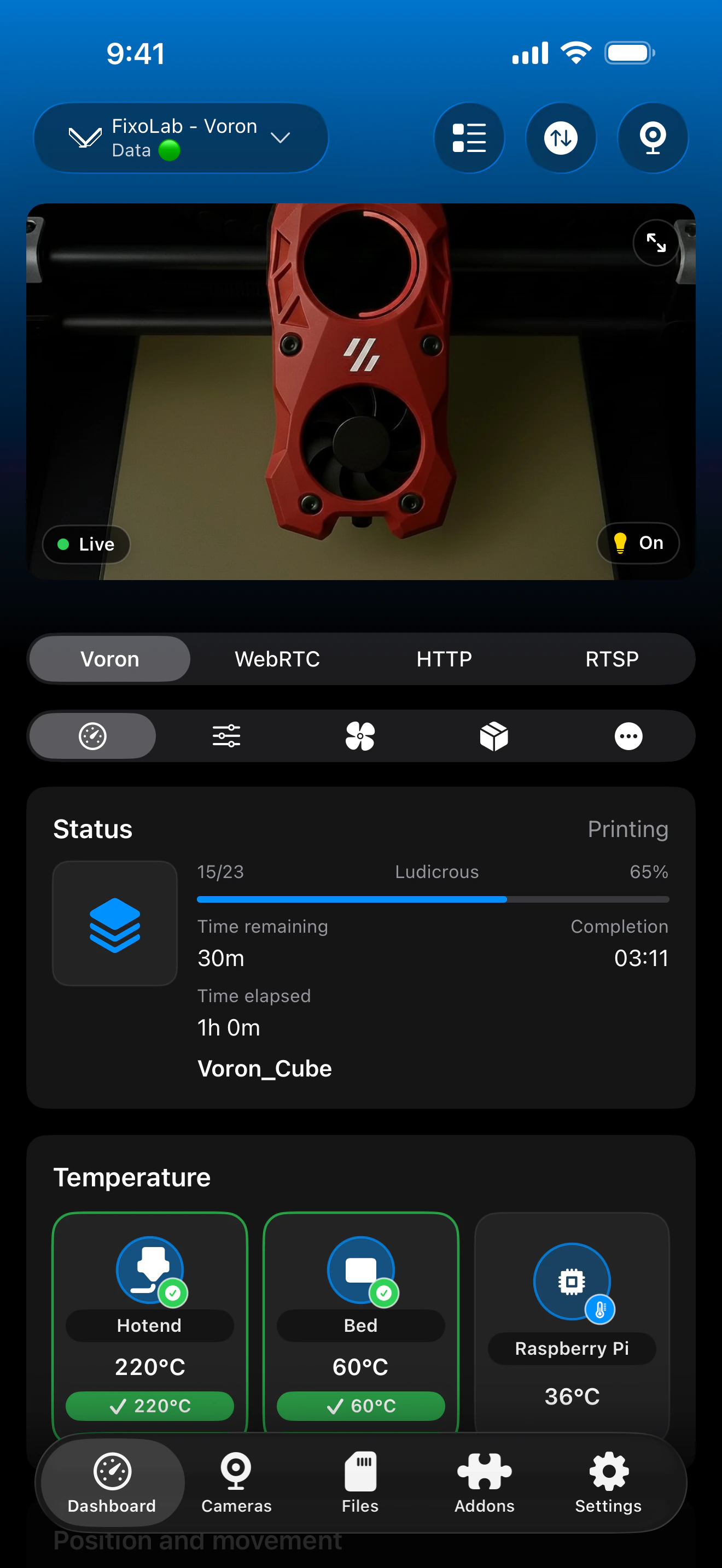
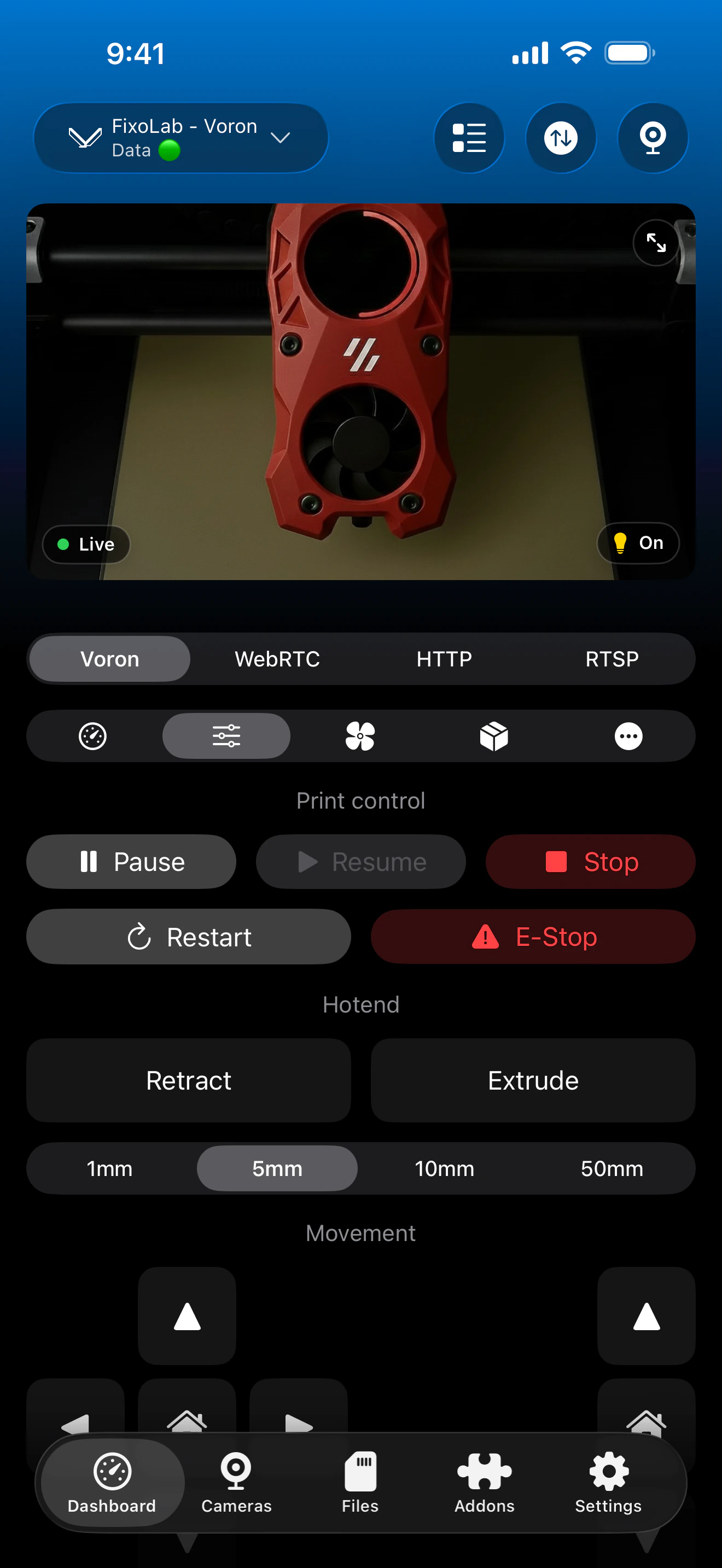
The dashboard reflects the standard Klipper objects your Voron's printer.cfg exposes through Moonraker, the same as any other Klipper machine.
What works on a Voron
- Live status, progress, temperatures and standard controls through Moonraker, the same as any Klipper printer
- Bed Mesh visualization and calibration, if your Voron's printer.cfg defines a bed_mesh section
- File browsing and print history through Moonraker
- MJPEG camera and Spoolman support when those optional services are configured on the same host
What stays specific to your build
- Voron-specific macros, such as quad gantry leveling routines, are not shown as individual dashboard buttons in Printer Tools
- Input shaper and other tuning routines still need to run from a Klipper console, not from the app
- Printer Tools does not validate or adapt to your particular Voron build variant beyond standard Klipper objects
Common Voron connection issues
Printer Tools cannot find Klippy after a fresh Voron build
Confirm Klippy reports Ready in a Klipper console first. A first-time Voron build commonly needs printer.cfg fixes for the specific board and kinematics before Klipper starts cleanly.
Temperatures show but the tool head position looks wrong
Check your Voron's homing and kinematics configuration directly in Klipper. Printer Tools displays whatever Moonraker reports without adjusting it for your specific frame size or toolhead.
Bed Mesh is empty on a new Voron
Run your quad gantry leveling and bed mesh calibration routine from the console at least once before expecting data to appear in Printer Tools.
Monitoring a Voron away from home
Use a VPN back to your network, or add the Voron through the OctoEverywhere or Obico options in Printer Tools, exactly as with any other Klipper printer.
Frequently asked questions
Does Printer Tools have a dedicated Voron mode?
No. A Voron connects as a standard Klipper and Moonraker printer, since Voron itself does not provide a separate vendor API.
Which Voron models are supported?
Any Voron model that runs Klipper with Moonraker, including V0, Trident, 2.4 and Switchwire, connects the same way.
Can I trigger quad gantry leveling from Printer Tools?
Not as an individual button today. Custom macros like quad gantry leveling still run from a Klipper console rather than from the app's dashboard.
Does input shaper tuning show up in the app?
No. Input shaper calibration and its graphs are a Klipper console workflow and are not part of the Printer Tools dashboard.
Will my custom Voron config break anything in Printer Tools?
No. Printer Tools reads standard Klipper objects through Moonraker regardless of your specific configuration, so a well-configured Voron works the same as any other Klipper printer.
Related guides
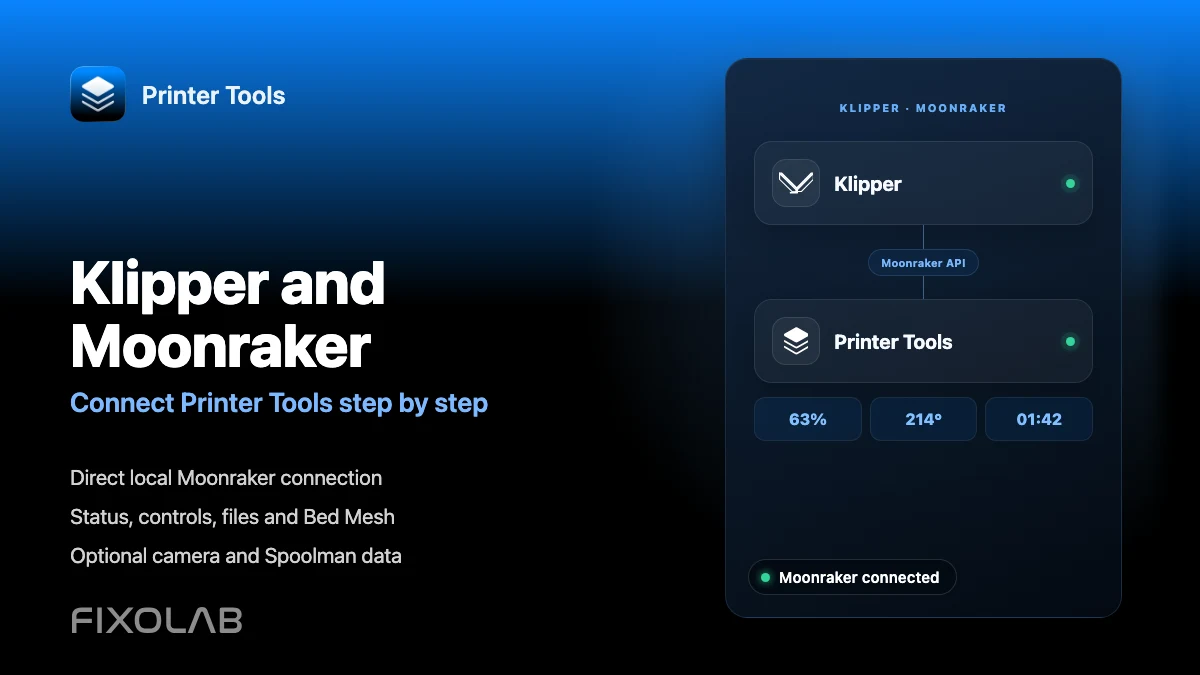
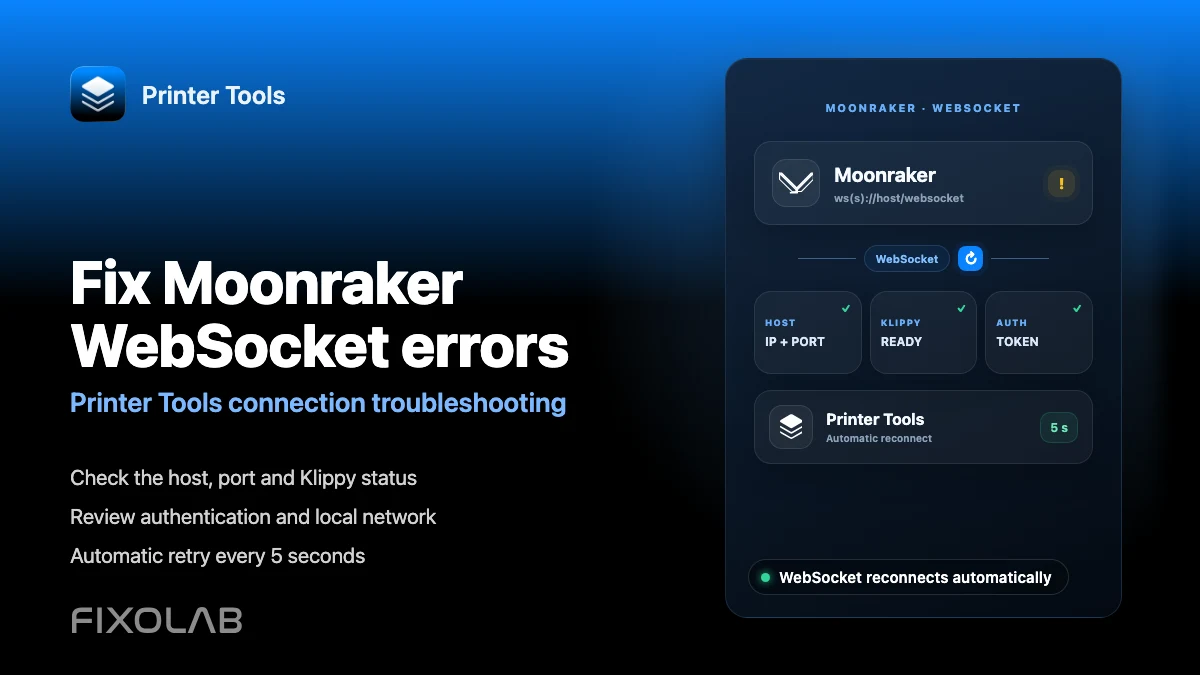
See full Klipper and Moonraker compatibility
Review the supported Moonraker features, optional camera and Spoolman requirements, remote access choices and current limitations.
All your 3D printers in one dashboard
Monitor Bambu Lab, Klipper, OctoPrint, Creality, Snapmaker, Anycubic, Flashforge, Elegoo, and Prusa printers from one app
Available on Android, iPhone, iPad and Mac, with Apple Watch and Wear OS companion apps plus optional remote access through VPN, OctoEverywhere or Obico