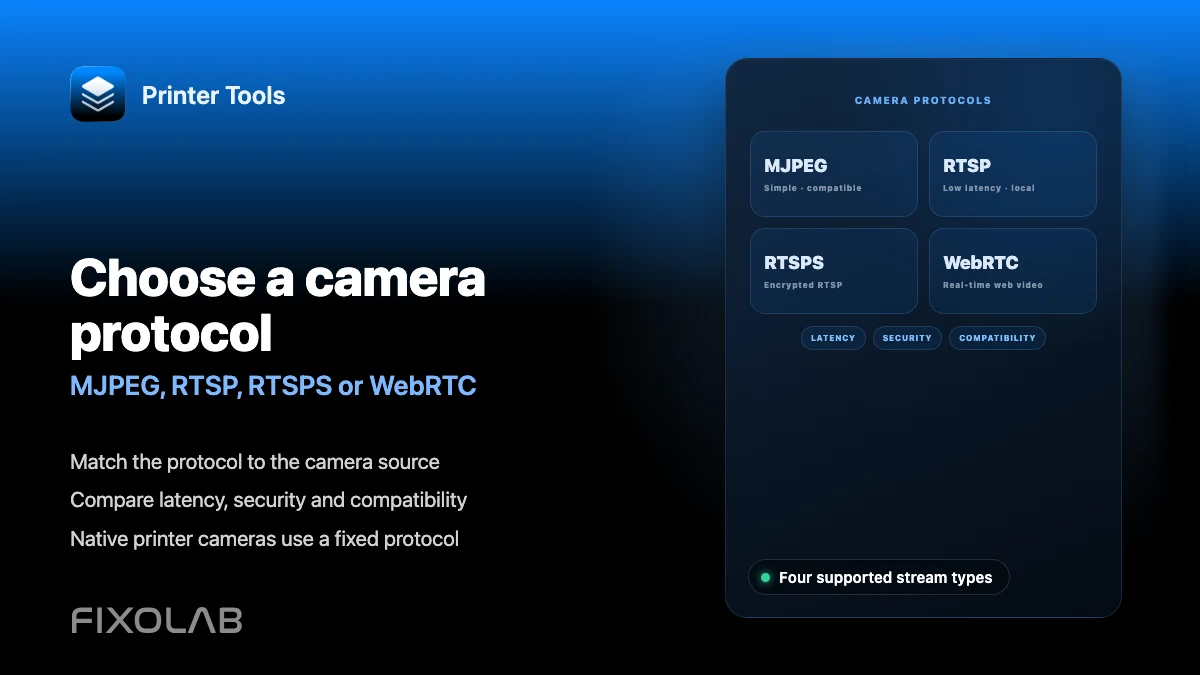
Choosing MJPEG, RTSP, RTSPS or WebRTC for a 3D printer camera
Camera protocols explained
The short answer
MJPEG, RTSP, RTSPS and WebRTC all work in Printer Tools, but which one you actually use is mostly decided by your printer's own firmware for a built-in camera. Klipper and OctoPrint use MJPEG, Creality K2 uses WebRTC and Bambu Lab's larger printers use RTSPS, for example. The four protocols become a real choice only when you add an external camera through the dedicated addon.
What affects the right choice
- Whether the camera is a printer's built-in feed or an independent external camera
- How much you value low latency versus wide compatibility
- Whether the stream needs to be encrypted, which matters more for cameras exposed beyond your local network
- What your specific camera hardware actually supports
Compare the protocols
- 1
MJPEG for simplicity
MJPEG sends a continuous sequence of JPEG images over plain HTTP. It is simple, widely supported and used by default for Klipper's crowsnest and OctoPrint's standard webcam route in Printer Tools.
- 2
RTSP for efficient local streaming
RTSP uses a proper video codec instead of individual images, which generally means lower bandwidth for the same quality compared to MJPEG, at the cost of being unencrypted by default.
- 3
RTSPS for encrypted streaming
RTSPS is RTSP over TLS, adding encryption to the same efficient streaming approach. Bambu Lab's X1 and P2S families use RTSPS for their built-in cameras in Printer Tools.
- 4
WebRTC for low-latency browser-style streaming
WebRTC is designed for real-time communication with very low latency, which is why Creality's K2 family uses it for its built-in camera in Printer Tools.
- 5
Match your external camera's actual capability
When adding an external camera, choose whichever protocol that specific camera actually exposes, since most cameras only support one or two of these options, not all four.
Protocols at a glance
This reflects how each protocol is typically used across printer cameras in Printer Tools, not a ranking of which is universally best.
| Protocol | Typical latency | Encrypted | Used by |
|---|---|---|---|
| MJPEG | Higher | No | Klipper (crowsnest), OctoPrint, PrusaLink thumbnails |
| RTSP | Low | No | External cameras, Anycubic Kobra X |
| RTSPS | Low | Yes | Bambu Lab X1 and P2S families |
| WebRTC | Very low | Yes | Creality K2 family, external cameras |
Different camera protocols in Printer Tools
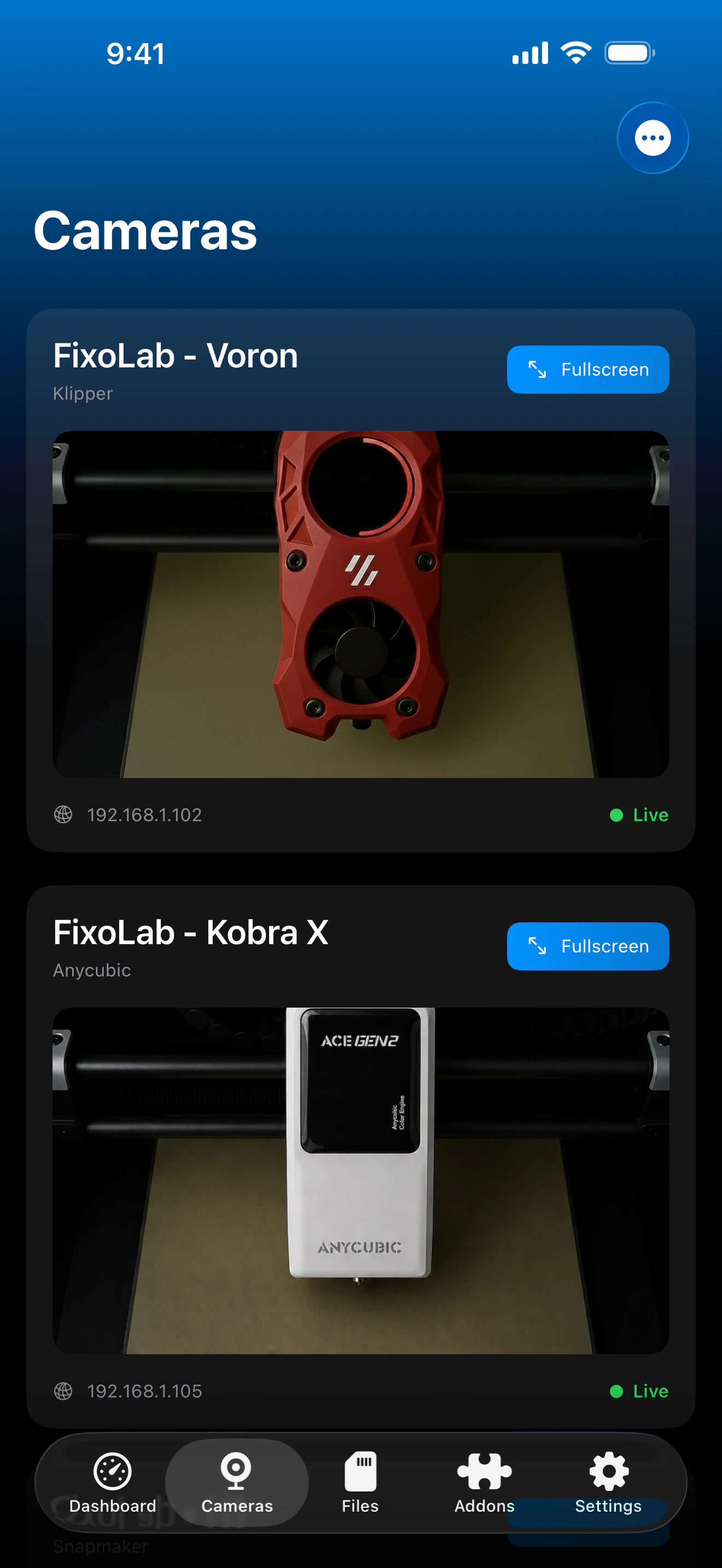
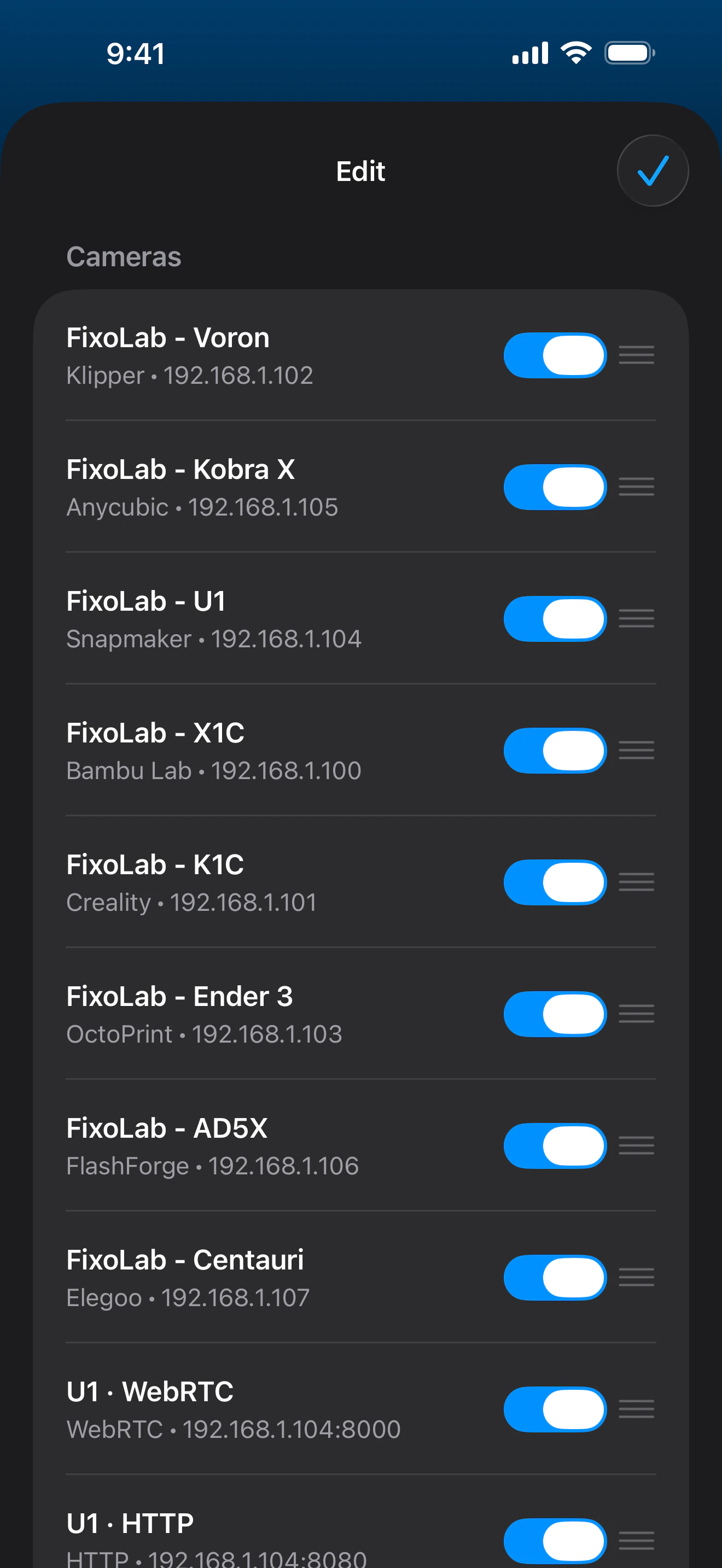
Native printer cameras use a fixed protocol per manufacturer, while external cameras let you pick the protocol that matches your hardware.
What Printer Tools supports
- MJPEG, RTSP, RTSPS, TCP JPEG and WebRTC across native printer cameras and the external camera addon
- Automatic protocol selection for native cameras based on the connected printer's model
- Manual protocol selection for external cameras, matched to what that camera actually exposes
What is not a free choice
- You cannot switch a printer's native camera to a different protocol than what its own firmware provides
- Encrypted protocols like RTSPS and WebRTC still depend on the camera or printer implementing them correctly
- TCP JPEG, used by some Bambu Lab and Anycubic models, is not swappable for MJPEG on those same printers
Common protocol confusion
I want RTSPS on my K1 the way P2S has it
The Creality K1 family uses MJPEG for its built-in camera, and this is set by Creality's firmware, not by a setting inside Printer Tools.
My external camera only supports one of these protocols
Select that specific protocol when adding the camera. There is no need for a camera to support all four; Printer Tools works with whichever one it actually offers.
WebRTC feels laggy on a weak network
WebRTC still depends on adequate bandwidth and a stable local connection. A congested Wi-Fi network affects it the same way it would affect any live video protocol.
Protocols and remote access
Camera protocol choice is separate from remote access. OctoEverywhere and Obico each handle transporting video remotely regardless of whether the underlying local protocol is MJPEG, RTSP, RTSPS or WebRTC.
Frequently asked questions
Which protocol is best overall?
There is no universal best option. WebRTC and RTSPS favor low latency and encryption, while MJPEG favors simplicity and wide compatibility. The right choice depends on your camera and use case.
Can I change my printer's native camera protocol?
No. A printer's built-in camera uses whatever protocol its own firmware exposes, and Printer Tools follows that automatically without a manual override.
Does Printer Tools support ONVIF cameras?
Yes, through the external camera feature, which also supports automatic discovery for ONVIF-compatible cameras on your local network.
Is TCP JPEG the same as MJPEG?
No. TCP JPEG is a distinct transport used by some Bambu Lab and Anycubic models for their built-in camera, separate from the standard MJPEG streaming used by Klipper and OctoPrint.
Related guides
See the full camera feature overview
Review every supported camera transport, from native printer integrations to external ONVIF, RTSP and WebRTC cameras.
All your 3D printers in one dashboard
Monitor Bambu Lab, Klipper, OctoPrint, Creality, Snapmaker, Anycubic, Flashforge, Elegoo, and Prusa printers from one app
Available on Android, iPhone, iPad and Mac, with Apple Watch and Wear OS companion apps plus optional remote access through VPN, OctoEverywhere or Obico