How to find the correct MJPEG stream URL for a 3D printer camera
A camera web page is not necessarily its video stream. It may contain controls, JavaScript and an image element whose source points somewhere else. Printer Tools needs the actual MJPEG stream URL for an external MJPEG camera or a compatible OctoPrint and Crowsnest preview.
The difference between a snapshot and a stream is equally important. A snapshot returns one image; MJPEG keeps returning JPEG frames over one HTTP response.

All your 3D printers in one dashboard
Monitor Bambu Lab, Klipper, OctoPrint, Creality, Snapmaker, Anycubic, Flashforge, Elegoo, and Prusa printers from one app
Available on Android, iPhone, iPad and Mac, with Apple Watch and Wear OS companion apps plus optional remote access through VPN, OctoEverywhere or Obico
Identify the camera source
Start with the documentation for the webcam server, OctoPrint plugin, Crowsnest or IP camera. Look for a value explicitly described as stream, MJPEG or multipart JPEG.
Do not assume the browser page address is the stream. A dashboard URL often renders HTML and cannot be decoded as video by a camera component.
Know the common response types
A snapshot endpoint returns one JPEG and then closes. It can update only when requested again. An MJPEG endpoint keeps a multipart response open and separates a sequence of JPEG frames with boundaries.
If Printer Tools receives HTML, JSON, a login redirect or a still image where it expects multipart frames, Live View can remain blank or stop after one frame.
Check relative and absolute paths
OctoPrint and reverse proxies can publish paths relative to their own base URL. Crowsnest commonly exposes an MJPEG route through the web interface, but a custom proxy or camera name can change it.
Use the exact path from the current setup. A path copied from another user’s Mainsail or OctoPrint installation may point at a service that does not exist on yours.
Test authentication and redirects
Open the stream on a trusted device inside the LAN. If it redirects to a sign-in page, configure the supported authentication rather than pasting browser cookies into Printer Tools.
HTTP and HTTPS also matter. A secure page may refuse insecure embedded content, and a local certificate can require a supported trust path. Do not disable device-wide security for one camera.
Tune resolution at the source
MJPEG bandwidth grows quickly with resolution, frame rate and image quality. Configure a moderate monitoring profile in Crowsnest or the camera, then test stability before raising it.
If several dashboards open the same stream, the webcam server may have to encode or deliver multiple clients. Use the source’s supported sharing method.
Keep native printer cameras separate
Do not overwrite a supported printer’s native camera with an MJPEG guess. K1 uses its known MJPEG path, K2 uses WebRTC, Bambu chooses RTSPS or TCP JPEG, and other brands have their own transports.
For camera quality decisions, see how to choose resolution and frame rate.
Frequently asked questions
Why does the URL work in a browser but not as a camera?
The browser may be rendering a web page, following a login redirect or running JavaScript rather than opening a raw MJPEG response.
Can I use a snapshot URL?
Only where the feature explicitly supports snapshots. It is not the same as a continuous MJPEG stream.
Why does video stop after one image?
You may have selected a snapshot endpoint instead of a multipart stream.
Should I expose the webcam URL online?
No. Keep it local and use a VPN for remote access.
Official sources: µStreamer (GitHub) · Crowsnest (GitHub) · OctoPrint — Webcam configuration
All your 3D printers in one dashboard
Monitor Bambu Lab, Klipper, OctoPrint, Creality, Snapmaker, Anycubic, Flashforge, Elegoo, and Prusa printers from one app
Available on Android, iPhone, iPad and Mac, with Apple Watch and Wear OS companion apps plus optional remote access through VPN, OctoEverywhere or Obico
| FixoLab
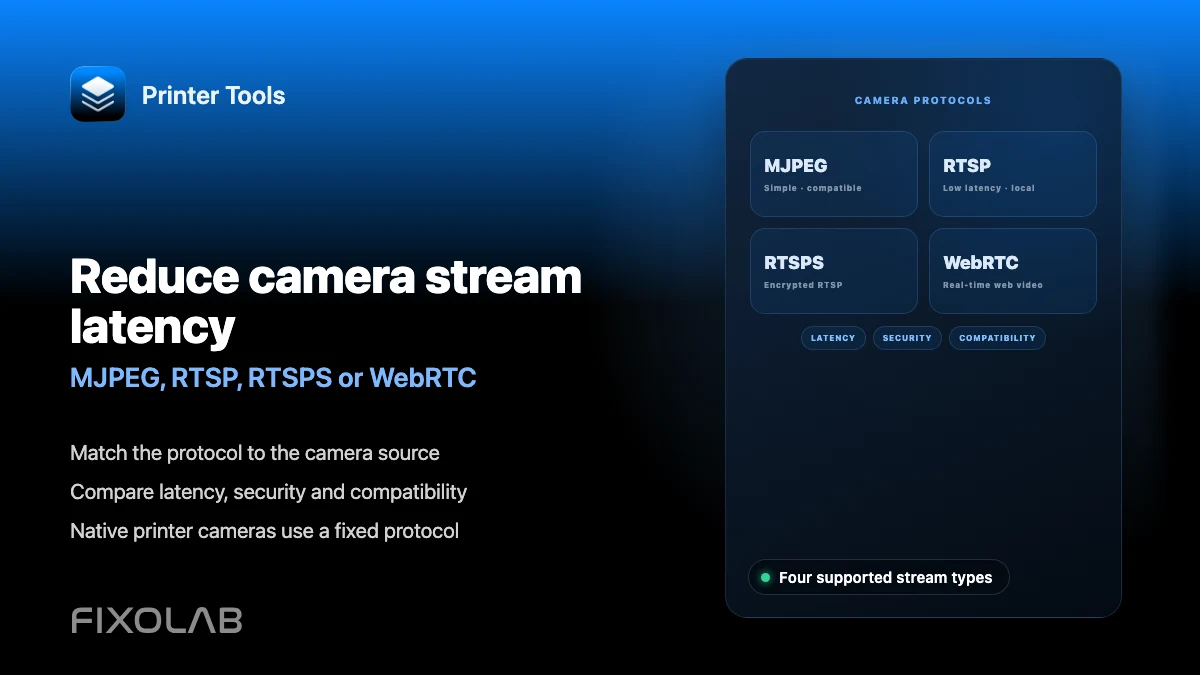
Reduce camera stream latency (MJPEG, RTSP, RTSPS or WebRTC)
Match the protocol to the camera source. Compare latency, security and compatibility. Native printer cameras use a fixed protocol.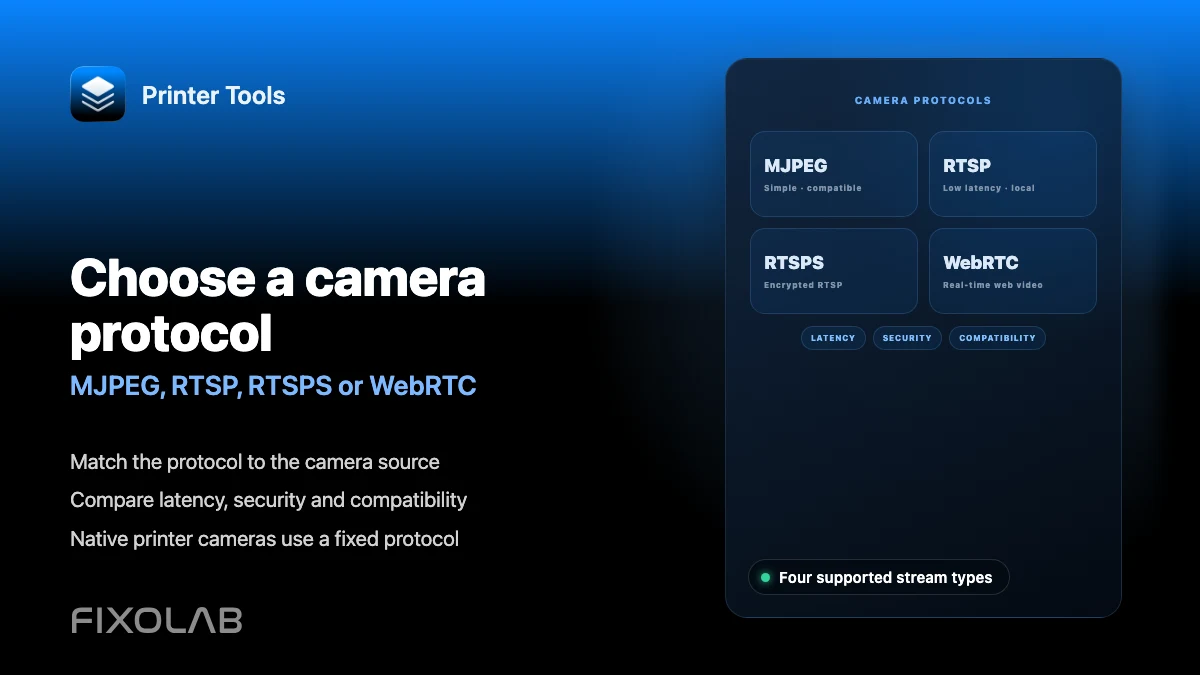
| FixoLab
Choosing MJPEG, RTSP, RTSPS or WebRTC for a 3D printer camera
Understand how MJPEG, RTSP, RTSPS and WebRTC differ and which ones Printer Tools uses for native and external cameras.
| FixoLab
How to add an external IP camera to a 3D printer in Printer Tools
Add an independent IP camera to Printer Tools over HTTP, MJPEG, RTSP, RTSPS, TCP JPEG, WebRTC or ONVIF discovery.
| FixoLab
Fix camera stream dropouts (Troubleshoot buffering and disconnects)
Open the stream URL in a browser first. Check proxy, path and local network access. Status can work even when video does not.