Using Mainsail and Fluidd with Printer Tools through Moonraker
Mainsail, Fluidd and Printer Tools
The short answer
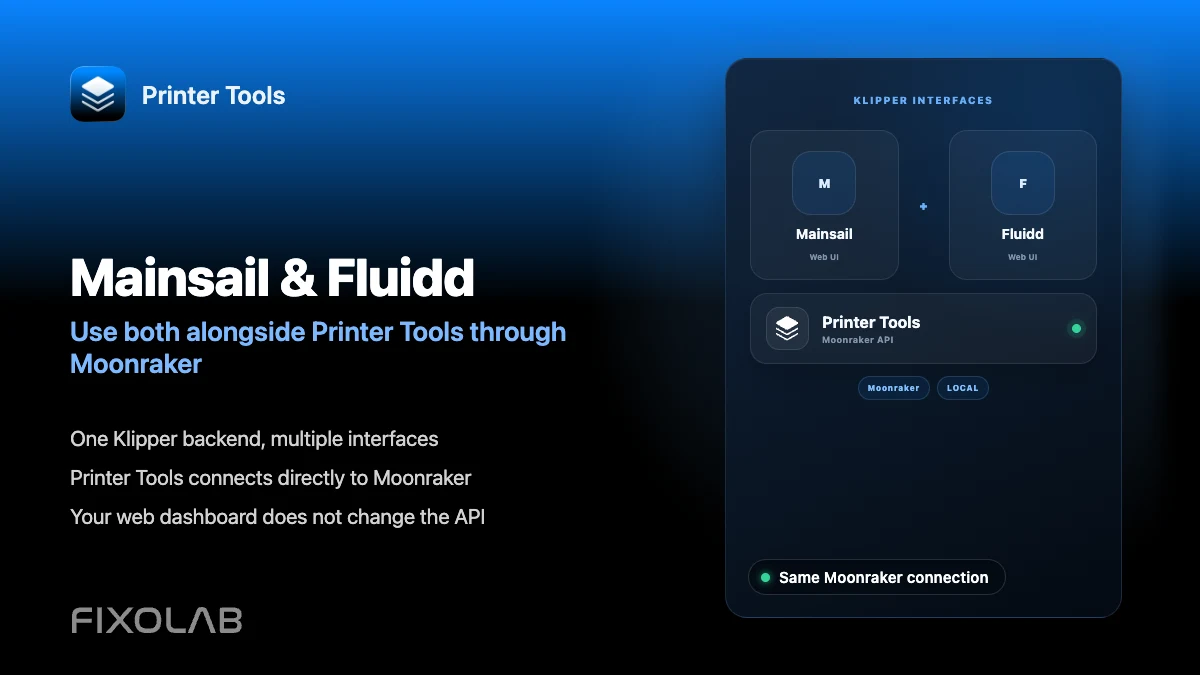
Mainsail and Fluidd are both open source web interfaces for Moonraker, and Printer Tools is a separate, independent client of that same Moonraker instance. All three can run against the same printer at once, since a change made through one is simply a change to Moonraker's data, which every connected client sees.
What you need
- A Klipper printer with Moonraker installed and reachable
- Mainsail or Fluidd installed if you plan to keep using either for configuration or console access
- Printer Tools installed on Android, iPhone, iPad or Mac
- The same credentials across every client if your Moonraker setup requires authentication
Use Printer Tools alongside Mainsail or Fluidd
- 1
Keep your existing web interface installed
If you already use Mainsail or Fluidd for editing printer.cfg, running console commands or managing macros, there is no need to remove it when adding Printer Tools.
- 2
Add the same Moonraker host in Printer Tools
Connect the printer in Printer Tools using its own connection flow, entering the same local address you use to reach Mainsail or Fluidd in a browser.
- 3
Match authentication across clients
If Moonraker requires an API key, Bearer token or Basic Auth, use the same credentials in Printer Tools that already work in your browser-based interface.
- 4
Split the work between tools
Use Printer Tools for day-to-day mobile monitoring, quick pause or resume actions and notifications, and keep Mainsail or Fluidd open on a computer for deeper configuration, macro editing and console access.
- 5
Confirm changes appear everywhere
A profile loaded, a spool selected or a setting changed in one client should be visible the next time you open another, since all three read from the same Moonraker state.
Printer Tools next to a Moonraker web interface
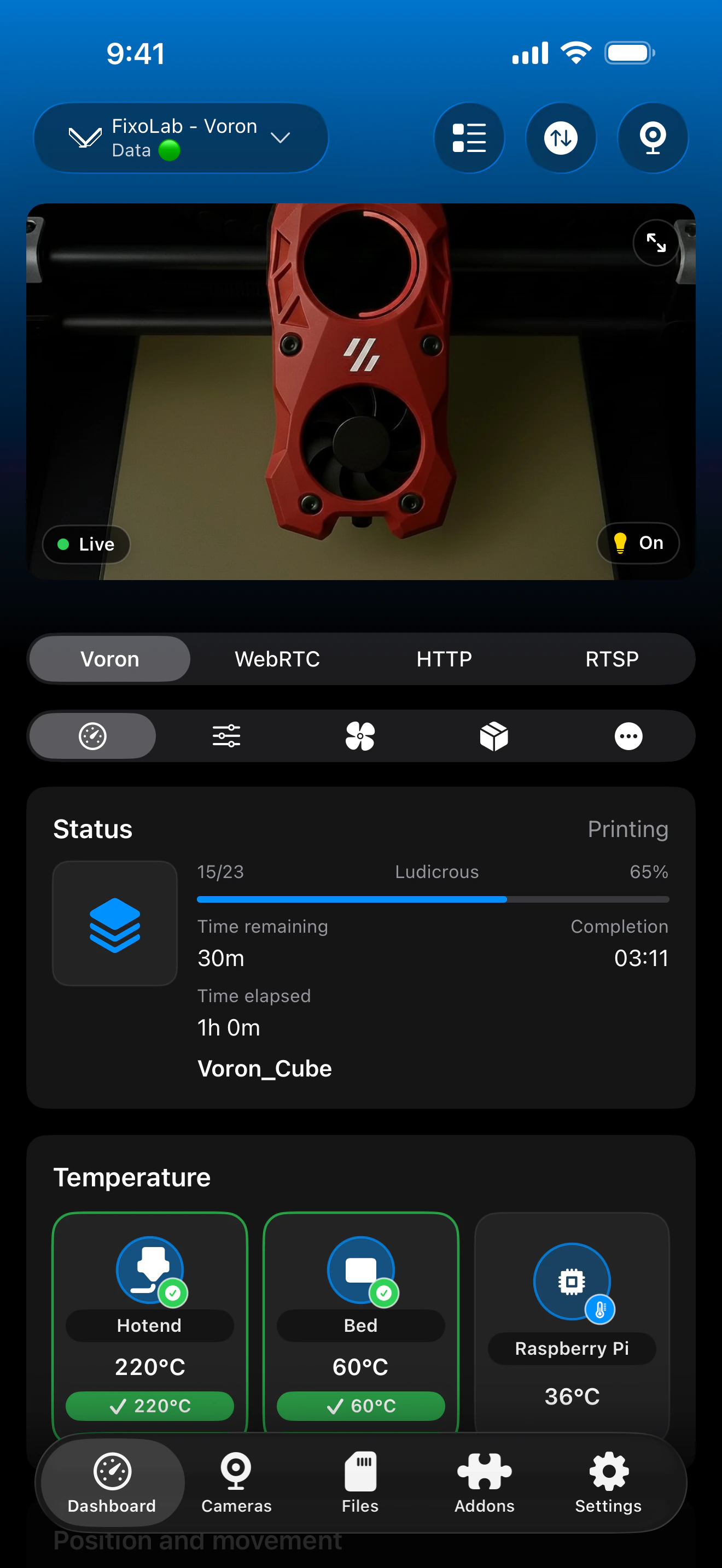
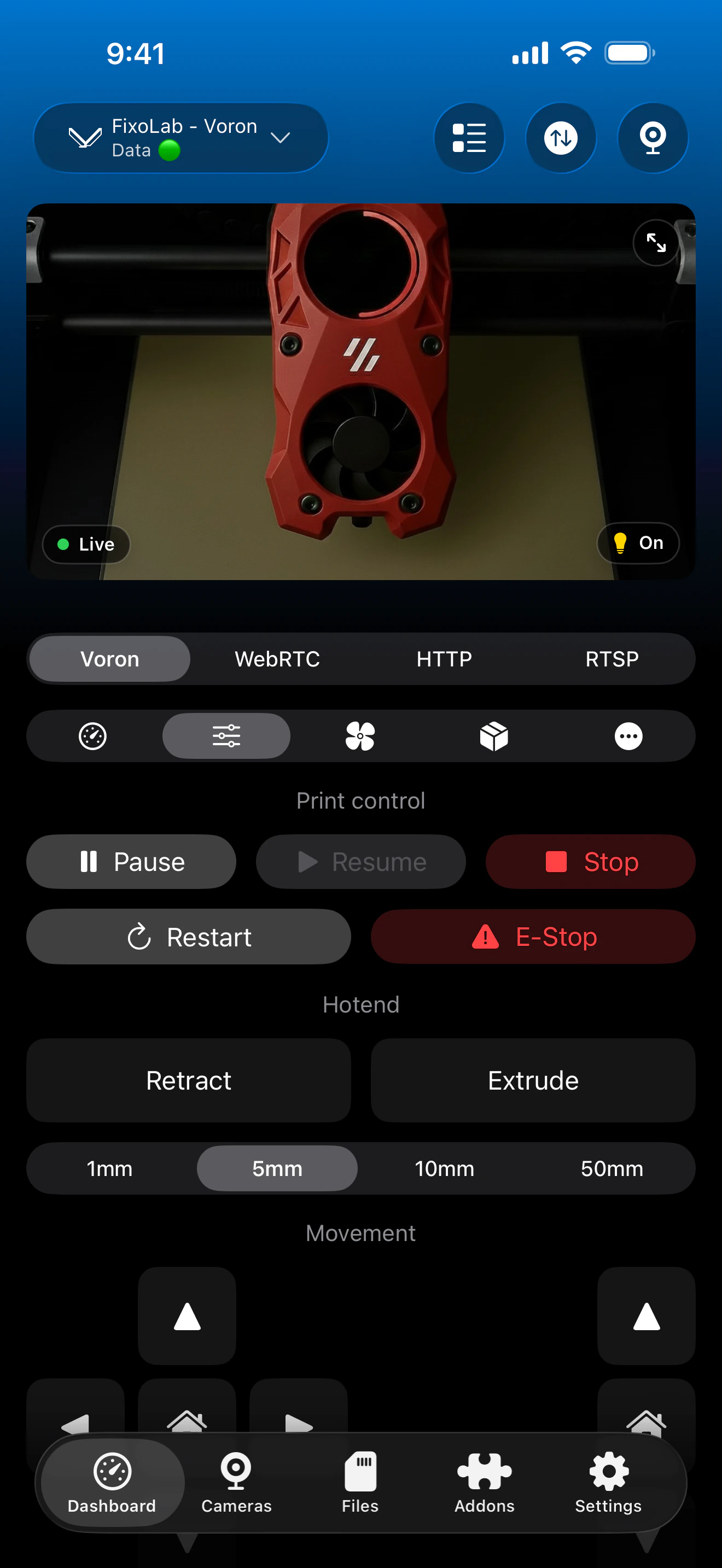
Printer Tools and a Moonraker web interface can stay open at the same time, both reflecting the same live printer state.
What stays consistent across all three
- Print status, progress and temperatures, since all three read the same live Moonraker objects
- Bed Mesh profiles and Spoolman data, when either is configured on the shared Moonraker instance
- File listings and print history reported by Moonraker
- Pause, resume, stop and standard controls, regardless of which client issued the command
What Printer Tools does not replace
- Editing printer.cfg directly is not part of Printer Tools; that still requires Mainsail, Fluidd or direct file access
- A full Klipper console for running arbitrary custom commands is not available in Printer Tools
- Plugin ecosystems specific to Mainsail or Fluidd do not carry over into Printer Tools' dashboard
Common multi-client issues
A setting changed in Fluidd does not appear in Printer Tools
Refresh or reopen the printer in Printer Tools. If it still does not match, confirm both clients are actually pointed at the same Moonraker host and not two different printers.
Authentication works in the browser but not in Printer Tools
Browser interfaces may rely on a stored session rather than the static API key, Bearer token or Basic Auth credential Printer Tools needs entered directly.
Running multiple clients seems to slow Moonraker down
Moonraker is built to support several simultaneous clients, so this is uncommon. If it happens, check the host's own resource usage rather than assuming the clients conflict with each other.
Using all three remotely
A VPN back to your network lets any of these clients reach Moonraker the same way as at home. Printer Tools also supports OctoEverywhere and Obico for remote access without exposing Moonraker directly.
Frequently asked questions
Do I have to choose between Printer Tools and Mainsail or Fluidd?
No. They are independent clients of the same Moonraker instance and can be used together without conflict.
Which one should I use for daily monitoring?
Printer Tools is built for quick mobile checks and notifications. Mainsail and Fluidd remain useful on a computer for configuration and console work.
Will switching between them cause sync issues?
No. There is a single source of truth, Moonraker itself, so every client reflects the same underlying state.
Is there a real functional difference between Mainsail and Fluidd?
Both are actively maintained, open source Moonraker interfaces with different layouts and macro panel designs. The choice between them is mostly a matter of preference, not compatibility with Printer Tools.
Can I stop using a web interface entirely?
You can for day-to-day monitoring and control, but keeping one installed is still useful for tasks like editing printer.cfg or running console commands that Printer Tools does not cover.
Related guides
See full Klipper and Moonraker compatibility
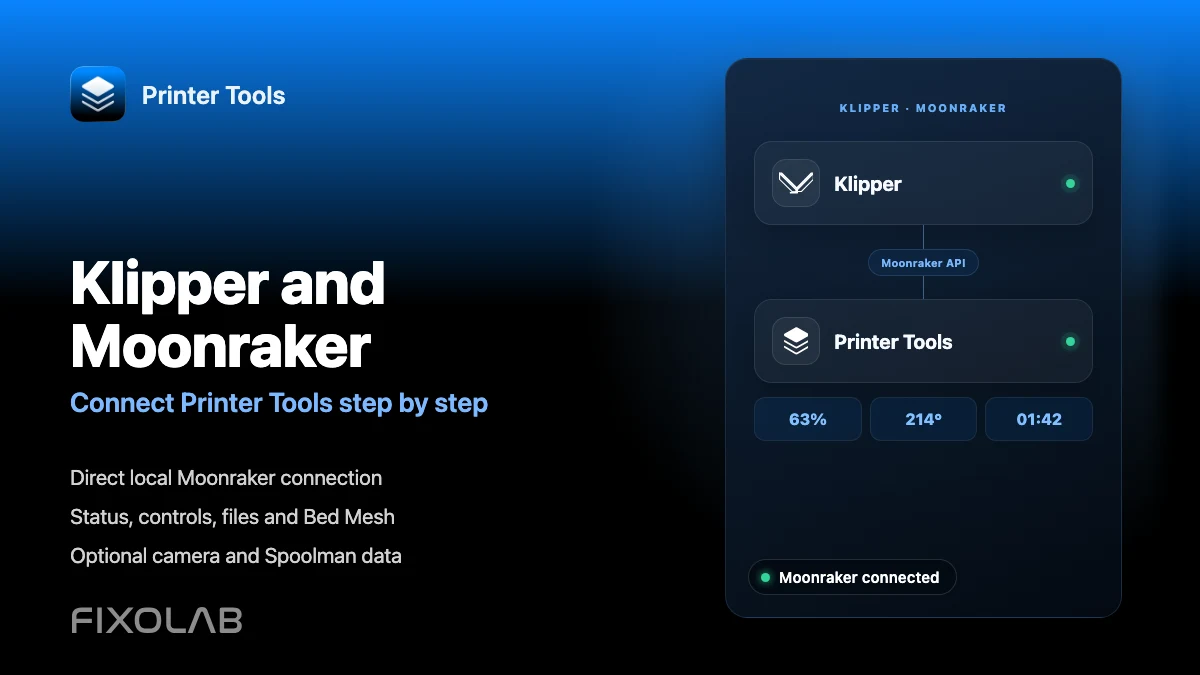
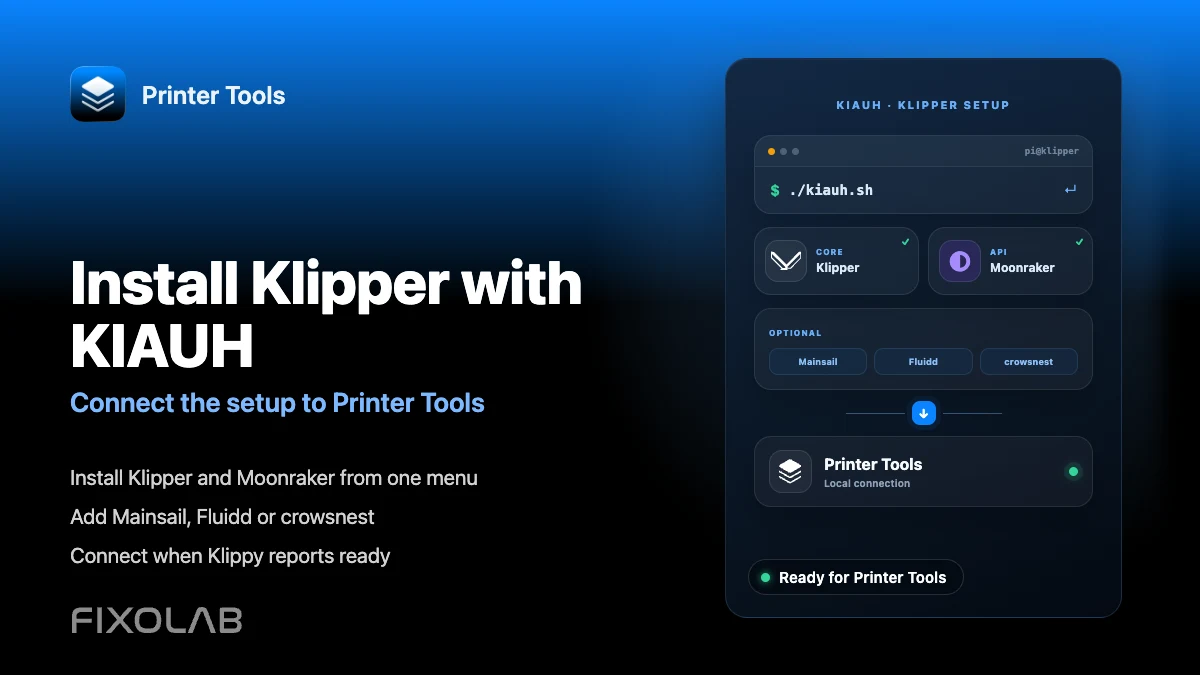
Review the supported Moonraker features, optional camera and Spoolman requirements, remote access choices and current limitations.
All your 3D printers in one dashboard
Monitor Bambu Lab, Klipper, OctoPrint, Creality, Snapmaker, Anycubic, Flashforge, Elegoo, and Prusa printers from one app
Available on Android, iPhone, iPad and Mac, with Apple Watch and Wear OS companion apps plus optional remote access through VPN, OctoEverywhere or Obico