App Store · Spain
It works
Honestly, it is so much better than Snapmaker's official app
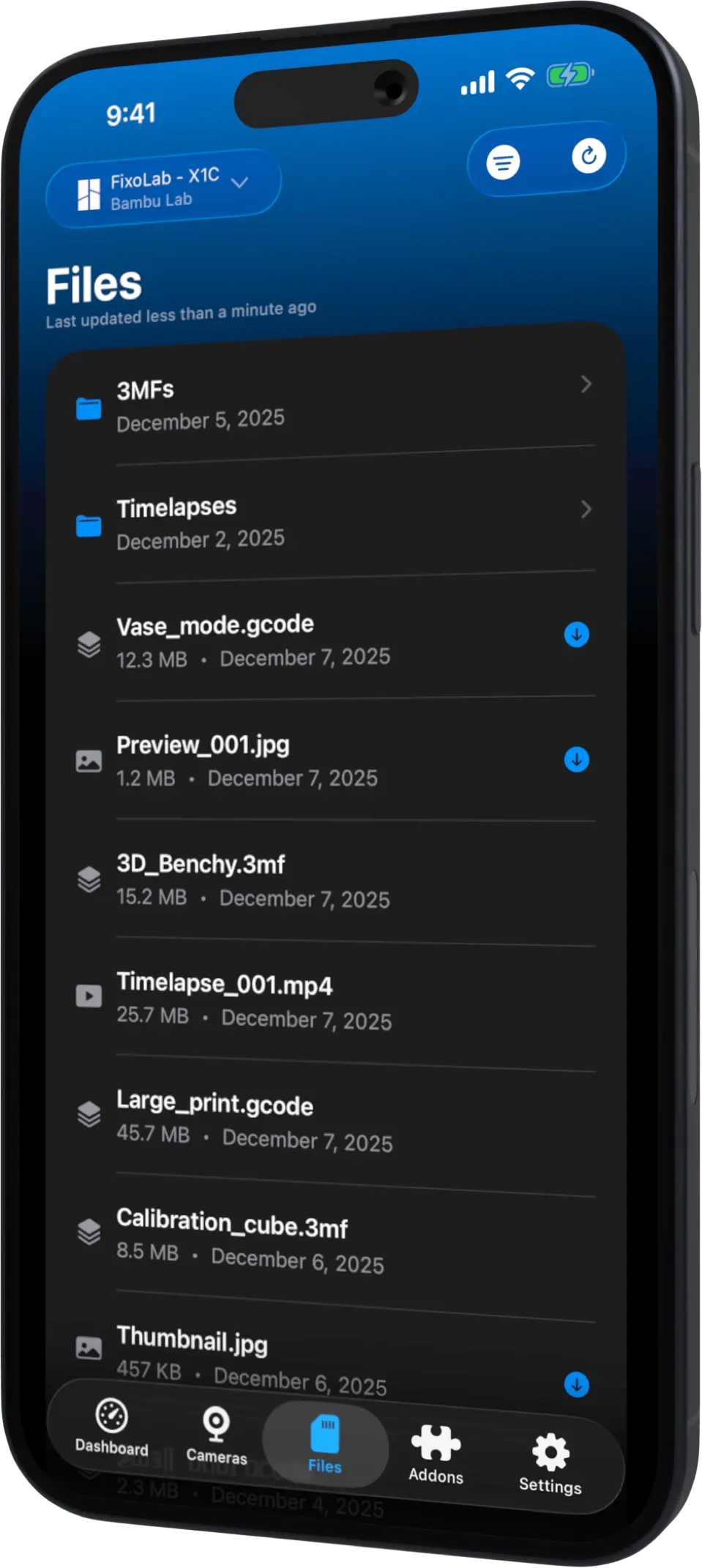
Connect Bambu Lab, Klipper, OctoPrint, Creality, Snapmaker, Anycubic, Flashforge, Elegoo, and Prusa 3D printers from anywhere. The definitive dashboard for your 3D printers
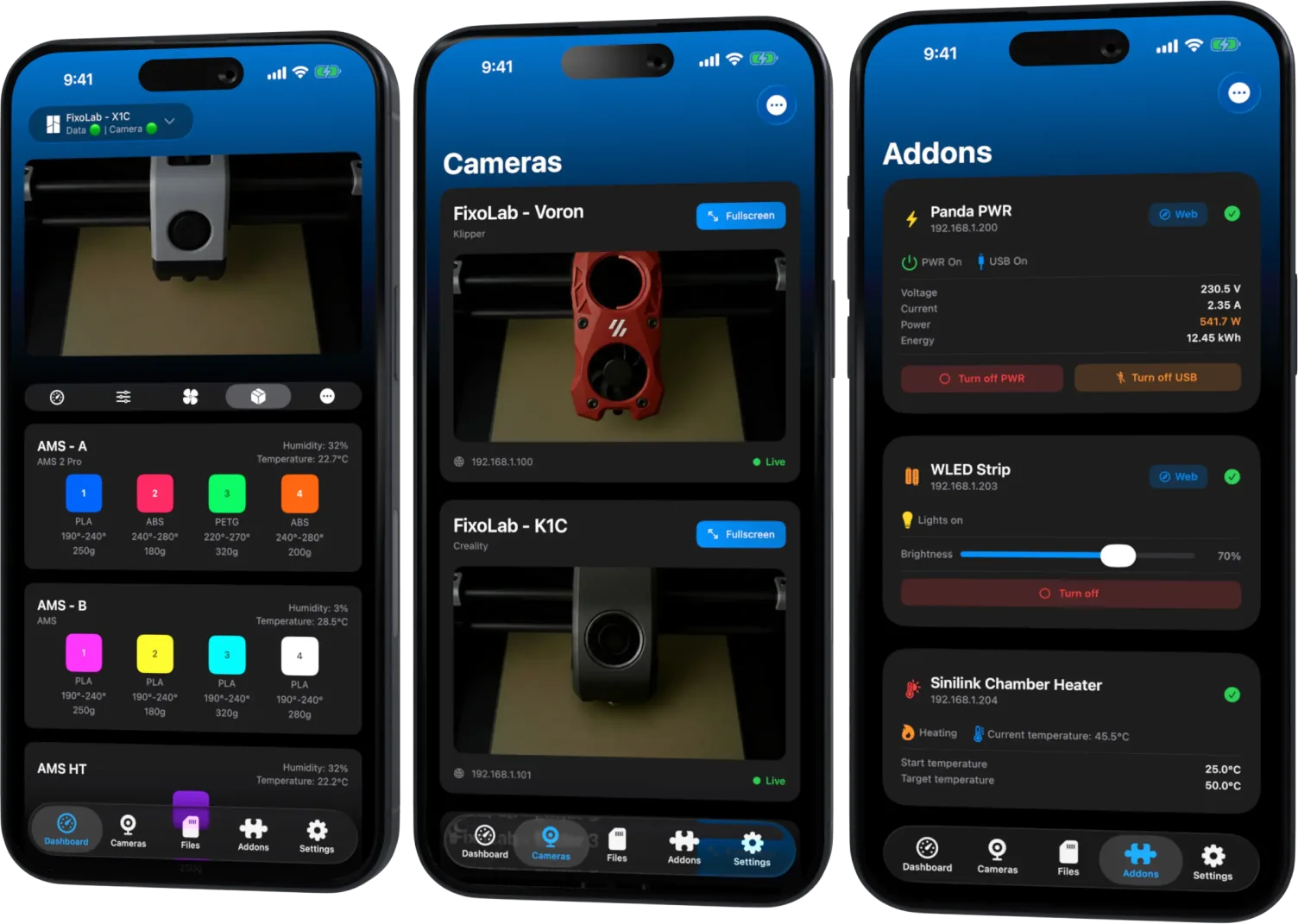
Explore the advanced features that will make your experience unique
Follow every print without opening the app. Progress, ETA and status stay live on your Lock Screen, Dynamic Island, StandBy, Apple Watch and CarPlay, updating in real time
Real ratings and reviews from Printer Tools users on the App Store and Google Play
Honestly, it is so much better than Snapmaker's official app
Finally, an app that lets you change the spools loaded in the Snapmaker U1
I love being able to see all my 3D printers in one place! The app looks great and feels great to use.
There is simply no comparison with the official app; I love it 😊
At last, I can have all my 3D printers in a single app
The only app that truly works; configured with Klipper, it works perfectly 👌🏻
At last, I can watch the live video without interruptions; it is amazing 💖
Now I can have all my 3D printers in the same app 💕💕
At last, I can control and view all my printers from one app: Bambu Lab X1C, Creality K1C, and the CR-10 with Klipper
I have a Bambu Lab H2C and a Creality K1C with Klipper, and both work well. Ironically, it lets me see the AMS 1 chamber temperature when the 3D printer's official app does not. I genuinely recommend giving it a try
The only app that works for viewing the video stream from my Snapmaker U1
Works perfectly with my Ender 3 running Klipper and my CR-10 Smart, also running Klipper
Fully compatible with my printer; the app is very smooth and simple to use.
Works well with my Creality K1C and my Bambu Lab X1C. I'll try it with the Ender 3
Available for Android, iOS, iPadOS, macOS and watchOS
Get the latest news, updates, and exclusive offers from Printer Tools in your inbox