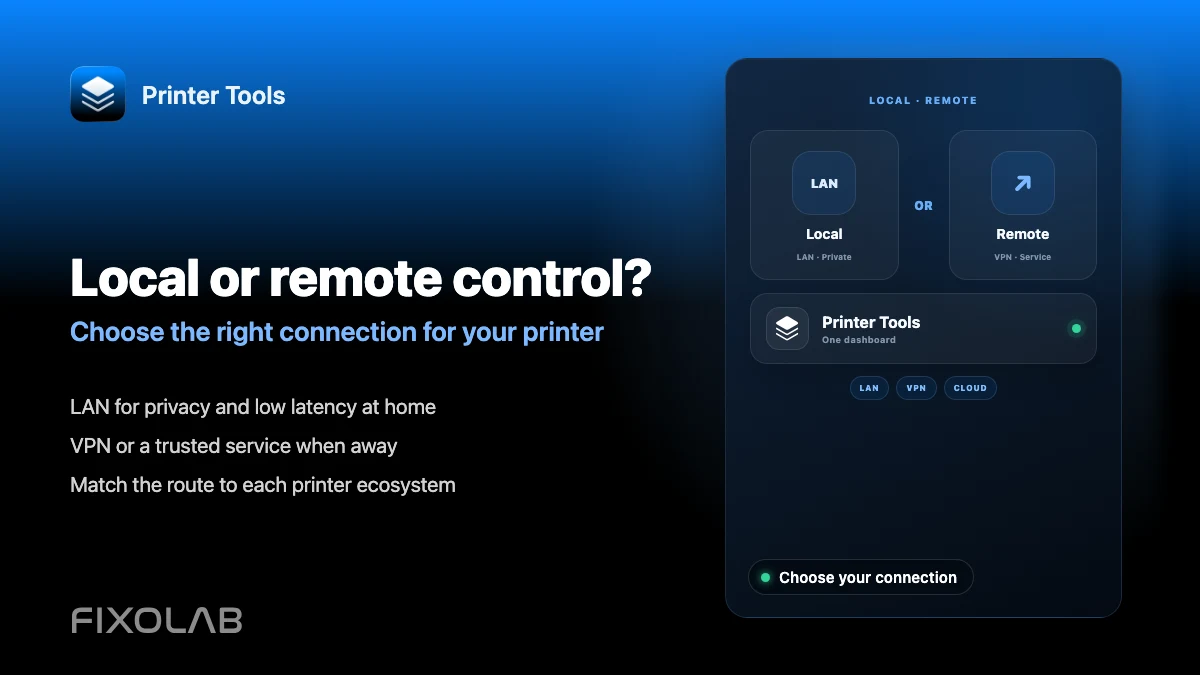
Choosing local 3D printer control or remote access with VPN, OctoEverywhere, Obico and cloud
Choosing how to reach your printer
The short answer
Printer Tools always talks to your printer's local API first. For access away from home, a VPN back to your network keeps everything local-first but needs your own setup, while OctoEverywhere or Obico add secure remote access with far less configuration, and a manufacturer's own cloud app trades some privacy and control for the simplest setup of all.
What to weigh before choosing
- Whether you want to avoid depending on a third-party service at all
- How comfortable you are configuring and maintaining a VPN yourself
- Which systems you actually run, since OctoEverywhere and Obico support different combinations
- Whether remote camera viewing and remote Live Activities matter to you
Decide which option fits you
- 1
Start from local-only if privacy is the priority
If you do not need access away from home, a purely local setup avoids any third-party service entirely, keeping every connection inside your own network.
- 2
Add a VPN if you already use one
A VPN back to your home network extends the same local-first connection to anywhere you have internet access, without introducing a new account, at the cost of setting up and maintaining that VPN yourself.
- 3
Choose OctoEverywhere for a purpose-built option
OctoEverywhere is designed specifically for remote 3D printer access, supports Bambu Lab, Klipper, OctoPrint and PrusaLink, and also powers remote Lock Screen and Dynamic Island Live Activities on iOS.
- 4
Choose Obico if you want AI failure detection too
Obico offers similar remote access for Klipper and OctoPrint through its own cloud or self-hosted tunnel, along with its own print failure detection, though it does not currently power remote Live Activities in Printer Tools.
- 5
Use the manufacturer's cloud app only if that trade-off is acceptable
A manufacturer's own app, such as Bambu Handy for Bambu Lab printers, offers remote access with the least setup, but keeps your printer connected to that company's cloud rather than the local-first model Printer Tools uses.
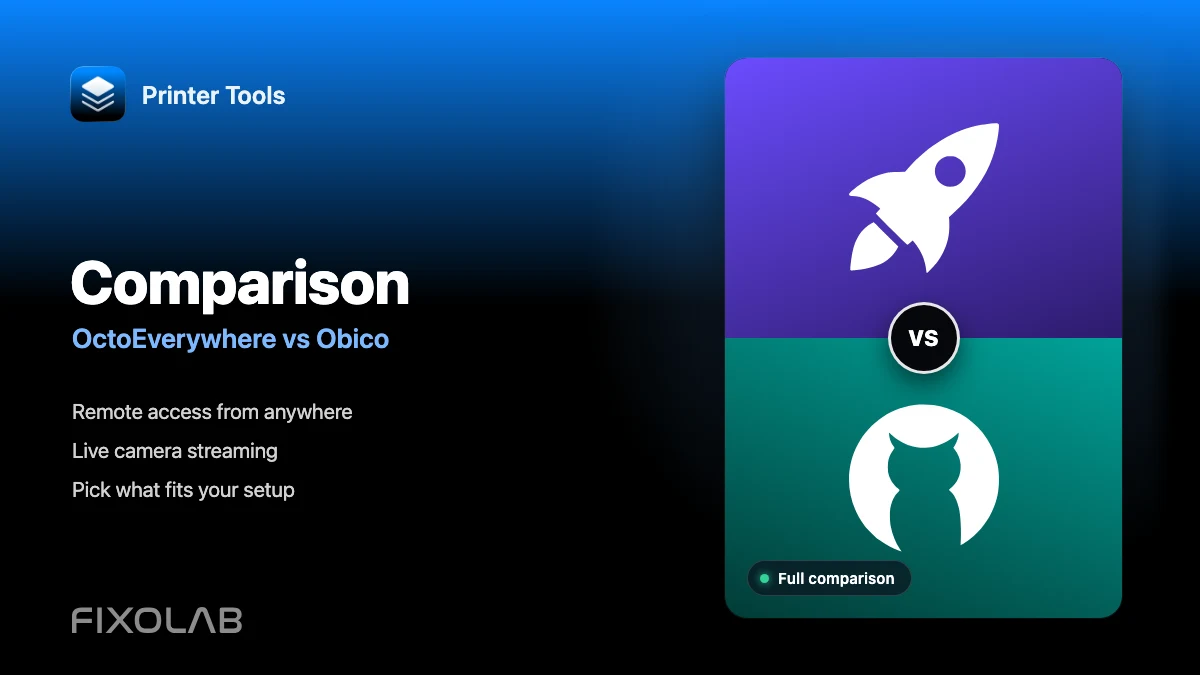
Comparing remote access options
Every option still relies on Printer Tools' local-first connection when you are on the same network as the printer.
| Option | Setup effort | Works with | Remote Live Activities |
|---|---|---|---|
| VPN back to your network | You manage it yourself | Any system Printer Tools supports | No |
| OctoEverywhere | Low, guided by OctoEverywhere | Bambu Lab, Klipper, OctoPrint, PrusaLink | Yes |
| Obico | Low, guided by Obico | Klipper, OctoPrint | No |
| Manufacturer cloud app | Lowest, built into that app | Depends on the manufacturer | Not applicable |
Remote access choices in Printer Tools
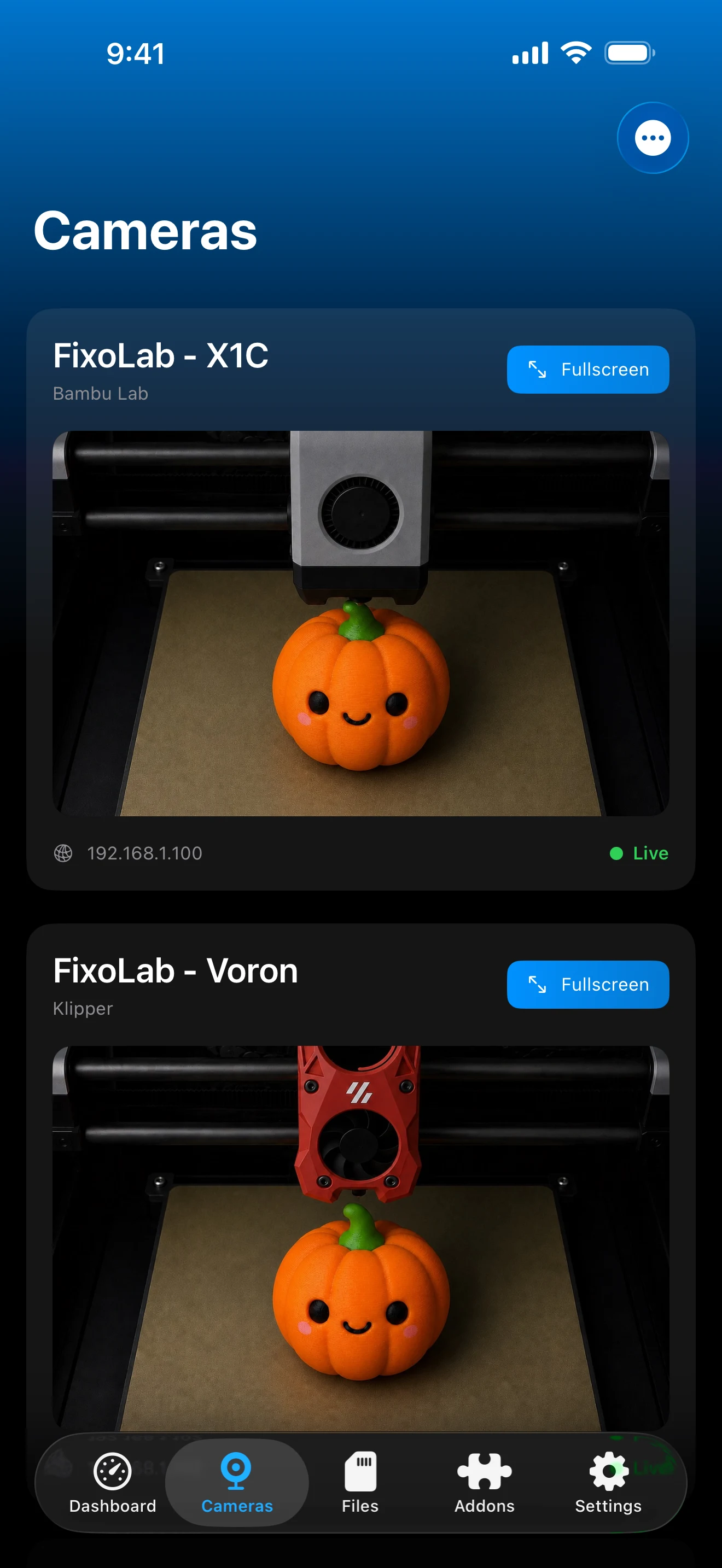
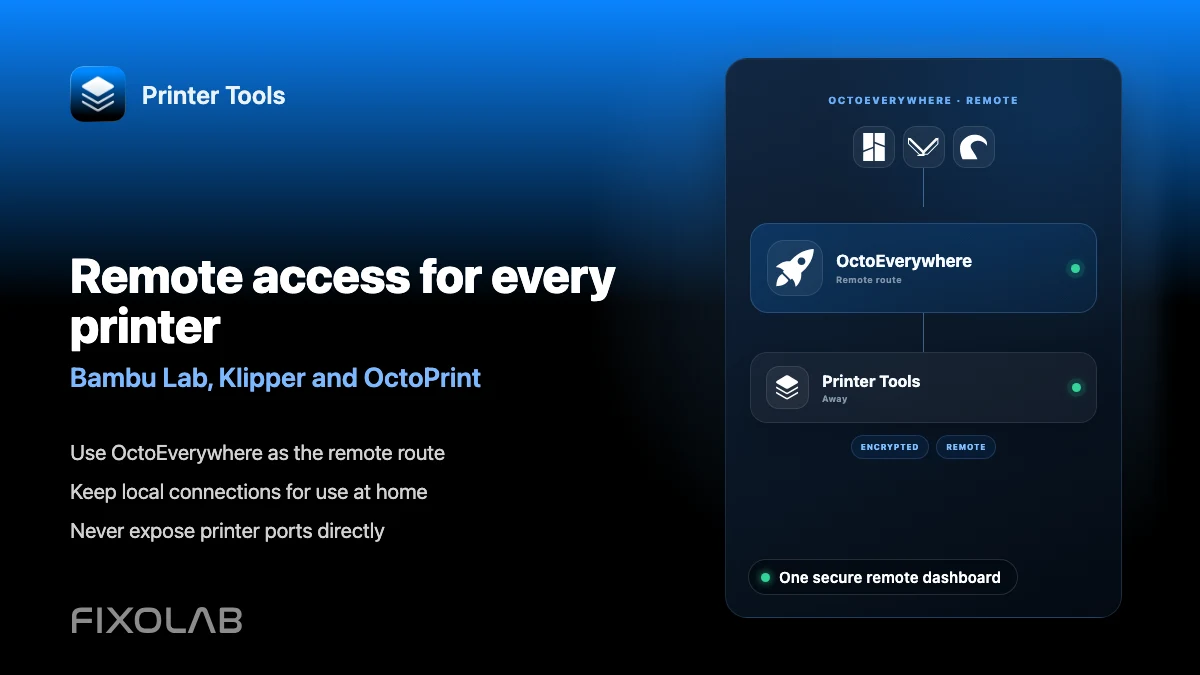
Each remote access option is added per printer, alongside the local-first connection Printer Tools always uses when possible.
What stays true across every option
- Printer Tools never requires a manufacturer cloud account to use local monitoring and control
- The local connection is used automatically whenever the phone and printer share a network
- Remote options can be combined, for example OctoEverywhere for one printer and a VPN for another
What to keep in mind
- A VPN adds a maintenance burden that OctoEverywhere and Obico avoid
- OctoEverywhere and Obico both depend on their own service staying available
- A manufacturer's cloud app is a separate product from Printer Tools with its own privacy trade-offs
Common decision questions
I only need access away from home occasionally
A VPN you already use for other purposes may be enough, avoiding a dedicated new account just for the printer.
I run both Klipper and Bambu Lab printers
OctoEverywhere covers both systems under one account, which is simpler than mixing a VPN for one and a manufacturer app for the other.
I want the least third-party involvement possible
Stay local-only when you do not need remote access, or use a VPN you control end to end instead of a hosted tunnel service.
You can change your mind later
Adding or removing OctoEverywhere or Obico for a specific printer does not affect its local connection in Printer Tools, so switching approaches later is straightforward.
Frequently asked questions
Do I have to pick just one remote access method?
No. Different printers can use different remote options, and a VPN can also be used alongside OctoEverywhere or Obico if you prefer.
Does using a manufacturer's cloud app affect Printer Tools' local connection?
No. Printer Tools connects to your printer's local API independently of whether that printer also stays linked to its manufacturer's cloud for its own app.
Is local-only realistic if I travel often?
It depends on how often you need remote access. Many users combine local-first monitoring at home with OctoEverywhere or a VPN specifically for travel.
Which option is most private?
A VPN back to your own network keeps every connection inside infrastructure you control. OctoEverywhere and Obico both route traffic through their own hosted services instead.
Related guides
Read the full privacy and local control overview
See how Printer Tools keeps communication local-first and where OctoEverywhere, Obico and a VPN fit into that model.
All your 3D printers in one dashboard
Monitor Bambu Lab, Klipper, OctoPrint, Creality, Snapmaker, Anycubic, Flashforge, Elegoo, and Prusa printers from one app
Available on Android, iPhone, iPad and Mac, with Apple Watch and Wear OS companion apps plus optional remote access through VPN, OctoEverywhere or Obico