How VLANs, guest Wi-Fi and client isolation block printer connections
A phone and printer can both have internet access and still be unable to talk to each other. Guest Wi-Fi, client isolation and VLAN firewalls are designed to prevent local devices from initiating direct connections, which is exactly what Printer Tools needs for local monitoring.
The goal is not to remove all segmentation. It is to allow a deliberate, narrow path from a trusted client to the printer services you use.

All your 3D printers in one dashboard
Monitor Bambu Lab, Klipper, OctoPrint, Creality, Snapmaker, Anycubic, Flashforge, Elegoo, and Prusa printers from one app
Available on Android, iPhone, iPad and Mac, with Apple Watch and Wear OS companion apps plus optional remote access through VPN, OctoEverywhere or Obico
Guest Wi-Fi usually blocks local clients
Guest networks commonly allow DNS and internet traffic while denying access to private addresses and other wireless clients. If the phone is on guest Wi-Fi, it may not reach a printer on the main LAN. If the printer is the guest device, incoming local connections may also be denied.
Move both to the main LAN for a control test. If the connection works, the app and credentials were not the root cause.
Client isolation can apply on one access point
Wireless isolation prevents two clients on the same SSID from communicating. It can be enabled globally, per SSID or per access point. A printer connected to one mesh node and a phone on another may be affected by controller policy.
Disable isolation only on a trusted SSID that needs local device access. Do not turn a public guest network into a general bridge.
VLAN routing needs explicit rules
An IoT VLAN is useful, but the firewall must allow established responses from the printer and the required client-initiated flows. Different integrations use different ports and discovery mechanisms, so copying one broad rule is a poor substitute for documenting what is needed.
Prefer rules from a trusted user network to specific printer addresses and services. Deny initiation from the IoT VLAN back into the trusted network unless a verified feature requires it.
Discovery and direct connection differ
Multicast or broadcast discovery may fail across VLANs even when a known IP address works. ONVIF discovery and some setup flows rely on local discovery traffic, while a saved unicast connection can use an explicitly routed address.
You can add a known address manually or configure a carefully scoped discovery reflector. Do not enable unrestricted multicast flooding without understanding its effect.
VPNs can replace local routes
Some consumer VPNs send all traffic into the tunnel and block LAN access. Temporarily disable the VPN for a local test, or enable its documented local-network option.
For remote access back home, a different VPN design intentionally routes the printer subnet. Verify that it does not overlap with the network where the phone is currently connected.
Diagnose with a small matrix
Test the same printer from the main LAN, the segmented LAN and the intended VPN path. Record whether dashboard, files and camera work. The result identifies which policy blocks which service.
Never solve a local firewall issue by forwarding printer ports publicly. Use a stable local IP address and narrow internal rules.
Frequently asked questions
Why does Bambu Handy work while Printer Tools does not?
The cloud path can work even when the router blocks direct local traffic.
Must phone and printer use the same Wi-Fi band?
No. They need a routed and permitted path, not necessarily the same radio band.
Can discovery fail while a saved IP works?
Yes. Multicast discovery and direct unicast traffic are handled differently.
Should I disable the VLAN firewall?
No. Add the smallest verified rules needed for the intended local services.
Official sources: Bambu Lab Wiki — Printer network ports (discovery) · ONVIF — Profile S
All your 3D printers in one dashboard
Monitor Bambu Lab, Klipper, OctoPrint, Creality, Snapmaker, Anycubic, Flashforge, Elegoo, and Prusa printers from one app
Available on Android, iPhone, iPad and Mac, with Apple Watch and Wear OS companion apps plus optional remote access through VPN, OctoEverywhere or Obico
| FixoLab
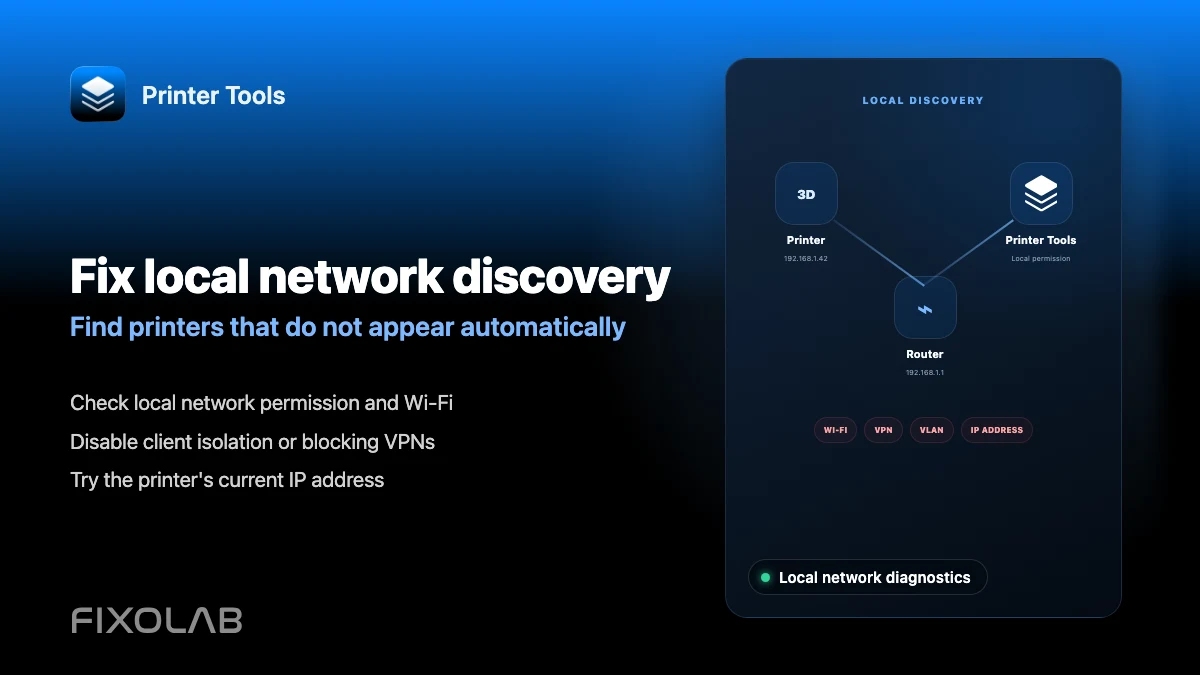
How to fix local network discovery problems in Printer Tools
Fix printer connection failures caused by client isolation, VLANs, VPNs and the iOS local network permission in Printer Tools.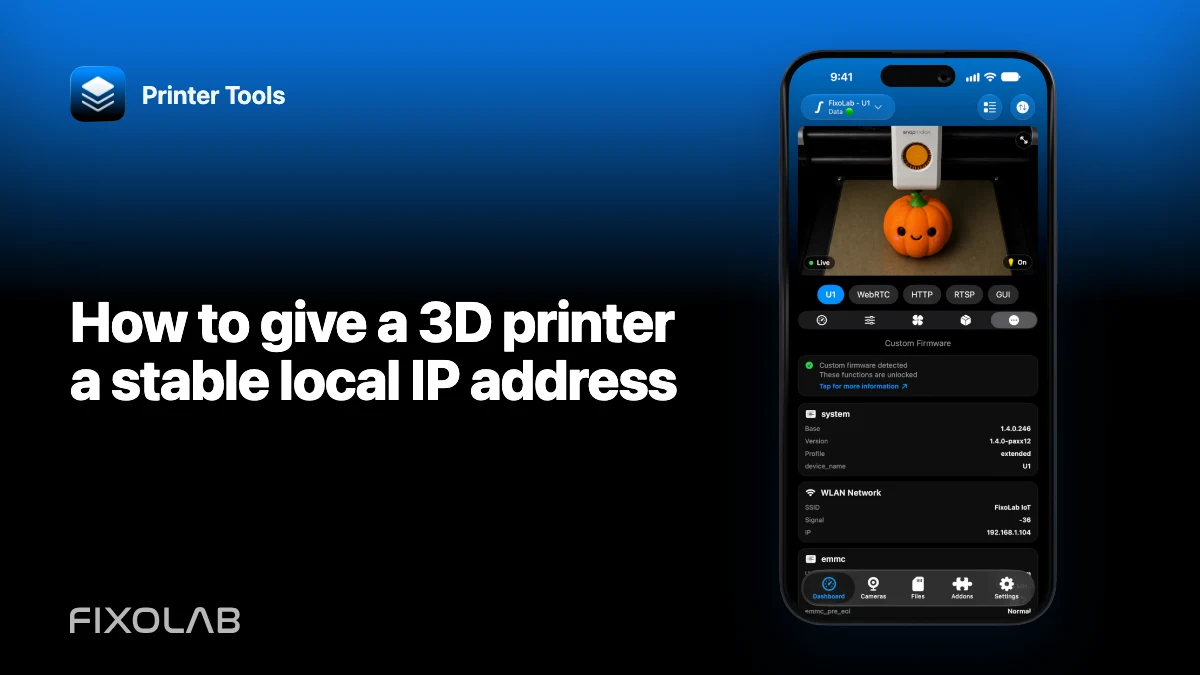
| FixoLab
How to give a 3D printer a stable local IP address
Use a router DHCP reservation to keep a printer connection stable without exposing ports or guessing an unsupported static network configuration.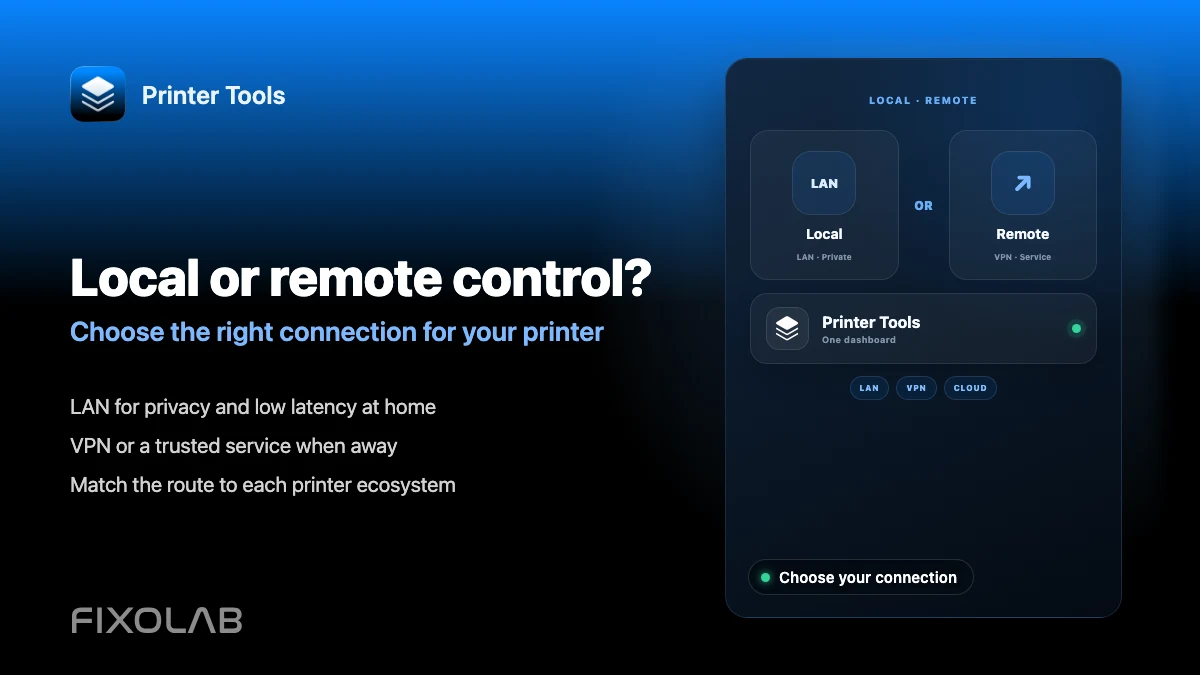
| FixoLab
Choosing local 3D printer control or remote access with VPN, OctoEverywhere, Obico and cloud
Compare local-only control, a VPN, OctoEverywhere, Obico and a manufacturer cloud app for reaching your 3D printer remotely.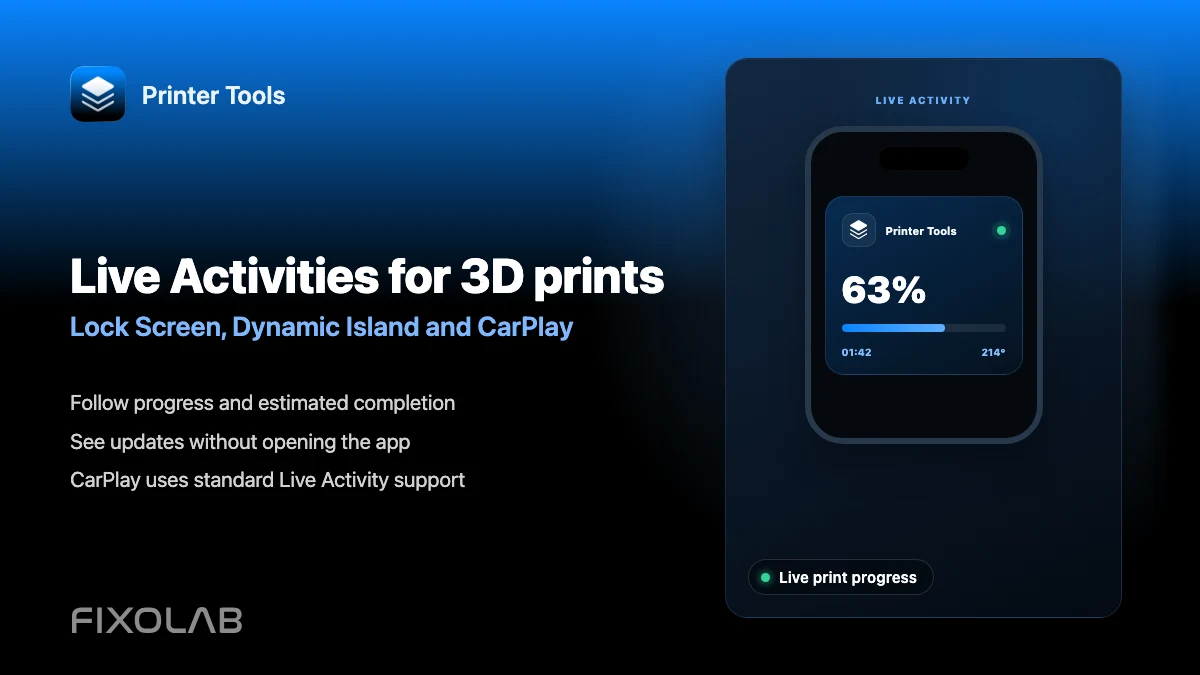
| FixoLab
How to follow 3D prints with Live Activities, Dynamic Island and CarPlay
Set up Printer Tools Live Activities for a print's progress on the Lock Screen, Dynamic Island, CarPlay and StandBy.