Using Bambuddy alongside Printer Tools for Bambu Lab filament management
Bambuddy alongside Printer Tools
The short answer
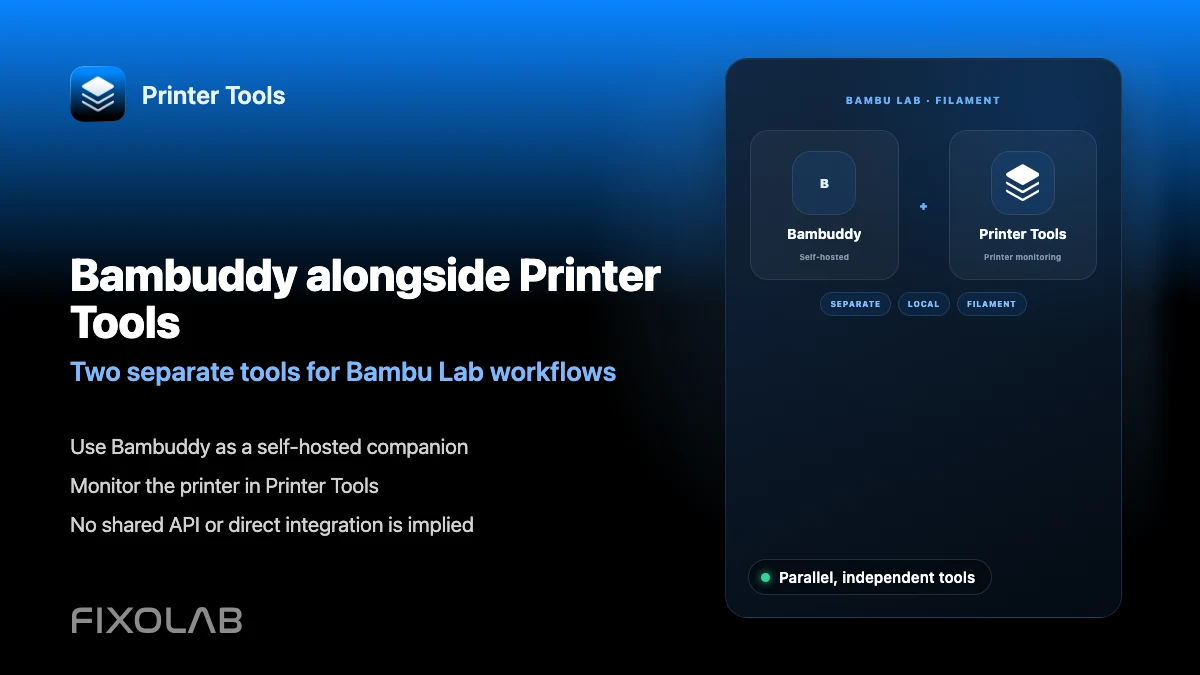
Bambuddy is an independent, self-hosted, open source command center for Bambu Lab printers, with no shared account or API connection to Printer Tools. The two can be used side by side, Bambuddy for its own self-hosted filament and printer management tools on a computer, and Printer Tools for local, mobile-first monitoring and control on Android, iPhone, iPad and Mac.
What you need
- A Bambu Lab printer already connected in Printer Tools using its local IP, Serial Number and Access Code
- A separate computer or server to self-host Bambuddy, if you choose to run it
- No shared login between the two, since they do not integrate with each other
Use both tools together
- 1
Keep your Bambu Lab printer connected in Printer Tools
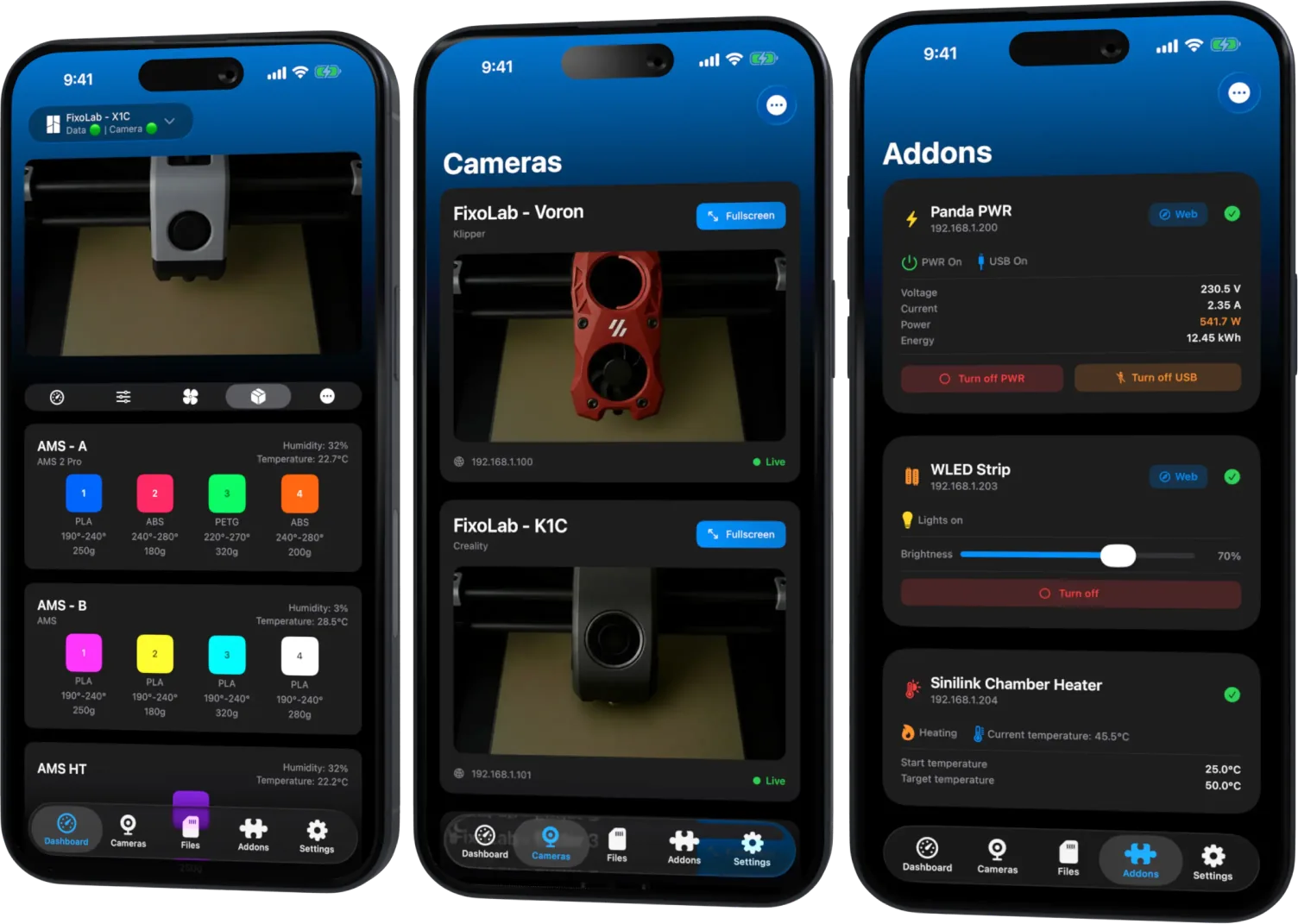
Use Printer Tools for day-to-day mobile monitoring and control, including status, AMS information the firmware reports, and camera viewing, following the standard local LAN connection.
- 2
Set up Bambuddy separately if you want it
Follow Bambuddy's own self-hosting instructions on a computer or server if you want its independent filament and printer management tools, since Printer Tools does not install or configure it.
- 3
Use each tool for what it does best
Rely on Printer Tools for mobile-first monitoring and control away from a computer, and on Bambuddy for whatever self-hosted management workflow it provides on its own.
- 4
Do not expect data to sync between them
Any spool or filament record entered in Bambuddy stays in Bambuddy, and anything tracked in Printer Tools stays in Printer Tools, since there is no shared backend between the two.
Printer Tools next to a self-hosted tool
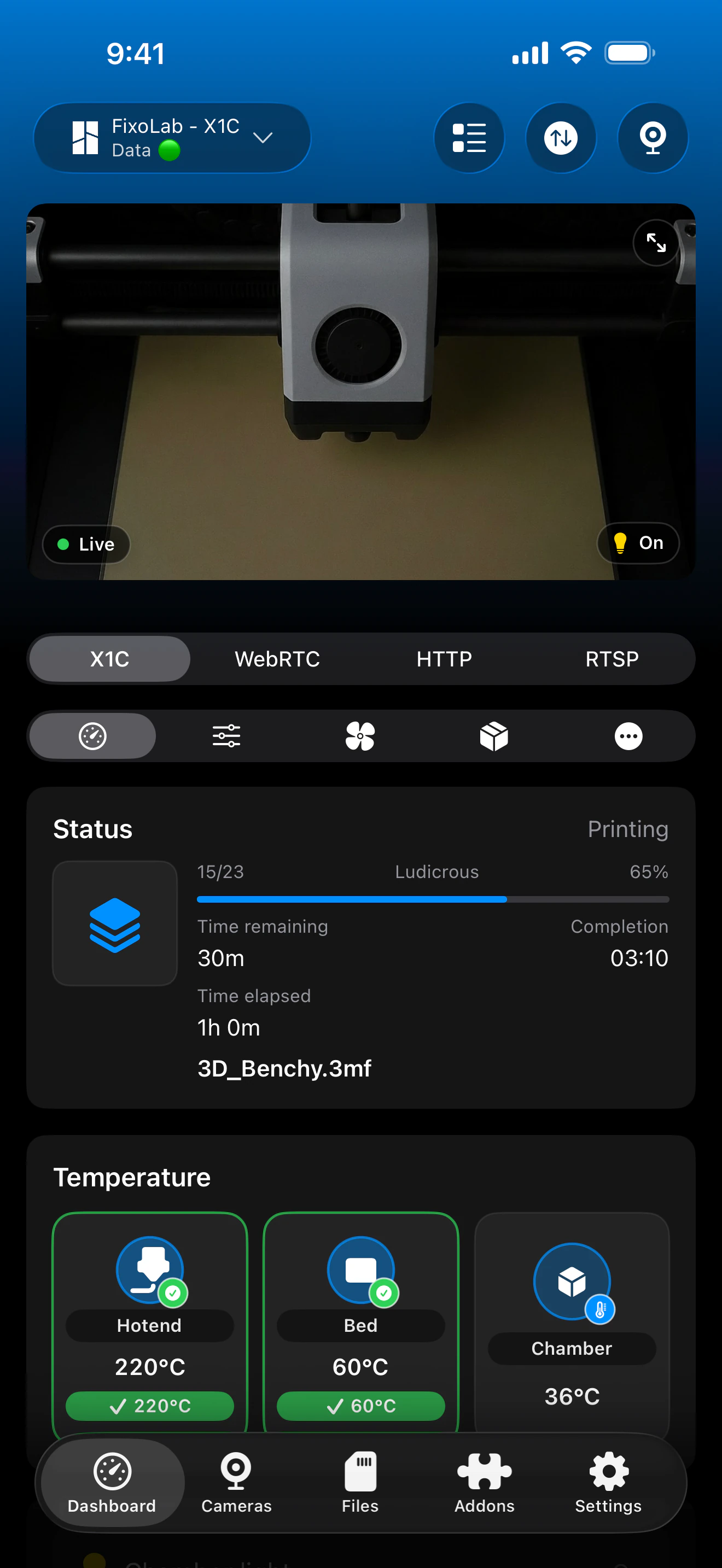
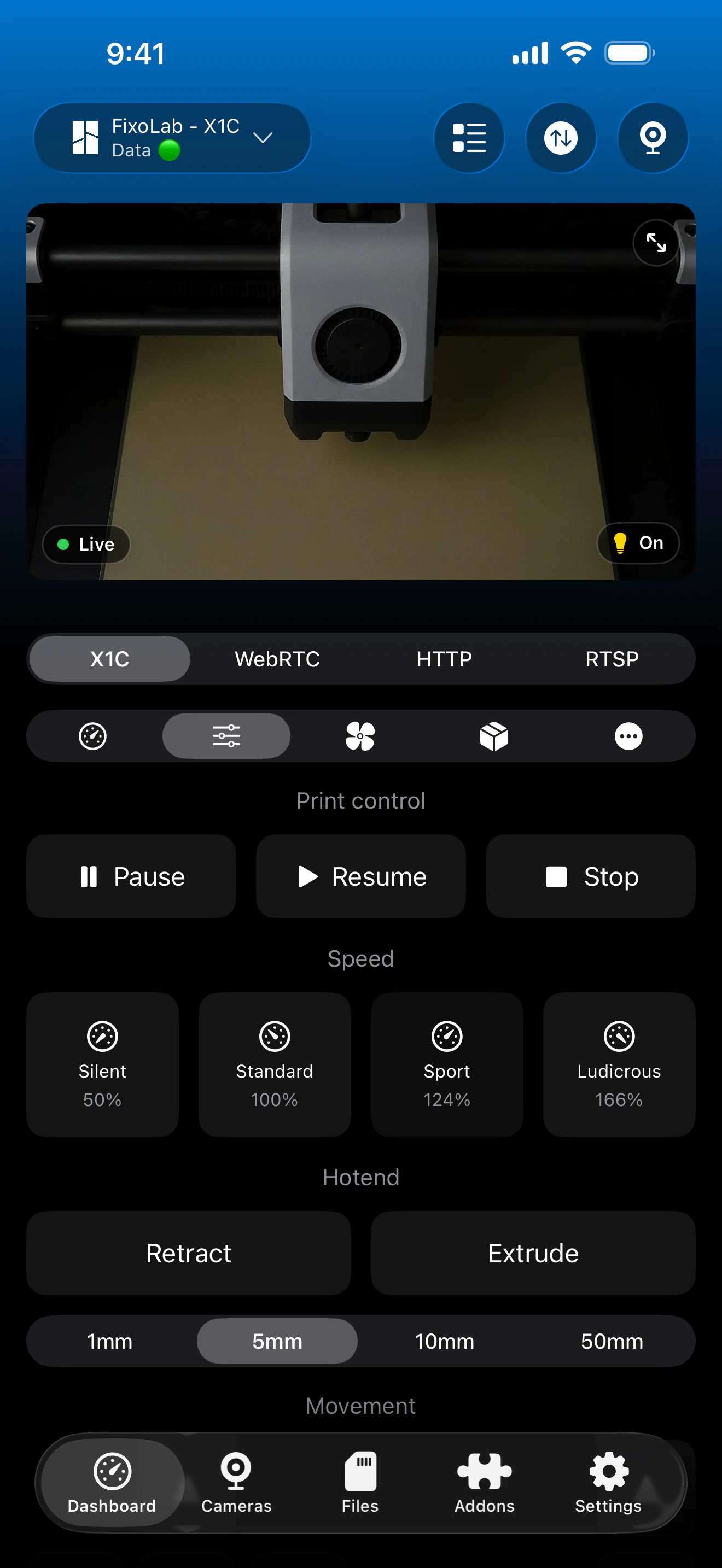
Printer Tools connects to the Bambu Lab printer directly and independently of any other self-hosted software you may also run.
What Printer Tools itself provides
- Local LAN connection to Bambu Lab printers with live status and AMS information the firmware reports
- Camera viewing over RTSPS or TCP JPEG depending on the model
- File browsing over FTPS, with thumbnails where the firmware exposes them
- Mobile-first monitoring and control on Android, iPhone, iPad and Mac
What this is not
- There is no API connection, plugin or data sharing between Printer Tools and Bambuddy
- Bambuddy is a third-party, self-hosted open source project, independent of Printer Tools
- Running Bambuddy requires your own server or computer; Printer Tools does not host or manage it
Common questions about running both
Filament data does not match between Bambuddy and Printer Tools
This is expected, since the two tools do not share data. Update the relevant record separately in each tool if you choose to track filament in both.
I expected Printer Tools to show a Bambuddy integration option
There is no such integration today. Bambuddy and Printer Tools are used as two separate, unrelated applications against the same printer.
Remote access stays separate too
Printer Tools' own remote access options, such as a VPN, OctoEverywhere or Obico, apply only to Printer Tools itself. Reaching a self-hosted Bambuddy instance remotely is a separate setup you would manage on your own server.
Frequently asked questions
Does Printer Tools integrate with Bambuddy?
No. There is no API connection or data sharing between the two. They can both be used against the same printer independently.
Should I use Bambuddy instead of Printer Tools?
That depends on what you need. Bambuddy is a self-hosted tool you run on your own server, while Printer Tools is a mobile-first app for local monitoring and control. Many users can benefit from both for different tasks.
Will filament data I enter in Bambuddy show up in Printer Tools?
No. The two tools keep entirely separate data, since there is no shared backend or sync between them.
Is Bambuddy made by the same team as Printer Tools?
No. Bambuddy is an independent open source project, unrelated to Printer Tools.
Related guides
See full Bambu Lab compatibility
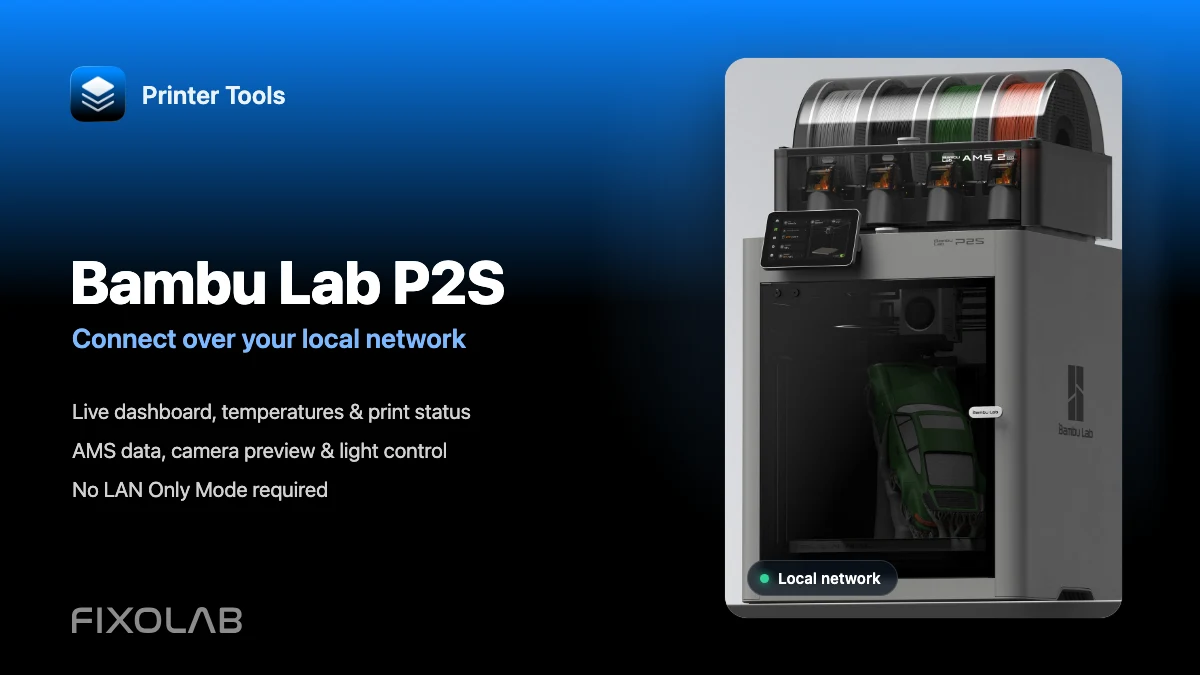
Review supported Bambu Lab models, AMS behavior, camera protocols and current limitations in Printer Tools.
All your 3D printers in one dashboard
Monitor Bambu Lab, Klipper, OctoPrint, Creality, Snapmaker, Anycubic, Flashforge, Elegoo, and Prusa printers from one app
Available on Android, iPhone, iPad and Mac, with Apple Watch and Wear OS companion apps plus optional remote access through VPN, OctoEverywhere or Obico