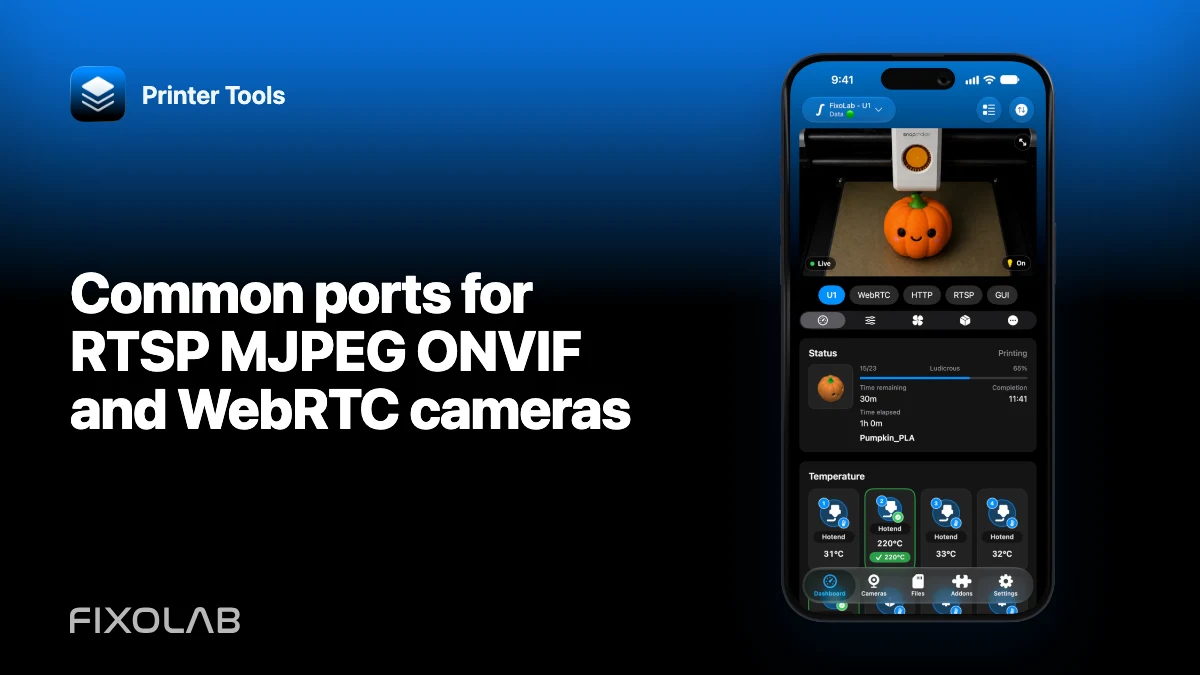
Common ports for RTSP MJPEG ONVIF and WebRTC cameras
Ports help locate a camera service, but they do not identify a valid stream by themselves. Vendors can move services, require TLS or use a path that matters as much as the port.
Printer Tools communicates with supported printers and cameras through local protocols. Keep devices private, preserve credentials and use the current compatibility matrix as the authority for model-specific capabilities.

All your 3D printers in one dashboard
Monitor Bambu Lab, Klipper, OctoPrint, Creality, Snapmaker, Anycubic, Flashforge, Elegoo, and Prusa printers from one app
Available on Android, iPhone, iPad and Mac, with Apple Watch and Wear OS companion apps plus optional remote access through VPN, OctoEverywhere or Obico
RTSP and RTSPS
RTSP commonly appears on TCP port 554, while secure RTSPS uses vendor-specific ports. Supported Bambu RTSPS cameras use their model-specific local route rather than a generic external-camera guess.
MJPEG and snapshots
MJPEG and JPEG snapshots often use HTTP or HTTPS on ports such as 80, 443 or 8080. The required path can be /stream, /video, a CGI route or something completely different.
ONVIF discovery and media
ONVIF discovery uses WS-Discovery on the local network, while device services and media profiles use HTTP endpoints that advertise their actual URLs. A guessed port cannot replace discovery metadata.
WebRTC negotiation
WebRTC does not reduce to one fixed media port. Signaling, ICE, STUN or TURN and dynamically selected transport all matter. Use the supported printer integration instead of inventing a URL.
Local troubleshooting checklist
- Check vendor documentation.
- Discover services on the trusted LAN.
- Verify scheme, host, port and path.
- Do not expose guessed ports publicly.
Frequently asked questions
Is port 554 always RTSP?
No. It is common, not guaranteed.
Can an ONVIF camera still use RTSP?
Yes. ONVIF can advertise an RTSP media profile.
Which port does WebRTC use?
It depends on signaling and negotiated ICE candidates rather than one universal port.
All your 3D printers in one dashboard
Monitor Bambu Lab, Klipper, OctoPrint, Creality, Snapmaker, Anycubic, Flashforge, Elegoo, and Prusa printers from one app
Available on Android, iPhone, iPad and Mac, with Apple Watch and Wear OS companion apps plus optional remote access through VPN, OctoEverywhere or Obico
| FixoLab
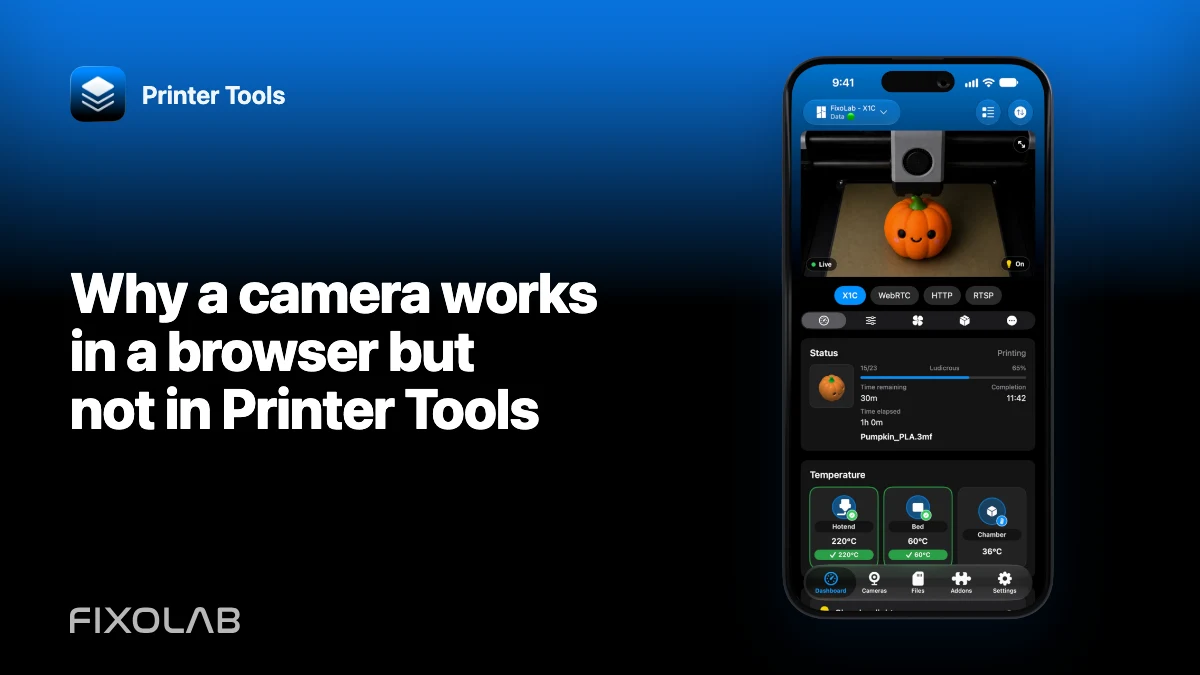
Why a camera works in a browser but not in Printer Tools
Separate a camera web interface from its real media endpoint and diagnose authentication, codec, TLS and network differences.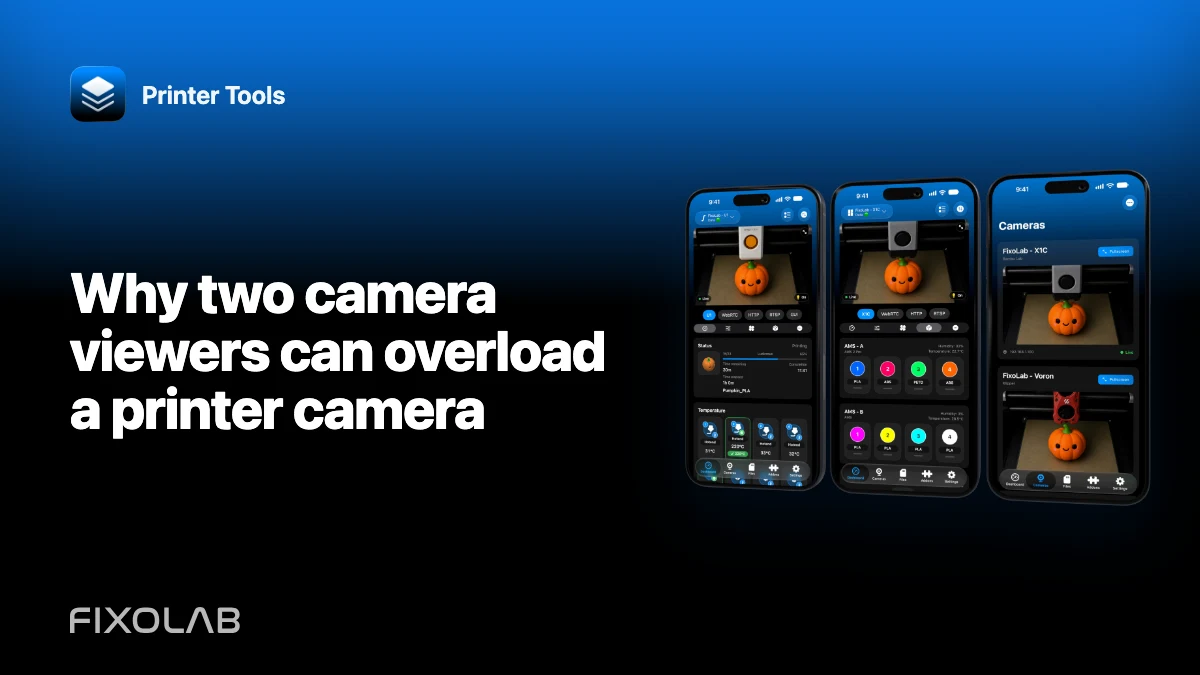
| FixoLab
Why two camera viewers can overload a printer camera
Diagnose buffering or disconnects caused by multiple viewers, limited camera encoders and weak local links.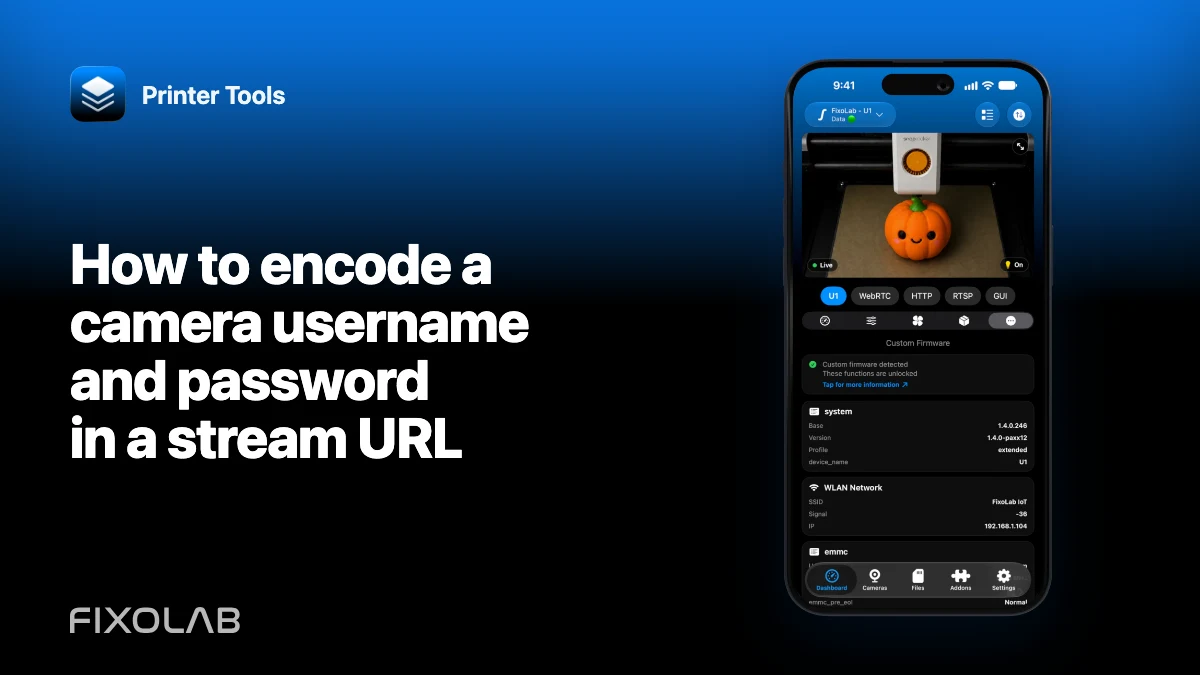
| FixoLab
How to encode a camera username and password in a stream URL
Build a valid authenticated camera URL by percent-encoding credential components without leaking the secret.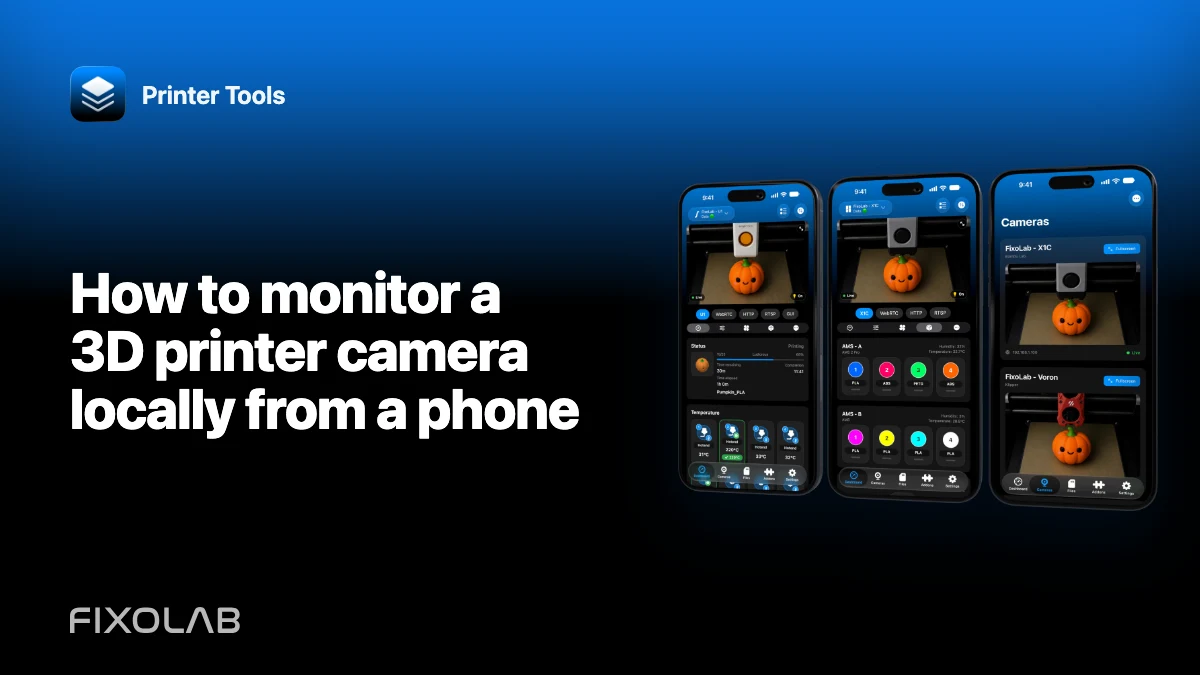
| FixoLab
How to monitor a 3D printer camera locally from a phone
Connect a supported printer or external camera to Printer Tools on iPhone or Android without exposing it to the public internet.