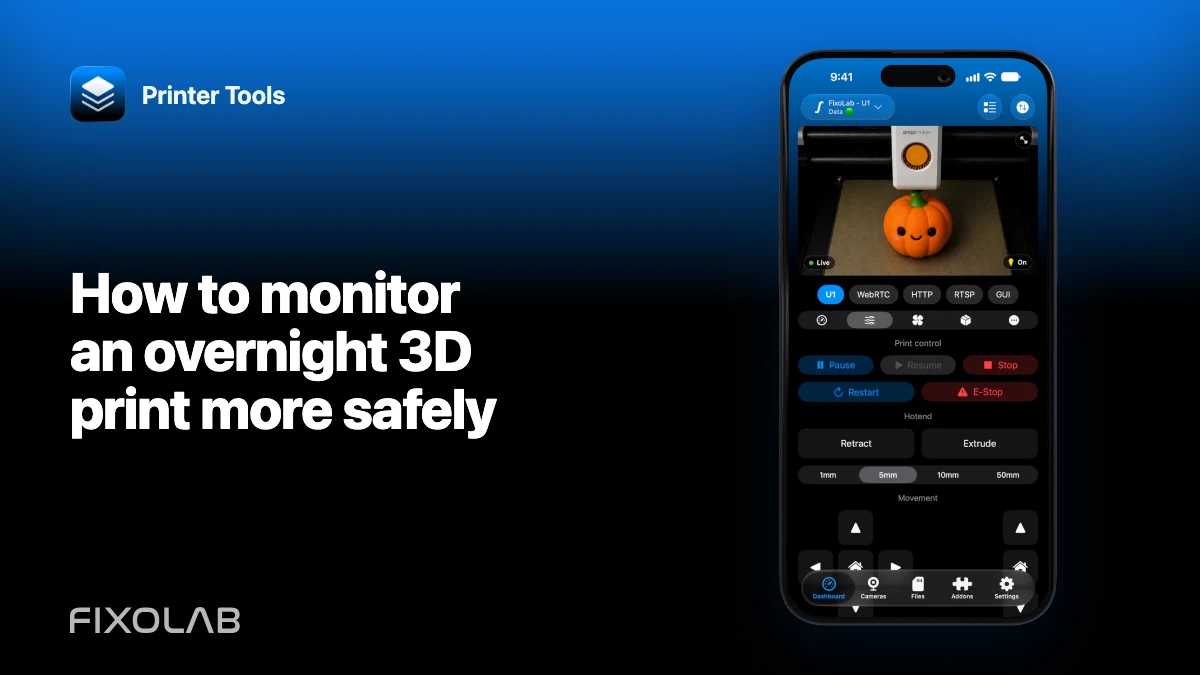
How to monitor an overnight 3D print more safely
An app and camera can add visibility to a long print, but they do not make unattended operation safe by themselves. A delayed stream cannot smell overheating, a notification can be late and a remote stop command depends on power and network paths that may already have failed.
Follow the printer manufacturer’s safety instructions and local fire guidance first. If the printer is not approved for the intended unattended use, do not run it overnight.

All your 3D printers in one dashboard
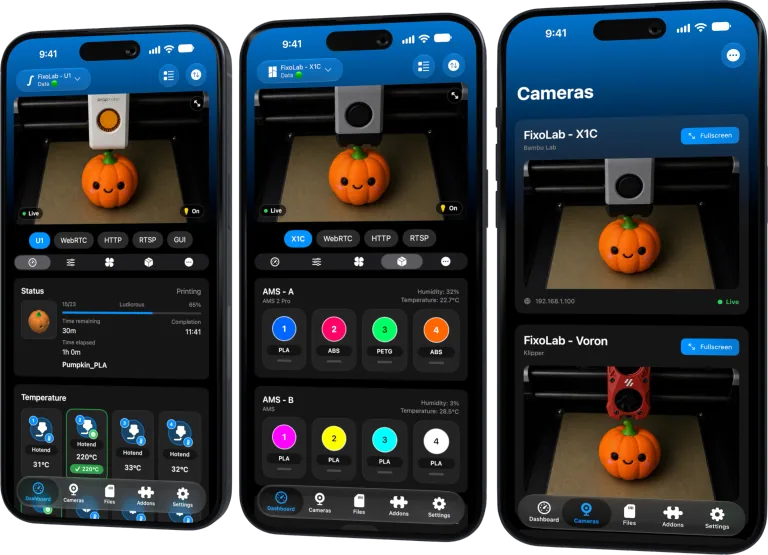
Monitor Bambu Lab, Klipper, OctoPrint, Creality, Snapmaker, Anycubic, Flashforge, Elegoo, and Prusa printers from one app
Available on Android, iPhone, iPad and Mac, with Apple Watch and Wear OS companion apps plus optional remote access through VPN, OctoEverywhere or Obico
Inspect before starting
Check power cables, connectors, heaters, fans, belts, motion paths, build plate and filament route. Resolve unusual smell, heat, noise, damaged insulation or loose hardware before the print.
Use a known-good sliced file and the correct material profile. Confirm the first layer in person instead of leaving immediately after pressing start.
Use a suitable location
Place the printer on a stable, nonflammable surface with the clearances and ventilation required by its manufacturer. Keep paper, solvents, spare filament packaging and other combustible clutter away from hot or moving parts.
Do not improvise an enclosure that traps heat around electronics not designed for it.
Keep built-in safeguards enabled
Do not disable thermal runaway protection, door interlocks, smoke controls or firmware warnings to avoid a failed job. Update only through trusted manufacturer or project instructions and verify behavior after maintenance.
Smart plugs and external relays are not substitutes for internal safety systems. Cutting power remotely can also remove fans, logs and controlled shutdown behavior.
Position the camera for decisions
The view should cover the bed and part, not only produce an attractive angle. Provide safe illumination and verify focus before leaving the room. A lower, stable stream is better than a high-quality feed that repeatedly disconnects.
Camera visibility is an observation layer. It does not detect every electrical or mechanical hazard.
Configure useful alerts
Enable the printer and Printer Tools notifications that match the workflow, then test them during a supervised print. Review lock-screen privacy and battery restrictions.
Do not assume a push is immediate or guaranteed. Platform delivery and network reachability can delay it.
Plan the response before the print
Decide what you will do if video disappears, telemetry stops or an alert reports an error. If you cannot physically reach the printer or have a responsible person check it, the correct response may be not to run the job unattended.
Remote pause or stop can help only while the control path is alive. Never enter an unsafe area merely to save a print.
Review after completion
Inspect the printer and surrounding area, then check the part before starting another job. Investigate unexplained disconnects, temperature deviations and damaged filament rather than treating completion as proof that nothing was wrong.
For a broader operational view, use the multi-printer monitoring guide alongside the exact manufacturer manual.
Frequently asked questions
Does a live camera make overnight printing safe?
No. It adds visibility but cannot guarantee detection or control of every hazard.
Is a smart plug an emergency system?
Not by itself. It can fail and may remove cooling or safe shutdown behavior when power is cut.
Should I trust every notification to arrive instantly?
No. Delivery can be delayed by platform, network or device conditions.
What if the camera disconnects overnight?
Follow the response plan you set before the print. Loss of visibility can justify ending or physically checking the job.
All your 3D printers in one dashboard
Monitor Bambu Lab, Klipper, OctoPrint, Creality, Snapmaker, Anycubic, Flashforge, Elegoo, and Prusa printers from one app
Available on Android, iPhone, iPad and Mac, with Apple Watch and Wear OS companion apps plus optional remote access through VPN, OctoEverywhere or Obico
| FixoLab
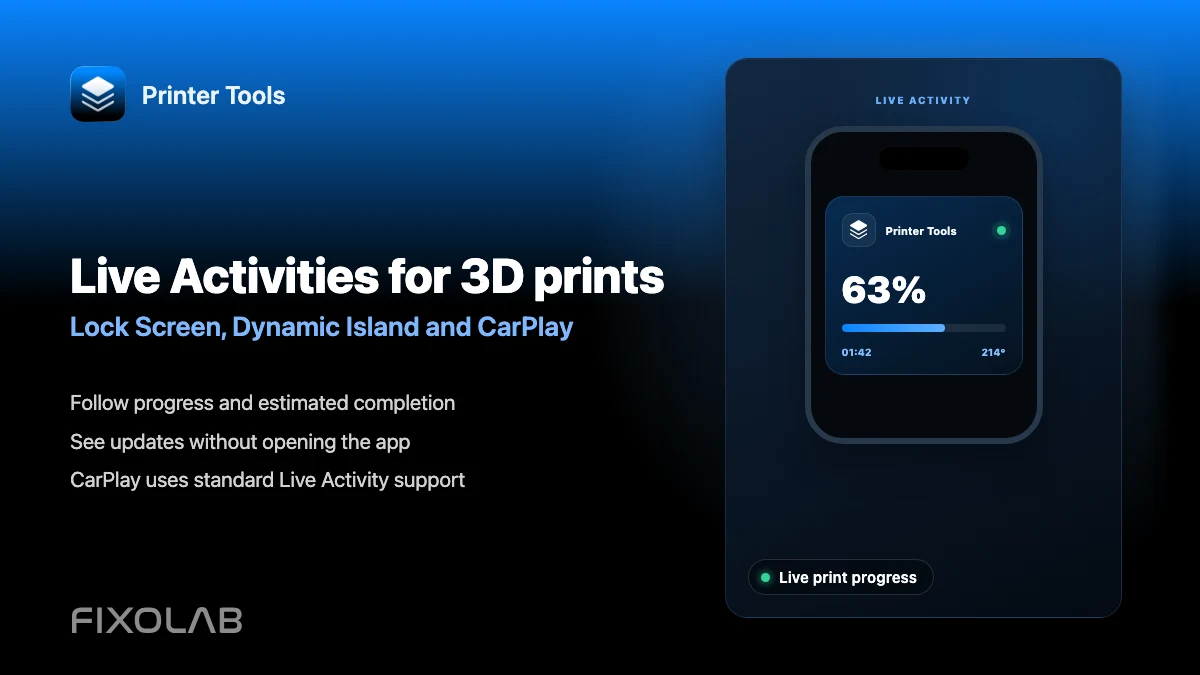
How to follow 3D prints with Live Activities, Dynamic Island and CarPlay
Set up Printer Tools Live Activities for a print's progress on the Lock Screen, Dynamic Island, CarPlay and StandBy.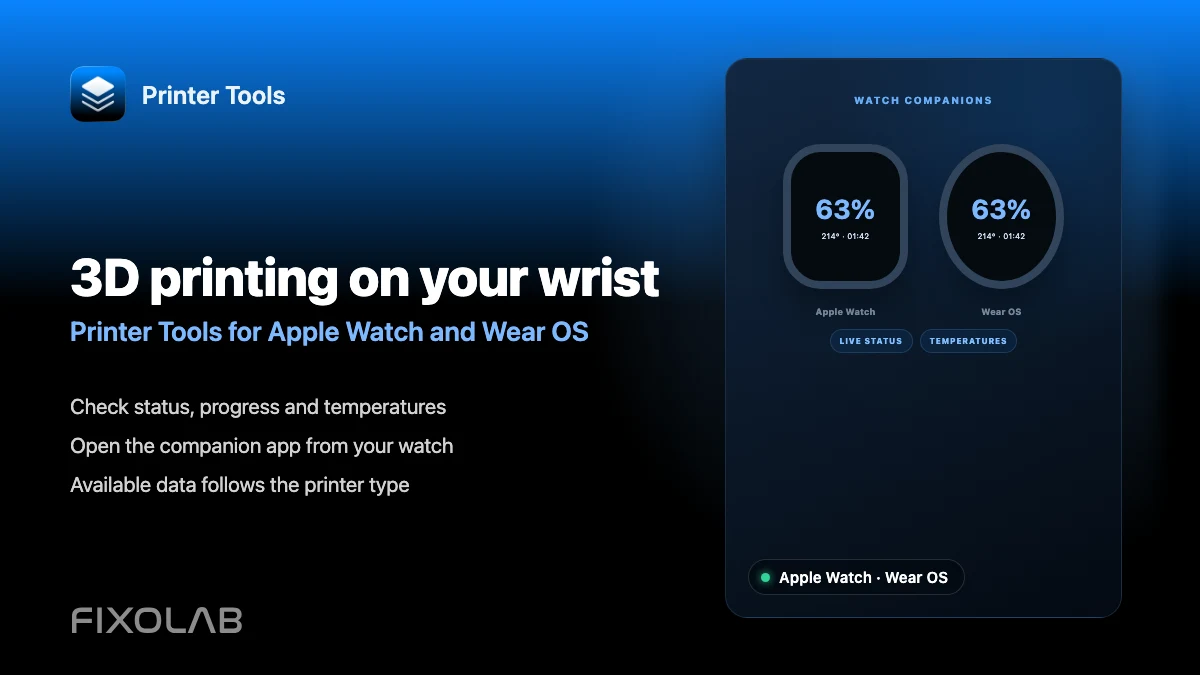
| FixoLab
How to monitor a 3D printer from Apple Watch and Wear OS
See what the Printer Tools Apple Watch and Wear OS companion apps show for a connected printer's status and temperatures.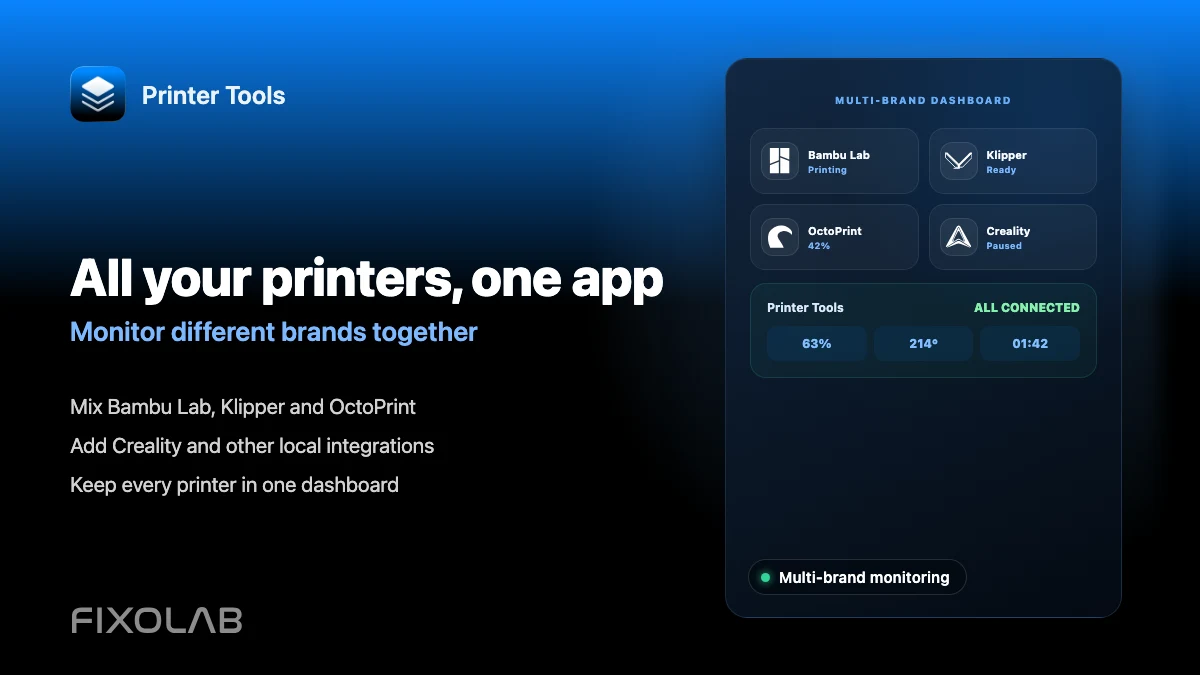
| FixoLab
How to monitor multiple 3D printers from different brands in one app
Connect Bambu Lab, Klipper, OctoPrint, Creality and other brands to Printer Tools and monitor all of them on one dashboard.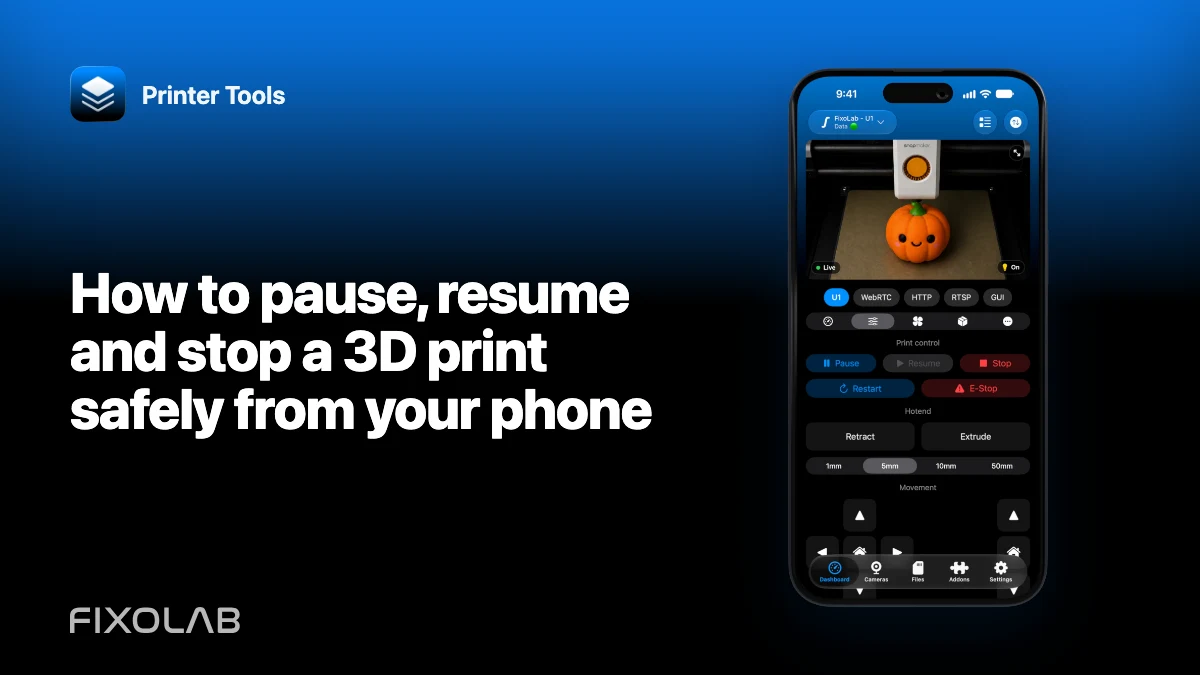
| FixoLab
How to pause, resume and stop a 3D print safely from your phone
Choose the correct remote job action, confirm the active printer and understand why a command needs both delivery and updated state.