How to manage AMS, CFS, Spoolman and multiACE in one dashboard
Filament systems across brands
The short answer
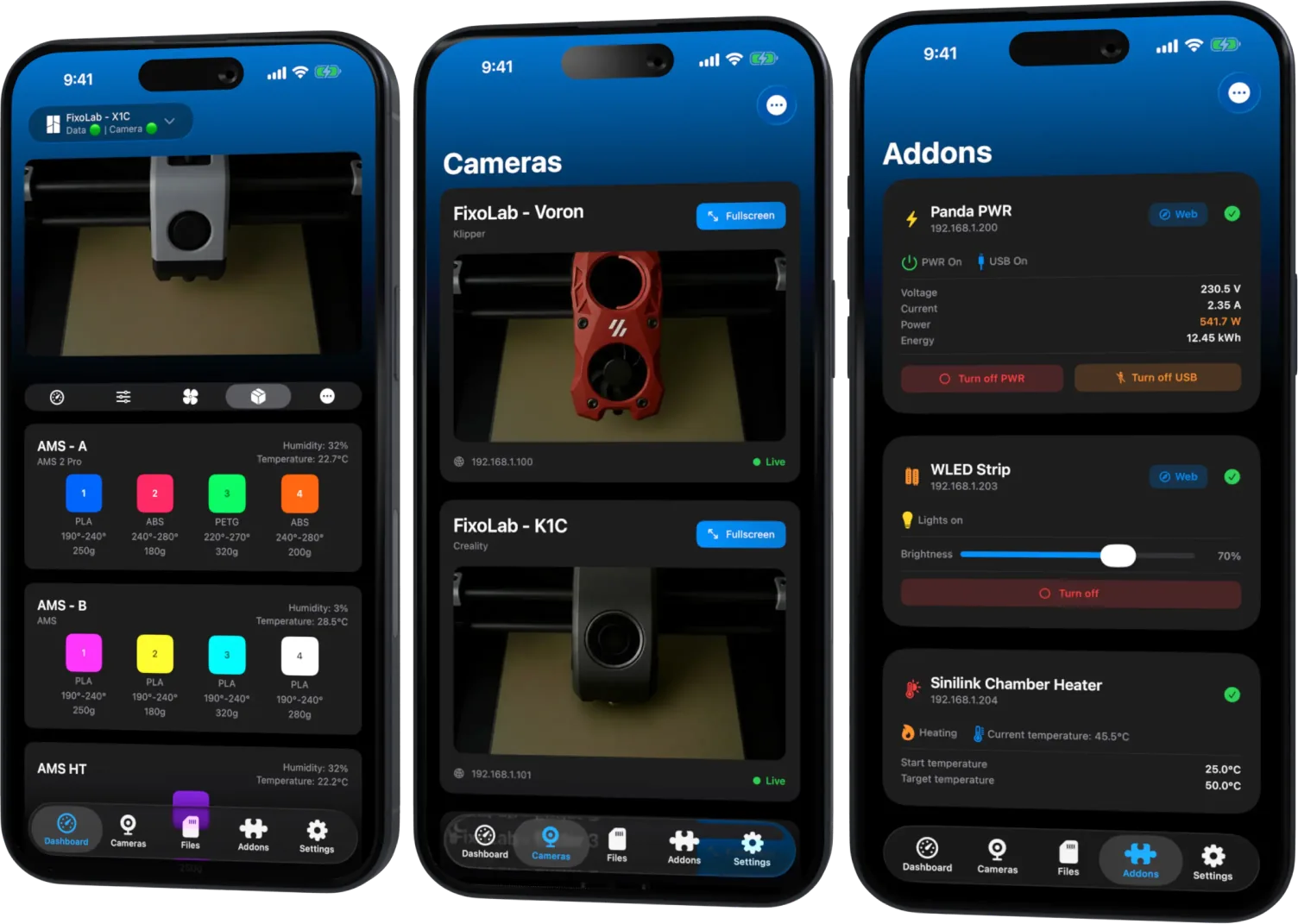
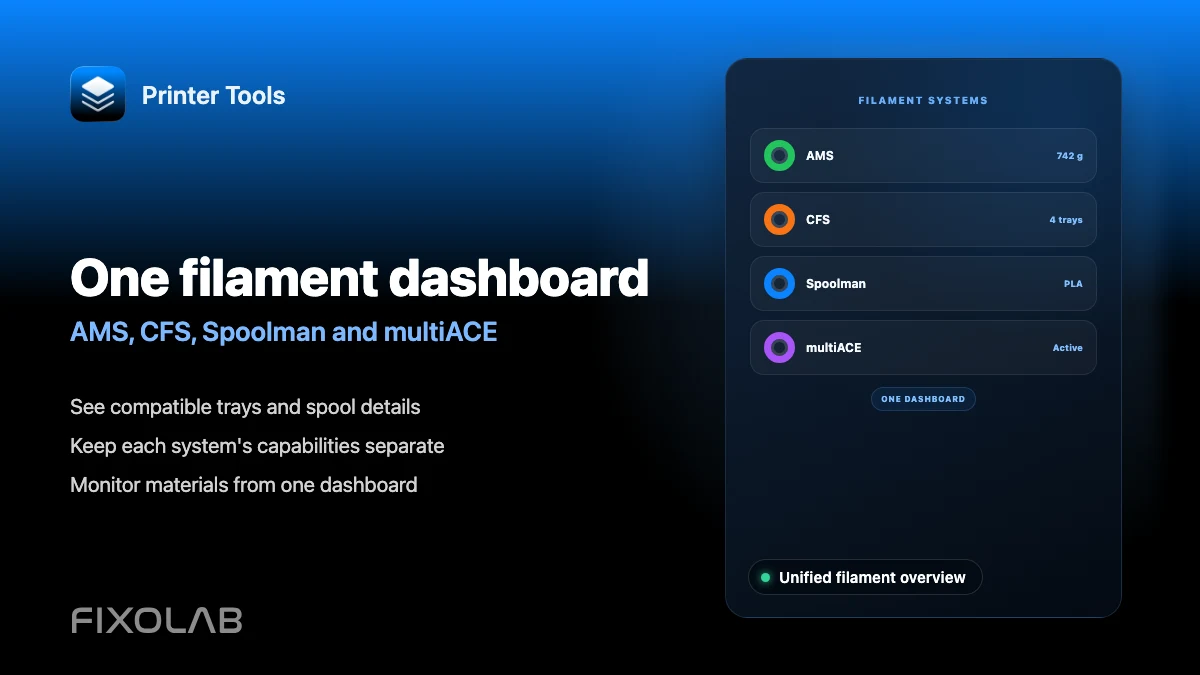
Printer Tools shows AMS status on Bambu Lab printers, CFS status on Creality printers, full Spoolman inventory on Klipper and Moonraker, and per-unit multiACE data on Snapmaker U1, each on that printer's own screen in the same app. These are four separate systems tied to their own hardware and firmware, not one universal filament format merged into a single page.
What you need
- A Bambu Lab printer with AMS for AMS status
- A Creality printer with CFS for CFS status
- Klipper and Moonraker with Spoolman configured in moonraker.conf for filament inventory
- A Snapmaker U1 running original or paxx12 firmware for multiACE data
Check filament data for each system
- 1
Bambu Lab AMS
Open a connected Bambu Lab printer with AMS to see the active material and AMS status your printer's firmware reports over MQTT. Slot-level detail depends on what that specific model exposes.
- 2
Creality CFS
Open a connected Creality K1 or K2 printer with CFS to see its status where the connected firmware exposes it. Not every K1 or K2 firmware version reports the same level of detail.
- 3
Klipper and Moonraker Spoolman
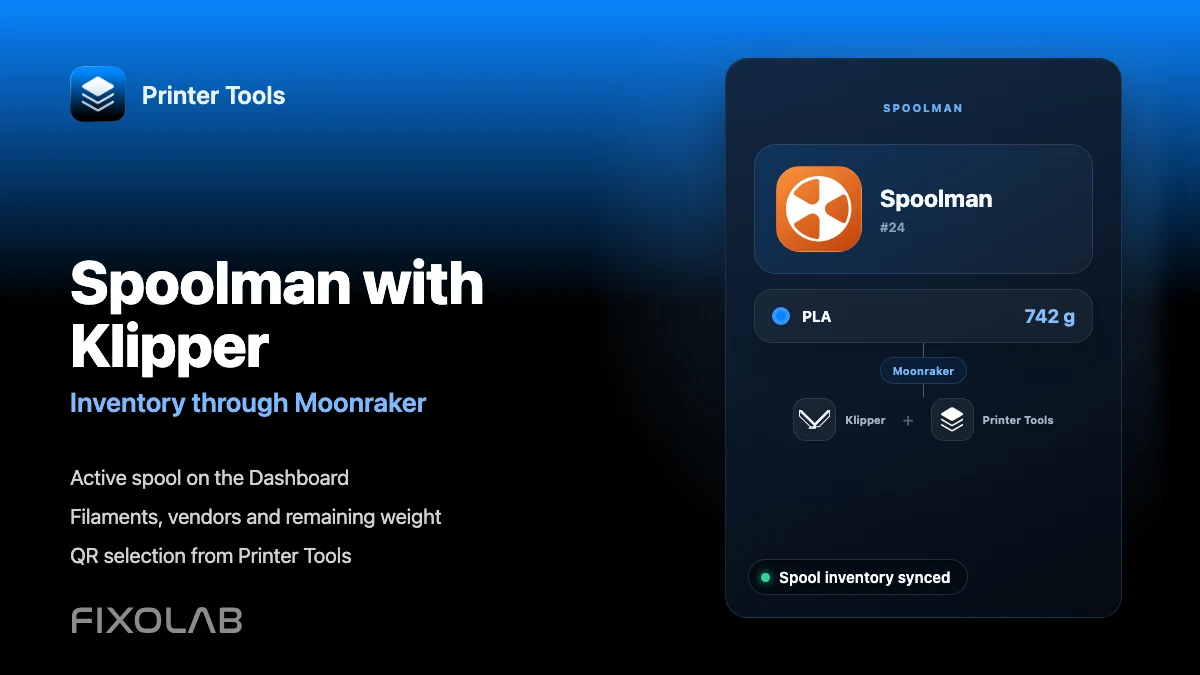
With Spoolman already configured in moonraker.conf, open the Spoolman screen for that Klipper printer to see the active spool, full inventory, and to create or edit filaments and vendors.
- 4
Snapmaker U1 multiACE
Open a connected Snapmaker U1 to see per-slot material, brand, color and loaded spool, along with temperature, humidity and connection status for each multiACE unit.
- 5
Compare across your printers
Switch between printers on the Dashboard to see each system's own filament view, rather than expecting a single combined filament screen across every brand.
Filament data per system
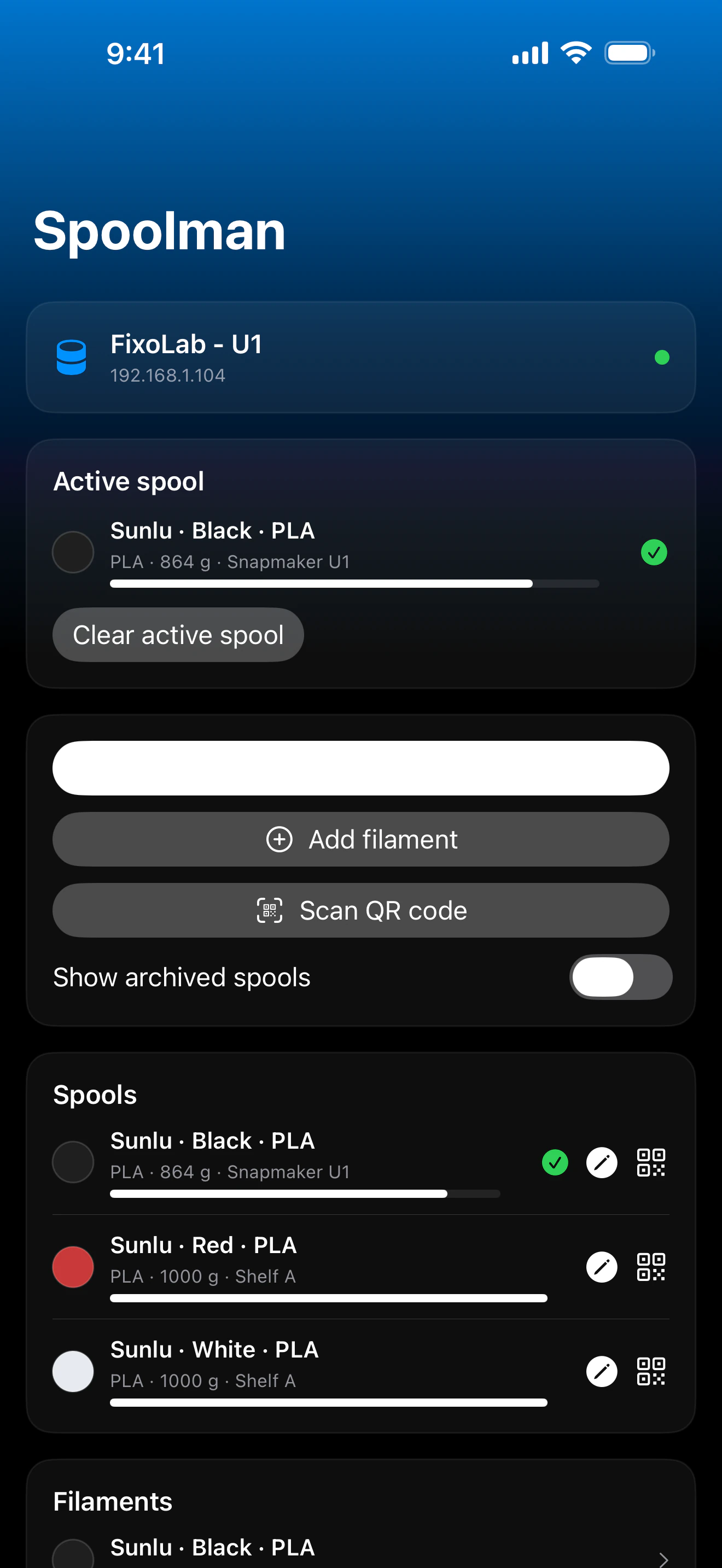
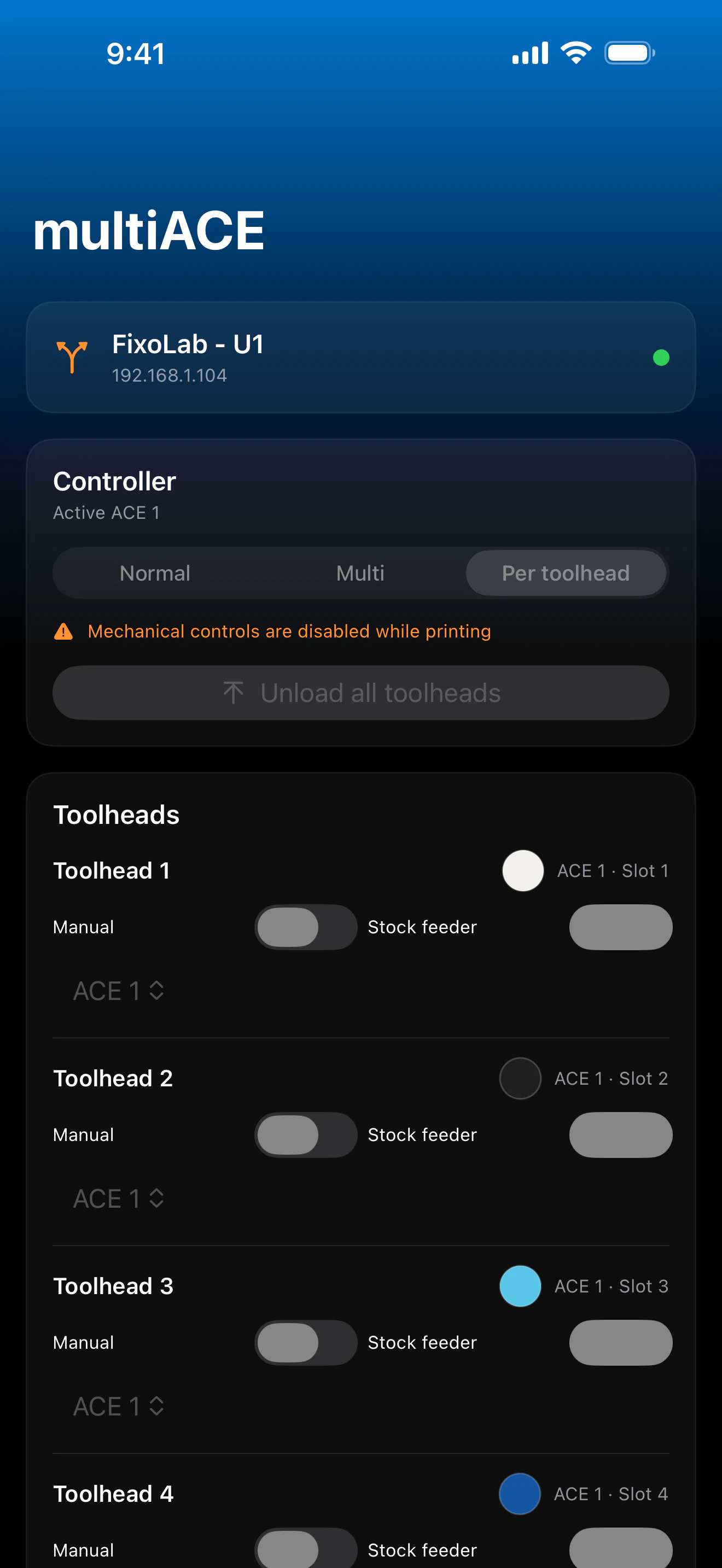
Each filament system keeps its own screen and level of detail, matching what that specific printer's firmware or service actually reports.
What each system shows
- AMS status and active material on Bambu Lab printers, where the firmware reports it
- CFS status on Creality printers, where the connected firmware exposes it
- Full Spoolman inventory management on Klipper, including creating spools, filaments and vendors, and generating QR labels
- Per-slot material, temperature, humidity and drying control for Snapmaker U1's multiACE units, including assigning a toolhead
What differs between systems
- AMS slot detail is limited to what the printer's firmware reports over MQTT, and not every model exposes every slot
- CFS detail is not verified on every K1 or K2 firmware version
- Spoolman requires its own server reachable from Moonraker, which Printer Tools does not install or configure
- multiACE is specific to Snapmaker U1 and depends on whether you run original or the community paxx12 firmware
Common filament data issues
AMS shows status but not every slot's detail
This depends on what your specific Bambu Lab model and firmware report over MQTT, not on a setting inside Printer Tools.
CFS status is missing on my Creality printer
Confirm your printer's firmware version actually exposes CFS data, since this varies across K1 and K2 firmware releases.
Spoolman shows no active spool
Create and select a spool from the Spoolman screen in Printer Tools, or confirm one is already active in your Spoolman server.
multiACE data is missing on Snapmaker U1
Confirm your firmware, original or paxx12, actually supports multiACE reporting, since availability depends on the installed firmware.
Checking filament data remotely
Each system's filament data loads the same way through a VPN back to your network, or through OctoEverywhere or Obico for the systems those services support.
Frequently asked questions
Is there one filament page that covers every brand?
No. Each system, AMS, CFS, Spoolman and multiACE, has its own screen tied to that specific printer, reflecting what that manufacturer or community project actually exposes.
Can I manage Spoolman inventory from Printer Tools?
Yes. You can create and edit spools, filaments and vendors, select the active spool and generate QR labels directly from the app.
Does Printer Tools work with multiACE on other printers besides Snapmaker U1?
No. multiACE is specific to Snapmaker U1, running either its original firmware or the community paxx12 firmware.
Why does my AMS not show every slot in detail?
Slot-level detail depends entirely on what your specific Bambu Lab model's firmware reports over MQTT, which is not identical across every model.
Related guides
See the filament management overview
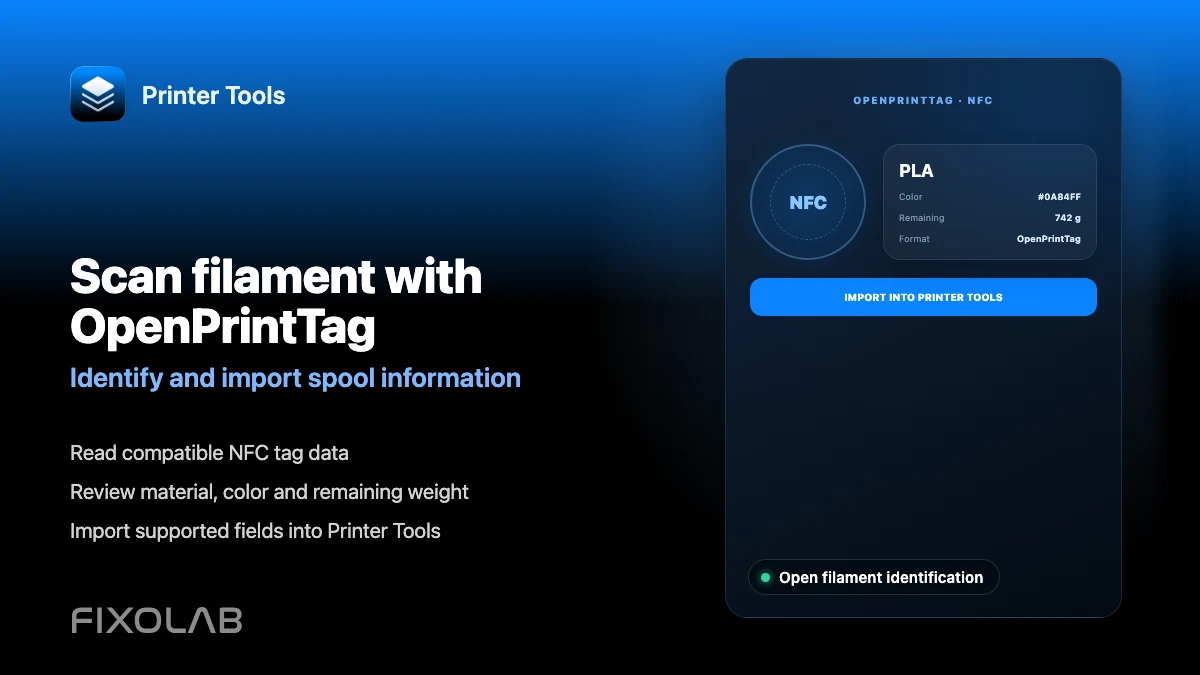
Review how AMS, CFS, Spoolman, multiACE and OpenPrintTag each fit into Printer Tools' filament tracking.
All your 3D printers in one dashboard
Monitor Bambu Lab, Klipper, OctoPrint, Creality, Snapmaker, Anycubic, Flashforge, Elegoo, and Prusa printers from one app
Available on Android, iPhone, iPad and Mac, with Apple Watch and Wear OS companion apps plus optional remote access through VPN, OctoEverywhere or Obico