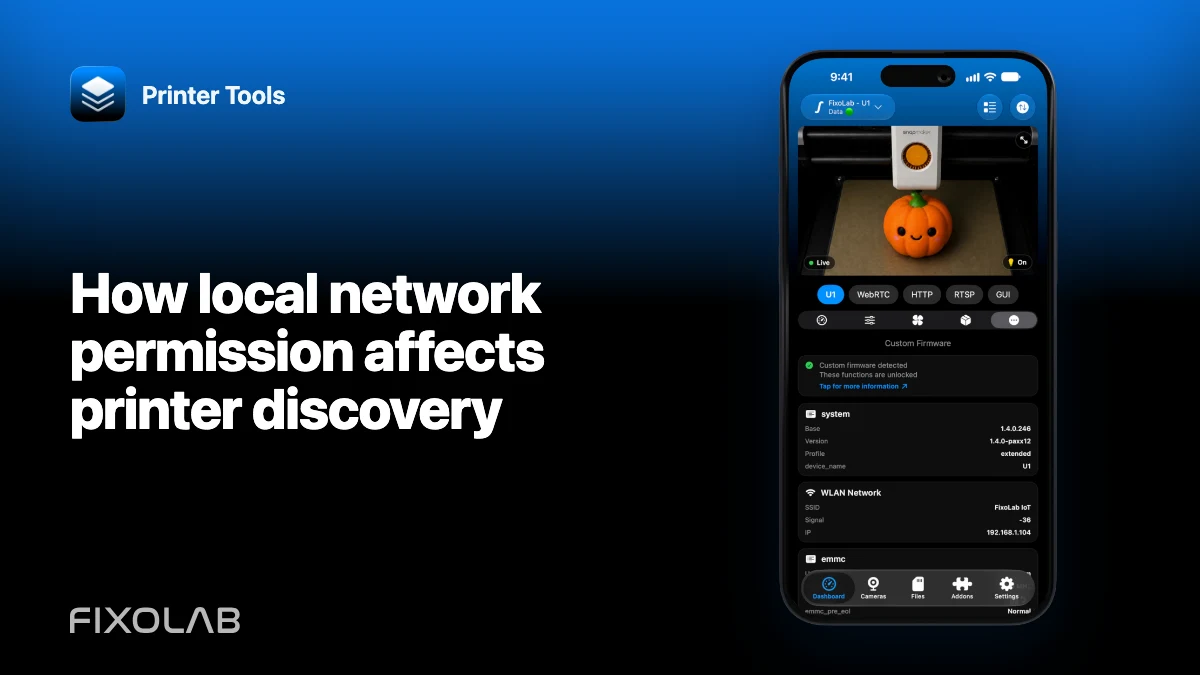
How local network permission affects printer discovery
Discovery needs both operating-system permission and a network path that carries local traffic. Granting one cannot compensate for a blocked VLAN or guest Wi-Fi.
Printer Tools communicates with supported printers and cameras through local protocols. Keep devices private, preserve credentials and use the current compatibility matrix as the authority for model-specific capabilities.

All your 3D printers in one dashboard
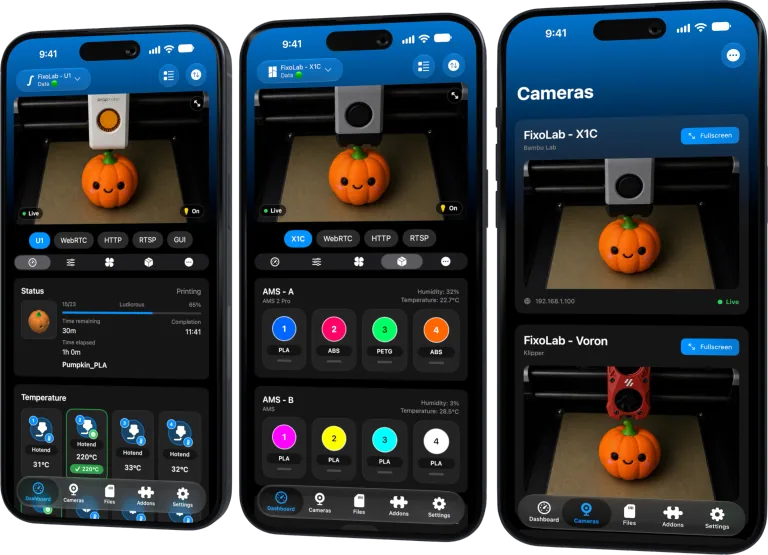
Monitor Bambu Lab, Klipper, OctoPrint, Creality, Snapmaker, Anycubic, Flashforge, Elegoo, and Prusa printers from one app
Available on Android, iPhone, iPad and Mac, with Apple Watch and Wear OS companion apps plus optional remote access through VPN, OctoEverywhere or Obico
Check the phone permission
On Apple platforms, allow local-network access for Printer Tools. Android permission names depend on the version and discovery technology, so follow the current system prompt and app guidance.
Keep discovery on one reachable LAN
Multicast and broadcast discovery often do not cross routers or guest isolation. Place the phone and printer on the same normal network for the first test.
Account for VPN and privacy relays
A phone VPN can route or filter local traffic. Pause it only for a controlled test, then configure split tunneling or LAN access according to the VPN’s trusted documentation.
Use manual address as a diagnostic
If the product supports it, adding the current private IP can distinguish failed discovery from failed direct communication. Reserve the working address in the router afterward.
Local troubleshooting checklist
- Enable required app permissions.
- Use the main reachable Wi-Fi.
- Test without guest isolation.
- Compare discovery with direct private IP.
Frequently asked questions
Does Bluetooth permission help network discovery?
No. Printer network discovery uses Wi-Fi and local network services.
Why can a browser reach the printer when discovery fails?
Unicast access may work while multicast discovery is blocked.
Should I expose the printer to fix discovery?
No. Keep it private and correct the local path.
All your 3D printers in one dashboard
Monitor Bambu Lab, Klipper, OctoPrint, Creality, Snapmaker, Anycubic, Flashforge, Elegoo, and Prusa printers from one app
Available on Android, iPhone, iPad and Mac, with Apple Watch and Wear OS companion apps plus optional remote access through VPN, OctoEverywhere or Obico
| FixoLab
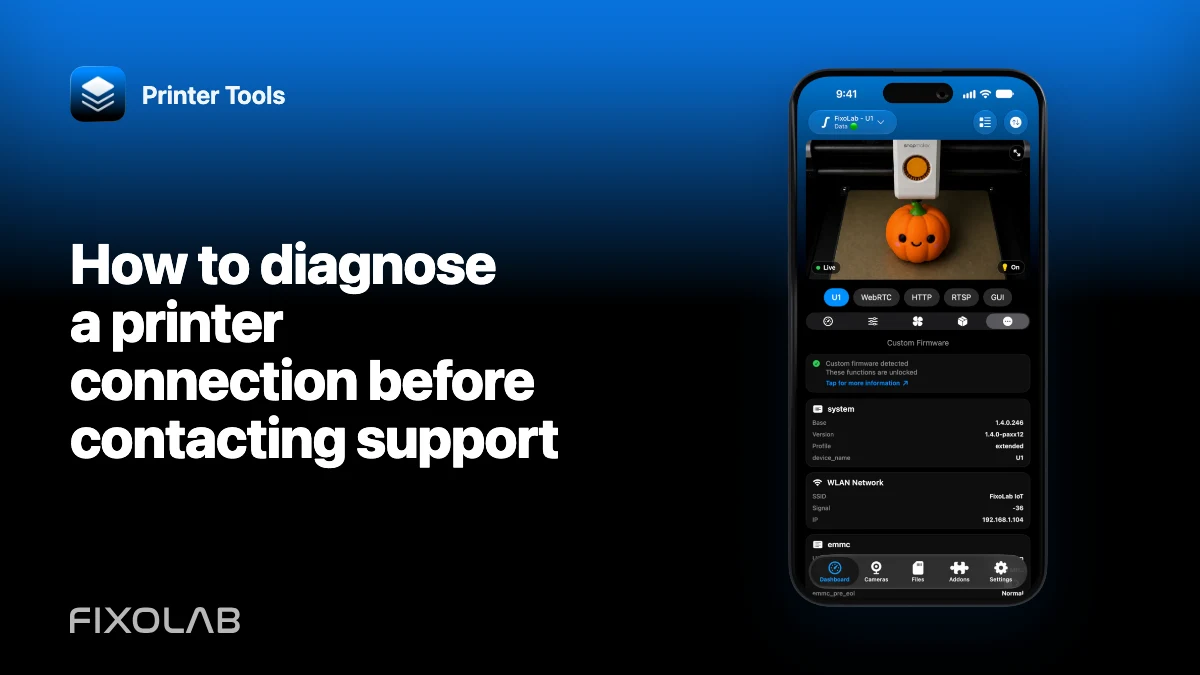
How to diagnose a printer connection before contacting support
Use a ten-minute checklist to separate model support, address, credentials, network policy, feature limits and app regressions before sending logs.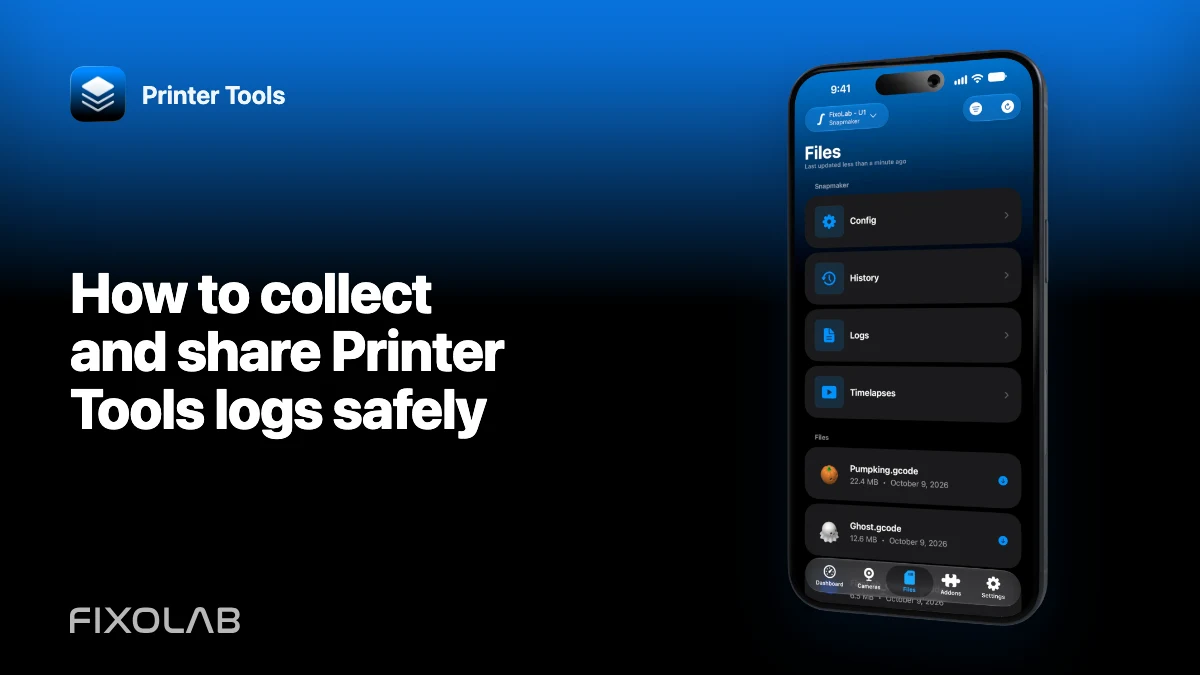
| FixoLab
How to collect and share Printer Tools logs safely
Reproduce a printer problem, export the encrypted diagnostic log and provide useful context without exposing access codes, URLs or personal data.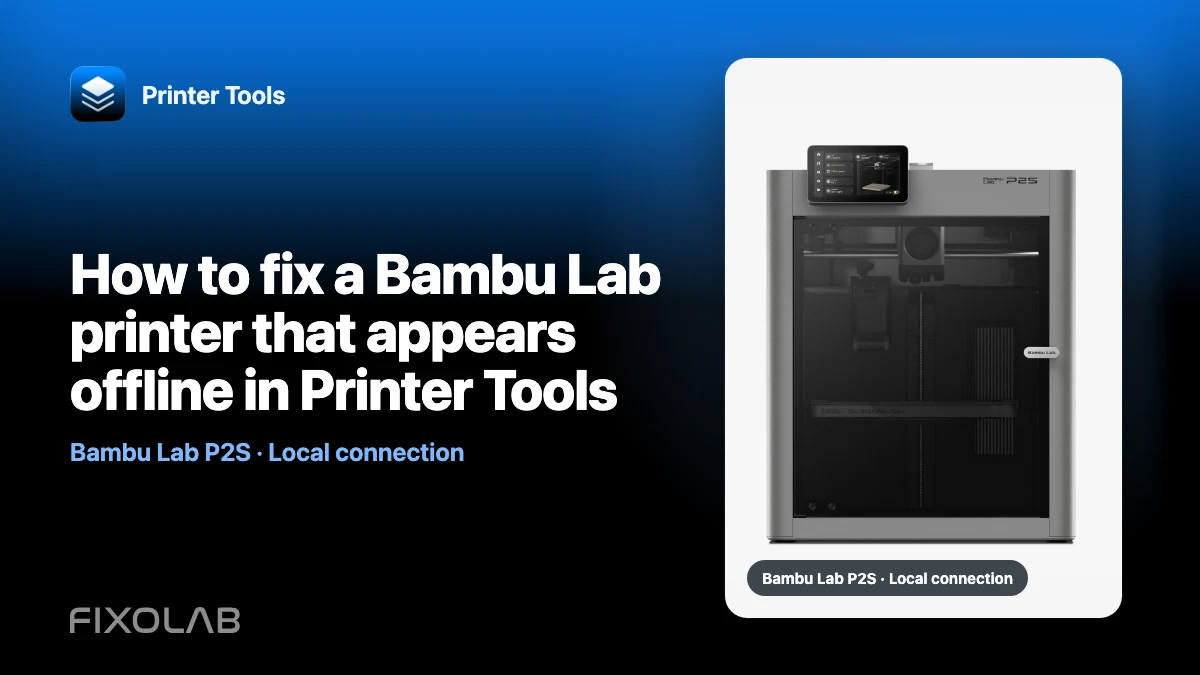
| FixoLab
How to fix a Bambu Lab printer that appears offline in Printer Tools
Diagnose a Bambu Lab printer that stopped updating in Printer Tools by checking power, IP address, access code, network isolation and local services.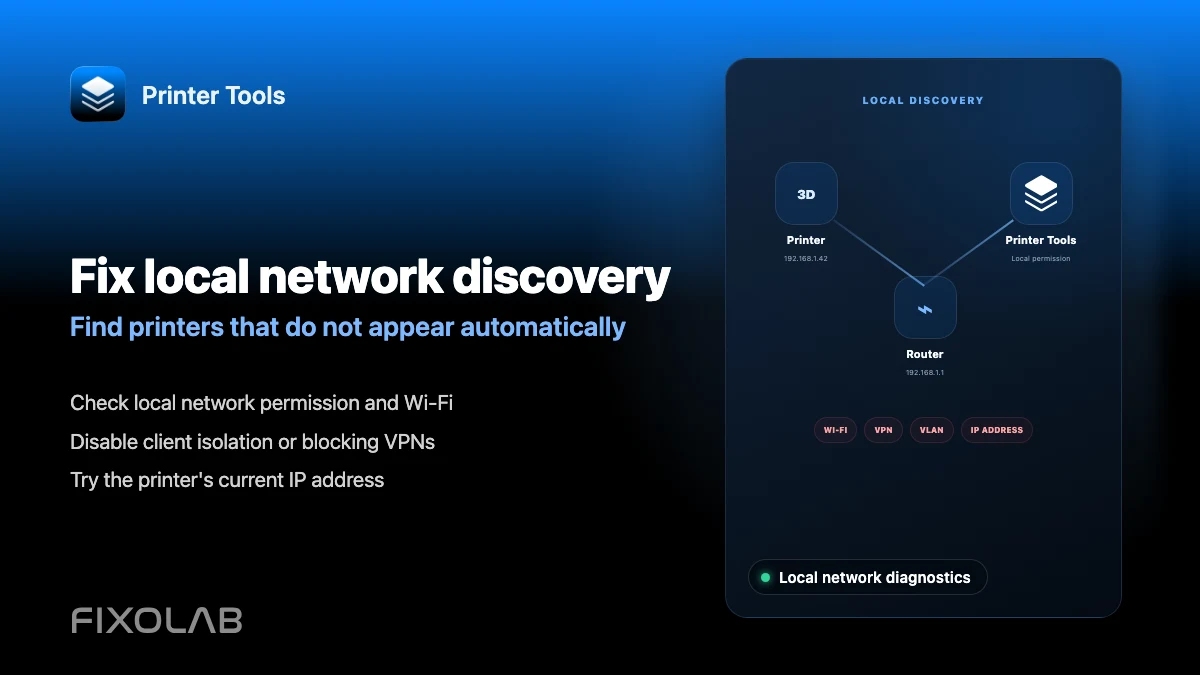
| FixoLab
How to fix local network discovery problems in Printer Tools
Fix printer connection failures caused by client isolation, VLANs, VPNs and the iOS local network permission in Printer Tools.