How to follow 3D prints with Live Activities, Dynamic Island and CarPlay
Live Activities for 3D printing
The short answer
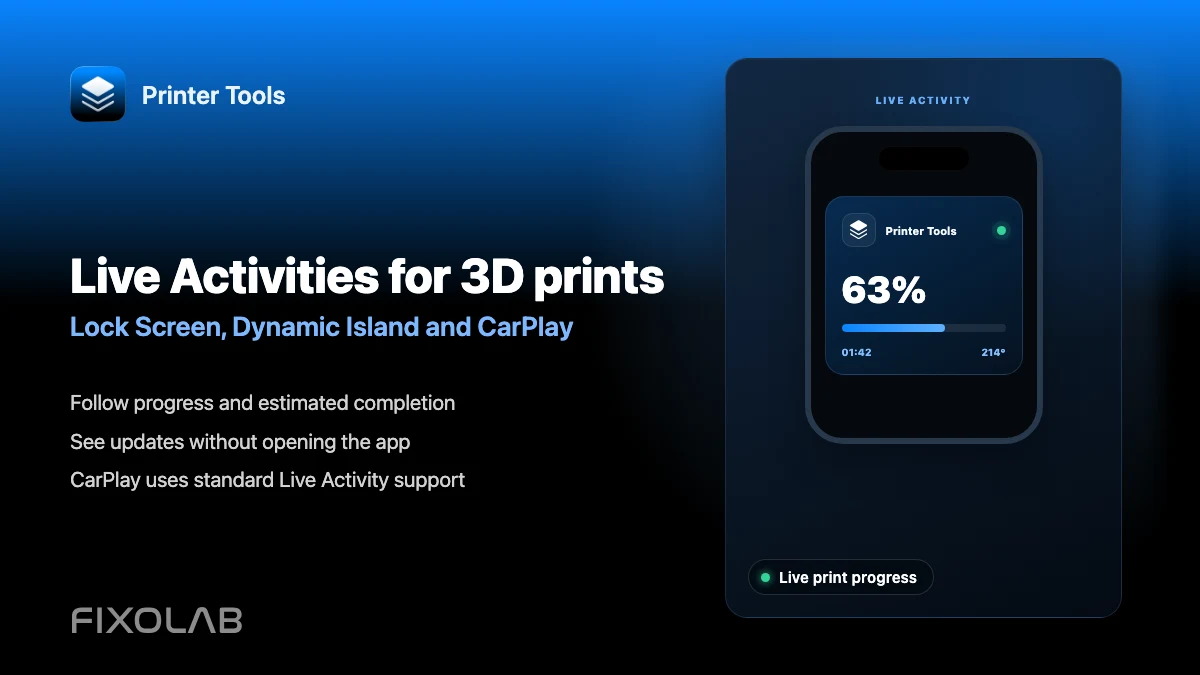
On iOS 16.1 and later, Printer Tools can show a print's progress directly on the Lock Screen and in the Dynamic Island on supported iPhones, as a Premium feature. Because this uses Apple's standard Live Activities system, the same information also appears automatically in places iOS surfaces Live Activities, including CarPlay's dashboard and StandBy while charging.
What you need
- iOS 16.1 or later on an iPhone with the printer connected in Printer Tools
- A Printer Tools Premium subscription
- Background app refresh enabled for Printer Tools
- For updates away from home, a printer reachable through OctoEverywhere, since that is what currently powers remote Live Activity refreshes
Set up Live Activities for a print
- 1
Confirm you are on Premium
Live Activities are a Premium feature in Printer Tools, so confirm your subscription is active before expecting the Lock Screen or Dynamic Island to update.
- 2
Enable background refresh
Make sure Printer Tools has background app refresh enabled in iOS Settings, since the app needs to receive updates in the background to keep the Live Activity current.
- 3
Start a print
Once a print starts on a connected printer, Printer Tools creates a Live Activity that appears on the Lock Screen and, on supported iPhones, in the Dynamic Island.
- 4
Check CarPlay or StandBy if you use them
If you connect to CarPlay or place your iPhone in StandBy while a print is running, the same Live Activity should appear there automatically through iOS itself.
- 5
Keep updates flowing away from home
For a printer reachable through OctoEverywhere, remote updates can keep refreshing the Live Activity even when you are not on the same network as the printer.
A print's Live Activity
The same Live Activity data appears on the Lock Screen, in the Dynamic Island and wherever else iOS itself surfaces active Live Activities.
What Live Activities show
- Live progress, elapsed and remaining time for the current print
- Automatic display on the Lock Screen and in the Dynamic Island on supported iPhones
- Appearance in CarPlay's dashboard and in StandBy, through iOS's own Live Activities handling
- Remote updates for printers reachable through OctoEverywhere
What to keep in mind
- Live Activities are a Premium feature, not available on the free tier
- This requires iOS 16.1 or later; older iOS versions do not support Live Activities at all
- Remote updates while away from home currently depend on OctoEverywhere; Obico does not power remote Live Activities
- Printer Tools does not ship a dedicated CarPlay app; it relies on iOS surfacing the existing Live Activity
Common Live Activity issues
The Live Activity never appears
Confirm your Premium subscription is active and that background app refresh is enabled for Printer Tools in iOS Settings.
It appears but stops updating
Check your connection to the printer. If you are away from home, confirm the printer is reachable through OctoEverywhere, since that is what keeps a remote Live Activity refreshed.
Nothing shows up in CarPlay
Confirm a Live Activity is already active on your iPhone before connecting to CarPlay, since CarPlay surfaces an existing Live Activity rather than starting one on its own.
Live Activities away from home
Remote Live Activity updates currently rely on OctoEverywhere for the underlying connection. A VPN back to your network can also keep updates flowing as long as the connection stays active in the background.
Frequently asked questions
Do Live Activities require a Premium subscription?
Yes. Live Activities are a Premium feature in Printer Tools.
Does Printer Tools have a dedicated CarPlay app?
No. Printer Tools relies on iOS's own Live Activities system, which surfaces an already active Live Activity in CarPlay's dashboard automatically.
Do Live Activities work on Android?
Live Activities are an iOS-specific feature. Android has its own persistent notification for tracking a print instead.
Why did my Live Activity stop updating away from home?
Remote updates currently depend on OctoEverywhere. If the printer is not reachable through OctoEverywhere or a VPN, the Live Activity cannot refresh until you reconnect.
Does this drain my battery?
Live Activities are designed by Apple to update efficiently in the background, but any feature that keeps refreshing data does use some additional battery compared to not tracking a print at all.
Related guides
See the full Live Activities overview
Review requirements, supported systems and current limitations for Live Activities and Dynamic Island in Printer Tools.
All your 3D printers in one dashboard
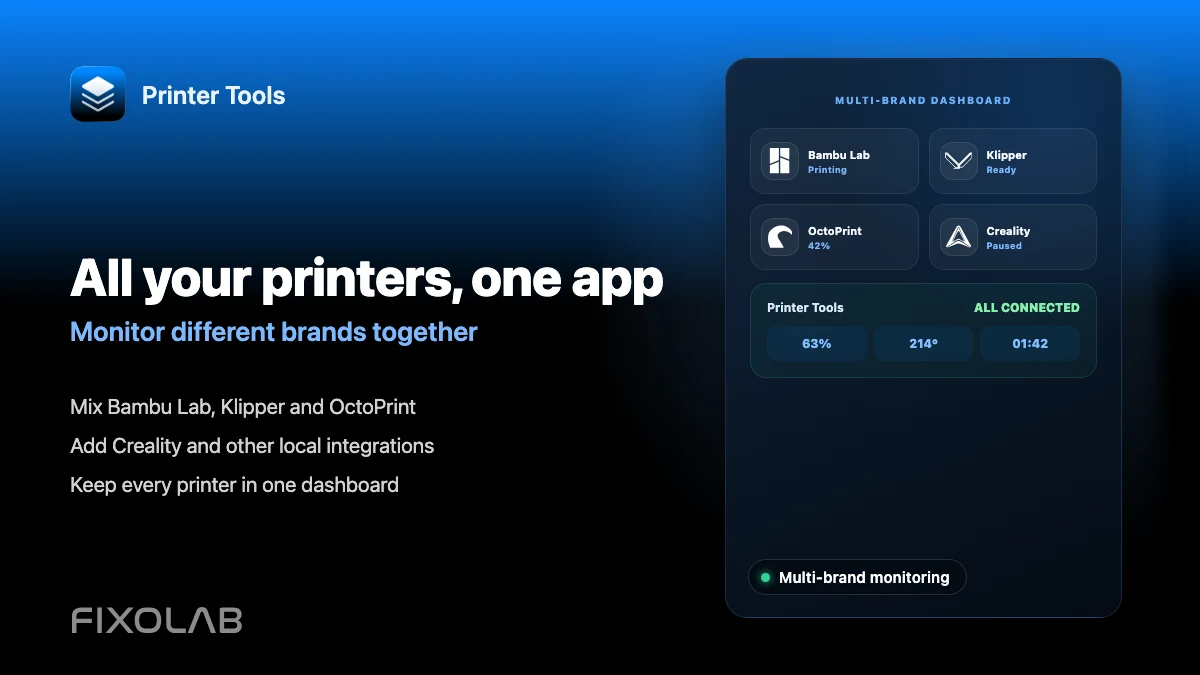
Monitor Bambu Lab, Klipper, OctoPrint, Creality, Snapmaker, Anycubic, Flashforge, Elegoo, and Prusa printers from one app
Available on Android, iPhone, iPad and Mac, with Apple Watch and Wear OS companion apps plus optional remote access through VPN, OctoEverywhere or Obico