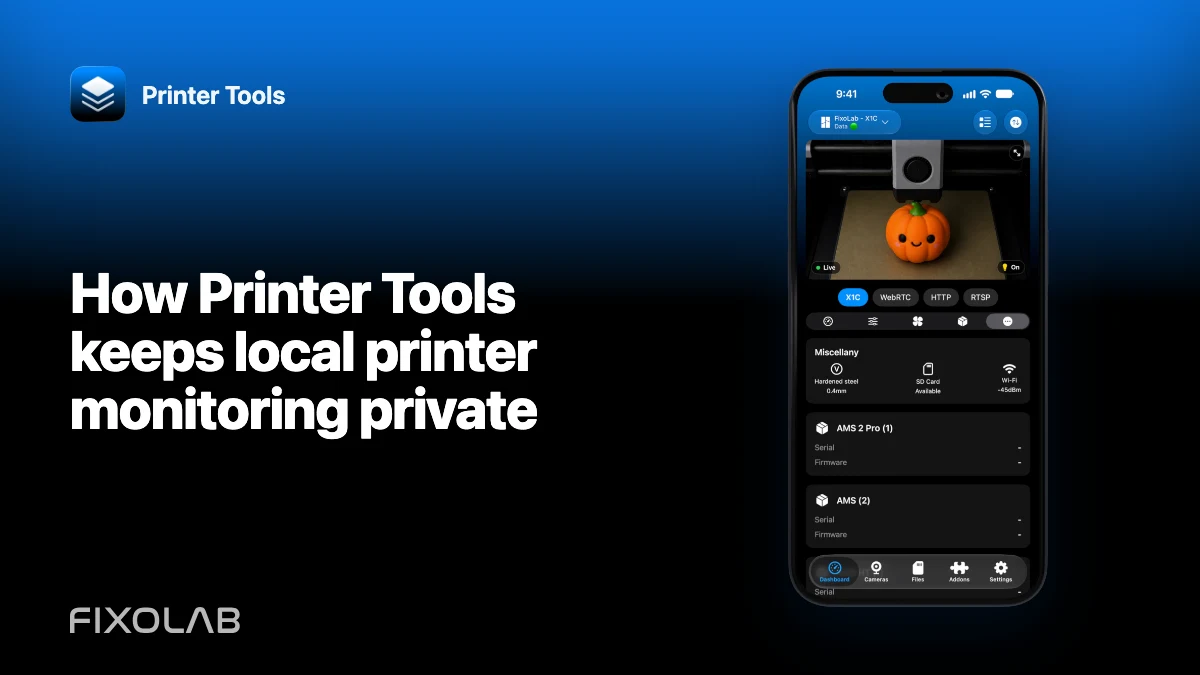
How Printer Tools keeps local printer monitoring private
Printer Tools is designed around direct connections to printers on networks you can reach. The app talks to Bambu MQTT, Moonraker, OctoPrint, Creality, Snapmaker, Anycubic, FlashForge, Elegoo, PrusaLink and compatible accessories without placing a Printer Tools cloud service in the normal printer-control path.
Local does not mean automatic security. Credentials, router rules, remote-access choices and the device running the app still need protection.

All your 3D printers in one dashboard
Monitor Bambu Lab, Klipper, OctoPrint, Creality, Snapmaker, Anycubic, Flashforge, Elegoo, and Prusa printers from one app
Available on Android, iPhone, iPad and Mac, with Apple Watch and Wear OS companion apps plus optional remote access through VPN, OctoEverywhere or Obico
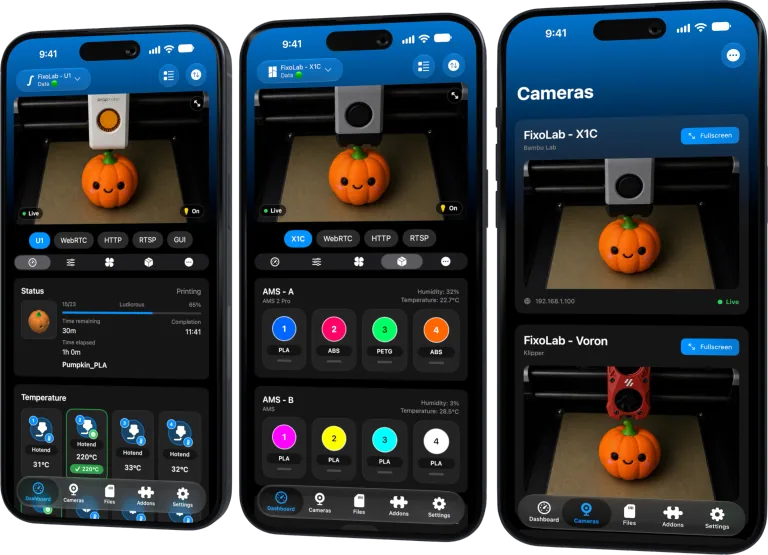
What a local printer connection means
The phone, tablet or computer opens the supported service at the printer’s private address. Status, temperatures, camera traffic, files and actions remain between the client and that local service according to the integration.
Different functions can use different paths. Bambu uses local MQTT plus FTPS and its model-specific camera transport. Klipper uses Moonraker. Creality uses its local WebSocket API. The compatibility matrix documents each protocol and limitation.
The API does not control printers directly
Printer Tools’ API supports auxiliary product services such as version information, entitlements, push coordination and other operational features. It does not poll your home printer from the cloud for ordinary monitoring.
When a notification workflow wakes a client, the client remains responsible for reading the printer through its authorized connection. This preserves the boundary between service coordination and direct printer access.
Credentials stay sensitive even on a LAN
A private address is not a reason to publish an access code, API key, Check Code, camera password or authenticated URL. Other devices on the network may be able to reach the same service, and screenshots can leave the network entirely.
Use unique credentials where the printer or camera supports them. Revoke or rotate a value after accidental exposure.
Remote access changes the network path
Away from home, a trusted VPN can route the app back to the private printer network. Printer Tools then reaches the same local address through the encrypted tunnel.
Managed services such as OctoEverywhere or Obico have their own accounts and security models. Use them only for compatible integrations and understand which data they relay.
Never expose MQTT, Moonraker, OctoPrint, WebSocket, FTPS, RTSP or camera ports directly from the router simply to make an app connect.
Segment without breaking intended access
An IoT VLAN can limit the impact of an untrusted printer or camera. Allow narrow flows from a trusted client network to the device and block unsolicited initiation in the other direction where possible.
Discovery may need additional multicast handling, while a saved IP can use unicast. Test and document the specific rules instead of opening all traffic.
Protect the client device
Use the platform passcode, biometric protection, current OS updates and appropriate lock-screen privacy. Widgets, notifications and watch views can reveal printer names, job names or business activity to someone who can see the device.
Remove saved printers and credentials before transferring or retiring a device.
For remote choices, read local control and remote access compared.
Frequently asked questions
Does Printer Tools upload my camera stream to its cloud?
Not for ordinary local viewing. The app opens the supported local camera path directly.
Does local access require no security?
No. Local services still need protected credentials, narrow network rules and a secured client device.
Is port forwarding an acceptable remote-access shortcut?
No. Use a trusted VPN or a supported managed service instead of exposing raw printer services.
Can I use an IoT VLAN?
Yes, if you permit the specific client-to-printer flows and account for discovery separately.
All your 3D printers in one dashboard
Monitor Bambu Lab, Klipper, OctoPrint, Creality, Snapmaker, Anycubic, Flashforge, Elegoo, and Prusa printers from one app
Available on Android, iPhone, iPad and Mac, with Apple Watch and Wear OS companion apps plus optional remote access through VPN, OctoEverywhere or Obico
| FixoLab
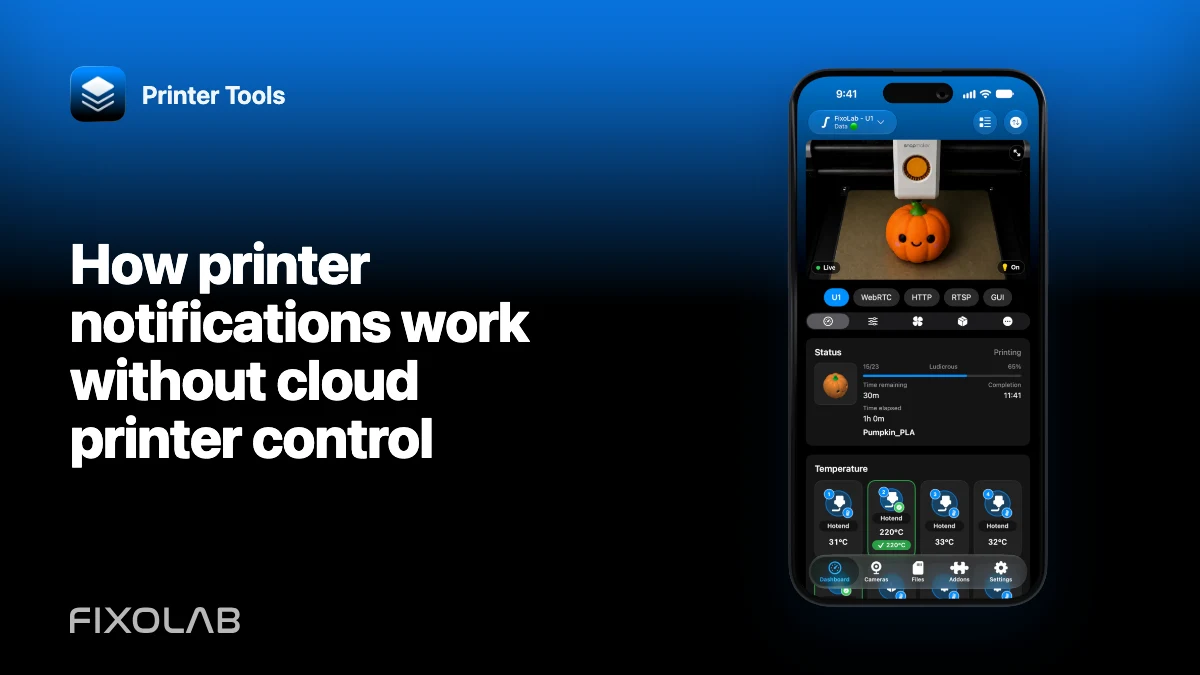
How printer notifications work without cloud printer control
Understand how Printer Tools coordinates notifications while the client remains responsible for reading the printer through its authorized connection.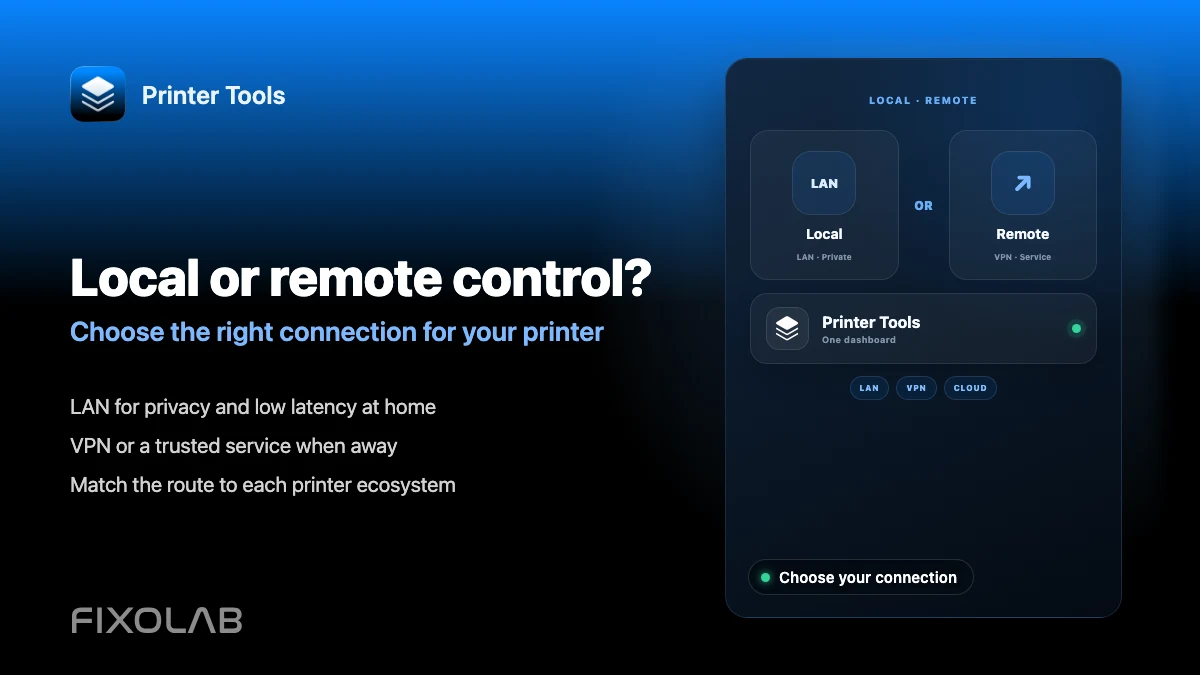
| FixoLab
Choosing local 3D printer control or remote access with VPN, OctoEverywhere, Obico and cloud
Compare local-only control, a VPN, OctoEverywhere, Obico and a manufacturer cloud app for reaching your 3D printer remotely.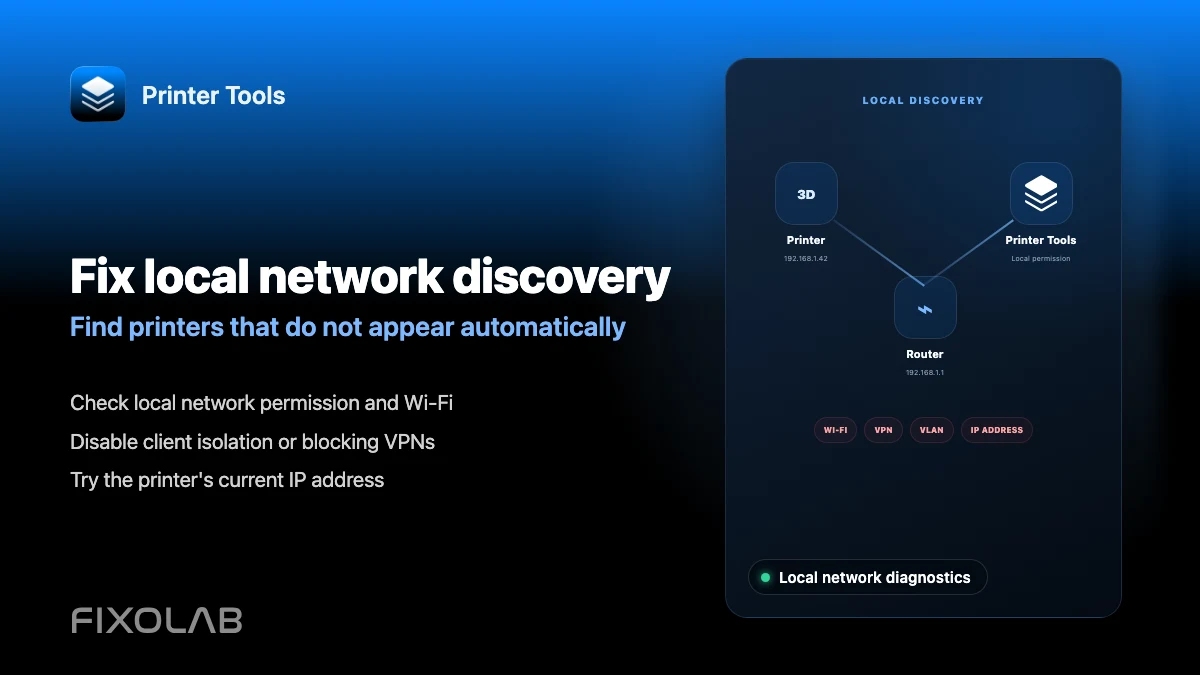
| FixoLab
How to fix local network discovery problems in Printer Tools
Fix printer connection failures caused by client isolation, VLANs, VPNs and the iOS local network permission in Printer Tools.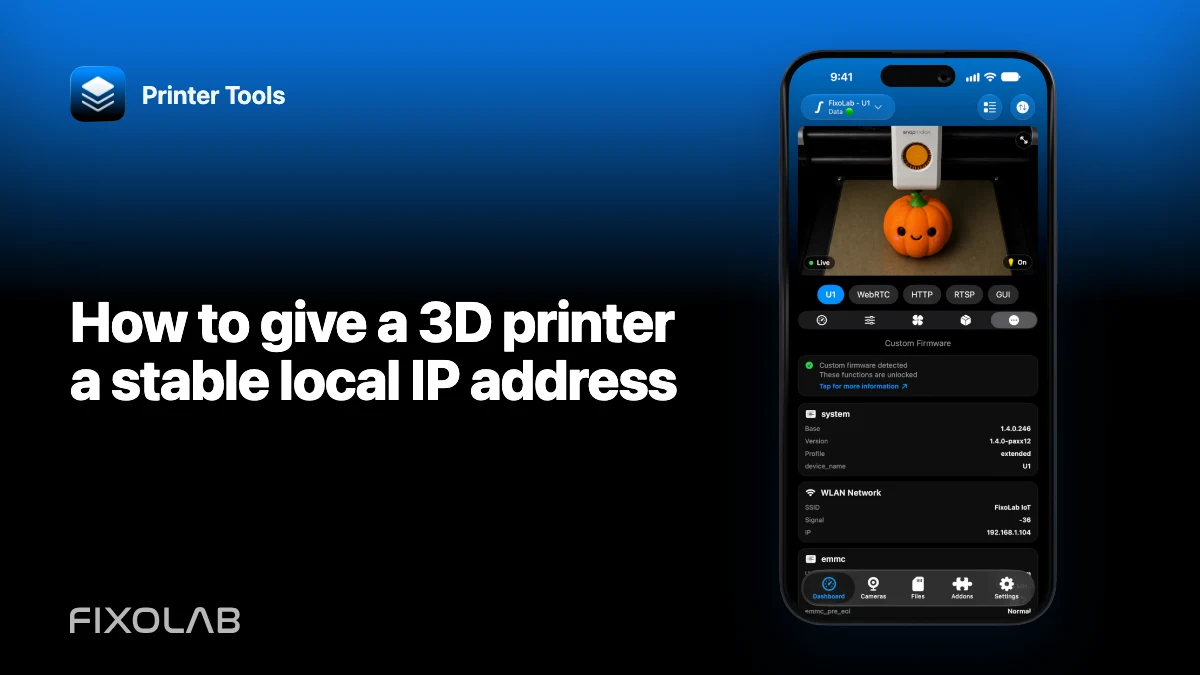
| FixoLab
How to give a 3D printer a stable local IP address
Use a router DHCP reservation to keep a printer connection stable without exposing ports or guessing an unsupported static network configuration.