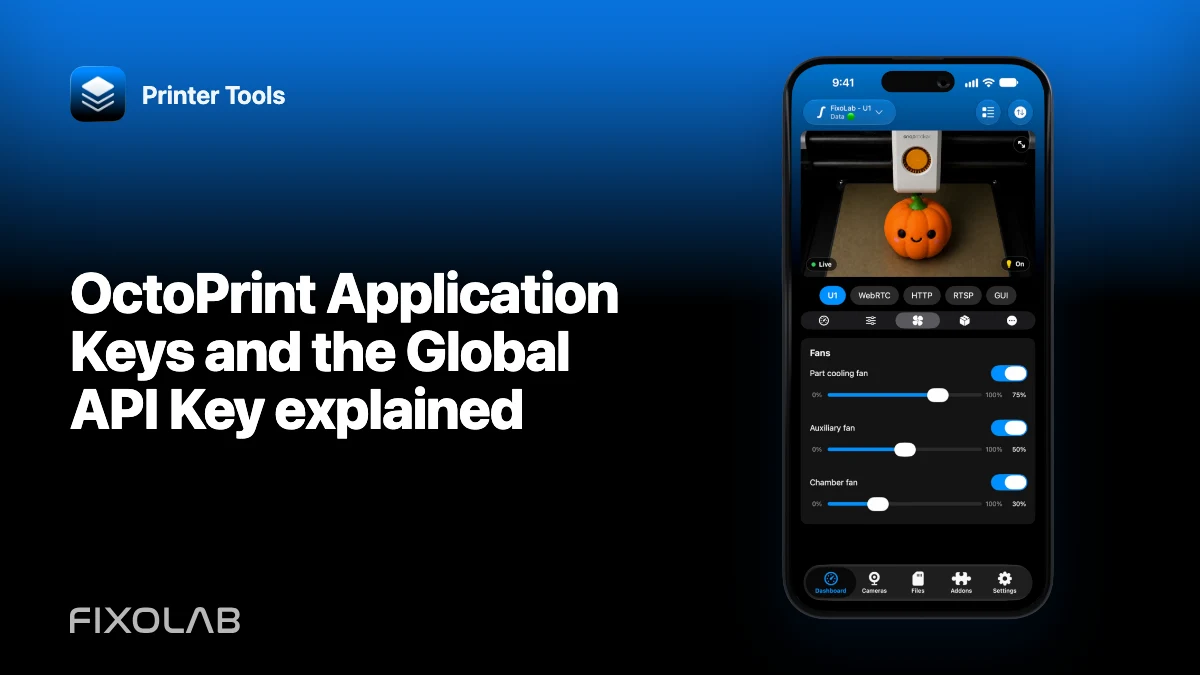
OctoPrint Application Keys and the Global API Key explained
OctoPrint supports credentials with different operational scope. An application-specific key is easier to identify and revoke than reusing one global secret everywhere.
Printer Tools communicates with supported printers and cameras through local protocols. Keep devices private, preserve credentials and use the current compatibility matrix as the authority for model-specific capabilities.

All your 3D printers in one dashboard
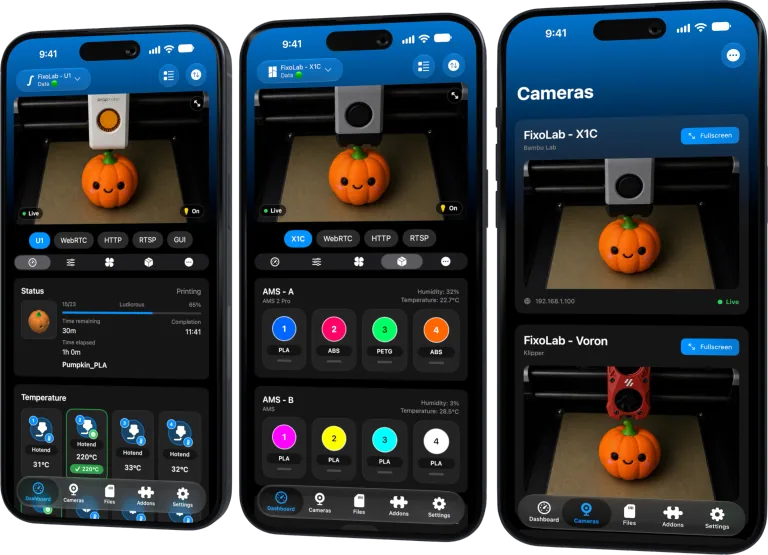
Monitor Bambu Lab, Klipper, OctoPrint, Creality, Snapmaker, Anycubic, Flashforge, Elegoo, and Prusa printers from one app
Available on Android, iPhone, iPad and Mac, with Apple Watch and Wear OS companion apps plus optional remote access through VPN, OctoEverywhere or Obico
Prefer an app-specific approval flow
When the OctoPrint Application Keys workflow is available, approve Printer Tools as its own client. This creates a credential associated with that application and user context.
Understand the global key
The Global API Key is a broad shared credential. Rotating it can break every client that reuses it, and leaking it exposes more than one integration relationship.
Match permissions to supported features
Use an OctoPrint user with only the permissions needed for Printer Tools monitoring and supported file browsing or controls. Printer Tools does not upload a file and start a new OctoPrint job.
Revoke cleanly
If a phone is lost or a key is exposed, revoke that application key in OctoPrint and authorize a new one. Never post either key in logs or screenshots.
Local troubleshooting checklist
- Use HTTPS on untrusted network segments.
- Approve an app-specific key when possible.
- Limit the OctoPrint user permissions.
- Revoke individual credentials when needed.
Frequently asked questions
Is an Application Key the same as the Global API Key?
No. The application credential is tied to a client approval, while the global key is shared broadly.
Can Printer Tools work without authorization?
Only endpoints allowed anonymously would be visible, which is usually insufficient and less controlled.
Should OctoPrint be public on the internet?
No. Use a private VPN or a supported remote-access solution.
All your 3D printers in one dashboard
Monitor Bambu Lab, Klipper, OctoPrint, Creality, Snapmaker, Anycubic, Flashforge, Elegoo, and Prusa printers from one app
Available on Android, iPhone, iPad and Mac, with Apple Watch and Wear OS companion apps plus optional remote access through VPN, OctoEverywhere or Obico
| FixoLab
How to use OctoPrint behind HTTPS and a reverse proxy
Preserve the OctoPrint base path, headers and WebSocket upgrades when connecting Printer Tools through a trusted proxy.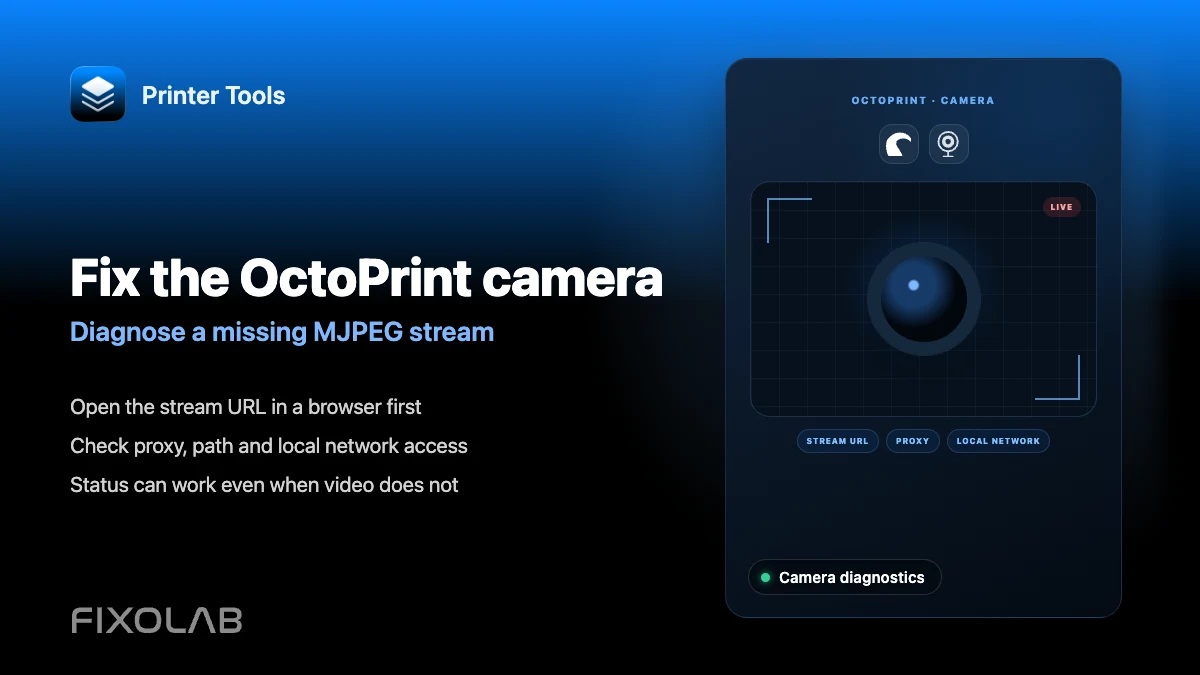
| FixoLab
How to fix an OctoPrint camera that is not loading in Printer Tools
Troubleshoot an OctoPrint webcam that will not load in Printer Tools, including setups where the camera has its own address.
| FixoLab
How to fix invalid API key and unauthorized errors in OctoPrint
Fix an invalid or unauthorized OctoPrint API key in Printer Tools and tell it apart from a serial disconnection error.
| FixoLab
How to browse files and manage OctoPrint jobs from Printer Tools
Browse files already on your OctoPrint server and pause, resume or stop the current job from Printer Tools.