How to encode a camera username and password in a stream URL
Characters such as @, :, /, #, % and spaces have structural meaning in a URL. A valid password can therefore break a stream URL unless the username and password components are encoded correctly.
Printer Tools communicates with supported printers and cameras through local protocols. Keep devices private, preserve credentials and use the current compatibility matrix as the authority for model-specific capabilities.

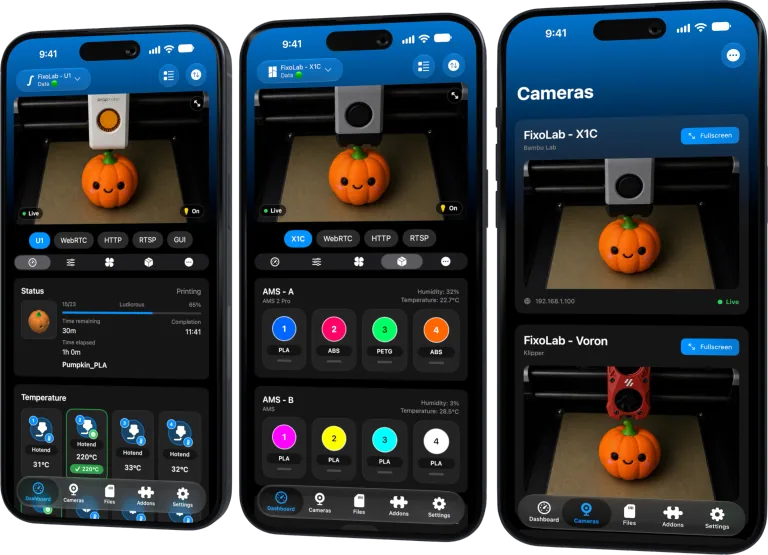
All your 3D printers in one dashboard
Monitor Bambu Lab, Klipper, OctoPrint, Creality, Snapmaker, Anycubic, Flashforge, Elegoo, and Prusa printers from one app
Available on Android, iPhone, iPad and Mac, with Apple Watch and Wear OS companion apps plus optional remote access through VPN, OctoEverywhere or Obico
Encode components rather than the whole URL
Percent-encode the username and password separately, then place them in the URL structure supported by the camera. Encoding the complete URL also encodes separators such as :// and makes it unusable.
Confirm whether URL credentials are supported
Some cameras reject credentials in the URL and require Digest, Basic or token authentication through a client flow. Follow the device’s documented method rather than forcing user information into every address.
Avoid double encoding
A percent sign in an already encoded credential can become %25 a second time. Store the original credential securely and let one trusted URL builder perform encoding once.
Protect the final address
An authenticated URL is a secret because it can contain reusable credentials. Do not paste it into public issues, screenshots, shell history, analytics or ordinary logs.
Local troubleshooting checklist
- Verify the required authentication method.
- Encode username and password separately.
- Preserve scheme, host, port and path.
- Redact the complete user-information section.
Frequently asked questions
Should the slash in the stream path be encoded?
No. Encode credential components, not the path separators that define the URL.
Why does a simple password work but a complex one fails?
Reserved characters may be parsed as URL syntax when they are not encoded.
Can support ask for the full URL?
Share a redacted structure and error, never the live password.
All your 3D printers in one dashboard
Monitor Bambu Lab, Klipper, OctoPrint, Creality, Snapmaker, Anycubic, Flashforge, Elegoo, and Prusa printers from one app
Available on Android, iPhone, iPad and Mac, with Apple Watch and Wear OS companion apps plus optional remote access through VPN, OctoEverywhere or Obico
| FixoLab
Why a camera works in a browser but not in Printer Tools
Separate a camera web interface from its real media endpoint and diagnose authentication, codec, TLS and network differences.
| FixoLab
Why two camera viewers can overload a printer camera
Diagnose buffering or disconnects caused by multiple viewers, limited camera encoders and weak local links.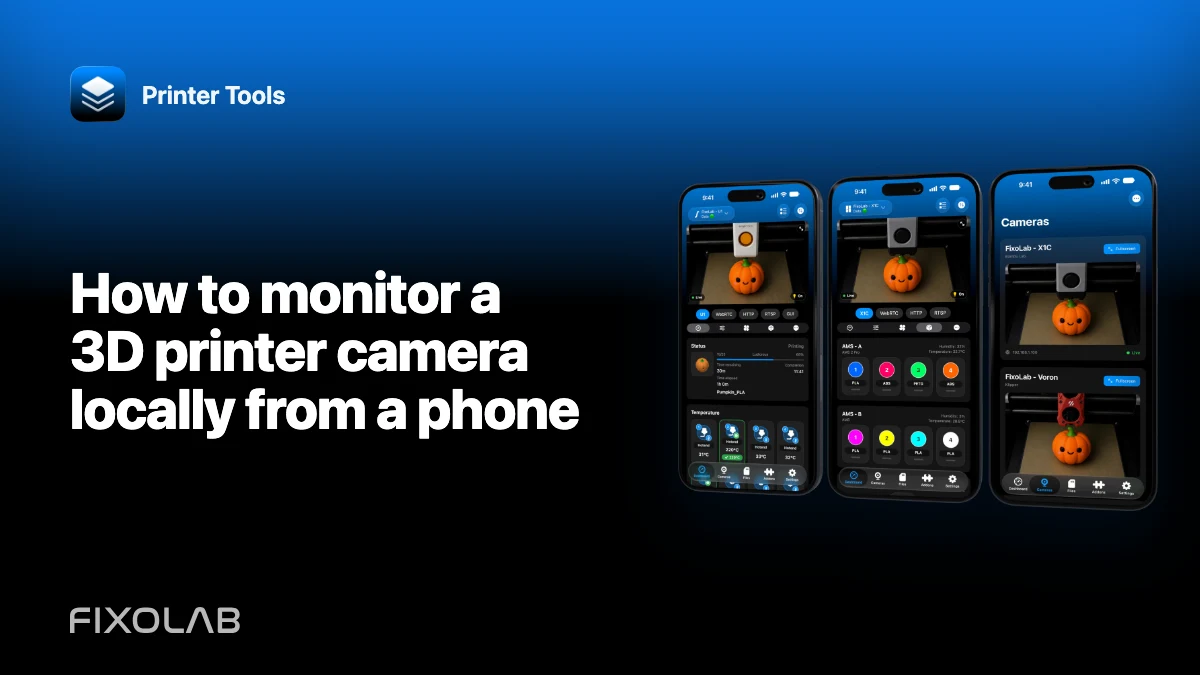
| FixoLab
How to monitor a 3D printer camera locally from a phone
Connect a supported printer or external camera to Printer Tools on iPhone or Android without exposing it to the public internet.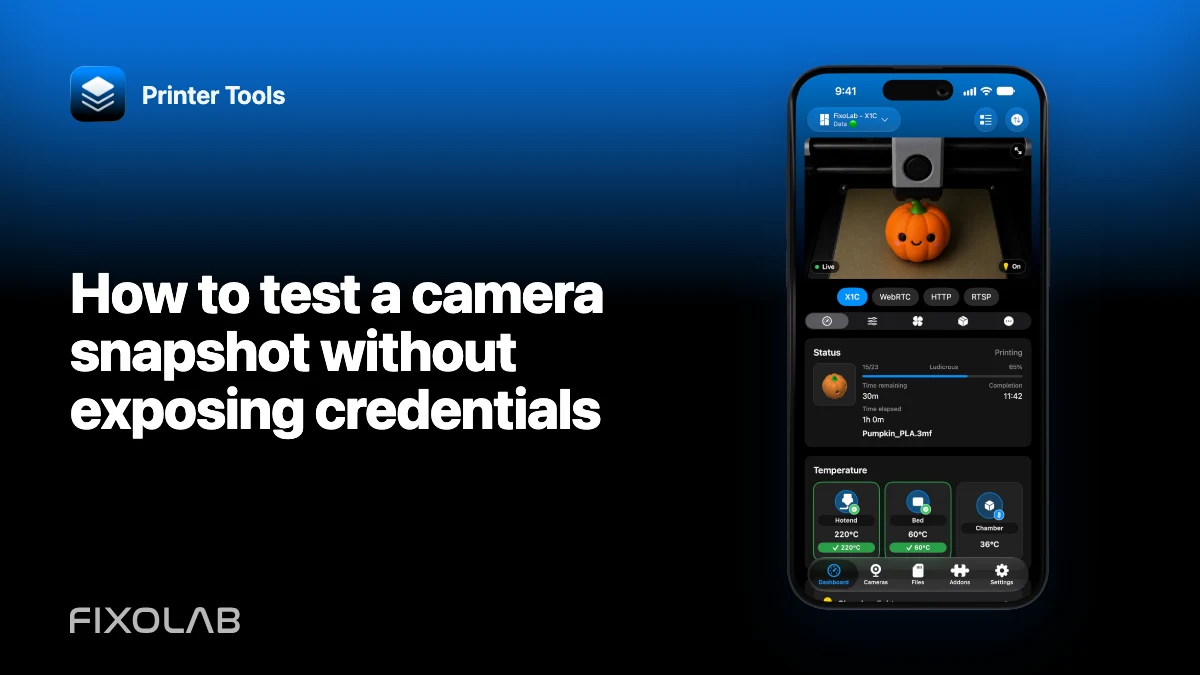
| FixoLab
How to test a camera snapshot without exposing credentials
Verify a local snapshot endpoint while keeping camera usernames, passwords and private addresses out of shared evidence.