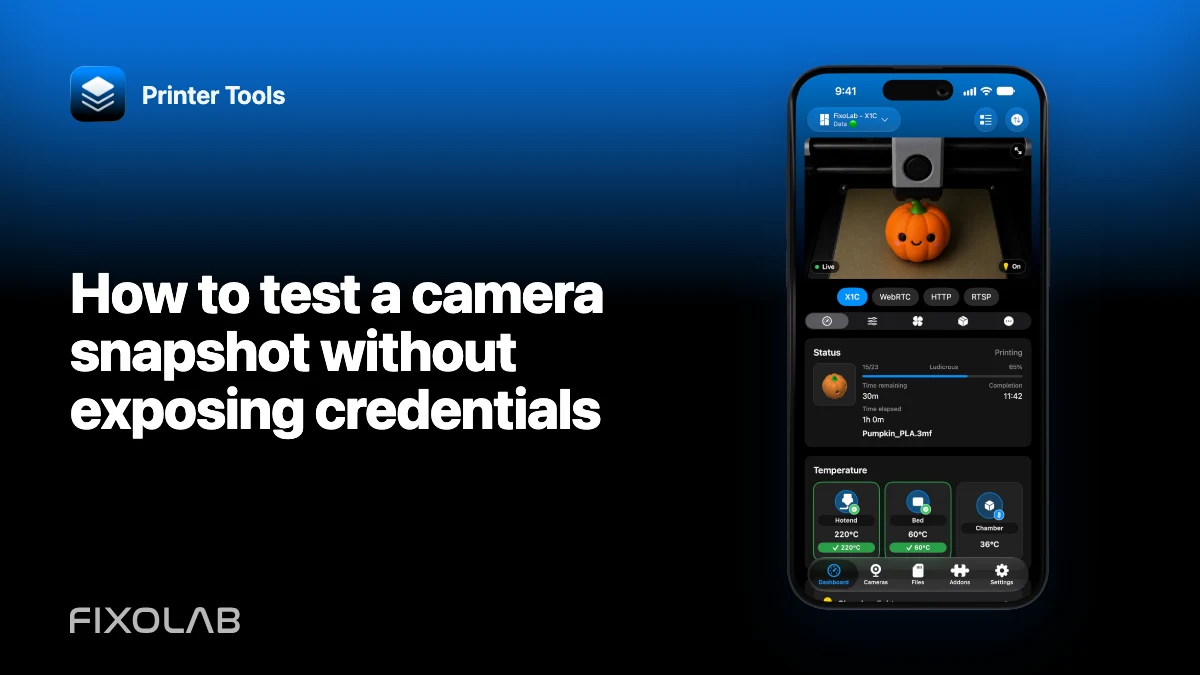
How to test a camera snapshot without exposing credentials
A snapshot is a useful first test because it separates still-image access from continuous streaming. The test must not turn the camera URL into a public secret.
Printer Tools communicates with supported printers and cameras through local protocols. Keep devices private, preserve credentials and use the current compatibility matrix as the authority for model-specific capabilities.

All your 3D printers in one dashboard
Monitor Bambu Lab, Klipper, OctoPrint, Creality, Snapmaker, Anycubic, Flashforge, Elegoo, and Prusa printers from one app
Available on Android, iPhone, iPad and Mac, with Apple Watch and Wear OS companion apps plus optional remote access through VPN, OctoEverywhere or Obico
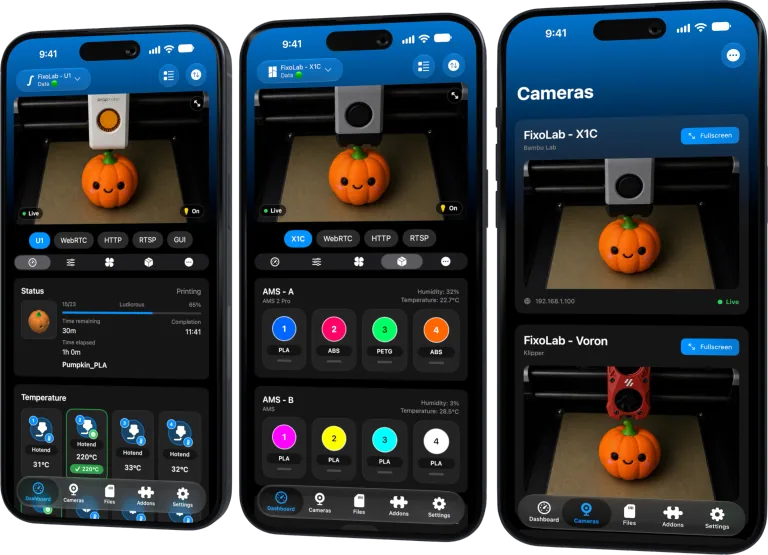
Use a trusted local client
Test through the camera’s official interface or Printer Tools on the same private network. Avoid online URL checkers, public proxy sites and browser extensions that upload the address.
Confirm the response type
A snapshot endpoint should return one image with an appropriate content type. An HTML login page, redirect or JSON error can still appear as a successful HTTP response.
Redact before sharing
Keep the scheme and a placeholder host or private subnet description, then replace username, password, token, serial and identifying path values. Share status, content type and timestamp instead.
Separate snapshot and stream success
A JPEG snapshot can work while MJPEG, RTSP or WebRTC fails. Record each feature independently so support diagnoses the right protocol.
Local troubleshooting checklist
- Test only on the trusted LAN.
- Confirm an image response rather than HTML.
- Capture status and content type.
- Redact the endpoint before sharing.
Frequently asked questions
Can I send a screenshot of the address bar?
Not if it contains credentials, tokens or identifying network details.
Does a snapshot prove RTSP works?
No. They can use separate services and authentication.
Should I upload the image to a public issue?
Only after removing personal or camera-visible information and when it is genuinely necessary.
All your 3D printers in one dashboard
Monitor Bambu Lab, Klipper, OctoPrint, Creality, Snapmaker, Anycubic, Flashforge, Elegoo, and Prusa printers from one app
Available on Android, iPhone, iPad and Mac, with Apple Watch and Wear OS companion apps plus optional remote access through VPN, OctoEverywhere or Obico
| FixoLab
Why a camera works in a browser but not in Printer Tools
Separate a camera web interface from its real media endpoint and diagnose authentication, codec, TLS and network differences.
| FixoLab
Why two camera viewers can overload a printer camera
Diagnose buffering or disconnects caused by multiple viewers, limited camera encoders and weak local links.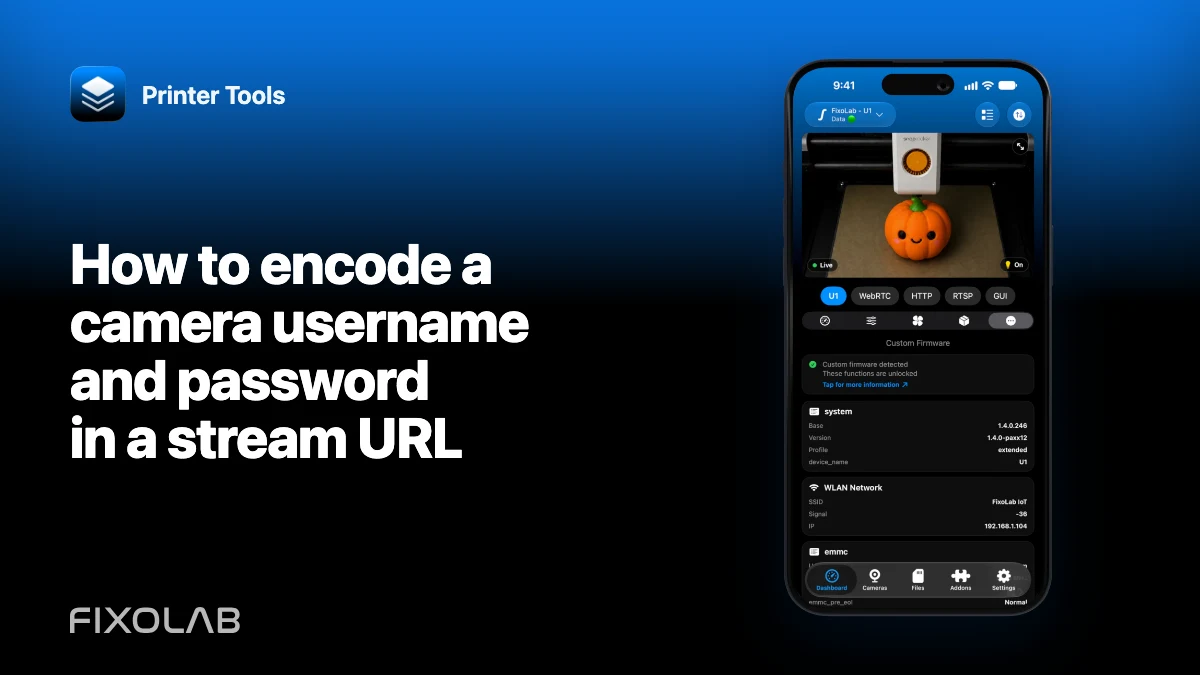
| FixoLab
How to encode a camera username and password in a stream URL
Build a valid authenticated camera URL by percent-encoding credential components without leaking the secret.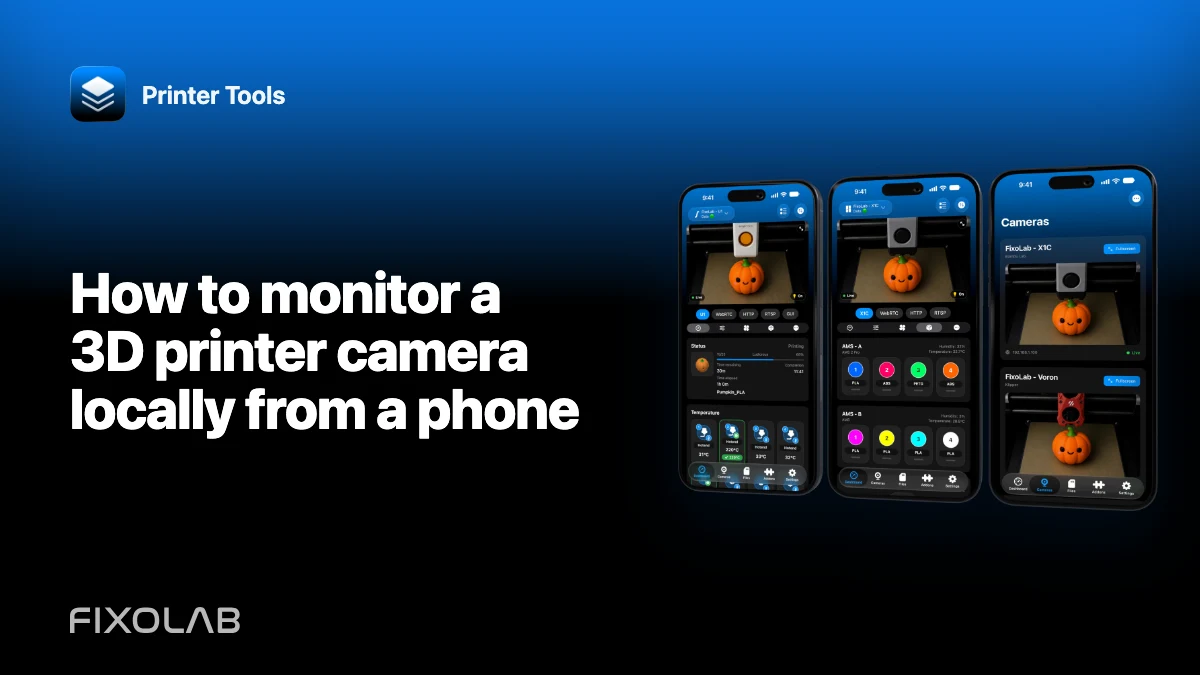
| FixoLab
How to monitor a 3D printer camera locally from a phone
Connect a supported printer or external camera to Printer Tools on iPhone or Android without exposing it to the public internet.