Blog
Learn advanced strategies for managing your 3D printers, optimization techniques, and best practices to improve your printing experience.
| FixoLab
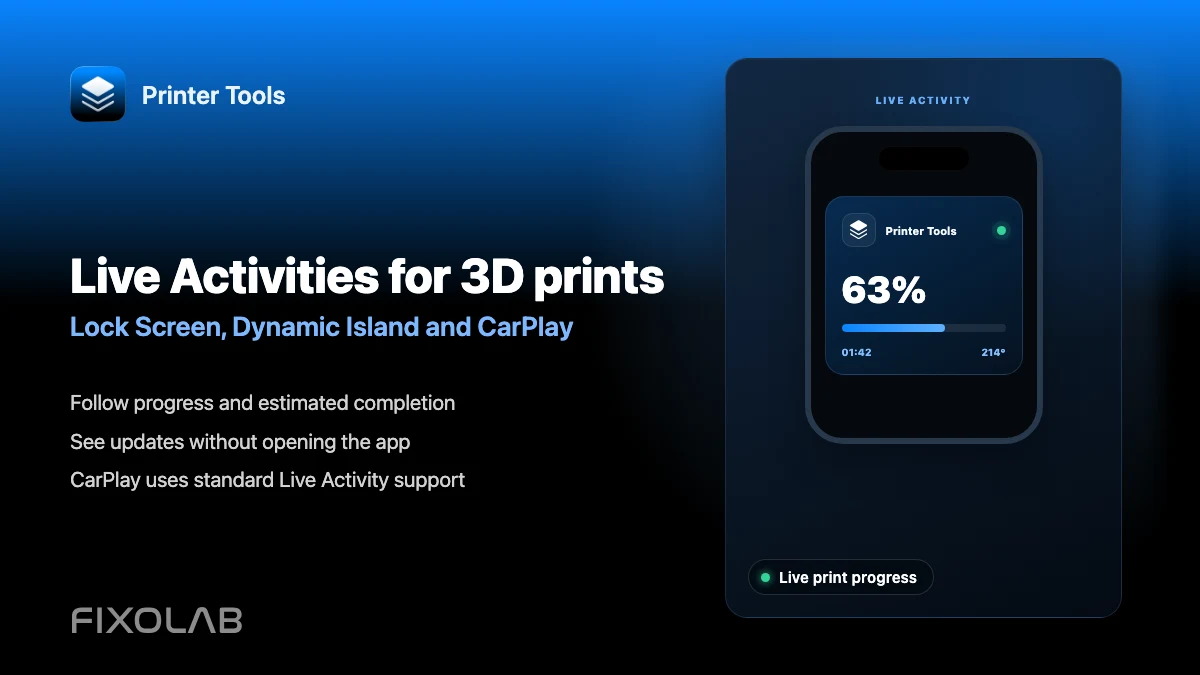
How to follow 3D prints with Live Activities, Dynamic Island and CarPlay
Set up Printer Tools Live Activities for a print's progress on the Lock Screen, Dynamic Island, CarPlay and StandBy.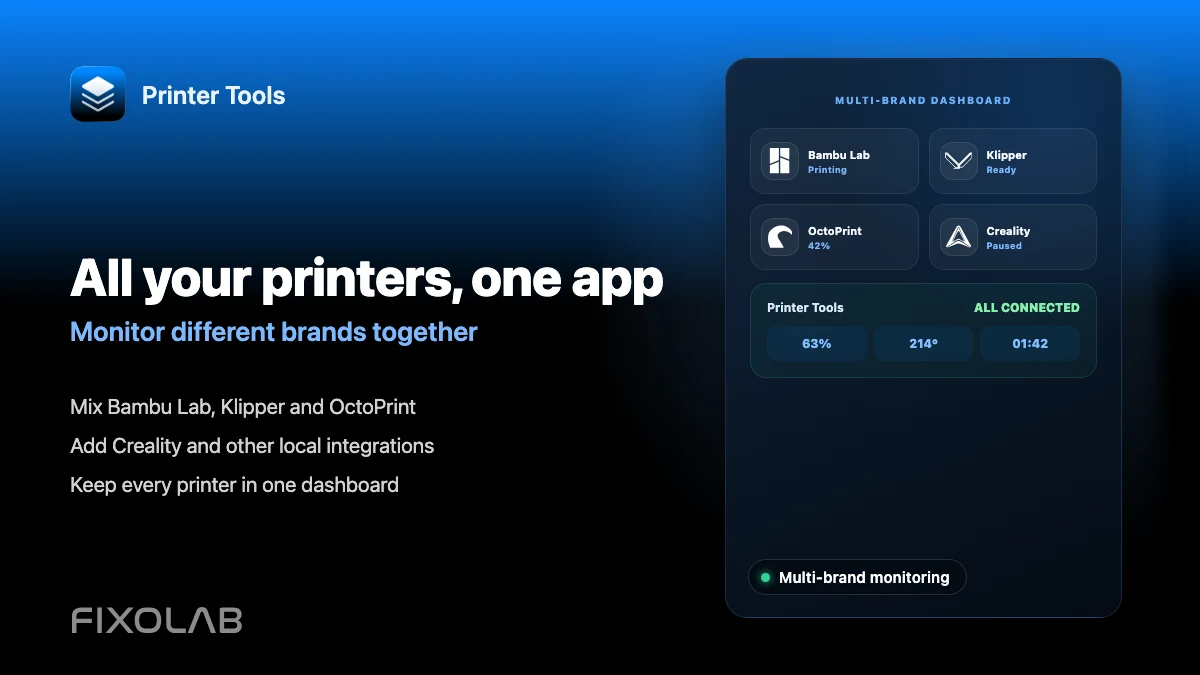
| FixoLab
How to monitor multiple 3D printers from different brands in one app
Connect Bambu Lab, Klipper, OctoPrint, Creality and other brands to Printer Tools and monitor all of them on one dashboard.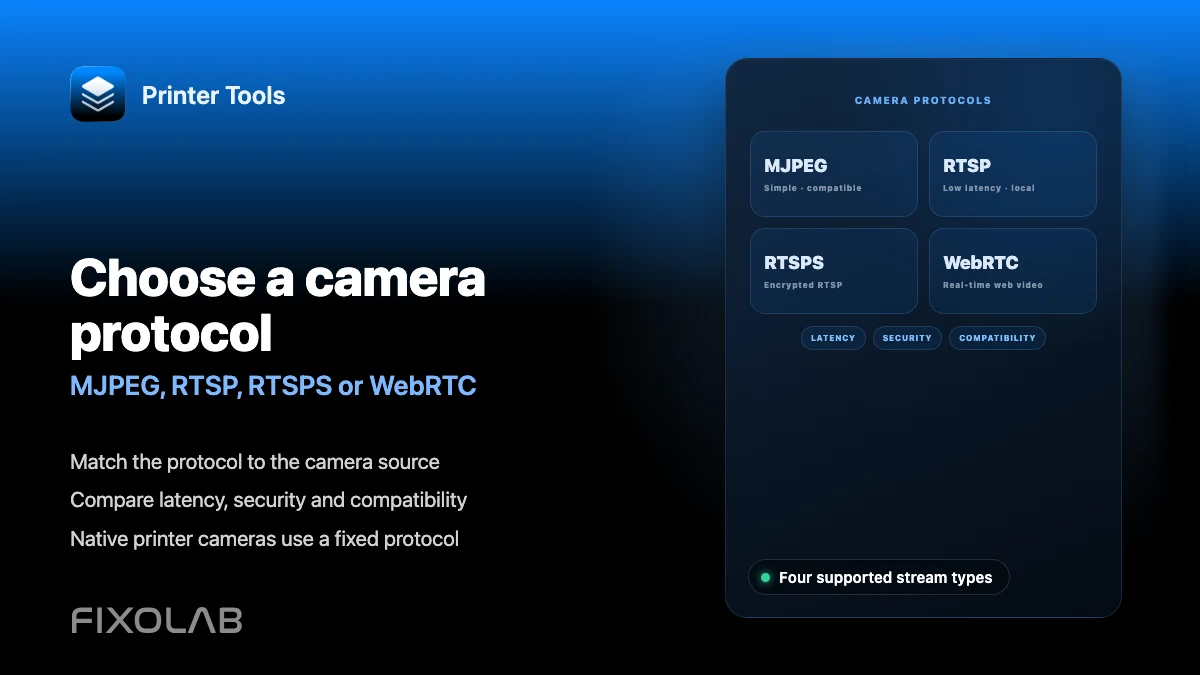
| FixoLab
Choosing MJPEG, RTSP, RTSPS or WebRTC for a 3D printer camera
Understand how MJPEG, RTSP, RTSPS and WebRTC differ and which ones Printer Tools uses for native and external cameras.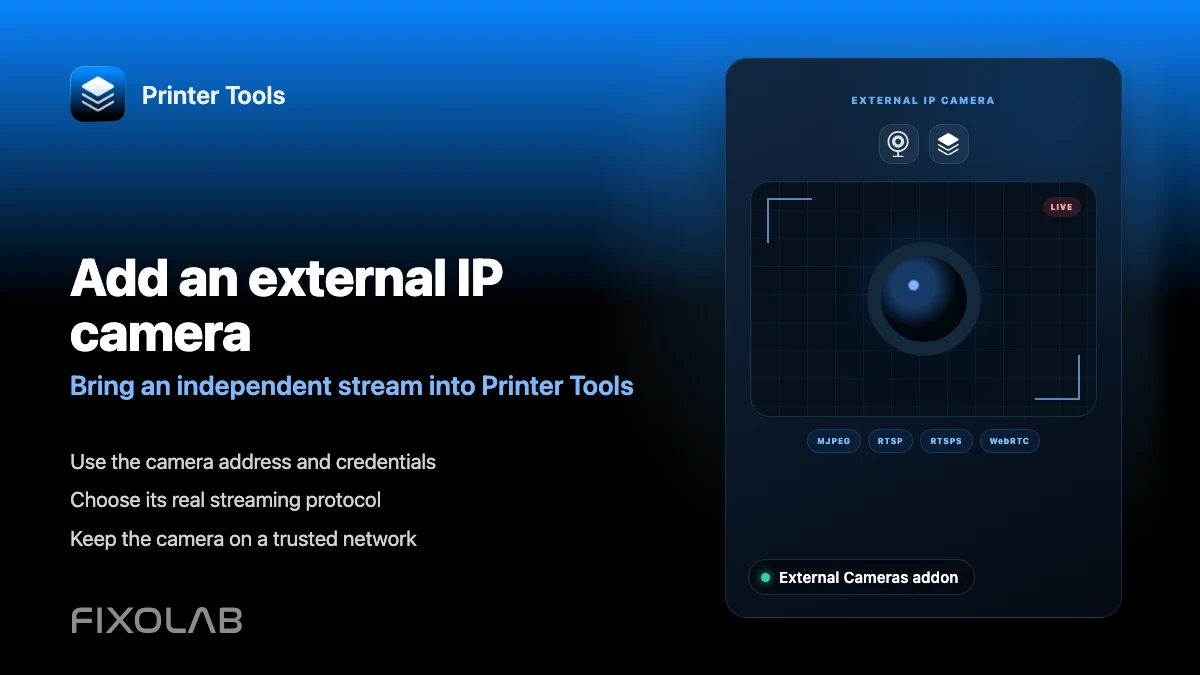
| FixoLab
How to add an external IP camera to a 3D printer in Printer Tools
Add an independent IP camera to Printer Tools over HTTP, MJPEG, RTSP, RTSPS, TCP JPEG, WebRTC or ONVIF discovery.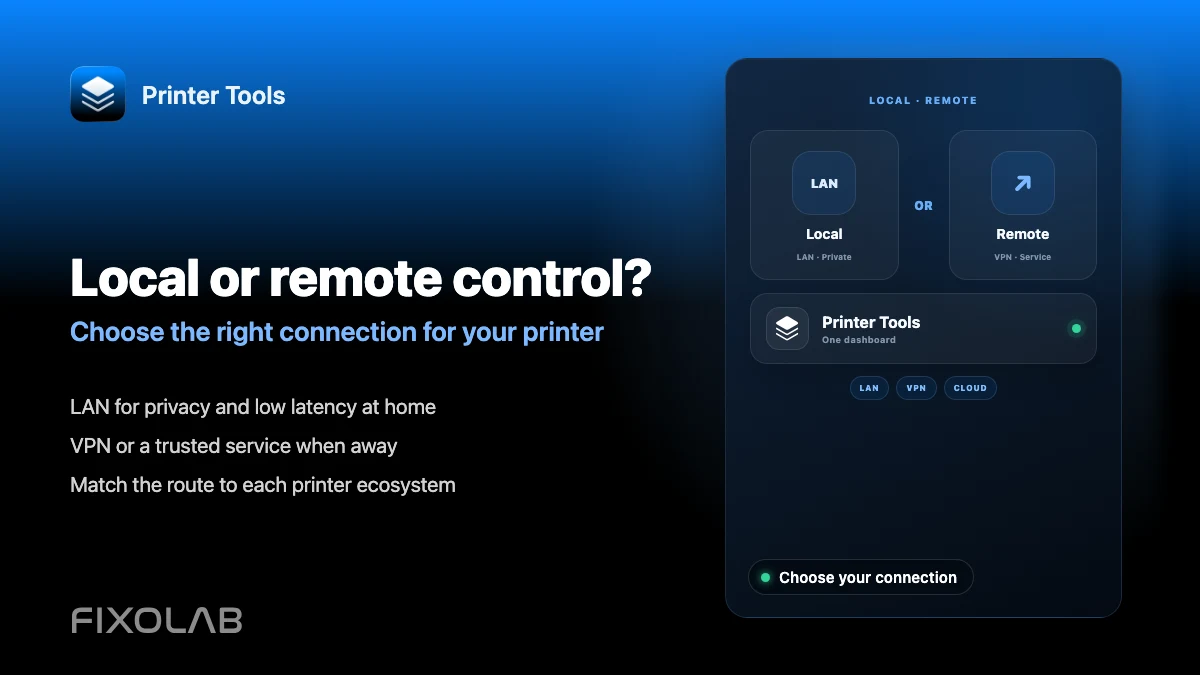
| FixoLab
Choosing local 3D printer control or remote access with VPN, OctoEverywhere, Obico and cloud
Compare local-only control, a VPN, OctoEverywhere, Obico and a manufacturer cloud app for reaching your 3D printer remotely.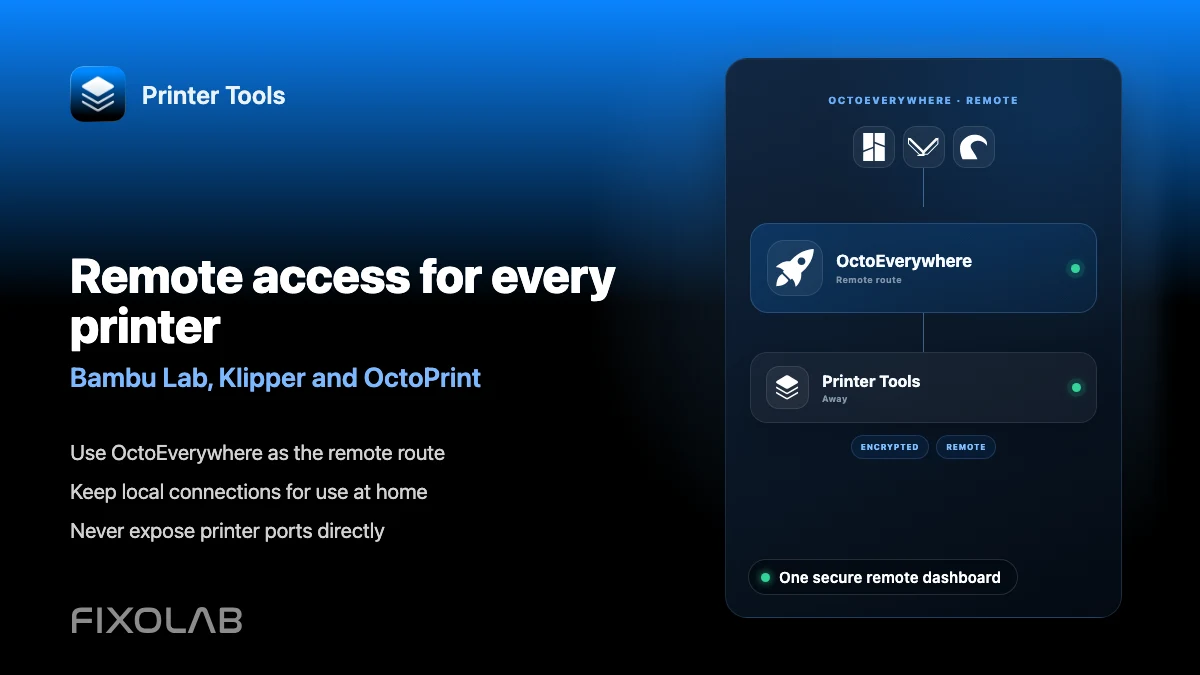
| FixoLab
How to control Bambu Lab, Klipper and OctoPrint away from home with OctoEverywhere
Extend a Bambu Lab, Klipper or OctoPrint printer already connected in Printer Tools with secure OctoEverywhere remote access.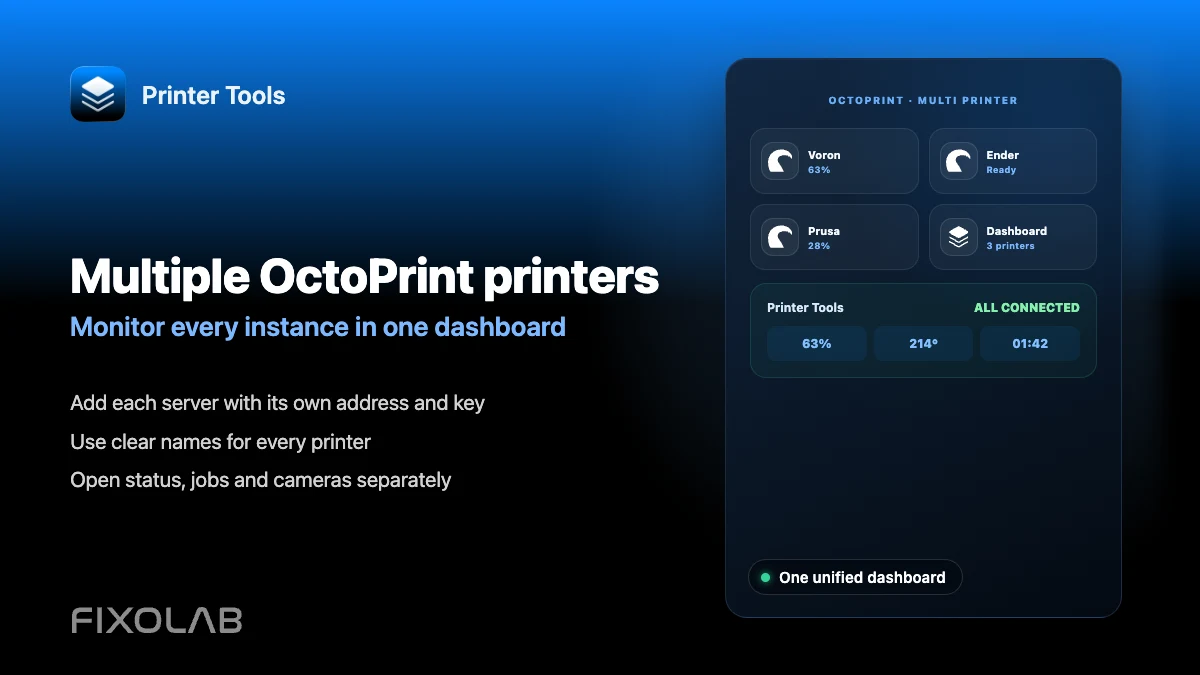
| FixoLab
How to connect and monitor multiple OctoPrint printers in Printer Tools
Connect several OctoPrint instances to Printer Tools and monitor all of them from one combined dashboard.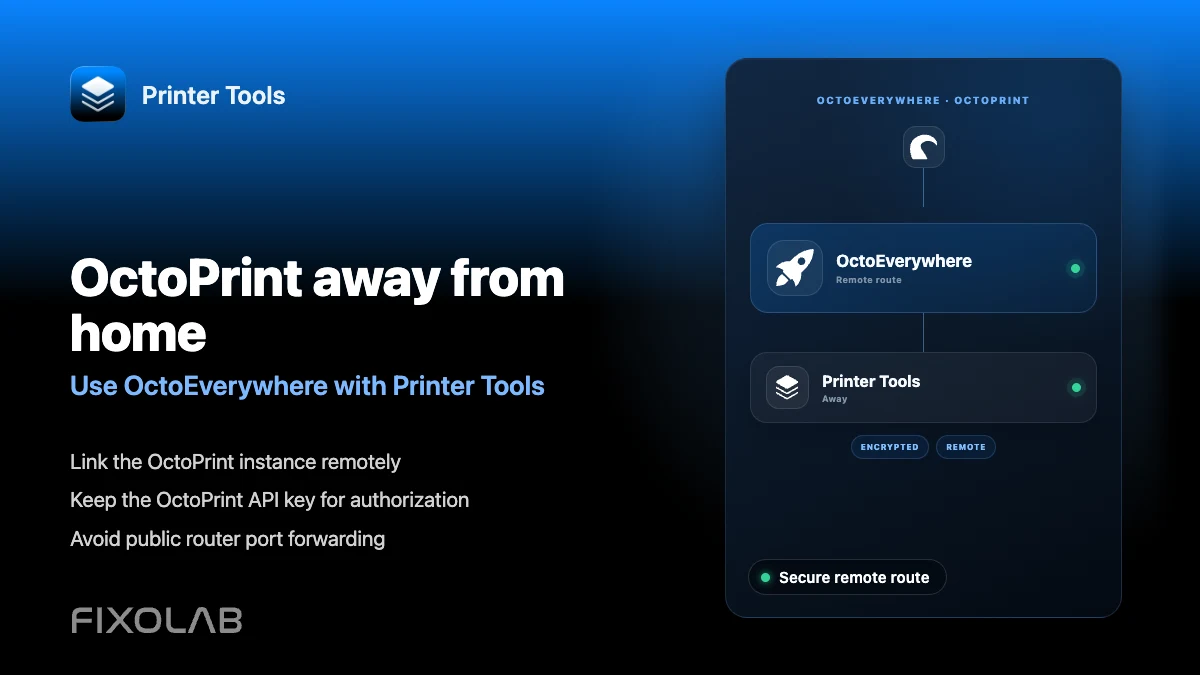
| FixoLab
How to use OctoEverywhere with Printer Tools for remote OctoPrint access
Add OctoEverywhere to an OctoPrint printer in Printer Tools for secure remote status, camera and job control.
| FixoLab
How to browse files and manage OctoPrint jobs from Printer Tools
Browse files already on your OctoPrint server and pause, resume or stop the current job from Printer Tools.
| FixoLab
How to fix invalid API key and unauthorized errors in OctoPrint
Fix an invalid or unauthorized OctoPrint API key in Printer Tools and tell it apart from a serial disconnection error.
| FixoLab
How to fix an OctoPrint camera that is not loading in Printer Tools
Troubleshoot an OctoPrint webcam that will not load in Printer Tools, including setups where the camera has its own address.
| FixoLab
How to control OctoPrint from Android and iPhone with Printer Tools
See what you can do with an OctoPrint printer from Printer Tools on Android and iPhone, from status to job control and camera.
| FixoLab
How to install OctoPrint and connect it to Printer Tools with an API key
Install OctoPrint and connect it to Printer Tools using its global API key for status, job control and file browsing.
| FixoLab
Using Mainsail and Fluidd with Printer Tools through Moonraker
See how Printer Tools, Mainsail and Fluidd can run together against the same Moonraker instance without conflicts.
| FixoLab
How to fix Moonraker authentication and API key errors in Printer Tools
Fix Moonraker API key, Bearer token and Basic Auth errors in Printer Tools, and tell them apart from a serial or trusted_clients issue.
| FixoLab
How to connect a Voron printer to Printer Tools through Klipper
Connect a Voron printer to Printer Tools the same way as any Klipper and Moonraker setup, with no separate Voron integration.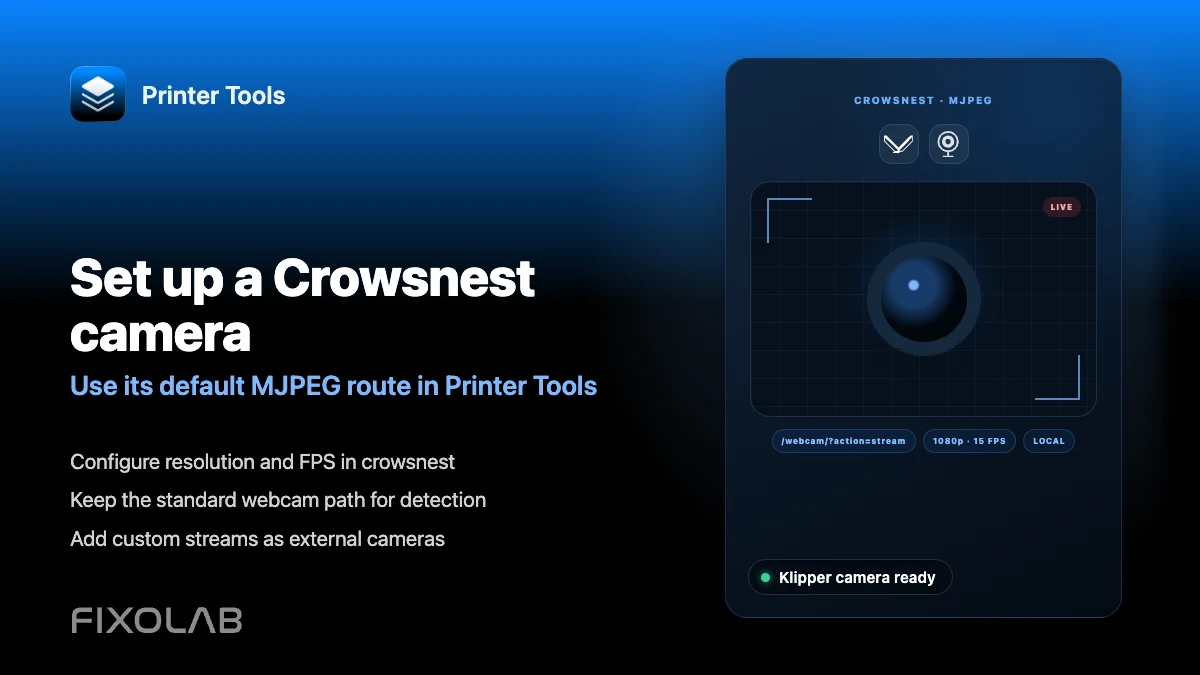
| FixoLab
How to configure a Crowsnest camera for Klipper and Printer Tools
Set up crowsnest so its default MJPEG stream appears automatically in Printer Tools for a connected Klipper printer.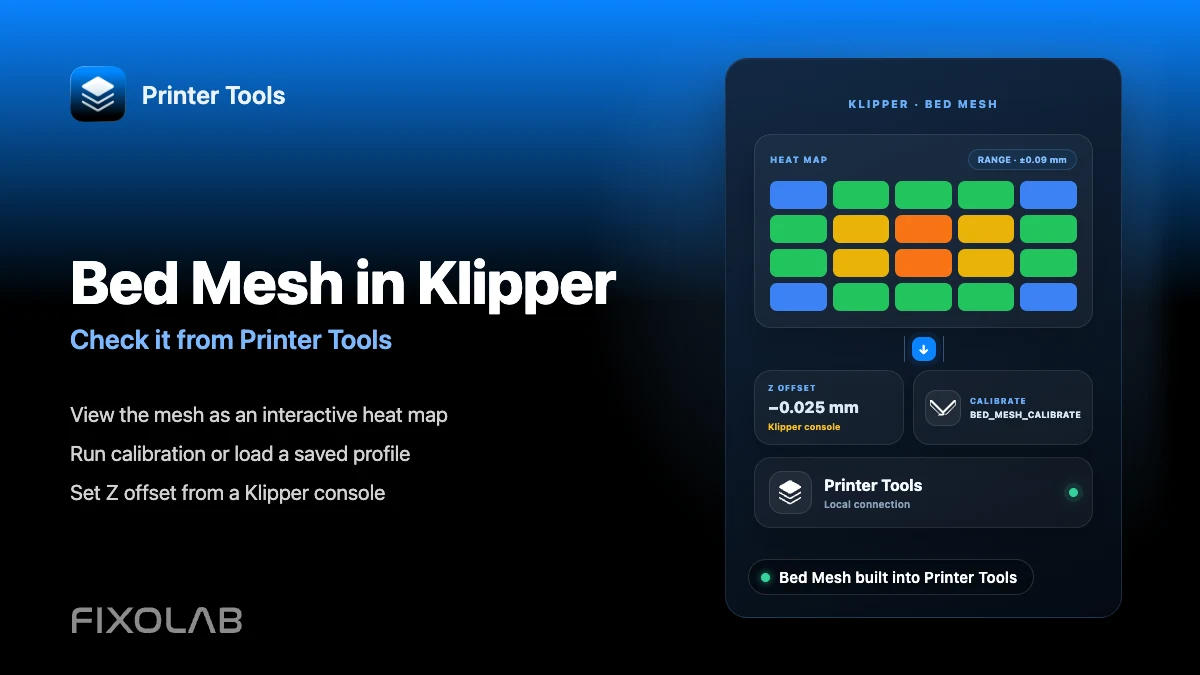
| FixoLab
How to configure Bed Mesh and Z offset in Klipper and check them from your phone
View and calibrate Klipper's Bed Mesh from Printer Tools, and learn why Z offset still needs to be set from a Klipper console.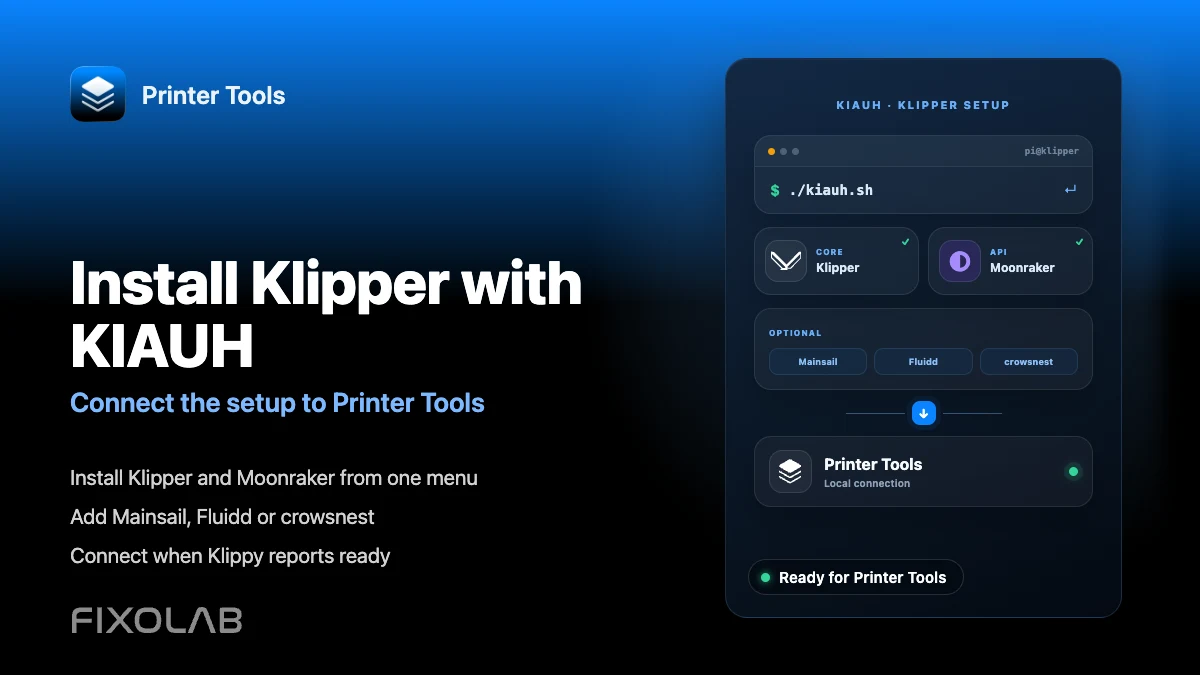
| FixoLab
How to install Klipper with KIAUH and connect it to Printer Tools
Install Klipper and Moonraker with KIAUH, add optional Mainsail, Fluidd or crowsnest, then connect the printer to Printer Tools.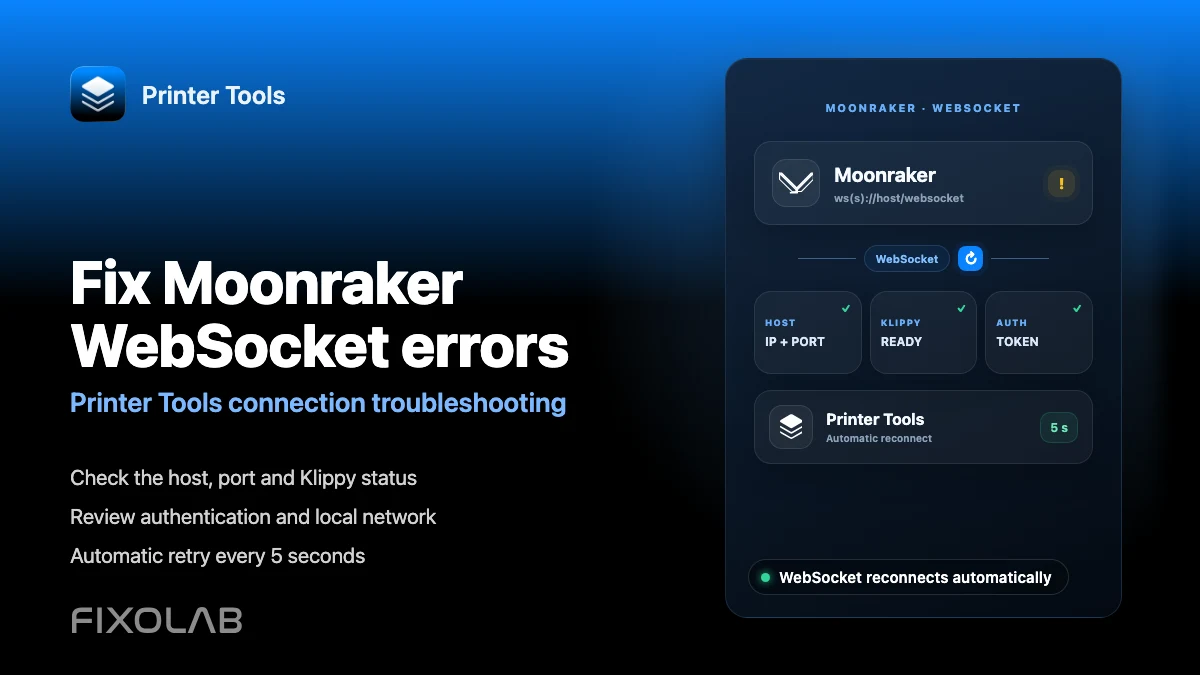
| FixoLab
How to fix Moonraker WebSocket connection errors in Printer Tools
Diagnose Moonraker WebSocket connection errors in Printer Tools, from unreachable hosts to Klippy status, authentication and automatic reconnection.
| FixoLab
How to fix the Creality K2 camera with WebRTC on your local network
Fix Creality K2, K2 Pro and K2 Plus camera problems in Printer Tools by checking model detection, local WebRTC and network reachability.
| FixoLab
How to fix Bambu Lab camera problems with RTSPS and TCP JPEG
Fix Bambu Lab camera loading problems in Printer Tools by checking the automatic RTSPS or TCP JPEG route, Access Code and local network.
| FixoLab
How to connect Obico to Printer Tools for remote Klipper and OctoPrint access
Connect an Obico Cloud or self-hosted printer to Printer Tools for secure remote Klipper or OctoPrint monitoring, controls and camera access.
| FixoLab
How to configure Spoolman with Klipper, Moonraker and Printer Tools
Connect Spoolman through Moonraker to manage active spools, filament inventory, vendors, QR labels and remaining weight in Printer Tools.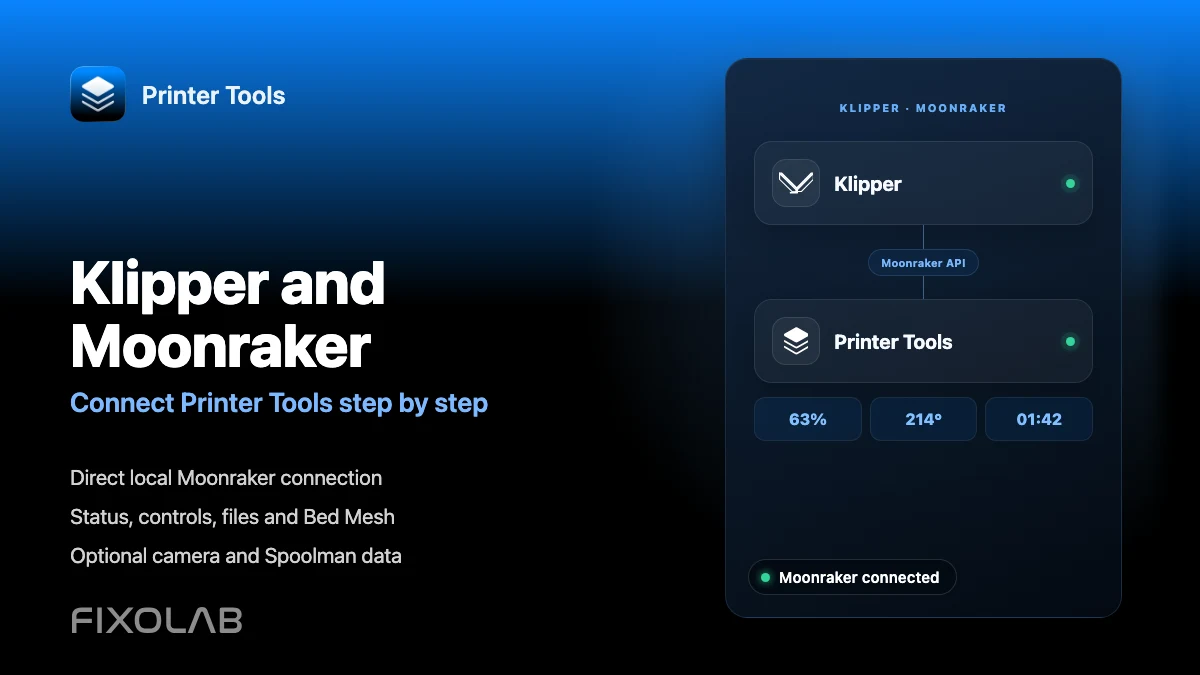
| FixoLab
How to connect Klipper and Moonraker to Printer Tools step by step
Connect a Klipper printer to Printer Tools through Moonraker for local monitoring, controls, files, camera access, Bed Mesh and optional Spoolman data.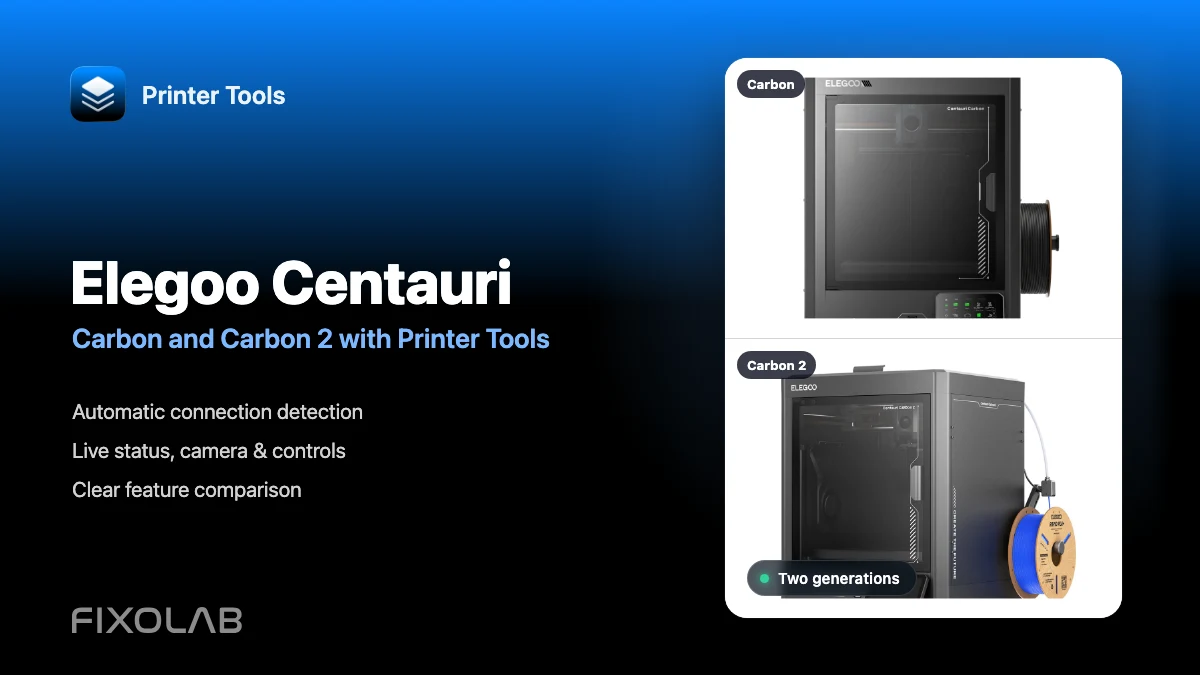
| FixoLab
Using Elegoo Centauri Carbon and Centauri Carbon 2 with Printer Tools
See how Printer Tools connects to Elegoo Centauri Carbon and Carbon 2, what both models support and which current limitations they share.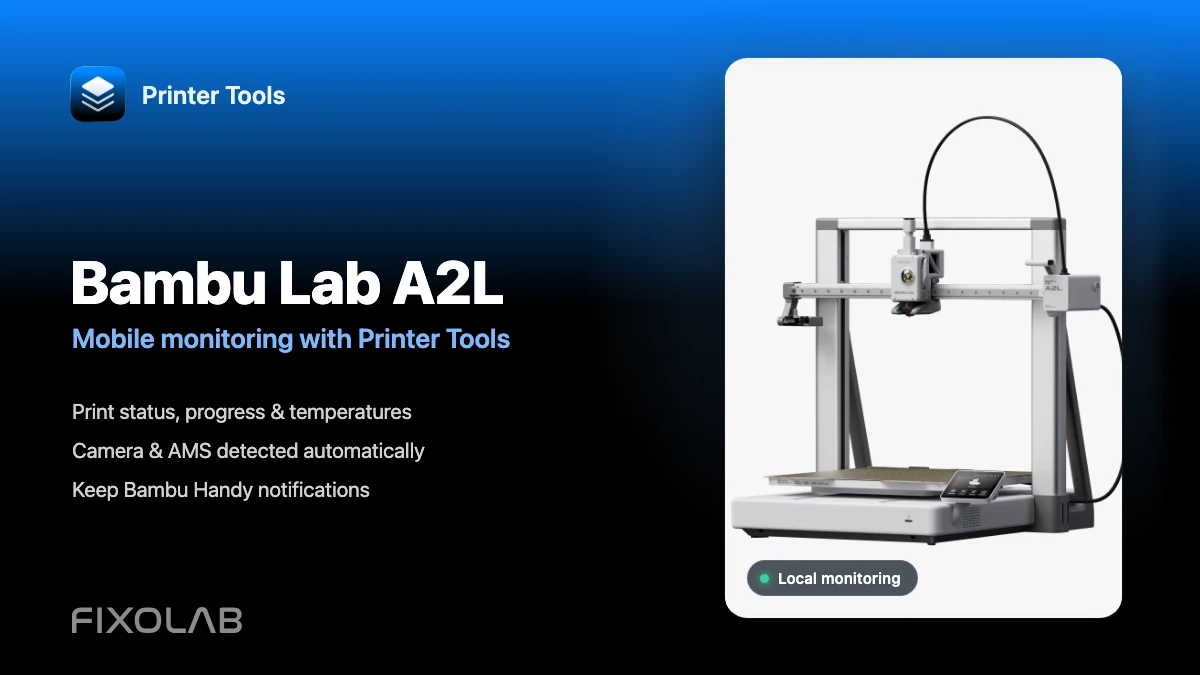
| FixoLab
How to connect Bambu Lab A2L to Printer Tools for mobile monitoring
Connect Bambu Lab A2L locally and monitor prints, camera and AMS from Android or Apple devices while keeping Bambu Handy notifications available.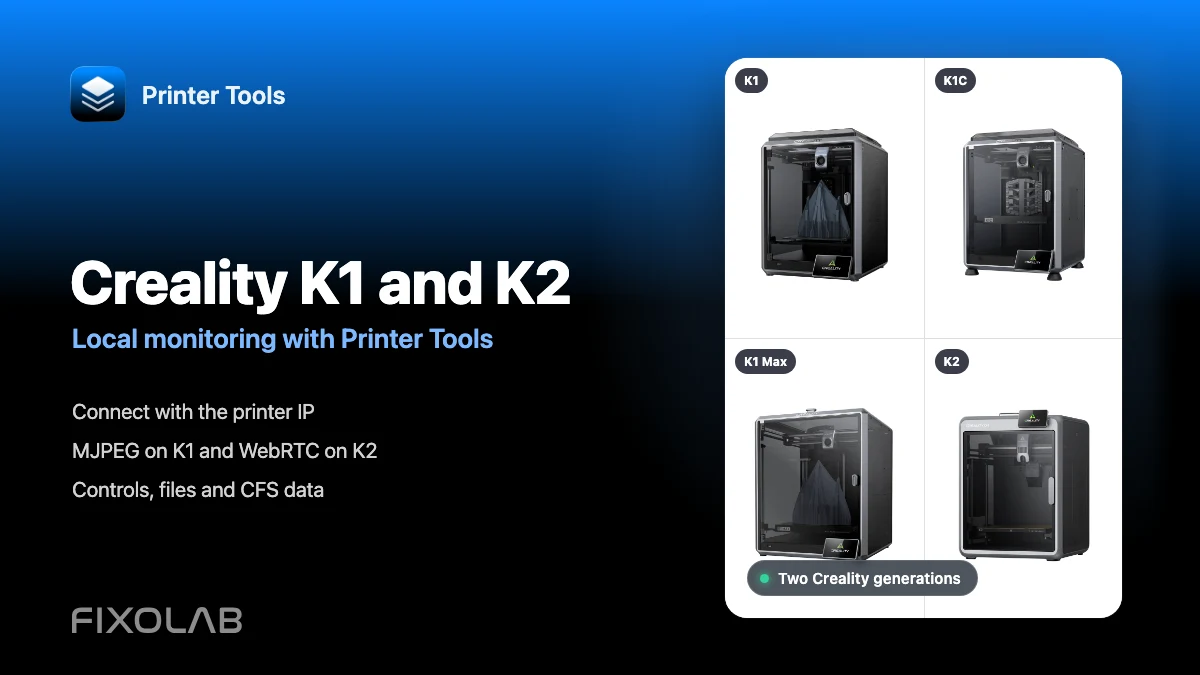
| FixoLab
How to connect Creality K1, K1C, K1 Max and K2 to Printer Tools over LAN
Connect Creality K1, K1C, K1 Max and K2 to Printer Tools locally with automatic MJPEG or WebRTC camera selection, controls and file access.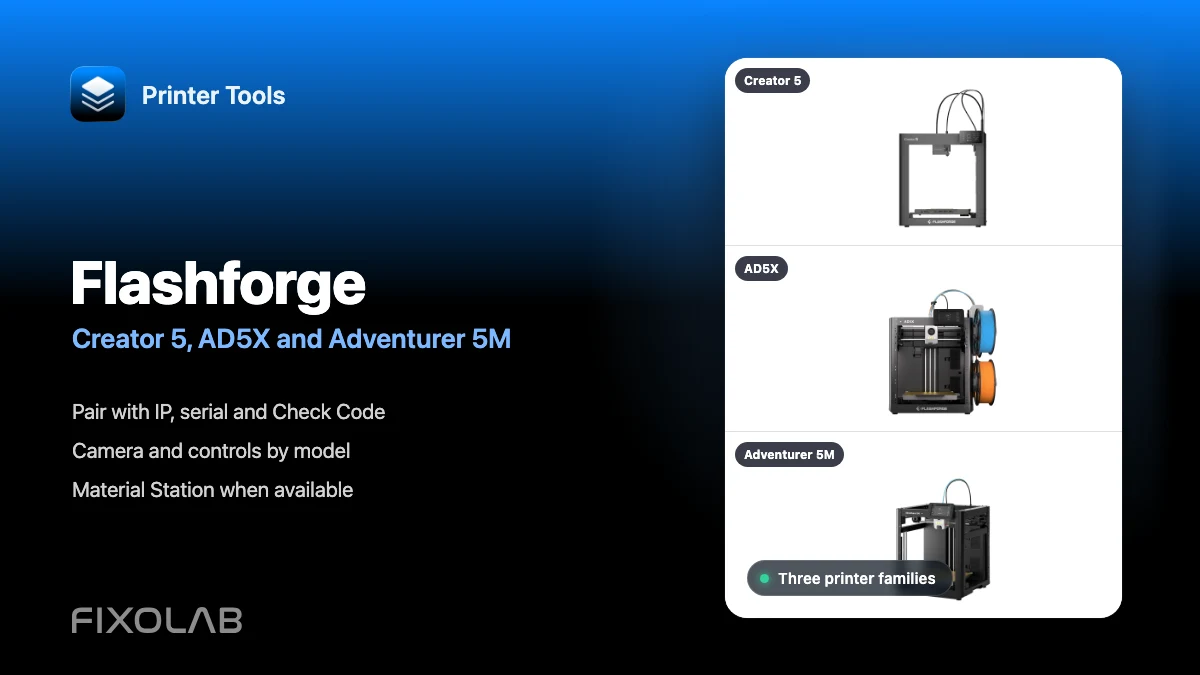
| FixoLab
How to connect Flashforge Creator 5, AD5X and Adventurer 5M to Printer Tools
Connect supported Flashforge Creator 5, AD5X and Adventurer 5M printers locally using their IP, serial number and Check Code.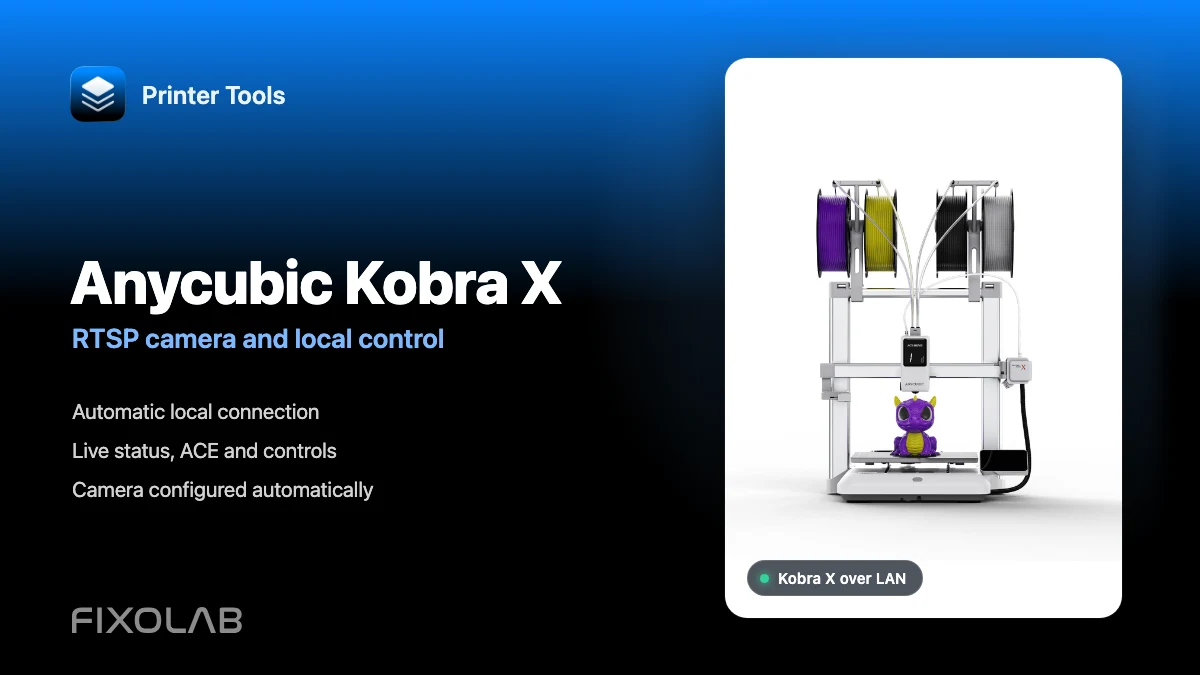
| FixoLab
How to connect Anycubic Kobra X to Printer Tools with RTSP camera and local control
Connect Anycubic Kobra X to Printer Tools over LAN and use live monitoring, its automatic RTSP camera, ACE information and compatible local controls.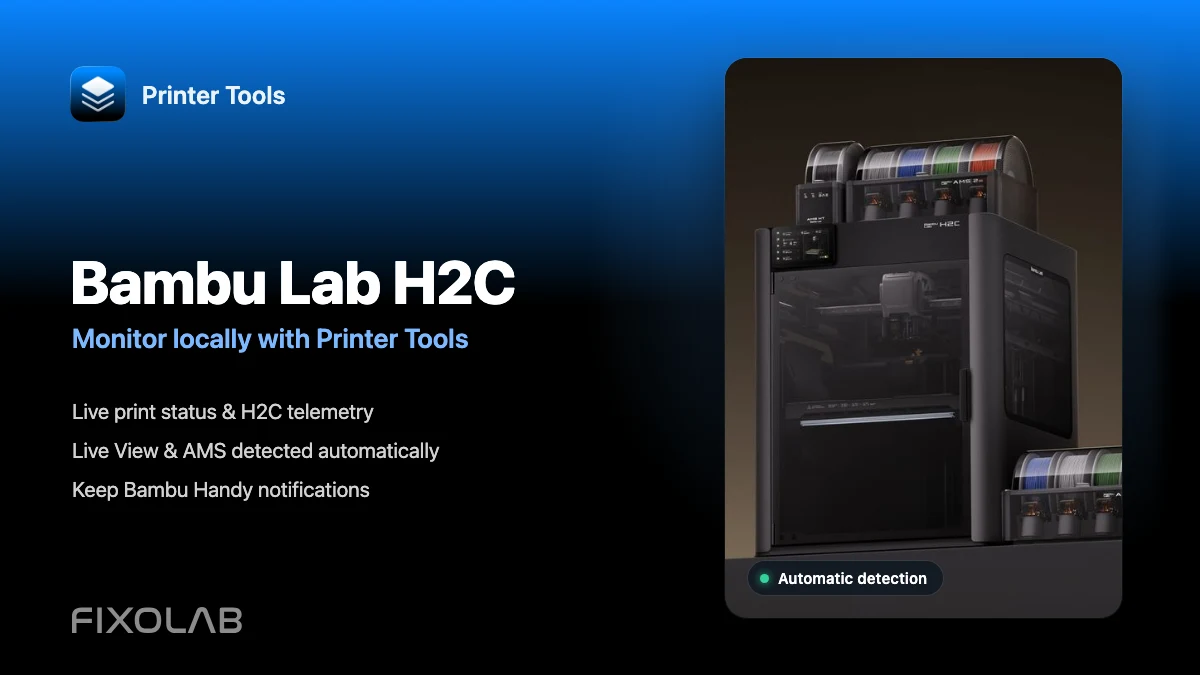
| FixoLab
How to monitor Bambu Lab H2C locally with Printer Tools
Connect Bambu Lab H2C once and automatically monitor prints, Live View and AMS data locally while keeping Bambu Handy notifications available.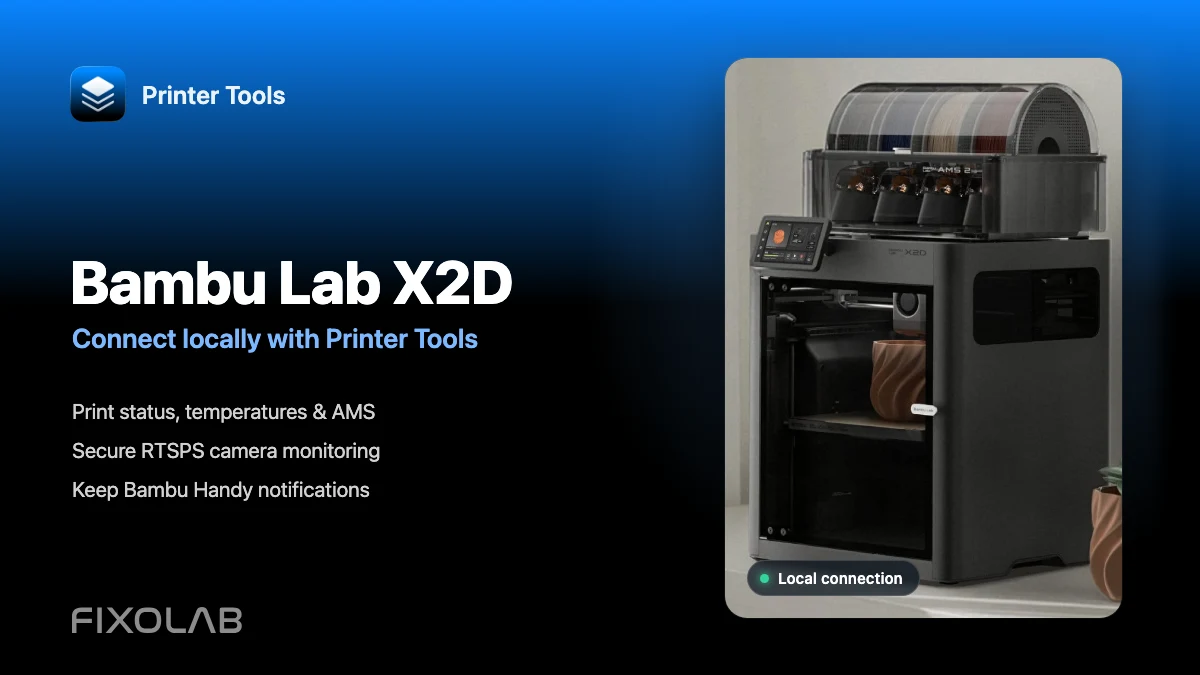
| FixoLab
How to connect Bambu Lab X2D to Printer Tools over LAN
Connect Bambu Lab X2D locally to monitor prints, AMS, RTSPS camera and light while keeping Bambu Handy and its cloud notifications available.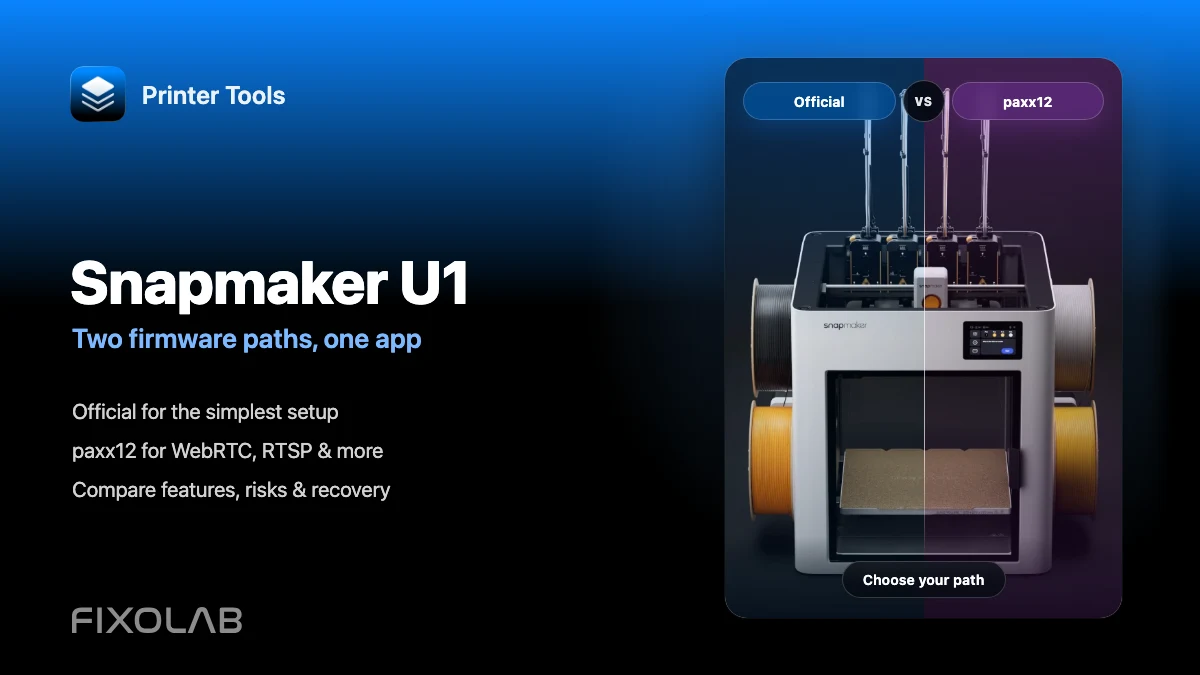
| FixoLab
Snapmaker U1 official firmware vs paxx12 with Printer Tools
Compare official and paxx12 firmware for Snapmaker U1: cameras, WebRTC, RTSP, setup, risks, recovery and Printer Tools compatibility.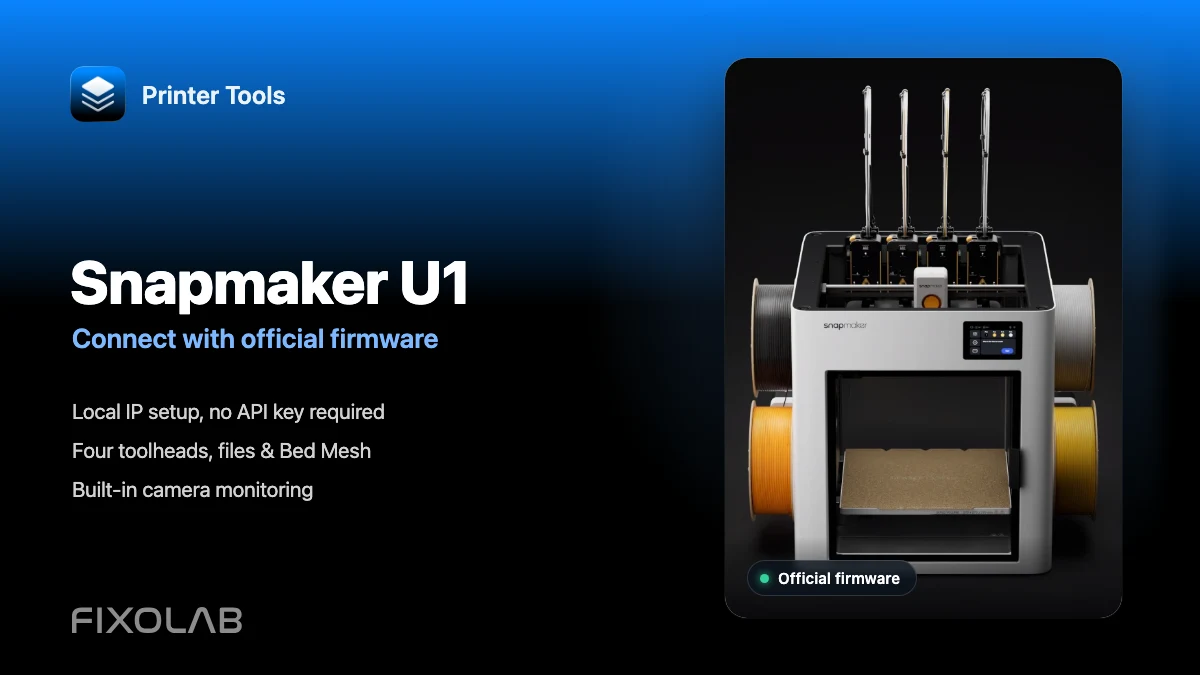
| FixoLab
How to connect Snapmaker U1 to Printer Tools with official firmware
Connect Snapmaker U1 to Printer Tools over your local network with official firmware. Set up its camera, four toolheads, files and controls step by step.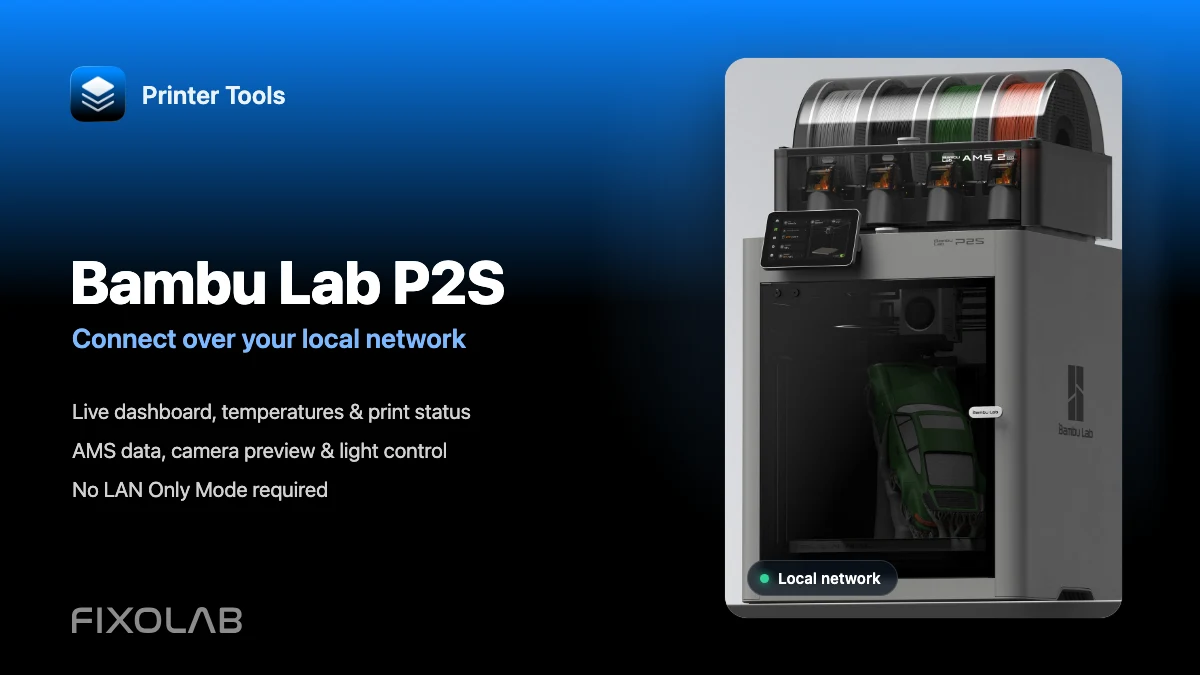
| FixoLab
How to connect Bambu Lab P2S to Printer Tools over LAN while keeping Bambu Handy
Connect a Bambu Lab P2S locally to view prints, AMS, camera and light without losing Bambu Handy. Advanced controls and troubleshooting included.