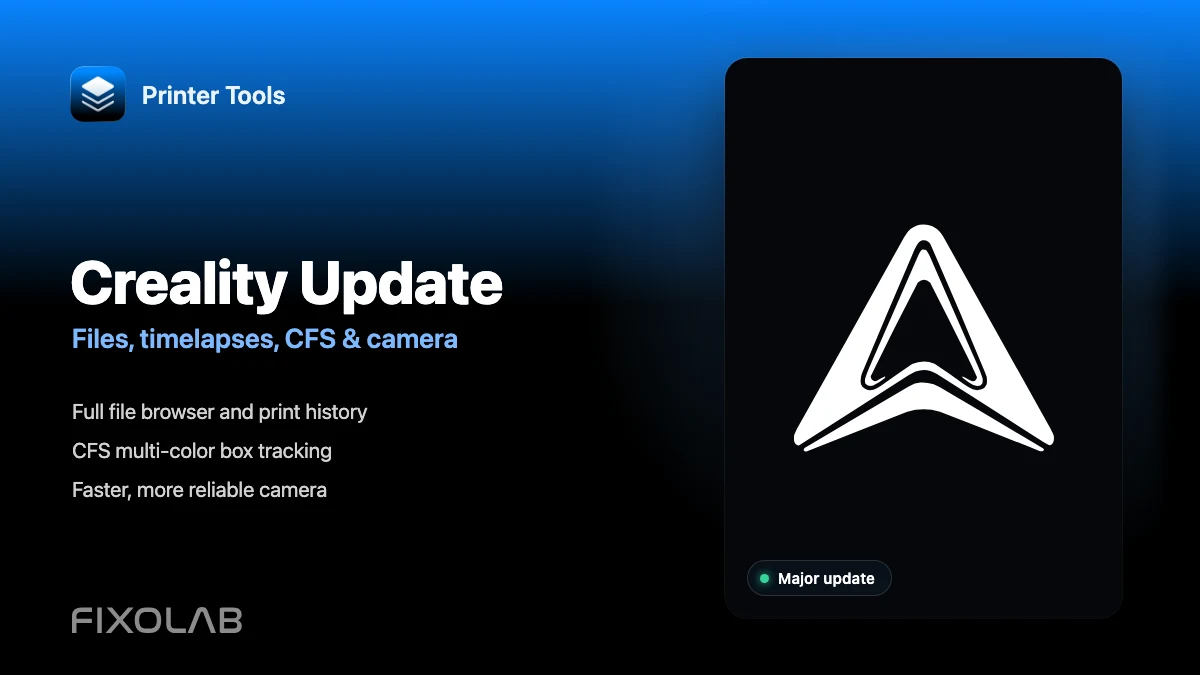
Printer Tools' Biggest Creality Update Yet With Files, Timelapses, CFS and More
🔺 Creality owners, this is the biggest update yet. A whole batch of new features just landed for your printer.
🤓 What’s New
📁 Full File Browser & Print History
- Browse, launch and delete files directly from your printer’s storage
- Full print history with thumbnails, duration and filament usage
🎨 CFS Multi-Color Box Tracking
- Live status for every CFS slot: material, color and remaining filament
- Drying status and box temperature at a glance
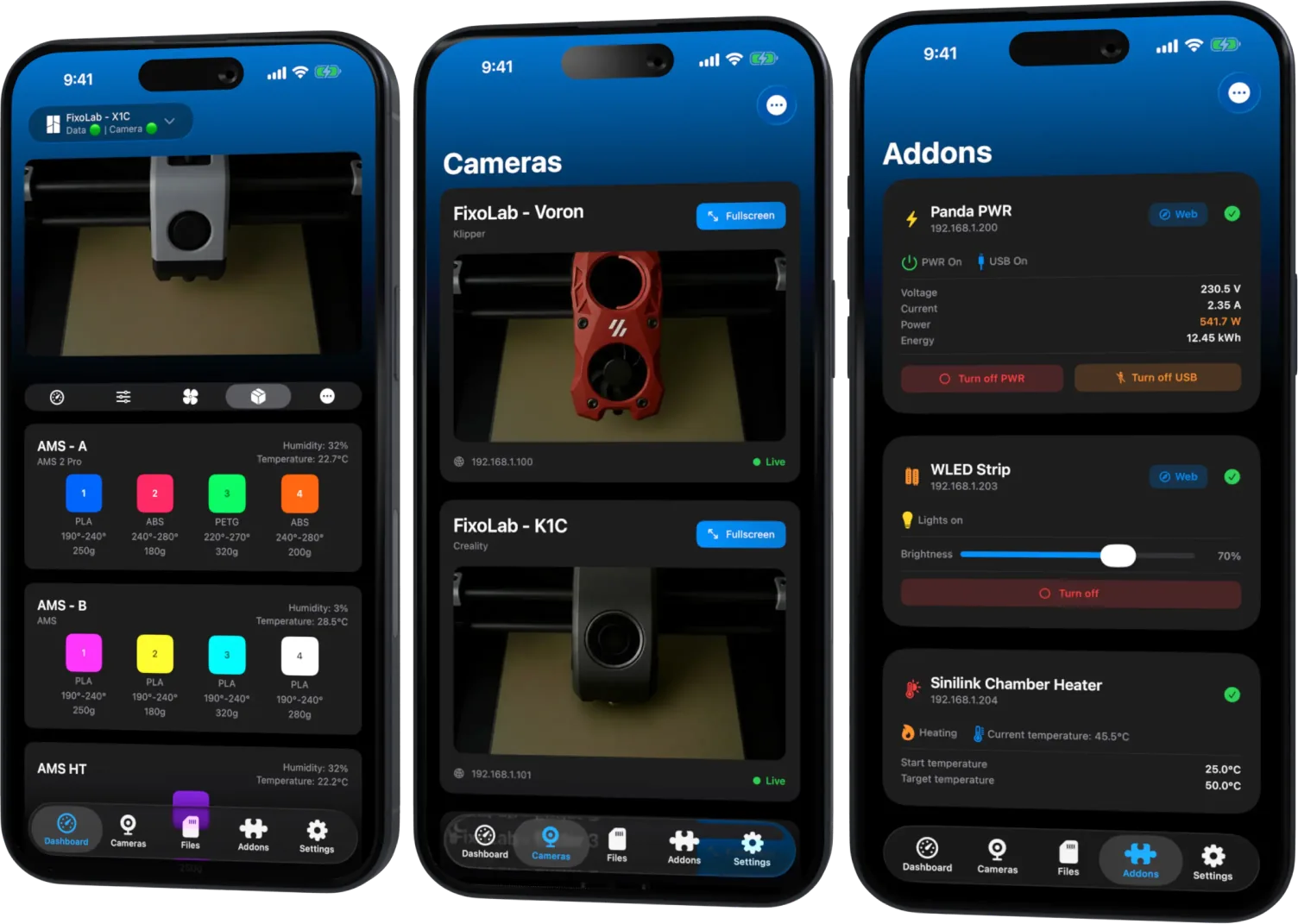
All your 3D printers in one dashboard
Monitor Bambu Lab, Klipper, OctoPrint, Creality, Snapmaker, Anycubic, Flashforge, Elegoo, and Prusa printers from one app
Available on Android, iPhone, iPad and Mac, with Apple Watch and Wear OS companion apps plus optional remote access through VPN, OctoEverywhere or Obico
🎬 Timelapses
Printer Tools can now browse and play back the timelapses stored on your printer, so you can relive a print without pulling the SD card or digging through the touchscreen.
📷 Faster, More Reliable Camera
- Faster thumbnail loading across the whole Creality lineup
- Local WebRTC streaming on the K2 for lower latency
- Improved camera stability on the K1 family
💡 How You Can Support Development
I currently develop and test new features with the following printers:
- Creality Ender 3 Mod - Klipper + OctoPrint
- Creality CR-10 Smart Mod - Klipper with Mainsail & Fluidd
- Creality K1C with CFS Mod - Original Firmware
- Bambu Lab X1C - Original Firmware
- Snapmaker U1 - Original Firmware with Fluidd & Custom Firmware from PAXX12 with Fluidd and Mainsail
All revenue generated by the app, as well as revenue from downloads or Boosts of free models, goes entirely towards purchasing new accessories and 3D printers. This allows me to integrate them with the app and improve the experience for all users.
🎨 Check Out My 3D Models
You can follow my work and explore the available models at:
🔗 Get Printer Tools
Download or update Printer Tools today: printertools.app
🙏 Thank You
Creality support keeps growing with every release, and this is the deepest it’s ever been. Your feedback keeps shaping every update.
As always, if you encounter any issues or have suggestions, please don’t hesitate to reach out.
Happy printing! 🖨️✨
All your 3D printers in one dashboard
Monitor Bambu Lab, Klipper, OctoPrint, Creality, Snapmaker, Anycubic, Flashforge, Elegoo, and Prusa printers from one app
Available on Android, iPhone, iPad and Mac, with Apple Watch and Wear OS companion apps plus optional remote access through VPN, OctoEverywhere or Obico