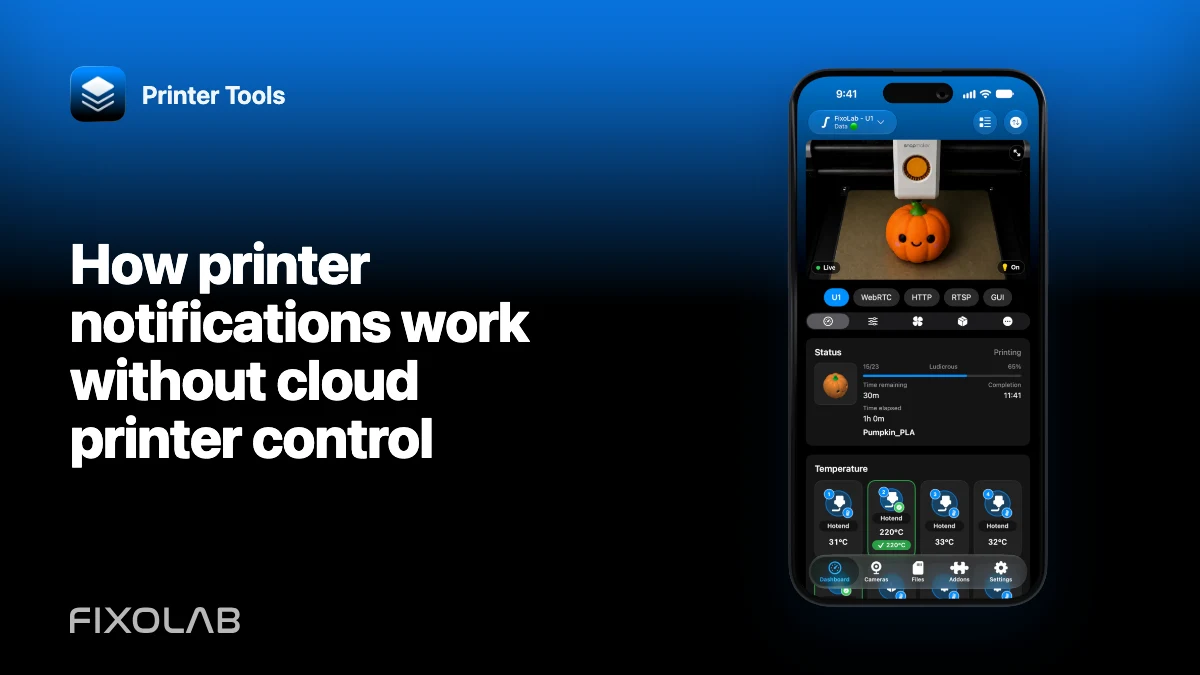
How printer notifications work without cloud printer control
A notification service does not need to become a cloud controller for the printer. Printer Tools separates push coordination from the direct printer connection: the API can help wake or notify a registered client, while the client reads the printer through its existing local or authorized remote path.
This design keeps the API from routinely logging into printers on behalf of users.

All your 3D printers in one dashboard
Monitor Bambu Lab, Klipper, OctoPrint, Creality, Snapmaker, Anycubic, Flashforge, Elegoo, and Prusa printers from one app
Available on Android, iPhone, iPad and Mac, with Apple Watch and Wear OS companion apps plus optional remote access through VPN, OctoEverywhere or Obico
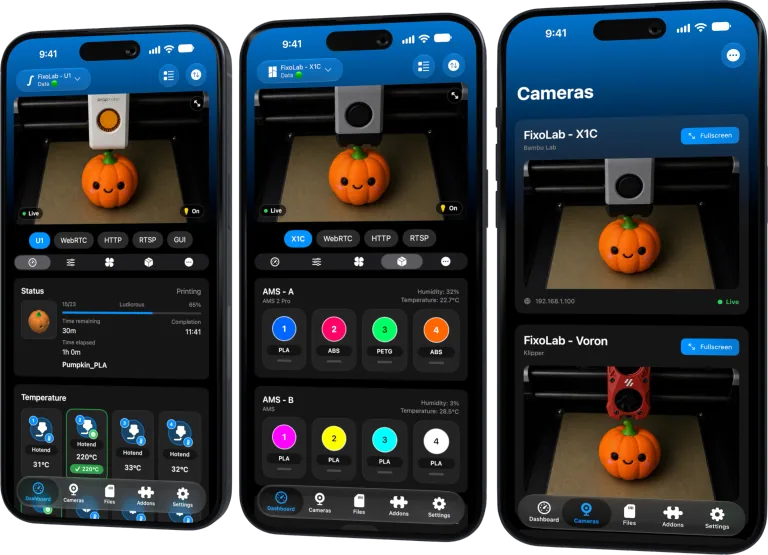
The client owns the printer connection
Printer Tools on the phone or computer stores the supported printer configuration and opens the local protocol. The app reads status and determines what the printer is reporting.
The API does not replace Bambu MQTT, Moonraker, OctoPrint or another local service with a universal cloud connection.
Push coordination wakes the app
On supported platforms, push infrastructure can signal that the client should refresh or can deliver an update associated with an active monitoring session. Platform rules decide when background work is permitted and how a notification appears.
A push token identifies an app installation or Live Activity channel, not the printer password. Tokens can rotate, so the client updates registration when the platform supplies a new one.
Monitoring sessions expire when inactive
Printer Tools does not keep an abandoned notification session alive forever. The push workflow has an inactivity boundary of 24 hours. The client must maintain its registration or heartbeat while monitoring is active.
If notifications stop after a long period with no activity, reopen Printer Tools and the printer session instead of weakening the inactivity protection.
Local reachability still matters
A push wakeup cannot cross a blocked local network on its own. If the phone cannot reach the printer after waking, it cannot obtain fresh local data. At home, repair Wi-Fi, VLAN or credentials. Away from home, use the authorized VPN or supported remote service.
Push is coordination, not a tunnel into a private printer.
Platform permissions control presentation
Allow the notification categories you actually want and review lock-screen visibility. A printer or file name can reveal private activity even when the underlying connection is secure.
Battery restrictions, background limits and notification settings can affect delivery. Diagnose those separately from printer connectivity.
Permanent and temporary token errors differ
The service can retire a device registration after a permanent platform error such as an invalid or expired token. Temporary provider failures should be retried without discarding every registered device.
Users normally resolve token rotation by opening an updated app and allowing it to register again, not by sharing the token.
What notifications do not guarantee
They do not certify print safety, replace physical supervision or prove that a camera is live. A stale or delayed platform notification must not be the only protection against a hazardous printer condition.
For ongoing visibility, see Live Activities, Dynamic Island and CarPlay.
Frequently asked questions
Does the API log in to my printer?
Not for the normal notification architecture. The client uses its authorized printer connection.
Why can push arrive but data remain stale?
The wakeup can succeed while the client still cannot reach the printer network.
Why does an inactive session stop?
The 24-hour inactivity boundary prevents abandoned monitoring from continuing indefinitely.
Should I send my push token to support?
No. Treat device and activity tokens as sensitive diagnostic data.
Official sources: Apple — Handling notification responses from APNs · Firebase — FCM error codes
All your 3D printers in one dashboard
Monitor Bambu Lab, Klipper, OctoPrint, Creality, Snapmaker, Anycubic, Flashforge, Elegoo, and Prusa printers from one app
Available on Android, iPhone, iPad and Mac, with Apple Watch and Wear OS companion apps plus optional remote access through VPN, OctoEverywhere or Obico
| FixoLab
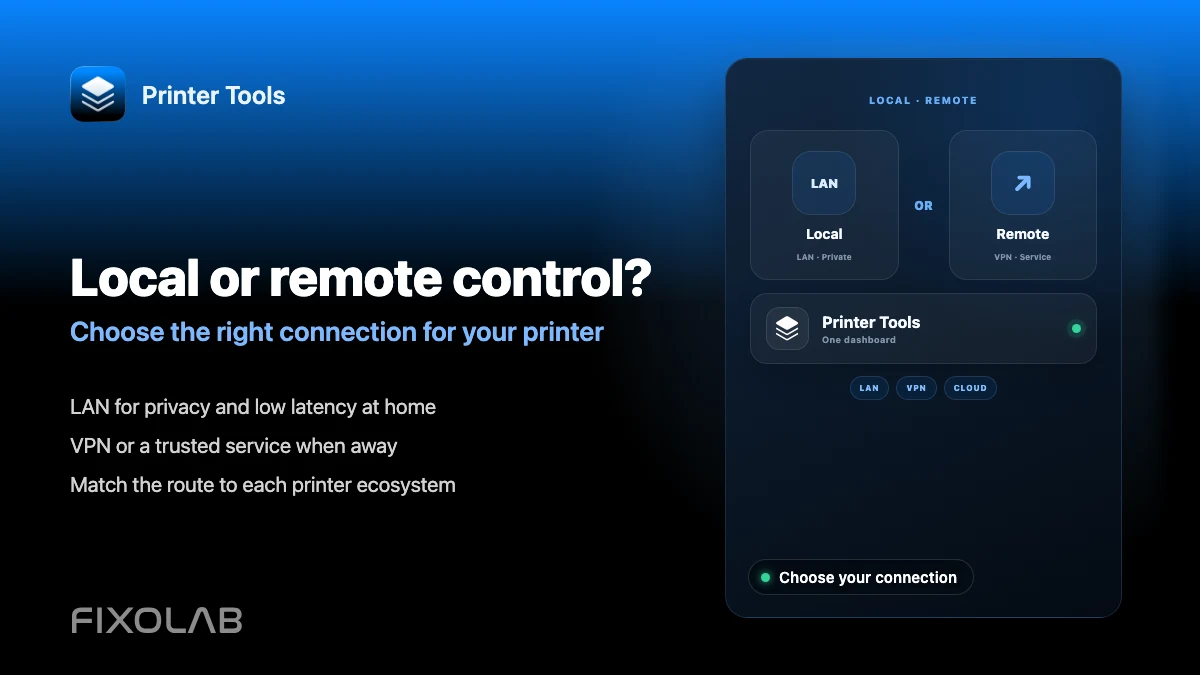
Choosing local 3D printer control or remote access with VPN, OctoEverywhere, Obico and cloud
Compare local-only control, a VPN, OctoEverywhere, Obico and a manufacturer cloud app for reaching your 3D printer remotely.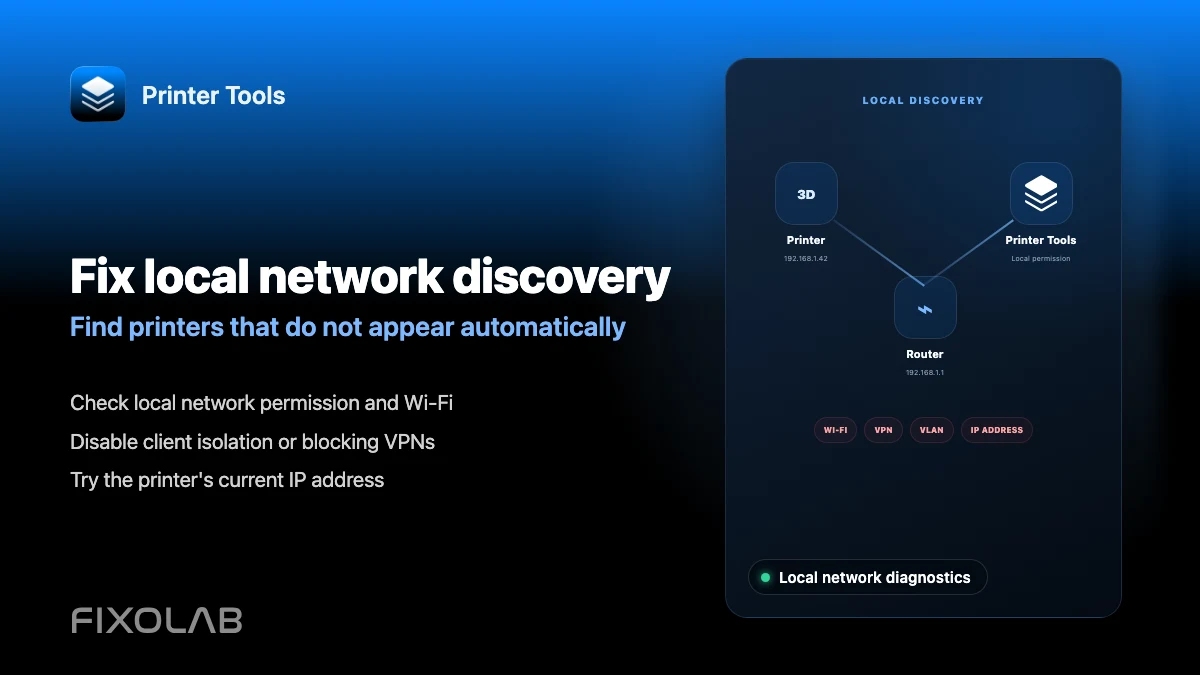
| FixoLab
How to fix local network discovery problems in Printer Tools
Fix printer connection failures caused by client isolation, VLANs, VPNs and the iOS local network permission in Printer Tools.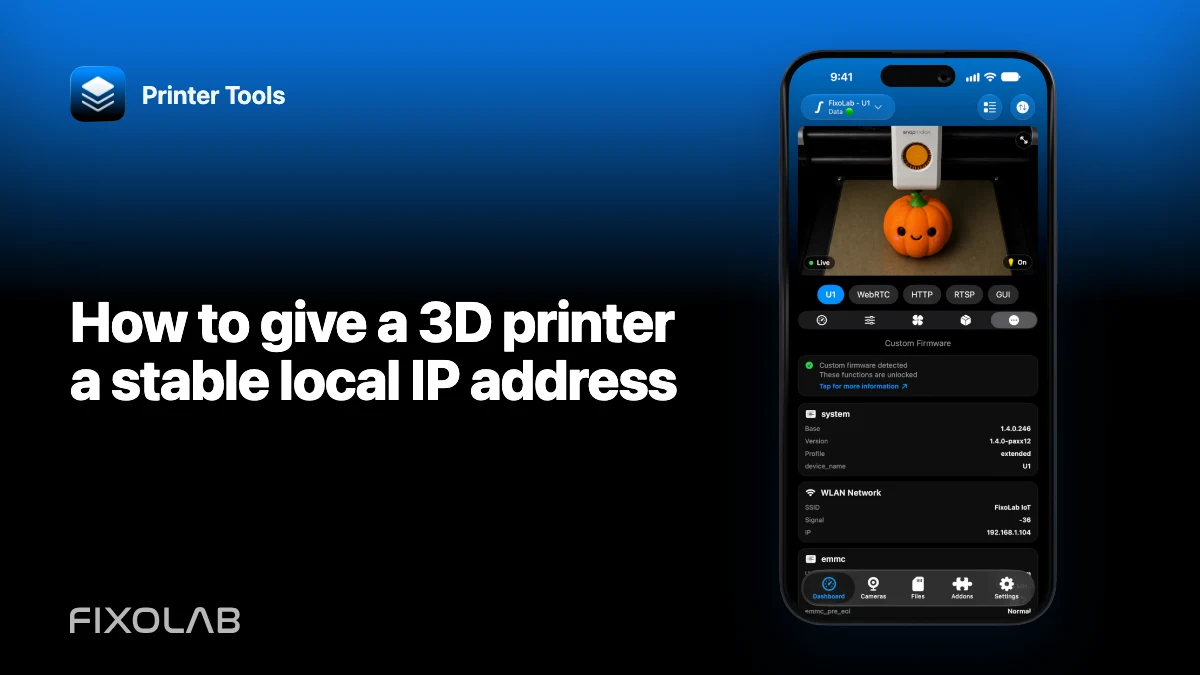
| FixoLab
How to give a 3D printer a stable local IP address
Use a router DHCP reservation to keep a printer connection stable without exposing ports or guessing an unsupported static network configuration.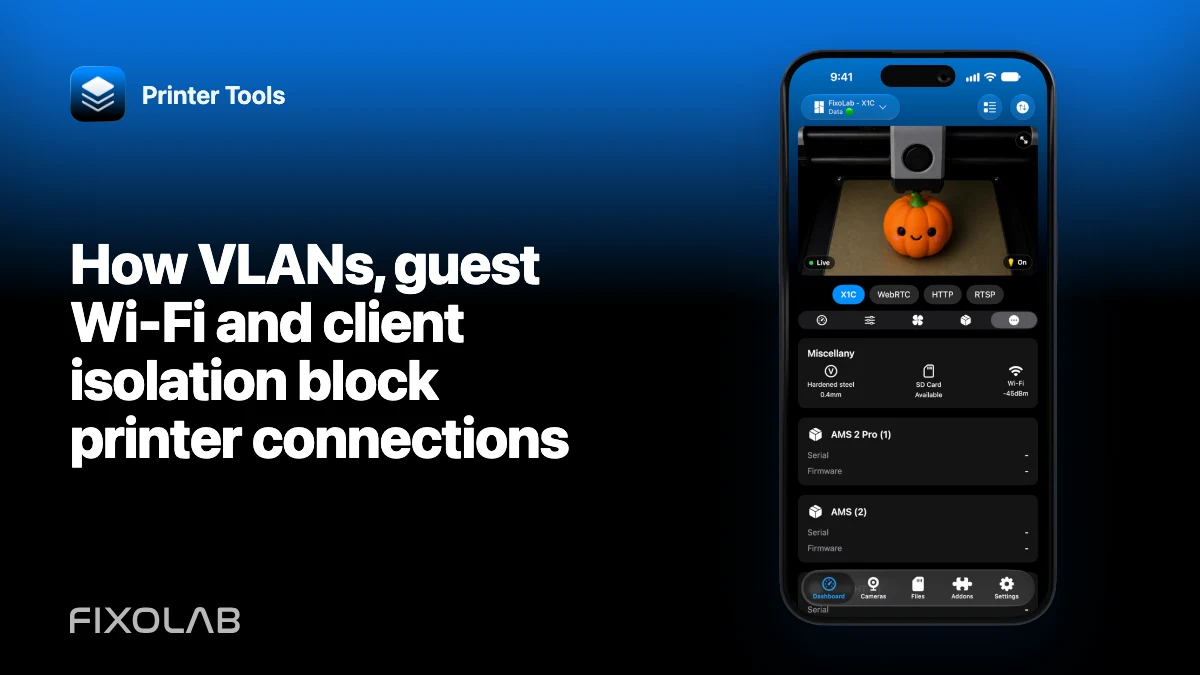
| FixoLab
How VLANs, guest Wi-Fi and client isolation block printer connections
Understand why internet access does not prove local reachability and configure a narrow path from Printer Tools to printers and cameras.