How to build and test an RTSP camera URL safely
An RTSP URL has several parts: scheme, camera address, optional port, credentials and a manufacturer-specific path. One wrong character can produce the same blank preview as a blocked network, so test each assumption without sharing the complete credential-bearing URL.
Use this guide for an external IP camera. Native printer cameras should remain attached to their supported printer integration.

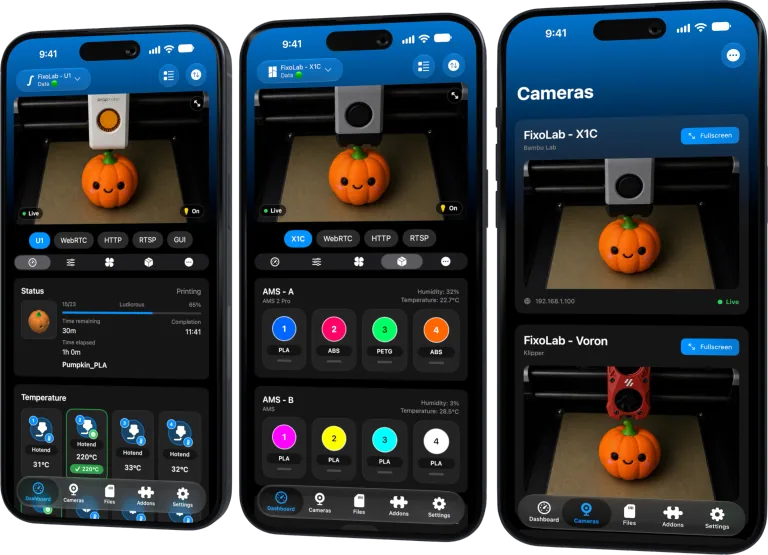
All your 3D printers in one dashboard
Monitor Bambu Lab, Klipper, OctoPrint, Creality, Snapmaker, Anycubic, Flashforge, Elegoo, and Prusa printers from one app
Available on Android, iPhone, iPad and Mac, with Apple Watch and Wear OS companion apps plus optional remote access through VPN, OctoEverywhere or Obico
Start with the camera documentation
Find the RTSP section for the exact camera model and firmware. A visually similar model can use a different path or require RTSP to be enabled first.
Record the local IP address, RTSP port, stream path and whether the camera requires a local user. Do not copy a public example with default credentials into a production network.
Understand the URL structure
A typical structure is rtsp://user:password@camera-address:port/path, but every element after the scheme depends on the device. Some apps accept credentials in separate fields and build the authenticated URL internally.
Prefer separate credential fields when Printer Tools provides them. They avoid editing a secret inside a long string and reduce mistakes with reserved characters.
Encode special characters correctly
Characters such as @, :, /, ? and # have meaning inside a URL. A password containing them may need percent encoding when embedded in the URL.
Do not weaken the password just to avoid encoding. Use the camera’s local account feature and the input format requested by Printer Tools.
Test from the same network
First verify that the device can reach the camera address. Then add the stream in Printer Tools and wait for the initial negotiation. A timeout suggests routing or a blocked port; an authentication error points to username, password or account permissions; a not-found response points to the stream path.
Test on the main LAN before debugging a guest network or VPN. Reserve the camera address in DHCP once it works.
Choose main stream or substream
The main stream offers more detail but can overload Wi-Fi or a mobile decoder. A substream with moderate resolution and frame rate is often enough to confirm adhesion and print progress.
Start smaller, prove stability and increase quality only if the monitoring device and network have headroom.
Never publish the full URL
An authenticated RTSP URL can reveal the camera address, username and password in one line. Redact credentials and private addressing in screenshots, logs and support messages.
If a URL leaked, change the camera password. Deleting the message is not sufficient because copies may remain.
Remote access uses a VPN
RTSP was not designed to be exposed directly from a home router. Do not port-forward it. Connect through a trusted VPN so Printer Tools reaches the same private address as it does at home.
For automatic profile discovery, use the ONVIF camera guide.
Frequently asked questions
Is port 554 always correct?
It is common, but the camera can use another port. Follow the exact device configuration.
Why does my password break the URL?
Reserved characters can be parsed as URL separators. Use separate fields or correct percent encoding.
Is the main stream always better?
No. A substream can provide a more reliable dashboard preview with much less bandwidth.
Can I send the URL to support?
Do not send an unredacted authenticated URL. Provide the error and a sanitized structure instead.
Official sources: RFC 7826 — RTSP 2.0 · RFC 3986 — URI percent-encoding · ONVIF — Profile S
All your 3D printers in one dashboard
Monitor Bambu Lab, Klipper, OctoPrint, Creality, Snapmaker, Anycubic, Flashforge, Elegoo, and Prusa printers from one app
Available on Android, iPhone, iPad and Mac, with Apple Watch and Wear OS companion apps plus optional remote access through VPN, OctoEverywhere or Obico
| FixoLab
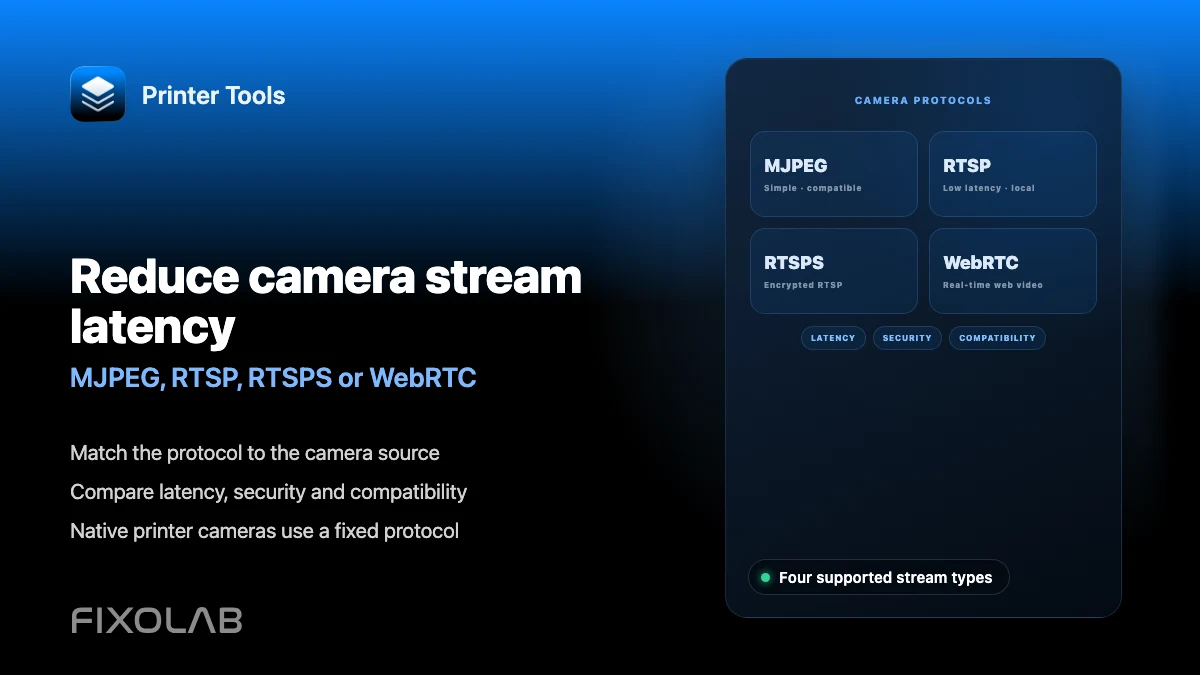
Reduce camera stream latency (MJPEG, RTSP, RTSPS or WebRTC)
Match the protocol to the camera source. Compare latency, security and compatibility. Native printer cameras use a fixed protocol.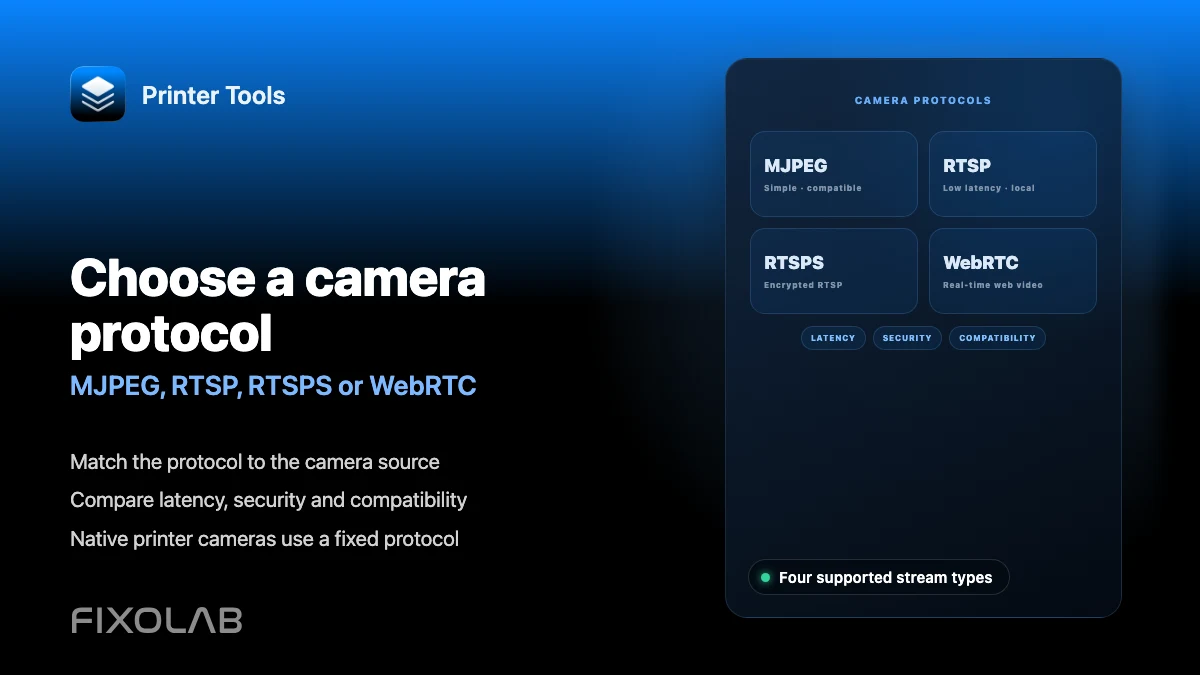
| FixoLab
Choosing MJPEG, RTSP, RTSPS or WebRTC for a 3D printer camera
Understand how MJPEG, RTSP, RTSPS and WebRTC differ and which ones Printer Tools uses for native and external cameras.
| FixoLab
How to add an external IP camera to a 3D printer in Printer Tools
Add an independent IP camera to Printer Tools over HTTP, MJPEG, RTSP, RTSPS, TCP JPEG, WebRTC or ONVIF discovery.
| FixoLab
Fix camera stream dropouts (Troubleshoot buffering and disconnects)
Open the stream URL in a browser first. Check proxy, path and local network access. Status can work even when video does not.