Fix camera stream dropouts (Troubleshoot buffering and disconnects)
Camera diagnostics
Troubleshoot buffering and disconnects.
- Open the stream URL in a browser first.
- Check proxy, path and local network access.
- Status can work even when video does not.
Classify the interruption first
- No frame ever appears: check the protocol, port, path and authentication before changing video quality.
- Video starts and then freezes: look for session limits, proxy timeouts, buffering or unstable Wi-Fi.
- It fails only after a router restart or away from home: check for an address change and verify the local or remote route separately.
Test the exact source
Test the exact local URL outside Printer Tools. A browser can verify HTTP or MJPEG, while RTSP and RTSPS need a compatible player. A camera dashboard, a snapshot endpoint and a continuous stream are not interchangeable. Keep credentials out of screenshots, logs and support messages.
Check every link in the connection chain
- Confirm the scheme, port and path from the documentation for the exact camera model and firmware.
- Check whether the password, access token or camera session expires after a predictable interval.
- If a reverse proxy is involved, inspect its read timeout and buffering rules. Compare it with the direct local stream before changing Printer Tools.
Rule out local network changes
- Keep the device and camera on reachable network segments, without guest Wi-Fi or access-point isolation between them.
- Reserve the camera's local address if DHCP changes it after a restart.
- Compare close to the access point and temporarily disable VPN or relay software. Change one condition at a time so the result is meaningful.
Treat telemetry and video as separate paths
Printer status can continue working while video fails because they may use different endpoints, credentials and protocols. Restart the camera stream first. If the problem remains, restart the app, camera and router one at a time instead of resetting the complete printer connection.
Collect evidence without exposing secrets
- Record the protocol, time until failure and whether the test was local or remote, but not the complete credential-bearing URL.
- Note whether the same stream works in another compatible client and whether only one device can view it at a time.
- Share a sanitized error and timestamp. Remove usernames, passwords, access tokens, public addresses and camera serial numbers first.
Official sources: RFC 7826 — RTSP 2.0 · MDN — WebRTC API

All your 3D printers in one dashboard
Monitor Bambu Lab, Klipper, OctoPrint, Creality, Snapmaker, Anycubic, Flashforge, Elegoo, and Prusa printers from one app
Available on Android, iPhone, iPad and Mac, with Apple Watch and Wear OS companion apps plus optional remote access through VPN, OctoEverywhere or Obico
| FixoLab
How to troubleshoot a WebRTC camera on a local network
Diagnose signaling, ICE negotiation, native decoding and network policy when a WebRTC printer camera fails in Printer Tools.
| FixoLab
How to add an external IP camera to a 3D printer in Printer Tools
Add an independent IP camera to Printer Tools over HTTP, MJPEG, RTSP, RTSPS, TCP JPEG, WebRTC or ONVIF discovery.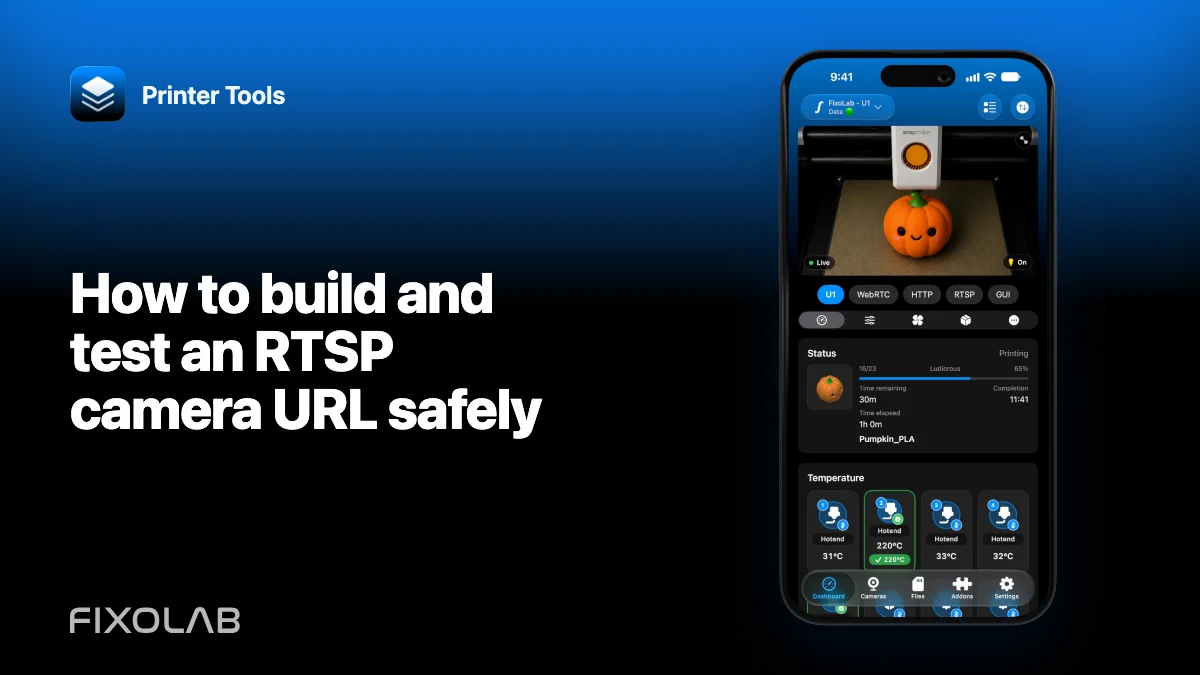
| FixoLab
How to build and test an RTSP camera URL safely
Identify the local host, port, path and credentials for an RTSP camera, then add it to Printer Tools without leaking secrets.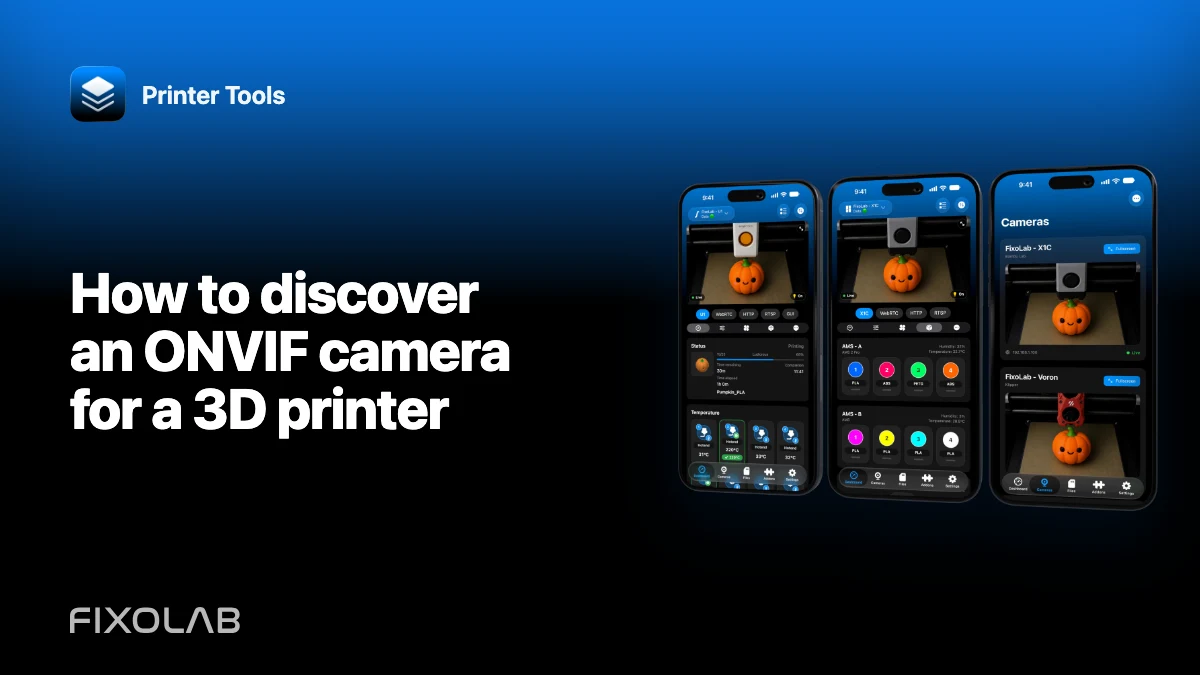
| FixoLab
How to discover an ONVIF camera for a 3D printer
Find a compatible ONVIF camera on the local network, verify its profile and add its stream to Printer Tools without exposing it online.