How to control Bambu Lab, Klipper and OctoPrint away from home with OctoEverywhere
OctoEverywhere across systems
The short answer
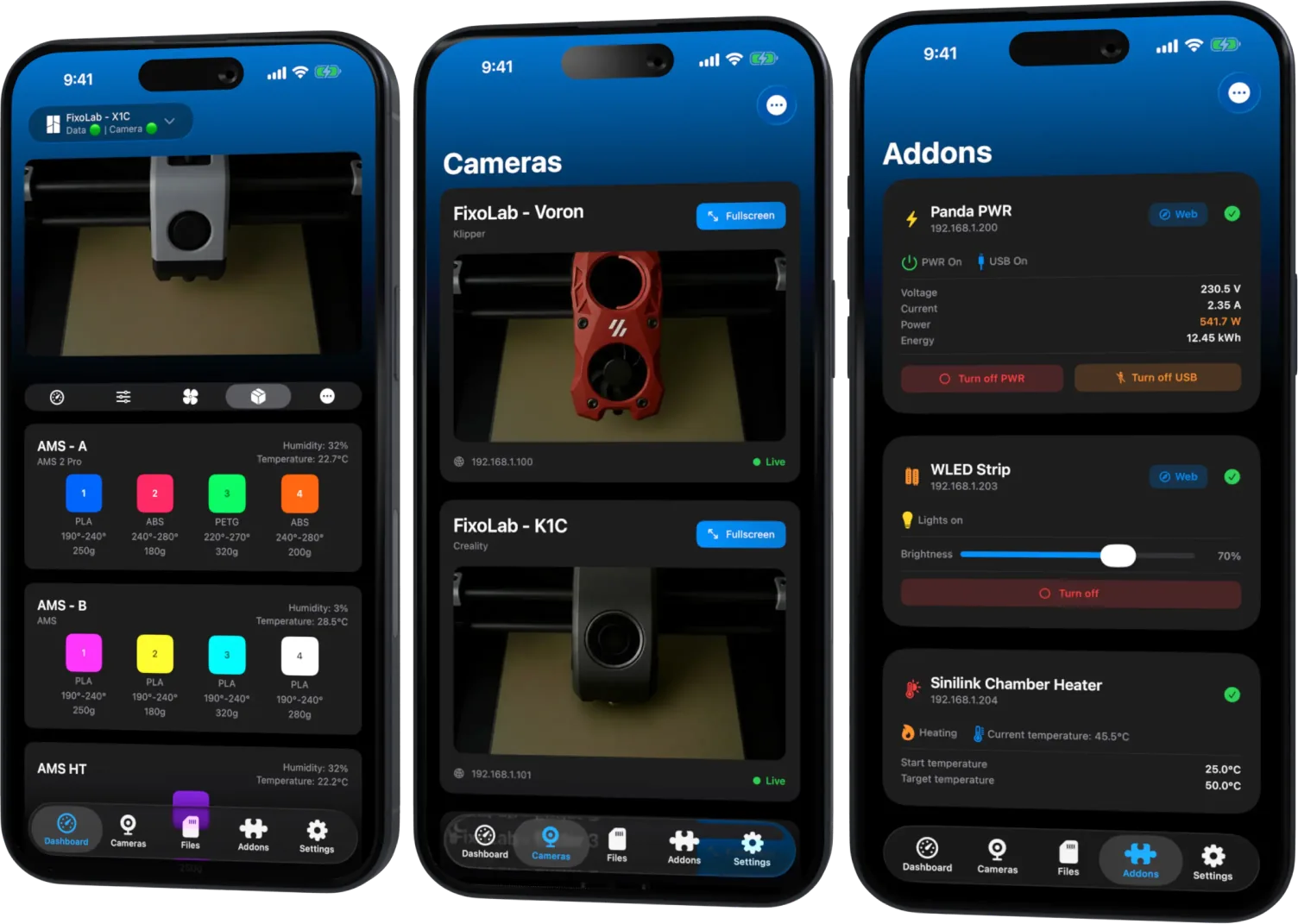
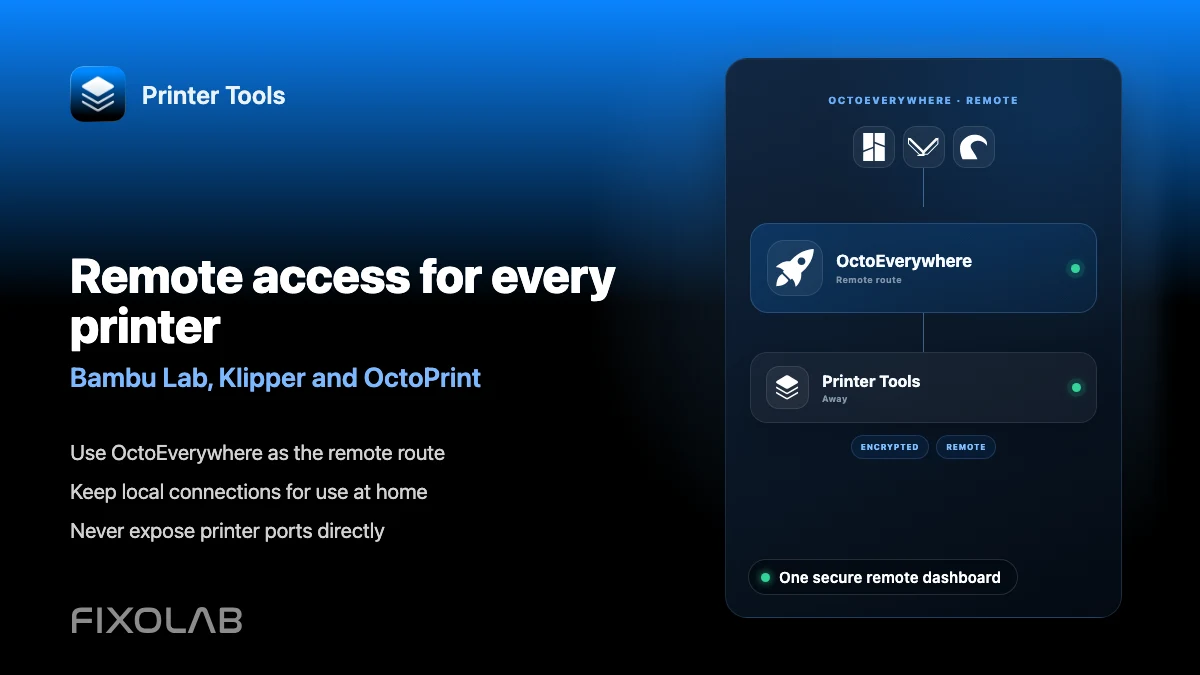
OctoEverywhere can extend a Bambu Lab, Klipper or OctoPrint printer already connected in Printer Tools with secure remote access, without forwarding any ports on your router. Each system links to OctoEverywhere through its own official setup path, but once connected, Printer Tools uses the same dashboard locally and remotely for all of them.
What you need
- A Bambu Lab, Klipper or OctoPrint printer already connected locally in Printer Tools
- An OctoEverywhere account
- OctoEverywhere's own companion for that specific system, installed following OctoEverywhere's current setup instructions
- Printer Tools installed on the device you want to use away from home
Add OctoEverywhere to your printers
- 1
Link the printer to OctoEverywhere
Follow OctoEverywhere's own setup instructions for your specific system, whether that is installing its OctoPrint plugin or using its dedicated flow for a Klipper or Bambu Lab printer.
- 2
Confirm the printer shows online in OctoEverywhere
Check your OctoEverywhere account in a browser to confirm the printer appears connected before enabling it in Printer Tools.
- 3
Enable OctoEverywhere for that printer in Printer Tools
Open the printer's settings in Printer Tools and sign in to the same OctoEverywhere account to turn on remote access for it.
- 4
Repeat for each additional printer
Link and enable OctoEverywhere separately for every Bambu Lab, Klipper or OctoPrint printer you want to reach remotely.
- 5
Test away from your local network
Switch to mobile data and confirm status, camera and available controls still load for each printer through OctoEverywhere.
Remote access across systems
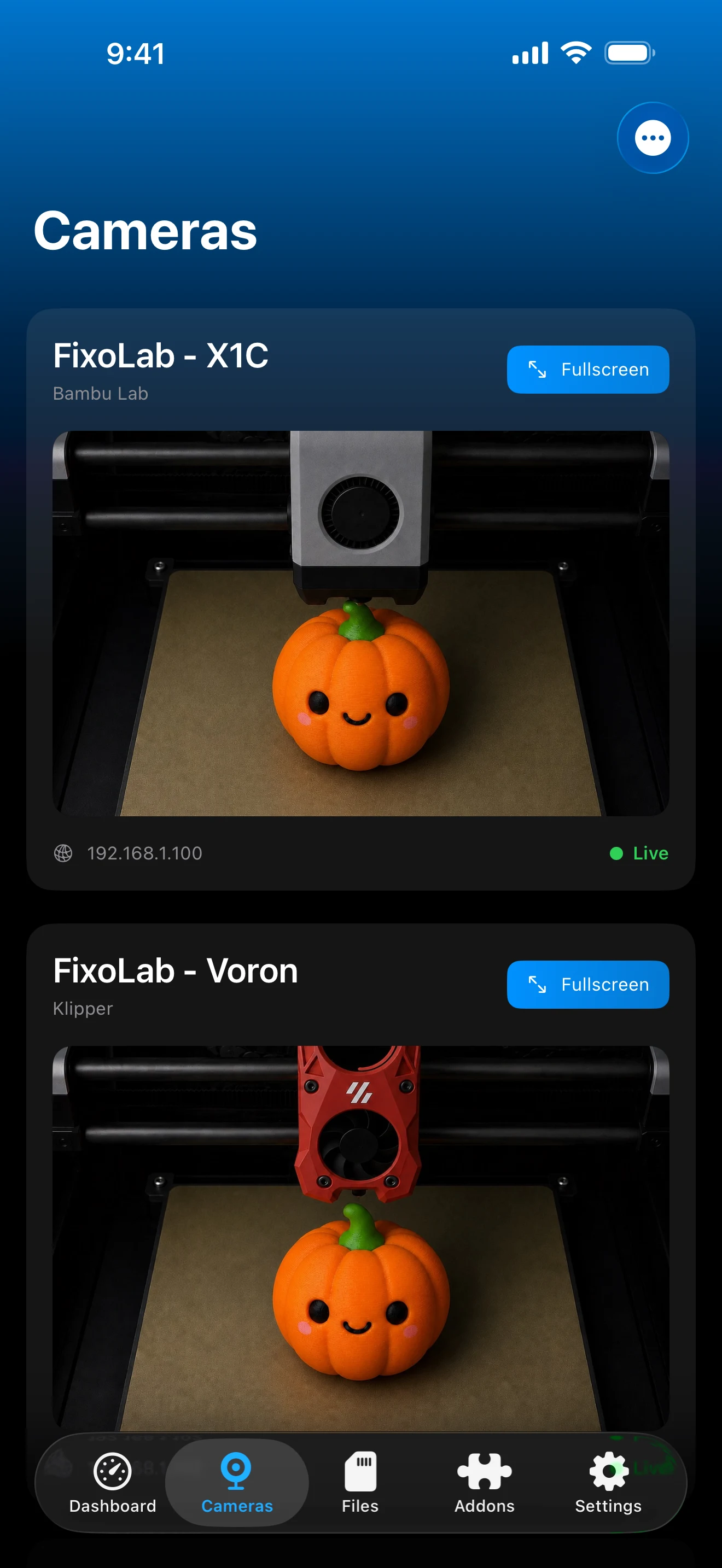
The same combined dashboard shows every printer whether you are on the local network or connected through OctoEverywhere.
What works across systems
- Remote status, progress and temperatures for each linked printer
- Remote camera viewing where the underlying system supports it
- Remote Lock Screen and Dynamic Island Live Activities on iOS powered by OctoEverywhere
- Automatic use of the local connection again once you are back on the same network as a printer
What differs between systems
- Each system uses its own OctoEverywhere linking method, so the initial setup is not identical across Bambu Lab, Klipper and OctoPrint
- Write actions available remotely still match whatever Printer Tools supports for that system locally
- OctoEverywhere is a separate service from Printer Tools, with its own account and terms
Common multi-system remote issues
One printer connects remotely but another does not
Confirm OctoEverywhere shows that specific printer as online in your account. Each system links independently, so one working printer does not guarantee another is set up correctly.
Remote access works but write actions are missing
Remote access exposes the same actions Printer Tools already supports for that system locally. If a control is missing locally, it will also be missing remotely.
The printer shows offline in OctoEverywhere
Check that the printer is actually online and reachable on its own local network first, since OctoEverywhere reflects the printer's real connection state.
OctoEverywhere alongside other remote options
OctoEverywhere is one of several remote access choices in Printer Tools, alongside Obico for Klipper and OctoPrint and a VPN back to your own network for any system.
Frequently asked questions
Do I need a separate OctoEverywhere account for each printer?
No. One OctoEverywhere account can link multiple printers, as long as each one is set up following OctoEverywhere's instructions for its specific system.
Does OctoEverywhere work with PrusaLink too?
Yes. Any Bambu Lab, Klipper, OctoPrint or PrusaLink printer already connected in Printer Tools can be extended with OctoEverywhere.
Is remote access as fast as the local connection?
Local connections are generally faster since they do not travel through OctoEverywhere's tunnel. Camera quality remotely depends mostly on your home network's upload speed.
Do I need to open ports on my router for any of this?
No. OctoEverywhere is designed specifically to avoid router port forwarding for any of the systems it supports.
Related guides
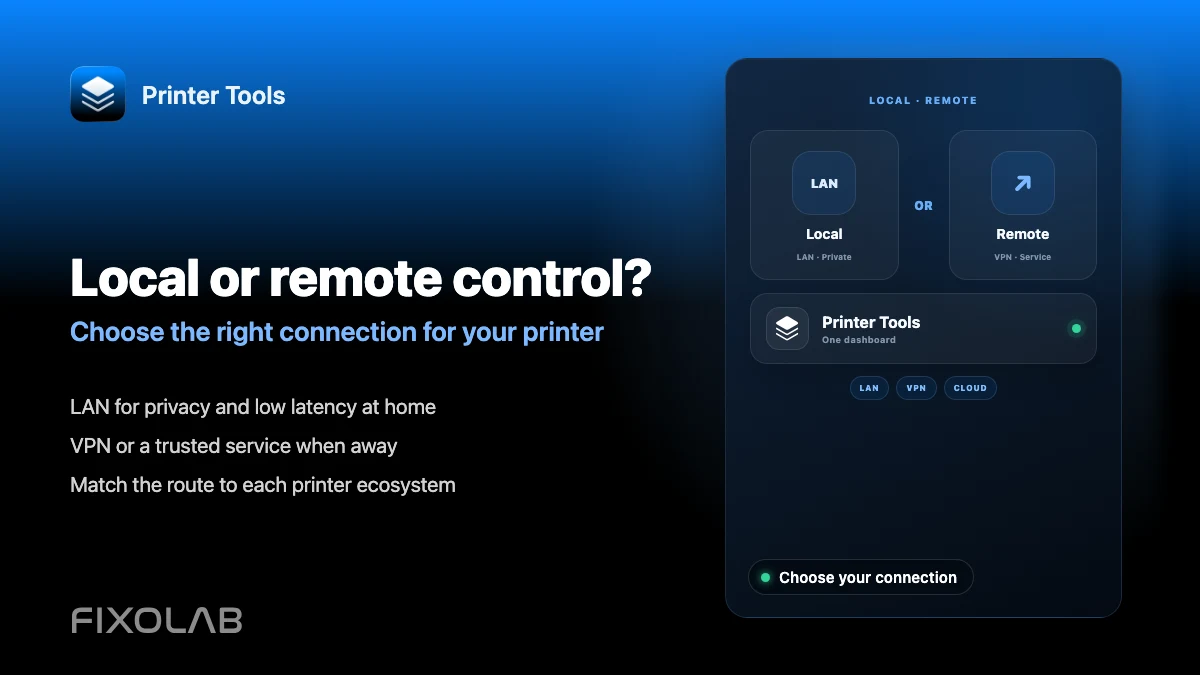
Compare local control and remote access
Review how local-first monitoring, VPN, OctoEverywhere and Obico differ before choosing how to reach your printers away from home.
All your 3D printers in one dashboard
Monitor Bambu Lab, Klipper, OctoPrint, Creality, Snapmaker, Anycubic, Flashforge, Elegoo, and Prusa printers from one app
Available on Android, iPhone, iPad and Mac, with Apple Watch and Wear OS companion apps plus optional remote access through VPN, OctoEverywhere or Obico