How to give a 3D printer a stable local IP address
Printer Tools stores a local address for each printer or accessory. If the router later assigns a different address, the saved connection can appear offline even though the printer itself works normally.
The safest general solution is a DHCP reservation in the router. It keeps automatic network configuration while asking the router to return the same address to the same device.

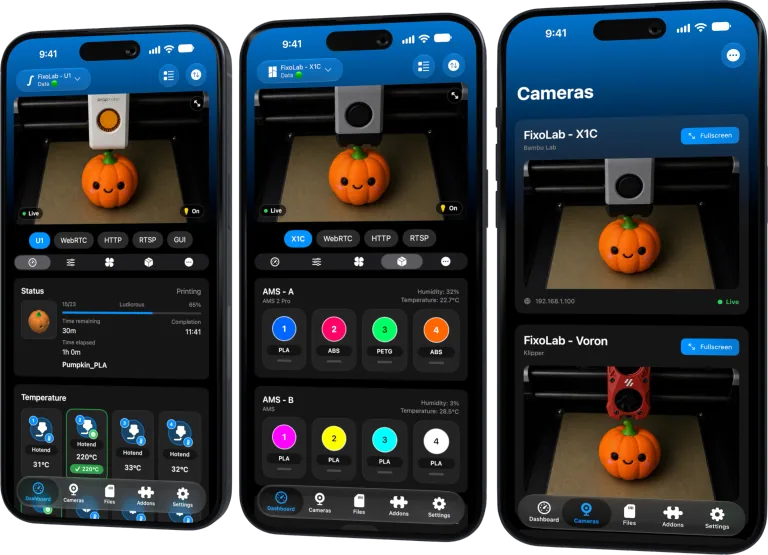
All your 3D printers in one dashboard
Monitor Bambu Lab, Klipper, OctoPrint, Creality, Snapmaker, Anycubic, Flashforge, Elegoo, and Prusa printers from one app
Available on Android, iPhone, iPad and Mac, with Apple Watch and Wear OS companion apps plus optional remote access through VPN, OctoEverywhere or Obico
Understand why addresses change
Most home networks use DHCP. When a printer joins, the router leases an available address for a period of time. A reboot, lease expiry, router replacement or subnet change can produce a different value.
Printer Tools cannot discover every change for every protocol. A stable address makes Bambu MQTT, Moonraker, OctoPrint, Creality, FlashForge, Anycubic, Elegoo, PrusaLink and local accessories easier to reach consistently.
Find the correct network identity
Open the router’s connected-device list and match the printer by its current IP address, hostname and network hardware address. Confirm the value against the printer touchscreen or its existing web interface.
Do not reserve an address for the phone by mistake. Printers with Ethernet and Wi-Fi can have a different hardware address for each interface, so reserve the interface actually in use.
Create a DHCP reservation
Router wording varies, but the workflow is normally:
- Open the router or network-controller administration page.
- Select the connected printer.
- Choose Reserve address, Static lease or Fixed IP.
- Keep the current address or choose an unused address inside the permitted LAN range.
- Save the configuration.
- Renew the printer lease or restart it only when safe.
- Confirm that the printer receives the reserved address.
Update the Printer Tools entry if the chosen address differs from the old one.
Avoid duplicate addresses
Do not pick an address already used by another device. A conflict can create intermittent failures that look like camera or authentication bugs.
Prefer the router’s reservation interface because it understands the active pool. If you must choose an address, follow the router documentation and keep it within the intended private subnet.
Reservation versus manual static IP
A manual static value is configured on the printer itself. It can work, but DNS, gateway or subnet mistakes can isolate the device, and some printer firmware does not expose a supported static configuration.
A DHCP reservation leaves those parameters managed by the router. Use manual static settings only when the printer and network documentation explicitly call for them.
Update after replacing the router
A new router does not inherit the old reservation automatically. Export or document the reservation list before migration, then recreate it on the new controller. If the subnet changes, update Printer Tools with the new address.
Do not recreate stability by forwarding the printer address or ports to the internet. Reservations are local and do not require public exposure.
Verify the result
Restart the printer at a safe time, wait for it to reconnect and confirm the same address is shown. Test the dashboard, files and camera separately because a stable IP does not enable a disabled service.
For networks that still block the connection, see how VLANs and guest Wi-Fi affect Printer Tools.
Frequently asked questions
Does a reservation give the printer a public IP?
No. It reserves a private address inside your local network.
Must the printer be restarted?
Some routers can renew the lease immediately. If a restart is needed, do it only when the printer is idle and not updating.
Can I reserve the same address for Wi-Fi and Ethernet?
No. They normally have different hardware addresses. Reserve the active interface appropriately.
Does a stable IP fix a blocked camera?
It prevents address changes, but permissions, ports and network policies must still allow the camera service.
Official sources: Snapmaker Wiki — U1 static IP address · Creality Wiki — Static IP address · RFC 2131 — DHCP
All your 3D printers in one dashboard
Monitor Bambu Lab, Klipper, OctoPrint, Creality, Snapmaker, Anycubic, Flashforge, Elegoo, and Prusa printers from one app
Available on Android, iPhone, iPad and Mac, with Apple Watch and Wear OS companion apps plus optional remote access through VPN, OctoEverywhere or Obico
| FixoLab
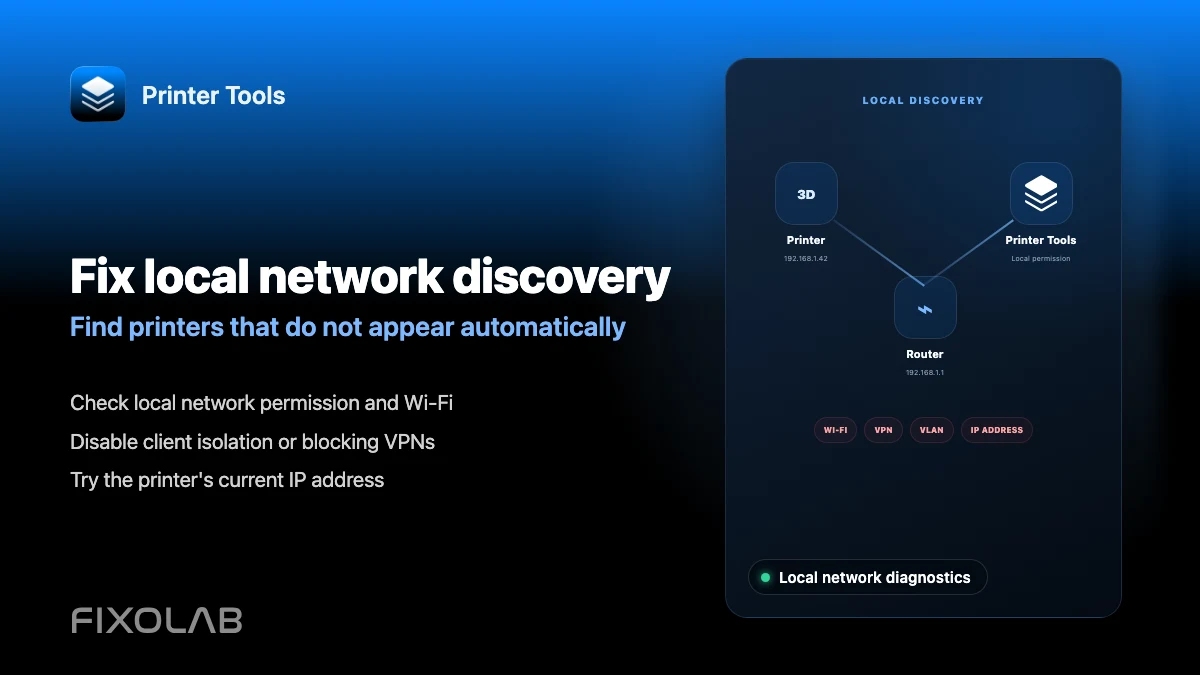
How to fix local network discovery problems in Printer Tools
Fix printer connection failures caused by client isolation, VLANs, VPNs and the iOS local network permission in Printer Tools.
| FixoLab
How VLANs, guest Wi-Fi and client isolation block printer connections
Understand why internet access does not prove local reachability and configure a narrow path from Printer Tools to printers and cameras.
| FixoLab
Choosing local 3D printer control or remote access with VPN, OctoEverywhere, Obico and cloud
Compare local-only control, a VPN, OctoEverywhere, Obico and a manufacturer cloud app for reaching your 3D printer remotely.
| FixoLab
How to follow 3D prints with Live Activities, Dynamic Island and CarPlay
Set up Printer Tools Live Activities for a print's progress on the Lock Screen, Dynamic Island, CarPlay and StandBy.