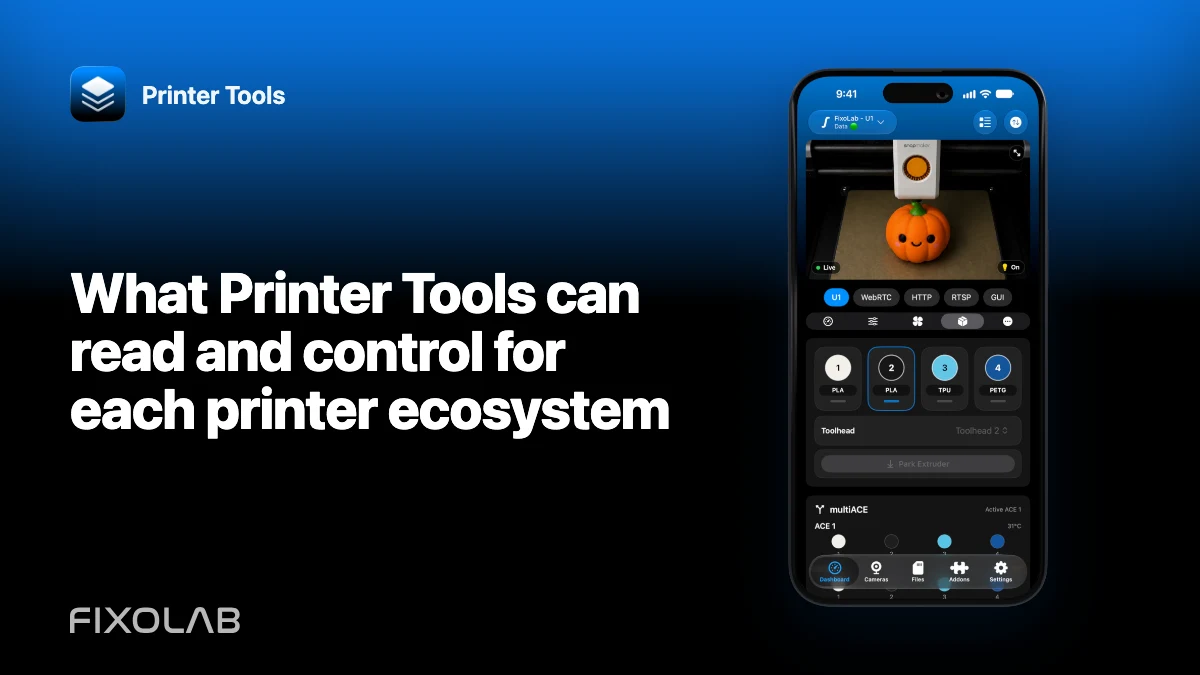
What Printer Tools can read and control for each printer ecosystem
Printer Tools offers one dashboard for many printer ecosystems, but it does not flatten them into one imaginary universal API. Every integration can expose a different combination of telemetry, cameras, files, filament systems and actions.
Use the compatibility matrix as the current authority. This guide explains how to read it without turning a partial feature into a promise.

All your 3D printers in one dashboard
Monitor Bambu Lab, Klipper, OctoPrint, Creality, Snapmaker, Anycubic, Flashforge, Elegoo, and Prusa printers from one app
Available on Android, iPhone, iPad and Mac, with Apple Watch and Wear OS companion apps plus optional remote access through VPN, OctoEverywhere or Obico
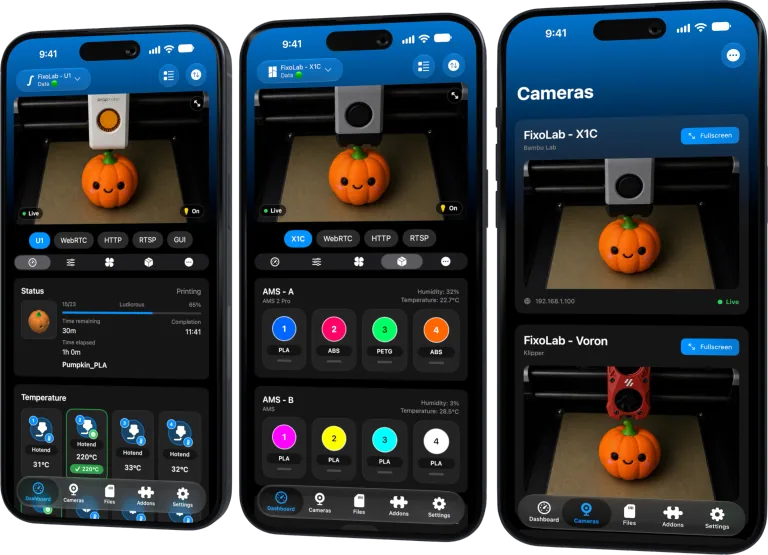
Bambu Lab
Bambu uses local MQTT for status and compatible controls, FTPS for files and a model-specific camera transport such as RTSPS or TCP JPEG. AMS detail depends on what firmware reports. LAN Only Liveview can be required for the stock camera without enabling full LAN Only mode.
Klipper and Moonraker
Moonraker provides status, controls and files through WebSocket and REST APIs. Crowsnest or another configured webcam server supplies MJPEG separately. Spoolman information appears when the Moonraker integration is configured.
Mainsail and Fluidd can coexist but are not required for Printer Tools to talk to Moonraker.
OctoPrint
OctoPrint uses its REST API and API-key authentication. Printer Tools can monitor the active job, browse existing files and send compatible job controls. Camera preview depends on an MJPEG-compatible webcam configuration.
Creality
Supported K1 and K2 families use the local WebSocket API on port 9999 for status, controls and files. K1 camera uses MJPEG; K2 uses WebRTC. CFS information appears where firmware reports it.
Snapmaker U1
Printer Tools supports U1 on official firmware and the independent paxx12 firmware. It can show telemetry, camera and multiACE information exposed by the selected path. Other Snapmaker models are not implied.
Anycubic, FlashForge and Elegoo
Anycubic Kobra uses local MQTT in LAN mode, with FLV, RTSP or no local camera depending on model. FlashForge uses local HTTP on port 8898 and MJPEG on 8080 with serial and Check Code. Elegoo uses SDCP WebSocket or the dedicated Carbon 2 MQTT path.
File management is not currently available for these three integrations. That documented absence is different from a connection failure.
PrusaLink
PrusaLink provides local status, job data and file browsing with API key or HTTP authentication. The current-job thumbnail is not a generic live webcam. A separate external camera can be added.
External cameras and addons
External cameras can use supported HTTP or MJPEG, RTSP, RTSPS, TCP JPEG, WebRTC and ONVIF discovery paths. Addons cover Spoolman, multiACE, Panda devices, WLED and Sinilink with their own limits.
Read available, partial and unavailable labels
Available means the documented function exists for the supported connection. Partial means model, firmware or setup determines coverage. Unavailable means it should not be used as a troubleshooting expectation.
Always open the live compatibility overview before purchase or a support conclusion.
Frequently asked questions
Does every ecosystem support files?
No. File browsing is available only where the current integration and printer API expose it.
Does every printer have a live camera?
No. Camera availability and transport are model-specific.
Are controls identical across brands?
No. Printer Tools presents the actions supported by each protocol and current firmware.
Can I add a separate camera?
Yes. A compatible external camera can supplement a printer that has no native live feed.
All your 3D printers in one dashboard
Monitor Bambu Lab, Klipper, OctoPrint, Creality, Snapmaker, Anycubic, Flashforge, Elegoo, and Prusa printers from one app
Available on Android, iPhone, iPad and Mac, with Apple Watch and Wear OS companion apps plus optional remote access through VPN, OctoEverywhere or Obico
| FixoLab
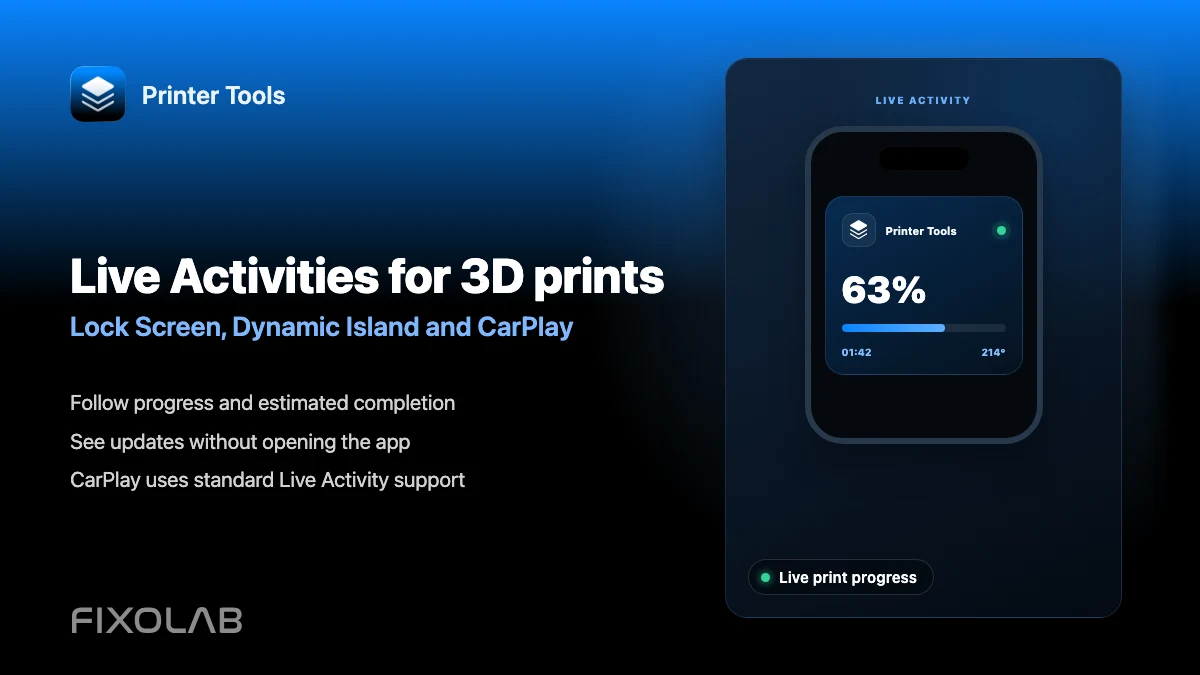
How to follow 3D prints with Live Activities, Dynamic Island and CarPlay
Set up Printer Tools Live Activities for a print's progress on the Lock Screen, Dynamic Island, CarPlay and StandBy.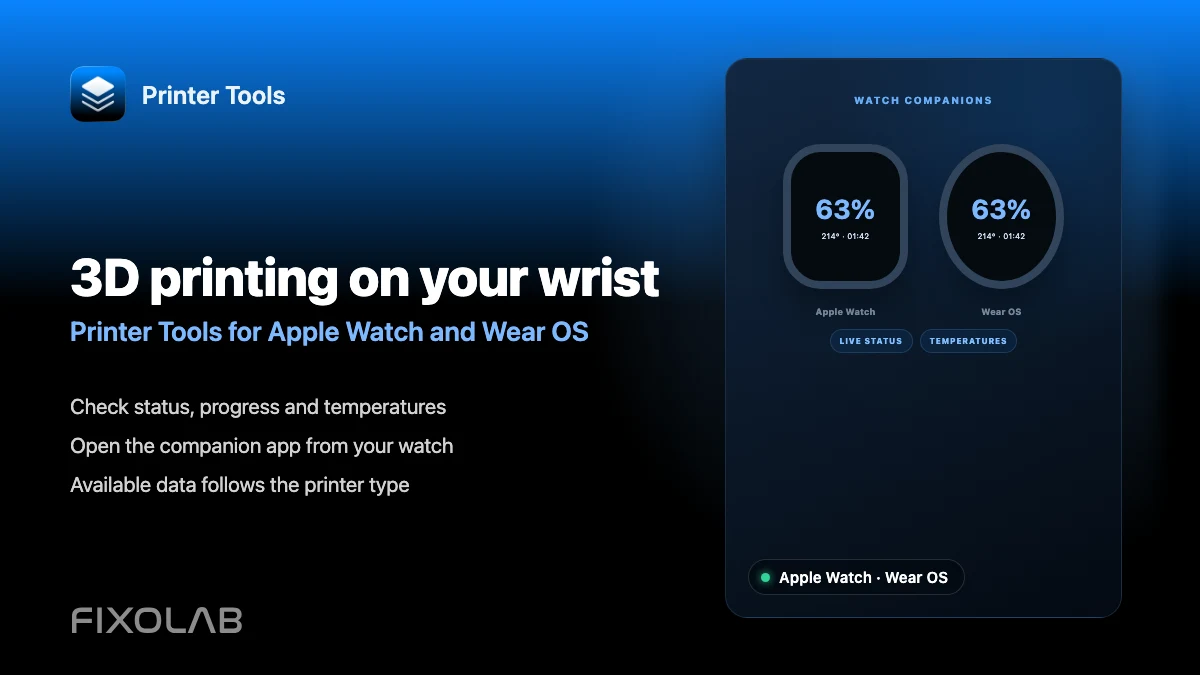
| FixoLab
How to monitor a 3D printer from Apple Watch and Wear OS
See what the Printer Tools Apple Watch and Wear OS companion apps show for a connected printer's status and temperatures.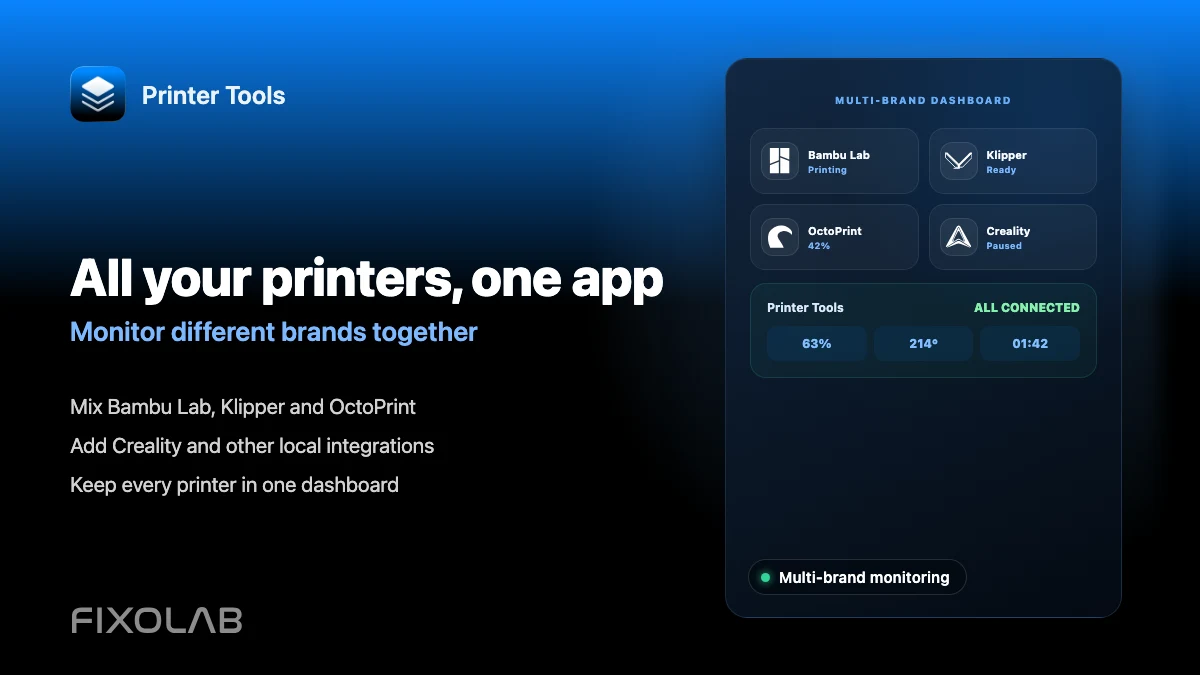
| FixoLab
How to monitor multiple 3D printers from different brands in one app
Connect Bambu Lab, Klipper, OctoPrint, Creality and other brands to Printer Tools and monitor all of them on one dashboard.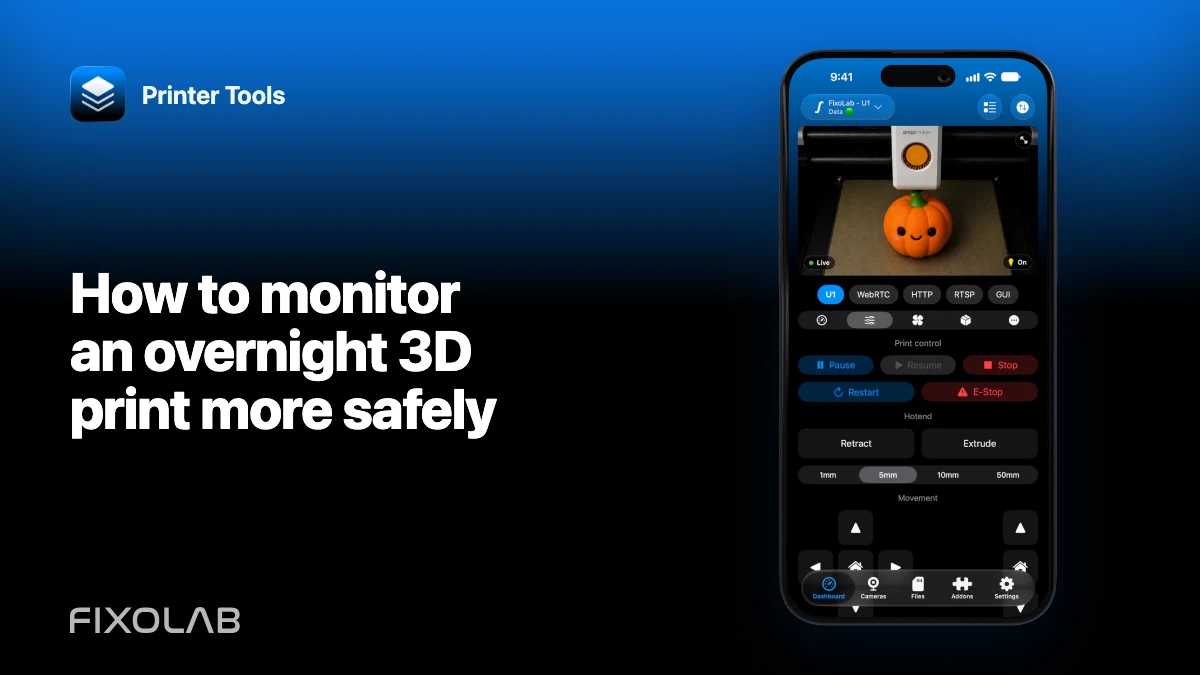
| FixoLab
How to monitor an overnight 3D print more safely
Use printer safeguards, physical inspection, camera placement and alerts as layers without treating remote monitoring as a safety guarantee.