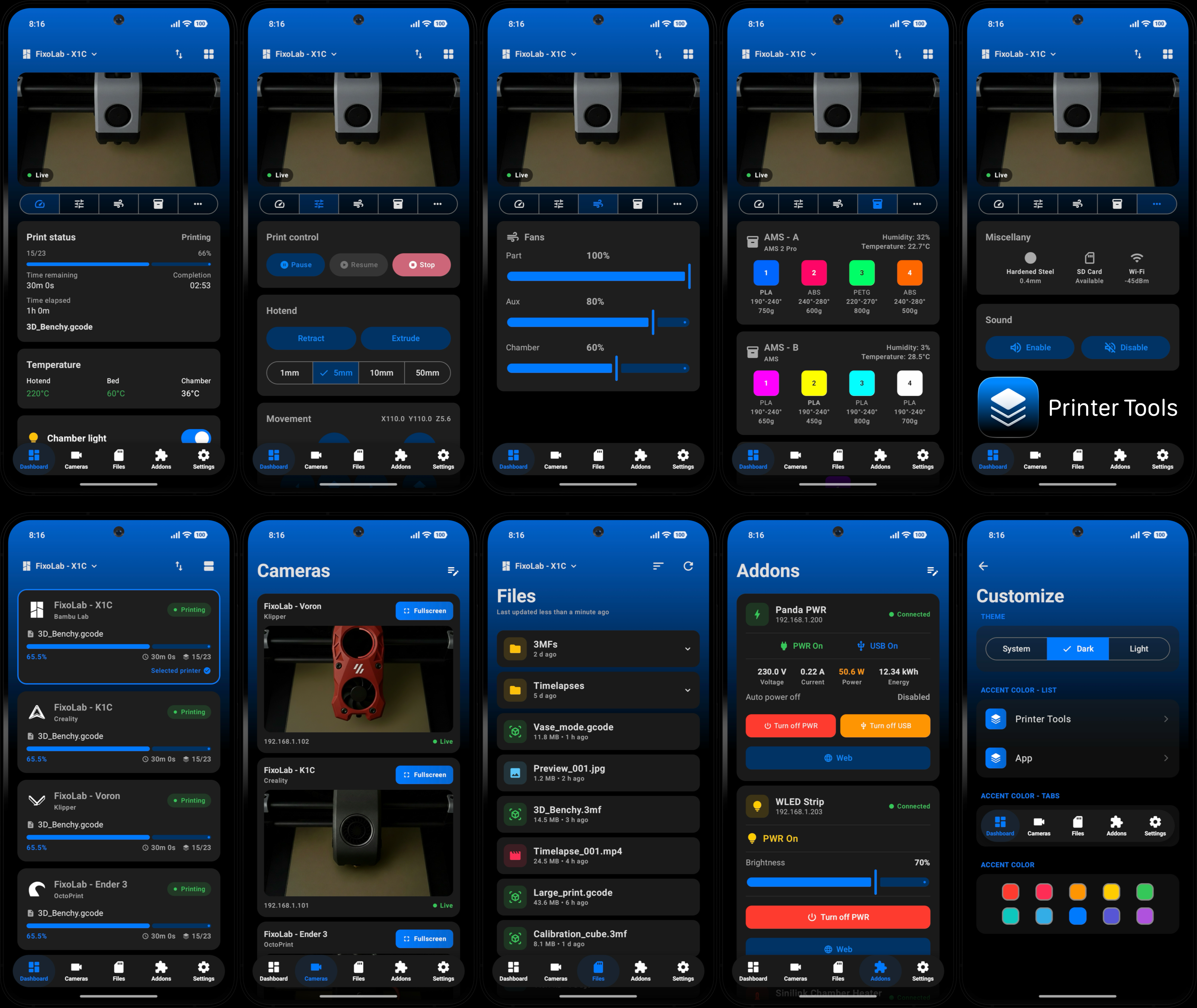
Printer Tools for Android 1.0 Launches as a 3D Printer Dashboard
🚀 Printer Tools is officially available on Android! ✨
After months of development, today I’m thrilled to announce the release of Printer Tools 1.0 for Android, a fully native app built from the ground up in Kotlin, designed to give you the same powerful 3D printer management experience on Android smartphones, tablets and Wear OS.
This isn’t a port or a wrapper, it’s a 100% native Android app crafted to feel right at home on your device, following Material Design guidelines and taking full advantage of the Android ecosystem.
All your 3D printers in one dashboard
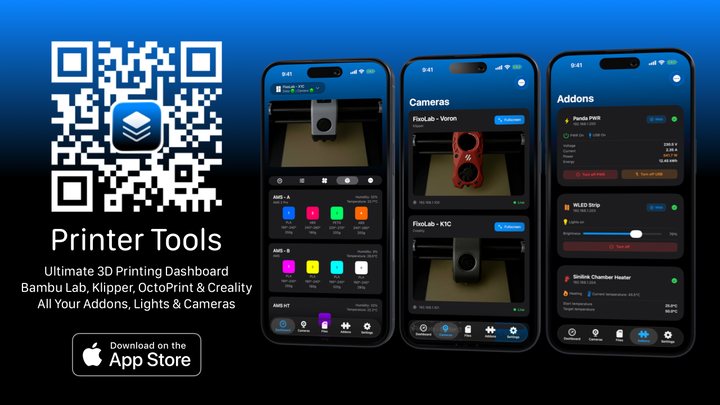
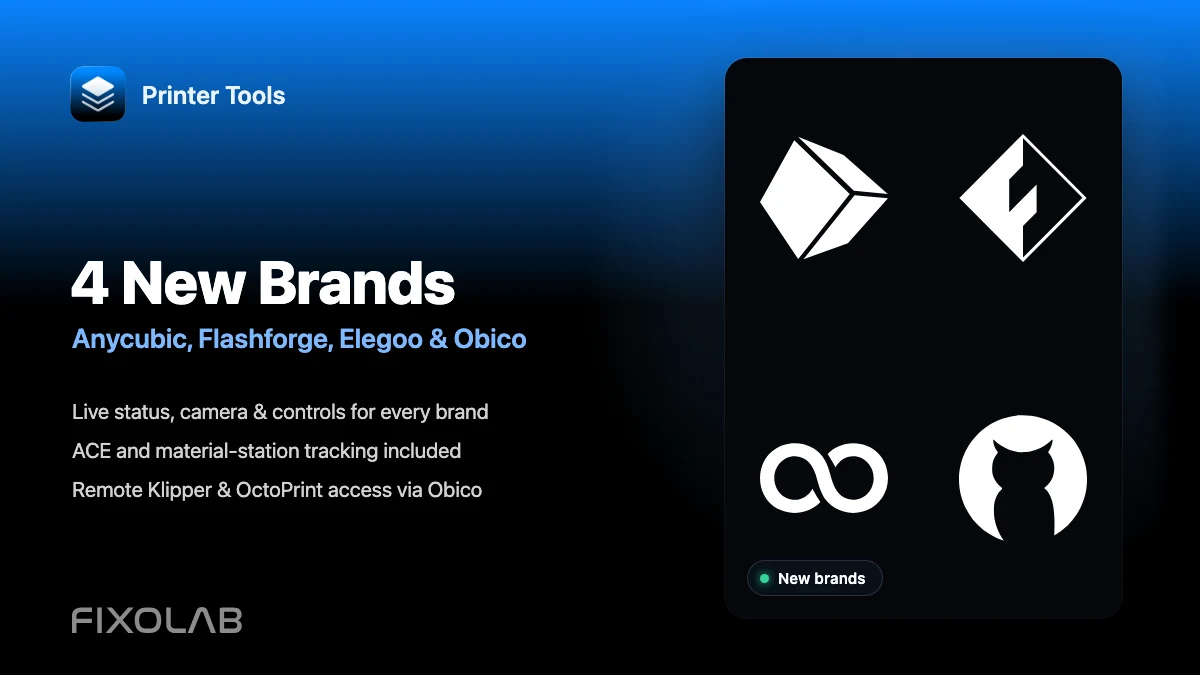
Monitor Bambu Lab, Klipper, OctoPrint, Creality, Snapmaker, Anycubic, Flashforge, Elegoo, and Prusa printers from one app
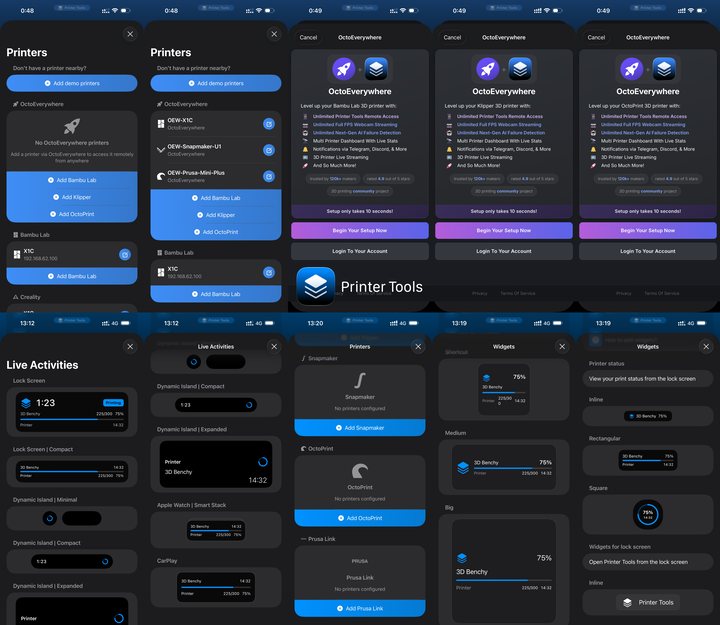
Available on Android, iPhone, iPad and Mac, with Apple Watch and Wear OS companion apps plus optional remote access through VPN, OctoEverywhere or Obico
🔍 What is Printer Tools for Android?
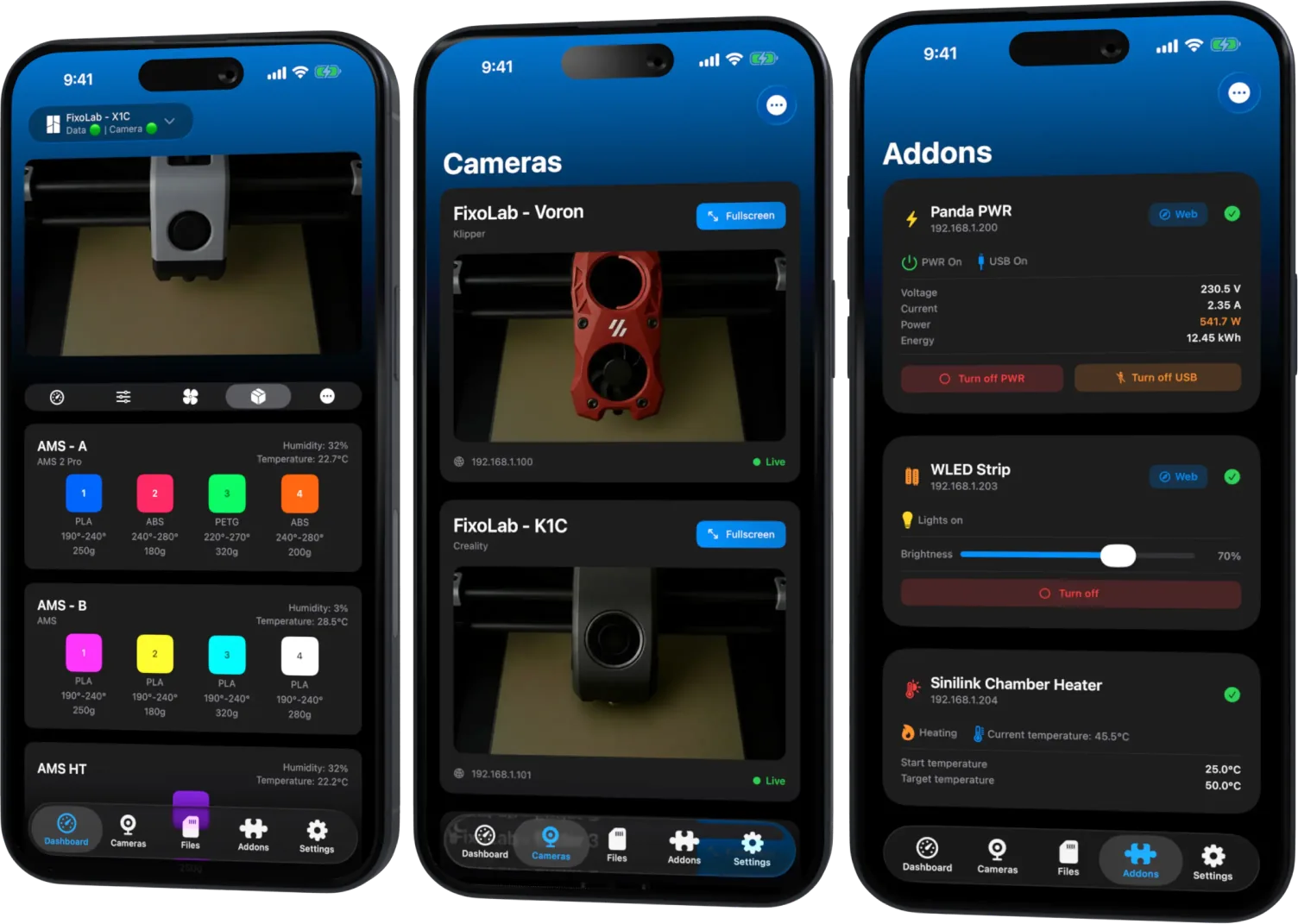
The same app that thousands of makers already use on iOS, now available on Google Play. A complete dashboard to monitor and control your 3D printers from a single panel, with real-time data and an experience designed for the Android platform.
🌟 What you can do with Printer Tools for Android
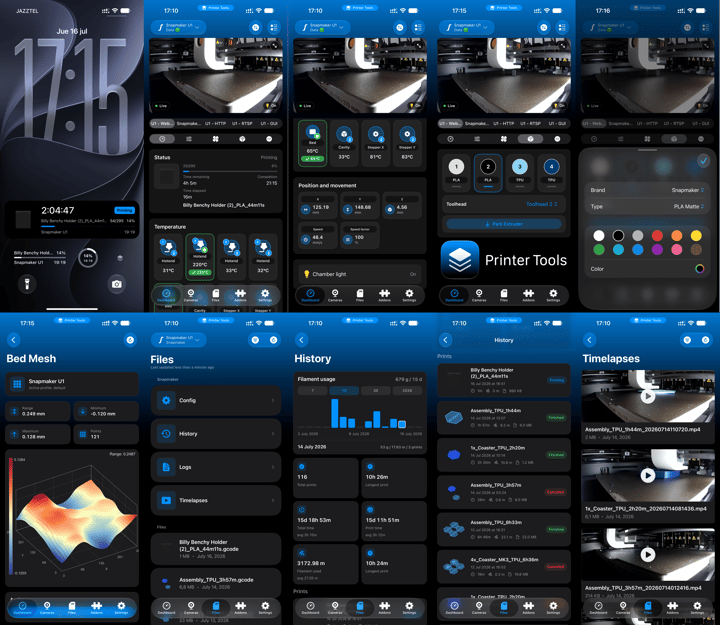
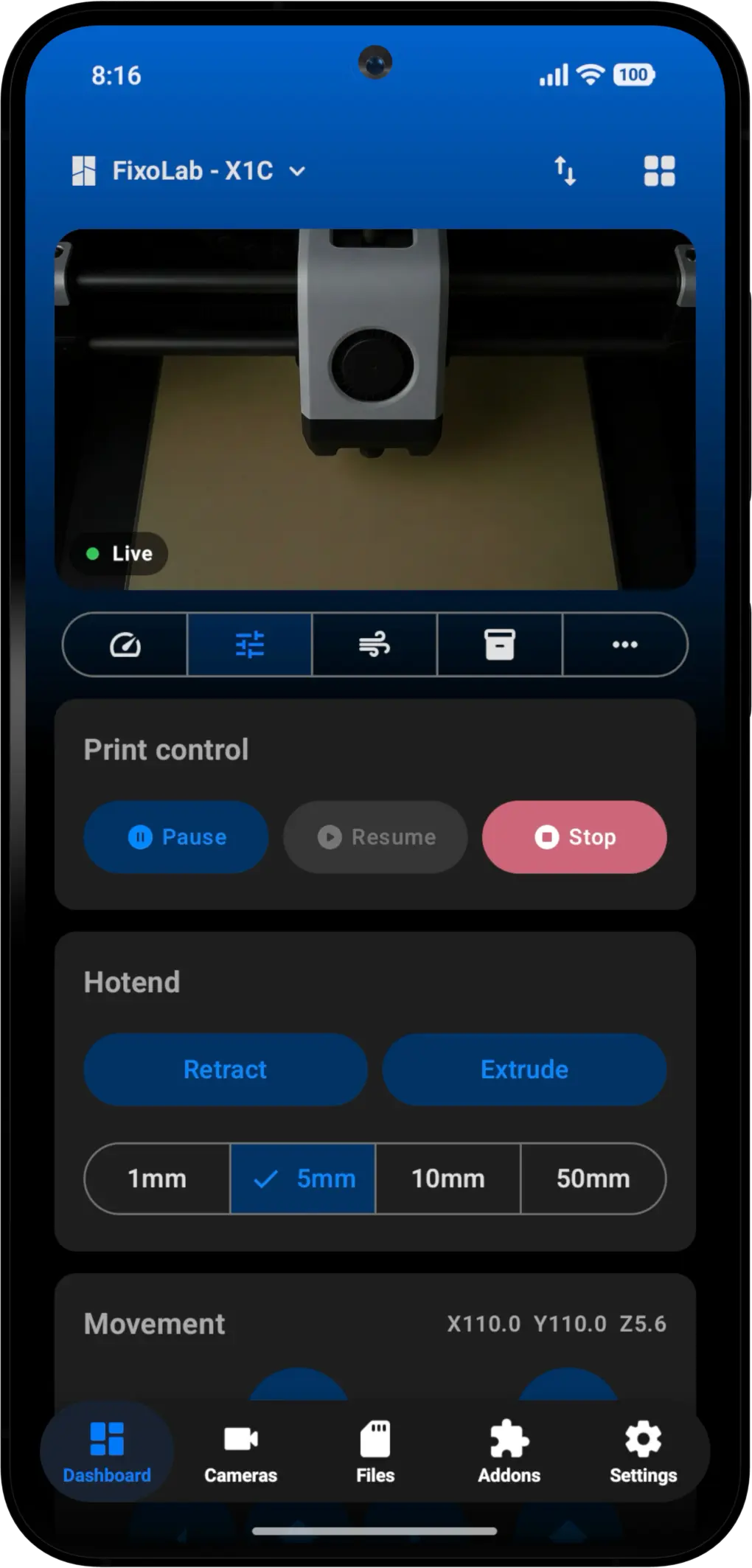
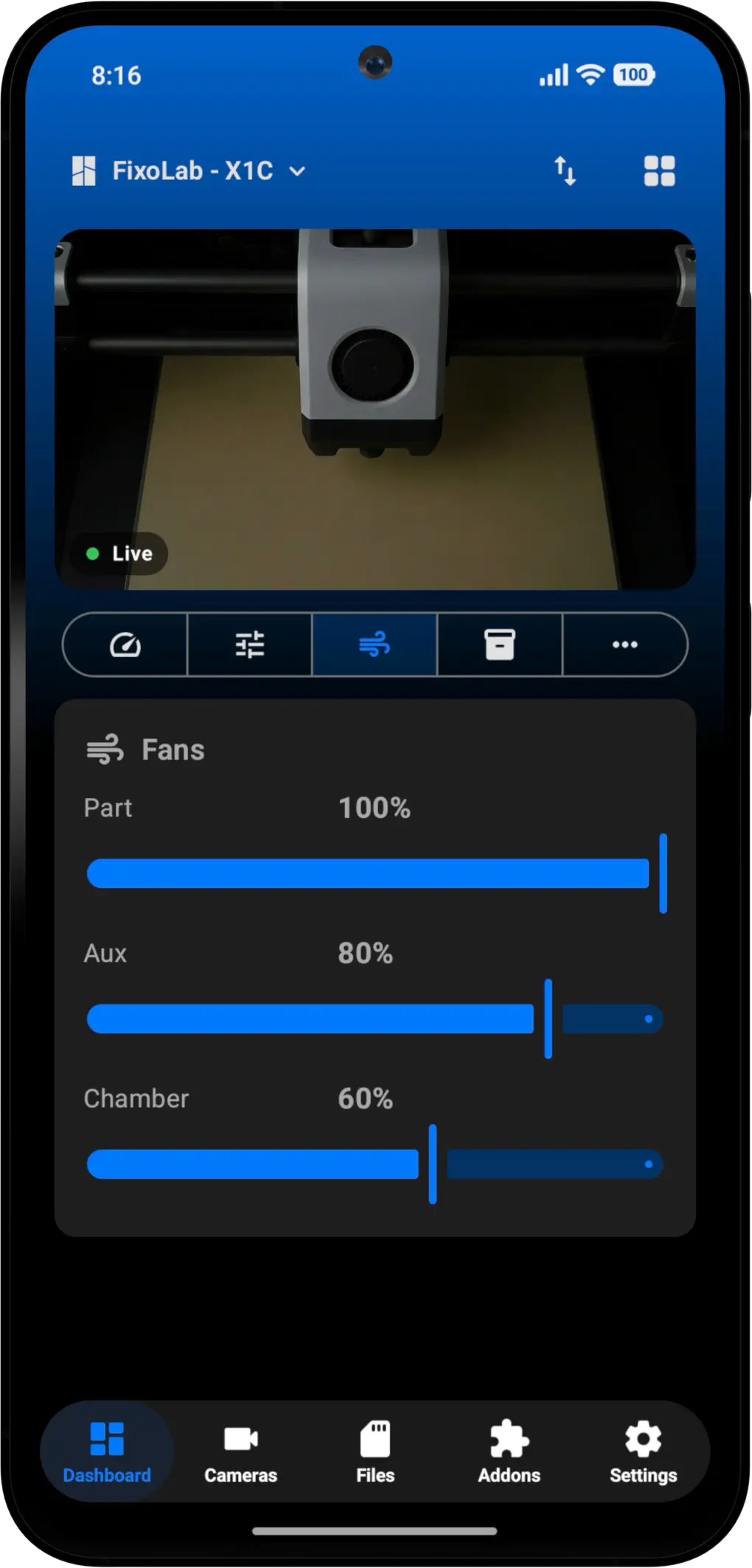
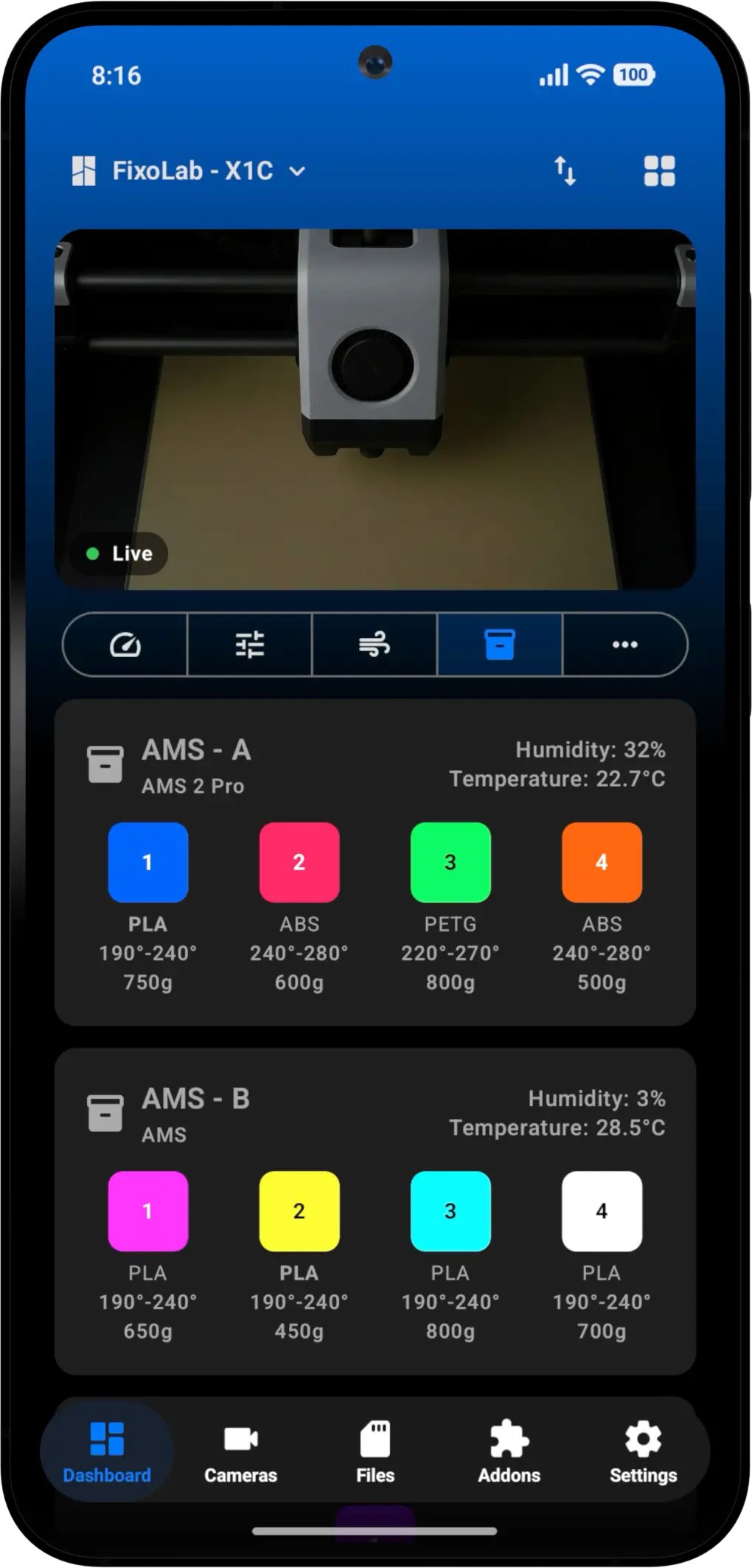
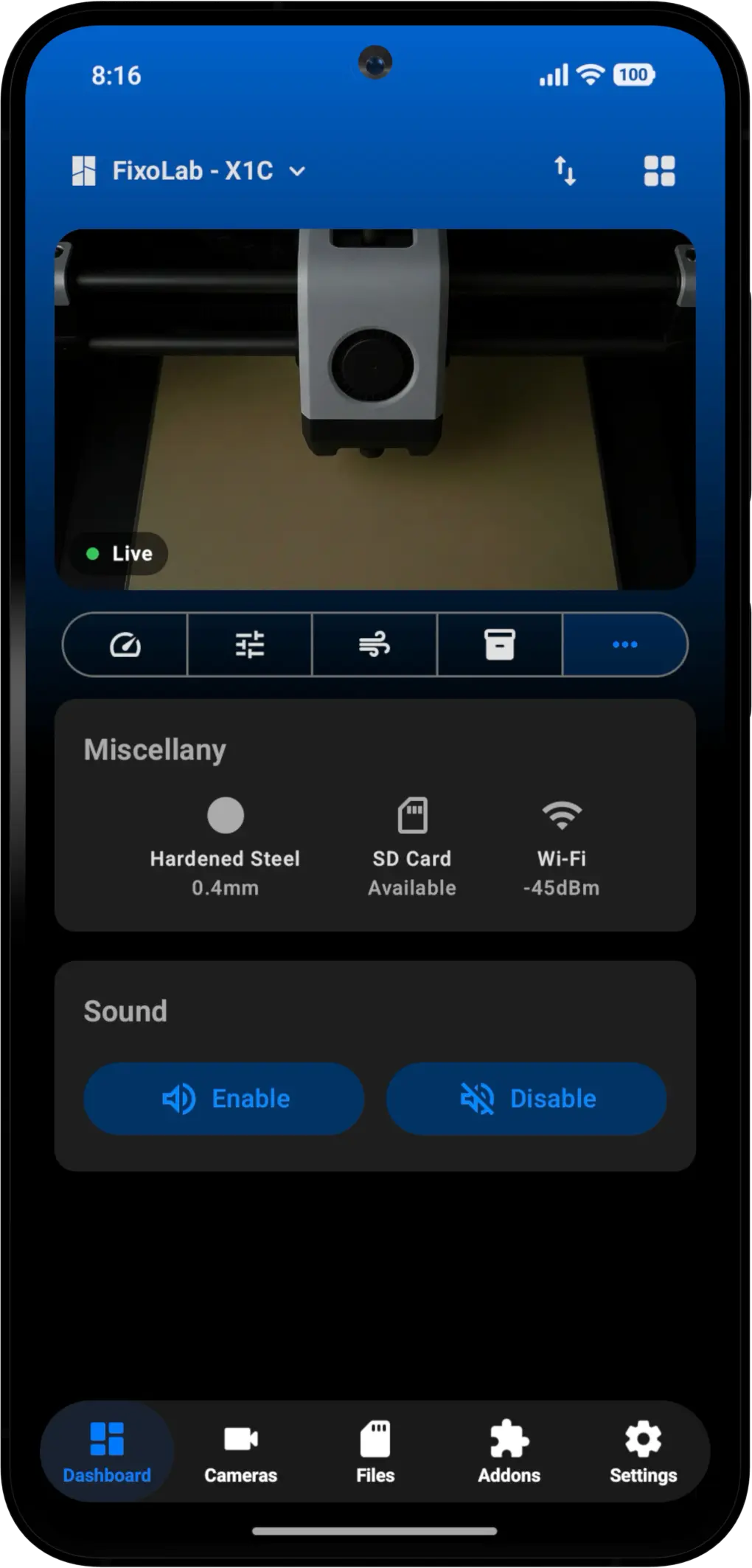
🔹 Real-time monitoring: track print status, remaining layers, estimated time and temperatures of nozzle, bed and chamber, all at a glance.
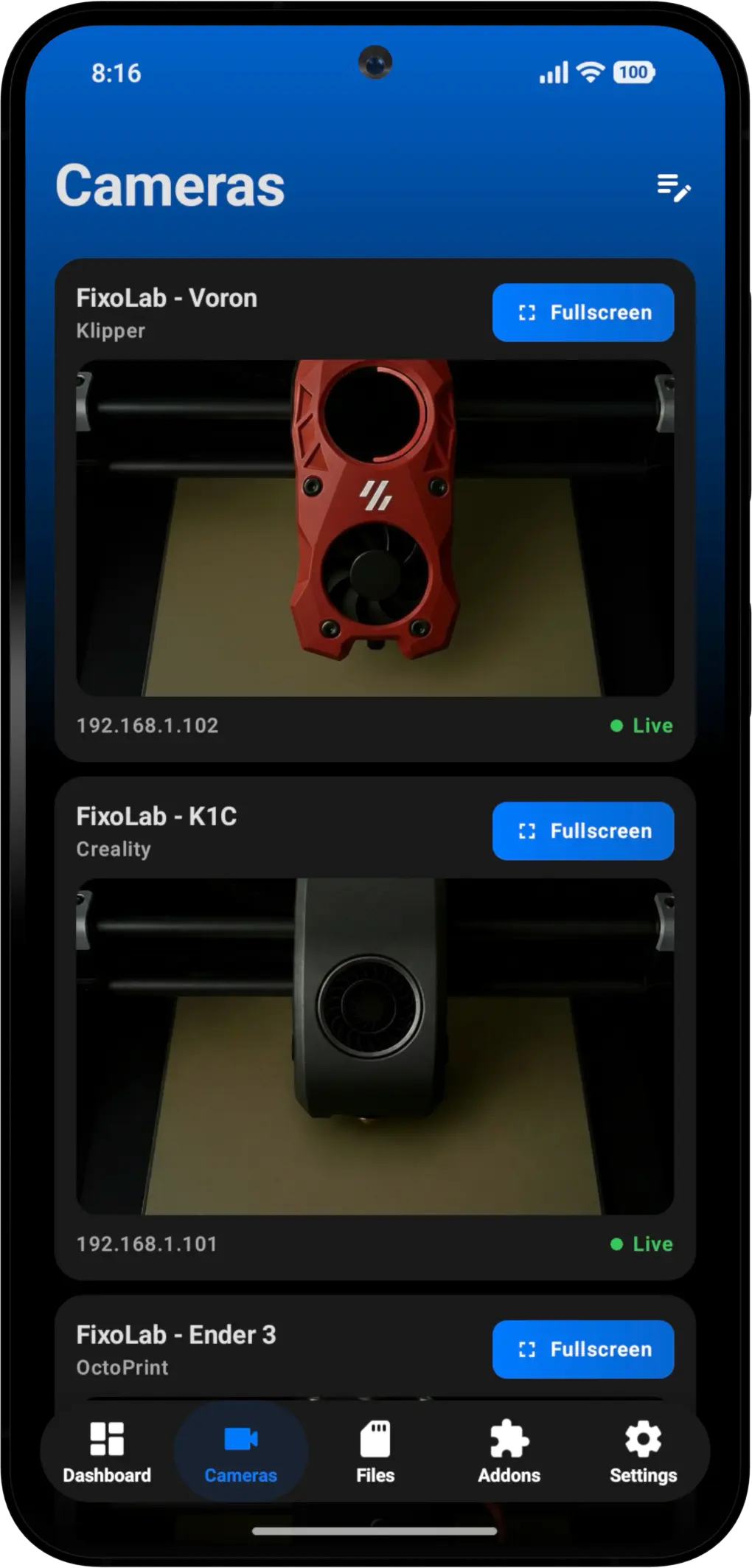
🔹 External cameras: view your prints live via HTTP, RTSP, RTSPS, TCP (JPEG) and WebRTC.
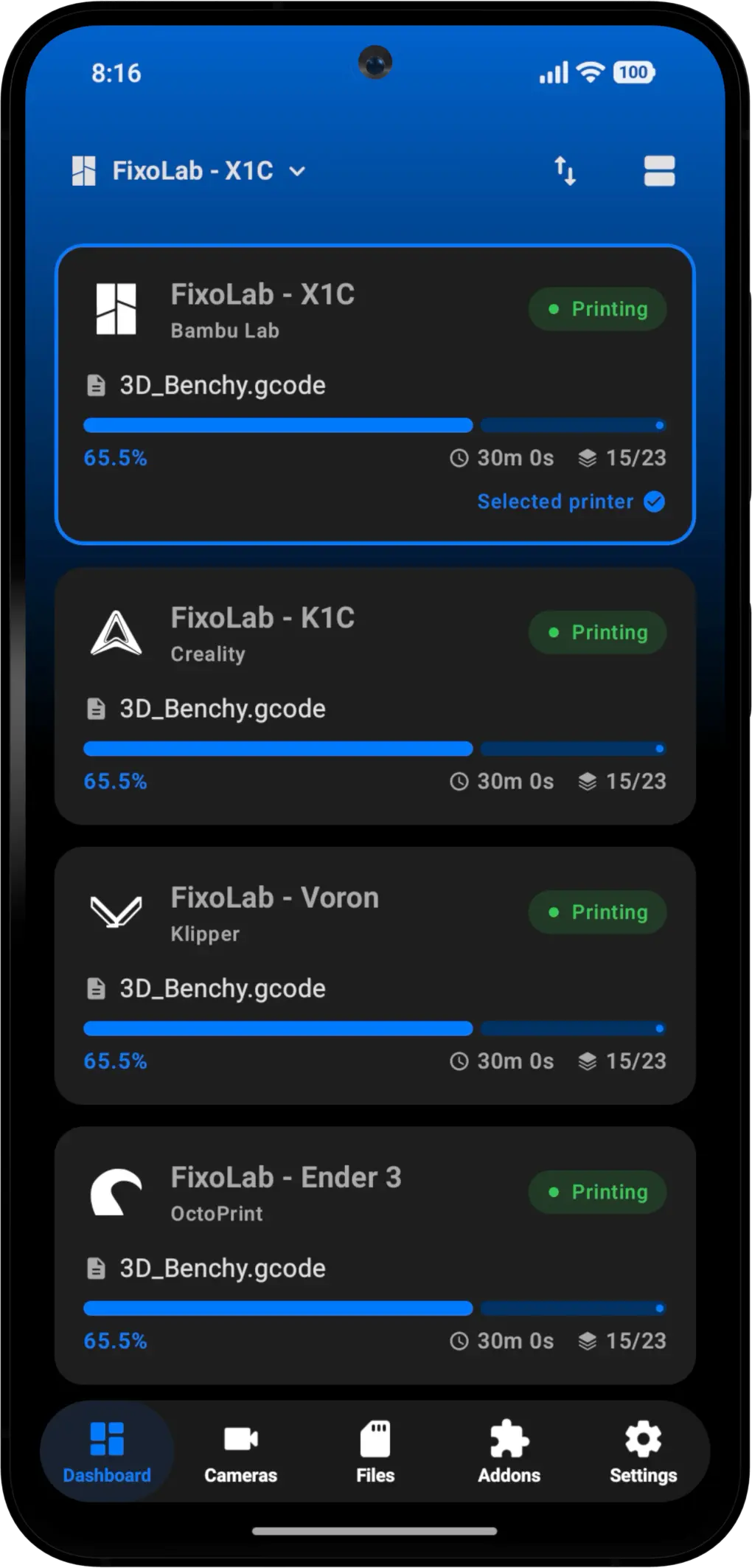
🔹 Multiple printer management: connect and manage all your printers from one place, perfect for print farms and multi-machine setups.
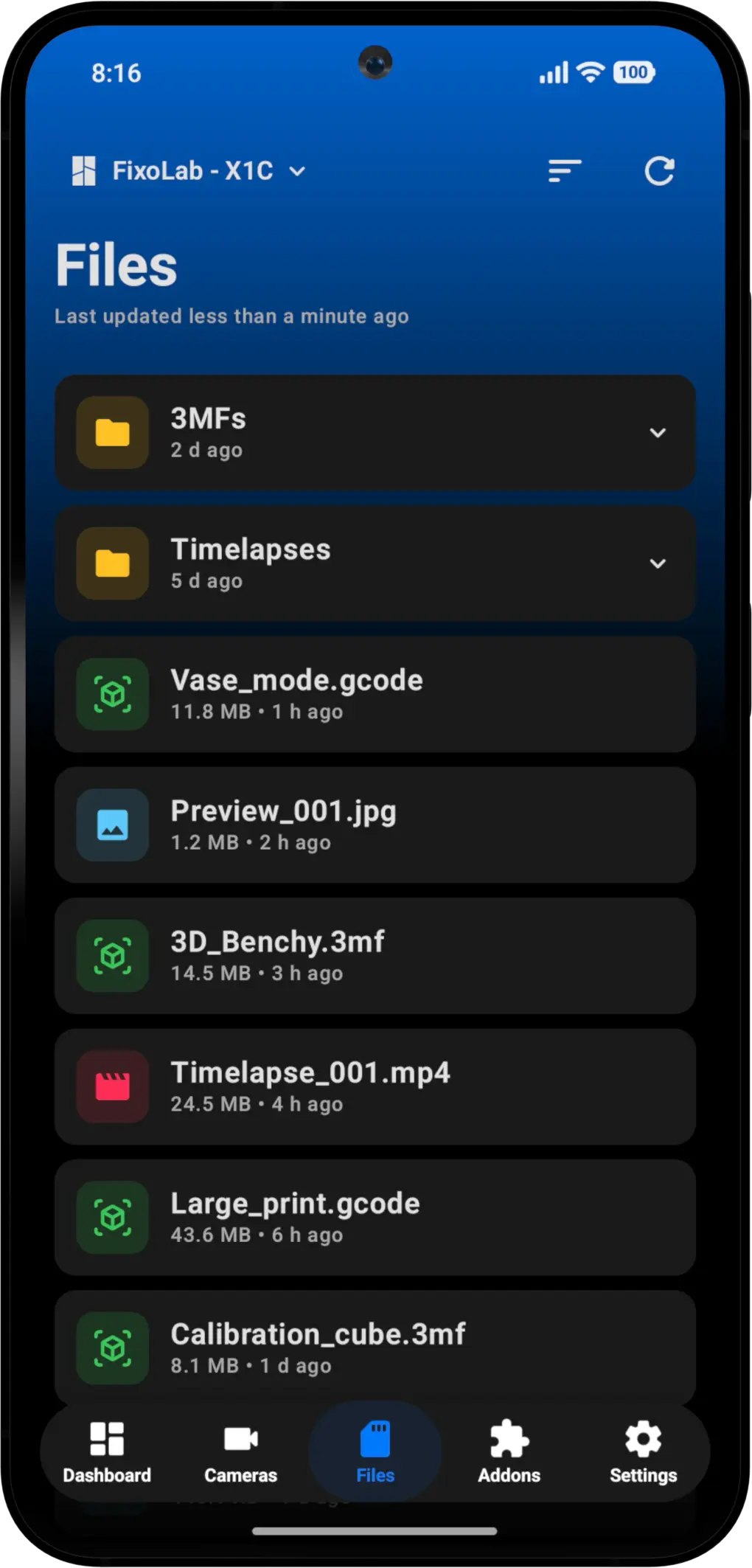
🔹 Advanced file manager: browse GCODE and 3MF files, inspect details before printing and play timelapses directly from the app.
🔹 Advanced inspector: review layers, material needed and print settings before launching a job.
🔹 Easy sharing: share images, videos or timelapses of your prints with just a couple of taps.
🔹 Wear OS support: check your print progress right from your wrist.
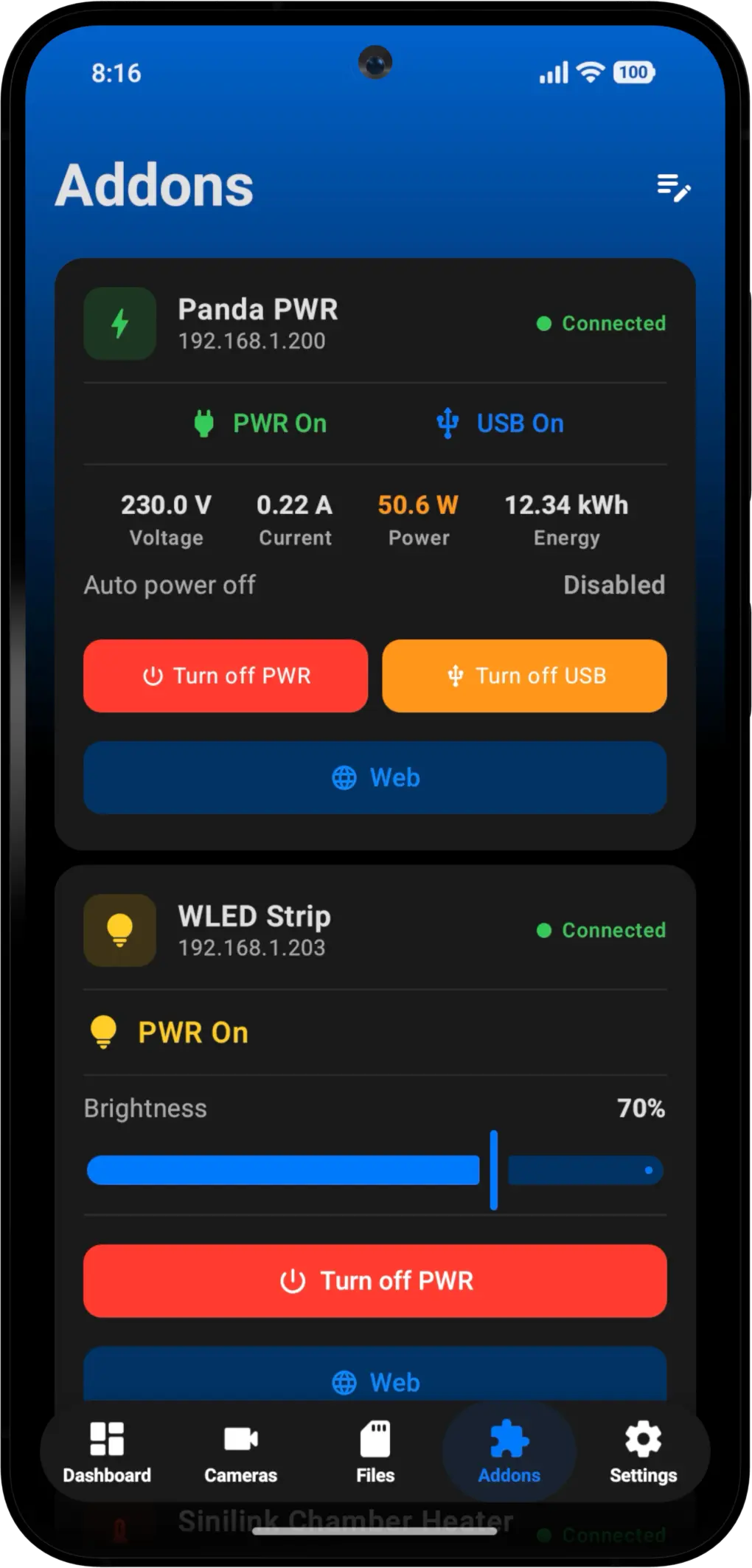
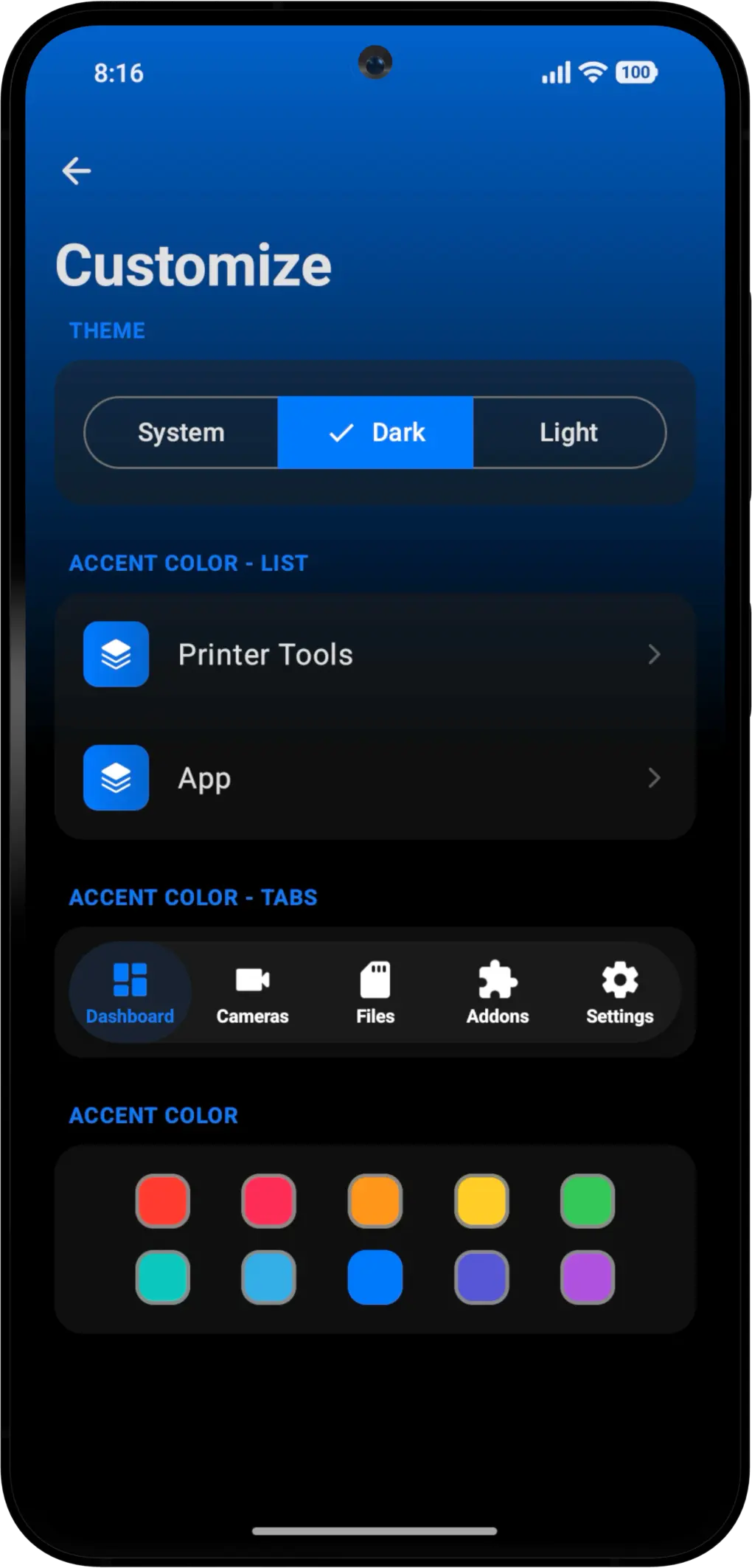
📸 Screenshots
🧩 Compatibility
- Bambu Lab
- Klipper (Mainsail, Fluidd)
- OctoPrint
- Creality
- Prusa Link
- Addons (BIGTREETECH, WLED, Sinilink)
- Compatible external cameras
🛠️ Built Natively in Kotlin
Printer Tools for Android is built entirely in Kotlin, ensuring the best possible performance, smooth animations and deep integration with Android features like widgets, notifications and Wear OS. No compromises.
All your 3D printers in one dashboard
Monitor Bambu Lab, Klipper, OctoPrint, Creality, Snapmaker, Anycubic, Flashforge, Elegoo, and Prusa printers from one app
Available on Android, iPhone, iPad and Mac, with Apple Watch and Wear OS companion apps plus optional remote access through VPN, OctoEverywhere or Obico
💙 Same Philosophy, New Platform
This project follows the same philosophy as the iOS version and all FixoLab apps: create clear, powerful tools designed from real-world usage, listening to the community from day one.
The Android version will continue to evolve alongside iOS, bringing new features and improvements based on your feedback.
📲 Get Printer Tools for Android
Download Printer Tools today from Google Play: printertools.app
Already using Printer Tools on iOS? The Android version syncs with the same ecosystem, so you can manage your printers from any device.
🙏 Thank You
Thank you to everyone who has been waiting for this release! Your patience and enthusiasm made this possible. If you encounter any issues or have suggestions, please don’t hesitate to reach out.
Happy printing! 🖨️✨
All your 3D printers in one dashboard
Monitor Bambu Lab, Klipper, OctoPrint, Creality, Snapmaker, Anycubic, Flashforge, Elegoo, and Prusa printers from one app
Available on Android, iPhone, iPad and Mac, with Apple Watch and Wear OS companion apps plus optional remote access through VPN, OctoEverywhere or Obico