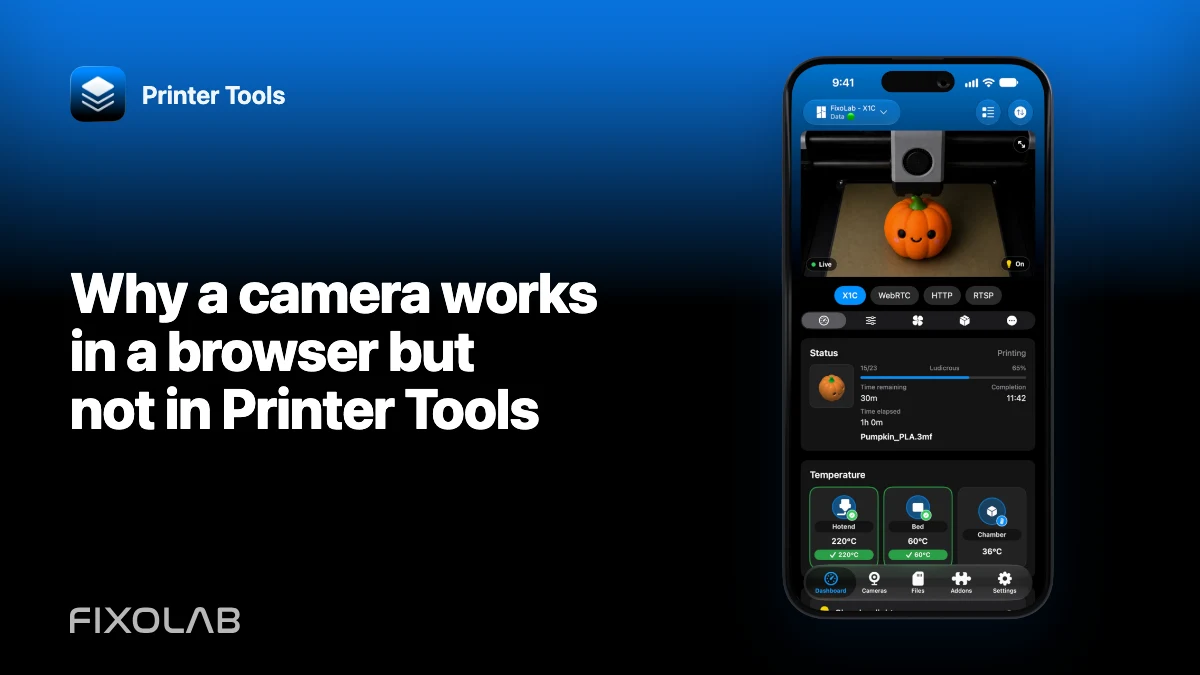
Why a camera works in a browser but not in Printer Tools
Opening a camera’s web interface proves that HTTP is reachable. It does not prove that the page exposes a direct stream compatible with Printer Tools.
Printer Tools communicates with supported printers and cameras through local protocols. Keep devices private, preserve credentials and use the current compatibility matrix as the authority for model-specific capabilities.

All your 3D printers in one dashboard
Monitor Bambu Lab, Klipper, OctoPrint, Creality, Snapmaker, Anycubic, Flashforge, Elegoo, and Prusa printers from one app
Available on Android, iPhone, iPad and Mac, with Apple Watch and Wear OS companion apps plus optional remote access through VPN, OctoEverywhere or Obico
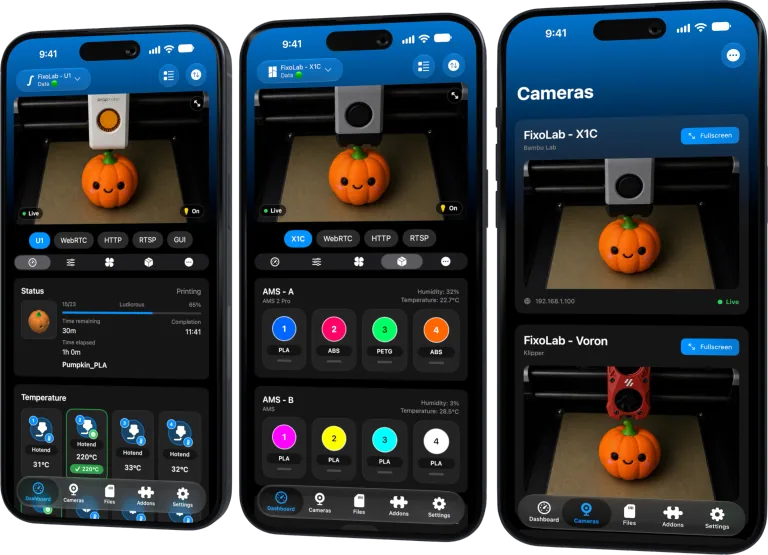
Identify what the browser is playing
Inspect the camera documentation or network settings for the actual MJPEG, RTSP, RTSPS, ONVIF or WebRTC source. A page can use JavaScript, a vendor cloud or a temporary token behind the scenes.
Check authentication behavior
Browsers can retain cookies or credentials from an earlier login. Printer Tools needs a supported repeatable authentication method for the media endpoint itself.
Check format and transport
An RTSP endpoint may provide a codec, profile or packet behavior that a web page transcodes before display. HTTPS can also fail because of an invalid hostname or certificate policy.
Compare the network path
The browser test may run on a computer in a different VLAN. Test from the same phone and network context, with local-network permission enabled.
Local troubleshooting checklist
- Find the direct media endpoint.
- Test authentication without browser cookies.
- Record codec and transport.
- Compare from the same client network.
Frequently asked questions
Does HTTP 200 prove the stream works?
Only for the requested web resource, not for a separate media endpoint.
Can Printer Tools log into every vendor web page?
No. It supports specific camera protocols and authentication paths.
Should I disable TLS verification?
No. Fix the address, certificate or supported secure configuration.
All your 3D printers in one dashboard
Monitor Bambu Lab, Klipper, OctoPrint, Creality, Snapmaker, Anycubic, Flashforge, Elegoo, and Prusa printers from one app
Available on Android, iPhone, iPad and Mac, with Apple Watch and Wear OS companion apps plus optional remote access through VPN, OctoEverywhere or Obico
| FixoLab
How to encode a camera username and password in a stream URL
Build a valid authenticated camera URL by percent-encoding credential components without leaking the secret.
| FixoLab
How to monitor a 3D printer camera locally from a phone
Connect a supported printer or external camera to Printer Tools on iPhone or Android without exposing it to the public internet.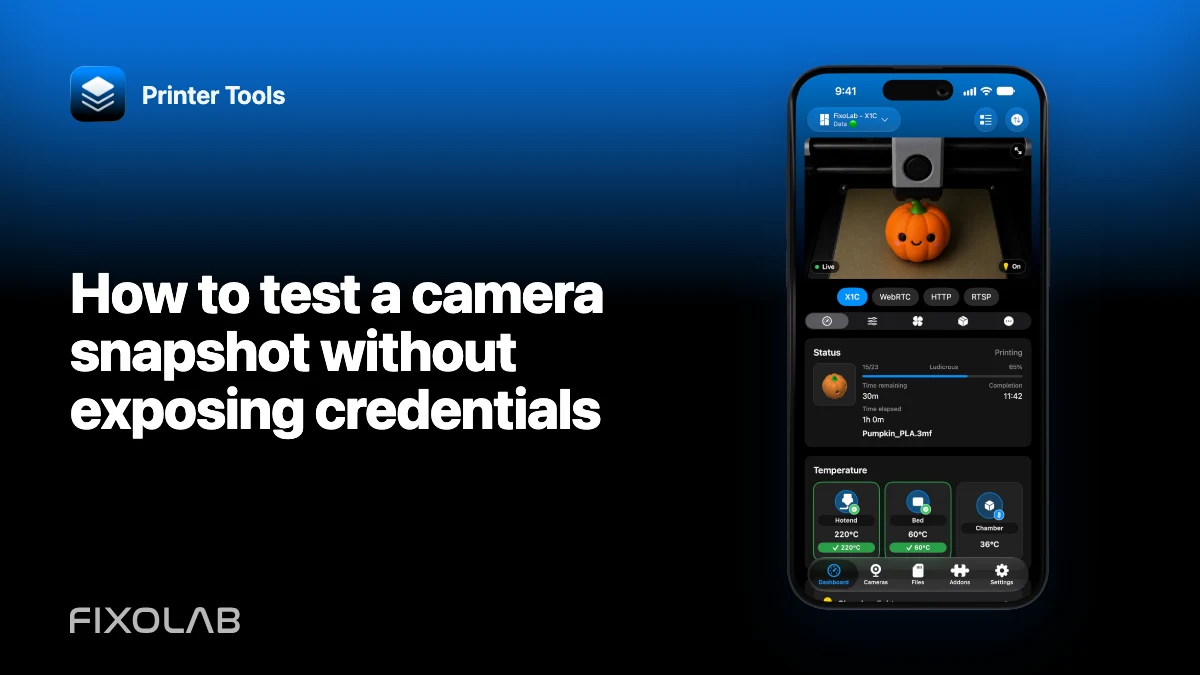
| FixoLab
How to test a camera snapshot without exposing credentials
Verify a local snapshot endpoint while keeping camera usernames, passwords and private addresses out of shared evidence.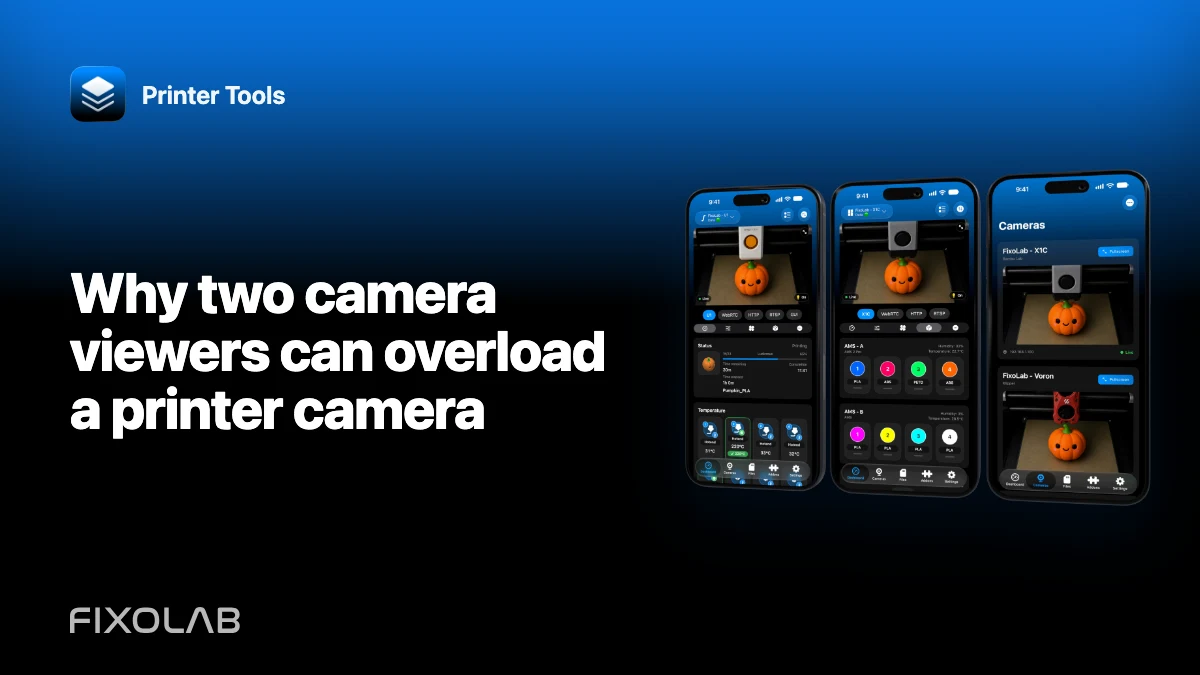
| FixoLab
Why two camera viewers can overload a printer camera
Diagnose buffering or disconnects caused by multiple viewers, limited camera encoders and weak local links.