How to use OctoPrint behind HTTPS and a reverse proxy
A reverse proxy can add HTTPS and a stable local name, but it can also rewrite the path or block OctoPrint’s realtime connection. Test the API and WebSocket separately.
Printer Tools communicates with supported printers and cameras through local protocols. Keep devices private, preserve credentials and use the current compatibility matrix as the authority for model-specific capabilities.

All your 3D printers in one dashboard
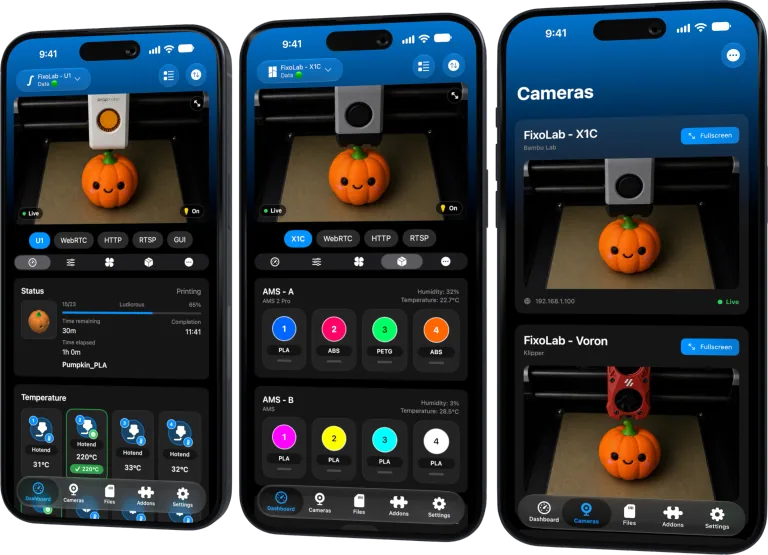
Monitor Bambu Lab, Klipper, OctoPrint, Creality, Snapmaker, Anycubic, Flashforge, Elegoo, and Prusa printers from one app
Available on Android, iPhone, iPad and Mac, with Apple Watch and Wear OS companion apps plus optional remote access through VPN, OctoEverywhere or Obico
Choose the intended base URL
Decide whether OctoPrint lives at the proxy root or a subpath such as /octoprint/. The proxy and OctoPrint configuration must agree on that external address.
Preserve proxy headers
Forward the original host and scheme with the headers recommended by OctoPrint. Incorrect headers can create redirects to an internal hostname or downgrade an HTTPS URL.
Allow WebSocket upgrade
A page or REST endpoint can work while live state fails if the proxy drops Upgrade and Connection handling. Keep timeouts long enough for a persistent WebSocket.
Keep authentication and trust valid
Use a certificate the phone can validate and send the API credential only to the intended host. Do not disable certificate checks to hide a name mismatch.
Local troubleshooting checklist
- Test the external base path.
- Check redirect destinations.
- Verify REST and WebSocket independently.
- Use a trusted certificate and private access.
Frequently asked questions
Why does the web page work but live status does not?
The proxy may serve HTTP correctly while blocking WebSocket upgrades.
Can a self-signed certificate work automatically?
The phone must trust it correctly and the certificate name must match.
Should the proxy expose OctoPrint publicly?
No. HTTPS does not replace access control and private networking.
All your 3D printers in one dashboard
Monitor Bambu Lab, Klipper, OctoPrint, Creality, Snapmaker, Anycubic, Flashforge, Elegoo, and Prusa printers from one app
Available on Android, iPhone, iPad and Mac, with Apple Watch and Wear OS companion apps plus optional remote access through VPN, OctoEverywhere or Obico
| FixoLab
OctoPrint Application Keys and the Global API Key explained
Choose a revocable app-specific OctoPrint credential where available and understand the risks of the global key.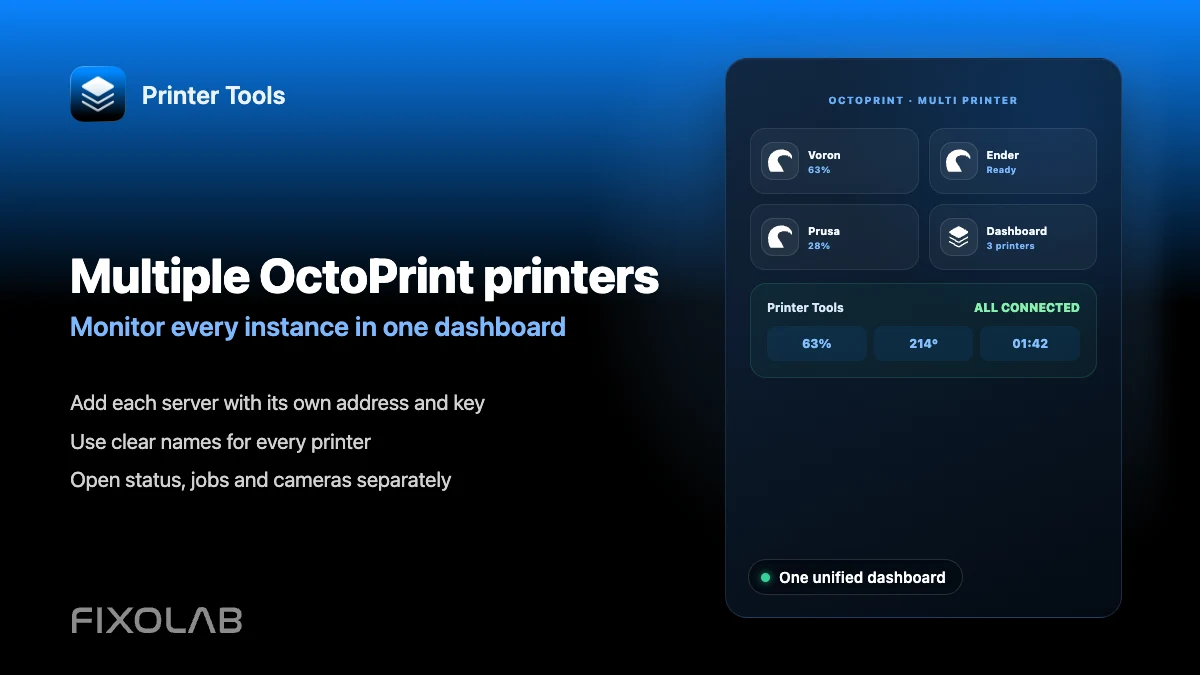
| FixoLab
How to connect and monitor multiple OctoPrint printers in Printer Tools
Connect several OctoPrint instances to Printer Tools and monitor all of them from one combined dashboard.
| FixoLab
How to fix an OctoPrint camera that is not loading in Printer Tools
Troubleshoot an OctoPrint webcam that will not load in Printer Tools, including setups where the camera has its own address.
| FixoLab
How to fix invalid API key and unauthorized errors in OctoPrint
Fix an invalid or unauthorized OctoPrint API key in Printer Tools and tell it apart from a serial disconnection error.