How to monitor multiple 3D printers from different brands in one app
Multiple brands, one dashboard
The short answer
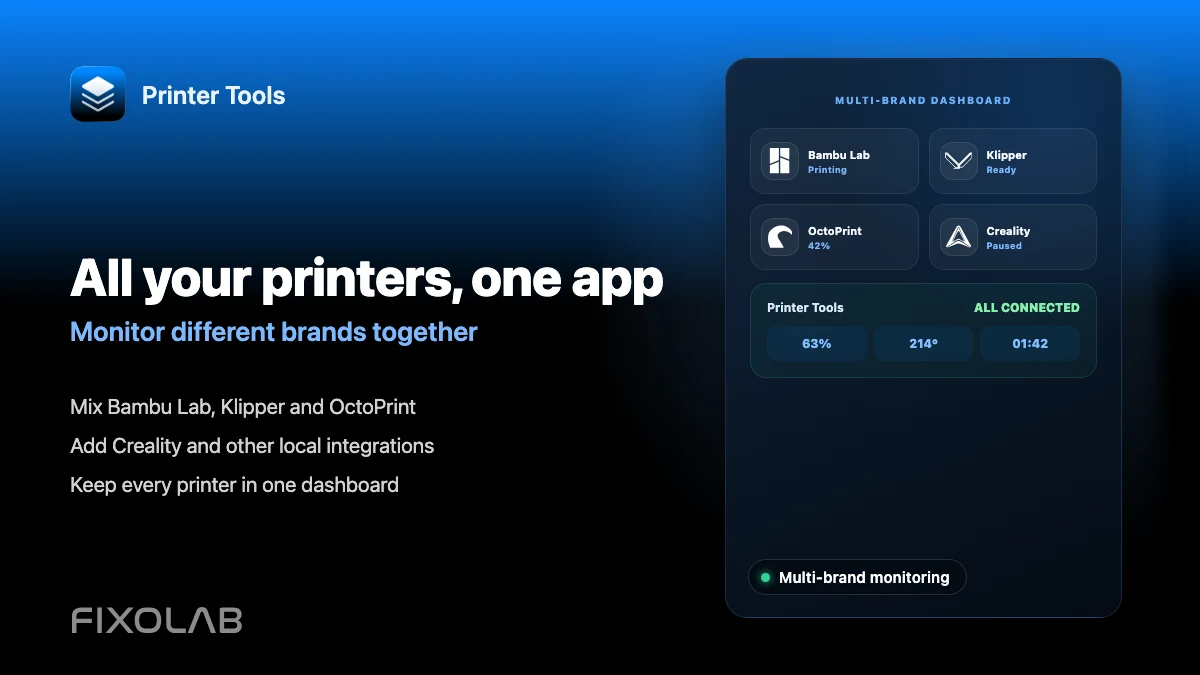
Printer Tools can connect Bambu Lab, Klipper, Creality, OctoPrint, PrusaLink, Snapmaker, Anycubic, Flashforge and Elegoo printers side by side, each with its own protocol and credentials, and show all of them together on the same Dashboard. You do not need a separate app for each brand you own.
What you need
- Each printer already reachable on your network using its own connection method
- The credentials or connection details specific to each system, such as an OctoPrint API key or a Bambu Lab Access Code
- A clear name for each printer so they stay easy to tell apart
Build a multi-brand dashboard
- 1
Add your first printer
Connect whichever printer you already have set up, using its specific connection flow, whether that is Bambu Lab's Access Code, an OctoPrint API key or a Klipper host address.
- 2
Add each additional printer the same way
Repeat the process for every other printer, regardless of brand, using that system's own required details.
- 3
Name each printer clearly
Give every printer a specific name describing its model or location, since the combined Dashboard relies on these names to stay readable once you have more than two or three printers.
- 4
Review the combined Dashboard
Open the Dashboard to see live status, progress and temperatures for every connected printer, organized together regardless of brand.
- 5
Check cameras and files per printer
Camera streams and file browsers still work individually per printer, following whatever that specific brand supports.
Several brands together
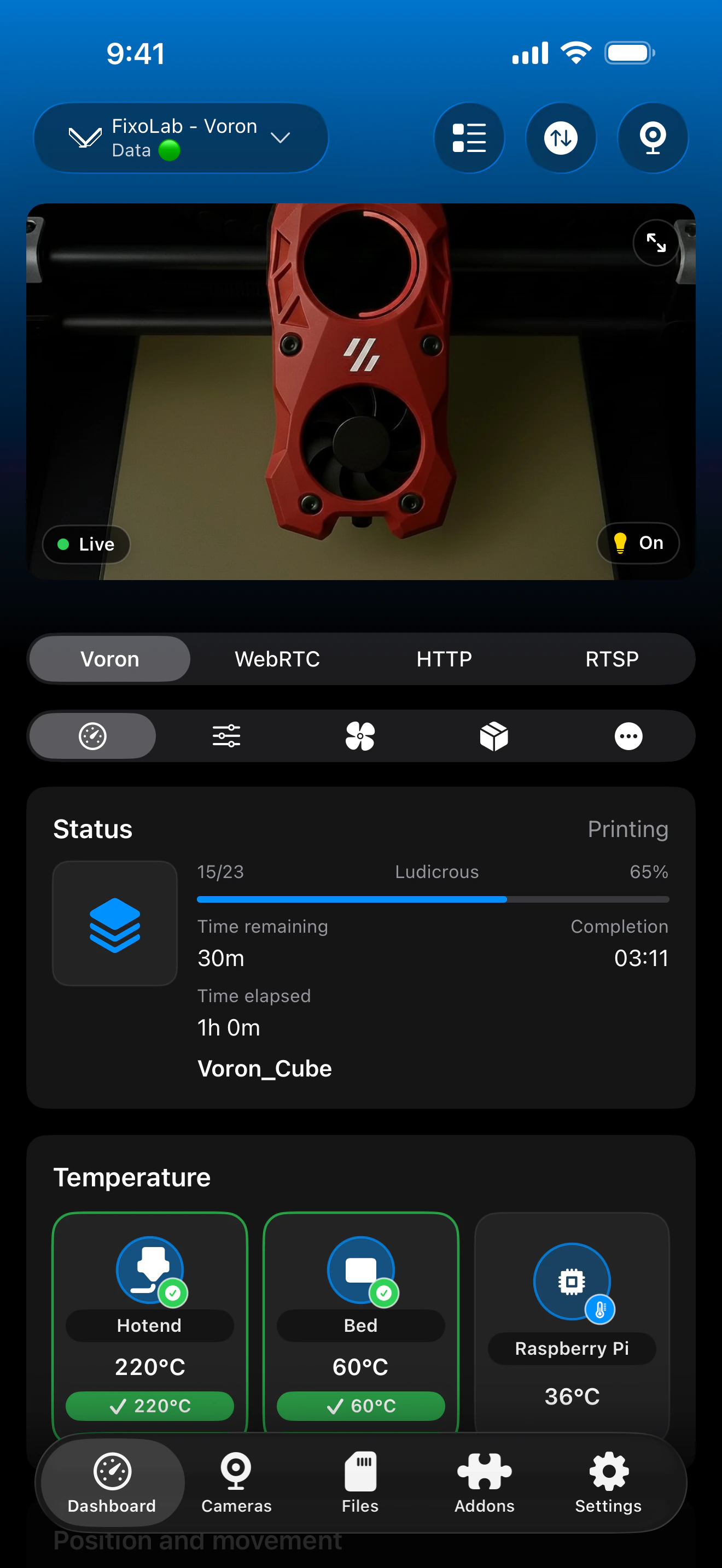
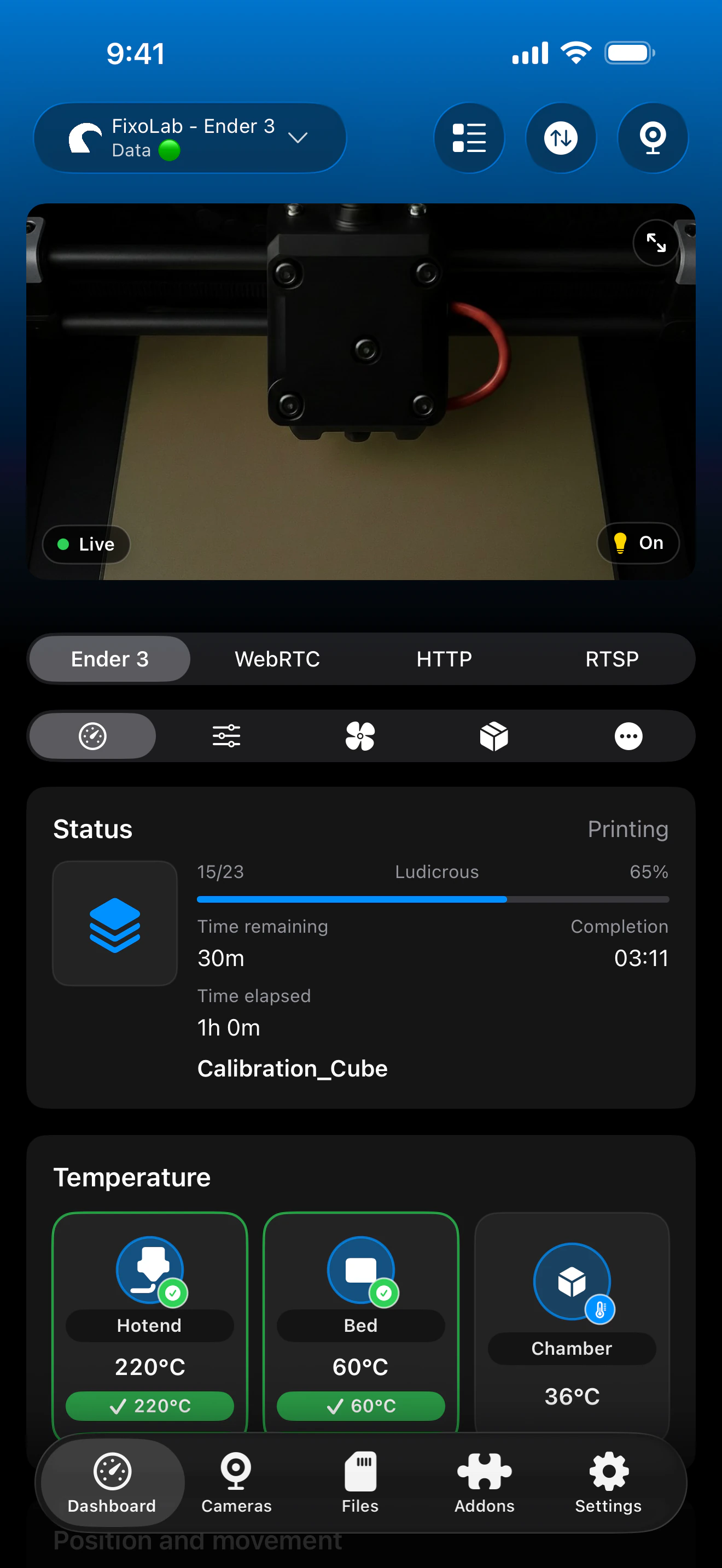
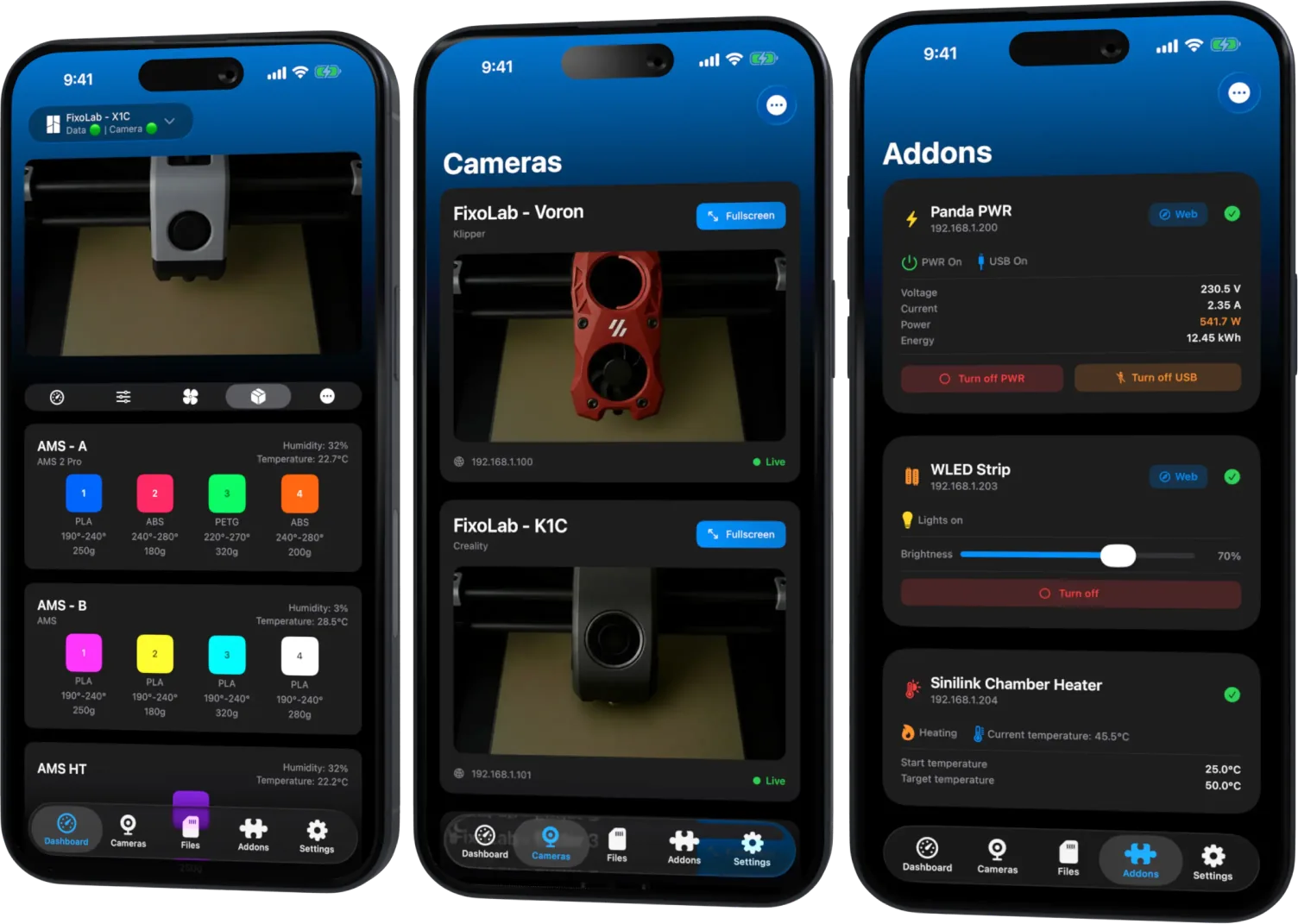
Each printer keeps its own status, controls and camera, all visible from one combined dashboard regardless of brand.
What works across brands
- Independent status, progress and temperatures for every connected printer, regardless of brand
- Individual job controls that match what each specific system actually supports
- Per-printer camera streams using whatever protocol that brand's integration uses
- One combined Dashboard instead of a separate app or browser tab per brand
What stays specific to each brand
- Available controls differ by system; a feature supported on one brand is not automatically available on another
- Filament and camera capabilities follow each brand's own firmware, not a unified standard across all of them
- Printer Tools does not merge print queues or files across different brands into a single list
Common multi-brand issues
One brand disconnects while others keep working
This is expected, since each system connects independently. Troubleshoot that specific brand's network path or credentials on their own.
It is hard to tell printers apart on the Dashboard
Rename each printer with a specific label describing the model or its location, since brand names alone are not always enough once you have several printers.
A feature I expected is missing on one printer
Check that specific brand's compatibility page, since available features vary by system and firmware, not by a setting inside Printer Tools.
Monitoring several brands remotely
Add OctoEverywhere, Obico or a VPN separately to whichever printers you want to reach away from home. Each brand's remote access options depend on what that system itself supports.
Frequently asked questions
Is there a limit to how many printers I can add?
Printer Tools is designed to support several printers on the same dashboard across supported brands and systems.
Do I need a separate login for each brand?
Each system uses its own connection details, such as an API key or Access Code, rather than a single unified account across brands.
Can I mix local and remote printers on the same dashboard?
Yes. Some printers can stay local-only while others use OctoEverywhere, Obico or a VPN, all shown together on the same Dashboard.
Does this replace each manufacturer's own app?
Printer Tools focuses on unified local-first monitoring and control across brands. Manufacturer apps may still offer brand-specific cloud features Printer Tools intentionally does not replicate.
Related guides
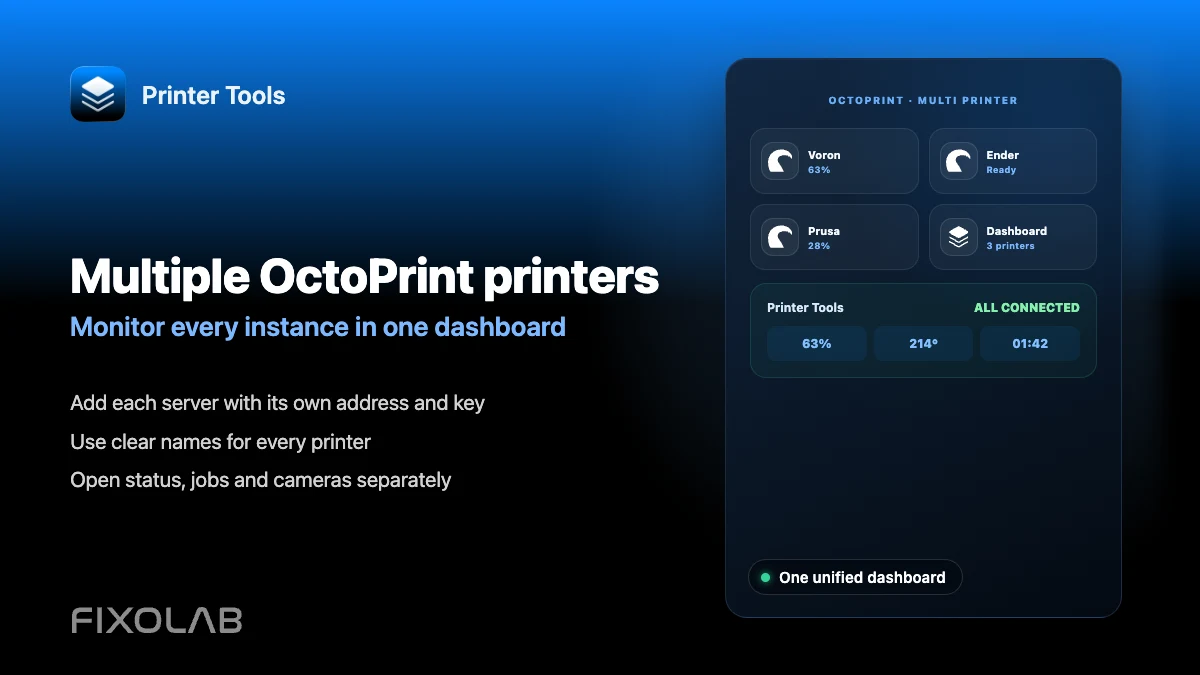
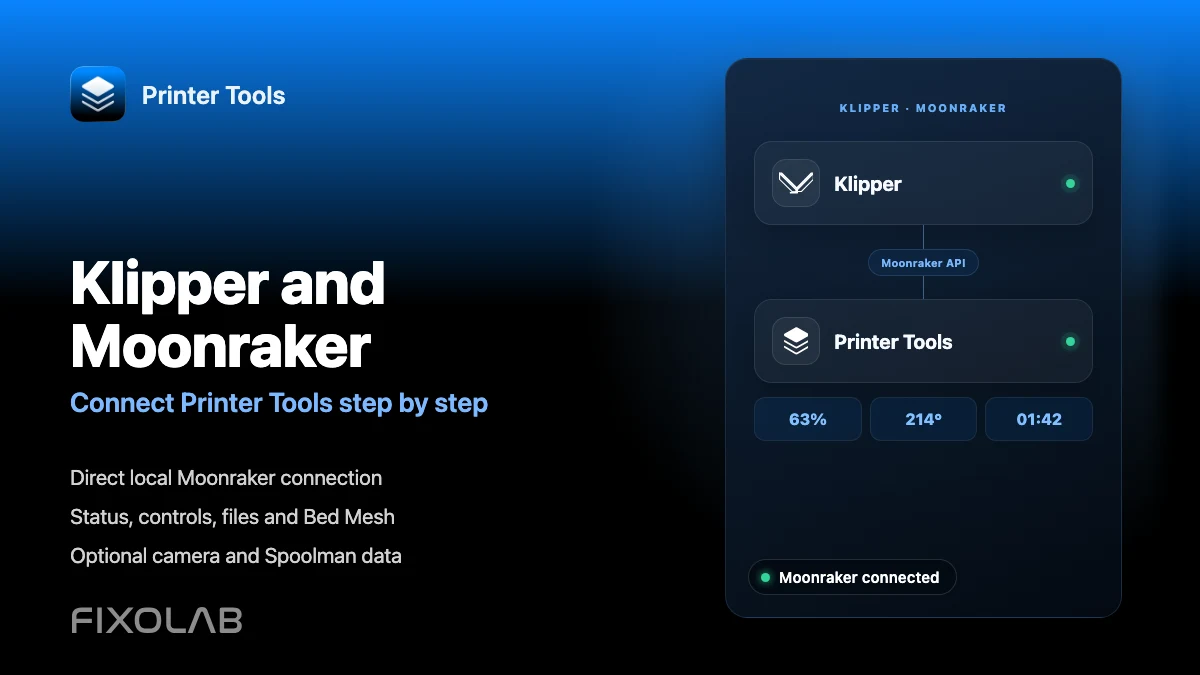
See the multi-printer dashboard overview
Review how Printer Tools organizes several printers from different brands on a single combined dashboard.
All your 3D printers in one dashboard
Monitor Bambu Lab, Klipper, OctoPrint, Creality, Snapmaker, Anycubic, Flashforge, Elegoo, and Prusa printers from one app
Available on Android, iPhone, iPad and Mac, with Apple Watch and Wear OS companion apps plus optional remote access through VPN, OctoEverywhere or Obico