Reduce camera stream latency (MJPEG, RTSP, RTSPS or WebRTC)
Four supported stream types
MJPEG, RTSP, RTSPS or WebRTC.
- Match the protocol to the camera source.
- Compare latency, security and compatibility.
- Native printer cameras use a fixed protocol.
Measure the delay before tuning
Show a clock with seconds in the camera view, compare it with the preview and let the stream run for several minutes. Record whether the delay is stable from the start or grows over time. Growing delay usually points to buffering or lost frames, while a constant delay is more often encoder or transport behavior.
Find the stage adding latency
- Camera source: lower the source resolution or frame rate only if the camera exposes those settings. A high-quality main stream can overwhelm an older camera or client.
- Local network: compare near the router with VPN, relay and guest Wi-Fi disabled. Packet loss and access-point isolation can look like decoder lag.
- Viewer: close other live views and test one device. If another client is using the camera's session limit, changing Printer Tools cannot remove that limit.
Tune the protocol actually in use
- MJPEG: use the direct multipart stream URL, not the administration page or a single snapshot. Reduce resolution or frame rate at the source if necessary.
- RTSP: test the camera's secondary stream when available. Prefer a stable TCP transport when UDP loses packets, but do not assume that one transport is always faster.
- RTSPS: keep the certificate, host and port consistent. Encryption alone does not normally explain a delay that keeps growing by several seconds.
- WebRTC: verify signaling and ICE can establish a direct local path. A VPN, firewall or isolated Wi-Fi can force a worse route or stop negotiation.
Keep native and external cameras separate
A printer's native camera uses the protocol exposed by its firmware, so tune the printer or camera source rather than selecting another protocol in Printer Tools. An external camera has its own URL and settings. Change one variable at a time, repeat the same test and reserve a stable local IP when needed. Never expose a camera port directly to the internet just to reduce latency.
Official sources: RFC 7826 — RTSP 2.0 · MDN — WebRTC API

All your 3D printers in one dashboard
Monitor Bambu Lab, Klipper, OctoPrint, Creality, Snapmaker, Anycubic, Flashforge, Elegoo, and Prusa printers from one app
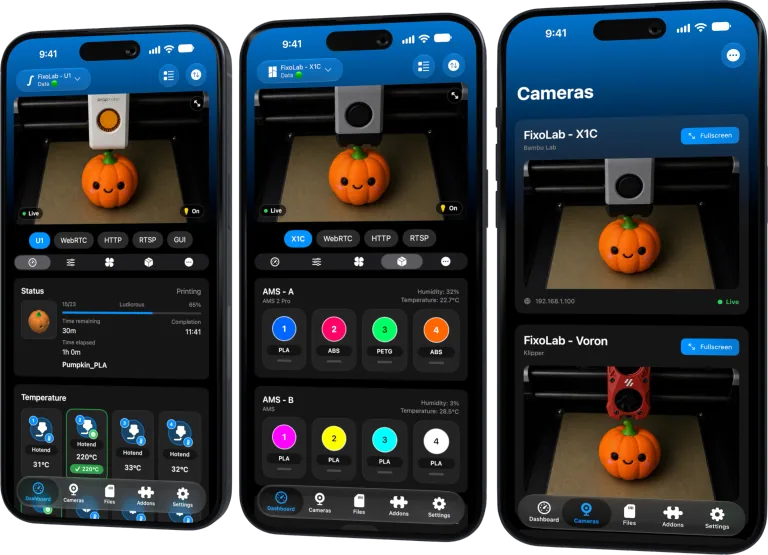
Available on Android, iPhone, iPad and Mac, with Apple Watch and Wear OS companion apps plus optional remote access through VPN, OctoEverywhere or Obico
| FixoLab
Choosing MJPEG, RTSP, RTSPS or WebRTC for a 3D printer camera
Understand how MJPEG, RTSP, RTSPS and WebRTC differ and which ones Printer Tools uses for native and external cameras.
| FixoLab
How to add an external IP camera to a 3D printer in Printer Tools
Add an independent IP camera to Printer Tools over HTTP, MJPEG, RTSP, RTSPS, TCP JPEG, WebRTC or ONVIF discovery.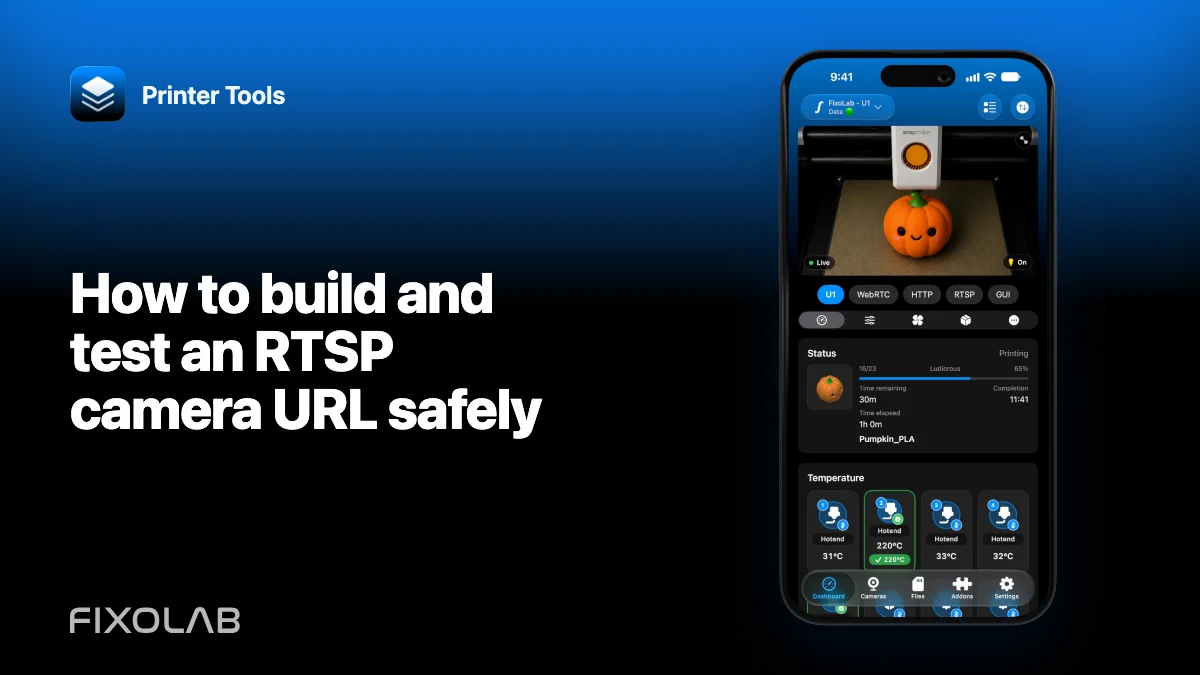
| FixoLab
How to build and test an RTSP camera URL safely
Identify the local host, port, path and credentials for an RTSP camera, then add it to Printer Tools without leaking secrets.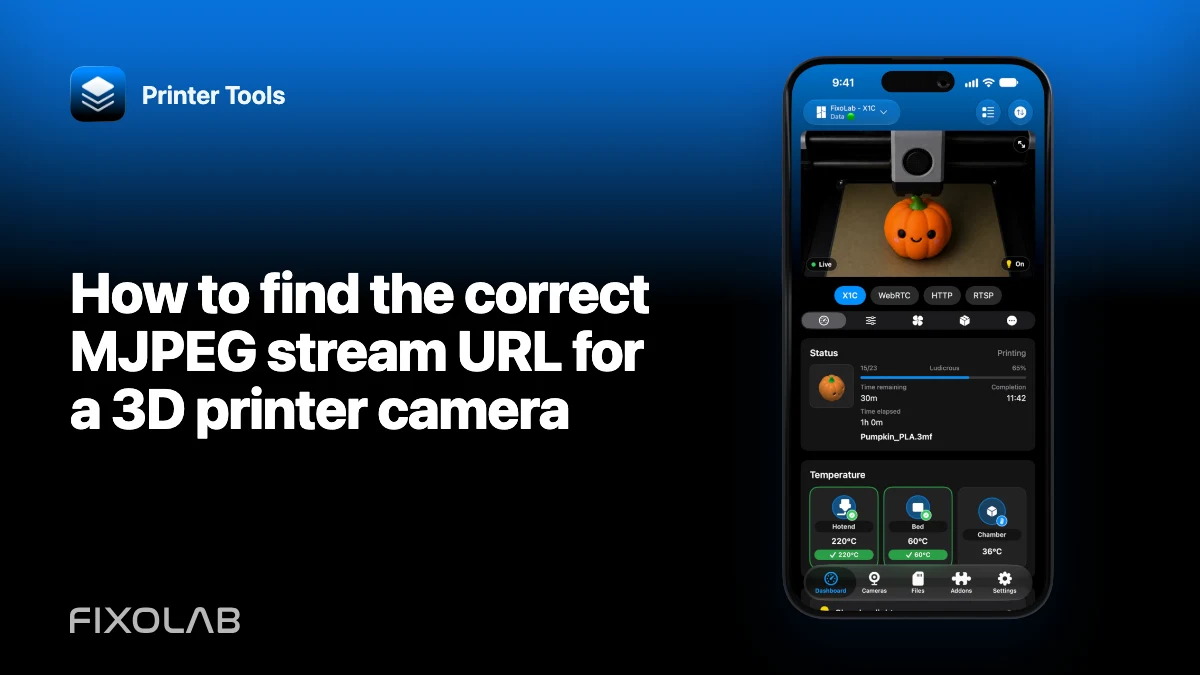
| FixoLab
How to find the correct MJPEG stream URL for a 3D printer camera
Distinguish a camera web page, snapshot and MJPEG stream, verify the response and add the right local URL to Printer Tools.