OctoPrint Compatibility
Connect any OctoPrint instance via its REST API
Printer Tools connects to OctoPrint using its standard REST API and an API key, the same interface used by the official OctoPrint web interface. Because OctoPrint is extensible, behavior can vary depending on which community plugins are installed on your instance.
Compatible models
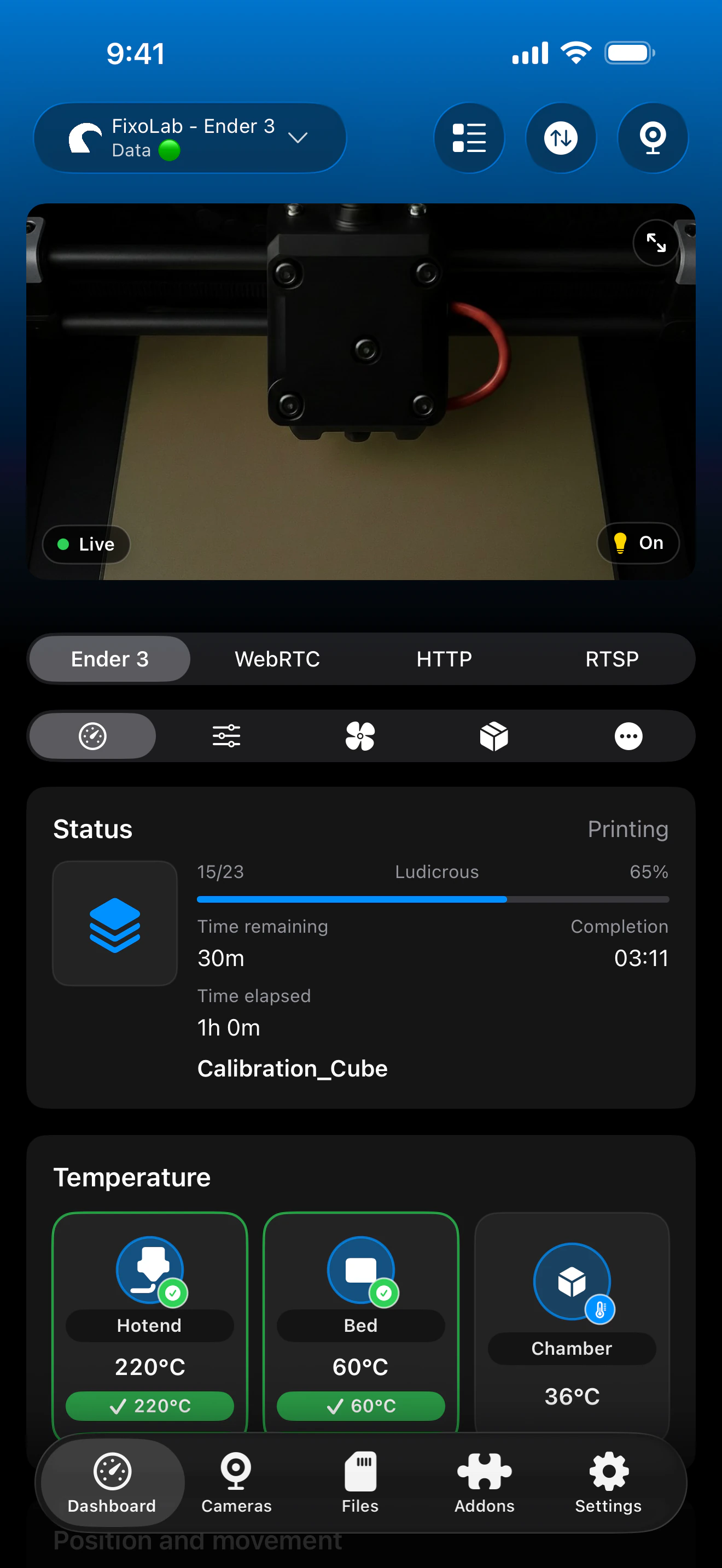
See it in action
Connection & protocol
| Transport | OctoPrint REST API |
| Authentication | OctoPrint API key |
| Requirements | A reachable OctoPrint server, on your local network or through a reverse proxy |
| Away from home | Connect over a VPN back to your network, or add OctoEverywhere |
What's verified today
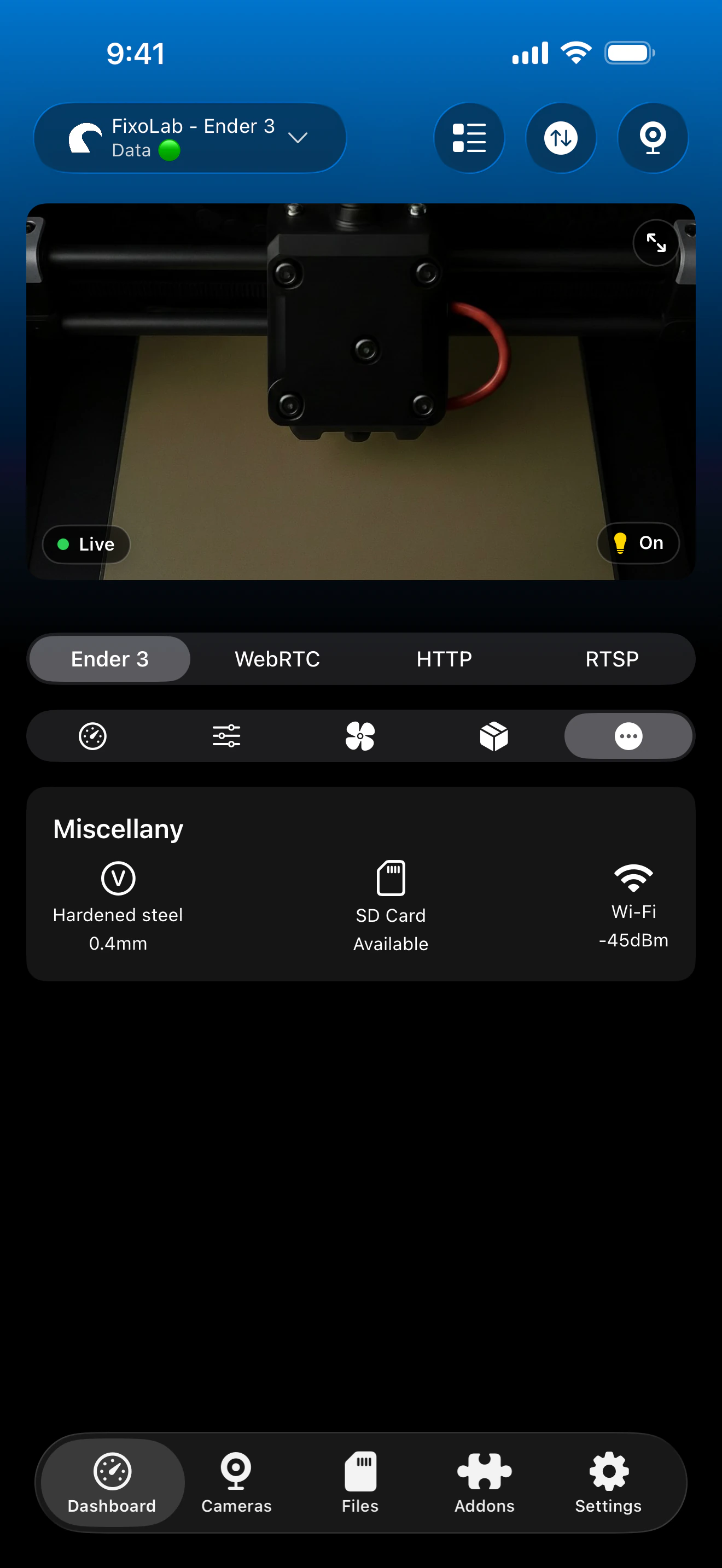
- ✓Print status, progress and temperatures
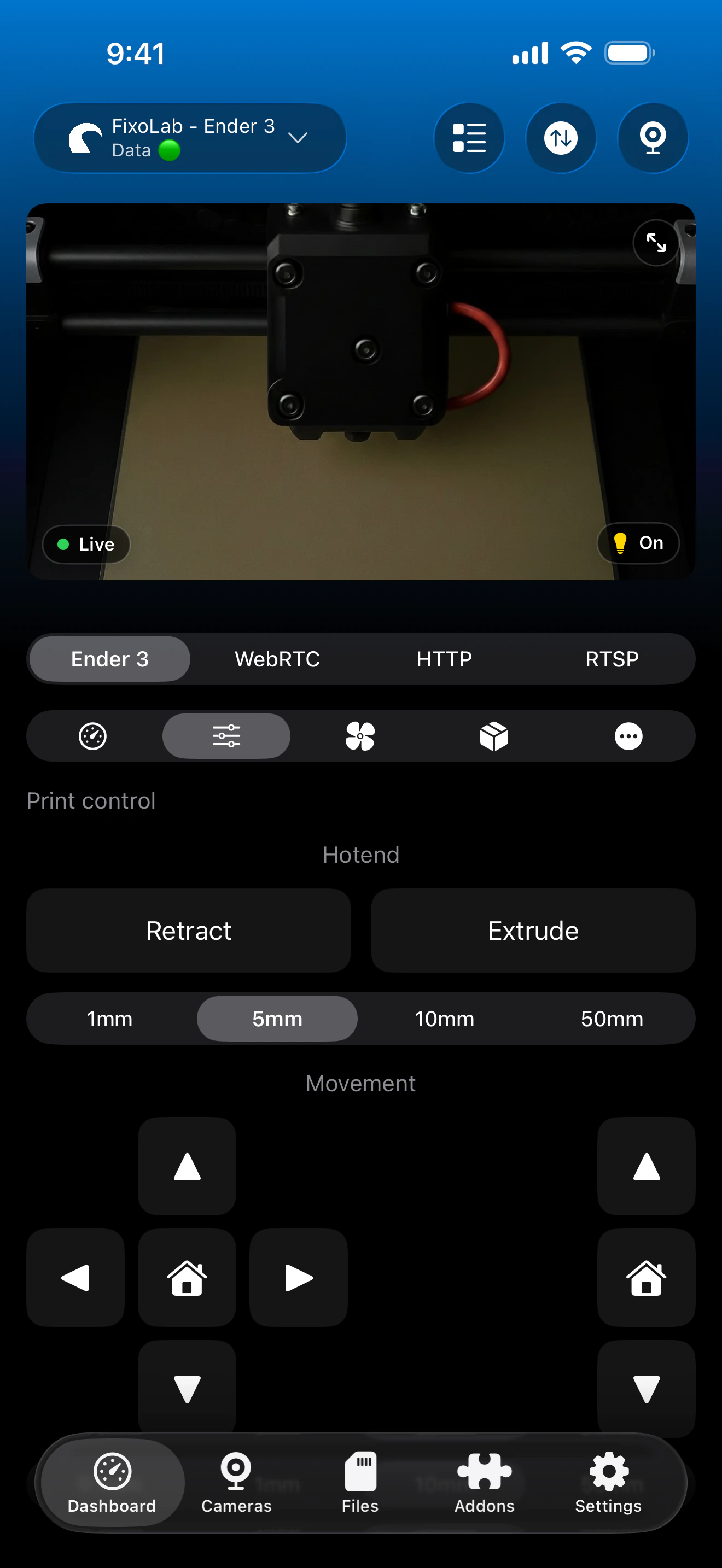
- ✓Job control: pause, resume and stop
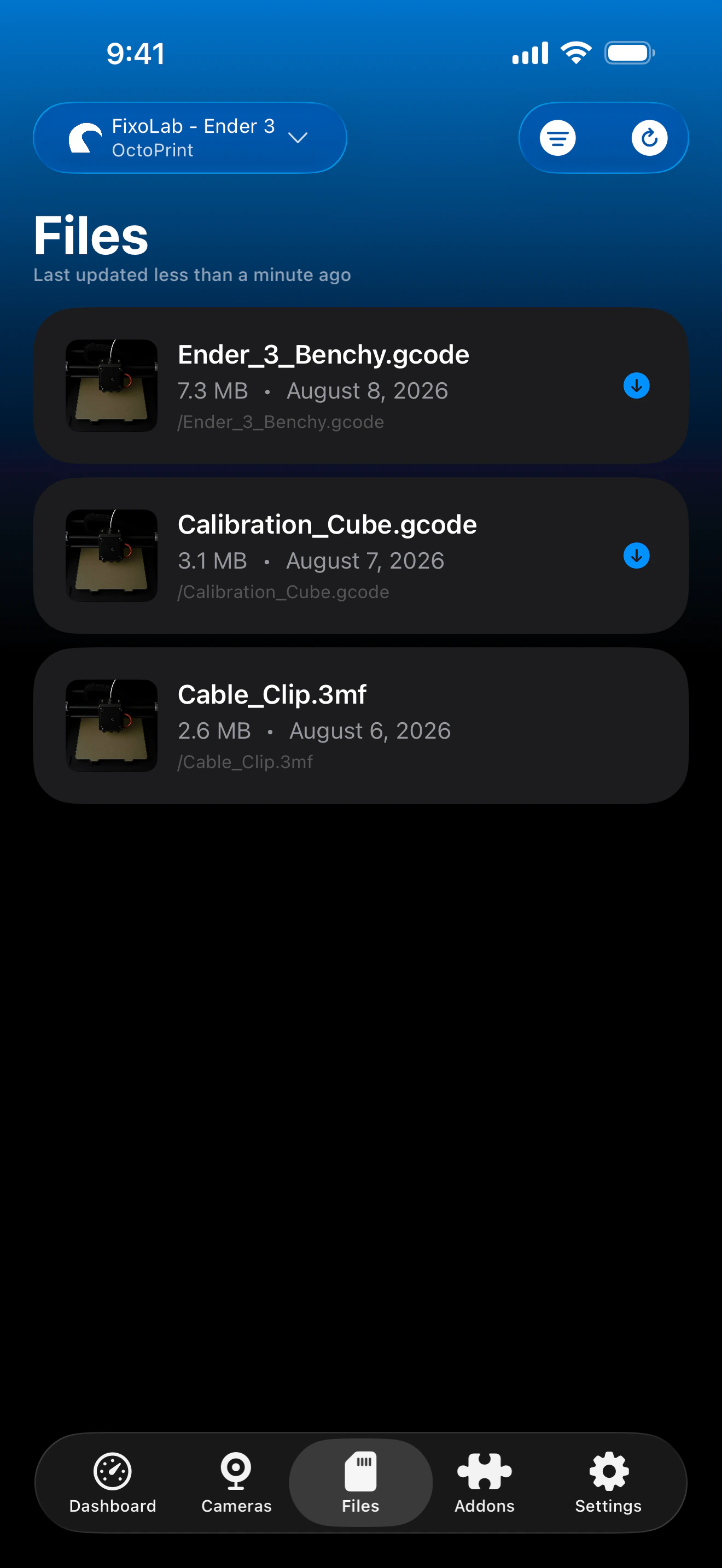
- ✓File browsing
- ✓MJPEG webcam stream, when configured in OctoPrint
Feature matrix
| Feature | Status | Notes |
|---|---|---|
| Real-time monitoring | Available | Status, progress and temperatures over the OctoPrint REST API. |
| Multi-printer dashboard | Available | Manage several OctoPrint instances from one dashboard. |
| Camera preview | Partial | MJPEG webcam stream when your OctoPrint webcam plugin is configured for it. |
| File browser & history | Available | Browse files through the OctoPrint REST API. |
| Job control (pause / resume / stop) | Available | Pause, resume and stop through the OctoPrint REST API. |
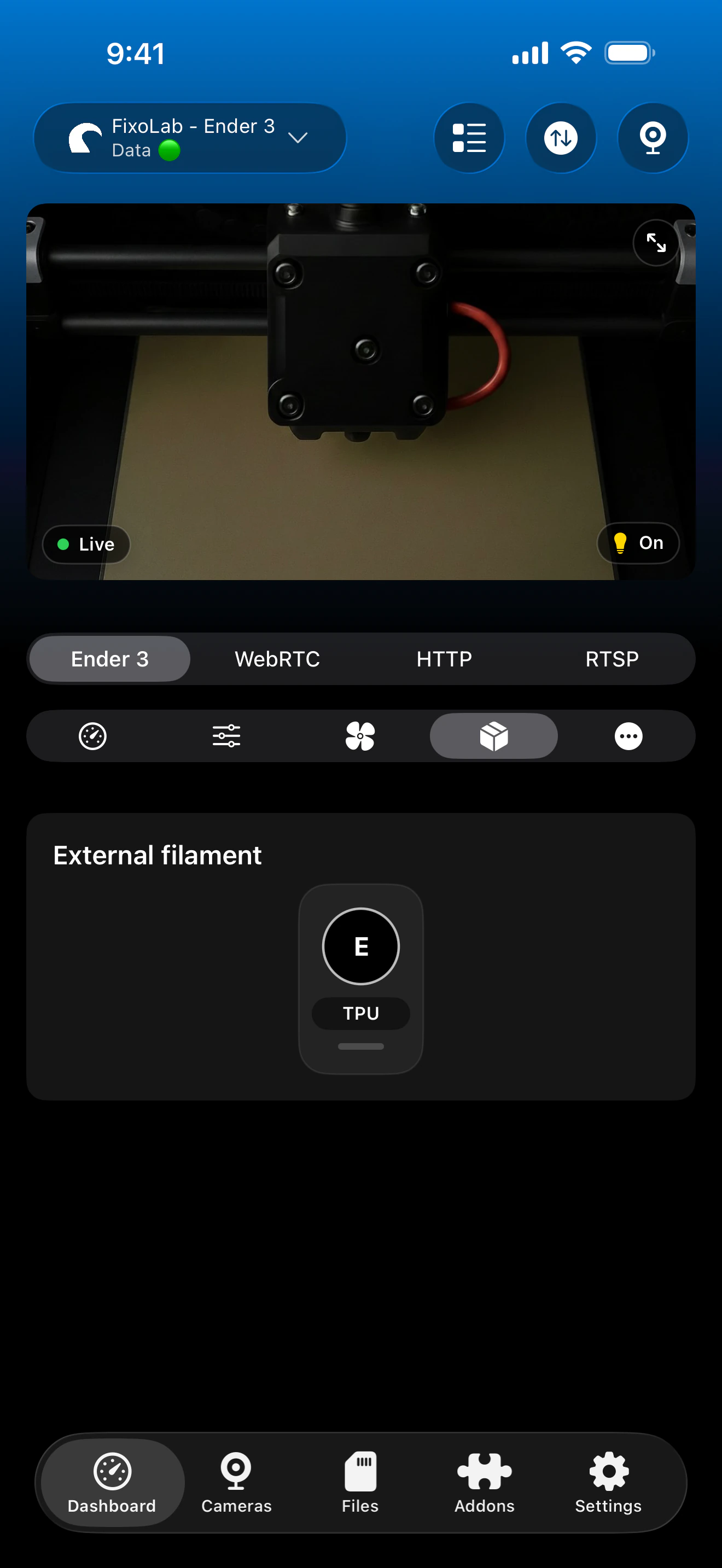
| Filament / AMS management | Not available | No dedicated filament/AMS management; OctoPrint doesn't expose this natively. |
| Remote access via OctoEverywhere | Available | OctoEverywhere can be used for remote access, or connect over a VPN back to your network since this integration is fully local. |
Known limitations
- !Requires a reachable OctoPrint server and a valid API key.
- !Behavior can vary with non-standard community plugins; some plugin-only features aren't surfaced.
- !Serial-connection printers depend on OctoPrint's own connection to the printer staying stable.
Frequently asked questions
Which printers work through OctoPrint?
Any printer OctoPrint itself can drive over serial/USB, including Ender, Prusa, Anycubic and most FDM printers, Printer Tools inherits whatever your OctoPrint instance already controls.
Do I need an API key?
Yes. Printer Tools authenticates with the same OctoPrint API key used by the official web interface, generated from your OctoPrint instance's settings.
Will my OctoPrint plugins show up?
Core status, files and job control work regardless of plugins. Plugin-only features aren't individually surfaced, since behavior varies by which community plugins you have installed.
Do I need a specific webcam plugin?
You need an MJPEG-compatible webcam stream configured in OctoPrint; without one, camera preview won't be available.
Can I access my OctoPrint instance remotely?
Yes, by adding OctoEverywhere on top of your existing OctoPrint connection for secure remote access outside your local network.
Available on
Other compatible systems
Available for Android, iOS, iPadOS, macOS and watchOS