Flashforge Compatibility
Connect Flashforge Adventurer and Creator printers over your local network
Printer Tools connects to Flashforge printers over the local HTTP API on port 8898, once LAN mode is enabled. You'll need the printer's serial number and Check Code, both found in its network settings, to pair it.
Compatible models
See it in action
Connection & protocol
| Transport | Local HTTP API (port 8898) |
| Authentication | Serial number + Check Code |
| Camera | MJPEG stream over the local network (port 8080) |
| Requirements | LAN mode enabled on the printer |
| Away from home | Connect over a VPN back to your network, Printer Tools doesn't use any Flashforge cloud service |
What's verified today
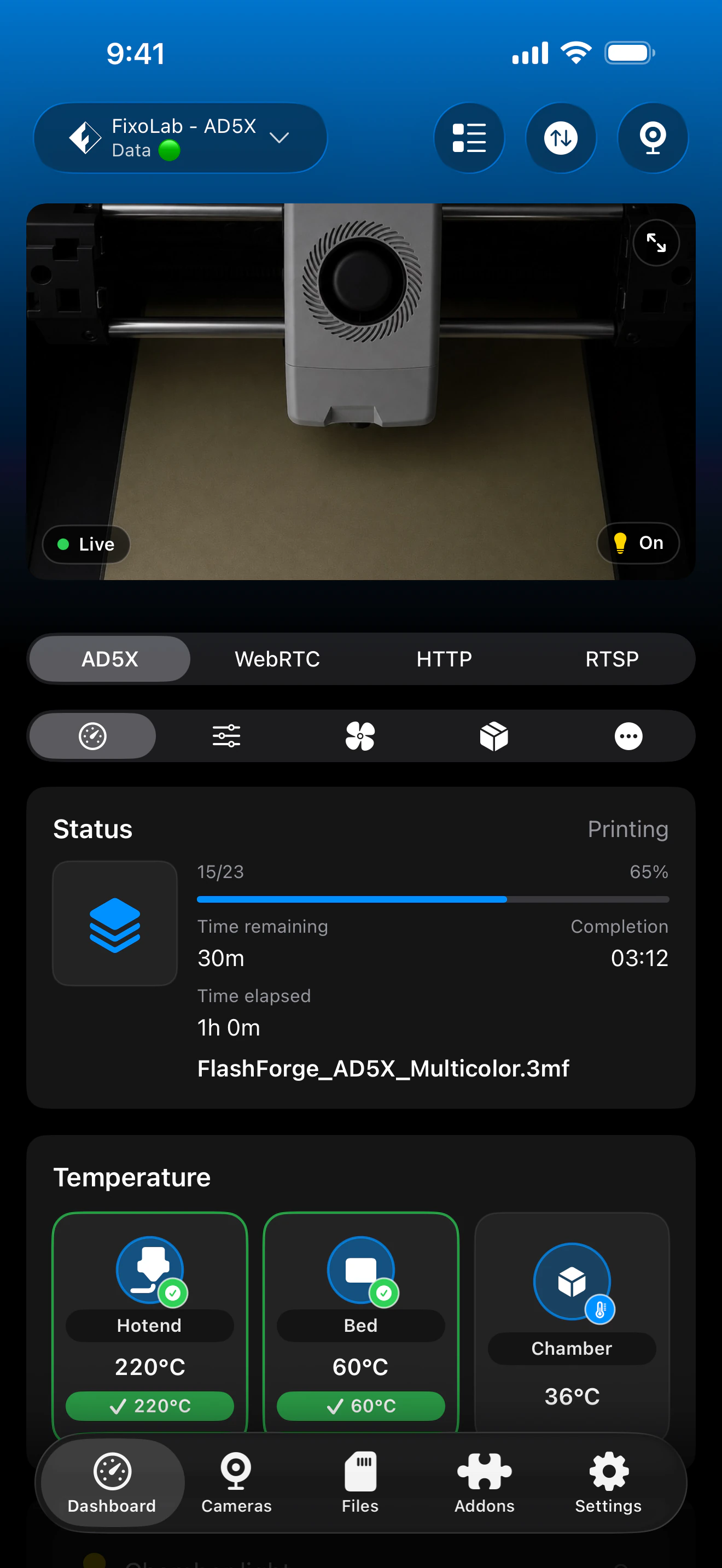
- ✓Print status, progress and temperatures, including chamber, over the local HTTP API
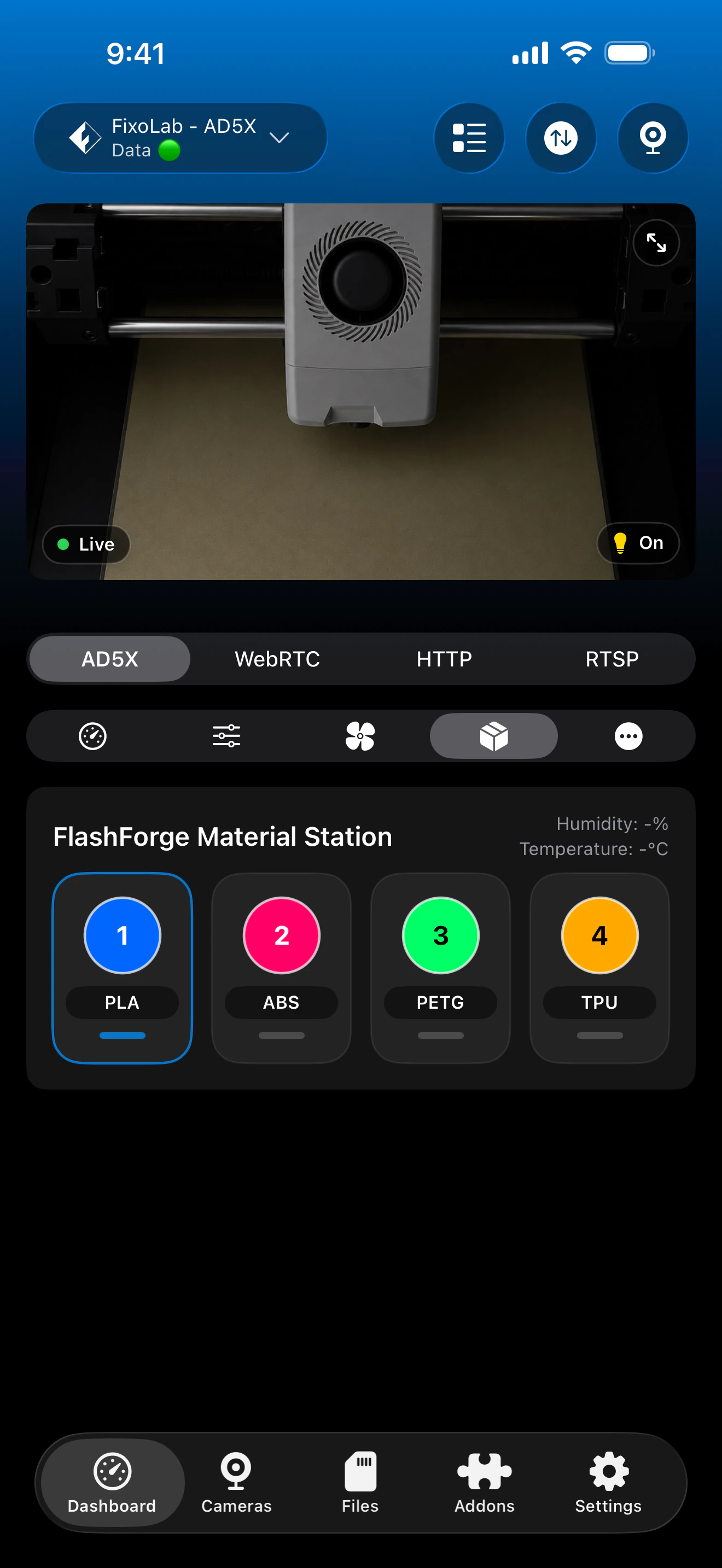
- ✓Material Station status, where installed
- ✓MJPEG camera preview
- ✓Filtration mode (internal / external / off), on models that expose it
Feature matrix
| Feature | Status | Notes |
|---|---|---|
| Real-time monitoring | Available | Status, progress and temperatures, including chamber, over the local HTTP API (port 8898). |
| Multi-printer dashboard | Available | Manage several Flashforge printers from one dashboard. |
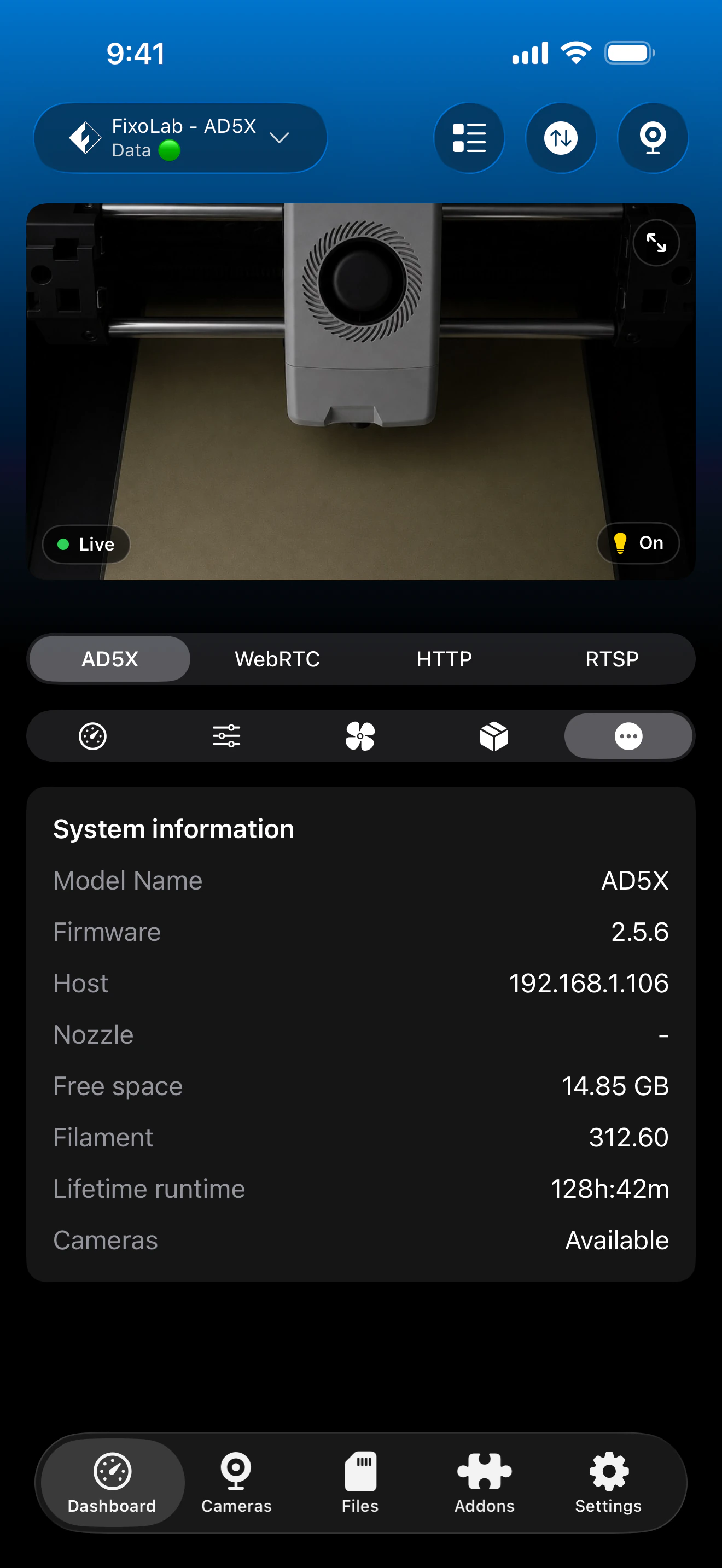
| Camera preview | Available | MJPEG camera preview over the local network (port 8080). |
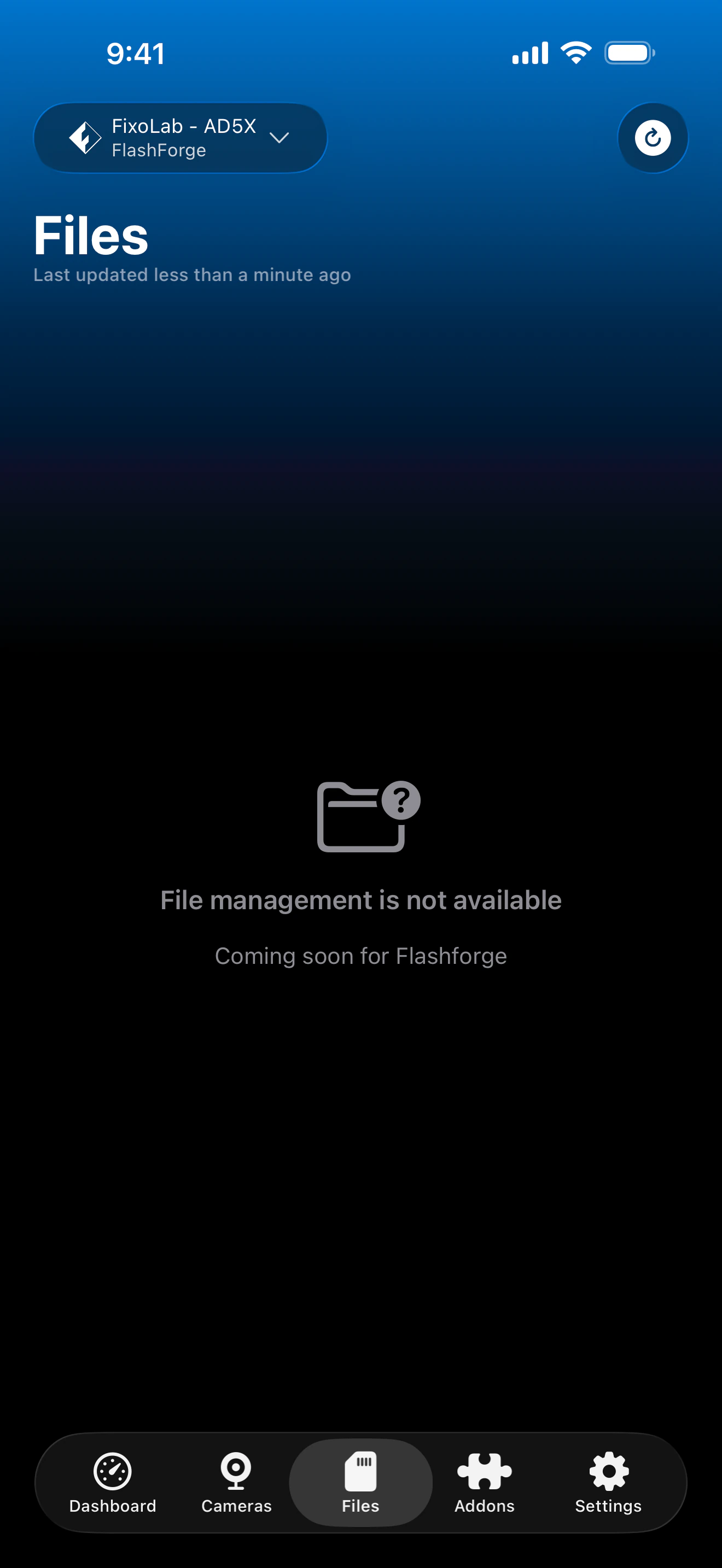
| File browser & history | Not available | File management is not yet available for Flashforge printers. |
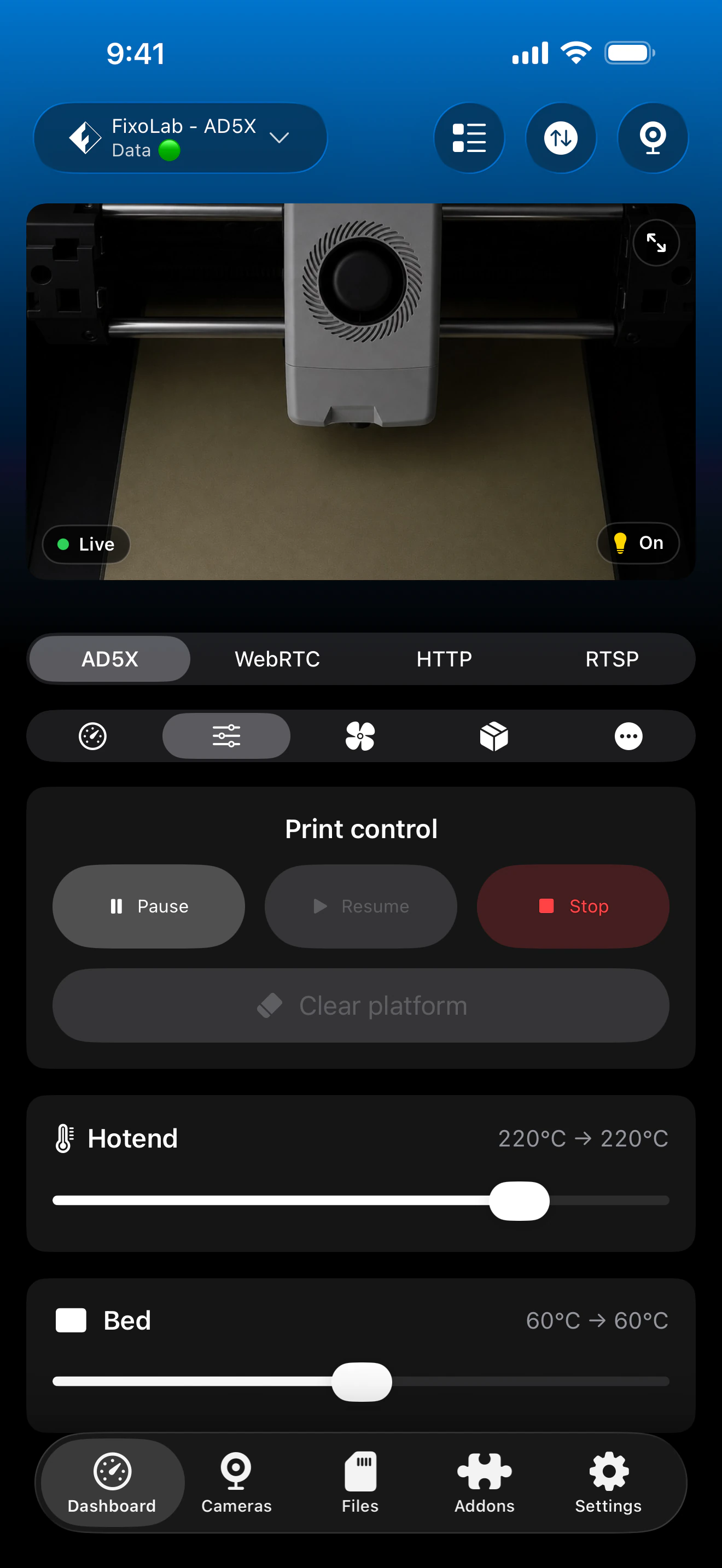
| Job control (pause / resume / stop) | Available | Pause, resume and stop through the local HTTP API. |
| Filament / AMS management | Partial | Material Station status where installed; AD5X's multi-material system is exposed where reported. |
| Remote access via OctoEverywhere | Not available | OctoEverywhere isn't currently offered for Flashforge printers; connect over a VPN back to your network instead, since the connection is fully local. |
Known limitations
- !Requires the printer's serial number and Check Code from its network settings; pairing fails without both.
- !File management is not yet available for Flashforge printers.
- !Only the Adventurer 5M / 5M Pro, AD5X, Creator 5 and Creator 5 Pro are supported; other Flashforge models aren't covered.
Frequently asked questions
Do I need a Flashforge cloud account?
No. Printer Tools connects directly to the printer's local HTTP API on port 8898 once LAN mode is enabled, so no Flashforge cloud account is used at any point.
Where do I find the serial number and Check Code?
Both are shown in the printer's own network settings menu on its touchscreen; you'll need to enter them in Printer Tools to pair.
Does it support the AD5X's multi-material system?
Yes, the AD5X's multi-material data is exposed alongside standard Material Station status, wherever the printer reports it.
Can I browse files on the printer?
Not yet. File management is on the roadmap for Flashforge printers but isn't available today.
Can I access my Flashforge printer remotely?
OctoEverywhere isn't offered for Flashforge printers today, but a VPN back to your home network works, since Printer Tools' connection to the printer is fully local to begin with.
Available on
Other compatible systems
Available for Android, iOS, iPadOS, macOS and watchOS