Anycubic Compatibility
Connect Anycubic Kobra printers over your local network
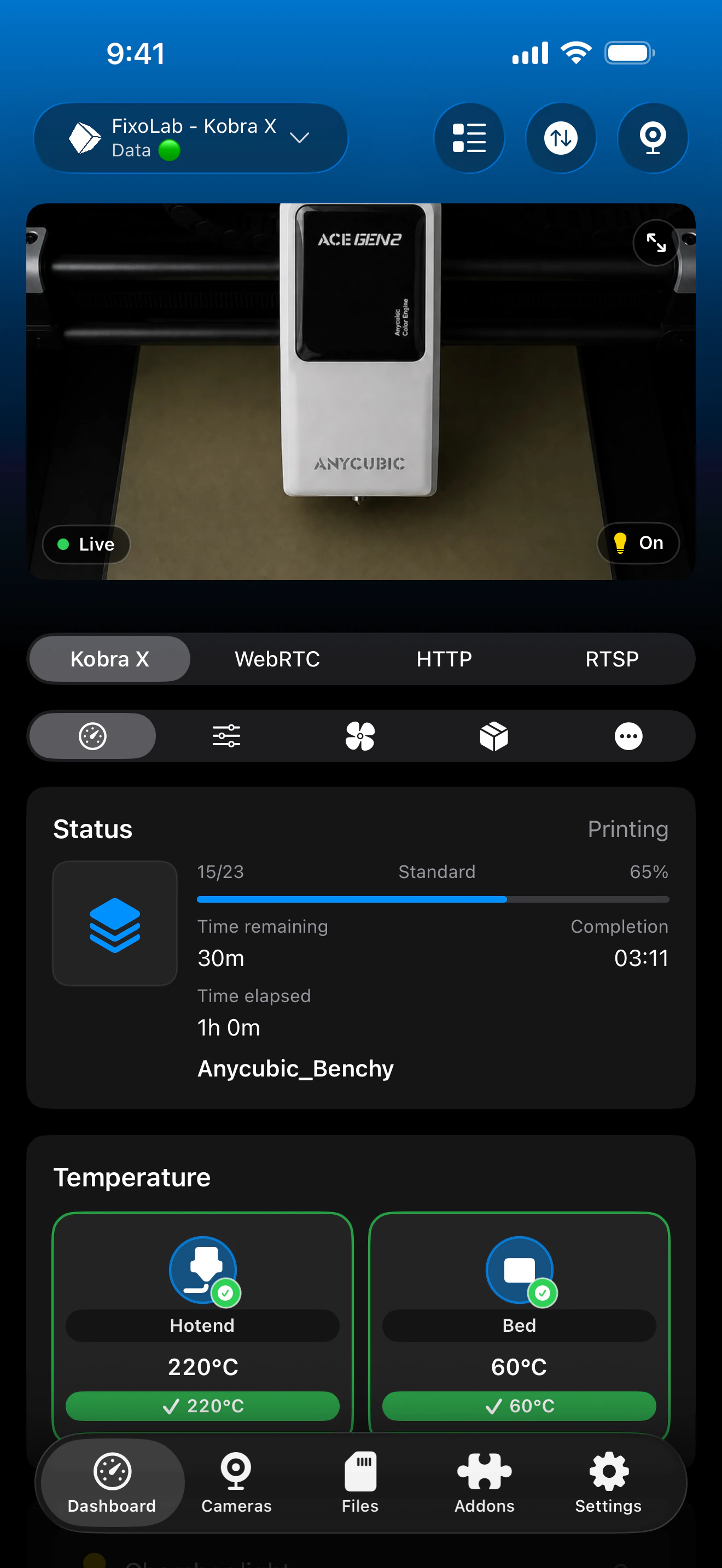
Printer Tools connects to Anycubic Kobra printers over a local MQTT broker running on the printer itself, once LAN mode is enabled. No Anycubic Cloud account is required, and camera support depends on the specific Kobra model.
Compatible models
See it in action
Connection & protocol
| Transport | MQTT broker on the printer (LAN mode) |
| Authentication | Broker credentials retrieved via local discovery |
| Requirements | LAN mode enabled on the printer |
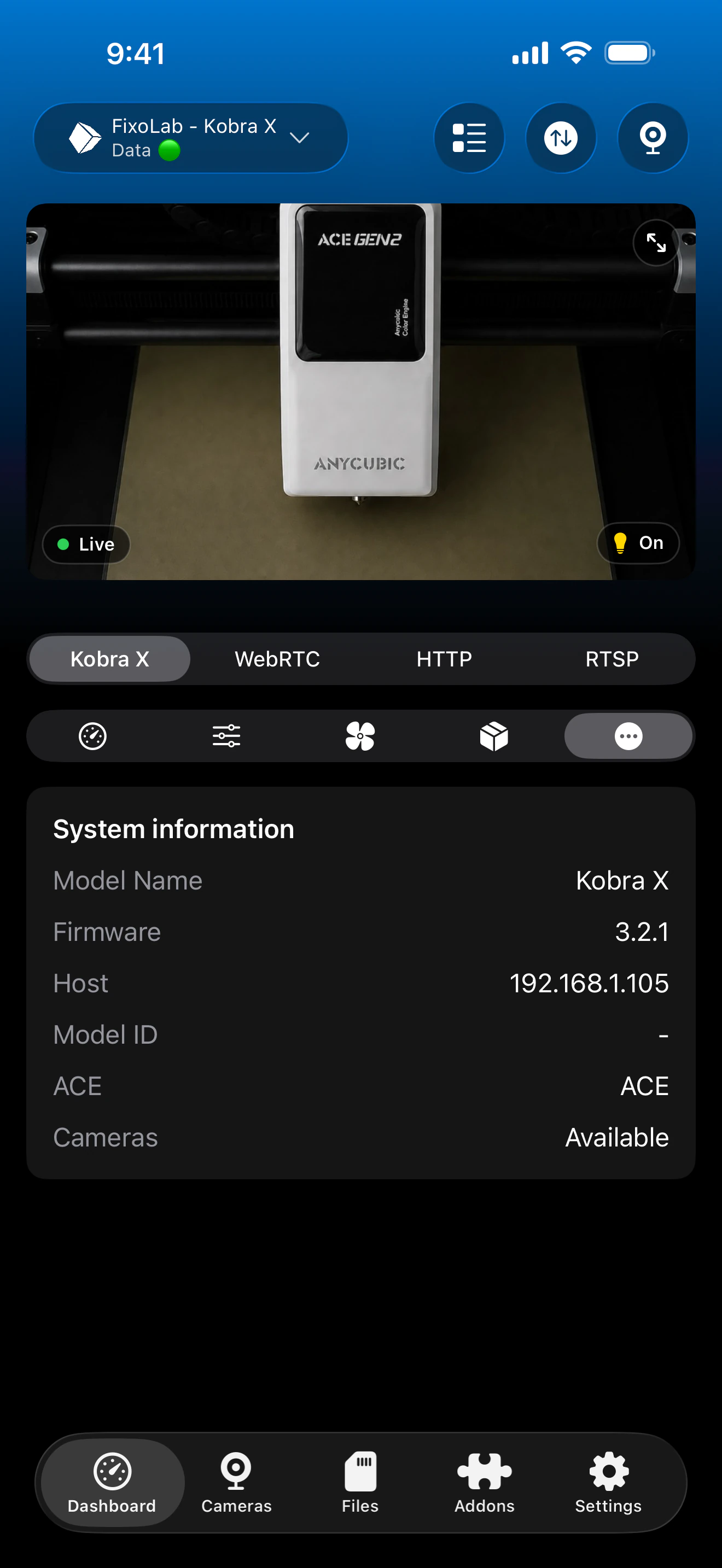
| Camera | Local FLV stream on the Kobra 3/S1 family, RTSP on Kobra X |
| Away from home | Connect over a VPN back to your network, no Anycubic Cloud account is used |
What's verified today
- ✓Print status, progress and temperatures over the local MQTT connection
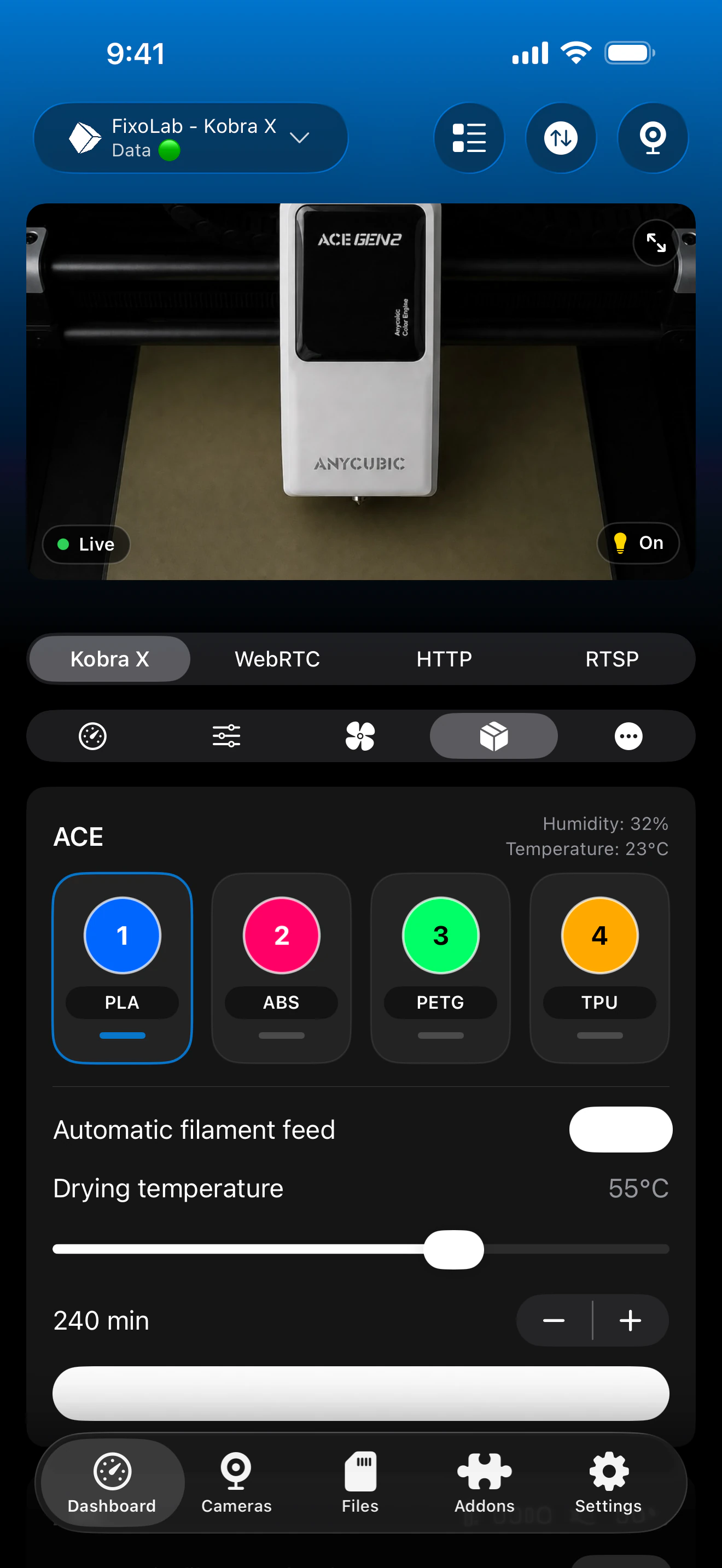
- ✓ACE Pro / ACE 2 multi-material unit status, drying and auto-feed, where connected
- ✓Local FLV camera preview on Kobra 3/S1 models, RTSP on Kobra X
- ✓Light control on models that expose it
Feature matrix
| Feature | Status | Notes |
|---|---|---|
| Real-time monitoring | Available | Status, progress and temperatures over the local MQTT broker. |
| Multi-printer dashboard | Available | Manage several Anycubic printers from one dashboard. |
| Camera preview | Partial | Local FLV stream on Kobra 3/S1 models, RTSP on Kobra X; not available on the Kobra 2 series. |
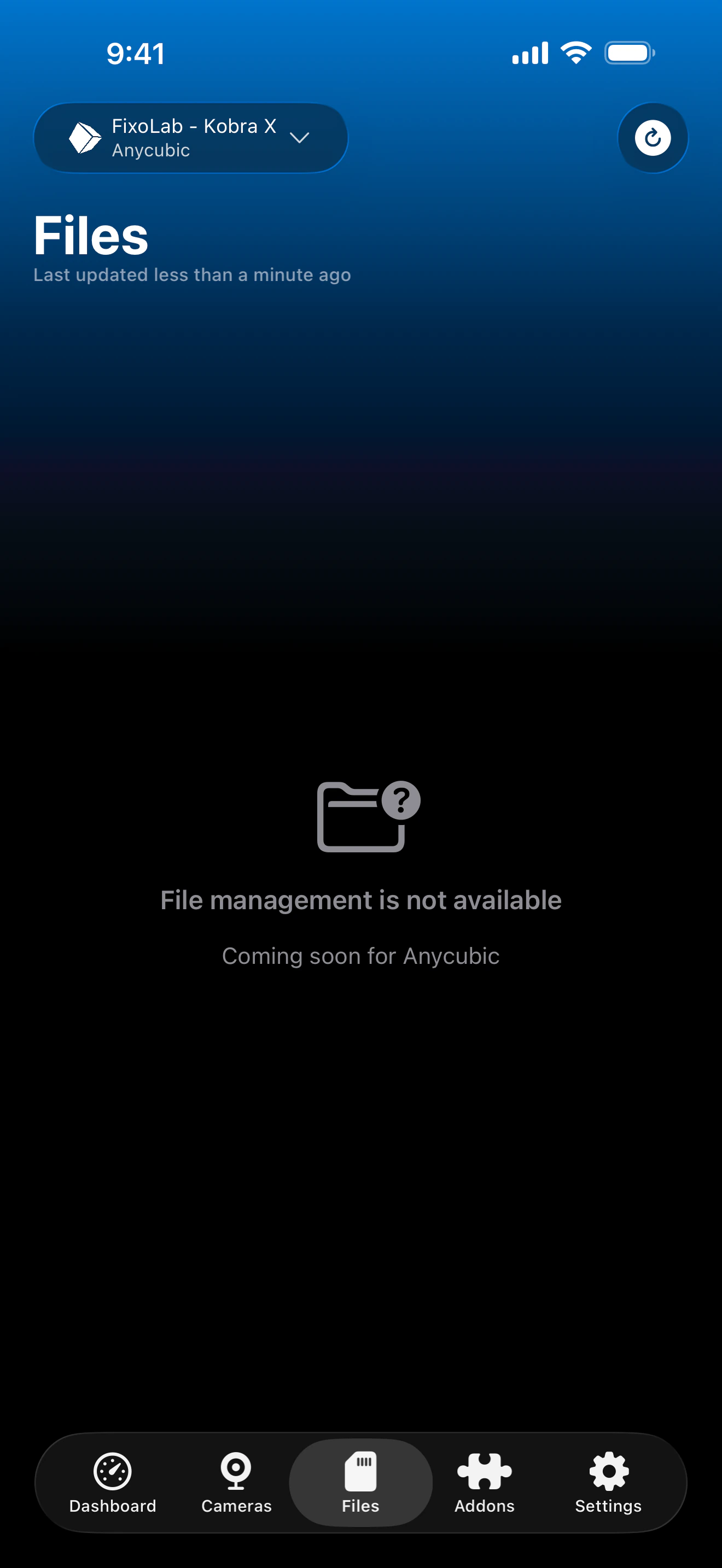
| File browser & history | Not available | File management is not yet available for Anycubic printers. |
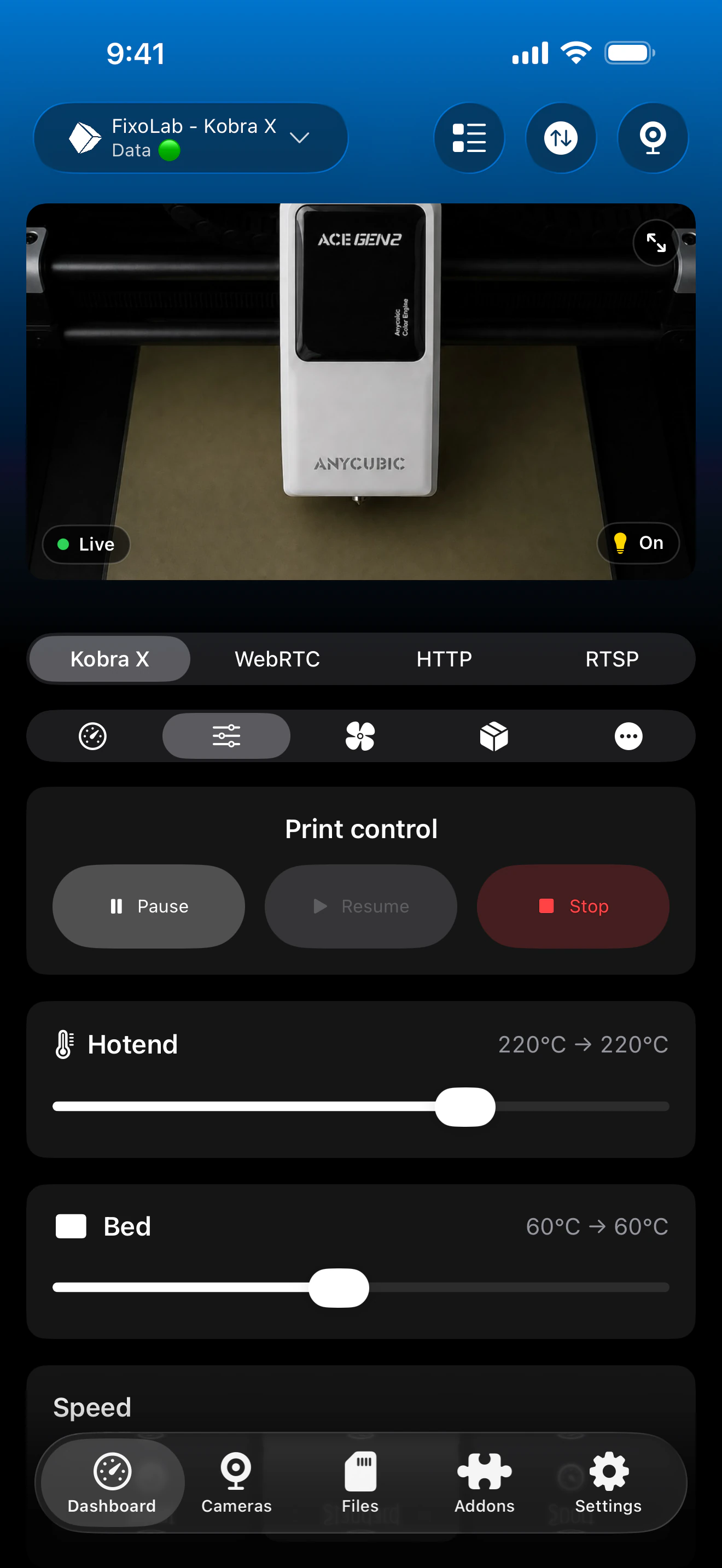
| Job control (pause / resume / stop) | Available | Pause, resume and stop through the local MQTT connection. |
| Filament / AMS management | Partial | ACE Pro / ACE 2 status, drying and auto-feed, where an ACE unit is connected. |
| Remote access via OctoEverywhere | Not available | OctoEverywhere isn't currently offered for Anycubic printers; connect over a VPN back to your network instead, since the connection is fully local. |
Known limitations
- !Requires LAN mode enabled on the printer; Anycubic Cloud-only setups aren't supported.
- !Camera support and transport vary by Kobra model; the Kobra 2 series has no local camera.
- !File management is not yet available for Anycubic printers.
Frequently asked questions
Do I need an Anycubic Cloud account?
No. Printer Tools connects to the printer's local MQTT broker once LAN mode is enabled, so no Anycubic Cloud account is required.
Why doesn't my Kobra 2 show a camera?
The Kobra 2 series (Pro, Plus, Max) doesn't expose a local camera stream. Local FLV is available on the Kobra 3/S1 family, and RTSP on the Kobra X.
Can I browse files on my SD card or internal storage?
Not yet. File management is on the roadmap for Anycubic printers but isn't available today.
Does it support the ACE Pro or ACE 2?
Yes, ACE Pro and ACE 2 status, drying and auto-feed are shown whenever a unit is connected to a supported Kobra model.
How do I enable LAN mode?
LAN mode is enabled from the printer's own network settings menu; it's required before Printer Tools can discover and connect to it.
Available on
Other compatible systems
Available for Android, iOS, iPadOS, macOS and watchOS