Elegoo Compatibility
Connect Elegoo Centauri and Neptune FDM printers over your local network
Printer Tools connects directly to supported Elegoo FDM printers over the local network. Centauri, Centauri Carbon and Neptune 4 models use SDCP over a local WebSocket. Centauri Carbon 2 uses its own local MQTT protocol, which Printer Tools detects automatically during setup. Elegoo resin printers are not covered by this page.
Compatible models
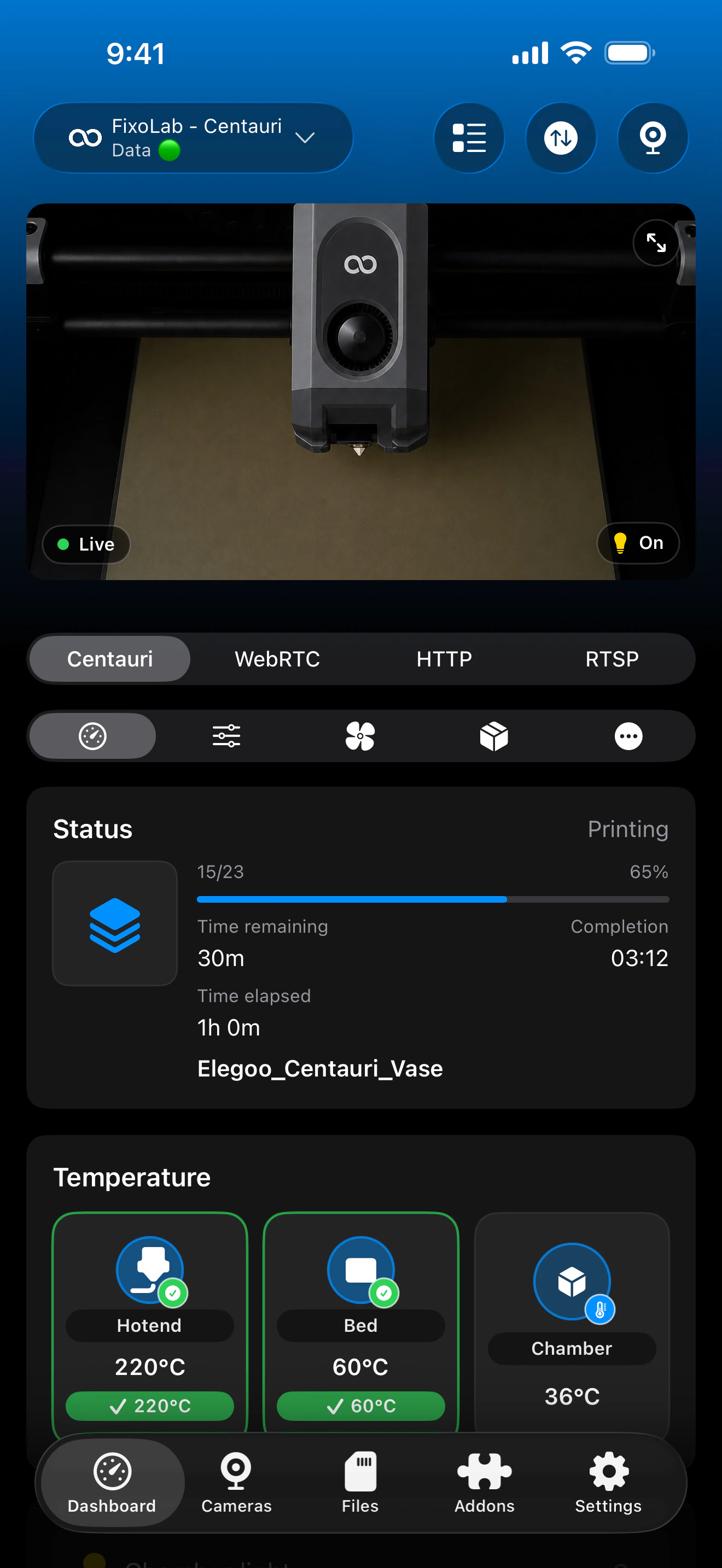
See it in action
Connection & protocol
| Transport | SDCP over local WebSocket, or the local CC2 MQTT protocol on Centauri Carbon 2 |
| Authentication | No authentication on current SDCP firmware; optional Access Code on Centauri Carbon 2 |
| Requirements | Printer reachable on your local network |
| Away from home | Connect over a VPN back to your network, no Elegoo cloud account is used |
What's verified today
- ✓Print status, progress and temperatures over the matching local connection
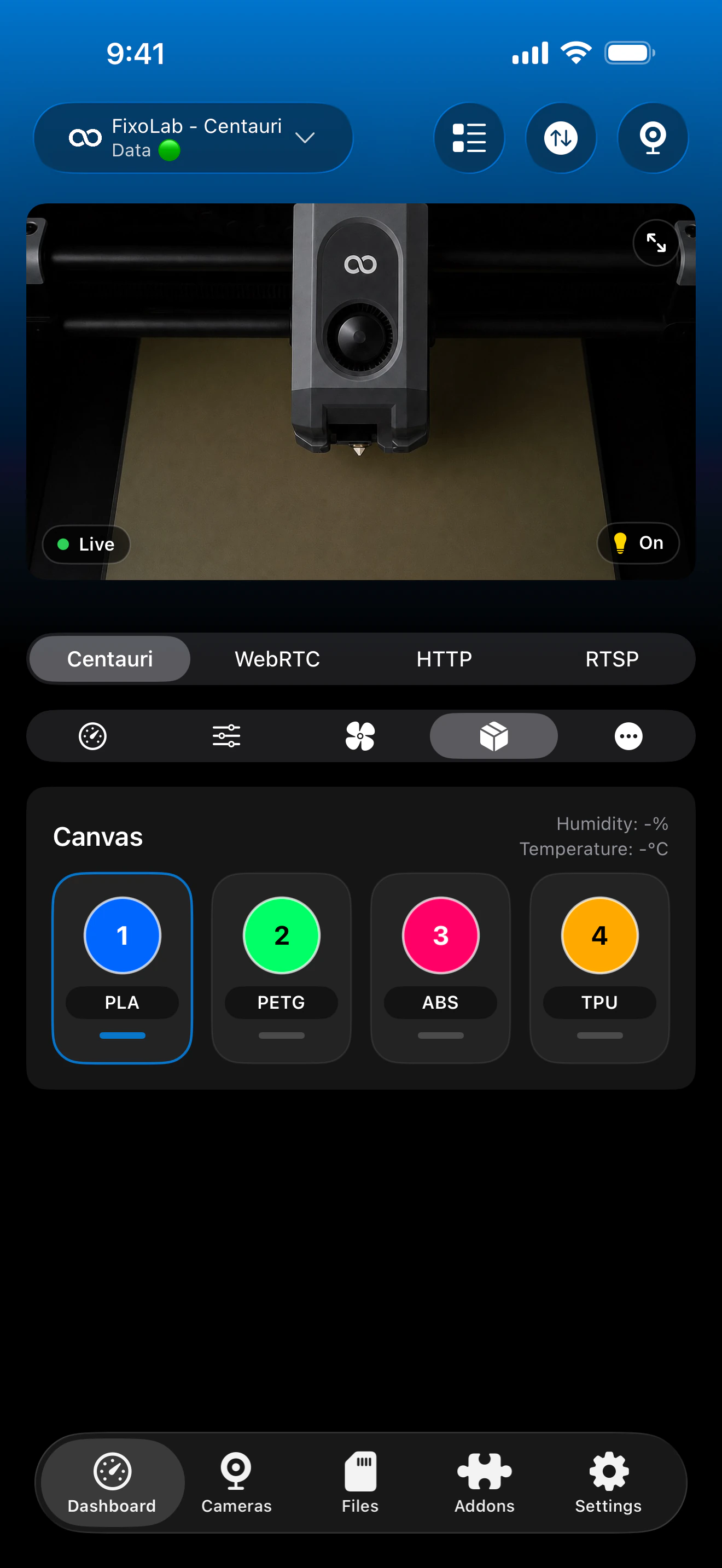
- ✓Canvas AI camera status and material trays, where a Canvas unit is installed
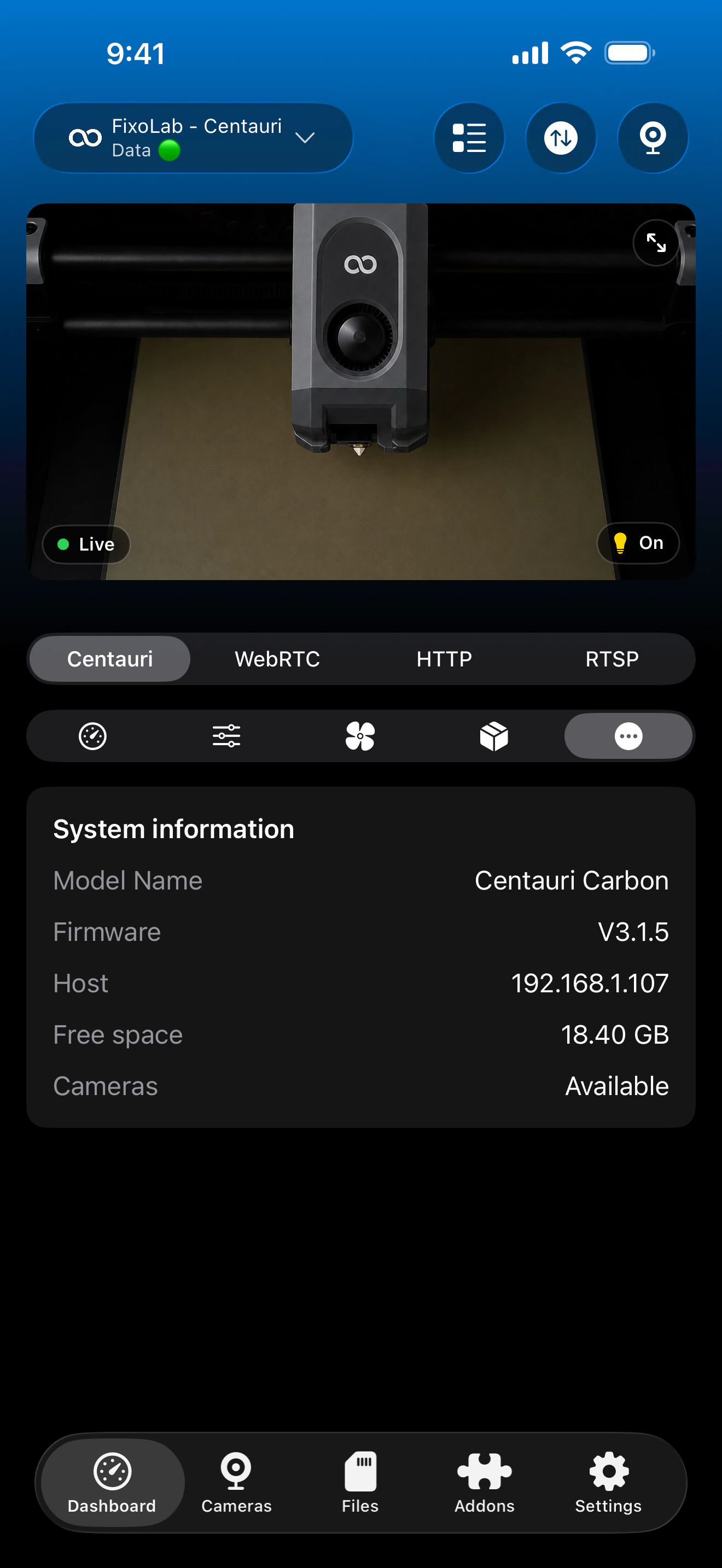
- ✓Camera preview, with a live video stream toggle
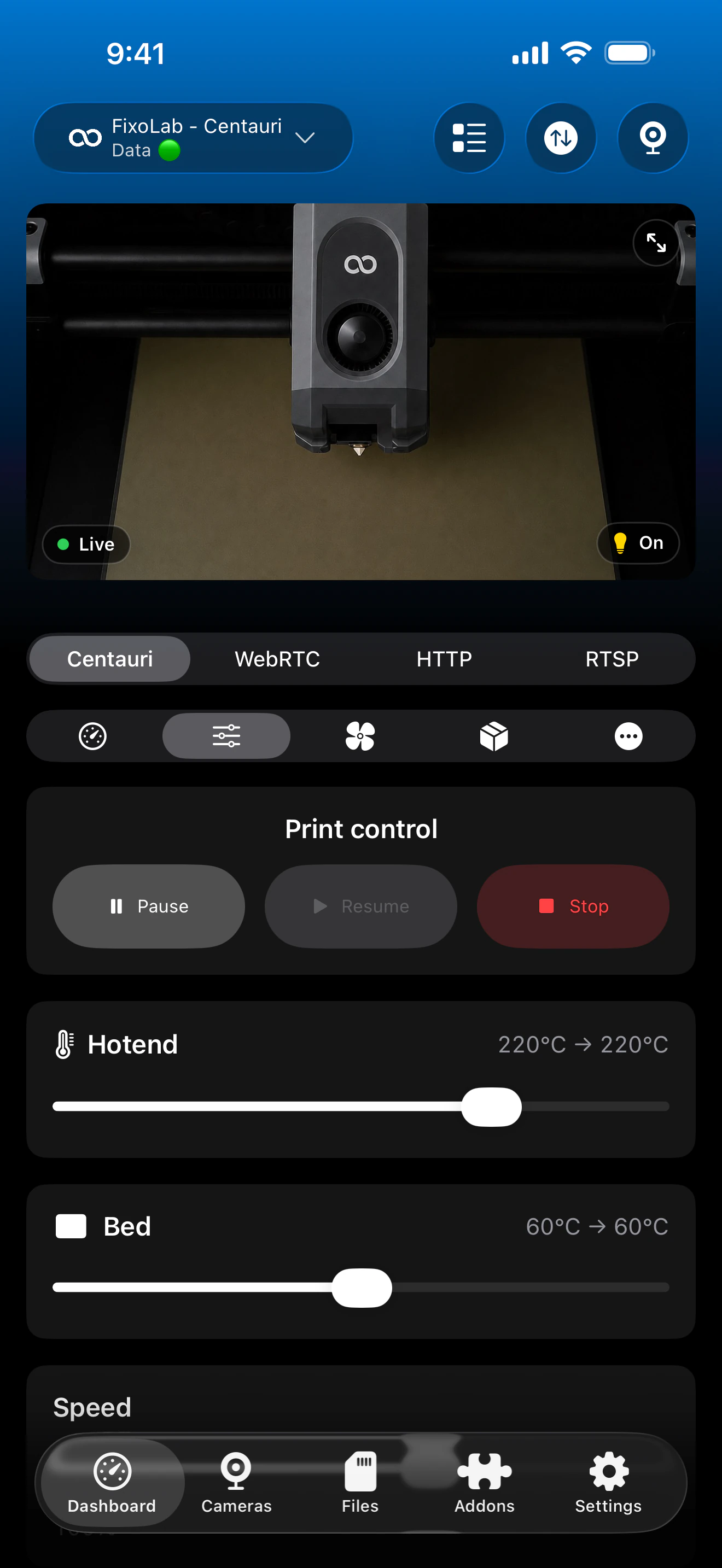
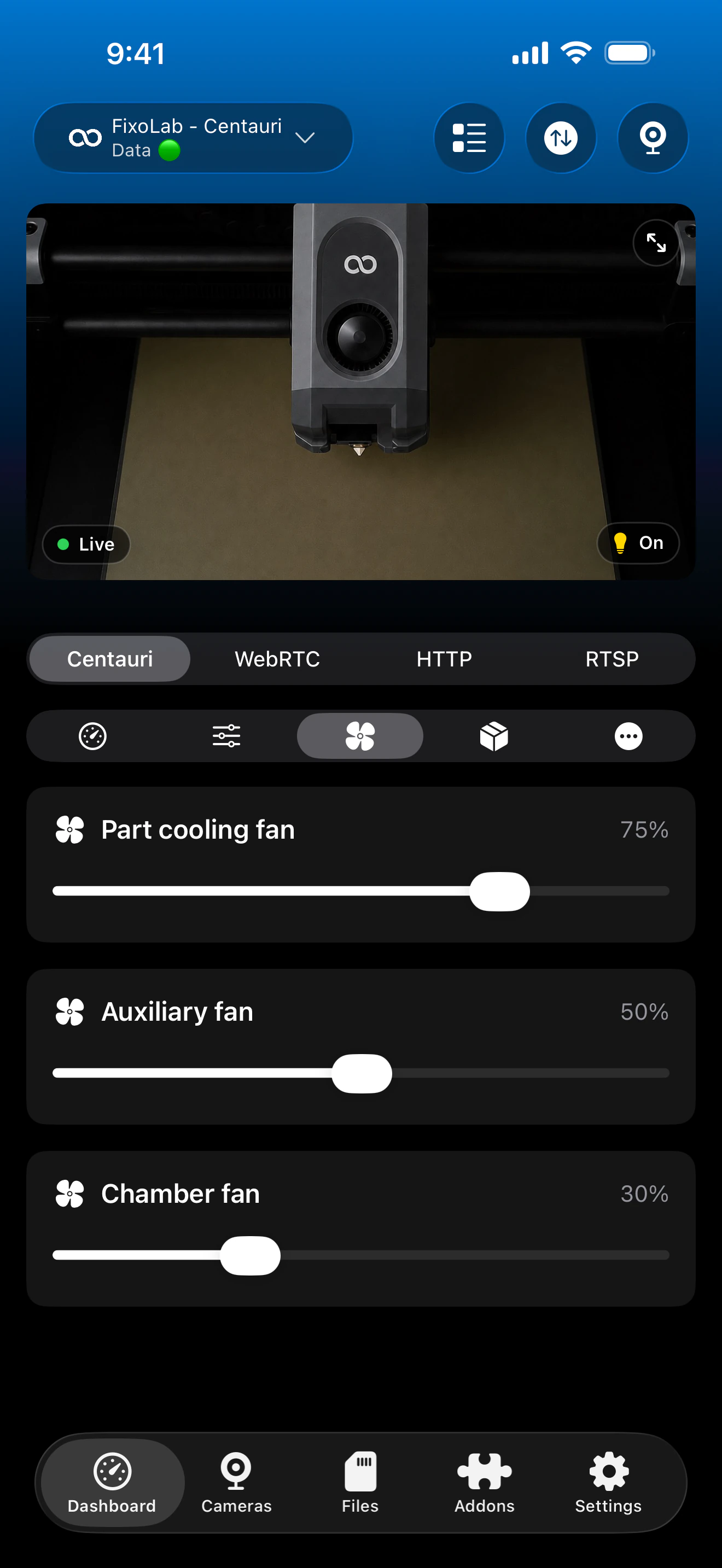
- ✓Pause, resume, stop, fan, light, temperature and speed controls where firmware exposes them
- ✓Free space and printer hardware reporting
Feature matrix
| Feature | Status | Notes |
|---|---|---|
| Real-time monitoring | Available | Status, progress and temperatures over SDCP or the local CC2 connection selected automatically for the printer. |
| Multi-printer dashboard | Available | Manage several Elegoo printers from one dashboard. |
| Camera preview | Available | Automatic local camera preview for both Centauri Carbon generations, with a live video stream toggle where supported. |
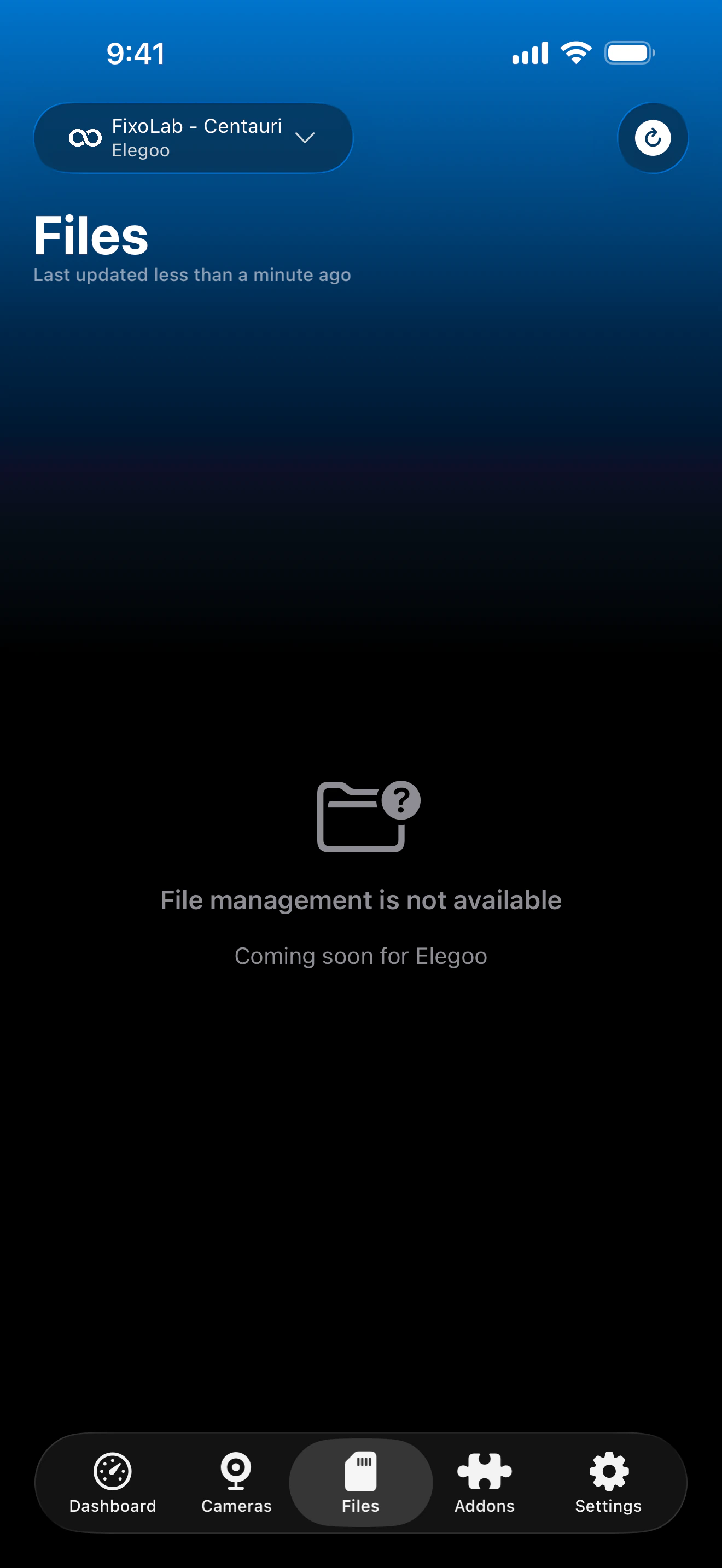
| File browser & history | Not available | File management is not yet available for Elegoo printers. |
| Job control (pause / resume / stop) | Available | Pause, resume and stop through the matching local connection. |
| Filament / AMS management | Partial | Canvas AI camera and material tray status, only where a Canvas unit is installed. |
| Remote access via OctoEverywhere | Not available | OctoEverywhere isn't currently offered for Elegoo printers; connect over a VPN back to your network instead, since the connection is fully local. |
Known limitations
- !Covers the supported Elegoo FDM lineup, including both Centauri Carbon generations and the Neptune 4 series; resin printers aren't supported.
- !File management is not yet available for Elegoo printers.
- !Axis jogging and a G-code console are not exposed for the Centauri Carbon integrations.
Frequently asked questions
Do I need an Elegoo cloud account?
No. Printer Tools connects directly to the printer over your local network, so no Elegoo cloud account is involved.
Does this work with Elegoo resin printers?
No, this page covers supported FDM models only, including Centauri, Centauri Carbon, Centauri Carbon 2 and the Neptune 4 series. Resin printers aren't covered.
What about the Centauri Carbon 2?
It is supported. Printer Tools detects the Centauri Carbon 2 and uses its dedicated local CC2 MQTT connection automatically.
Does it support the Canvas AI multi-material system?
Yes, Canvas AI camera and material tray status are shown whenever a Canvas unit is connected and installed on a supported printer.
Can I access my Elegoo printer remotely?
OctoEverywhere isn't offered for Elegoo printers today, but a VPN back to your home network works, since Printer Tools' connection to the printer is fully local to begin with.
Available on
Other compatible systems
Available for Android, iOS, iPadOS, macOS and watchOS