Creality Compatibility
Support for Creality's K1 and K2 series smart printers
Printer Tools supports Creality's K1 and K2 series over their local WebSocket API. K1 and K2 are verified separately because they expose different camera transports and feature sets; other Creality printers running third-party firmware are not covered by this page.
Compatible models
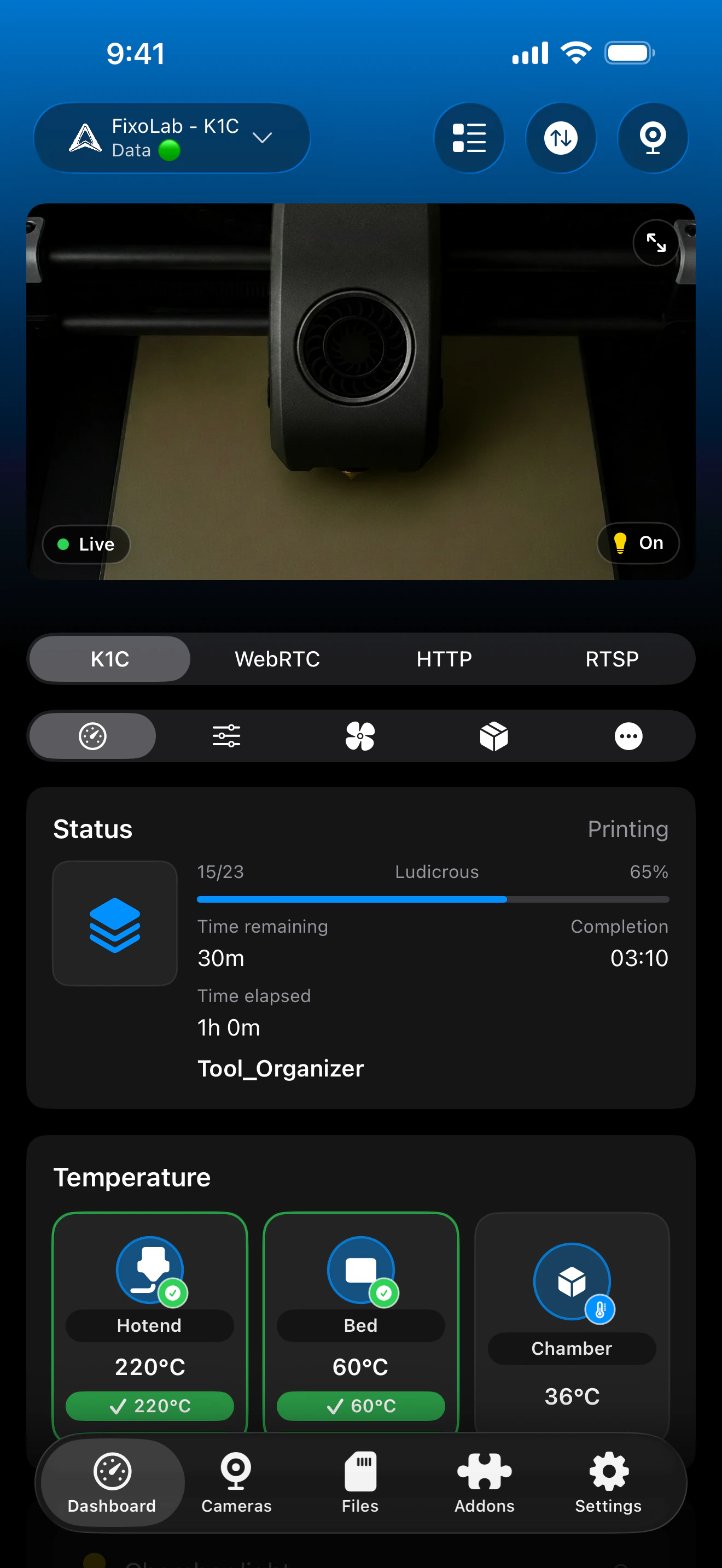
See it in action
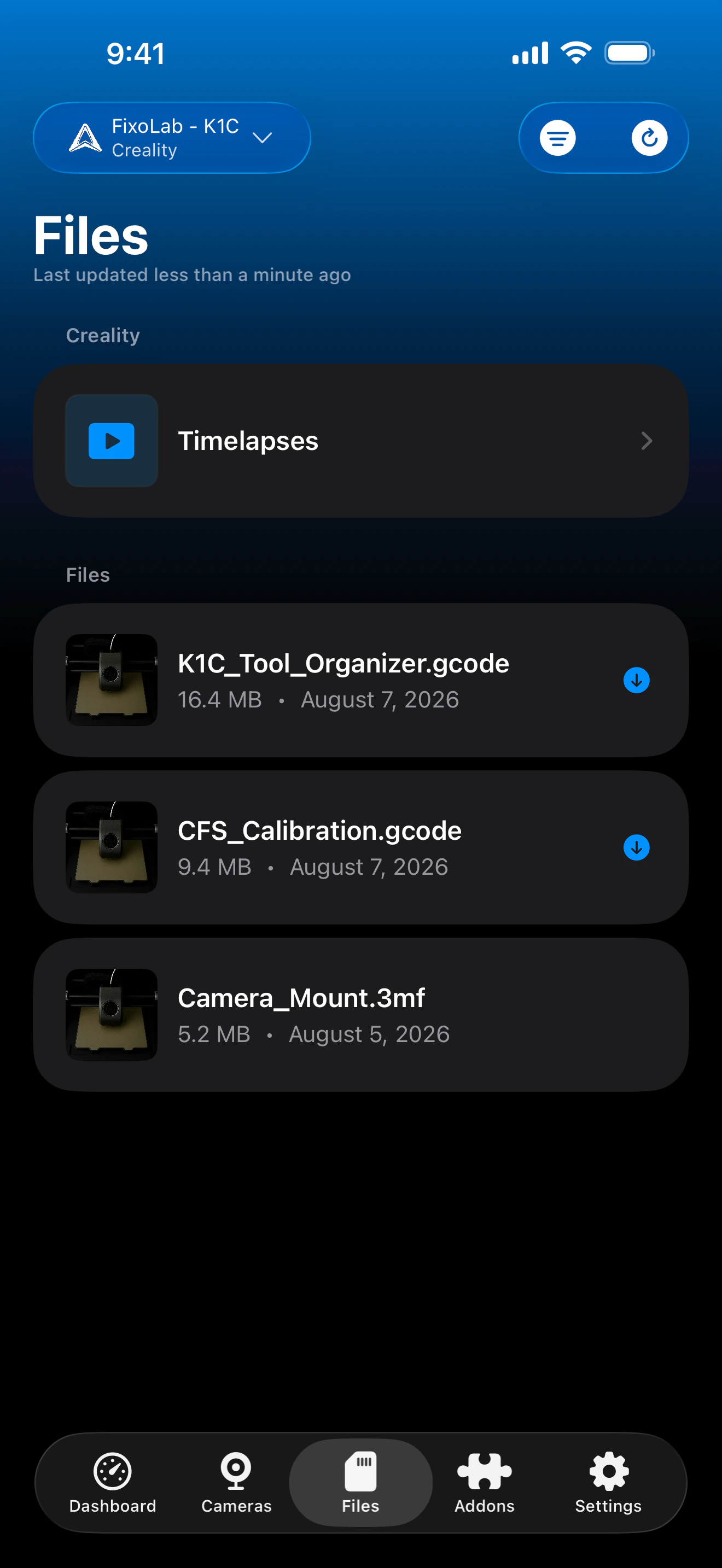
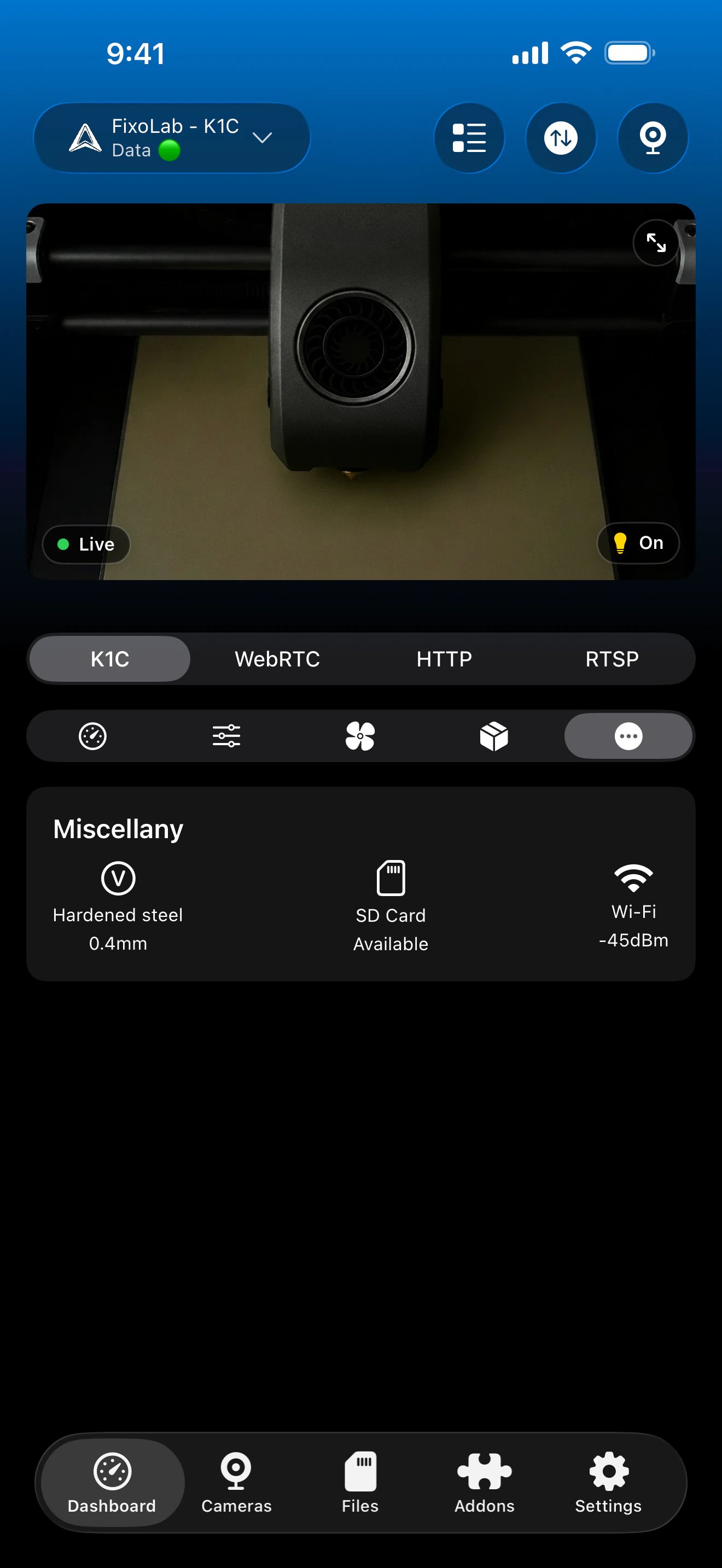
Connection & protocol
| Transport | Local WebSocket API (port 9999) |
| Models | K1 series and K2 series, verified separately |
| Camera | MJPEG on K1, WebRTC on K2 |
| Away from home | Connect over a VPN back to your network, no Creality Cloud account is used |
What's verified today
- ✓Print status, progress and temperatures on K1 and K2
- ✓MJPEG camera preview on K1
- ✓WebRTC camera preview on K2
- ✓File browsing and print history
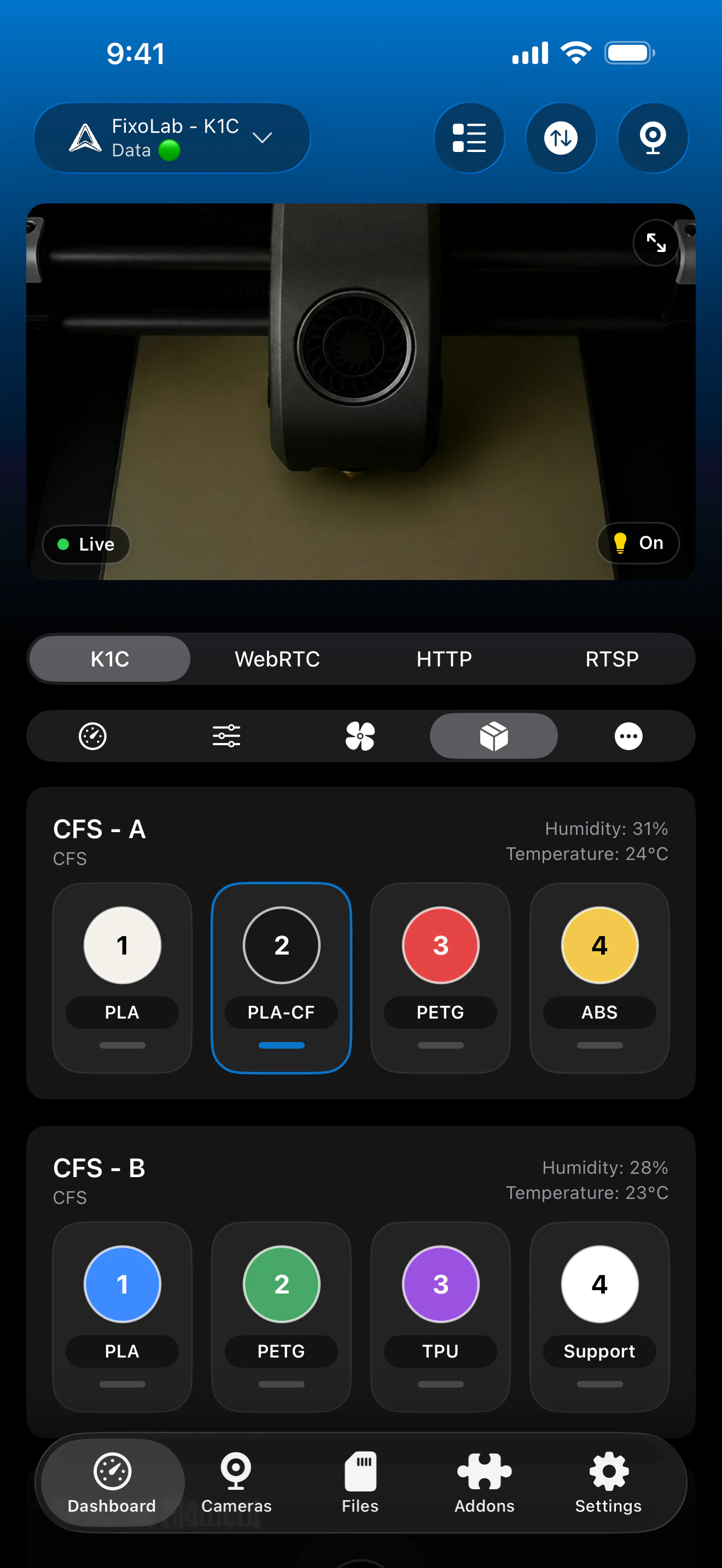
- ✓CFS status, where the connected firmware exposes it
Feature matrix
| Feature | Status | Notes |
|---|---|---|
| Real-time monitoring | Available | Verified separately on K1 and K2 over the local WebSocket API (port 9999). |
| Multi-printer dashboard | Available | Manage several Creality printers from one dashboard. |
| Camera preview | Partial | MJPEG on K1, WebRTC on K2; transport depends on model and firmware. |
| File browser & history | Available | Browse files and print history over the local WebSocket API. |
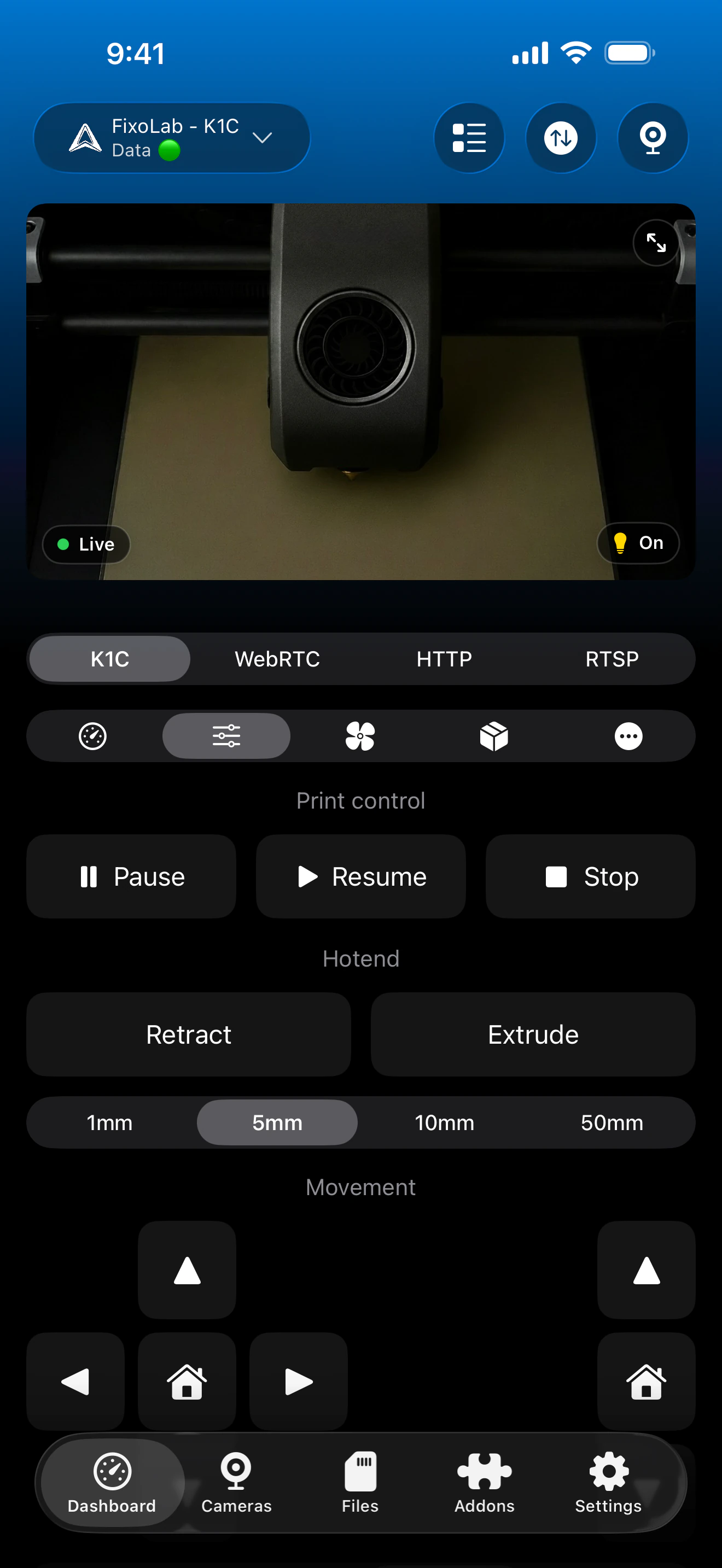
| Job control (pause / resume / stop) | Available | Pause, resume and stop through the local connection. |
| Filament / AMS management | Partial | CFS status where the firmware exposes it; not verified on every K1/K2 firmware version. |
| Remote access via OctoEverywhere | Not available | OctoEverywhere isn't currently offered for Creality printers; connect over a VPN back to your network instead, since the connection is fully local. |
Known limitations
- !Camera transport differs between K1 (MJPEG) and K2 (WebRTC); it isn't interchangeable.
- !Other Creality printers or third-party firmware are not covered by this compatibility page.
- !Firmware updates from Creality can change which endpoints are exposed.
Frequently asked questions
Does Printer Tools support the K1 and K2 the same way?
They're verified separately because they expose different camera transports: MJPEG on K1, WebRTC on K2. Core monitoring, control and file browsing work the same way on both.
Does it work with my Ender 3 or Ender 5?
Not through this page. Ender printers running stock Creality OS aren't covered here; if you've flashed one with Klipper, use the Klipper/Moonraker compatibility page instead.
Is a Creality Cloud account required?
No. Printer Tools connects over the printer's local WebSocket API on port 9999, so no cloud account is needed.
Does the CFS (Creality's multi-material unit) show up?
Yes, where the connected printer's firmware reports CFS status; this hasn't been verified on every K1/K2 firmware version.
Can I get remote access away from my network?
Not directly through Creality's own integration today. OctoEverywhere-style remote access isn't currently offered for Creality printers.
Available on
Other compatible systems
Available for Android, iOS, iPadOS, macOS and watchOS