Klipper / Moonraker Compatibility
Connect any Klipper printer running Moonraker
Printer Tools connects to Klipper printers through Moonraker's WebSocket and REST API, the same interface used by Mainsail and Fluidd. Because Klipper is open and self-hosted, feature availability depends on how your Moonraker instance, camera and Spoolman (if any) are configured.
Compatible models
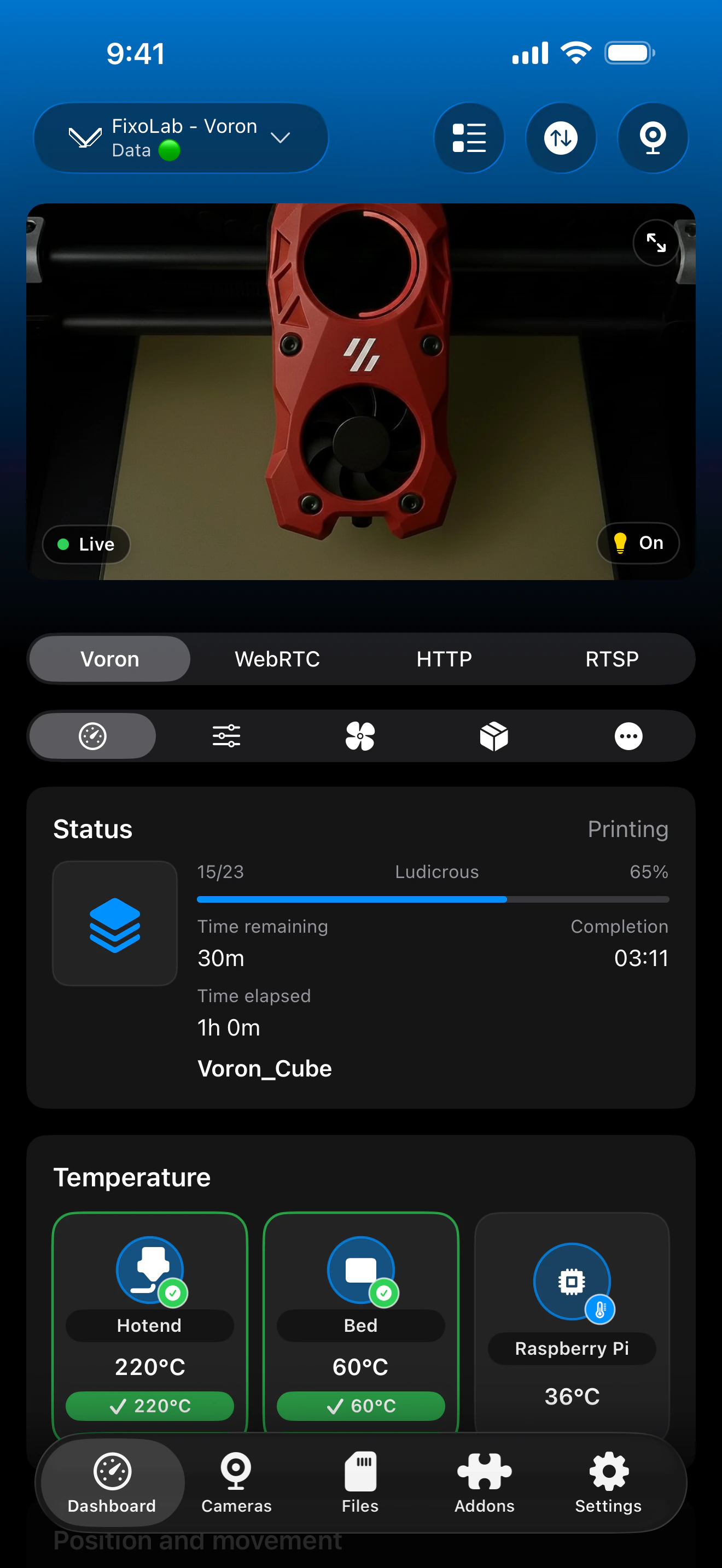
See it in action
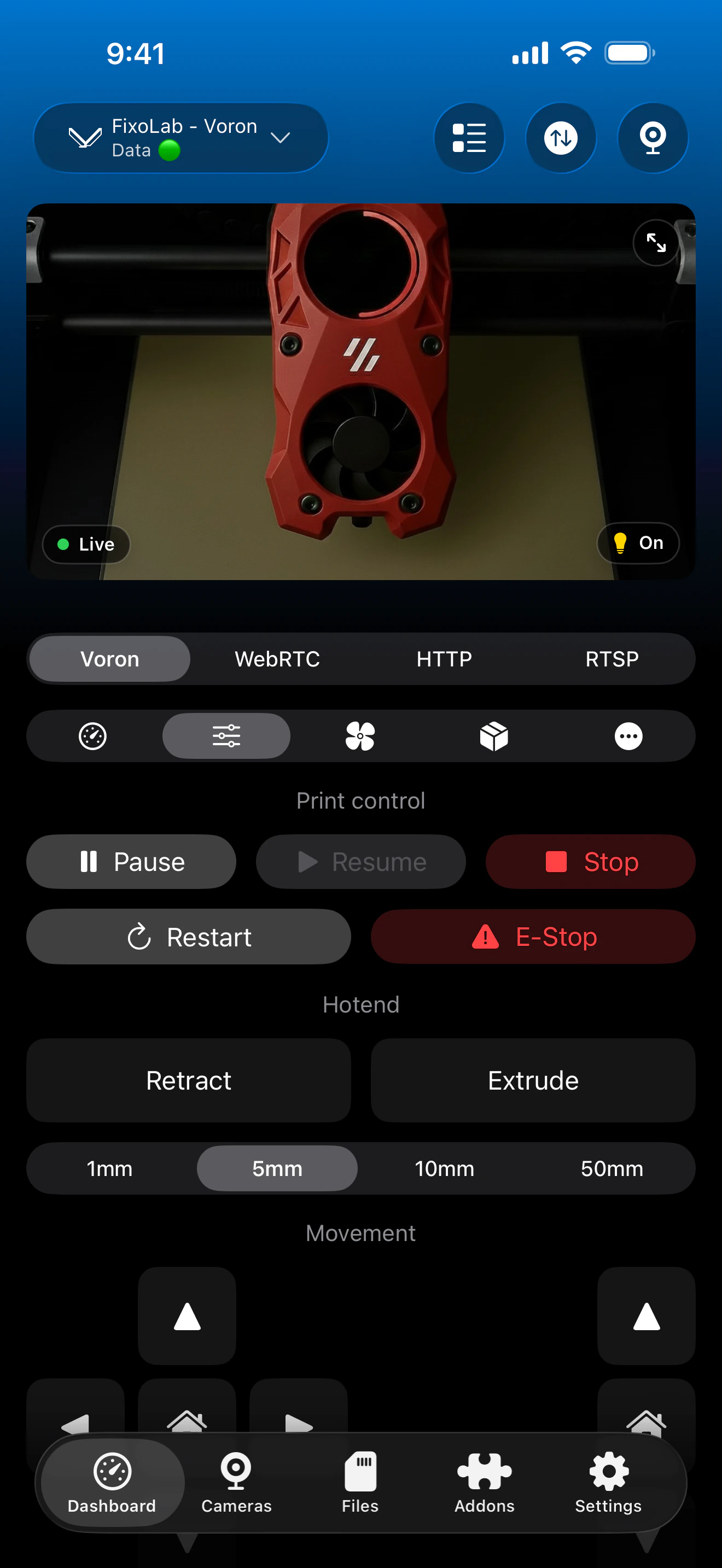
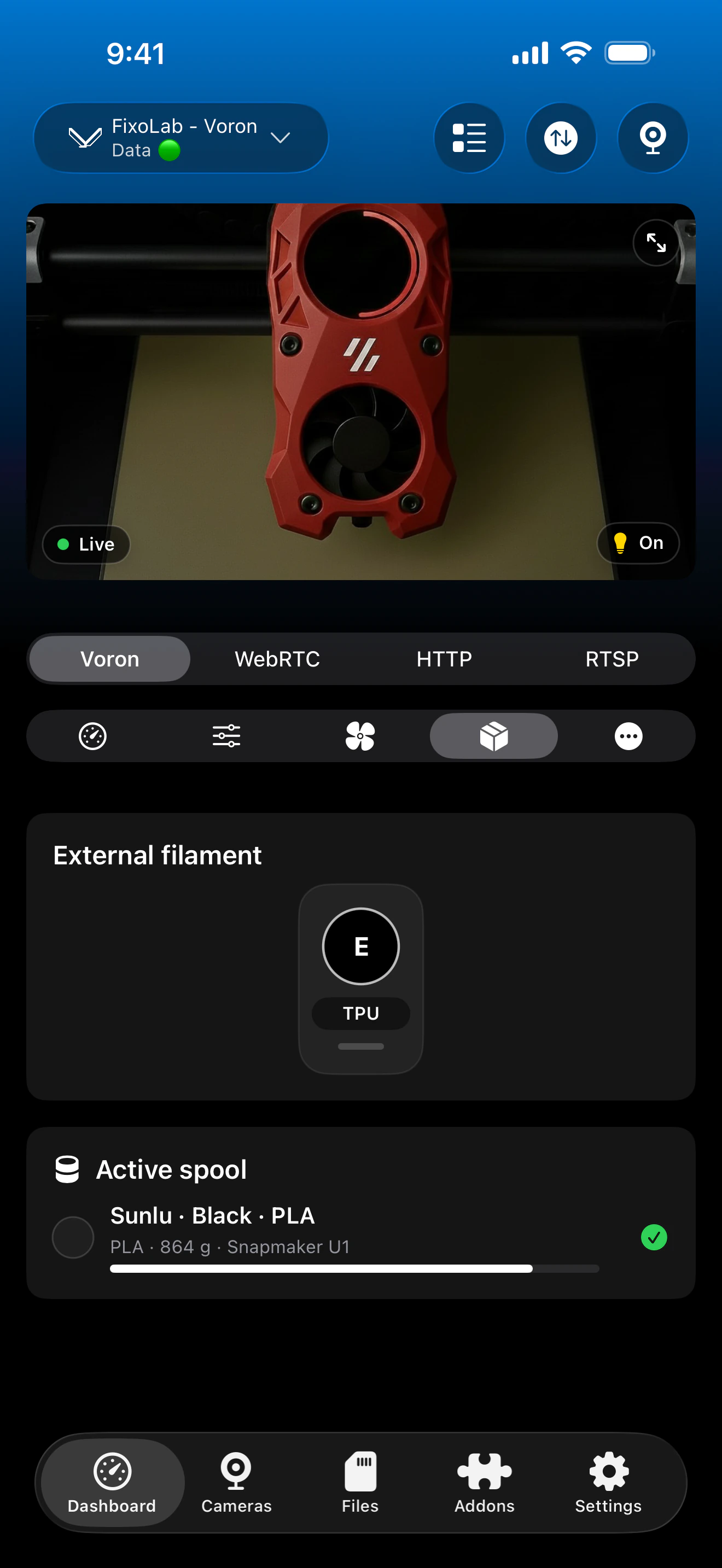
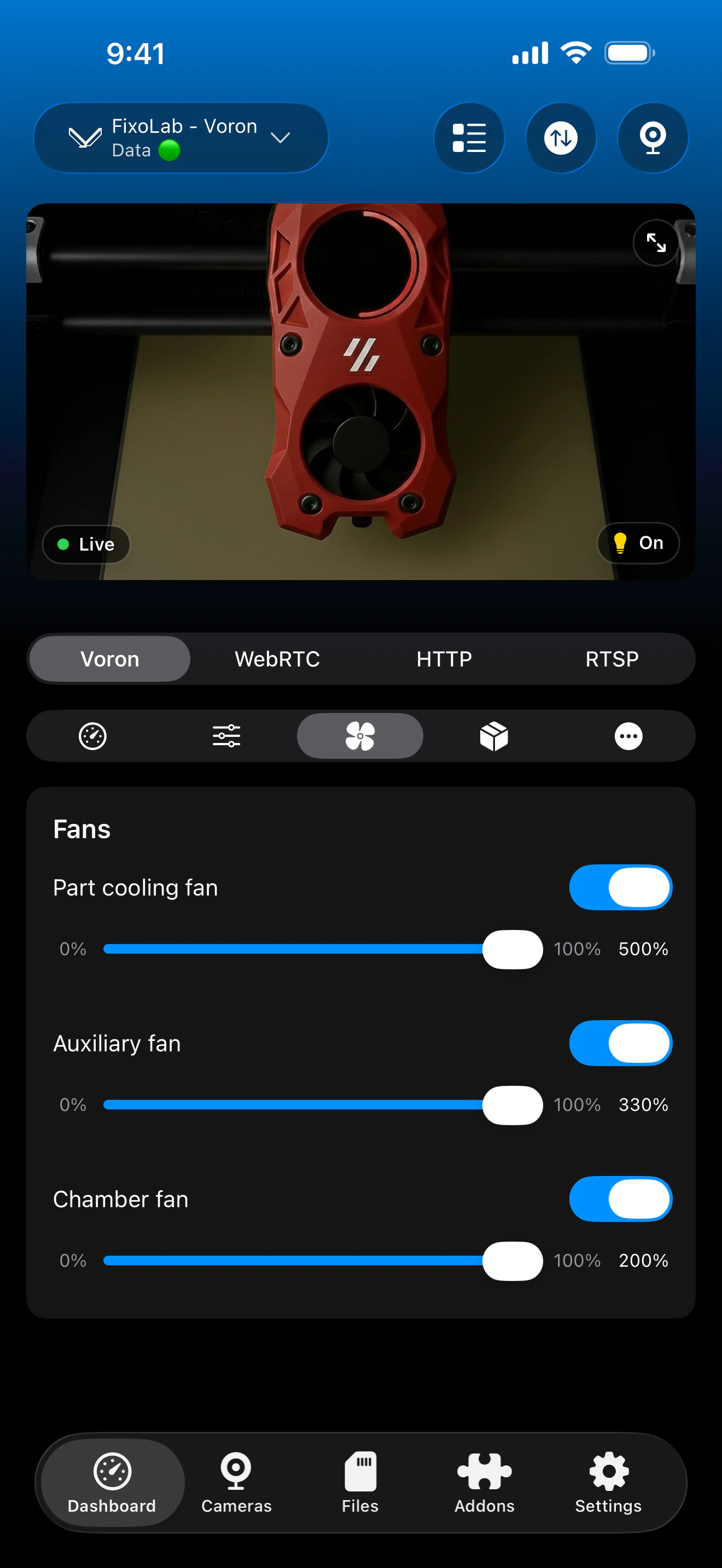
Connection & protocol
| Transport | Moonraker WebSocket / REST API |
| Authentication | Moonraker API key, when your setup requires one |
| Requirements | A running Moonraker instance reachable on your network or through a reverse proxy |
| Camera | MJPEG, typically via crowsnest or another compatible webcam source |
| Away from home | Connect over a VPN back to your network, or add OctoEverywhere |
What's verified today
- ✓Print status, progress and temperatures for multiple extruders
- ✓Bed mesh data reported by Moonraker
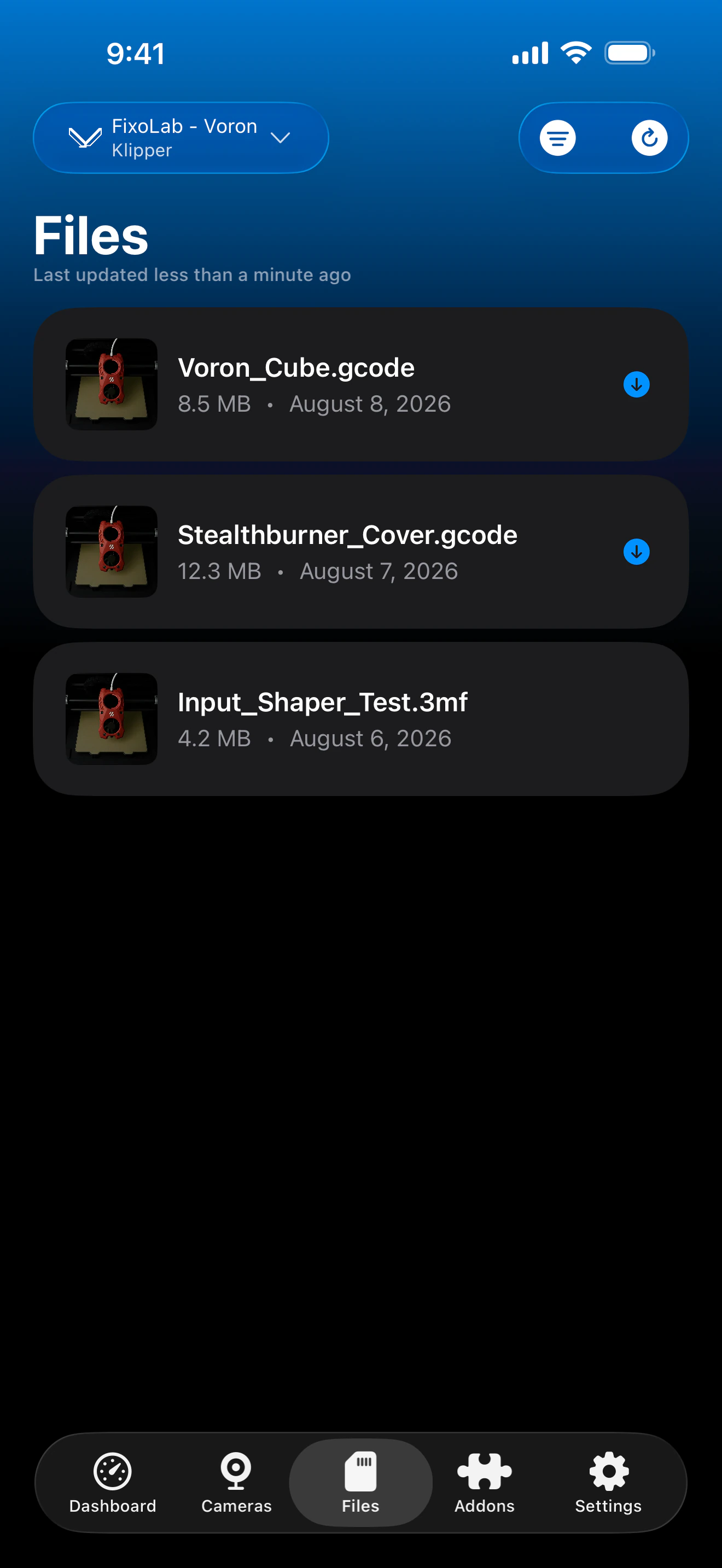
- ✓File browsing and print history through Moonraker's history API
- ✓Spoolman integration, when your Moonraker setup includes a Spoolman server
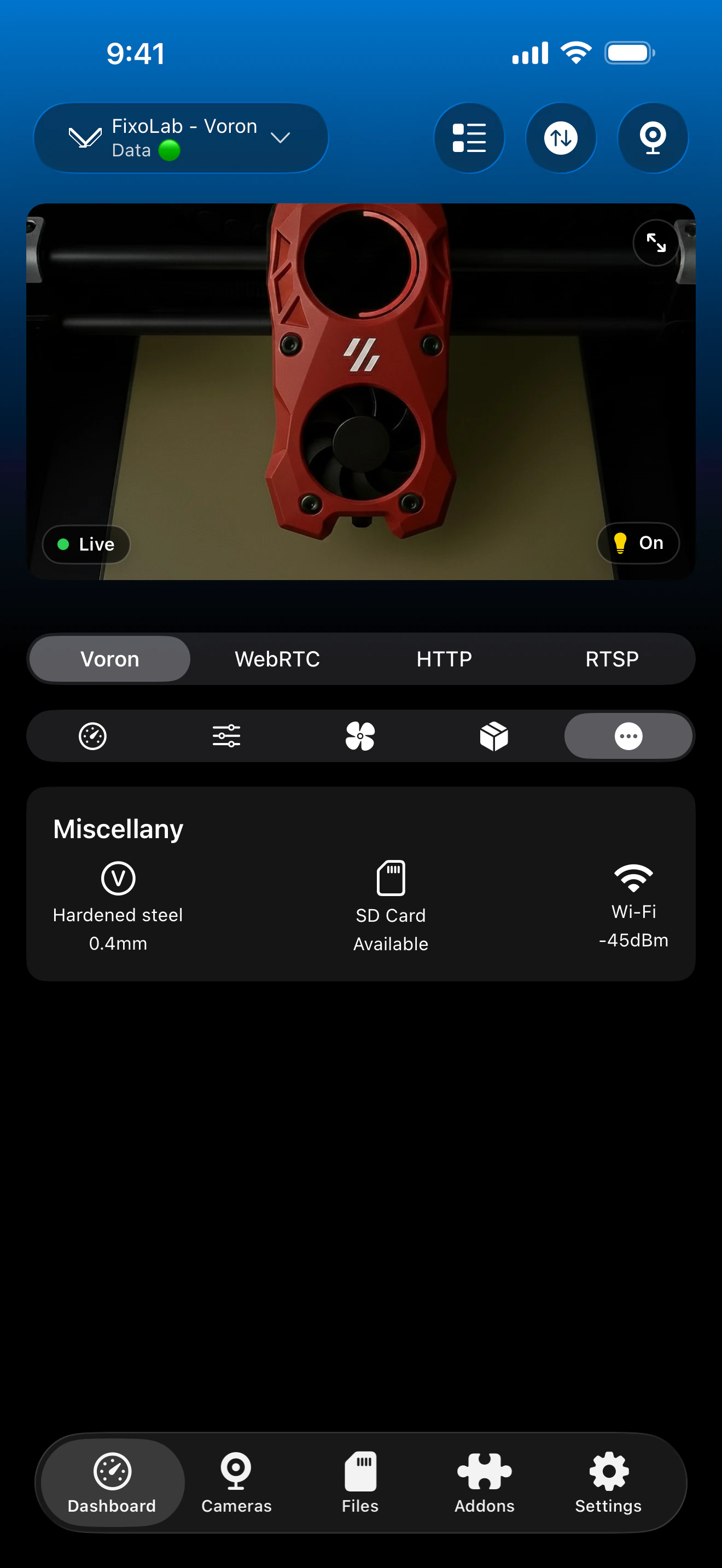
- ✓MJPEG camera preview through crowsnest or an equivalent webcam configuration
Feature matrix
| Feature | Status | Notes |
|---|---|---|
| Real-time monitoring | Available | Status, progress and per-extruder temperatures over the Moonraker WebSocket API. |
| Multi-printer dashboard | Available | Manage several Klipper printers from one dashboard. |
| Camera preview | Partial | MJPEG preview through crowsnest or a compatible webcam configuration; not bundled with Moonraker by default. |
| File browser & history | Available | File browser and print history through Moonraker's history API. |
| Job control (pause / resume / stop) | Available | Pause, resume and stop through Moonraker. |
| Filament / AMS management | Partial | Spoolman integration when your Moonraker setup includes a Spoolman server; without it, spool data isn't available. |
| Remote access via OctoEverywhere | Available | OctoEverywhere can be used for remote access, or connect over a VPN back to your network since this integration is fully local. |
Known limitations
- !Requires a Moonraker instance reachable on your network or via a reverse proxy; Klipper alone isn't enough.
- !Camera preview depends on crowsnest or another webcam source being configured; it isn't provided by Moonraker itself.
- !Custom macros and non-standard Klipper configurations aren't individually surfaced in the dashboard.
Frequently asked questions
Do I need Mainsail or Fluidd installed as well?
No. Printer Tools talks directly to Moonraker's WebSocket and REST API, the same backend Mainsail and Fluidd use, so neither interface is required, though they can coexist without conflict.
Does it work with Spoolman?
Yes. If your Moonraker instance has a Spoolman server configured, Printer Tools shows the active spool. Without Spoolman, filament data isn't available since Klipper doesn't track it natively.
What camera setup do I need?
Printer Tools expects an MJPEG stream, most commonly served by crowsnest. Moonraker doesn't bundle a webcam server by default, so crowsnest or an equivalent needs to be configured separately.
Does it work with Voron, RatRig or a Klipper-flashed Ender?
Yes. Any printer running Klipper with Moonraker exposed works the same way, regardless of the mechanical platform underneath it.
Do my custom macros show up in the dashboard?
Not individually. Printer Tools surfaces standard status, temperature and job-control data over Moonraker; custom macros and non-standard configuration aren't exposed as separate controls.
Available on
Other compatible systems
Available for Android, iOS, iPadOS, macOS and watchOS