External Cameras Addon
Discover ONVIF cameras or add any custom IP camera over HTTP, RTSP, RTSPS, TCP (JPEG) or WebRTC
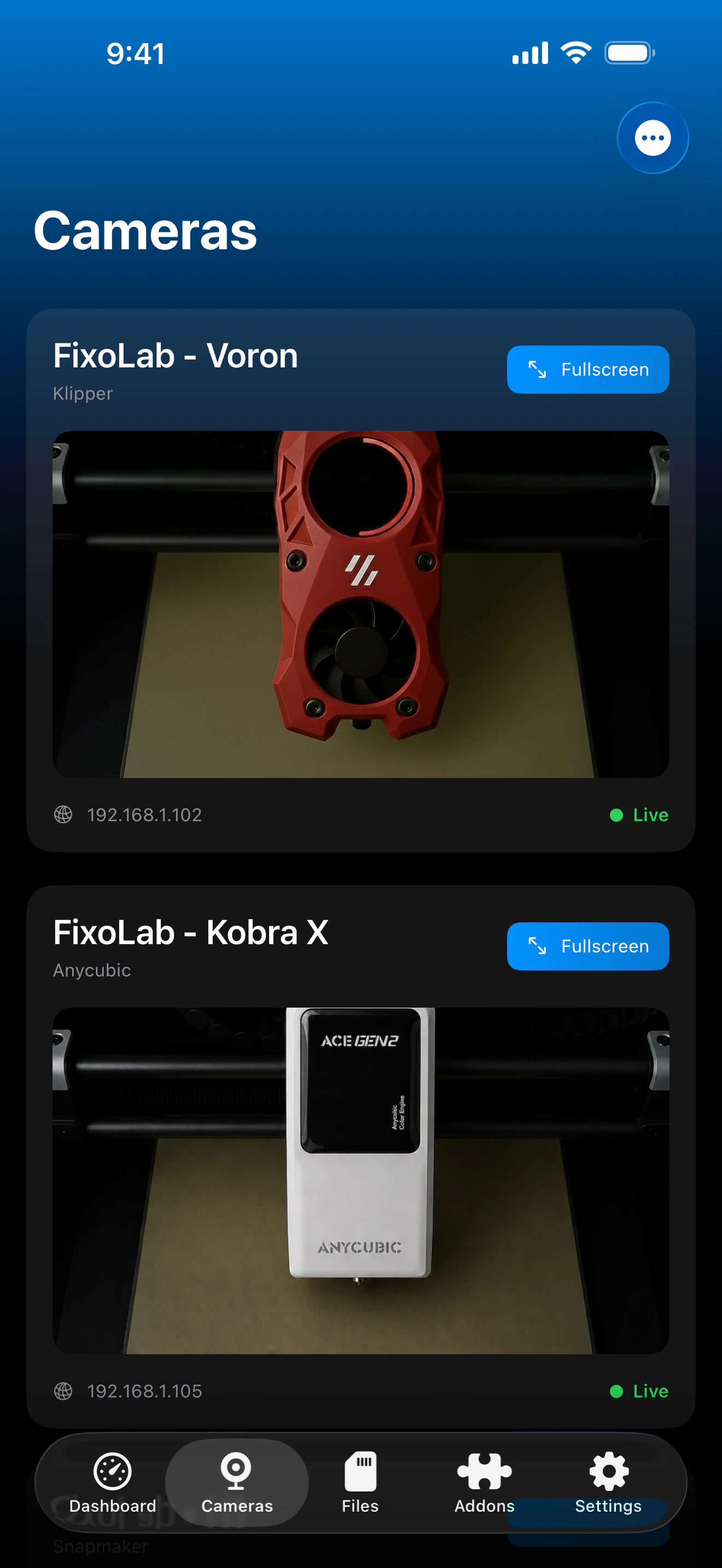
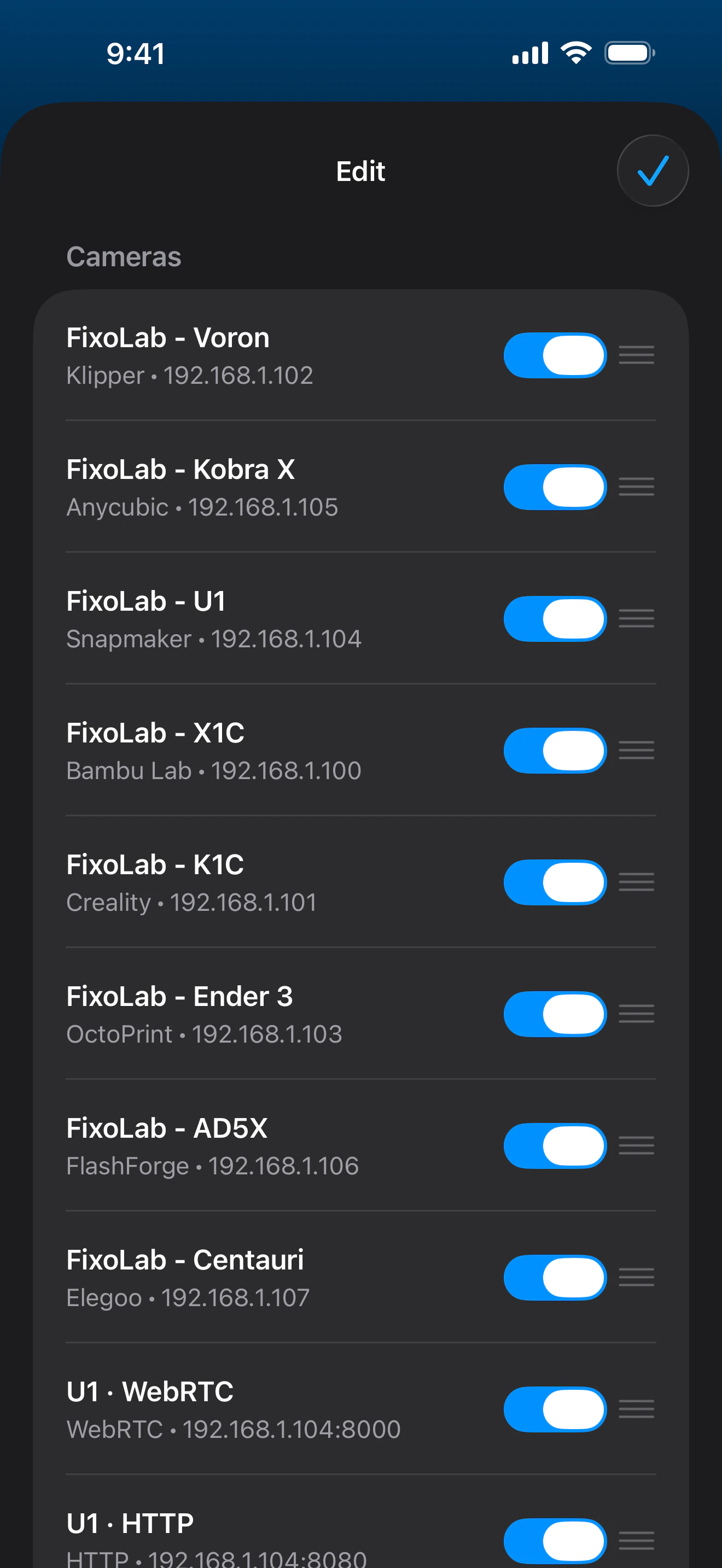
Beyond the camera built into your printer, Printer Tools can discover ONVIF cameras on your local network or add a custom stream by entering its address and protocol. ONVIF resolves the selected media profile to RTSP or RTSPS, while five direct stream types use their own dedicated players, so you can bring an existing enclosure or webcam camera into the same dashboard as your printers.
Supported devices
See it in action
Connection & protocol
| ONVIF | Local WS-Discovery, media profile selection, automatic RTSP/RTSPS stream resolution and PTZ when the camera supports it |
| Transport | HTTP (MJPEG), RTSP, RTSPS, TCP (JPEG) or WebRTC, selected per camera |
| Authentication | Username/password for ONVIF, HTTP and RTSP/RTSPS; ICE/signaling credentials for WebRTC, when required |
| Requirements | An ONVIF camera or camera stream reachable on your local network |
| Away from home | Connect over a VPN back to your network |
What's verified today
- ✓ONVIF network discovery, media profile selection and PTZ controls when the selected camera profile supports them
- ✓Live preview for HTTP (MJPEG), RTSP, RTSPS, TCP (JPEG) and WebRTC streams
- ✓Fullscreen viewing alongside your other cameras
- ✓Automatic reconnect when the app returns to the foreground
Feature matrix
| Feature | Status | Notes |
|---|---|---|
| Connection & discovery | Available | Discover ONVIF cameras on your local network or add a stream manually by IP address, port, path and protocol. |
| Live telemetry | Available | Live preview across all five supported protocols, shown alongside your printer cameras. |
| Remote control | Partial | Pan, tilt and zoom controls are available when the selected ONVIF profile advertises compatible continuous-move PTZ support. |
| Audio | Not available | Every supported protocol is video-only, no audio is available from any external camera stream. |
| Multiple devices | Available | Add as many external cameras as you like, each with its own protocol and credentials. |
Known limitations
- !No audio on any protocol, HTTP (MJPEG), RTSP, RTSPS, TCP (JPEG) and WebRTC are all video-only.
- !Streaming pauses while the app is backgrounded and reconnects automatically when it returns to the foreground.
- !TCP (JPEG) frames larger than 2MB are rejected.
- !WebRTC needs a compatible signaling server, it isn't pure peer-to-peer out of the box.
- !ONVIF discovery requires local network access; profile and PTZ availability depend on what each camera exposes.
Frequently asked questions
What camera protocols are supported?
ONVIF discovery plus direct HTTP (MJPEG), RTSP, RTSPS, TCP (JPEG) and WebRTC streams. ONVIF resolves the media profile and stream address automatically.
Does this support audio?
No, every supported protocol is video-only; audio isn't available from any external camera stream.
Do I need a username and password?
Only if your camera requires one. ONVIF, HTTP and RTSP/RTSPS support username/password, and WebRTC uses its own signaling credentials when the setup calls for them.
Can I view an external camera away from home?
Yes, connect over a VPN back to your home network, external cameras are reached locally, so Printer Tools needs the same network access a browser would.
Available on
Other addons
Available for Android, iOS, iPadOS, macOS and watchOS