How to connect multiple Moonraker printers on one network
Multiple Moonraker printers can share a LAN safely when every service has a distinct reachable address or port. Clear naming prevents controls and cameras from being assigned to the wrong machine.
Printer Tools communicates with supported printers and cameras through local protocols. Keep devices private, preserve credentials and use the current compatibility matrix as the authority for model-specific capabilities.

All your 3D printers in one dashboard
Monitor Bambu Lab, Klipper, OctoPrint, Creality, Snapmaker, Anycubic, Flashforge, Elegoo, and Prusa printers from one app
Available on Android, iPhone, iPad and Mac, with Apple Watch and Wear OS companion apps plus optional remote access through VPN, OctoEverywhere or Obico
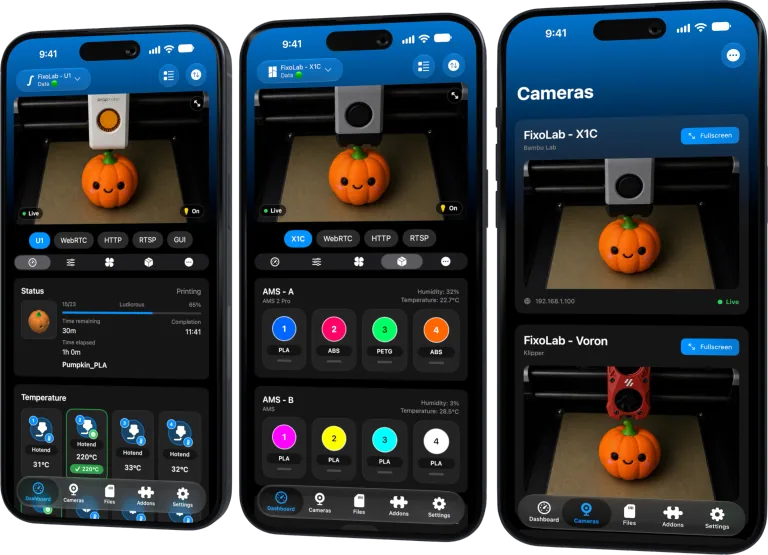
Give each host a stable endpoint
Reserve a private IP in DHCP or use a reliable local hostname. If several instances share one host, assign explicit non-conflicting ports and document the mapping.
Name printers by physical identity
Use a label that includes location or model, not only klipper. Match that name in Printer Tools, Moonraker and the physical machine.
Separate camera URLs
Each printer’s camera can run on another port or host. Test the snapshot and stream while only that printer is selected, and avoid copying one URL to every entry.
Validate controls one printer at a time
Confirm temperatures and state, then perform only a safe supported action while standing at the machine. Printer Tools does not start a new Moonraker print by uploading a file.
Local troubleshooting checklist
- Reserve distinct network endpoints.
- Apply unique physical names.
- Map each camera separately.
- Verify identity before any control.
Frequently asked questions
Can two printers use port 7125?
Yes if they have different IP addresses; one host needs different listening ports or proxy paths.
Will discovery name both correctly?
Names can collide, so verify address and physical identity.
Should printers share an API key?
Prefer credentials and access rules that can be scoped and rotated deliberately.
All your 3D printers in one dashboard
Monitor Bambu Lab, Klipper, OctoPrint, Creality, Snapmaker, Anycubic, Flashforge, Elegoo, and Prusa printers from one app
Available on Android, iPhone, iPad and Mac, with Apple Watch and Wear OS companion apps plus optional remote access through VPN, OctoEverywhere or Obico
| FixoLab
How to fix Moonraker WebSocket errors behind a reverse proxy
When Moonraker REST works over HTTPS but WSS fails, check the path, handshake headers, authentication and idle timeout.
| FixoLab
Why Moonraker virtual SD card files may not appear
Check Klipper virtual SD configuration, Moonraker roots and permissions when Printer Tools cannot browse G-code files.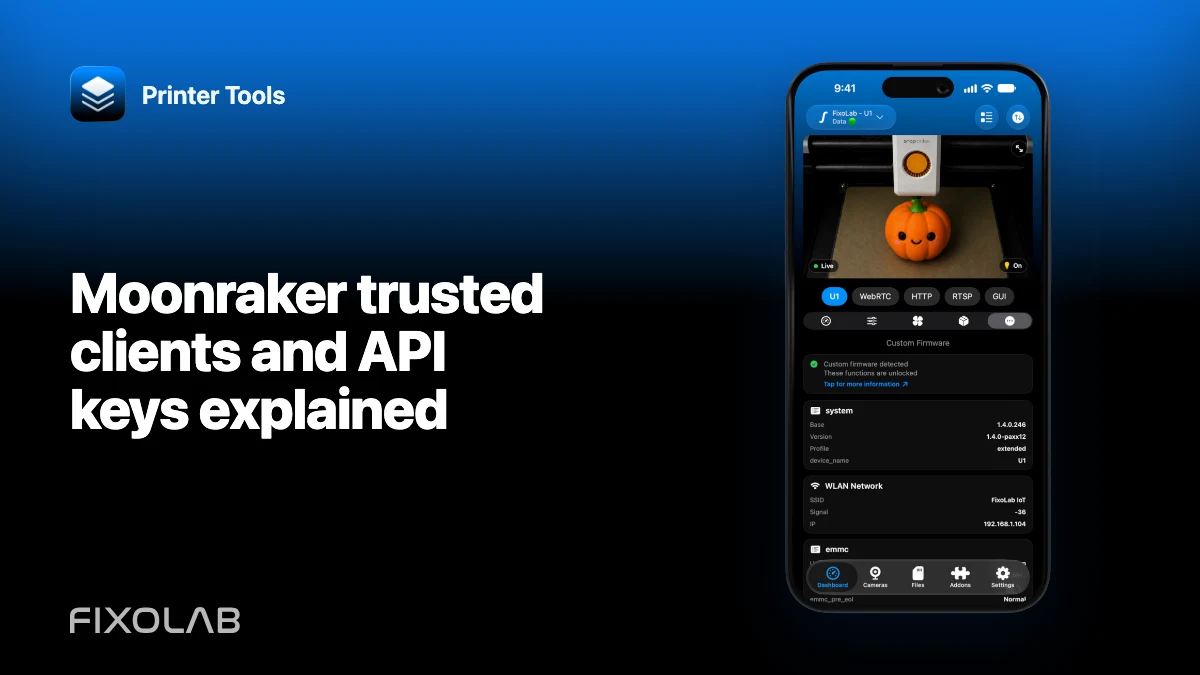
| FixoLab
Moonraker trusted clients and API keys explained
Set up Moonraker authentication for your device without trusting an entire network.
| FixoLab
How to fix Moonraker authentication and API key errors in Printer Tools
Fix Moonraker API key, Bearer token and Basic Auth errors in Printer Tools, and tell them apart from a serial or trusted_clients issue.