How to fix Moonraker WebSocket errors behind a reverse proxy
Moonraker’s REST endpoint and WebSocket share an application but exercise different proxy behavior. A successful version request does not prove a persistent realtime channel.
Printer Tools communicates with supported printers and cameras through local protocols. Keep devices private, preserve credentials and use the current compatibility matrix as the authority for model-specific capabilities.

All your 3D printers in one dashboard
Monitor Bambu Lab, Klipper, OctoPrint, Creality, Snapmaker, Anycubic, Flashforge, Elegoo, and Prusa printers from one app
Available on Android, iPhone, iPad and Mac, with Apple Watch and Wear OS companion apps plus optional remote access through VPN, OctoEverywhere or Obico
Confirm the WebSocket route
Use the external scheme, host and base path that map to Moonraker. An HTTPS page requires a secure wss WebSocket path rather than an insecure mixed-content connection.
Forward upgrade headers
The reverse proxy must forward the HTTP Upgrade and Connection headers for the WebSocket handshake. If the route returns an ordinary HTTP response instead of 101 Switching Protocols, check the path, headers and proxy configuration.
Review timeouts and buffering
Idle timeouts can close an otherwise healthy connection, while response buffering can delay messages. Use the Moonraker and proxy recommendations for long-lived sockets.
Keep authentication consistent
Forward the intended API key or authenticated client context without logging it. A WebSocket-specific 401 can result from missing headers even when REST succeeds.
Local troubleshooting checklist
- Test a REST endpoint.
- Test the WebSocket upgrade separately.
- Check proxy logs without secrets.
- Verify idle behavior after connection.
Frequently asked questions
Why does status update only after refresh?
The REST snapshot may work while the realtime WebSocket is disconnected.
Can TLS termination cause the issue?
Yes, if the external scheme and forwarded headers are inconsistent.
Should I expose port 7125 directly?
No. Keep Moonraker private and fix the trusted proxy or VPN path.
All your 3D printers in one dashboard
Monitor Bambu Lab, Klipper, OctoPrint, Creality, Snapmaker, Anycubic, Flashforge, Elegoo, and Prusa printers from one app
Available on Android, iPhone, iPad and Mac, with Apple Watch and Wear OS companion apps plus optional remote access through VPN, OctoEverywhere or Obico
| FixoLab
Moonraker trusted clients and API keys explained
Set up Moonraker authentication for your device without trusting an entire network.
| FixoLab
How to connect multiple Moonraker printers on one network
Give each Klipper host a stable identity, address and camera path so Printer Tools can monitor them independently.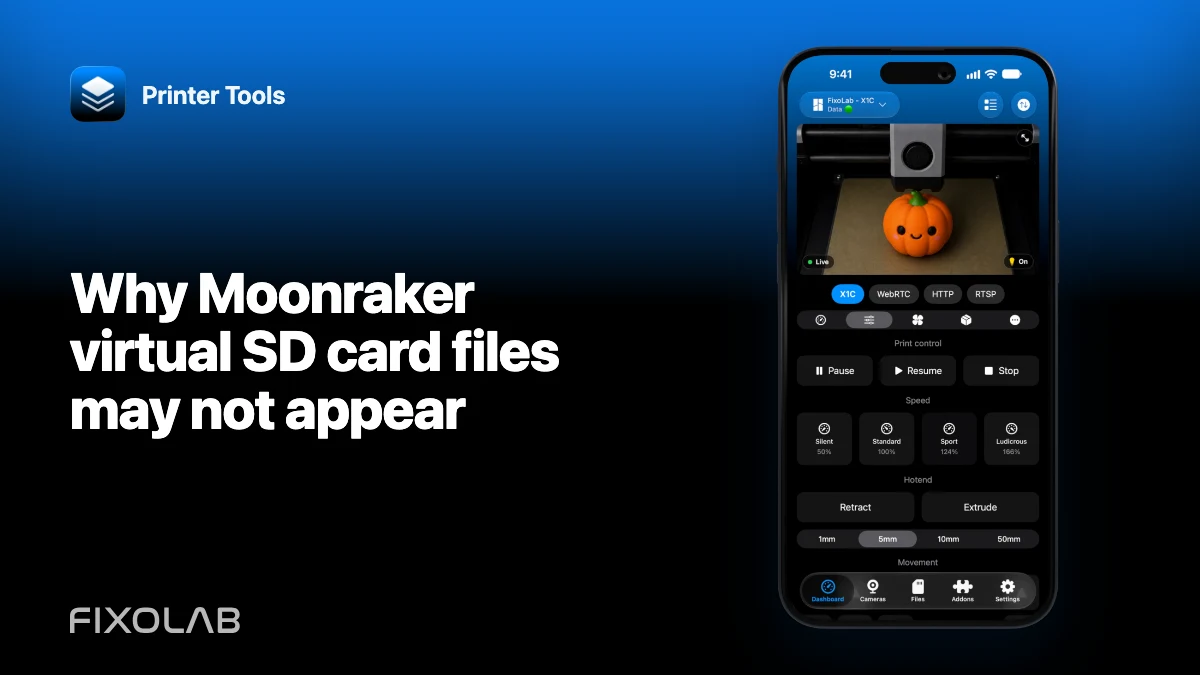
| FixoLab
Why Moonraker virtual SD card files may not appear
Check Klipper virtual SD configuration, Moonraker roots and permissions when Printer Tools cannot browse G-code files.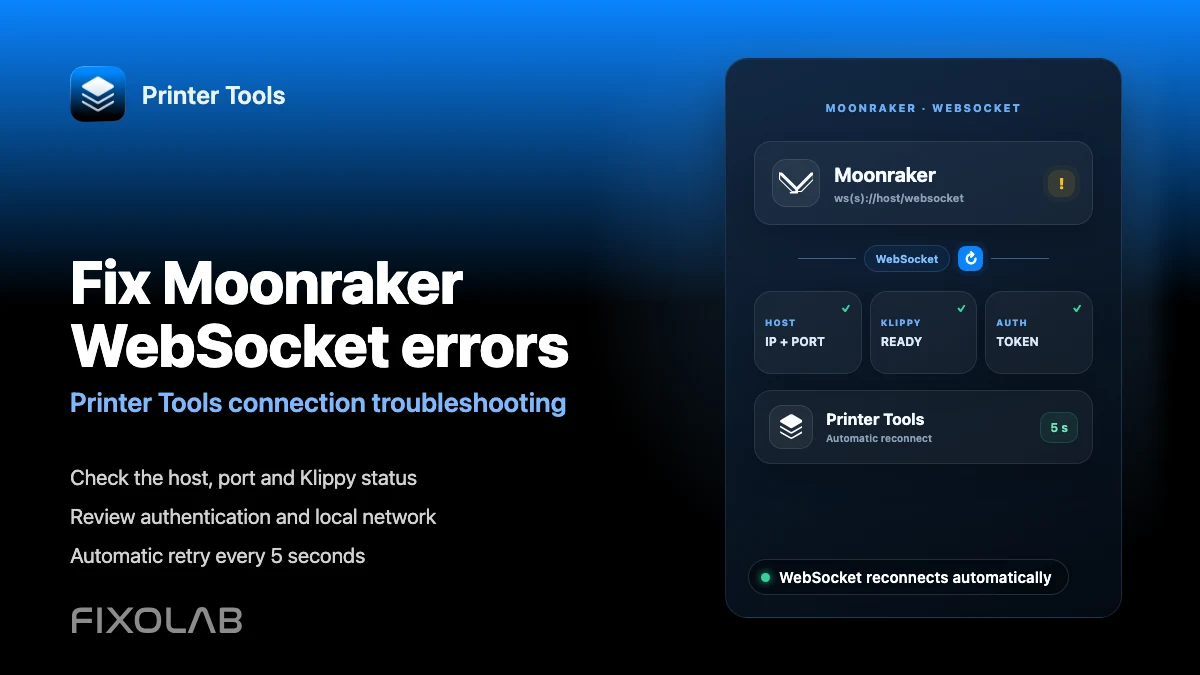
| FixoLab
How to fix Moonraker WebSocket connection errors in Printer Tools
Diagnose Moonraker WebSocket connection errors in Printer Tools, from unreachable hosts to Klippy status, authentication and automatic reconnection.