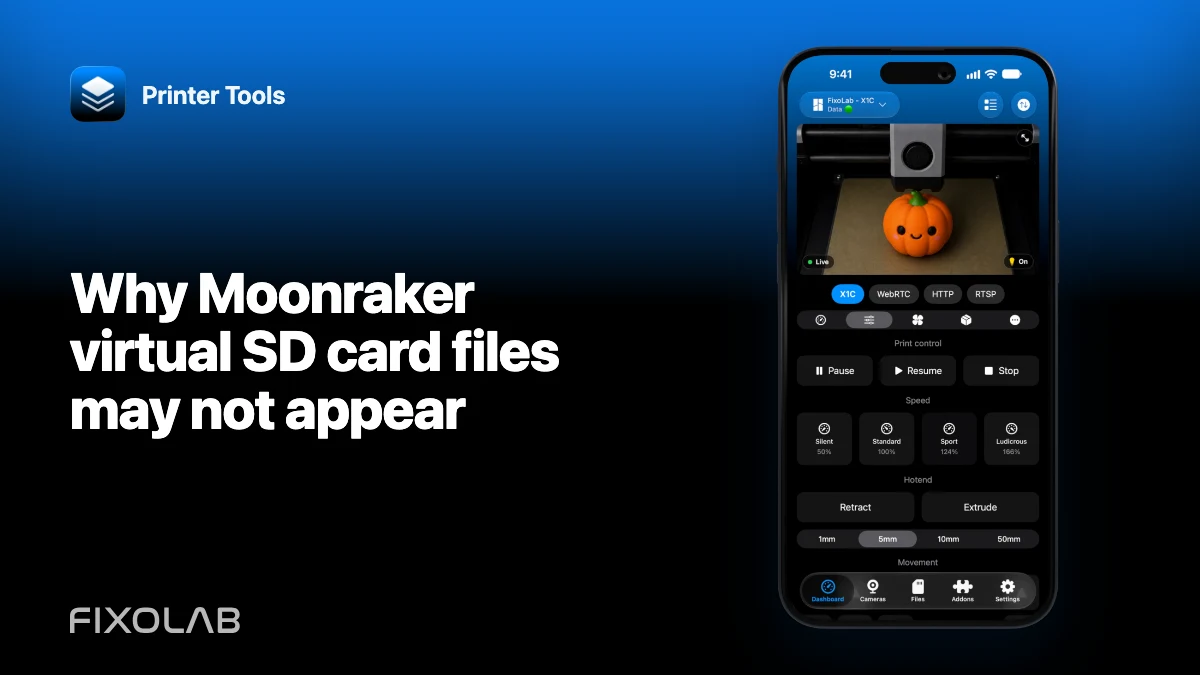
Why Moonraker virtual SD card files may not appear
Moonraker exposes files from configured roots. If Klipper’s virtual_sdcard path and Moonraker’s file manager do not agree, telemetry can work while the file list is empty.
Printer Tools communicates with supported printers and cameras through local protocols. Keep devices private, preserve credentials and use the current compatibility matrix as the authority for model-specific capabilities.

All your 3D printers in one dashboard
Monitor Bambu Lab, Klipper, OctoPrint, Creality, Snapmaker, Anycubic, Flashforge, Elegoo, and Prusa printers from one app
Available on Android, iPhone, iPad and Mac, with Apple Watch and Wear OS companion apps plus optional remote access through VPN, OctoEverywhere or Obico
Verify the Klipper path
Check the active virtual_sdcard configuration and make sure the directory exists on the host. Use the current Klipper configuration rather than an old tutorial path.
Check Moonraker roots
Moonraker must know the G-code root and have permission to read it. A container, changed username or migrated data directory can leave the configured path pointing elsewhere.
Compare Mainsail or Fluidd
If the same files are absent there, resolve the server configuration first. If they appear in the web UI only, compare its base path, authentication and API response with Printer Tools.
Keep expectations within product scope
Printer Tools can browse supported Moonraker files and metadata. A missing directory should be fixed on the server rather than worked around by exposing the filesystem.
Local troubleshooting checklist
- Confirm
virtual_sdcardlocation. - Check filesystem ownership and permissions.
- Verify Moonraker’s G-code root.
- Compare the raw file list through the trusted API.
Frequently asked questions
Can telemetry work with a broken file root?
Yes. Status and file management use different Moonraker endpoints.
Should I make the folder world-writable?
No. Apply the minimum ownership and permissions recommended for the service.
Can a reverse-proxy subpath affect files?
Yes. Incorrect rewriting can break nested resource URLs.
All your 3D printers in one dashboard
Monitor Bambu Lab, Klipper, OctoPrint, Creality, Snapmaker, Anycubic, Flashforge, Elegoo, and Prusa printers from one app
Available on Android, iPhone, iPad and Mac, with Apple Watch and Wear OS companion apps plus optional remote access through VPN, OctoEverywhere or Obico
| FixoLab
Moonraker trusted clients and API keys explained
Set up Moonraker authentication for your device without trusting an entire network.
| FixoLab
How to connect multiple Moonraker printers on one network
Give each Klipper host a stable identity, address and camera path so Printer Tools can monitor them independently.
| FixoLab
How to fix Moonraker WebSocket errors behind a reverse proxy
When Moonraker REST works over HTTPS but WSS fails, check the path, handshake headers, authentication and idle timeout.
| FixoLab
How to configure a Crowsnest camera for Klipper and Printer Tools
Set up crowsnest so its default MJPEG stream appears automatically in Printer Tools for a connected Klipper printer.