Moonraker trusted clients and API keys explained
Moonraker can authorize requests through trusted client rules or API credentials. The safest choice depends on the network boundary and must not turn a broad subnet into accidental admin access.
Printer Tools communicates with supported printers and cameras through local protocols. Keep devices private, preserve credentials and use the current compatibility matrix as the authority for model-specific capabilities.

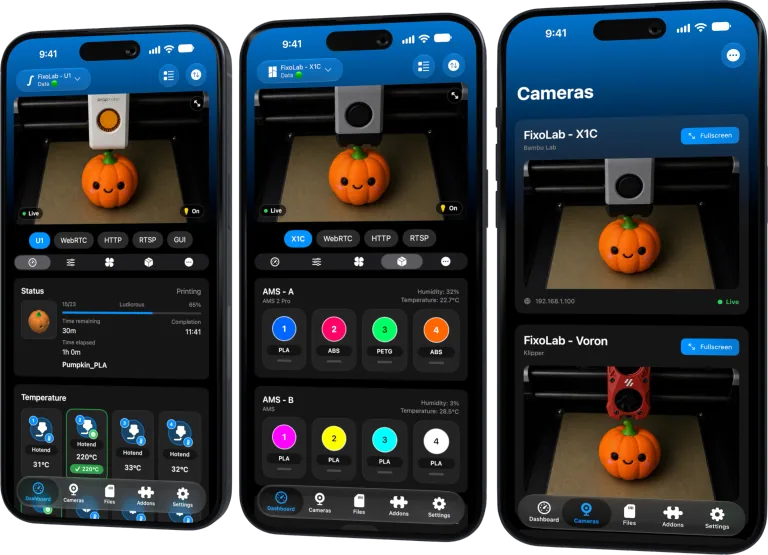
All your 3D printers in one dashboard
Monitor Bambu Lab, Klipper, OctoPrint, Creality, Snapmaker, Anycubic, Flashforge, Elegoo, and Prusa printers from one app
Available on Android, iPhone, iPad and Mac, with Apple Watch and Wear OS companion apps plus optional remote access through VPN, OctoEverywhere or Obico
Understand trusted clients
A trusted-client rule allows matching addresses or networks to bypass normal authentication. It is convenient on a tightly controlled LAN but risky on guest, shared or broadly routed networks.
Use explicit credentials where appropriate
An API key gives a client a deliberate secret that can be rotated. Protect it like a password and send it only over a trusted encrypted path when traffic leaves the local device segment.
Keep the network scope narrow
Prefer the smallest correct host or subnet and review IPv4 and IPv6 behavior. Do not add 0.0.0.0/0 or an entire enterprise network to make one phone work.
Test authentication rather than disabling it
A 401 or 403 identifies a policy mismatch. Confirm the phone’s actual source address, proxy headers and configured client method before editing Moonraker.
Local troubleshooting checklist
- Choose trusted subnet or explicit key intentionally.
- Limit any trusted range.
- Protect keys and proxy headers.
- Retest after one change at a time.
Frequently asked questions
Is a trusted client the same as no authentication?
For matching addresses it can bypass normal checks, so network control becomes critical.
Should Moonraker be exposed publicly with a key?
No. Use private remote access and defense in depth.
Can a reverse proxy change the client address Moonraker sees?
Yes. Configure forwarded-client trust carefully to avoid spoofing.
All your 3D printers in one dashboard
Monitor Bambu Lab, Klipper, OctoPrint, Creality, Snapmaker, Anycubic, Flashforge, Elegoo, and Prusa printers from one app
Available on Android, iPhone, iPad and Mac, with Apple Watch and Wear OS companion apps plus optional remote access through VPN, OctoEverywhere or Obico
| FixoLab
How to fix Moonraker WebSocket errors behind a reverse proxy
When Moonraker REST works over HTTPS but WSS fails, check the path, handshake headers, authentication and idle timeout.
| FixoLab
Why Moonraker virtual SD card files may not appear
Check Klipper virtual SD configuration, Moonraker roots and permissions when Printer Tools cannot browse G-code files.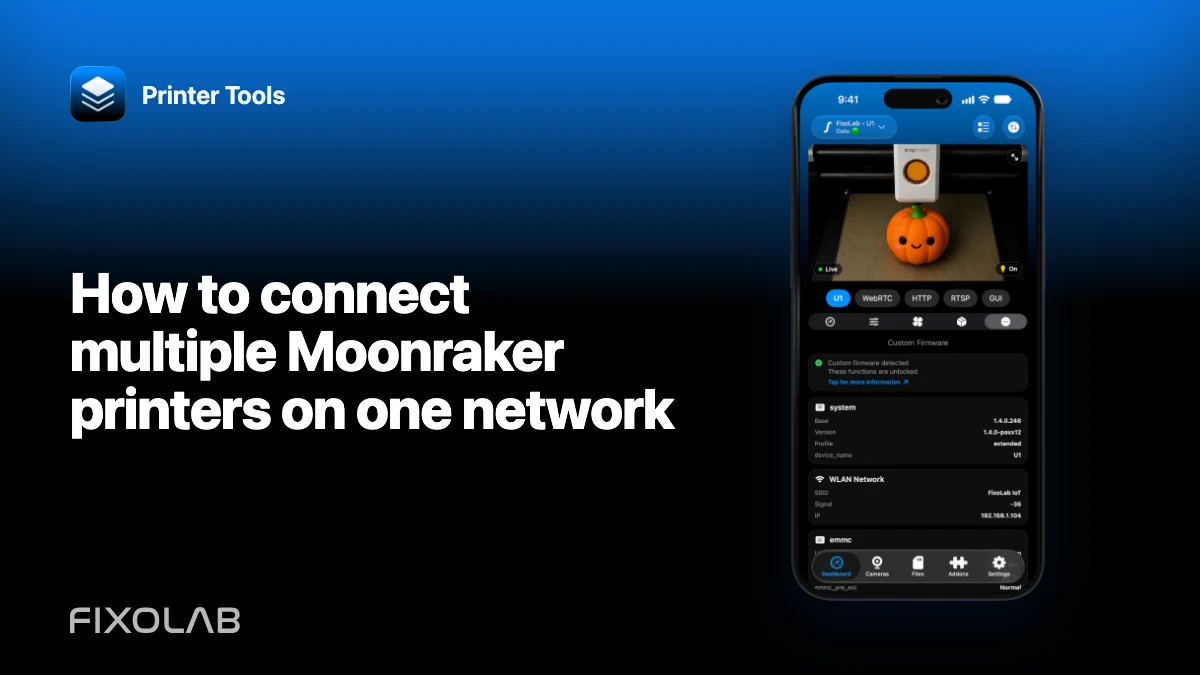
| FixoLab
How to connect multiple Moonraker printers on one network
Give each Klipper host a stable identity, address and camera path so Printer Tools can monitor them independently.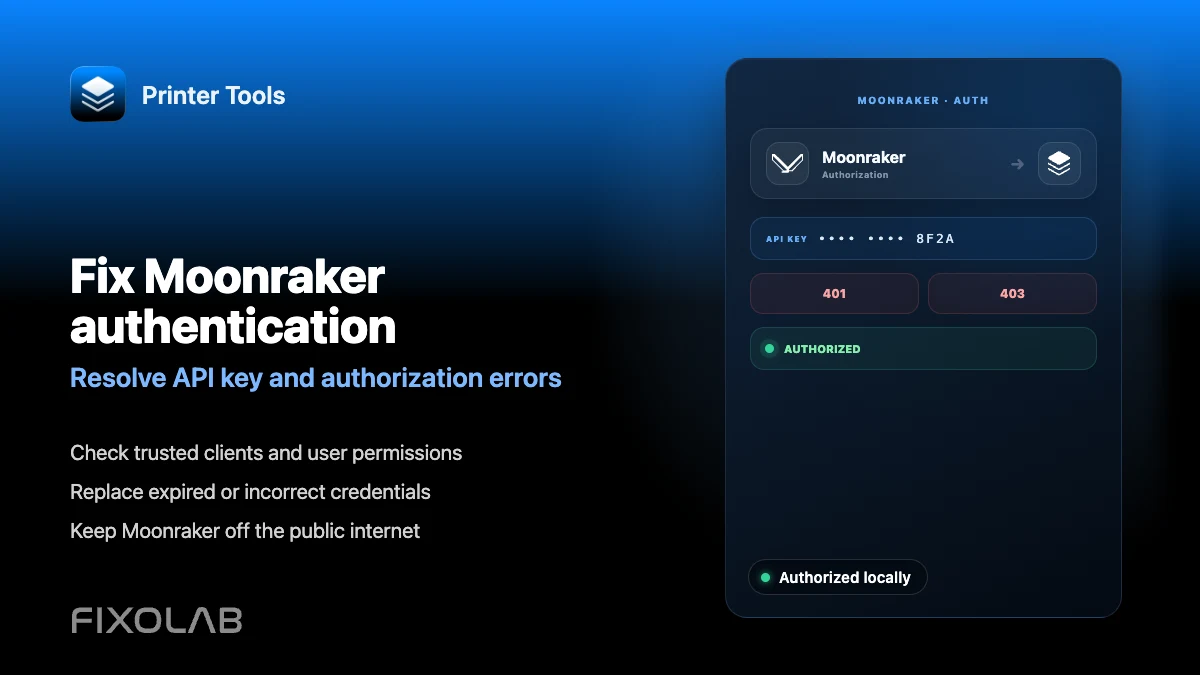
| FixoLab
How to fix Moonraker authentication and API key errors in Printer Tools
Fix Moonraker API key, Bearer token and Basic Auth errors in Printer Tools, and tell them apart from a serial or trusted_clients issue.