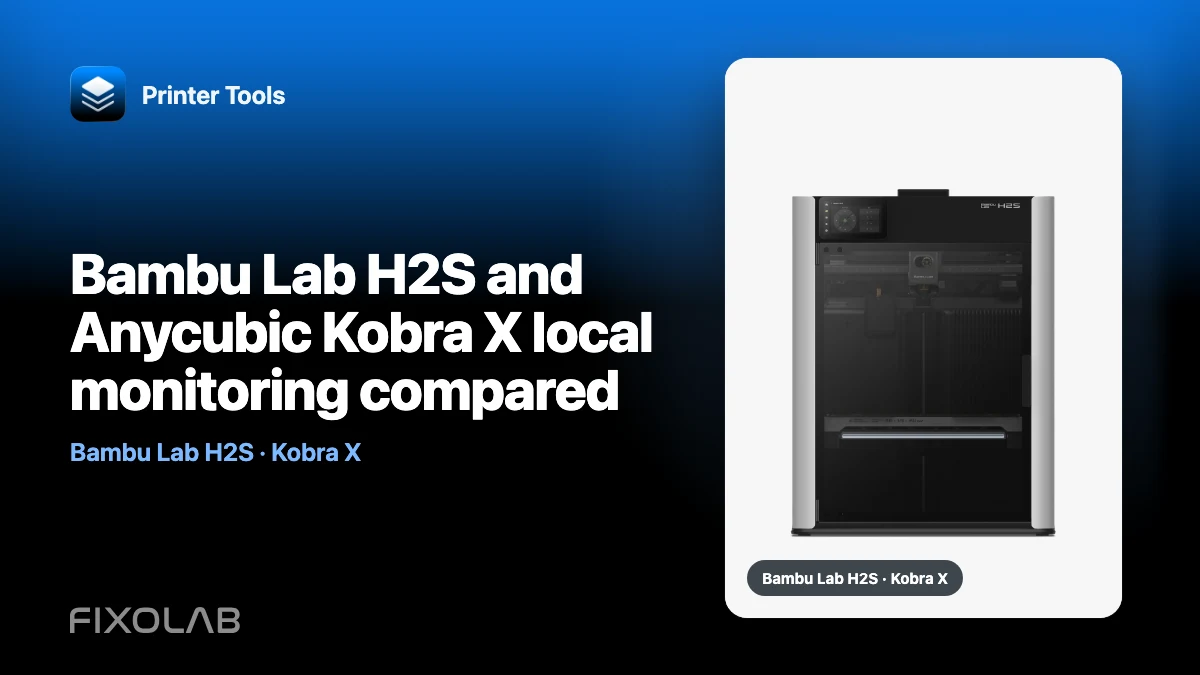
Bambu Lab H2S and Anycubic Kobra X local monitoring compared
Both printers can be approached locally in Printer Tools, but their identity, authentication and camera transports are not interchangeable.
Printer Tools communicates with supported printers and cameras through local protocols. Keep devices private, preserve credentials and use the current compatibility matrix as the authority for model-specific capabilities.

All your 3D printers in one dashboard
Monitor Bambu Lab, Klipper, OctoPrint, Creality, Snapmaker, Anycubic, Flashforge, Elegoo, and Prusa printers from one app
Available on Android, iPhone, iPad and Mac, with Apple Watch and Wear OS companion apps plus optional remote access through VPN, OctoEverywhere or Obico
Authentication and identity
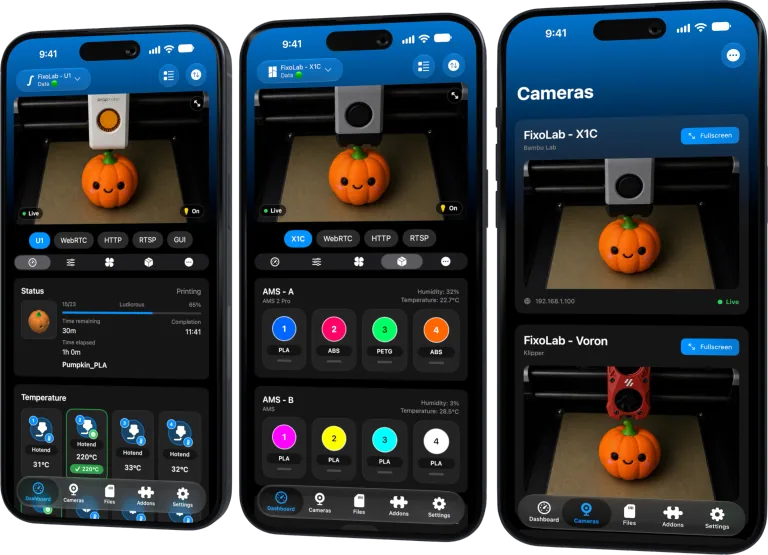
A supported Bambu connection uses its private IP, serial identity and LAN Access Code. Kobra X uses the supported Anycubic local session and model-specific setup.
Camera behavior
H2S belongs to the newer Bambu family using the supported secure RTSPS camera path. Kobra X exposes its camera through the supported Anycubic session and RTSP route.
Compare features individually
Review telemetry, controls, file visibility, filament-system data and live video as separate rows. Do not treat camera support as proof of every file or control capability.
Keep cloud choices separate
Printer Tools communicates locally. Whether an owner keeps a manufacturer cloud app active is a product and account decision, not a requirement to expose the printer publicly.
Local troubleshooting checklist
- Verify model and local mode.
- Use the correct credentials.
- Test telemetry before camera.
- Read the current compatibility details.
Frequently asked questions
Can the two cameras use the same URL format?
No. The supported transports and authentication are different.
Does local monitoring disable the manufacturer app?
Not inherently; follow each manufacturer’s mode and account behavior.
Is one integration more private?
Both Printer Tools paths are designed for local communication; evaluate the printer’s own settings separately.
All your 3D printers in one dashboard
Monitor Bambu Lab, Klipper, OctoPrint, Creality, Snapmaker, Anycubic, Flashforge, Elegoo, and Prusa printers from one app
Available on Android, iPhone, iPad and Mac, with Apple Watch and Wear OS companion apps plus optional remote access through VPN, OctoEverywhere or Obico
| FixoLab
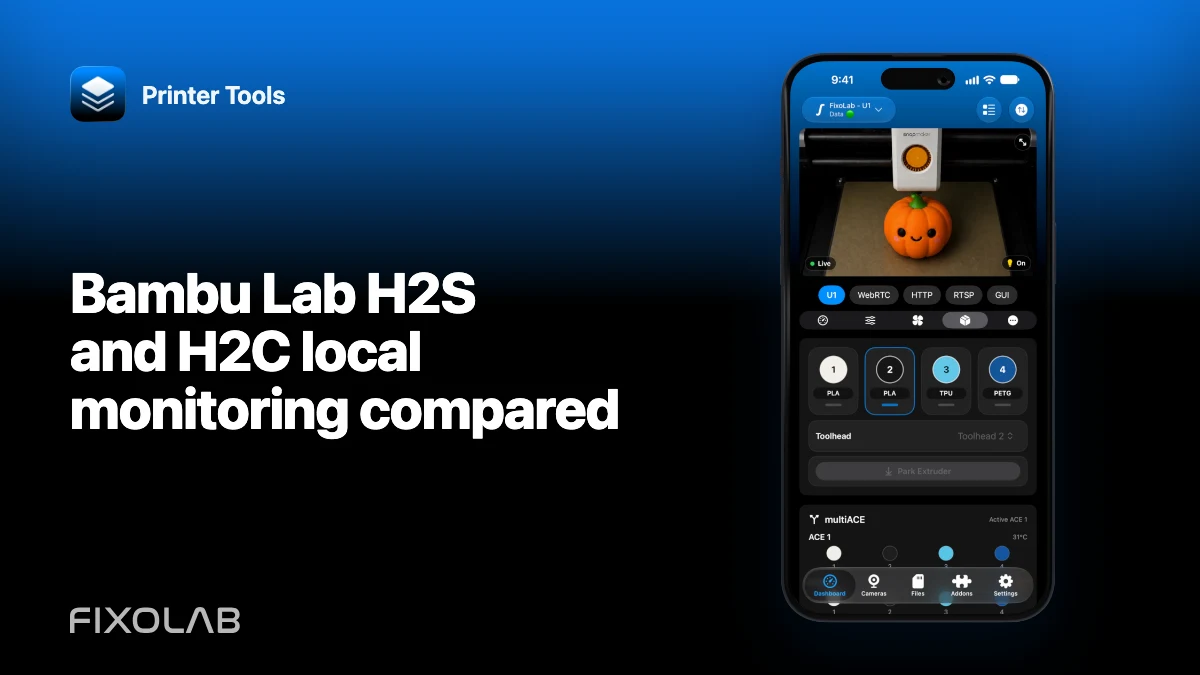
Bambu Lab H2S and H2C local monitoring compared
Compare two supported Bambu printer families in Printer Tools while keeping model identity and available data separate.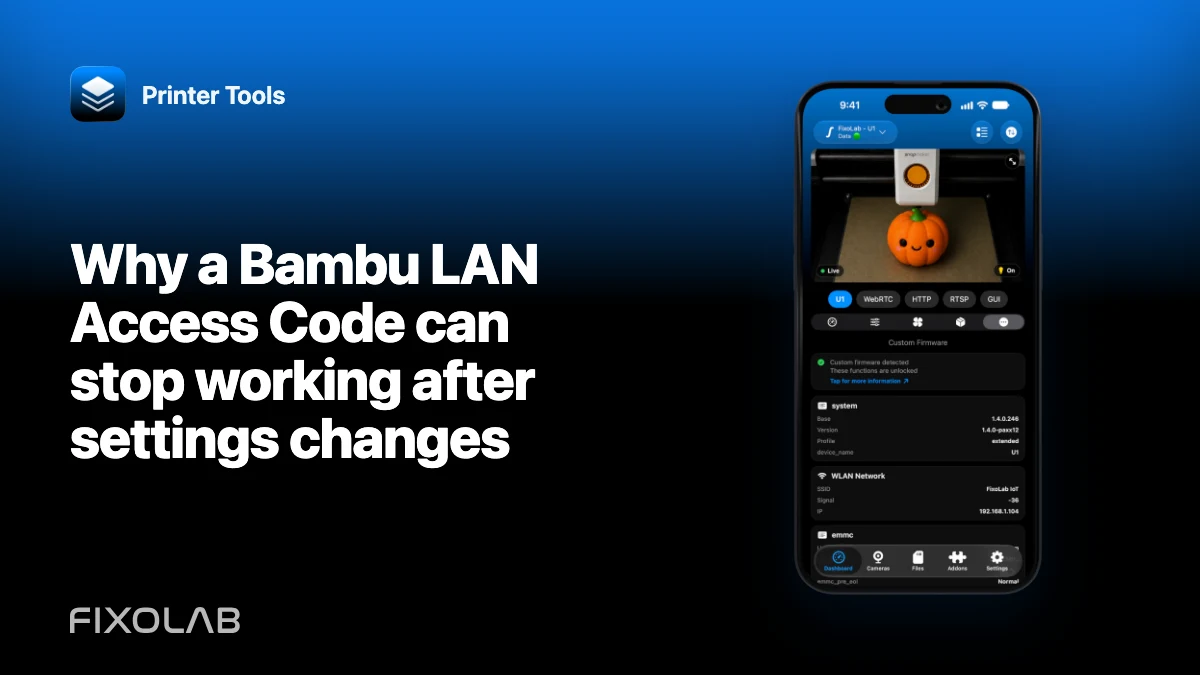
| FixoLab
Why a Bambu LAN Access Code can stop working after settings changes
Recover a rejected Bambu local connection after code regeneration, Liveview changes, firmware updates or an IP move.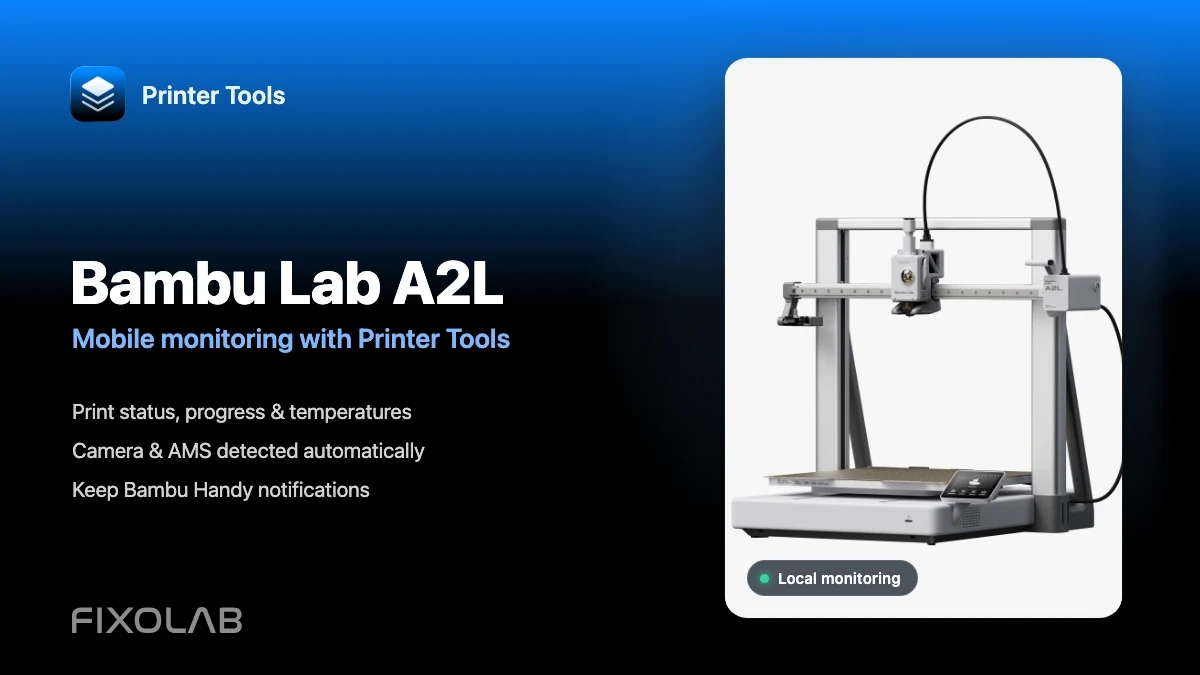
| FixoLab
How to connect Bambu Lab A2L to Printer Tools for mobile monitoring
Connect Bambu Lab A2L locally and monitor prints, camera and AMS from Android or Apple devices while keeping Bambu Handy notifications available.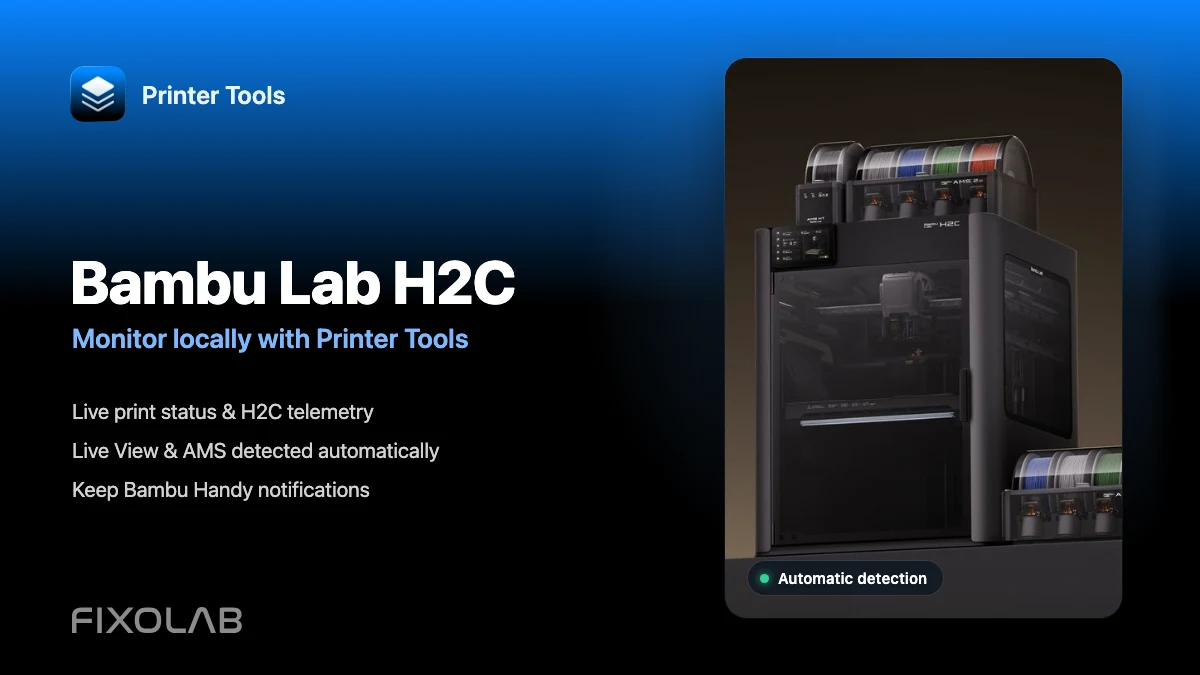
| FixoLab
How to monitor Bambu Lab H2C locally with Printer Tools
Connect Bambu Lab H2C once and automatically monitor prints, Live View and AMS data locally while keeping Bambu Handy notifications available.