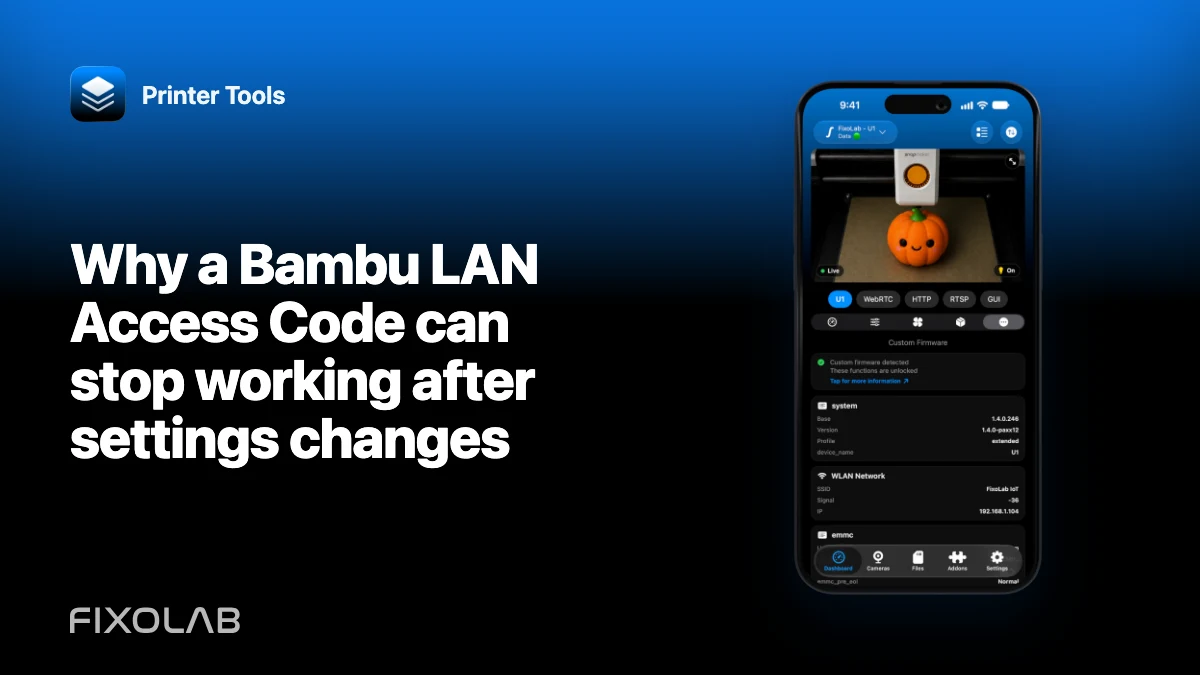
Why a Bambu LAN Access Code can stop working after settings changes
A Bambu local connection uses several pieces of identity. Changing LAN settings can rotate the Access Code or alter camera availability while the saved Printer Tools entry still holds the old values.
Printer Tools communicates with supported printers and cameras through local protocols. Keep devices private, preserve credentials and use the current compatibility matrix as the authority for model-specific capabilities.

All your 3D printers in one dashboard
Monitor Bambu Lab, Klipper, OctoPrint, Creality, Snapmaker, Anycubic, Flashforge, Elegoo, and Prusa printers from one app
Available on Android, iPhone, iPad and Mac, with Apple Watch and Wear OS companion apps plus optional remote access through VPN, OctoEverywhere or Obico
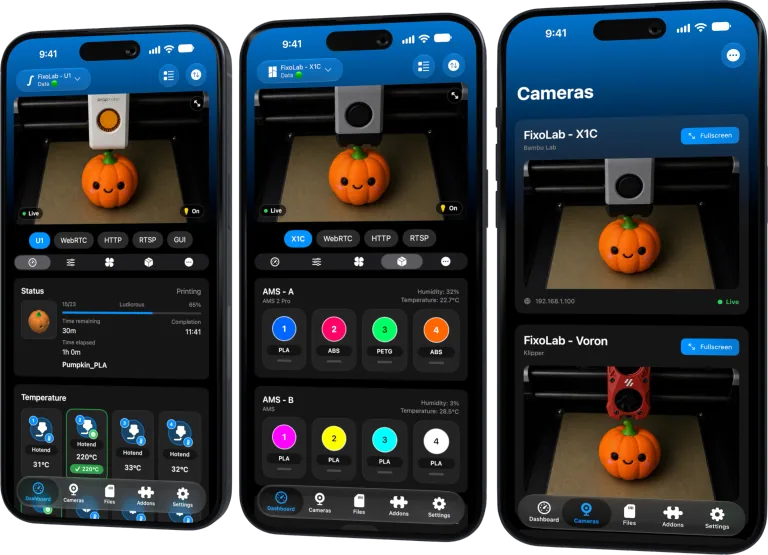
Read the current values on the printer
Confirm the current private IP, complete serial number and LAN Access Code from the trusted printer interface. Do not rely on an old screenshot.
Check relevant LAN settings
Verify the model’s LAN mode and Liveview permission. A camera-only setting can fail while telemetry still authenticates, so test the features separately.
Update the saved entry once
Replace the stale value carefully and remove accidental spaces. Avoid repeated code regeneration, which creates another moving target.
Account for firmware and router changes
A firmware update can reset or change permissions, while a router can assign a new IP. Reserve the working address after recovery and preserve the error timestamp.
Local troubleshooting checklist
- Read fresh identity from the printer.
- Update address, serial and code.
- Verify LAN Liveview separately.
- Retest telemetry and camera.
Frequently asked questions
Is the LAN Access Code the account password?
No. It is a local printer credential and should still be kept secret.
Why does camera fail when status works?
The camera has its own transport and Liveview permission.
Should I post the code for support?
Never. Share only redacted diagnostics.
All your 3D printers in one dashboard
Monitor Bambu Lab, Klipper, OctoPrint, Creality, Snapmaker, Anycubic, Flashforge, Elegoo, and Prusa printers from one app
Available on Android, iPhone, iPad and Mac, with Apple Watch and Wear OS companion apps plus optional remote access through VPN, OctoEverywhere or Obico
| FixoLab
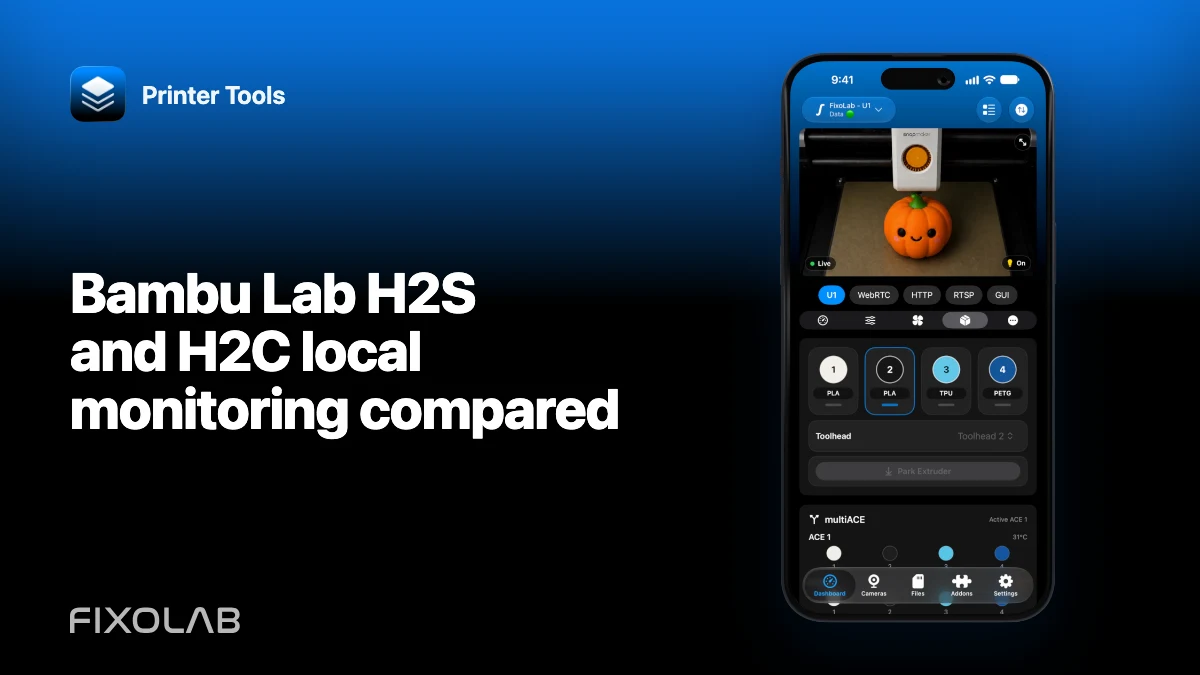
Bambu Lab H2S and H2C local monitoring compared
Compare two supported Bambu printer families in Printer Tools while keeping model identity and available data separate.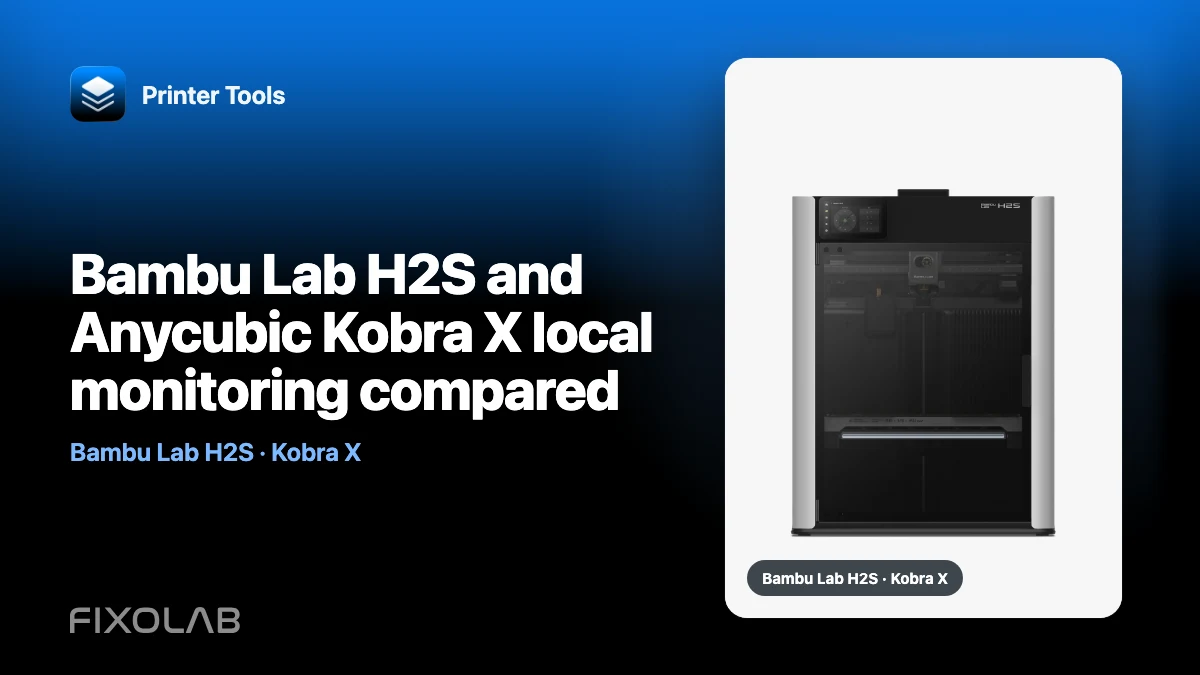
| FixoLab
Bambu Lab H2S and Anycubic Kobra X local monitoring compared
Compare H2S and Kobra X setup, telemetry and camera paths in Printer Tools using verified local capabilities.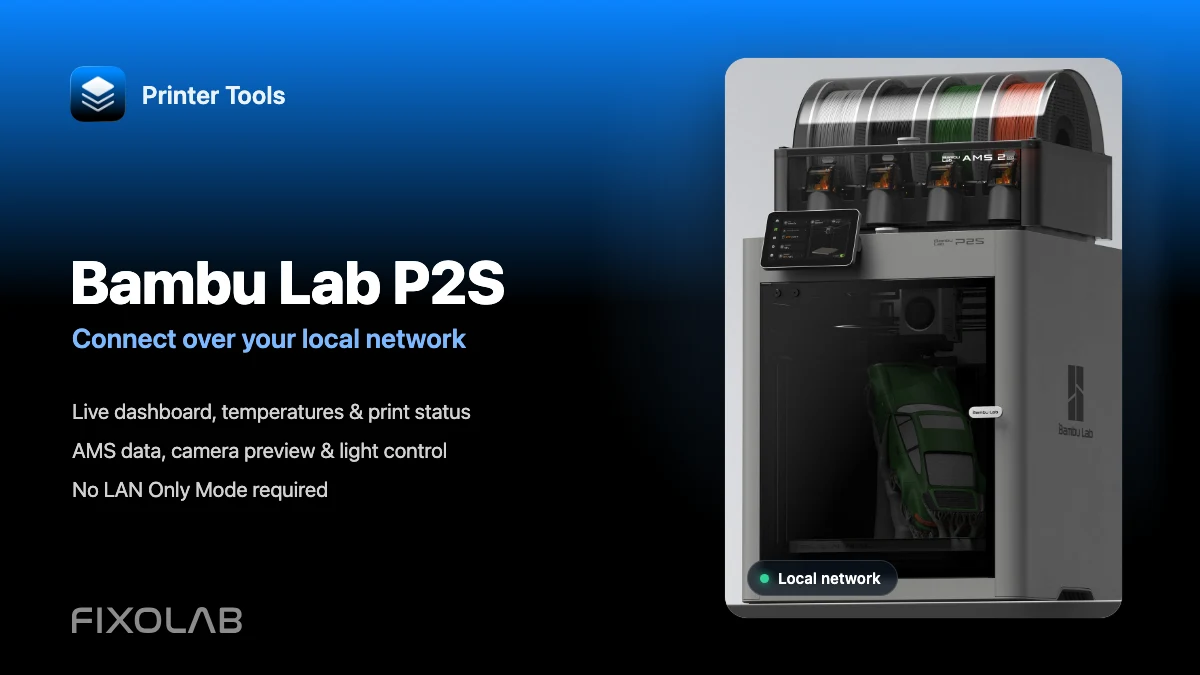
| FixoLab
How to connect Bambu Lab P2S to Printer Tools over LAN while keeping Bambu Handy
Connect a Bambu Lab P2S locally to view prints, AMS, camera and light without losing Bambu Handy. Advanced controls and troubleshooting included.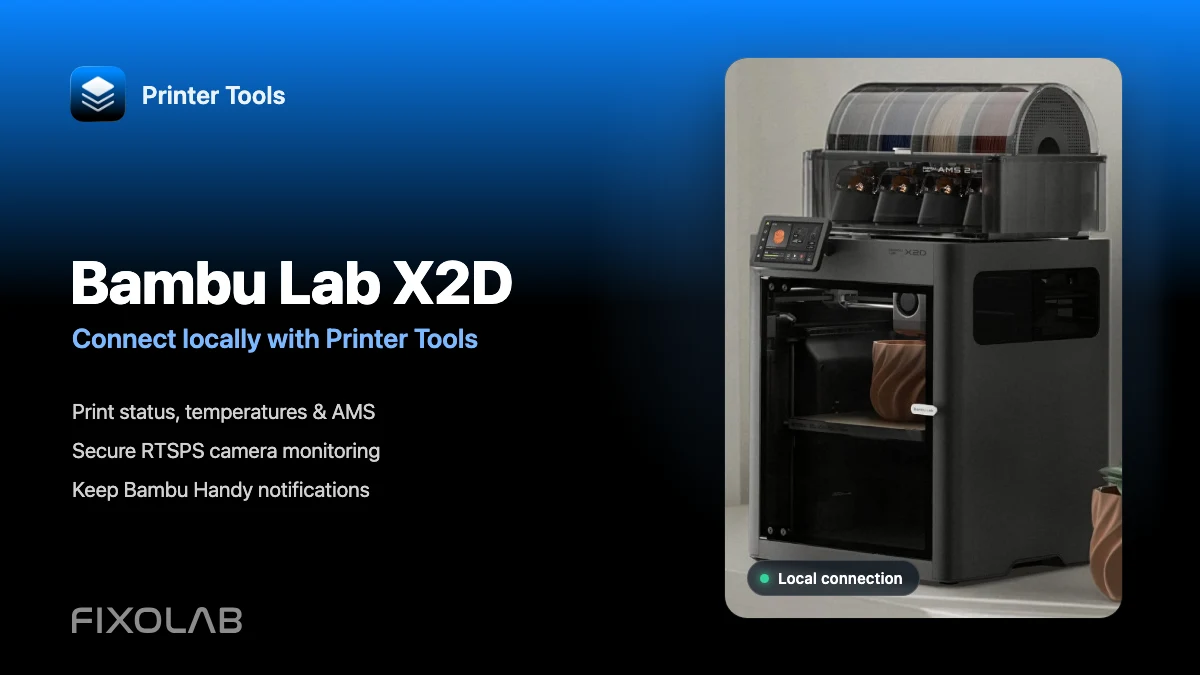
| FixoLab
How to connect Bambu Lab X2D to Printer Tools over LAN
Connect Bambu Lab X2D locally to monitor prints, AMS, RTSPS camera and light while keeping Bambu Handy and its cloud notifications available.