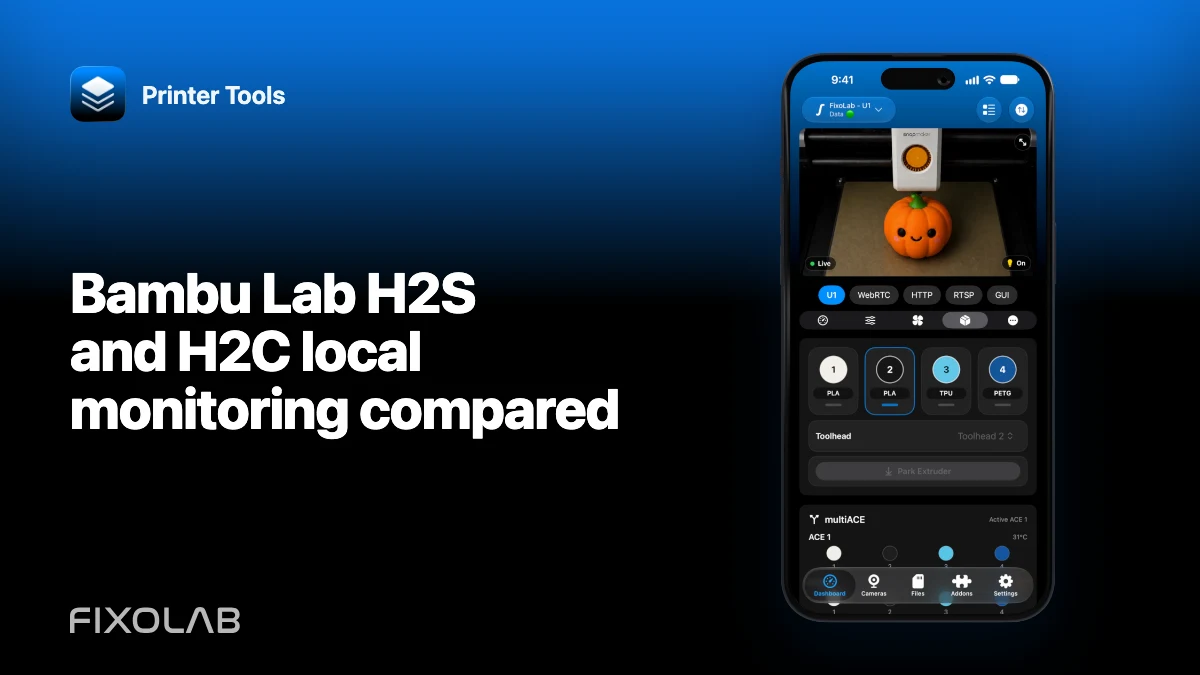
Bambu Lab H2S and H2C local monitoring compared
H2S and H2C share parts of the Bambu local connection model, but Printer Tools still identifies the exact printer and exposes only data available for that model and firmware.
Printer Tools communicates with supported printers and cameras through local protocols. Keep devices private, preserve credentials and use the current compatibility matrix as the authority for model-specific capabilities.

All your 3D printers in one dashboard
Monitor Bambu Lab, Klipper, OctoPrint, Creality, Snapmaker, Anycubic, Flashforge, Elegoo, and Prusa printers from one app
Available on Android, iPhone, iPad and Mac, with Apple Watch and Wear OS companion apps plus optional remote access through VPN, OctoEverywhere or Obico
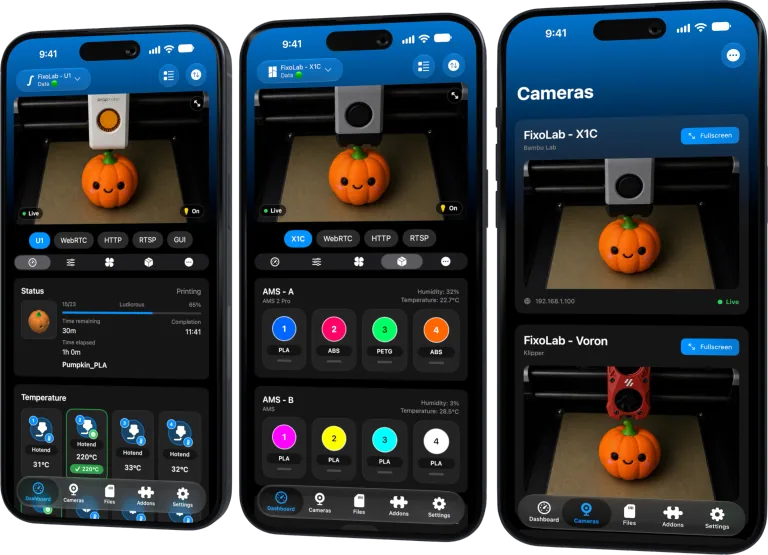
Use exact serial identity
Add the printer with its current private address, full serial number and LAN Access Code. The serial prefix helps Printer Tools select the correct camera and model behavior.
Understand the camera family
Both supported models use their verified Bambu camera transport selected by Printer Tools. Do not override it with a generic RTSP URL from an older Bambu family.
Compare model-specific surfaces
Review live telemetry, AMS information, controls and any auxiliary camera behavior as separate capabilities. A shared brand does not make every sensor field identical.
Retest after settings changes
A regenerated access code, changed LAN Liveview setting, firmware update or new IP can affect one service while another continues. Preserve the previous working configuration before editing.
Local troubleshooting checklist
- Confirm exact H2S or H2C identity.
- Verify address, serial and code.
- Let Printer Tools select camera transport.
- Test features separately.
Frequently asked questions
Can I choose the Bambu camera protocol manually?
Normally no. Printer Tools derives the supported transport from the model identity.
Do both require the same local credentials?
They use the Bambu local connection inputs, but each printer has its own values.
Will a camera failure mean telemetry is down?
Not necessarily. Camera and MQTT-style telemetry use different paths.
All your 3D printers in one dashboard
Monitor Bambu Lab, Klipper, OctoPrint, Creality, Snapmaker, Anycubic, Flashforge, Elegoo, and Prusa printers from one app
Available on Android, iPhone, iPad and Mac, with Apple Watch and Wear OS companion apps plus optional remote access through VPN, OctoEverywhere or Obico
| FixoLab
Bambu Lab H2S and Anycubic Kobra X local monitoring compared
Compare H2S and Kobra X setup, telemetry and camera paths in Printer Tools using verified local capabilities.
| FixoLab
Why a Bambu LAN Access Code can stop working after settings changes
Recover a rejected Bambu local connection after code regeneration, Liveview changes, firmware updates or an IP move.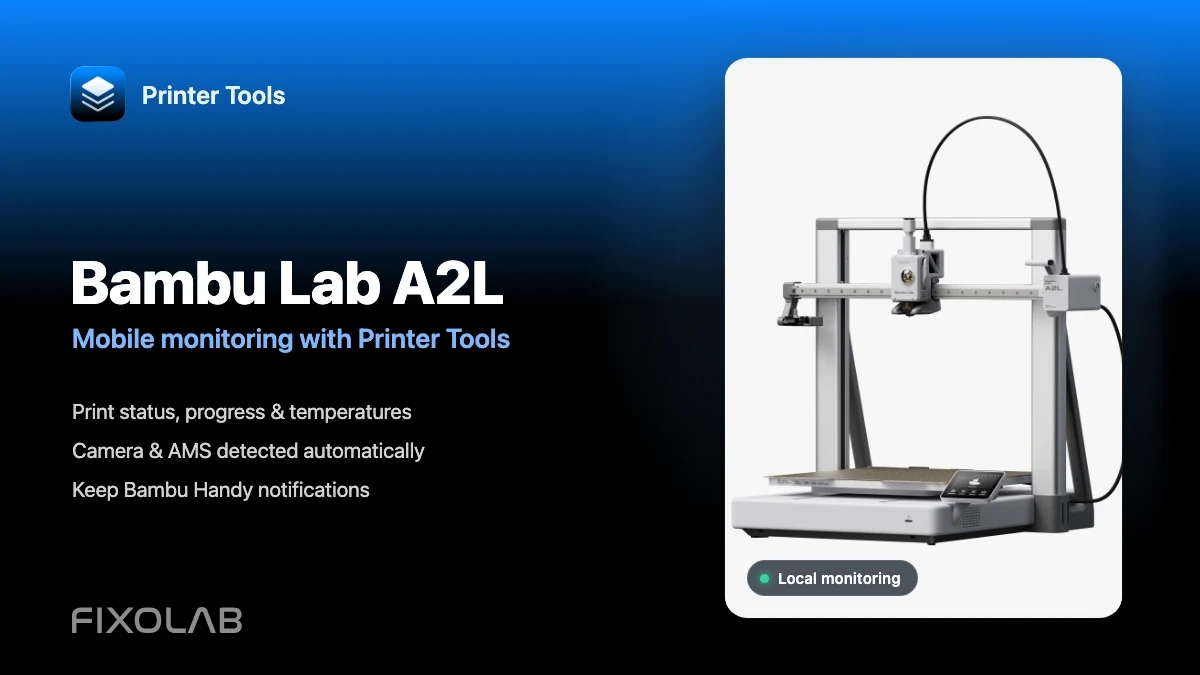
| FixoLab
How to connect Bambu Lab A2L to Printer Tools for mobile monitoring
Connect Bambu Lab A2L locally and monitor prints, camera and AMS from Android or Apple devices while keeping Bambu Handy notifications available.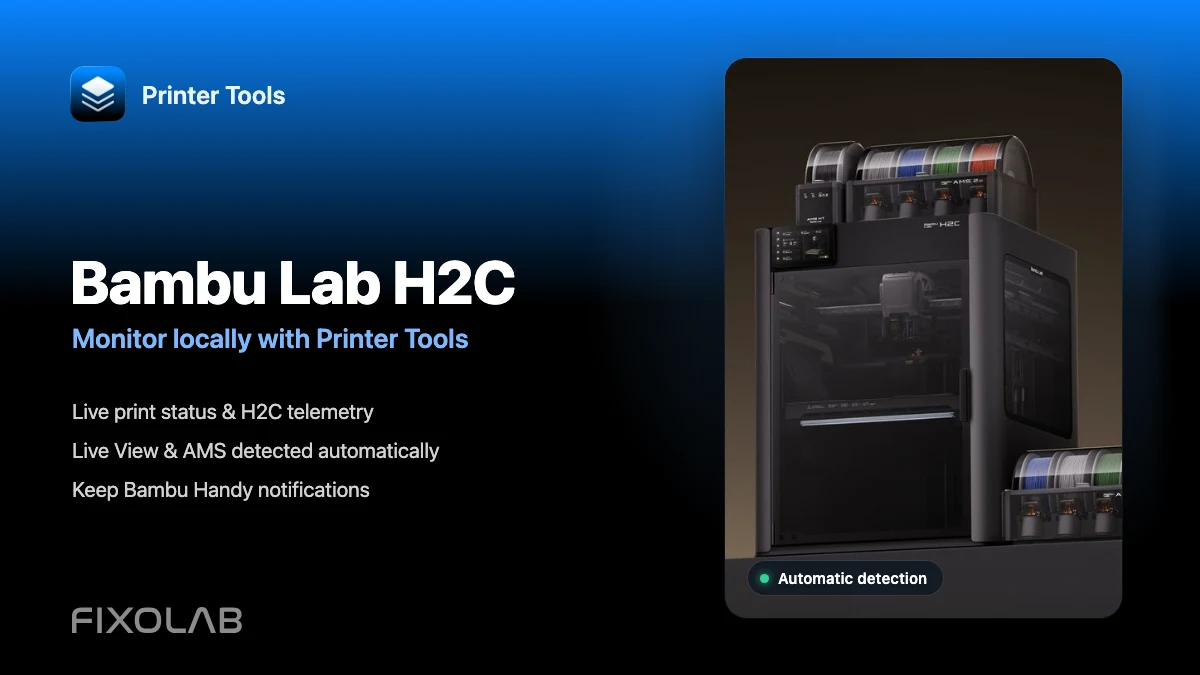
| FixoLab
How to monitor Bambu Lab H2C locally with Printer Tools
Connect Bambu Lab H2C once and automatically monitor prints, Live View and AMS data locally while keeping Bambu Handy notifications available.