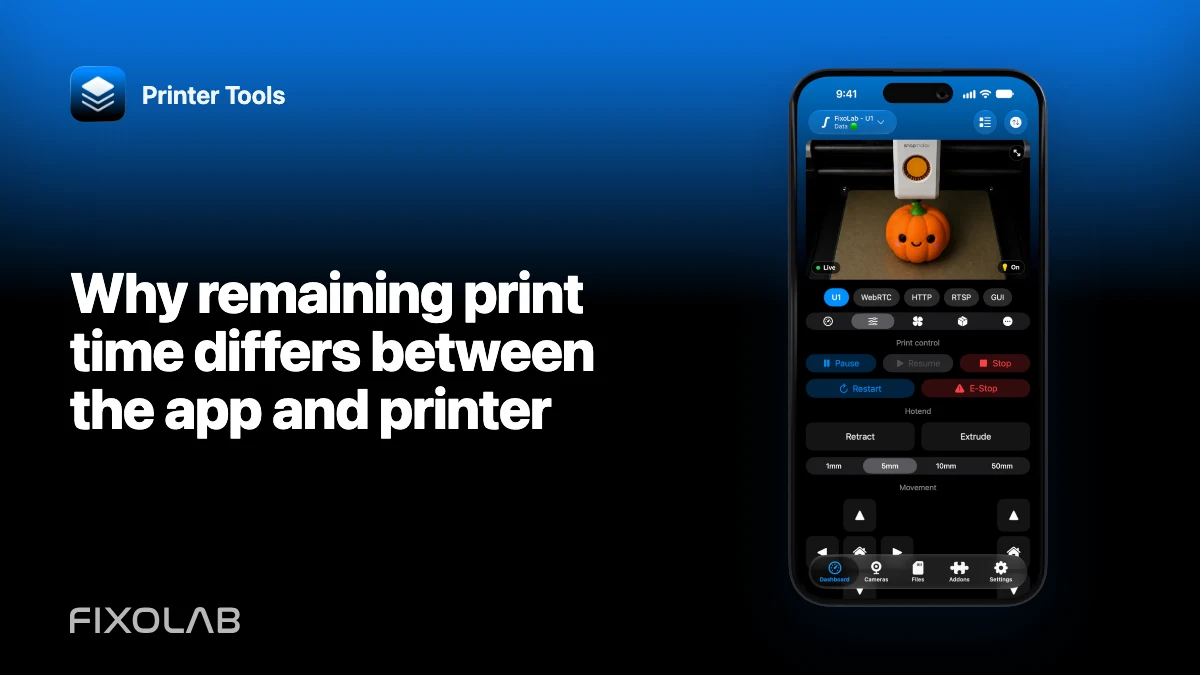
Why remaining print time differs between the app and printer
Remaining time is an estimate that can be produced by the file, printer firmware or server integration. Different clients may display different sources or refresh them at different moments.
Printer Tools communicates with supported printers and cameras through local protocols. Keep devices private, preserve credentials and use the current compatibility matrix as the authority for model-specific capabilities.

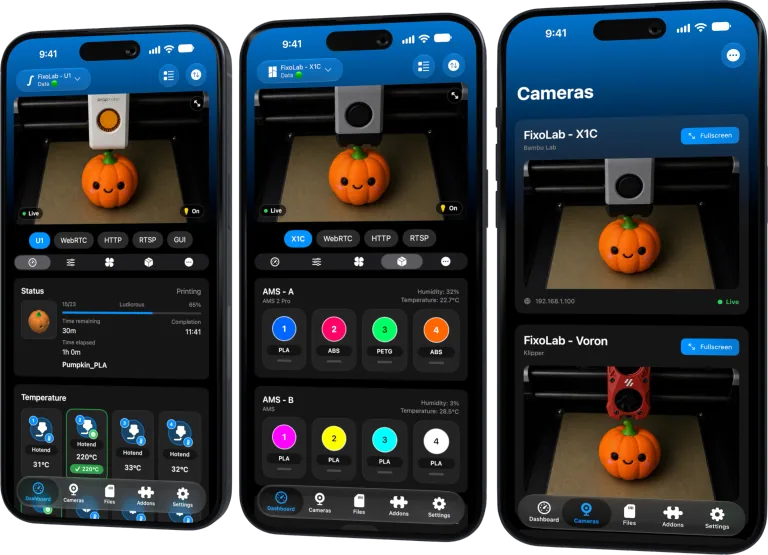
All your 3D printers in one dashboard
Monitor Bambu Lab, Klipper, OctoPrint, Creality, Snapmaker, Anycubic, Flashforge, Elegoo, and Prusa printers from one app
Available on Android, iPhone, iPad and Mac, with Apple Watch and Wear OS companion apps plus optional remote access through VPN, OctoEverywhere or Obico
Identify the estimate source
A slicer can embed an expected duration, while firmware can recalculate from actual progress and motion. OctoPrint, Moonraker and proprietary printers expose different fields.
Expect early correction
The first layers, heating and calibration can differ from the assumed model. Remaining time often stabilizes only after enough real progress has occurred.
Compare timestamps
A printer screen may update more frequently than a phone polling interval, or the app may briefly show the last snapshot after reconnecting. Check the update time before treating the values as simultaneous.
Use completion as a range
Plan with margin rather than scheduling a safety-critical action at the exact predicted minute. A large frozen or increasing estimate alongside stalled progress deserves connection diagnosis.
Local troubleshooting checklist
- Record printer type and data source.
- Compare at the same timestamp.
- Wait beyond startup phases.
- Check whether progress is still updating.
Frequently asked questions
Which estimate is correct?
Neither is guaranteed; the printer’s current firmware estimate often has the latest execution context.
Can network latency add hours?
Normal latency should not, but a stale disconnected snapshot can remain old.
Does Printer Tools recalculate every printer identically?
No. It uses supported data exposed by each integration.
All your 3D printers in one dashboard
Monitor Bambu Lab, Klipper, OctoPrint, Creality, Snapmaker, Anycubic, Flashforge, Elegoo, and Prusa printers from one app
Available on Android, iPhone, iPad and Mac, with Apple Watch and Wear OS companion apps plus optional remote access through VPN, OctoEverywhere or Obico
| FixoLab
How local network permission affects printer discovery
Check iOS and Android network permissions, Wi-Fi isolation and VPN behavior when Printer Tools cannot find local devices.
| FixoLab
How to diagnose an AMS CFS or Spoolman slot mismatch
Separate physical slot identity, printer mapping and external inventory when filament appears in the wrong place.
| FixoLab
Why print progress jumps after a pause or reconnect
Explain byte-based progress, server snapshots and resynchronization when a print percentage moves suddenly.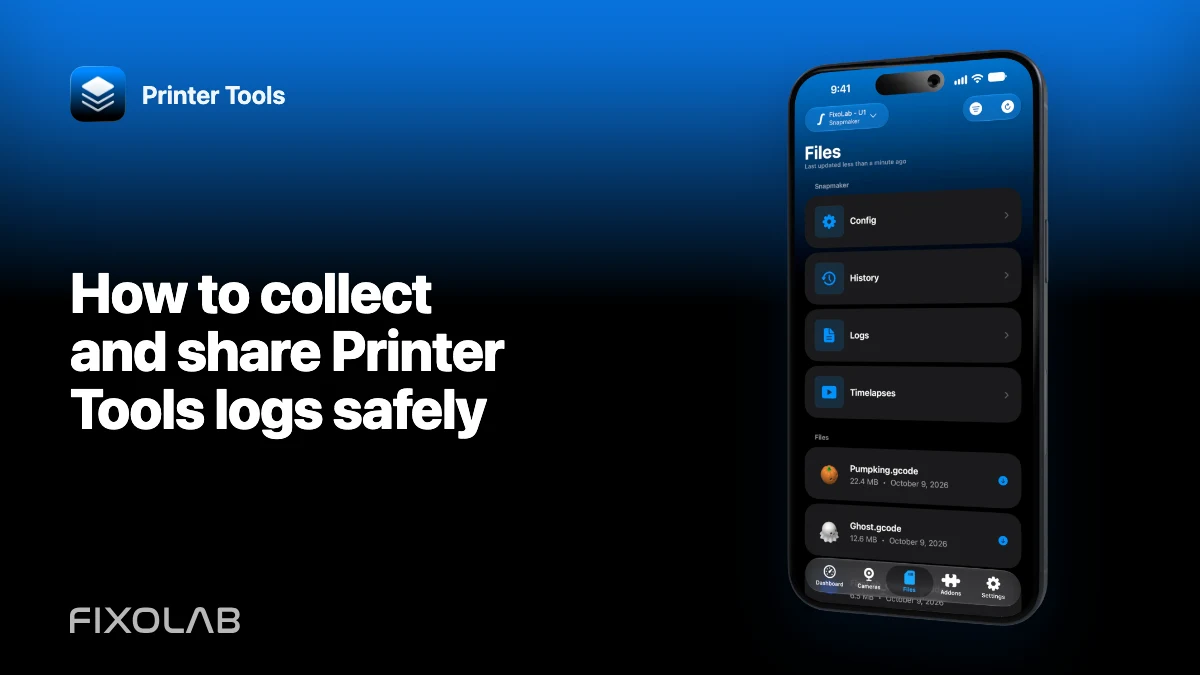
| FixoLab
How to collect and share Printer Tools logs safely
Reproduce a printer problem, export the encrypted diagnostic log and provide useful context without exposing access codes, URLs or personal data.