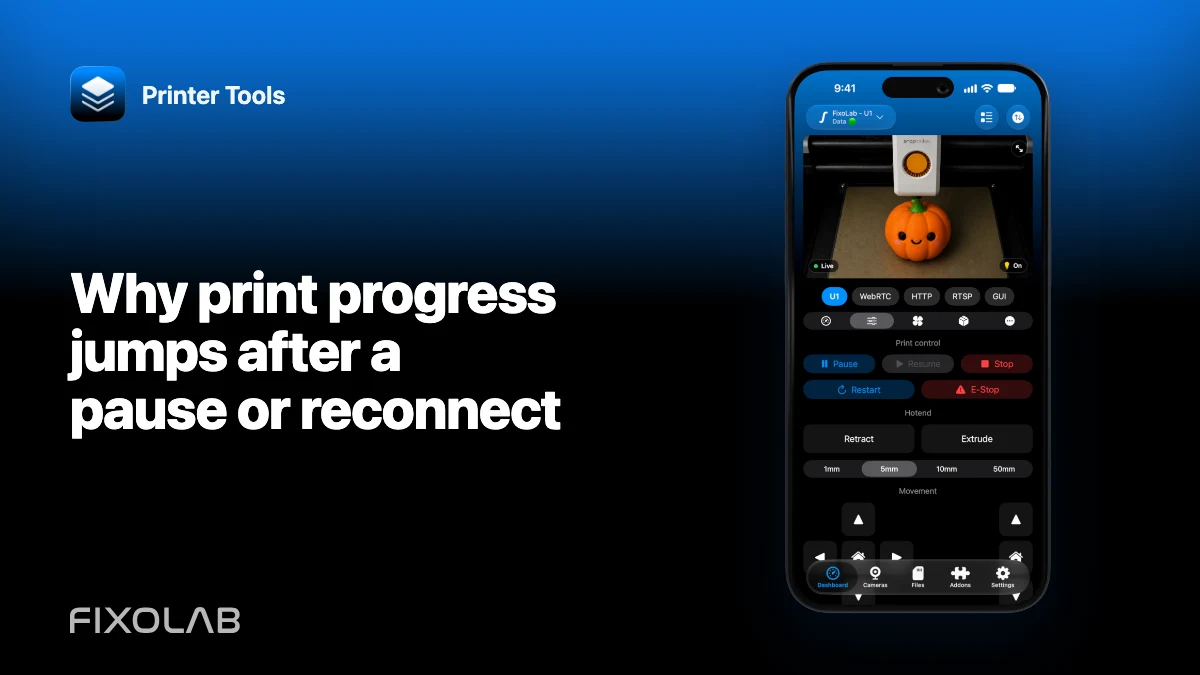
Why print progress jumps after a pause or reconnect
Print progress is not always based on elapsed physical work. Some systems report file position, layers or a server estimate, which can change when the connection resumes.
Printer Tools communicates with supported printers and cameras through local protocols. Keep devices private, preserve credentials and use the current compatibility matrix as the authority for model-specific capabilities.

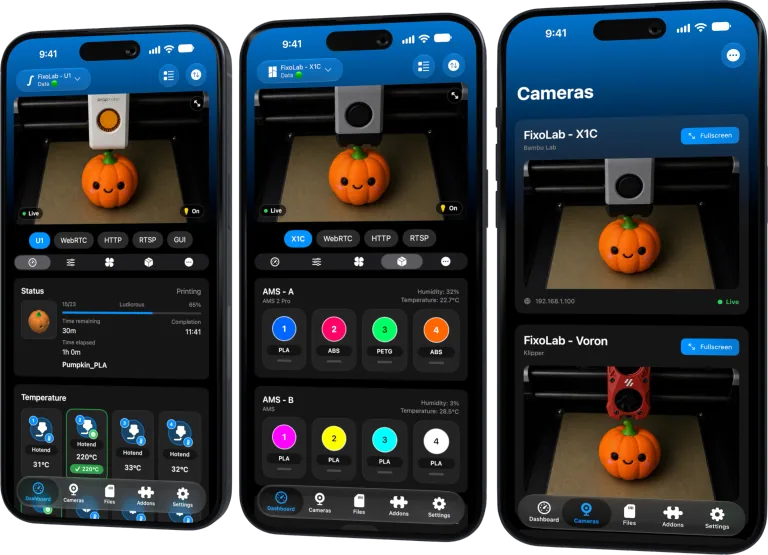
All your 3D printers in one dashboard
Monitor Bambu Lab, Klipper, OctoPrint, Creality, Snapmaker, Anycubic, Flashforge, Elegoo, and Prusa printers from one app
Available on Android, iPhone, iPad and Mac, with Apple Watch and Wear OS companion apps plus optional remote access through VPN, OctoEverywhere or Obico
Understand byte-based progress
A printer can report how much of the G-code file has been consumed. Dense sections contain more commands than simple layers, so percentage need not rise evenly.
Account for pause behavior
A pause may stop motion while elapsed time continues, preserve the same file position or execute a pause macro. The displayed remaining time can therefore be recalculated on resume.
Expect a fresh authoritative snapshot
After reconnecting, Printer Tools replaces a stale local snapshot with current printer or server state. The apparent jump may be correction rather than lost steps.
Investigate contradictory signals
If progress decreases repeatedly, the job name changes or the printer restarts, preserve logs and compare the physical print. Do not send controls until identity and state are clear.
Local troubleshooting checklist
- Check job name and start time.
- Compare file position with elapsed time.
- Note pause and reconnect timestamps.
- Verify physical state before control.
Frequently asked questions
Does a jump mean the printer skipped layers?
Not necessarily. It often reflects the progress metric or a corrected snapshot.
Why can remaining time jump the other direction?
The estimator may learn a slower or faster execution rate after the pause.
Should I restart the app to fix progress?
Only if needed after preserving evidence; reconnection may simply fetch the same authoritative state.
All your 3D printers in one dashboard
Monitor Bambu Lab, Klipper, OctoPrint, Creality, Snapmaker, Anycubic, Flashforge, Elegoo, and Prusa printers from one app
Available on Android, iPhone, iPad and Mac, with Apple Watch and Wear OS companion apps plus optional remote access through VPN, OctoEverywhere or Obico
| FixoLab
How local network permission affects printer discovery
Check iOS and Android network permissions, Wi-Fi isolation and VPN behavior when Printer Tools cannot find local devices.
| FixoLab
How to diagnose an AMS CFS or Spoolman slot mismatch
Separate physical slot identity, printer mapping and external inventory when filament appears in the wrong place.
| FixoLab
Why remaining print time differs between the app and printer
Understand slicer estimates, firmware updates and client refresh timing when remaining time values disagree.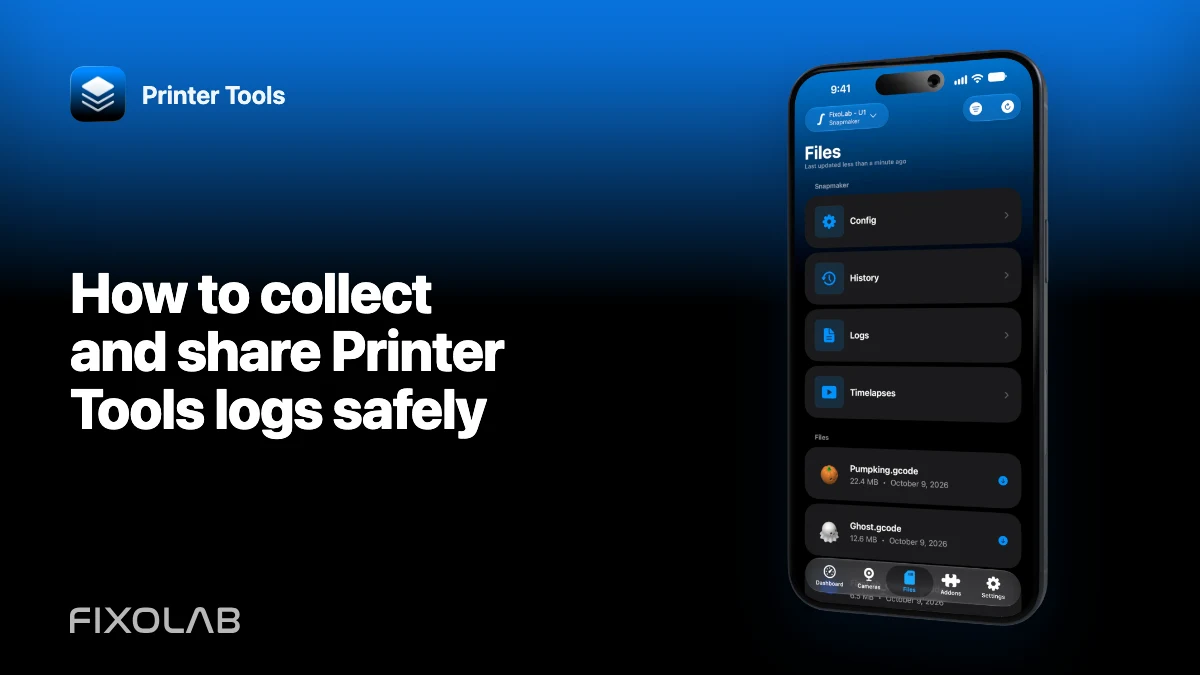
| FixoLab
How to collect and share Printer Tools logs safely
Reproduce a printer problem, export the encrypted diagnostic log and provide useful context without exposing access codes, URLs or personal data.