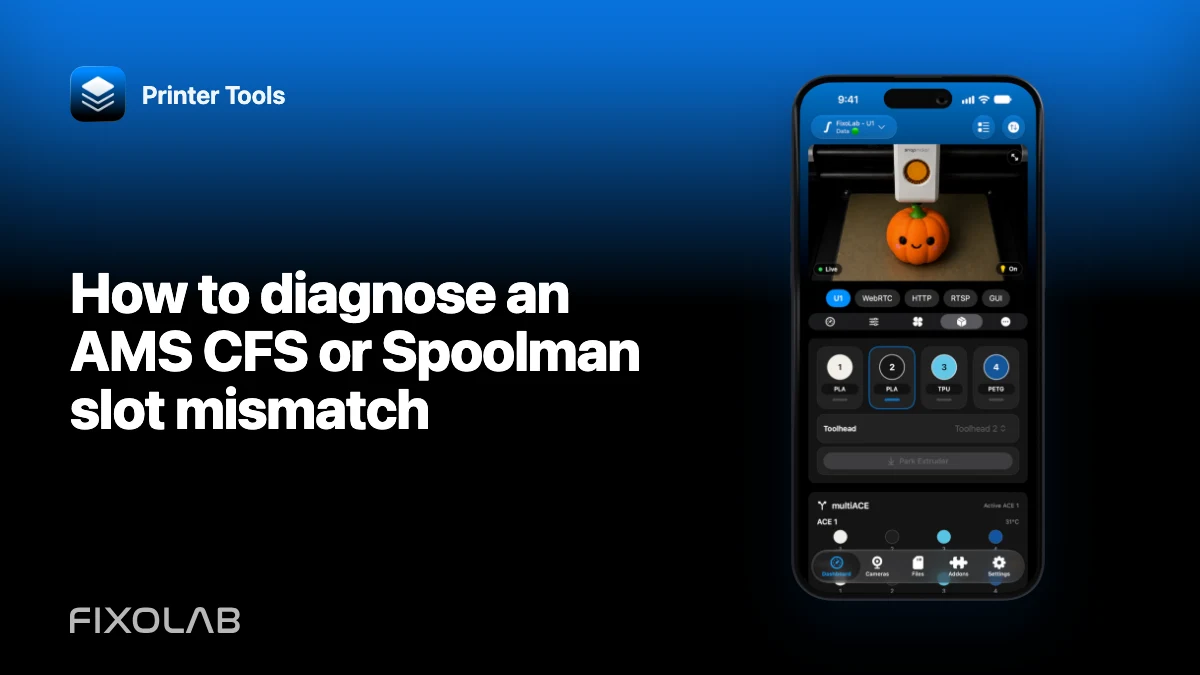
How to diagnose an AMS CFS or Spoolman slot mismatch
A filament slot can have a physical position, a printer-assigned identifier and an inventory record. A mismatch occurs when those layers are assumed to be the same.
Printer Tools communicates with supported printers and cameras through local protocols. Keep devices private, preserve credentials and use the current compatibility matrix as the authority for model-specific capabilities.

All your 3D printers in one dashboard
Monitor Bambu Lab, Klipper, OctoPrint, Creality, Snapmaker, Anycubic, Flashforge, Elegoo, and Prusa printers from one app
Available on Android, iPhone, iPad and Mac, with Apple Watch and Wear OS companion apps plus optional remote access through VPN, OctoEverywhere or Obico
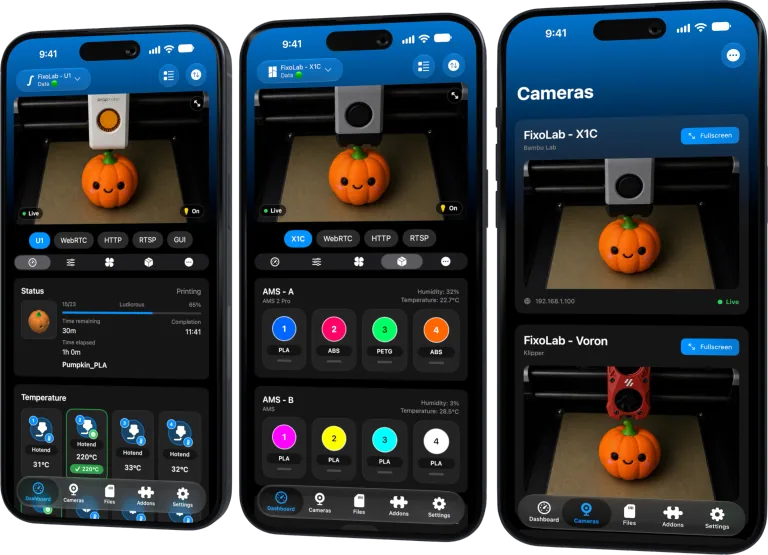
Identify the source of each label
Bambu AMS, Creality CFS and Moonraker with Spoolman expose different identifiers. Record the device, tray or gate ID rather than relying only on display order.
Refresh the authoritative hardware state
Confirm what the printer currently detects after loading or moving filament. A cached dashboard can lag a physical change or reconnect.
Check inventory mapping separately
Spoolman records spool identity and usage; it does not physically verify which slot contains the spool. Correct the mapping in the system that owns it instead of renaming every spool.
Avoid automatic assumptions across printers
Two printers can use the same slot number for unrelated hardware. Keep printer identity in the mapping and verify color, material and remaining amount before a job.
Local troubleshooting checklist
- Record printer and physical slot.
- Refresh current hardware telemetry.
- Compare external inventory mapping.
- Correct one authoritative source at a time.
Frequently asked questions
Does an RFID tag guarantee the inventory mapping?
It can identify supported filament, but external inventory still needs the correct association.
Can Printer Tools move filament between slots?
It reflects and controls only supported integration capabilities; physical loading remains a printer operation.
Why does the order change after reconnecting?
The source may enumerate modules or slots differently; stable identifiers are more reliable than row position.
All your 3D printers in one dashboard
Monitor Bambu Lab, Klipper, OctoPrint, Creality, Snapmaker, Anycubic, Flashforge, Elegoo, and Prusa printers from one app
Available on Android, iPhone, iPad and Mac, with Apple Watch and Wear OS companion apps plus optional remote access through VPN, OctoEverywhere or Obico
| FixoLab
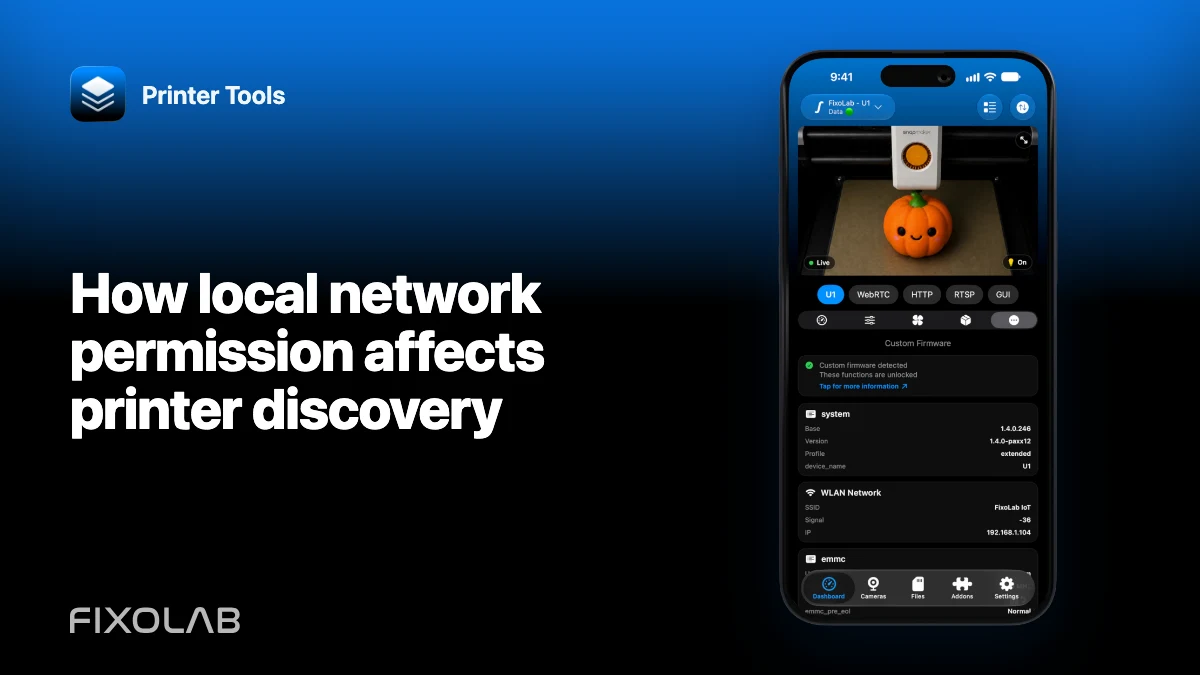
How local network permission affects printer discovery
Check iOS and Android network permissions, Wi-Fi isolation and VPN behavior when Printer Tools cannot find local devices.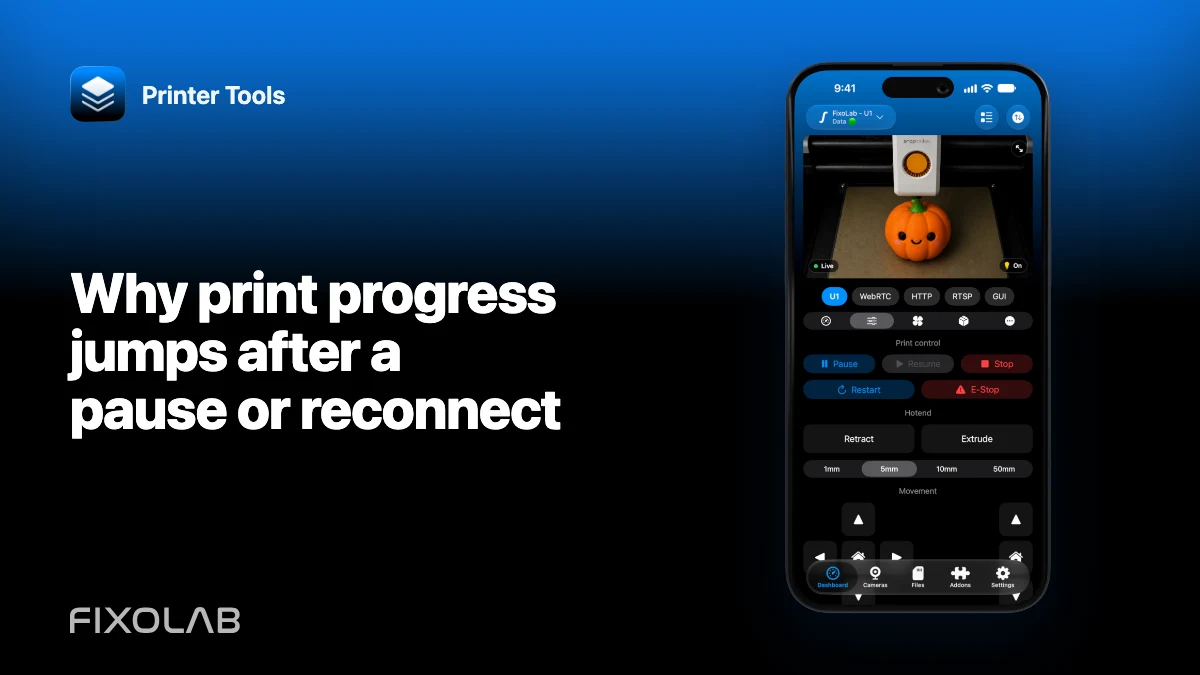
| FixoLab
Why print progress jumps after a pause or reconnect
Explain byte-based progress, server snapshots and resynchronization when a print percentage moves suddenly.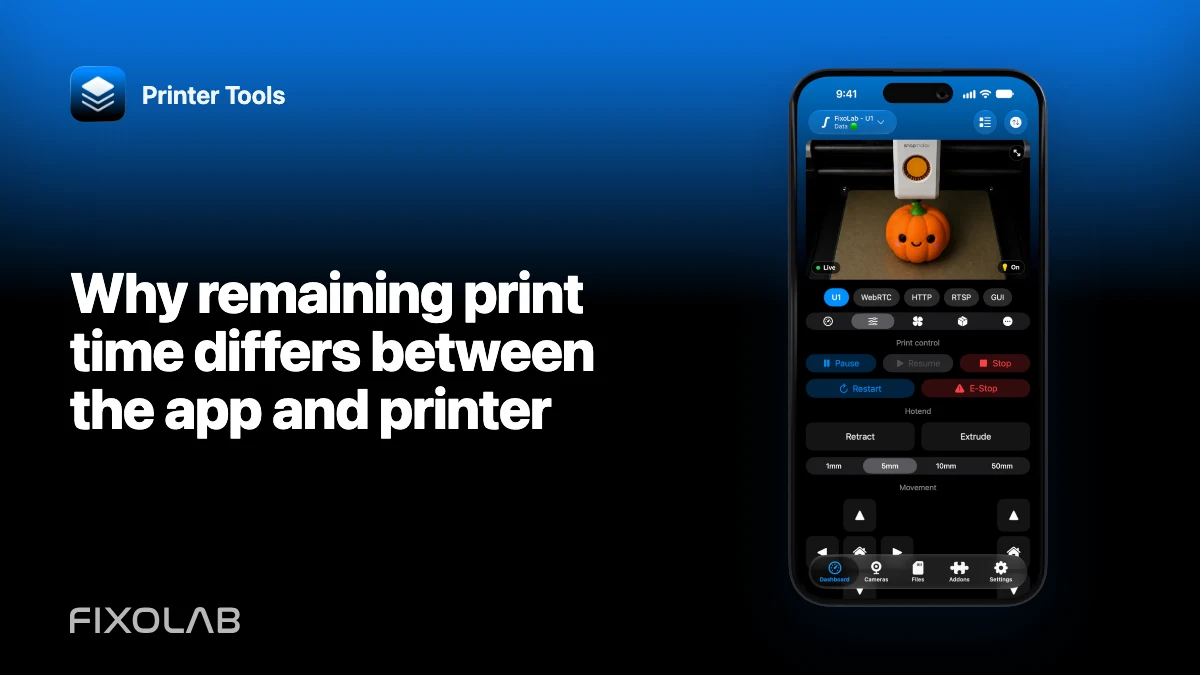
| FixoLab
Why remaining print time differs between the app and printer
Understand slicer estimates, firmware updates and client refresh timing when remaining time values disagree.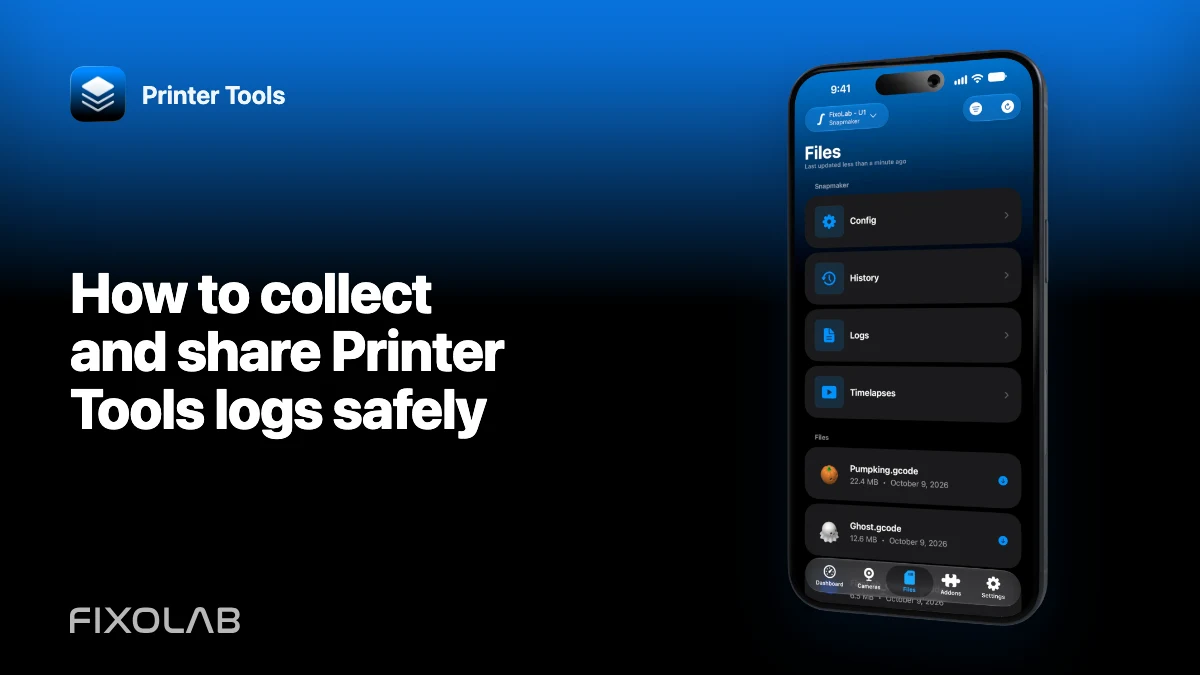
| FixoLab
How to collect and share Printer Tools logs safely
Reproduce a printer problem, export the encrypted diagnostic log and provide useful context without exposing access codes, URLs or personal data.