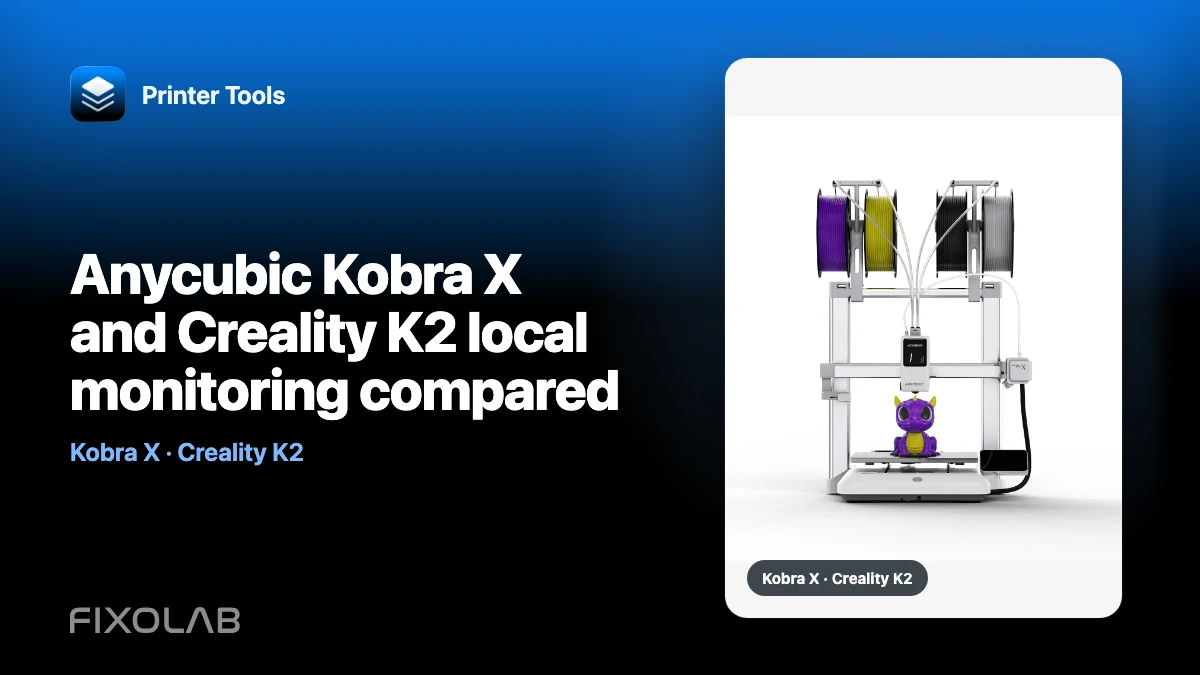
Anycubic Kobra X and Creality K2 local monitoring compared
Kobra X and Creality K2 use different local integrations. The practical choice depends on the exact printer, firmware, network and features you need to observe.
Printer Tools communicates with supported printers and cameras through local protocols. Keep devices private, preserve credentials and use the current compatibility matrix as the authority for model-specific capabilities.

All your 3D printers in one dashboard
Monitor Bambu Lab, Klipper, OctoPrint, Creality, Snapmaker, Anycubic, Flashforge, Elegoo, and Prusa printers from one app
Available on Android, iPhone, iPad and Mac, with Apple Watch and Wear OS companion apps plus optional remote access through VPN, OctoEverywhere or Obico
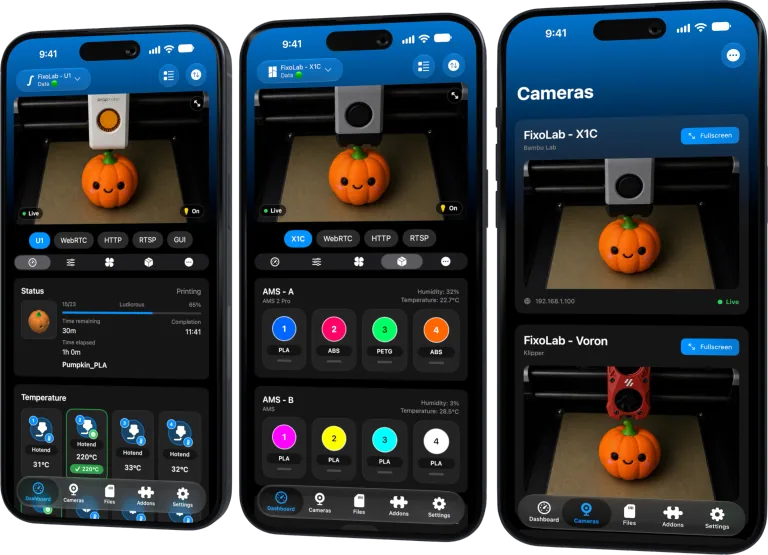
Connection model
Printer Tools follows the supported local protocol for each printer family. Credentials and setup are model-specific, so an address or code from one brand cannot be reused for the other.
Camera path
Kobra X provides its supported camera through the printer’s local session and RTSP behavior. Creality K2 monitoring can involve its supported local camera path, including WebRTC behavior documented for the model.
Feature boundaries
Compare live telemetry, controls, files, filament-system visibility and camera separately. A feature present on one integration should not be inferred for every model from the same brand.
Choose from verified needs
Check the live compatibility matrix and current firmware notes before buying. Printer Tools connectivity is one factor alongside print quality, service, materials and safety.
Local troubleshooting checklist
- Confirm exact model and firmware.
- Compare telemetry and camera separately.
- Check unavailable features explicitly.
- Use the current compatibility matrix.
Frequently asked questions
Which printer is best?
This guide does not rank the printers; it compares local monitoring paths.
Can I add the Kobra X camera as a generic camera?
The supported integration obtains its camera from the printer session.
Do both use the same video protocol?
No. Their supported camera transports differ.
All your 3D printers in one dashboard
Monitor Bambu Lab, Klipper, OctoPrint, Creality, Snapmaker, Anycubic, Flashforge, Elegoo, and Prusa printers from one app
Available on Android, iPhone, iPad and Mac, with Apple Watch and Wear OS companion apps plus optional remote access through VPN, OctoEverywhere or Obico
| FixoLab
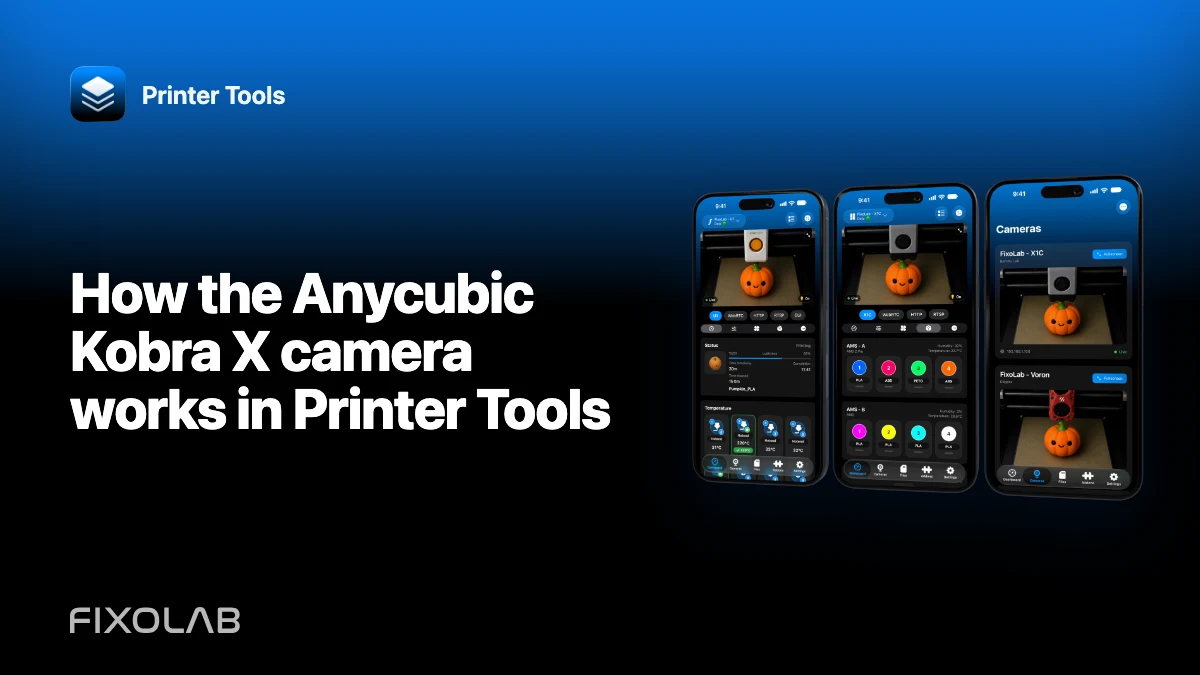
How the Anycubic Kobra X camera works in Printer Tools
Connect Kobra X locally and diagnose its model-specific RTSP camera without adding a duplicate external source.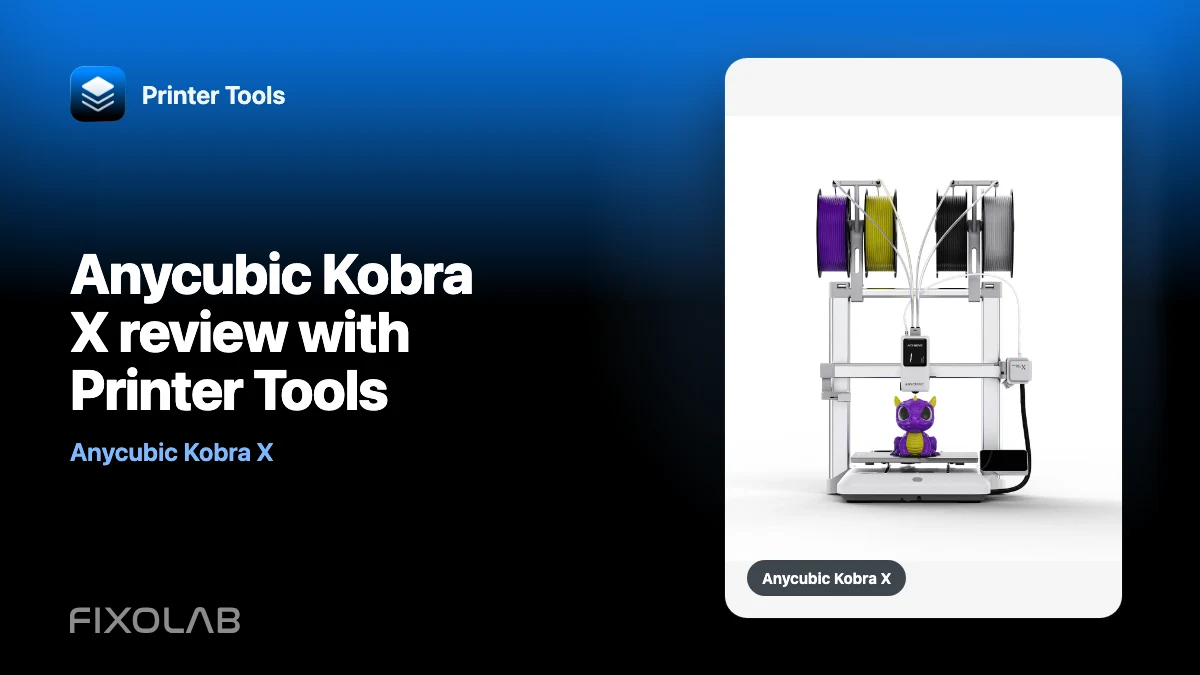
| FixoLab
Anycubic Kobra X review with Printer Tools
A monitoring-focused Anycubic Kobra X review covering local MQTT, RTSP camera, ACE 2 status, job controls and current Printer Tools limits.
| FixoLab
Anycubic Kobra Support Arrives in Printer Tools
Printer Tools now supports the Anycubic Kobra 2, 3, S1 and X series over the local network, with live monitoring, ACE multi-color control and camera streaming.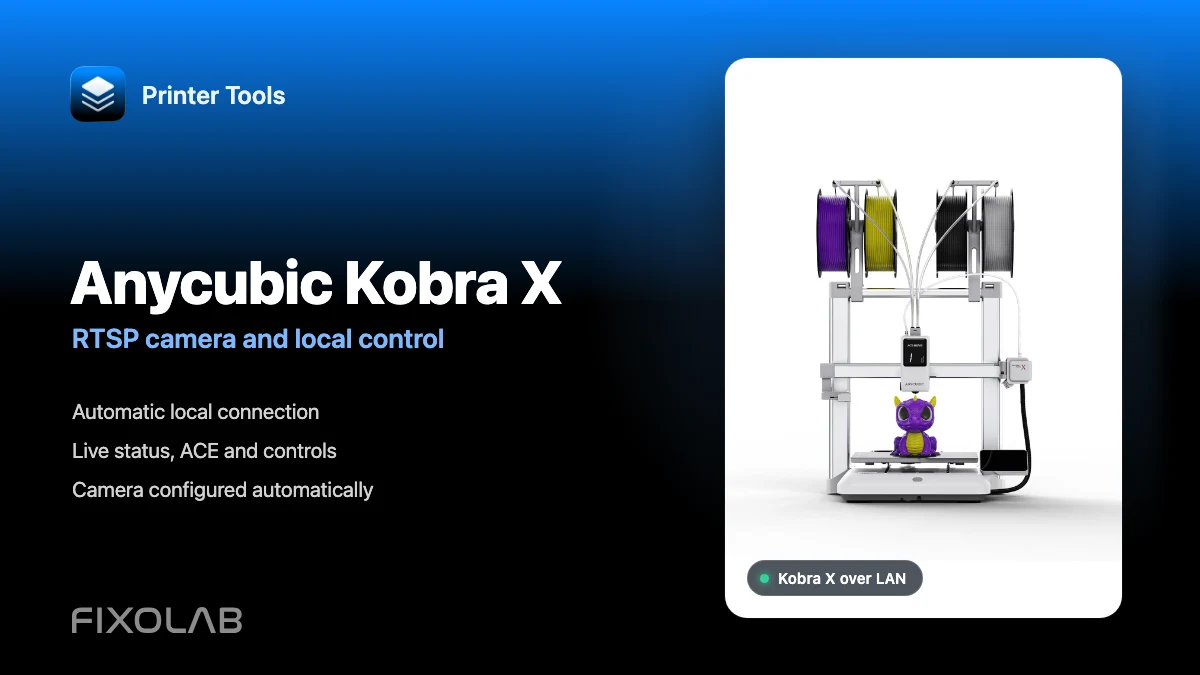
| FixoLab
How to connect Anycubic Kobra X to Printer Tools with RTSP camera and local control
Connect Anycubic Kobra X to Printer Tools over LAN and use live monitoring, its automatic RTSP camera, ACE information and compatible local controls.