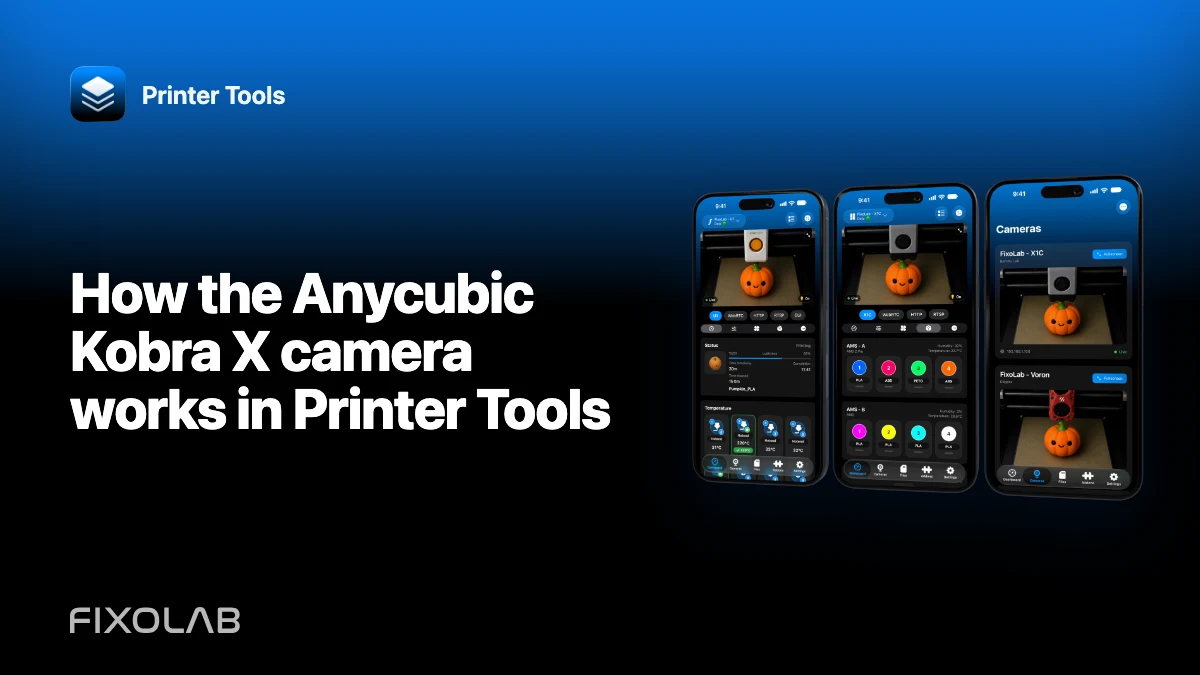
How the Anycubic Kobra X camera works in Printer Tools
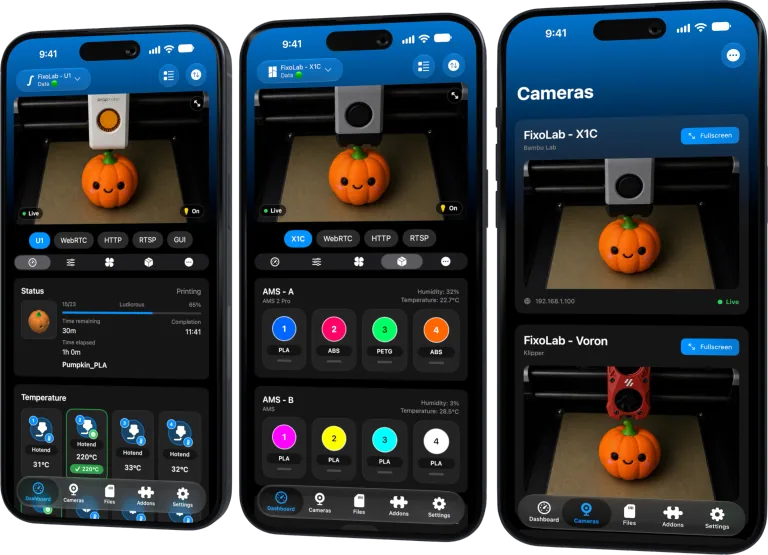
Printer Tools obtains the Kobra X camera information from the supported printer session. It is not configured as an unrelated external IP camera.
Printer Tools communicates with supported printers and cameras through local protocols. Keep devices private, preserve credentials and use the current compatibility matrix as the authority for model-specific capabilities.

All your 3D printers in one dashboard
Monitor Bambu Lab, Klipper, OctoPrint, Creality, Snapmaker, Anycubic, Flashforge, Elegoo, and Prusa printers from one app
Available on Android, iPhone, iPad and Mac, with Apple Watch and Wear OS companion apps plus optional remote access through VPN, OctoEverywhere or Obico
Add the printer first
Complete the Kobra X local connection with the exact model and current network address. Confirm telemetry before diagnosing video.
Let the session provide camera details
The supported integration derives the RTSP camera route from the printer communication. Manually inventing a path can bypass the authentication or state the app expects.
Check network reachability
The phone must reach both the printer service and camera port. A VLAN can allow telemetry while blocking RTSP, so test each path independently.
Diagnose video symptoms precisely
Record whether Live View is black, buffering, unauthorized or disconnected and whether another viewer is open. Preserve firmware and app versions without sharing credentials.
Local troubleshooting checklist
- Verify Kobra X telemetry.
- Open its native Live View.
- Close other camera viewers.
- Check RTSP reachability on the private LAN.
Frequently asked questions
Should I add Kobra X as an external RTSP camera?
No. Use the camera integrated with the supported printer entry.
Can telemetry work while video fails?
Yes. They can use different local ports and protocols.
Does Printer Tools change camera firmware settings?
No. Use supported printer settings and current documentation.
All your 3D printers in one dashboard
Monitor Bambu Lab, Klipper, OctoPrint, Creality, Snapmaker, Anycubic, Flashforge, Elegoo, and Prusa printers from one app
Available on Android, iPhone, iPad and Mac, with Apple Watch and Wear OS companion apps plus optional remote access through VPN, OctoEverywhere or Obico
| FixoLab
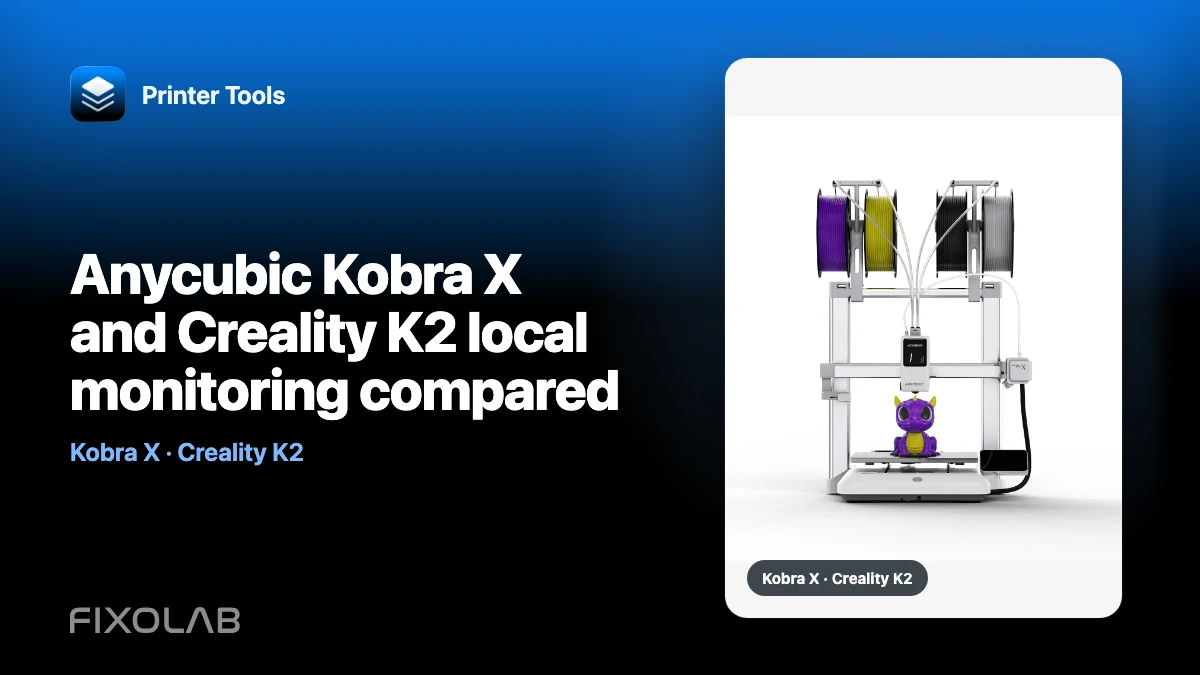
Anycubic Kobra X and Creality K2 local monitoring compared
Compare how Printer Tools reaches Kobra X and Creality K2 telemetry and cameras without declaring a universal winner.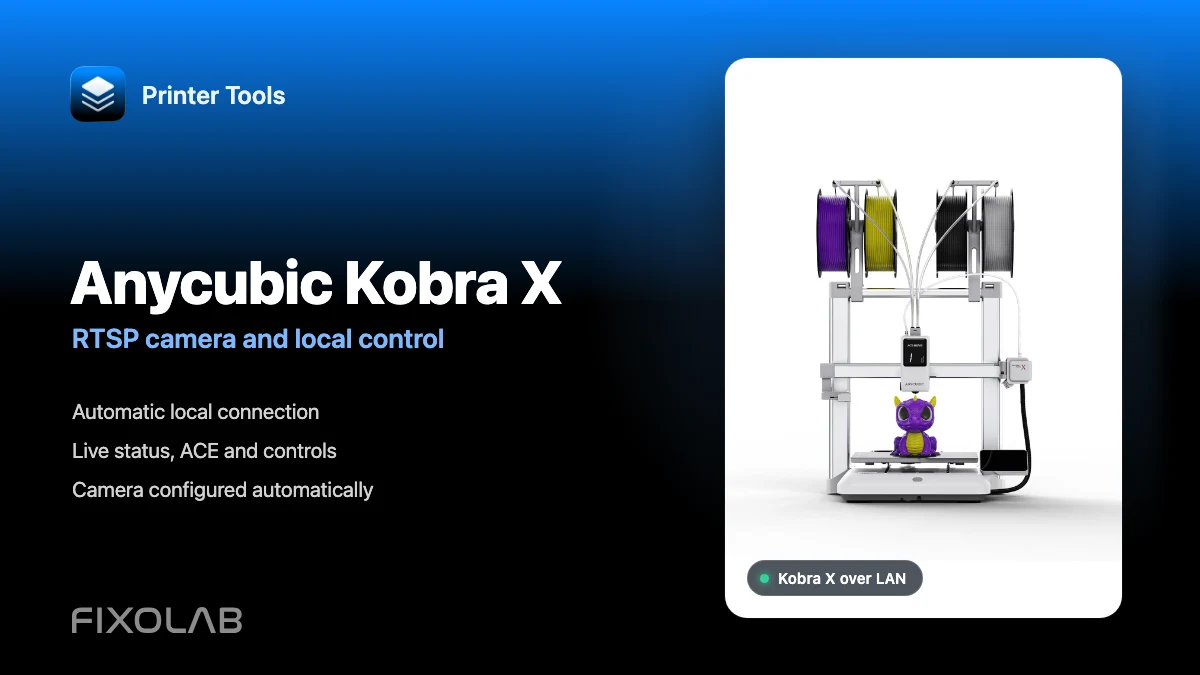
| FixoLab
How to connect Anycubic Kobra X to Printer Tools with RTSP camera and local control
Connect Anycubic Kobra X to Printer Tools over LAN and use live monitoring, its automatic RTSP camera, ACE information and compatible local controls.
| FixoLab
How to troubleshoot an Anycubic Kobra local connection and camera
Diagnose LAN mode, local MQTT telemetry and model-specific camera behavior on supported Anycubic Kobra printers in Printer Tools.
| FixoLab
Anycubic Kobra Support Arrives in Printer Tools
Printer Tools now supports the Anycubic Kobra 2, 3, S1 and X series over the local network, with live monitoring, ACE multi-color control and camera streaming.